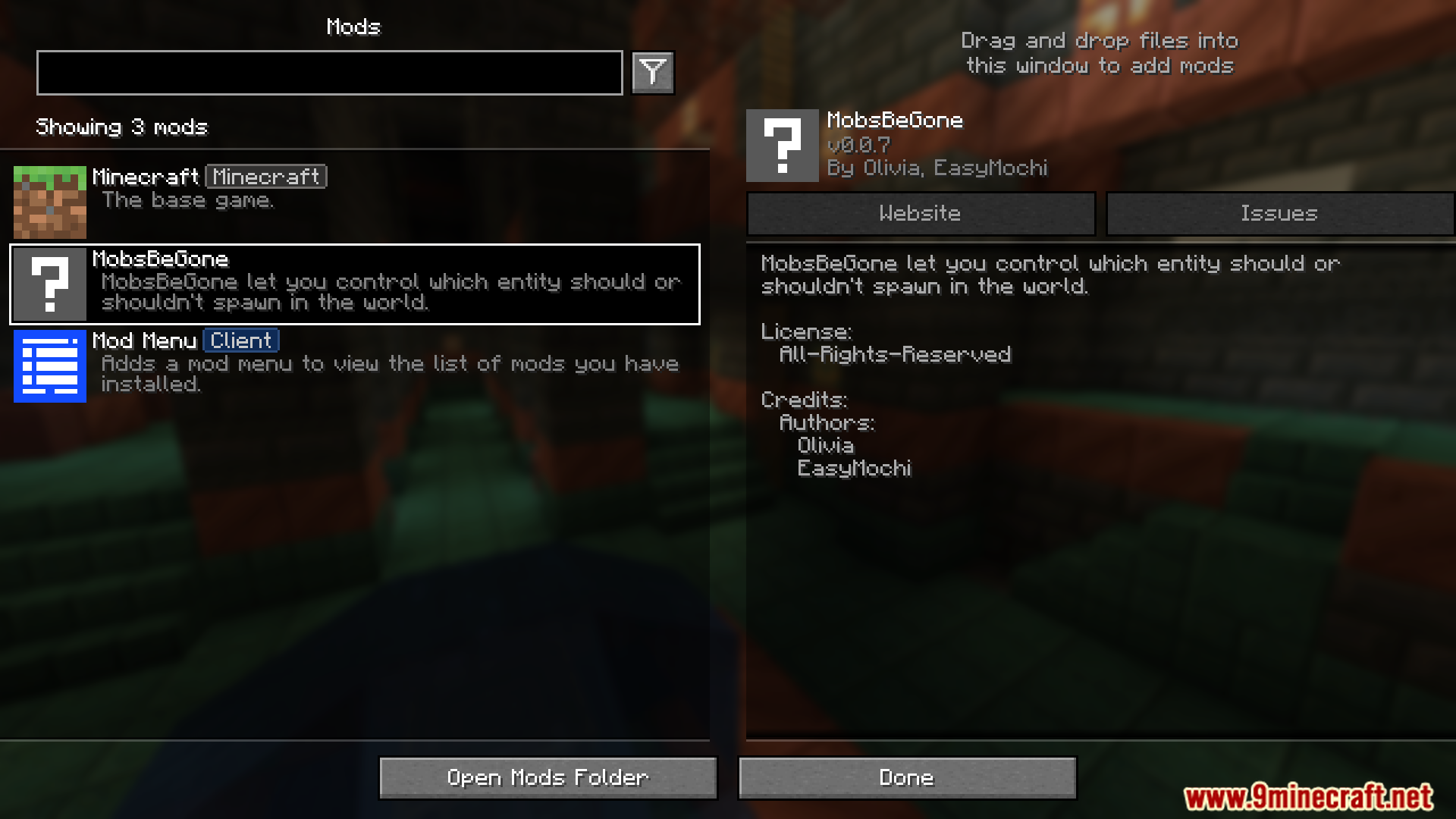
MobsBeGone Mod gives you a simple way to block any mob from spawning in your world. If you’re tired of creepers or just want a quiet building experience, this mod helps you clean up your game. You just add the mob’s name to a list in a config file, and it will never appear again, whether it’s from vanilla Minecraft or another mod.
Features:
- Complete Mob Control: Stop any mob you don’t like from appearing in your world. This works for both regular Minecraft mobs and creatures from other mods.
- Create a simple block list by adding mob IDs to a configuration file, such as “minecraft:creeper”.
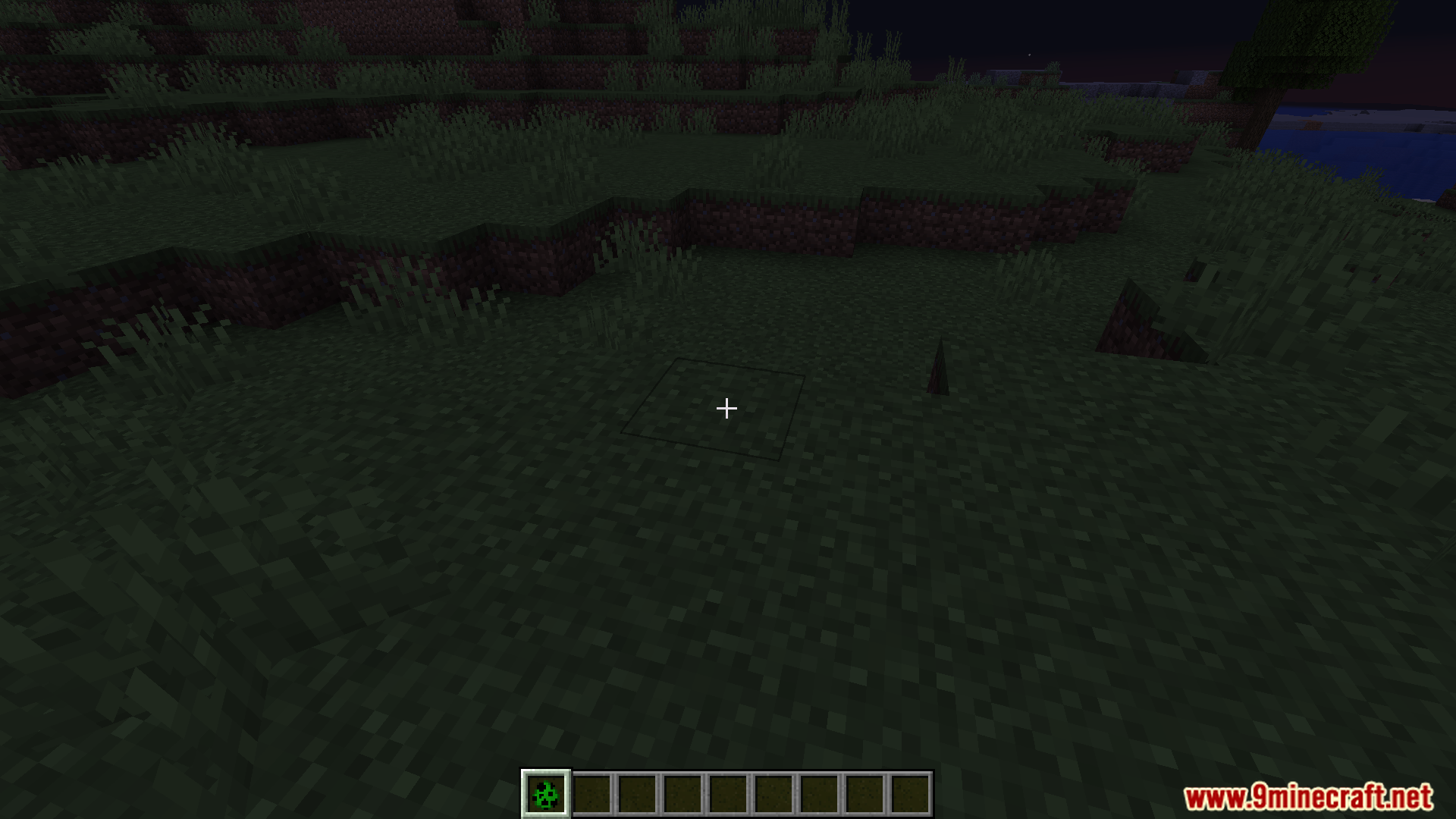
- Blocks mobs from all spawn methods. This includes natural spawns in the dark, mob spawners, and even spawn eggs.
- Works quickly without slowing down your game. It removes unwanted mobs before they even appear, which helps avoid lag or game issues.
Configuration:
This mod works using a simple configuration file. To stop mobs from spawning, you need to edit this file.
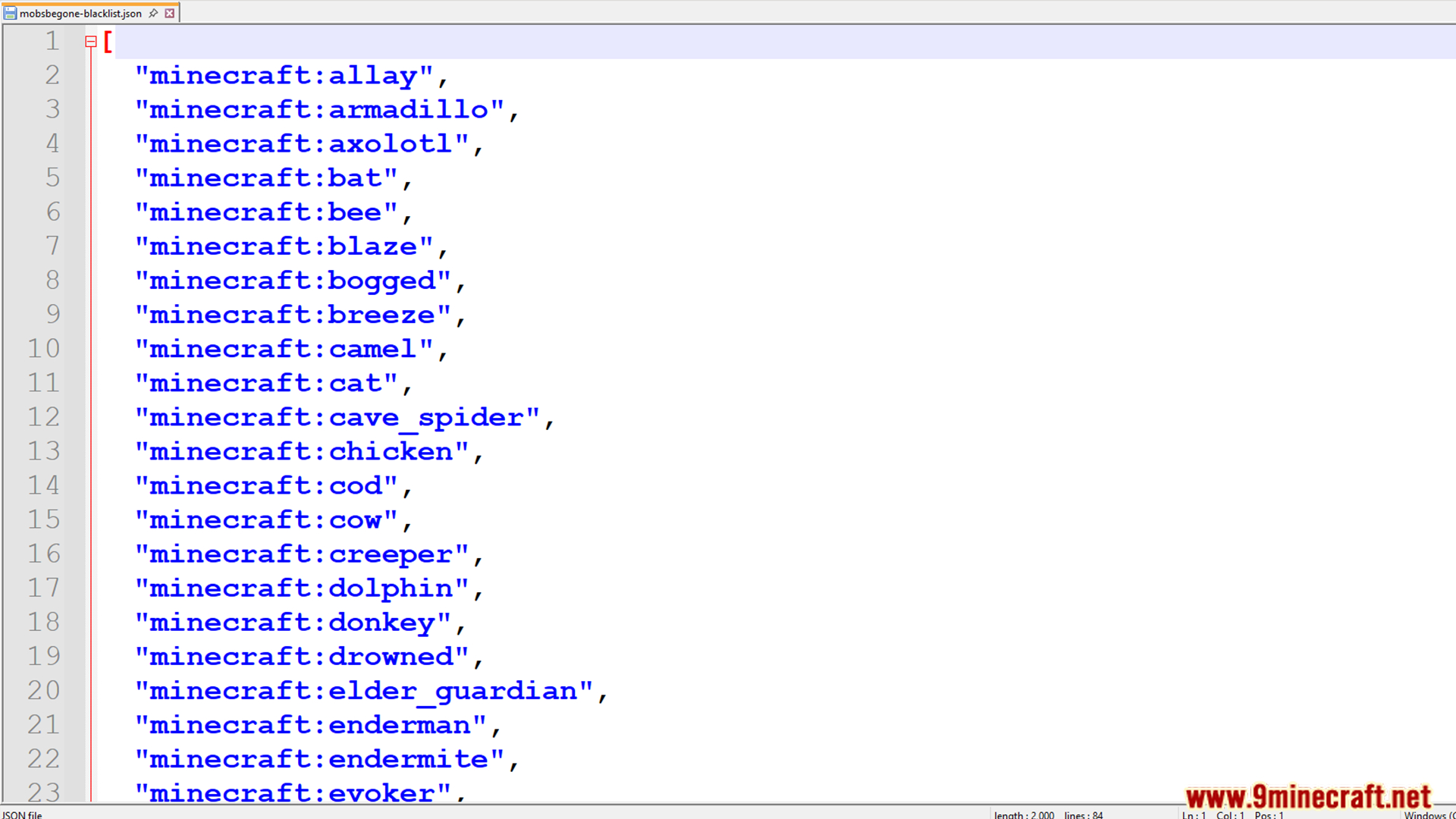
First, find the file at this location: config/mobsbegone-blacklist.json.
Inside, you will see a list of mob IDs. Just add the ID of any mob you want to remove from your world. The default file already includes all mobs from the base game.
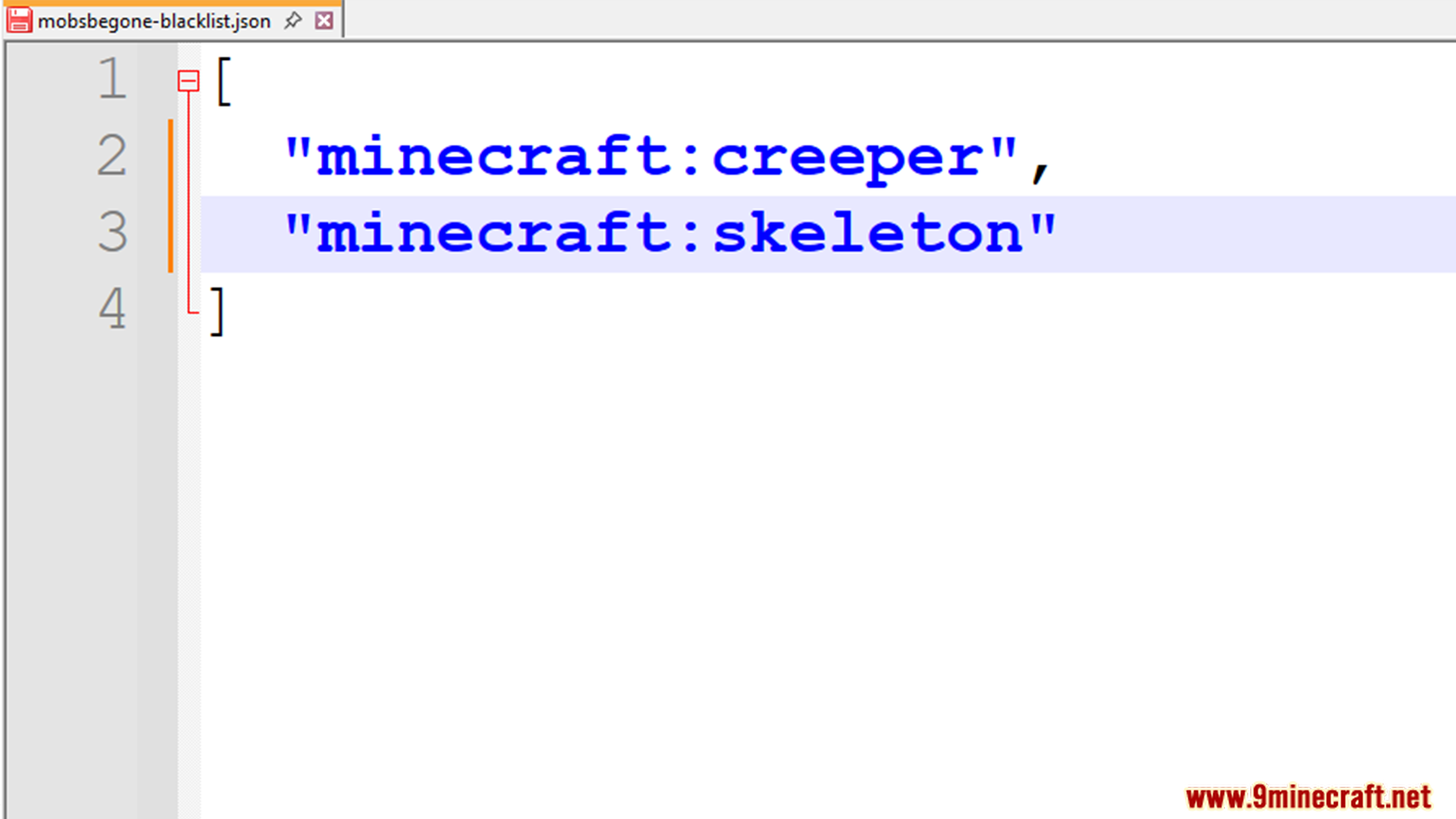
Here is an example of how the file looks:
[
  "minecraft:creeper",
  "minecraft:enderman",
  "anothermod:somebaka"
]
This example blocks Creepers, Endermen, and a custom mob from another mod. You can add any mob ID from any mod you are using.
Important: Make sure the last mob in the list does not have a comma after it.
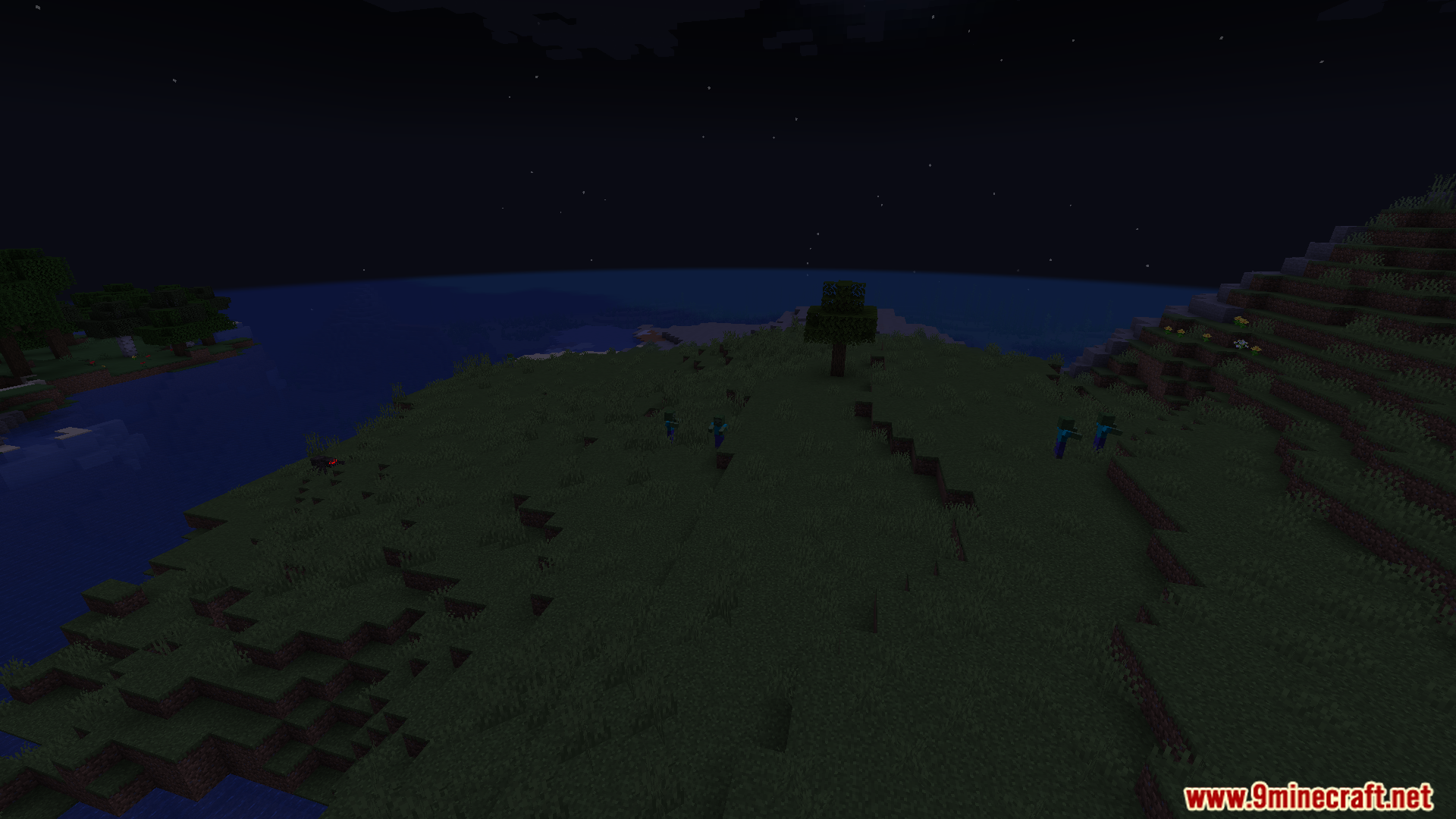
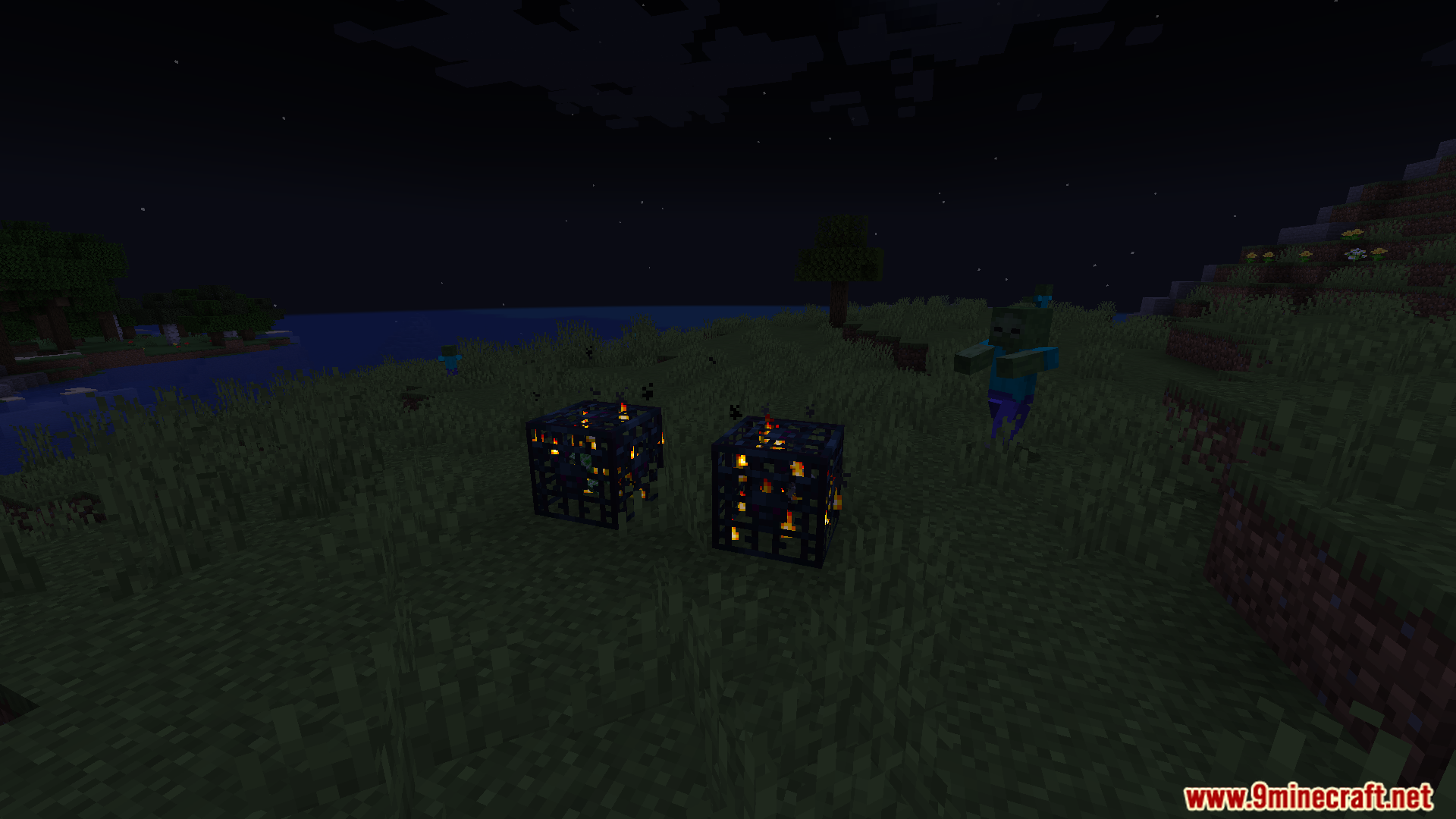
Screenshots:
MobsBeGone Mod Download Links
For Minecraft 1.21.1, 1.21
Fabric version: Download from Server 1 – Download from Server 2
- Edition: Minecraft Java
- File type: .jar
- Minecraft versions listed: 1.21.1, 1.21
- How to install: Install the matching mod loader (Forge, Fabric or NeoForge) for your Minecraft version. → Download the .jar. → Put it in the .minecraft/mods folder and launch that loader profile.
- Where to get it: In MC Java Mods, or directly above on this page.
Install steps are the general flow for this file type — How to install Minecraft Java mods & modpacks walks through it step by step.
- Downloads as 176411.mcaddon
- Download size: 10 KB
- Download link checked 25 Jul 2026 — working
- Mirrored on our own servers — the download does not depend on the original host
These come from our own check of the pack file, not from the source page.