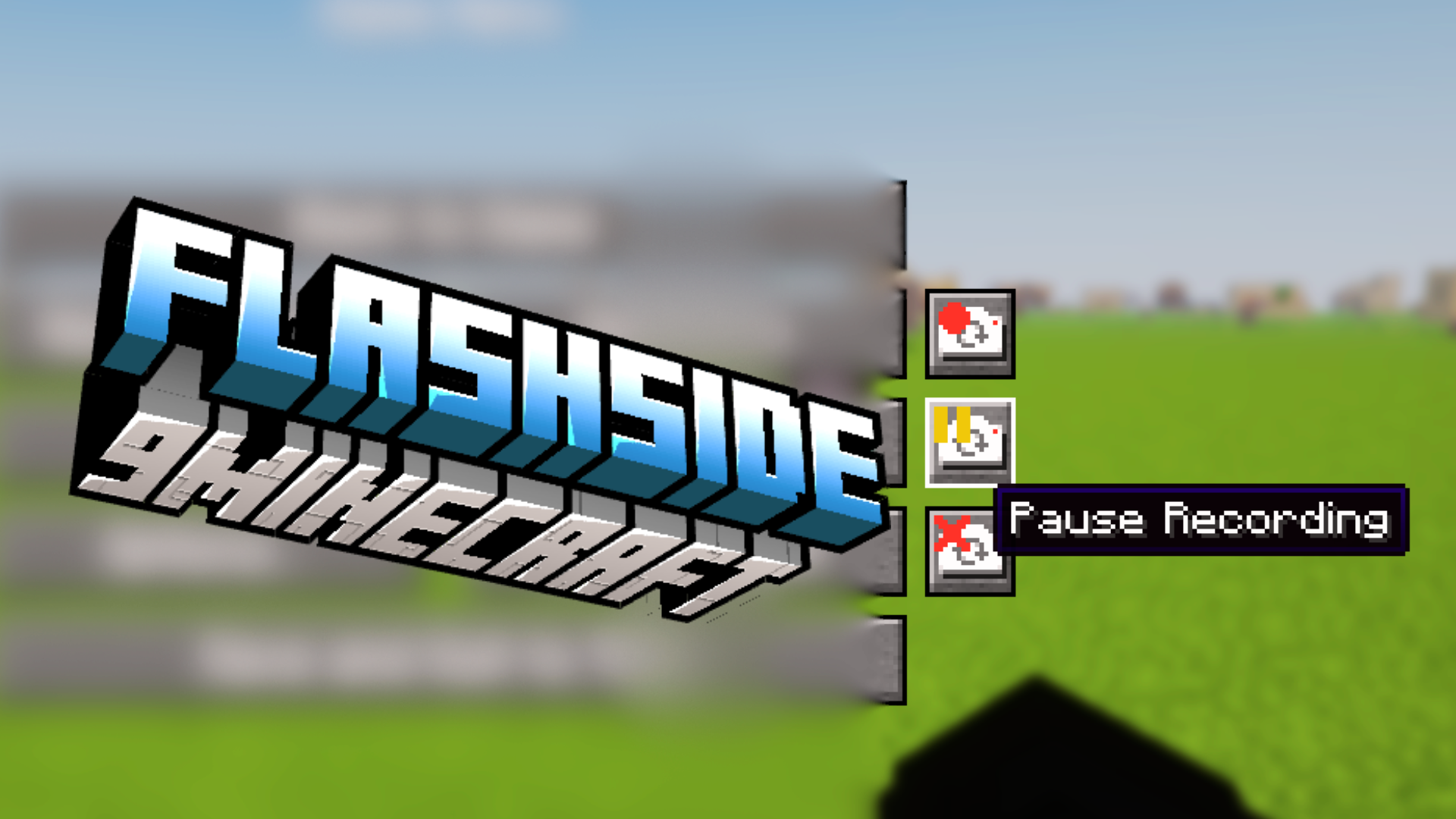
Flashside Mod (1.21.8, 1.21.1) – Adjusts the Placement of Flashback Recording Buttons
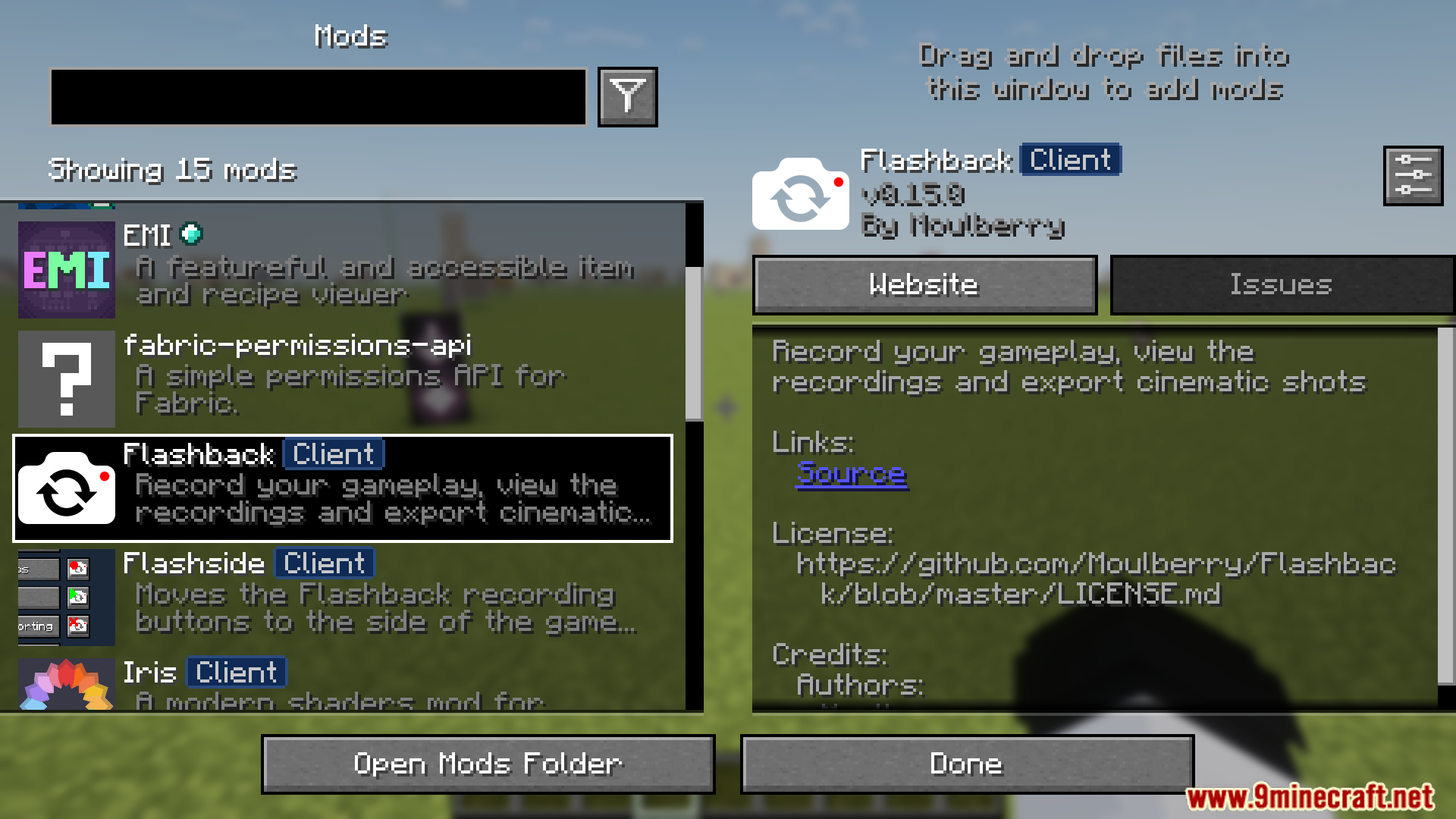
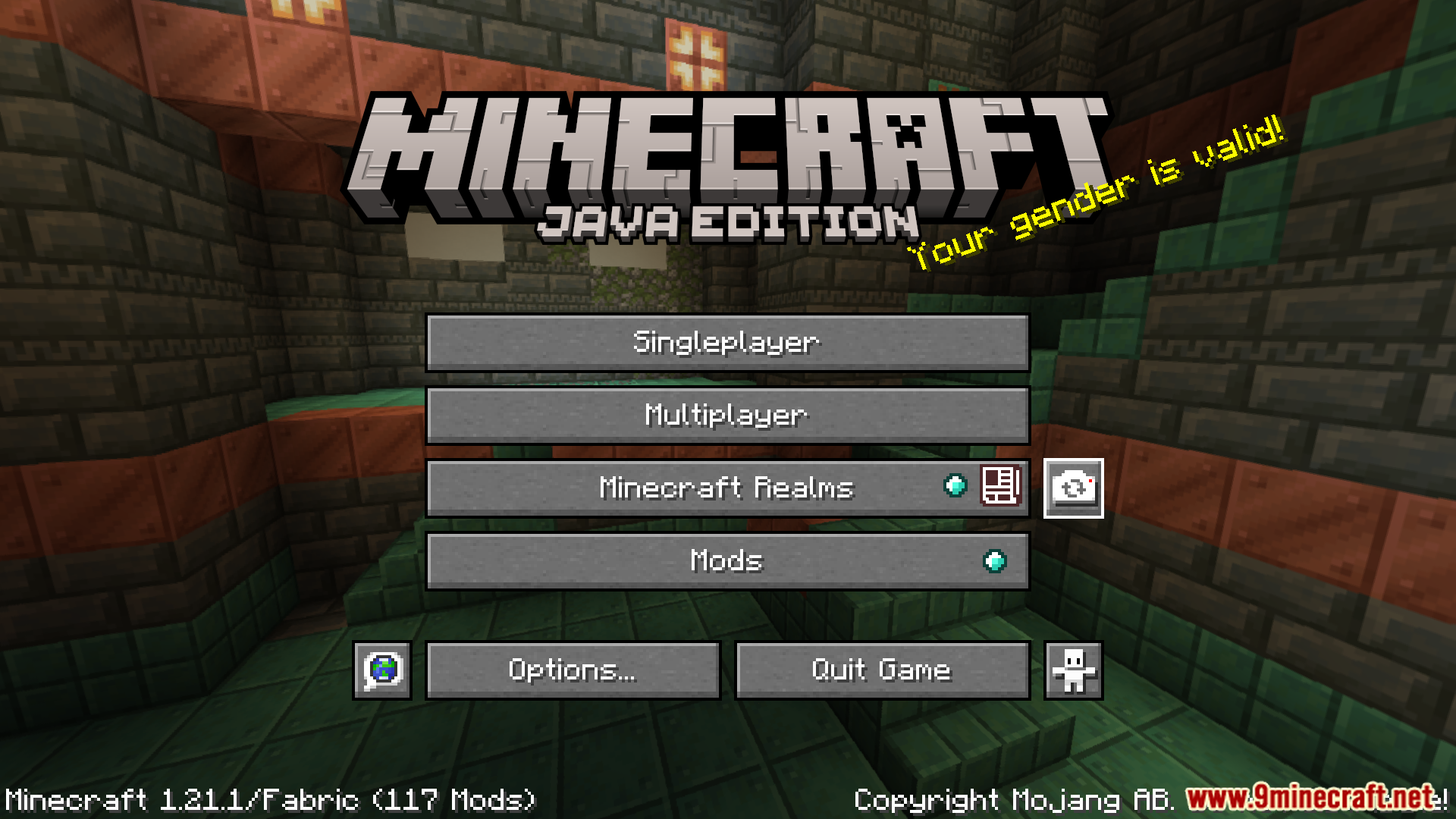
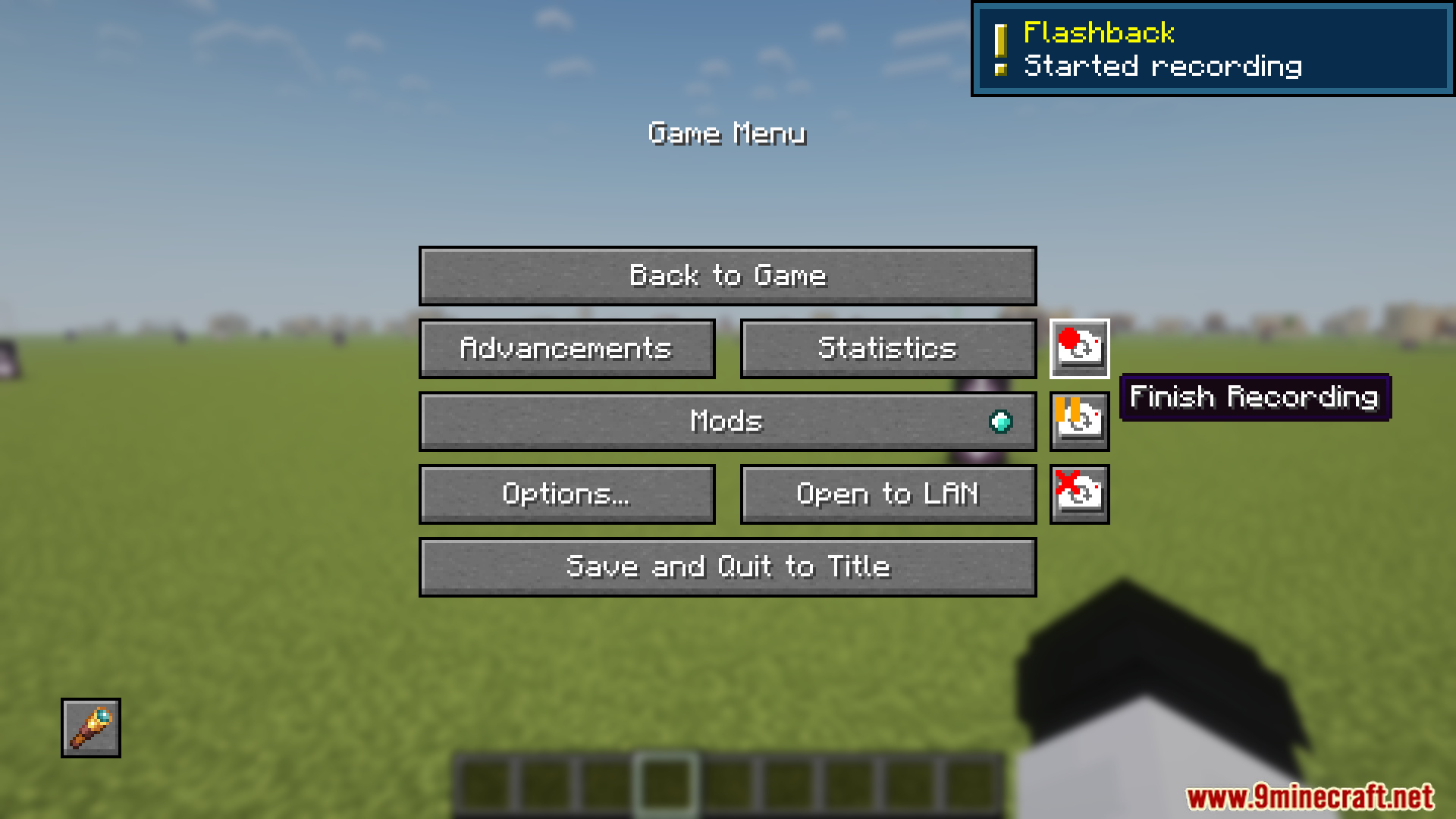
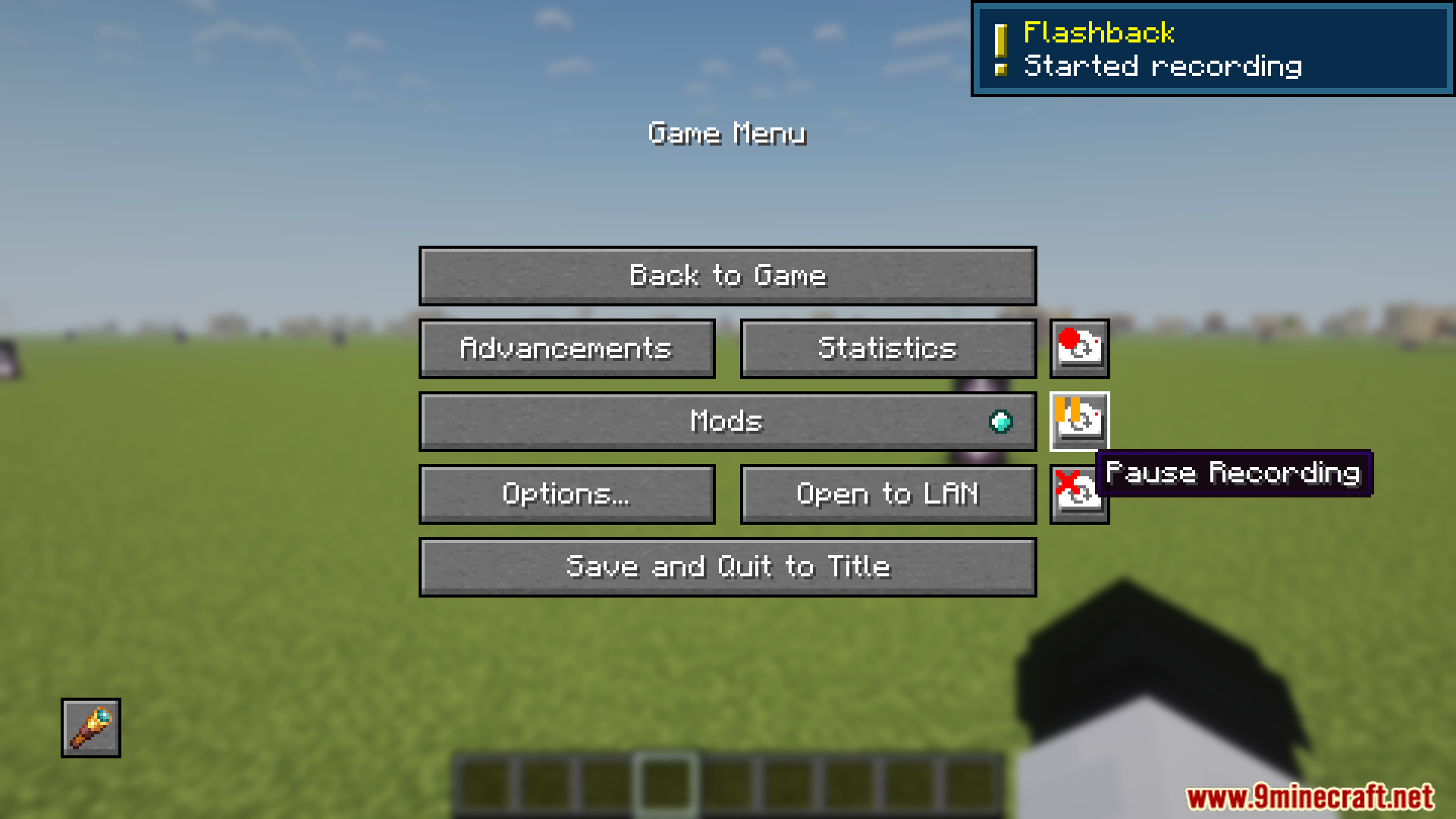
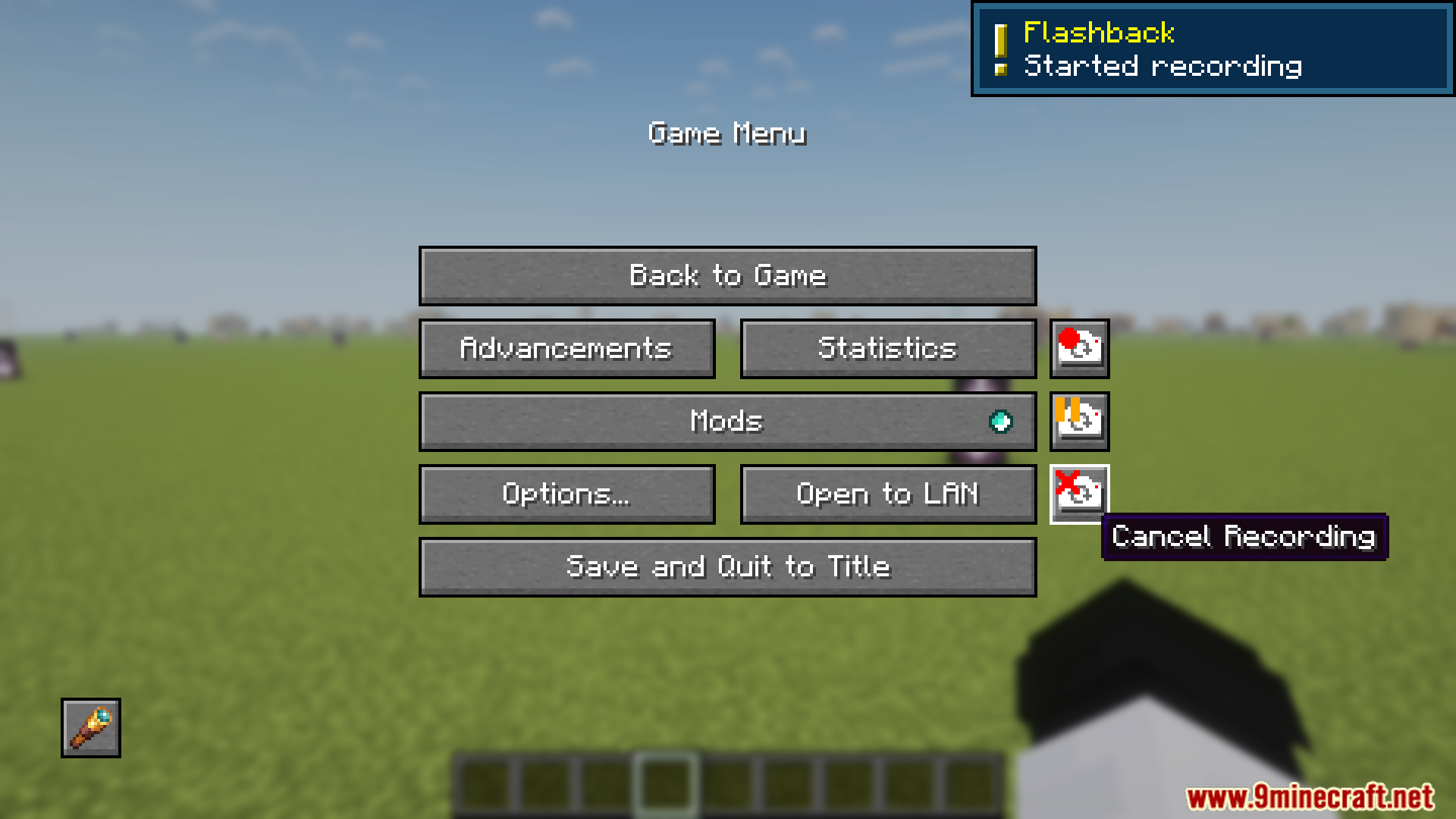
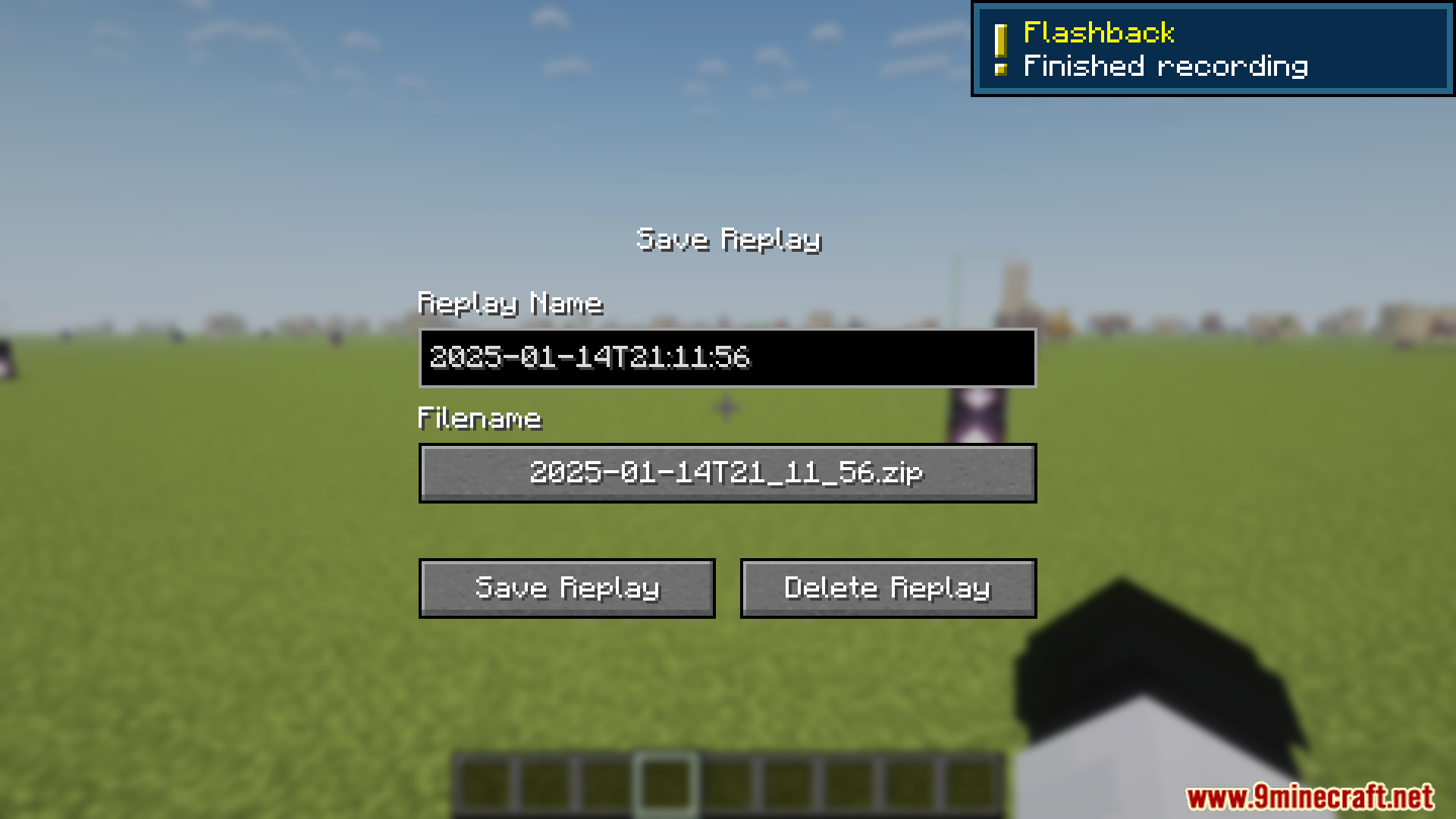
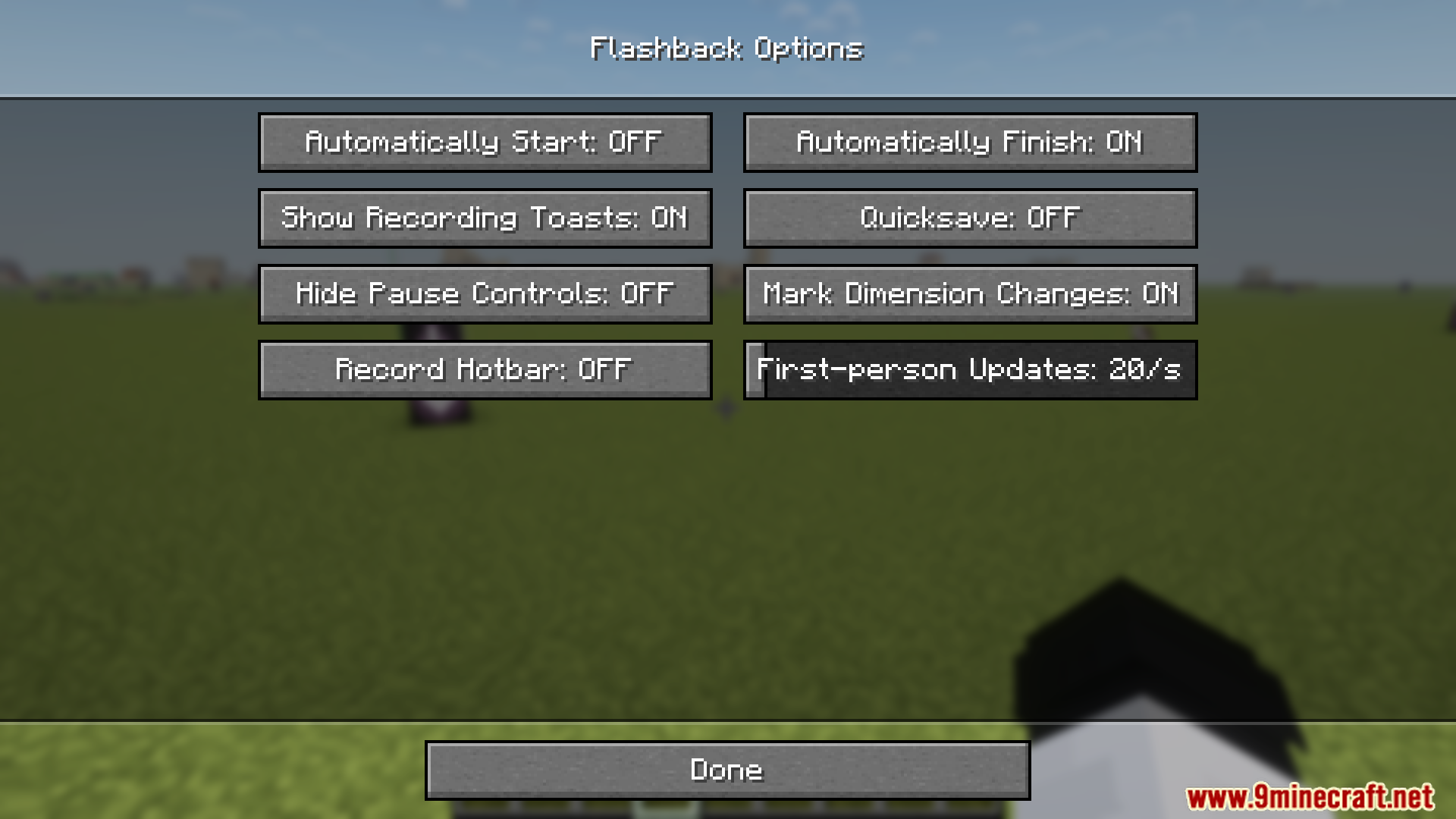
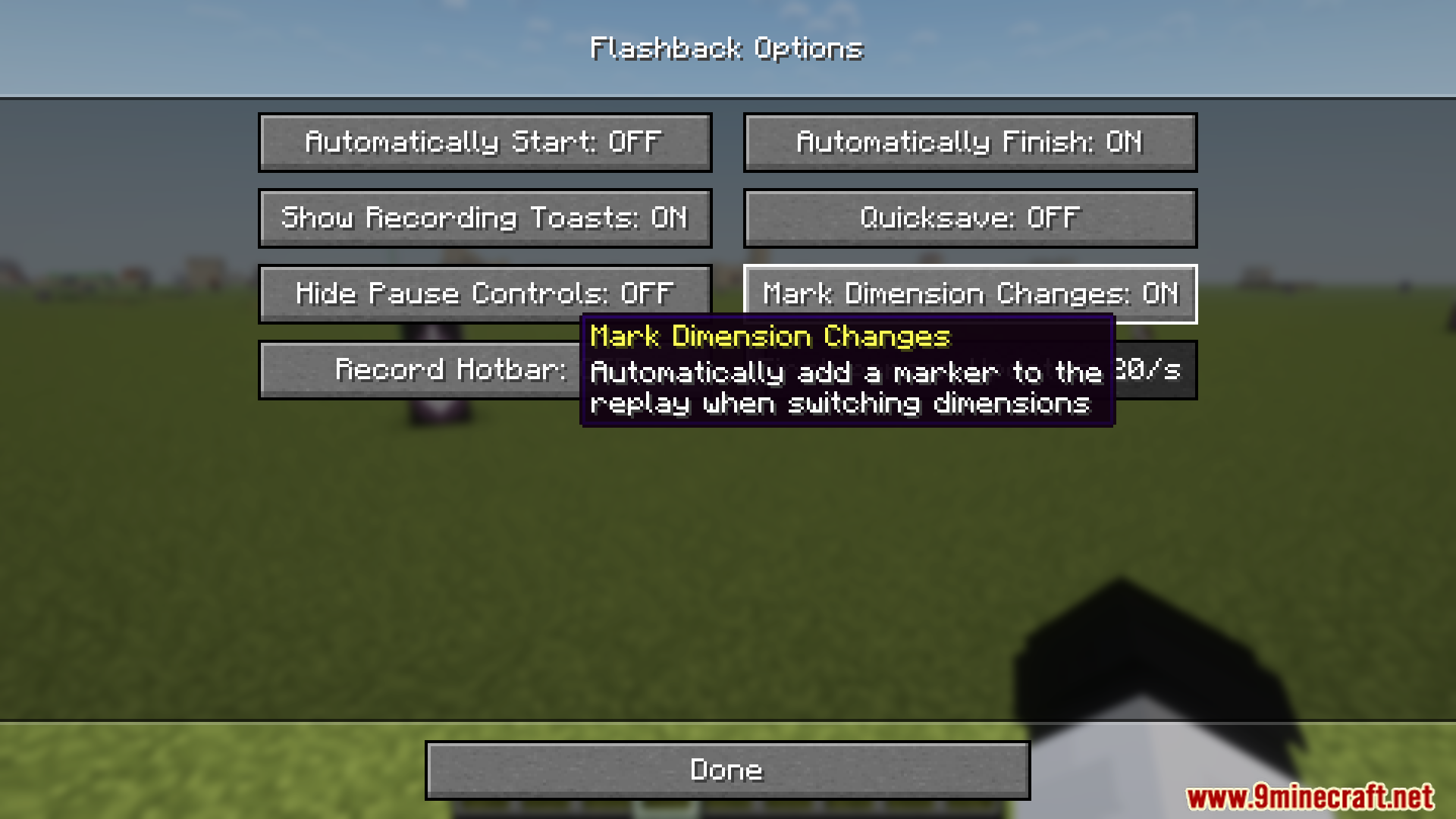
Flashside Mod adjusts the placement of Flashback recording buttons to the side of the game menu for better accessibility. It automatically detects the top-most button on the pause screen as a reference point and allows users to configure the button layout.
Features:
- Moves Flashback recording buttons to the side of the game menu.
- Automatically detects the top-most button on the pause screen for alignment.
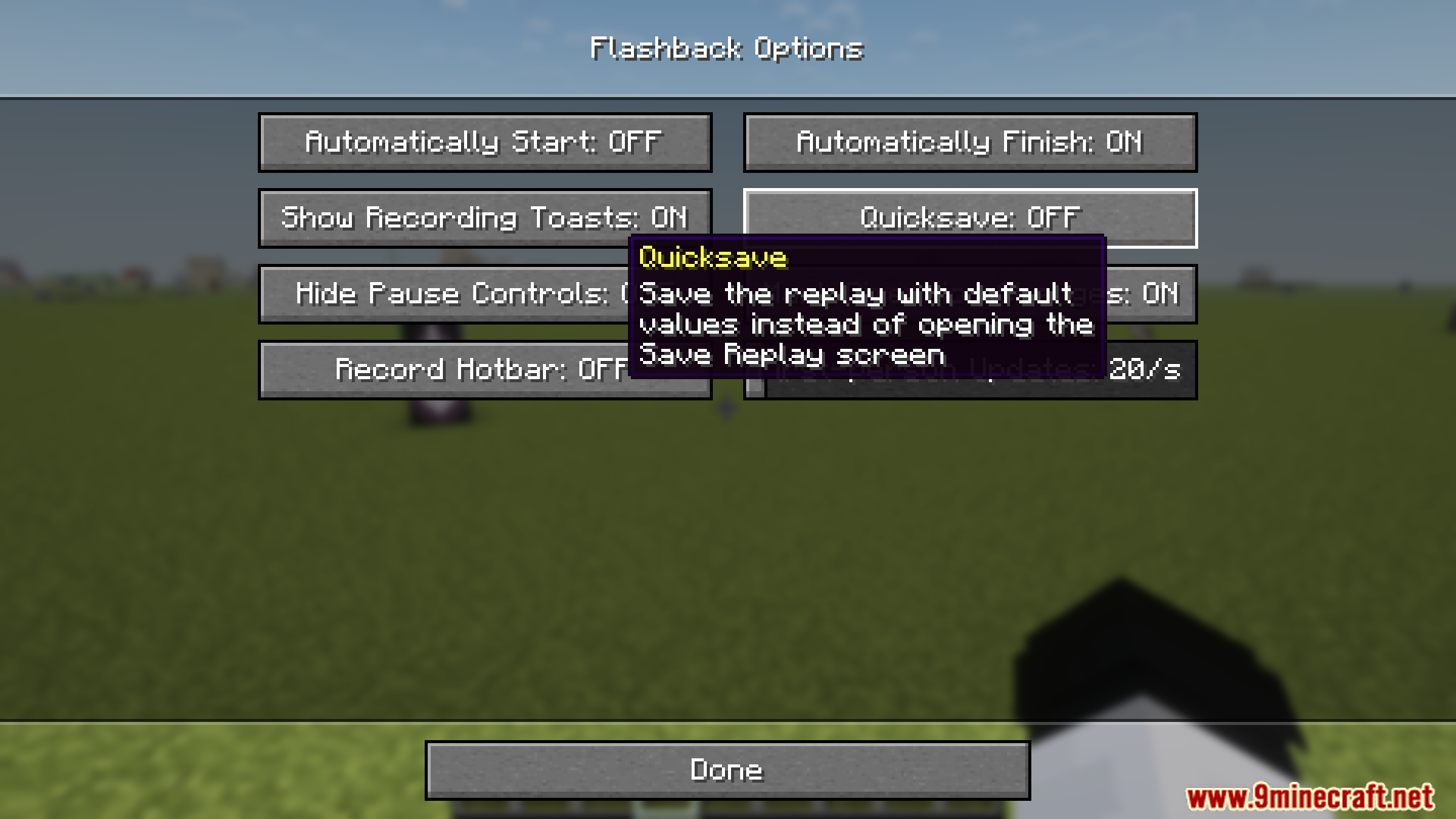
- Allows customization of button placement via the Cloth Config options UI.
- Improves interface accessibility for a better user experience.
Screenshots:
Flashside Mod Download Links
For Minecraft 1.21.8, 1.21.7, 1.21.6
Fabric Version: Download from Server 1 – Download from Server 2
For Minecraft 1.21.5
Fabric Version: Download from Server 1 – Download from Server 2
For Minecraft 1.21.4, 1.21.3
Fabric Version: Download from Server 1 – Download from Server 2
For Minecraft 1.21.1, 1.21
Fabric Version: Download from Server 1 – Download from Server 2
- Edition: Minecraft Java
- File type: .jar
- Minecraft versions listed: 1.21.8, 1.21.1
- How to install: Install the matching mod loader (Forge, Fabric or NeoForge) for your Minecraft version. → Download the .jar. → Put it in the .minecraft/mods folder and launch that loader profile.
- Where to get it: In MC Java Mods, or directly above on this page.
Install steps are the general flow for this file type — How to install Minecraft Java mods & modpacks walks through it step by step.
Flashside Mod (1.21.8, 1.21.1) – Adjusts the Placement of Flashback Recording Buttons is a free Minecraft Java mod. Compatible with Minecraft 1.21.8, 1.21.1. Download it and open it directly in the game.