Title Screen Mobs Mod (1.21.4, 1.20.1) – A Less Lonely Main Menu
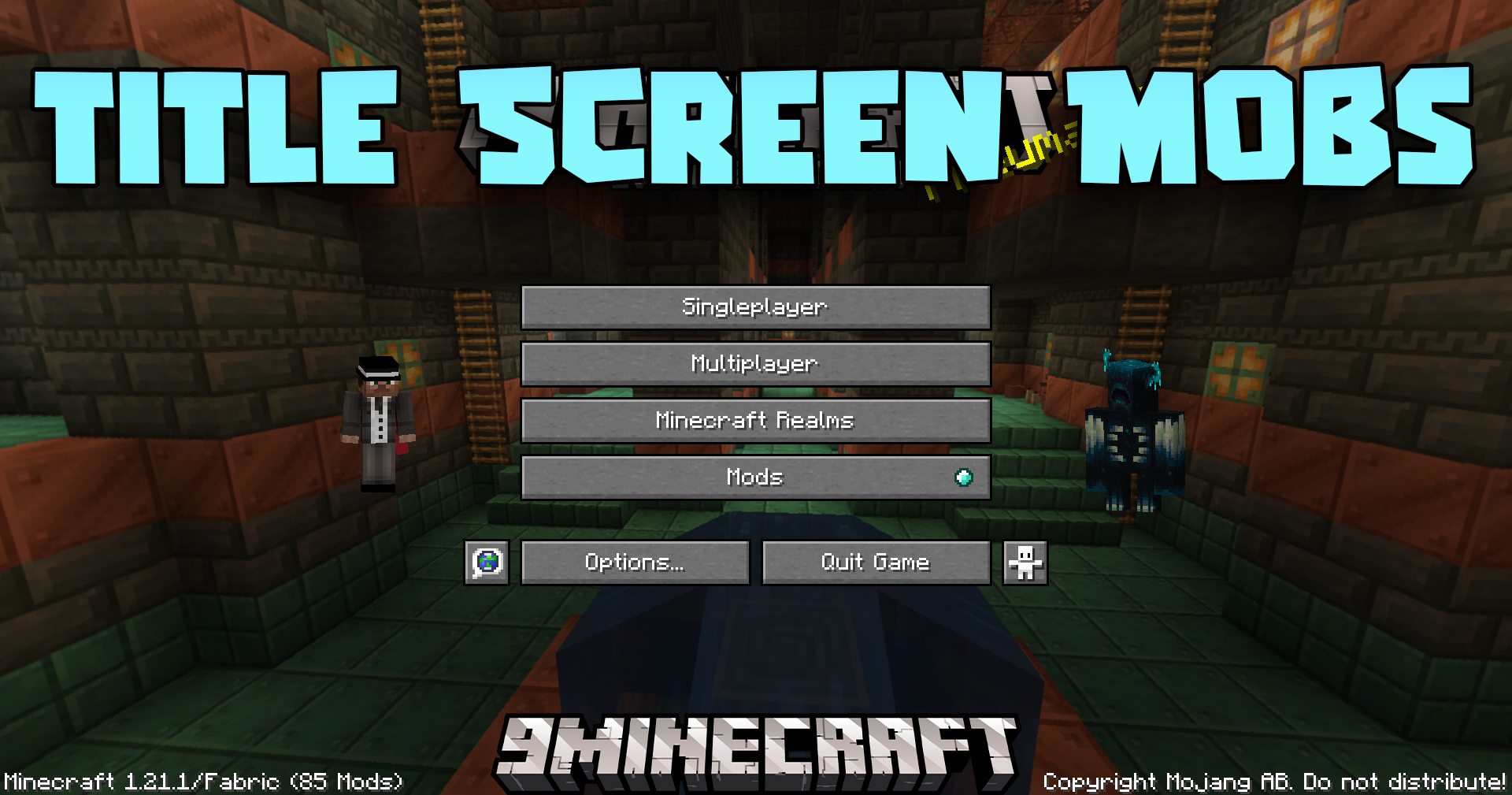
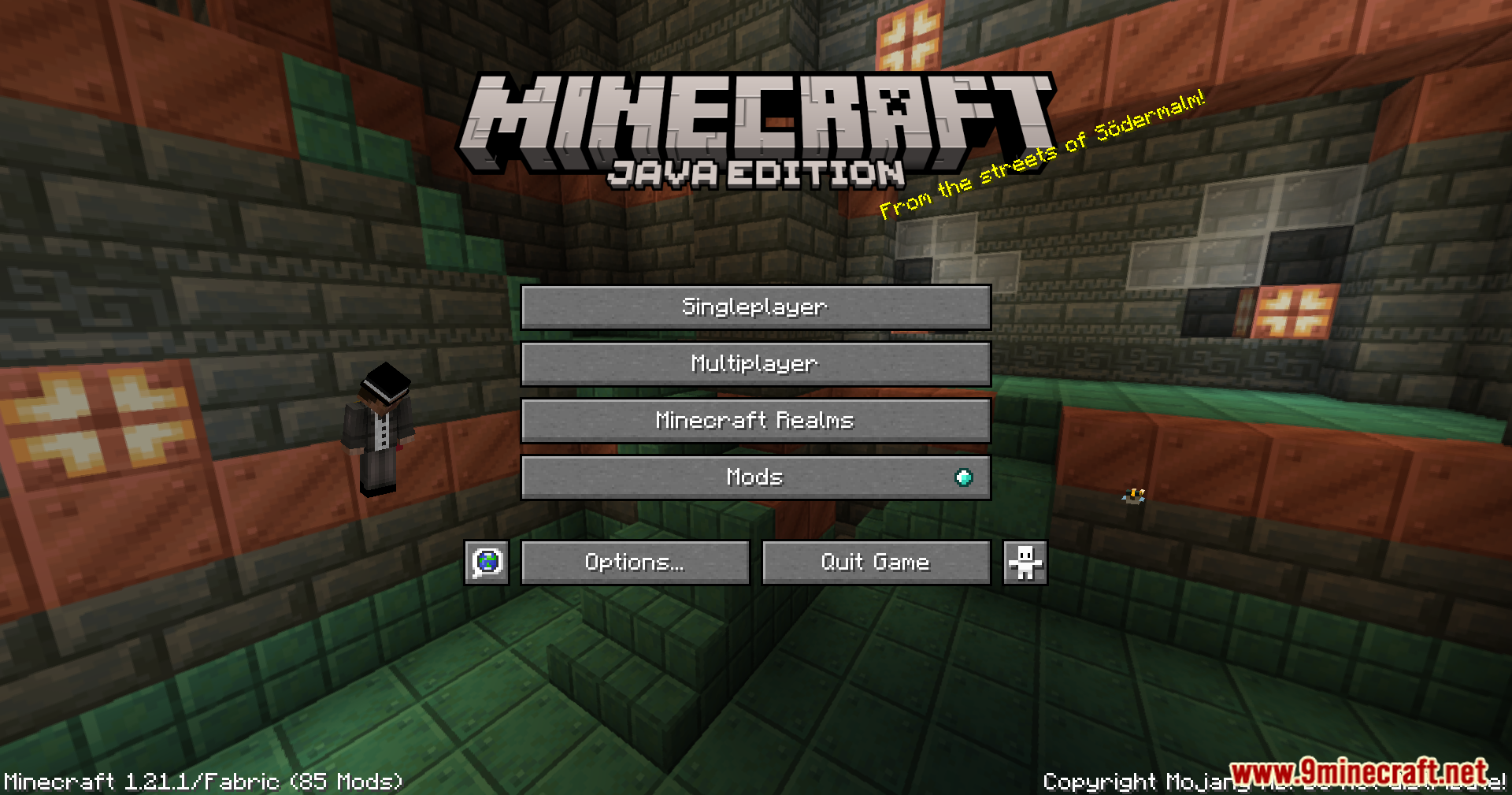
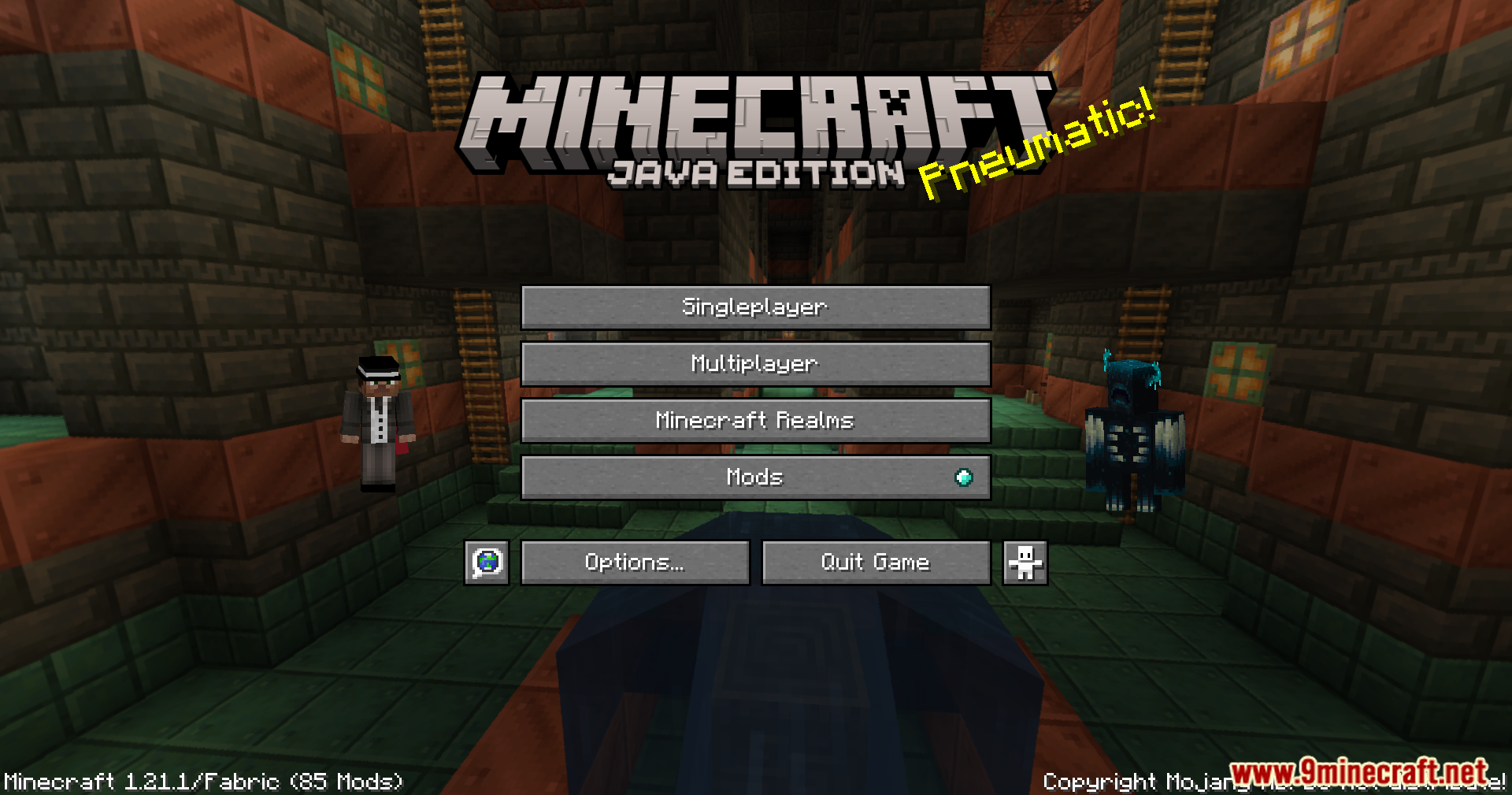
Title Screen Mobs Mod adds mobs right onto your Minecraft title screen. Instead of an empty background, you might see a Warden, a Wither, or even a parrot…
⬇ DownloadOpen in MCModsHubGet it on Google Play →Title Screen Mobs Mod adds mobs right onto your Minecraft title screen. Instead of an empty background, you might see a Warden, a Wither, or even a parrot before you start playing. This mod makes the main menu more interesting. You can also go into the settings to pick exactly which mobs you want to see.
Features:
- Adds different mobs from the game to your title screen background.
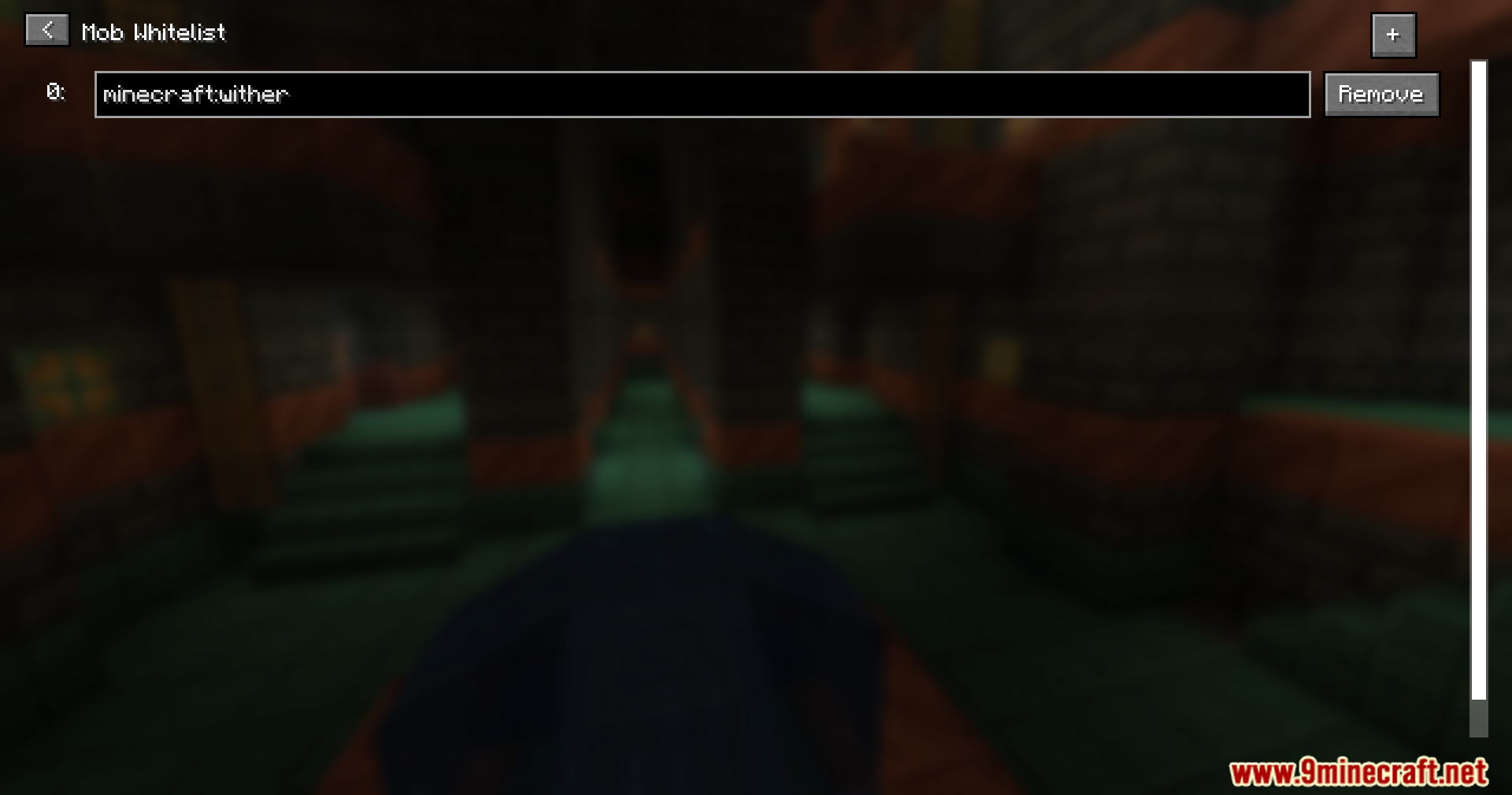
- Lets you choose exactly which mobs appear by adding them to a special list.
- Works with many kinds of mobs, including big bosses like the Wither and the Warden.
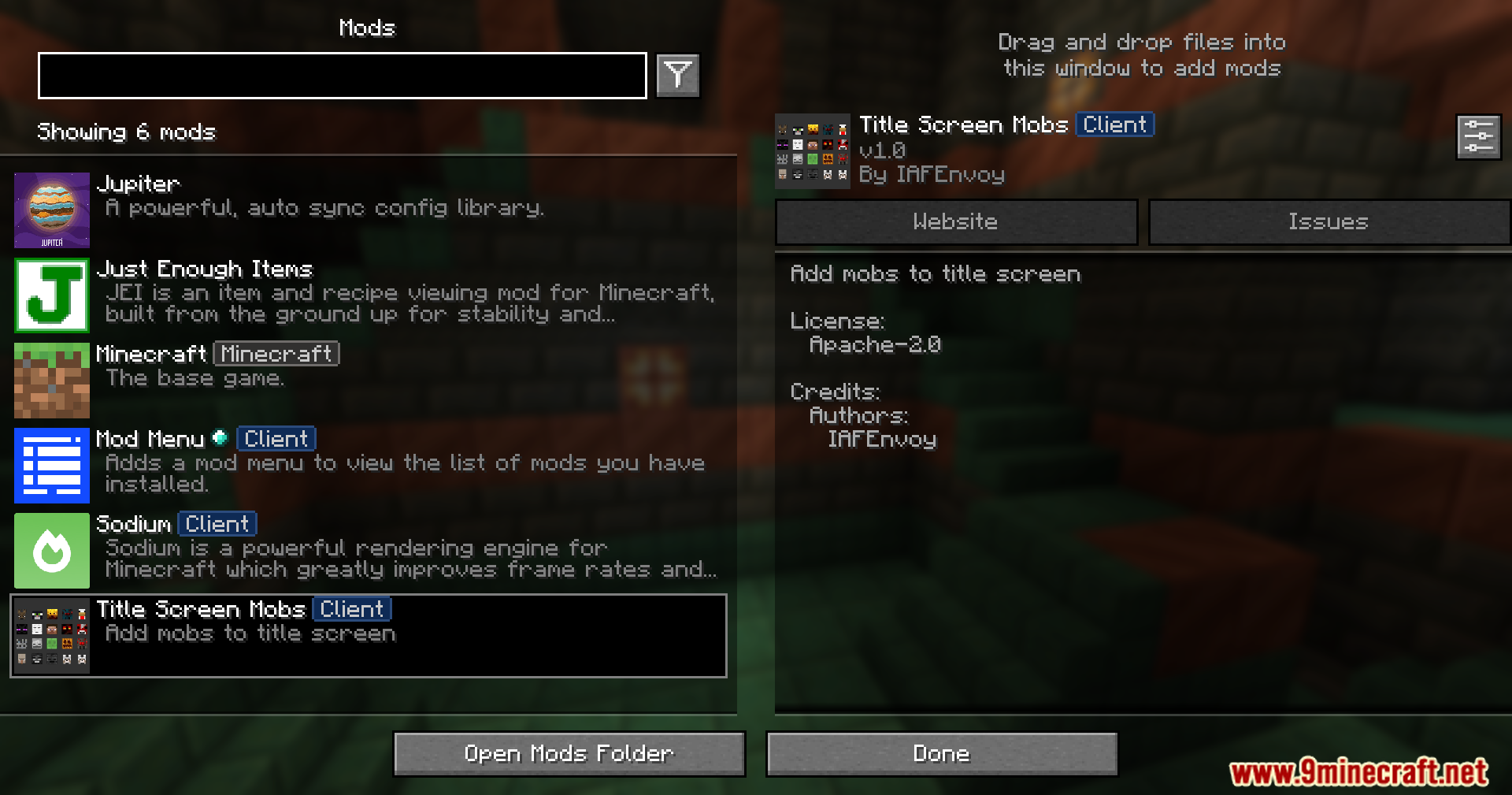
- All settings can be changed inside the game if you have ModMenu installed.
- Shows a helpful warning on screen if it conflicts with another mod.
- The warning message can be turned off in the settings.
Screenshots:




Title Screen Mobs Mod Download Links
For Minecraft 1.21.4
Fabric Version: Download from Server 1 – Download from Server 2
NeoForge Version: Download from Server 1 – Download from Server 2
For Minecraft 1.21.1, 1.21
Fabric Version: Download from Server 1 – Download from Server 2
NeoForge Version: Download from Server 1 – Download from Server 2
For Minecraft 1.20.6
Fabric Version: Download from Server 1 – Download from Server 2
NeoForge Version: Download from Server 1 – Download from Server 2
For Minecraft 1.20.4
Fabric Version: Download from Server 1 – Download from Server 2
NeoForge Version: Download from Server 1 – Download from Server 2
For Minecraft 1.20.1, 1.20
Forge/NeoForge Version: Download from Server 1 – Download from Server 2
Fabric Version: Download from Server 1 – Download from Server 2
For Minecraft 1.19.4
Forge Version: Download from Server 1 – Download from Server 2
Fabric Version: Download from Server 1 – Download from Server 2
For Minecraft 1.19.2
Forge Version: Download from Server 1 – Download from Server 2
Fabric Version: Download from Server 1 – Download from Server 2
- Download size: 47 KB
- Download link checked 25 Jul 2026 — working
- Mirrored on our own servers — the download does not depend on the original host
These come from our own check of the pack file, not from the source page.