Create Dynamic Lights Mod (1.21.1, 1.20.1) – Automatic Generation of Light Blocks
Java mod listed for Minecraft 1.20–1.21. File opened and checked on 25 Oct 2026; downloads from the MC Java Mods app on Android.
⬇ Download
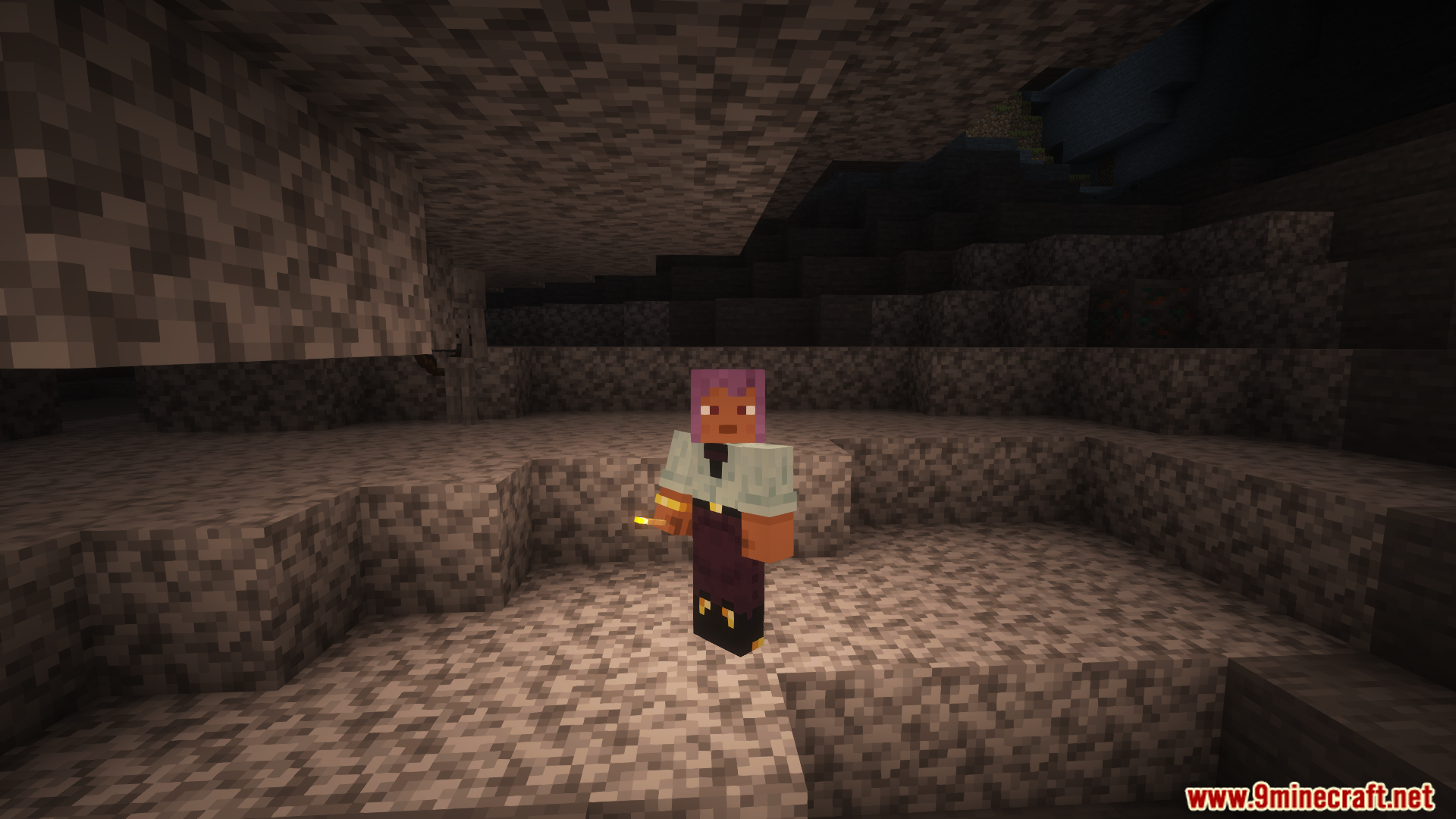
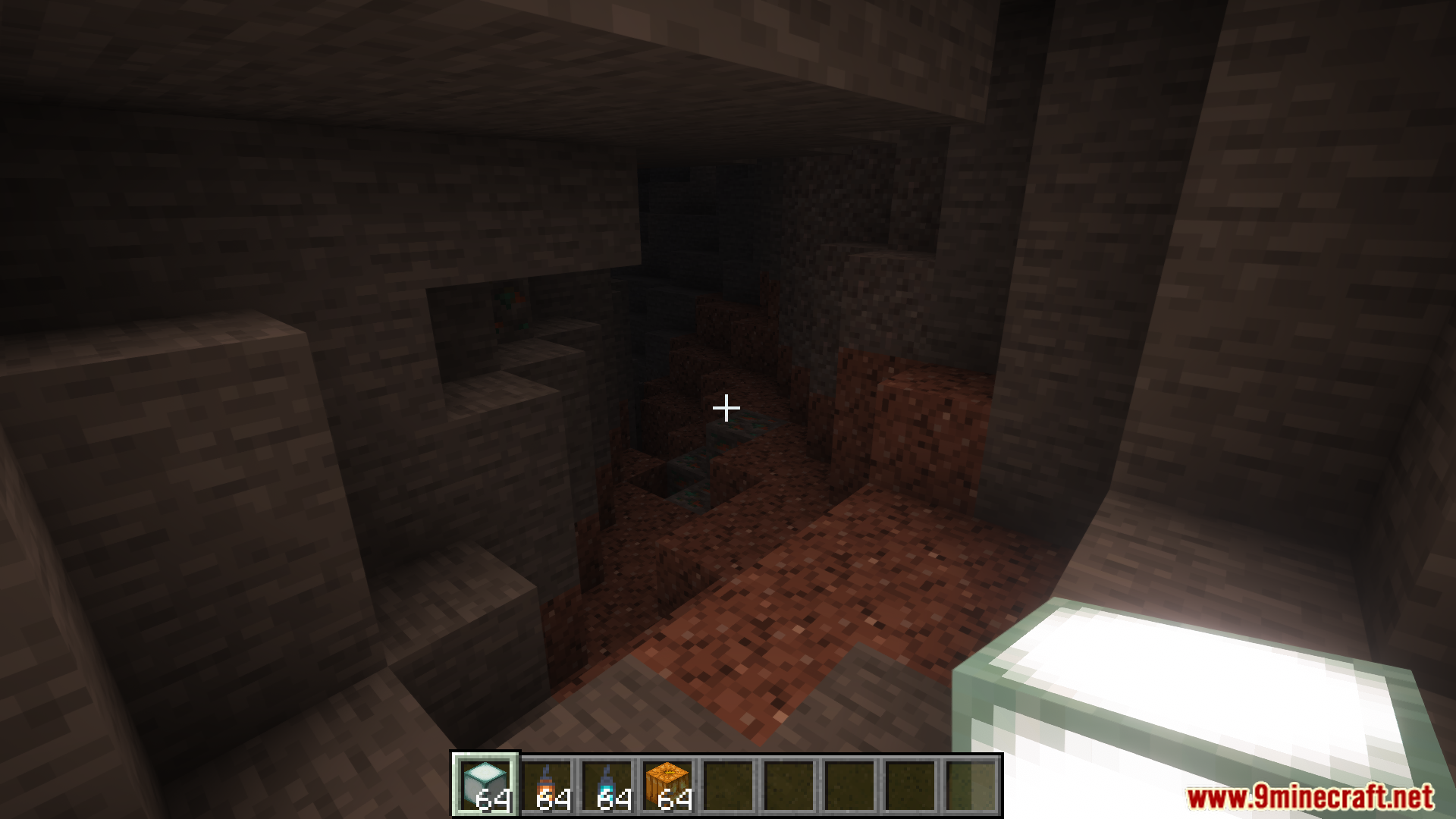
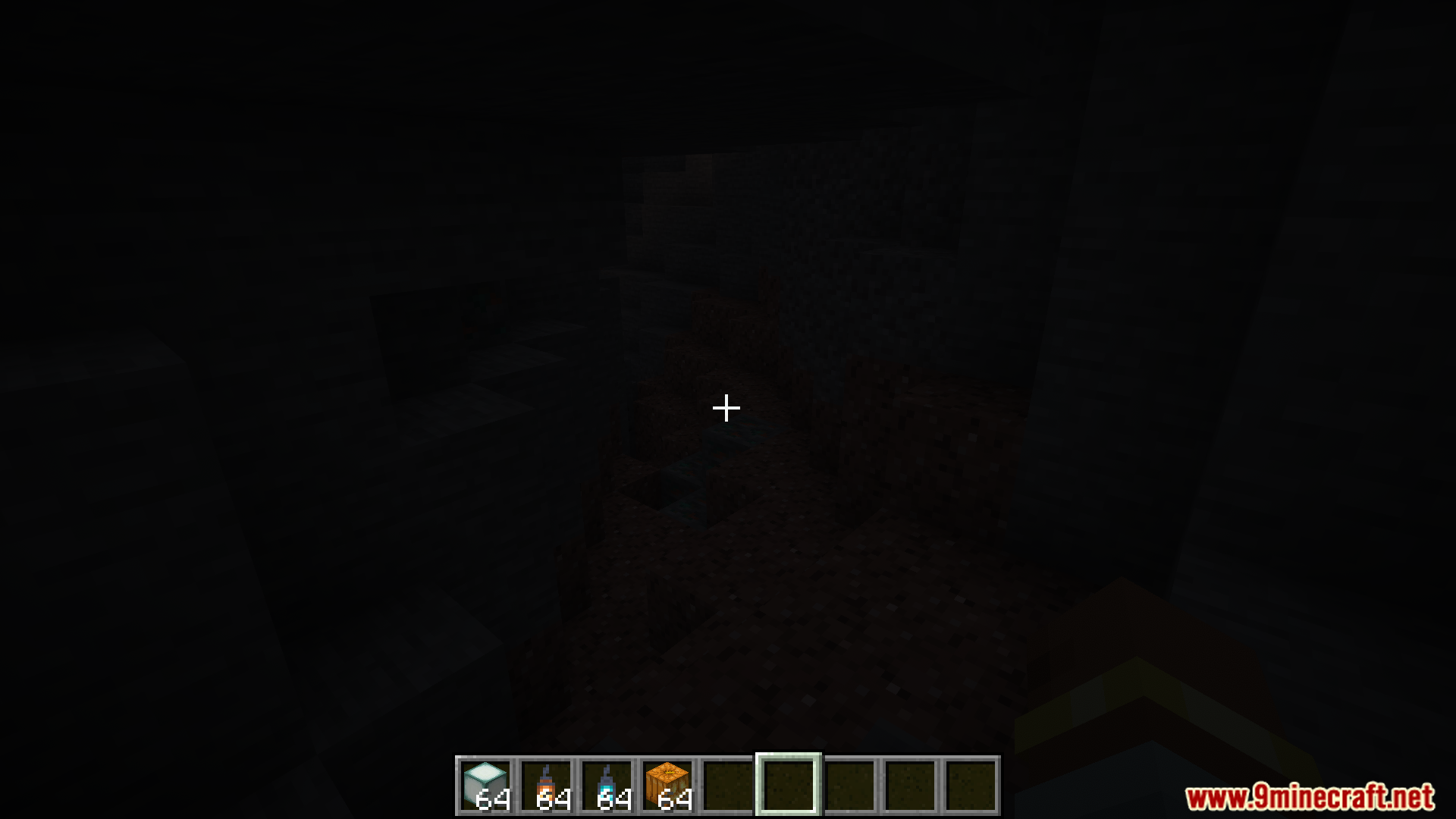
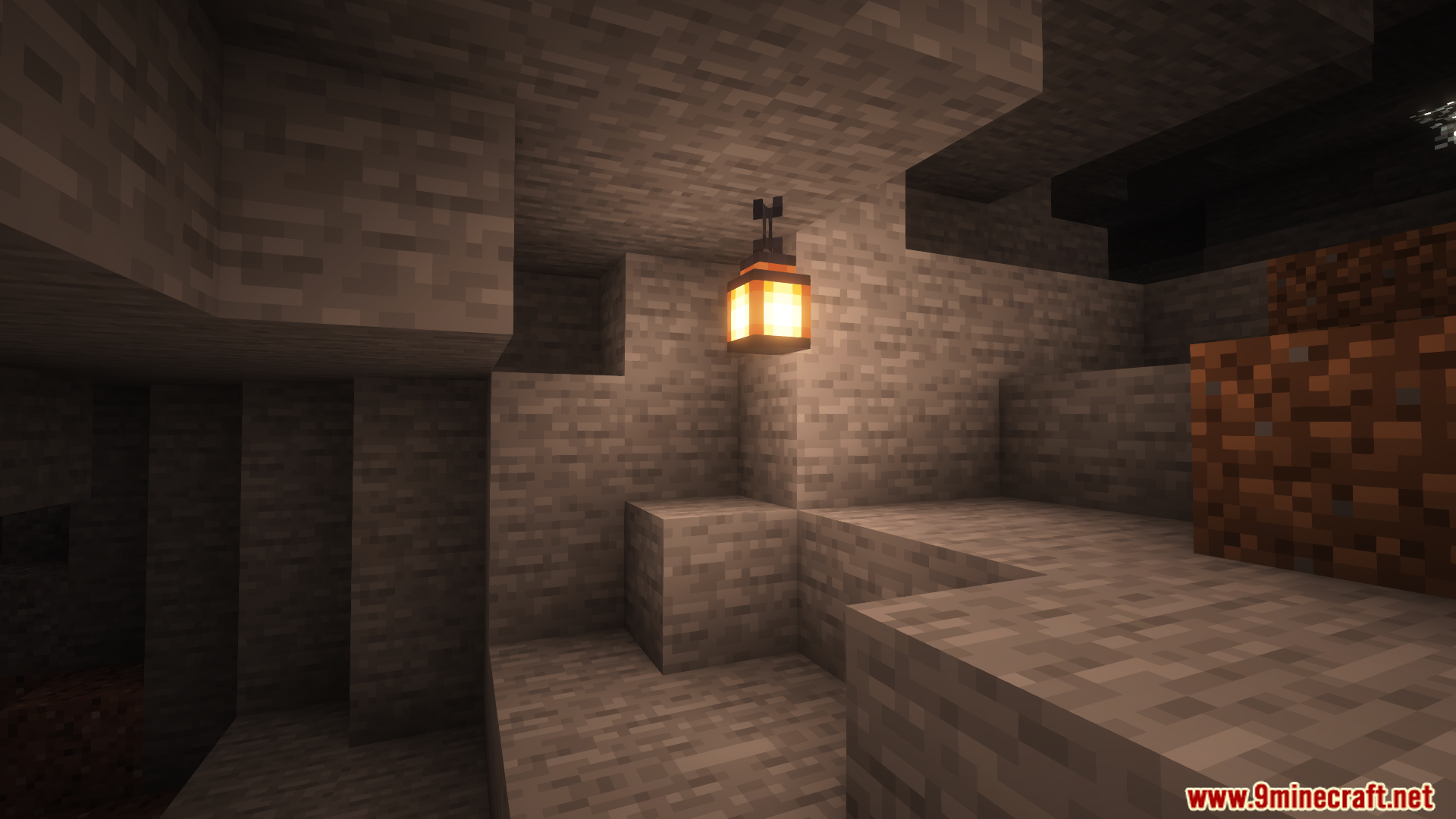
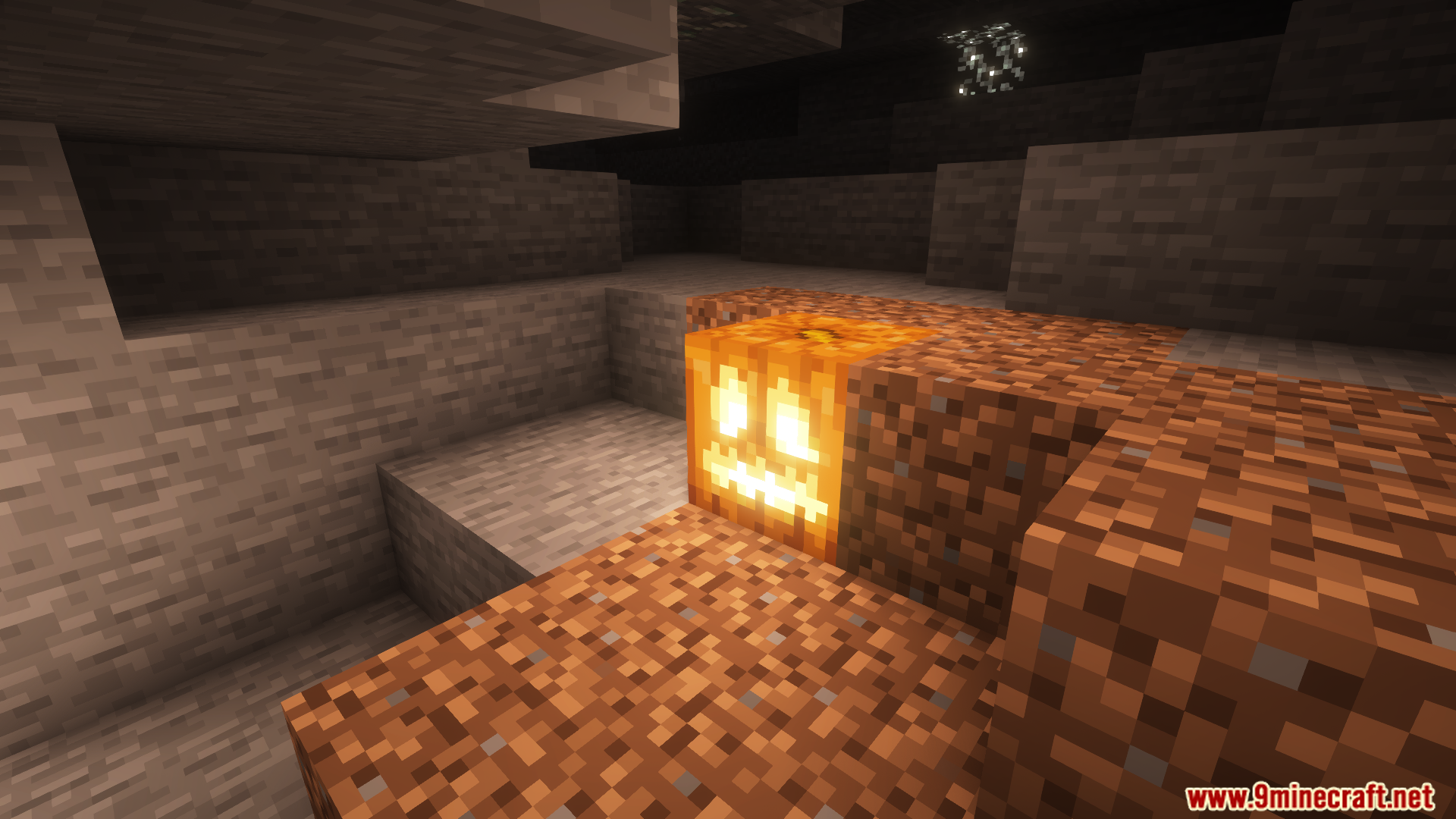
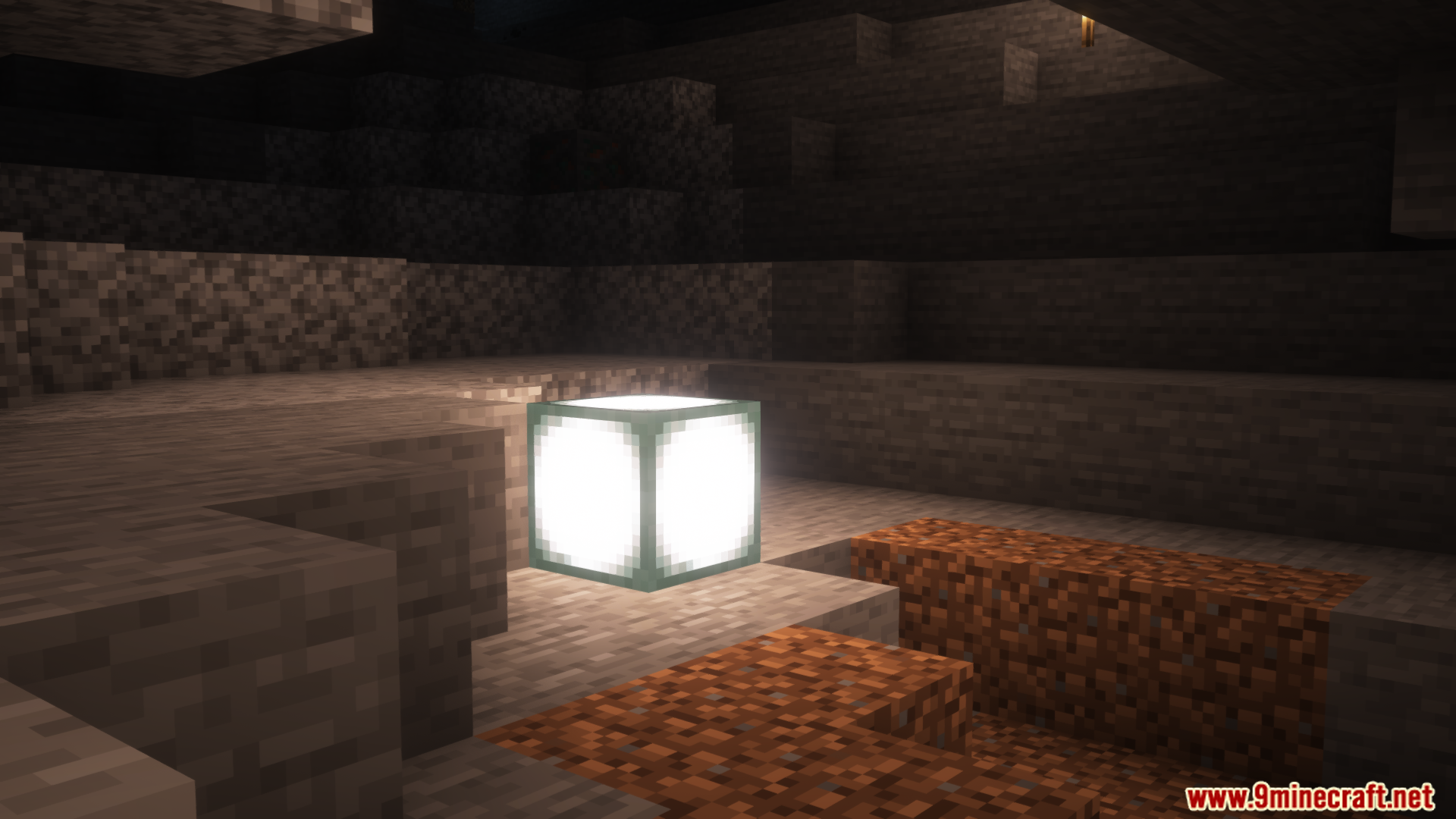
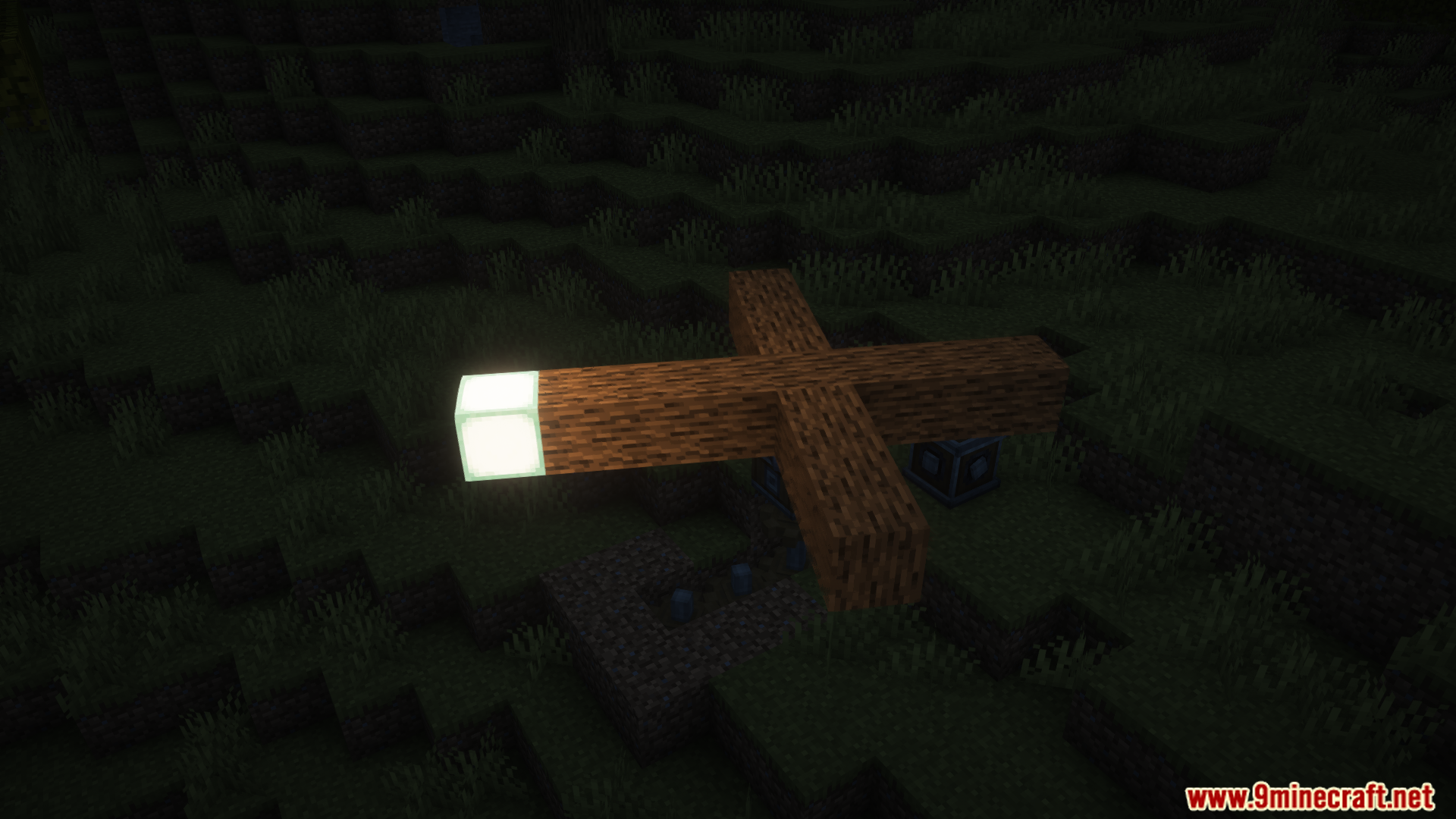
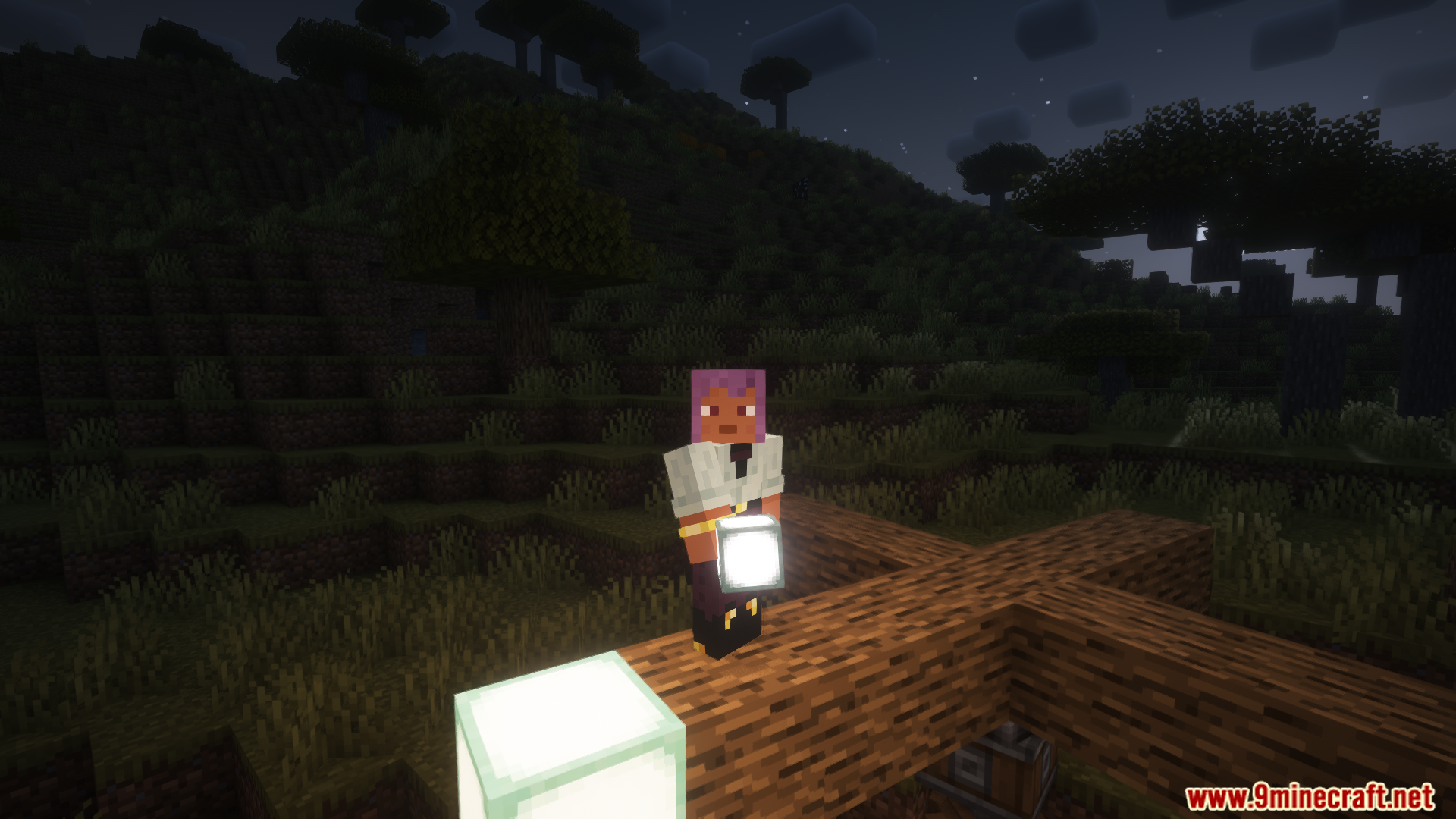
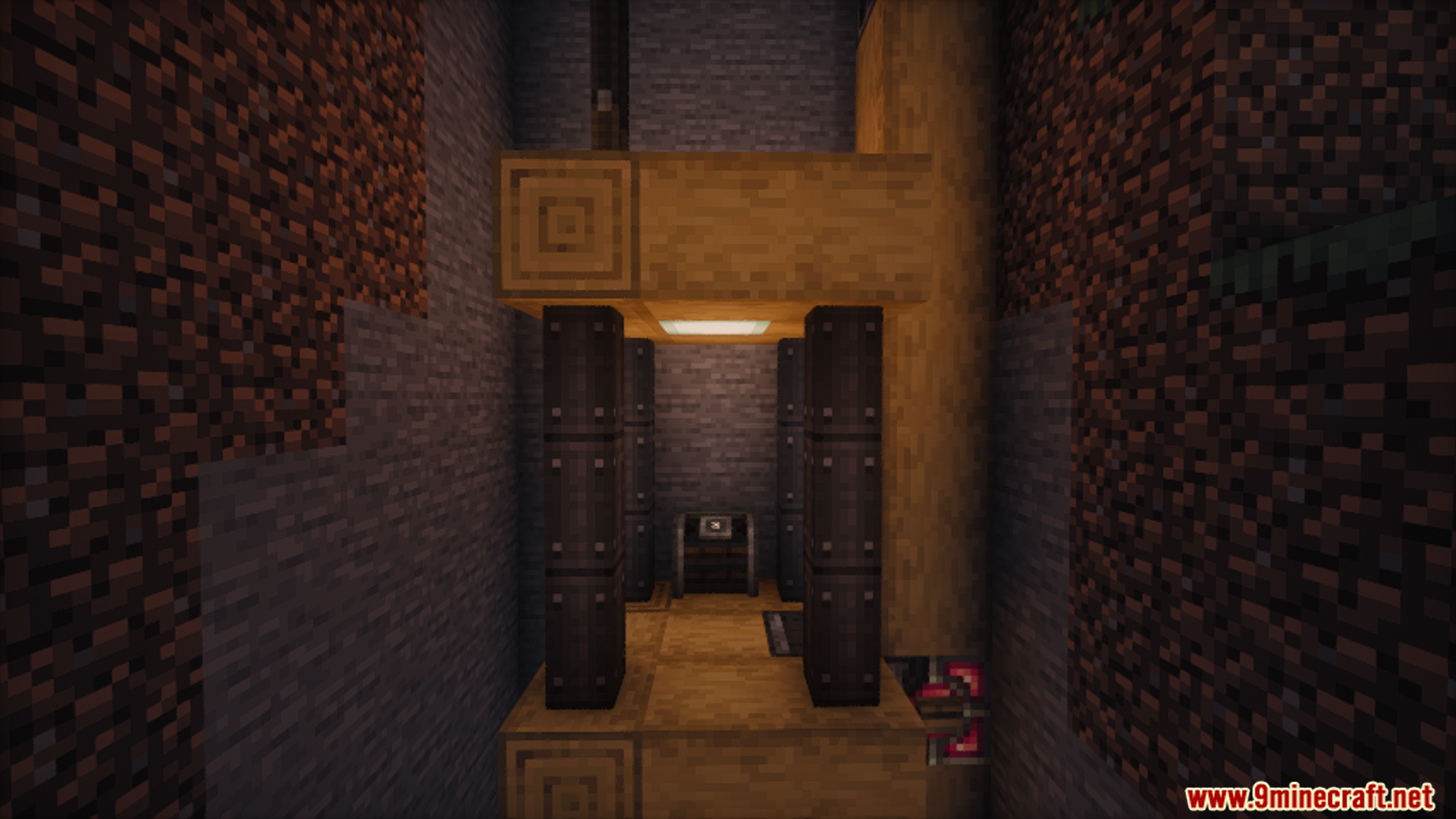
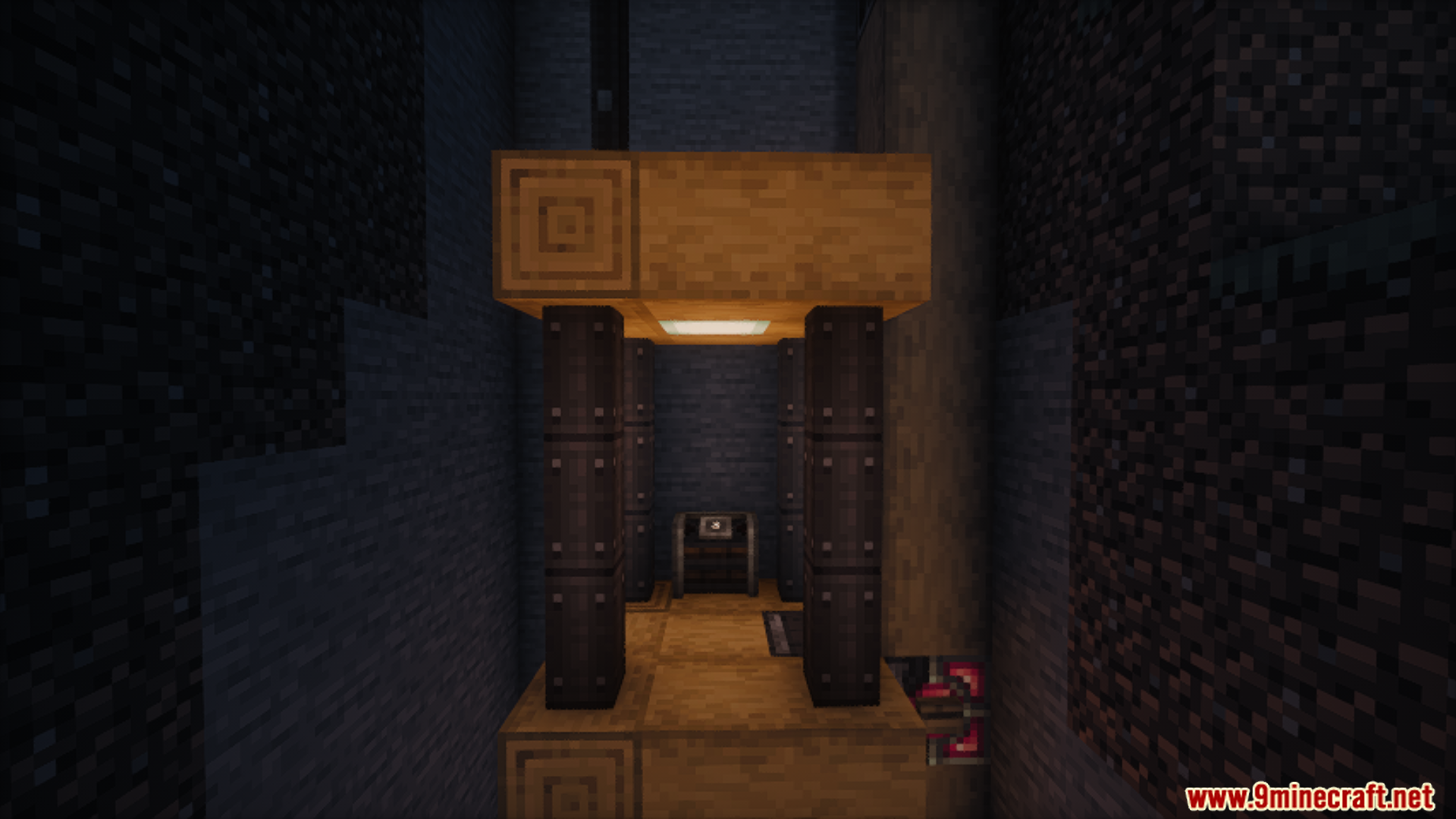
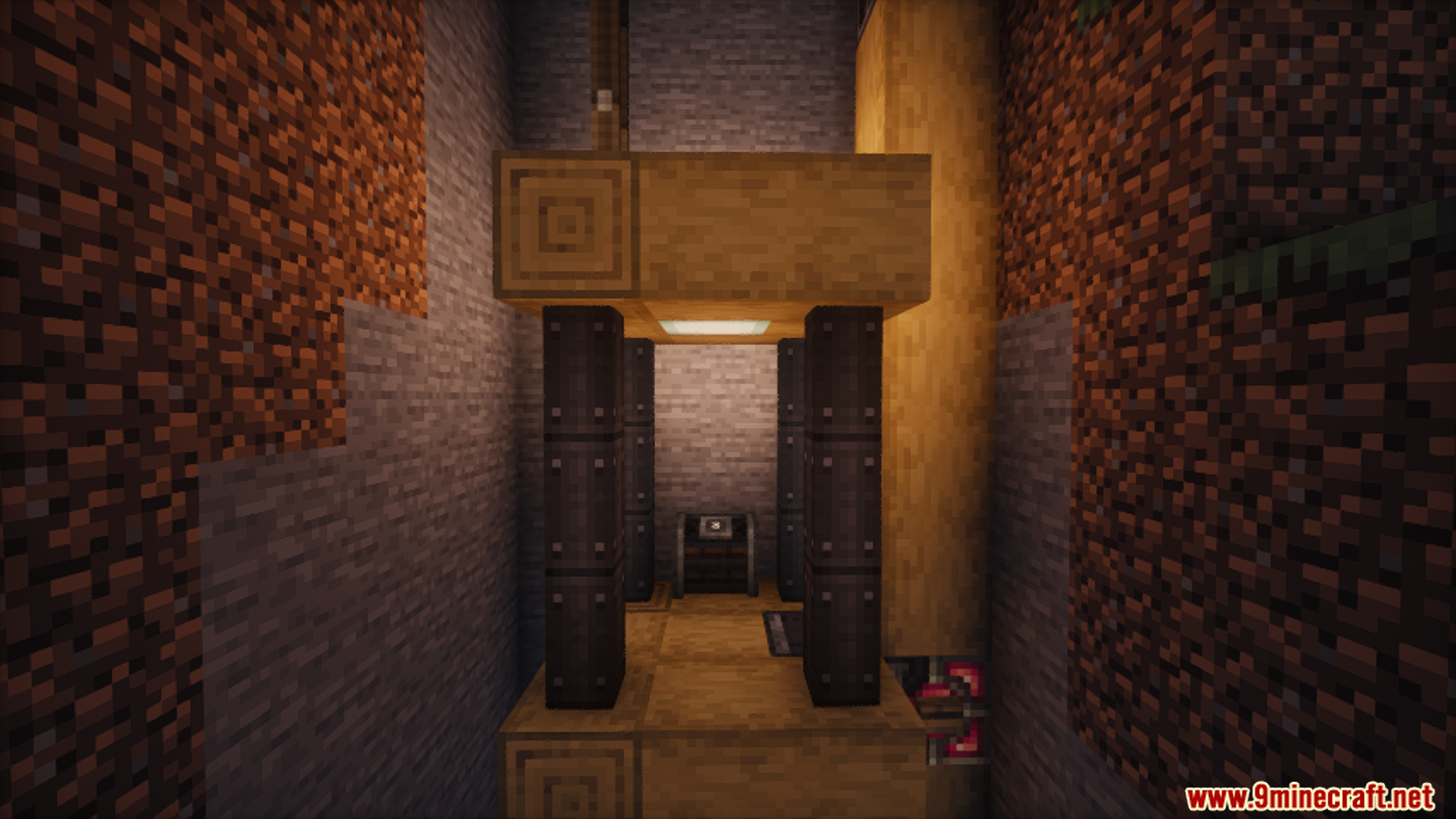
Create Dynamic Lights Mod introduces dynamic lighting for contraptions. As contraptions move, the mod automatically generates light blocks, illuminating their surroundings.
Features:
- Automatic generation of light blocks on moving contraptions.
- Support for adding and updating light sources for LambDynamicLights on moving contraptions.
- Enhanced and smoother dynamic lighting effects.
Screenshots:
Create Dynamic Lights Mod Download Links
For Minecraft 1.21.1, 1.21
NeoForge Version: Download from Server 1 – Download from Server 2
For Minecraft 1.20.6, 1.20.4, 1.20.2, 1.20.1
Forge Version: Download from Server 1 – Download from Server 2
Fabric Version: Download from Server 1 – Download from Server 2
For Minecraft 1.19.4, 1.19.3, 1.19.2
Forge Version: Download from Server 1 – Download from Server 2
Fabric Version: Download from Server 1 – Download from Server 2
- Edition: Minecraft Java
- File type: .jar
- Minecraft versions listed: 1.21.1, 1.20.1
- How to install: Install the matching mod loader (Forge, Fabric or NeoForge) for your Minecraft version. → Download the .jar. → Put it in the .minecraft/mods folder and launch that loader profile.
- Where to get it: In MC Java Mods, or directly above on this page.
Install steps are the general flow for this file type — How to install Minecraft Java mods & modpacks walks through it step by step.
Create Dynamic Lights Mod (1.21.1, 1.20.1) – Automatic Generation of Light Blocks is a free Minecraft Java mod. Compatible with Minecraft 1.21.1, 1.20.1. Download it and open it directly in the game.