WATERFrAMES Mod (1.21.5, 1.20.1) – Image Displaying, Show Pictures, Videos
Java mod listed for Minecraft 1.20–1.21. Downloads from the MC Java Mods app on Android.
⬇ Download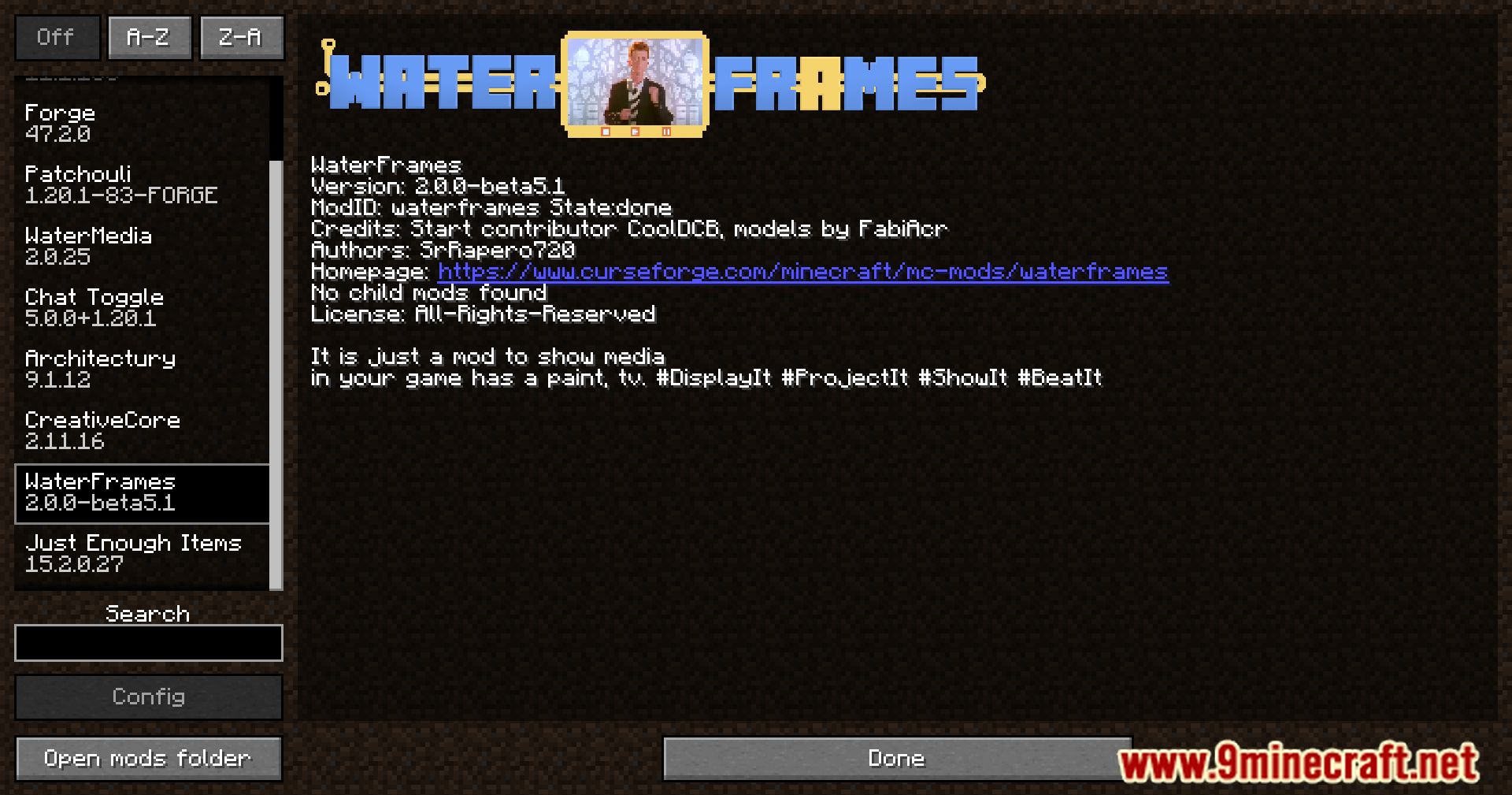
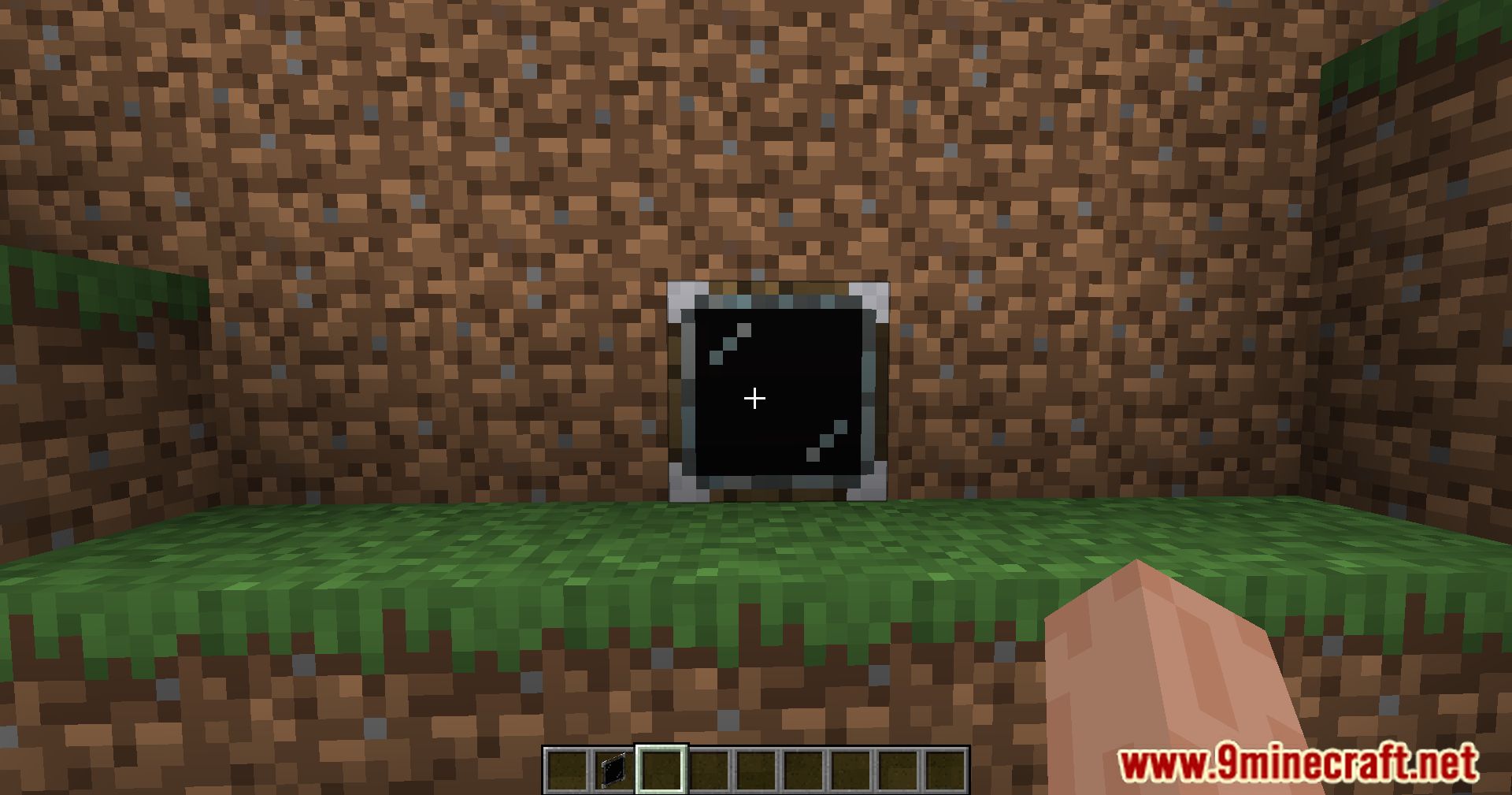
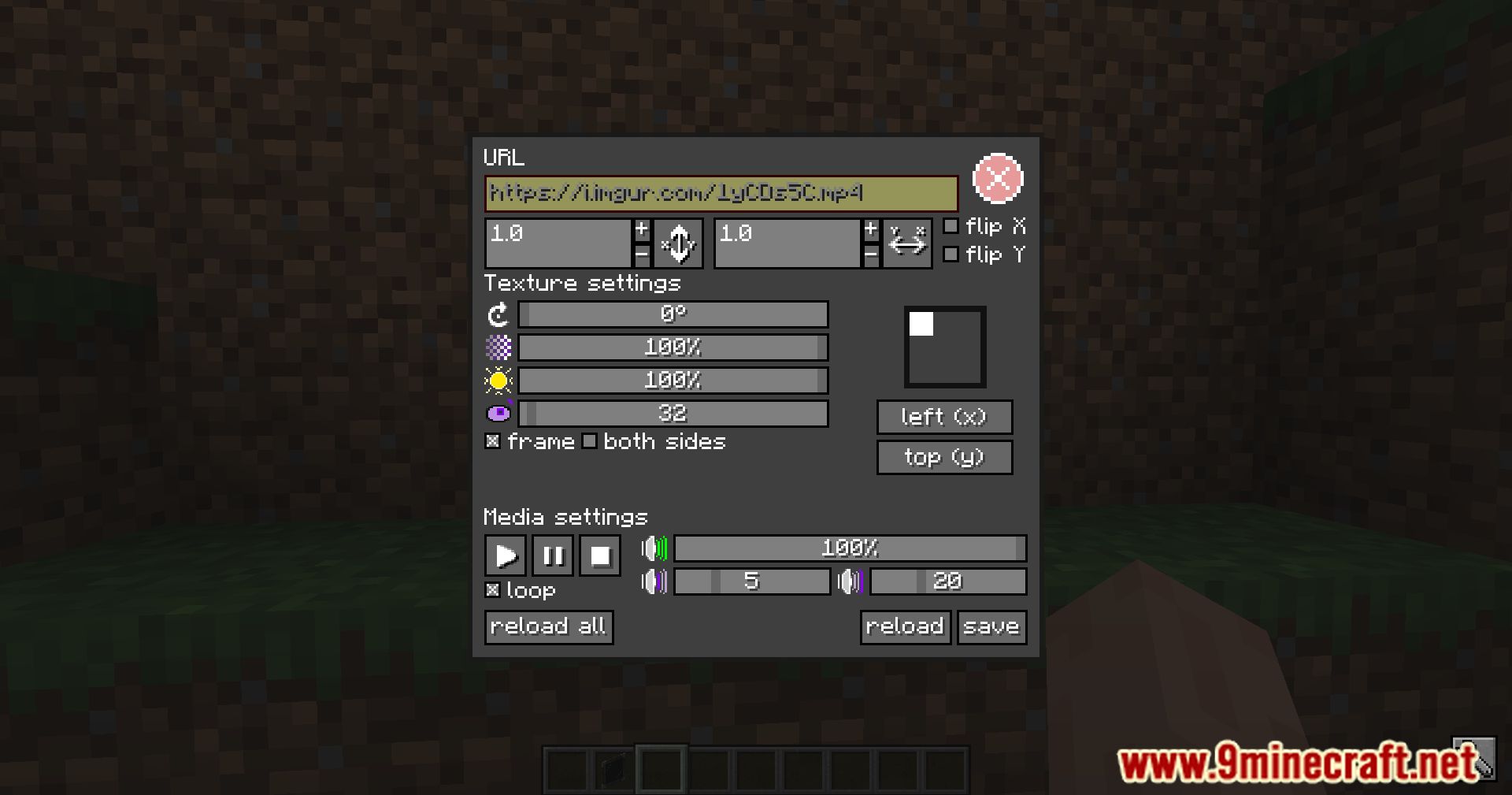
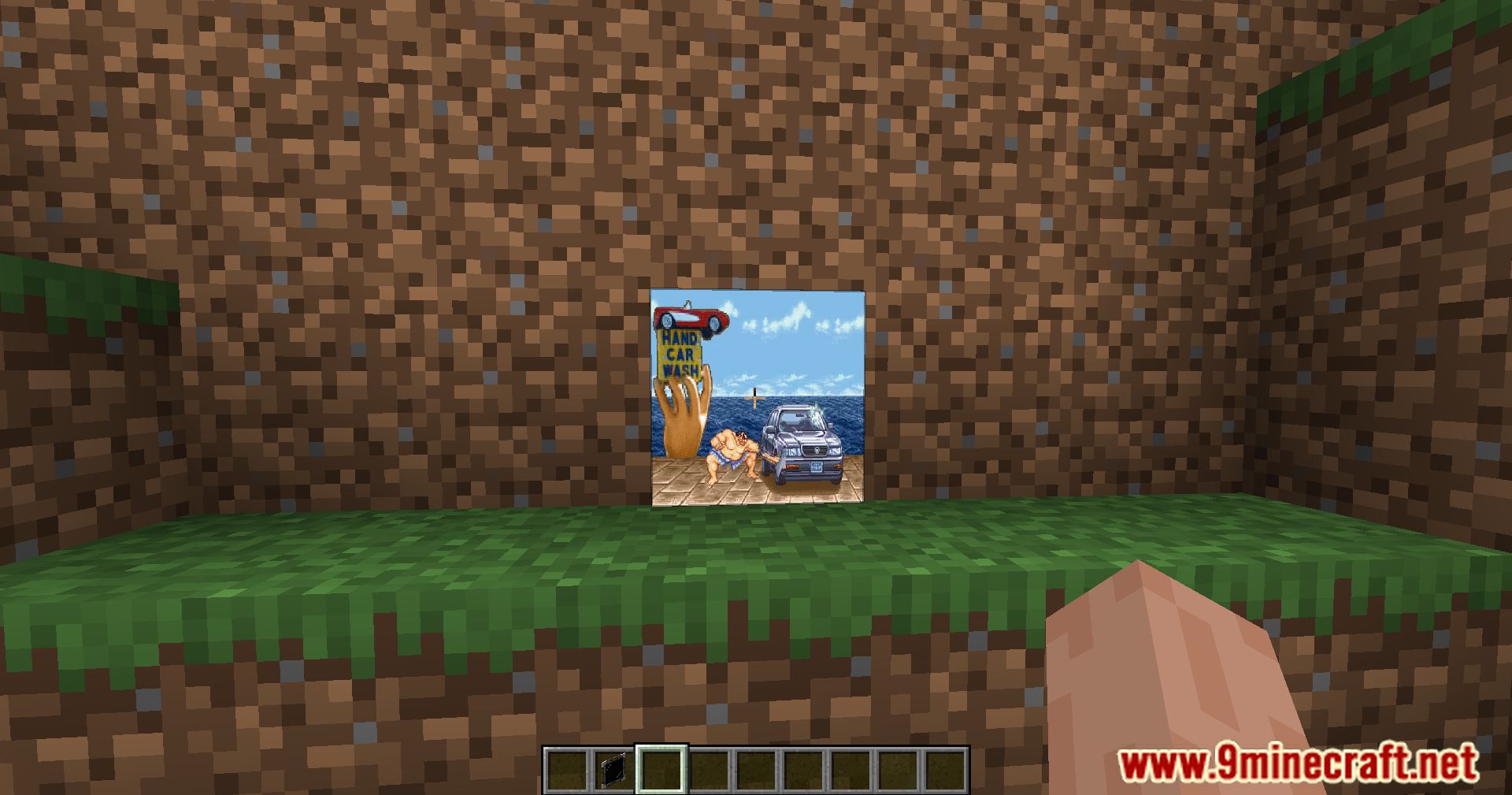
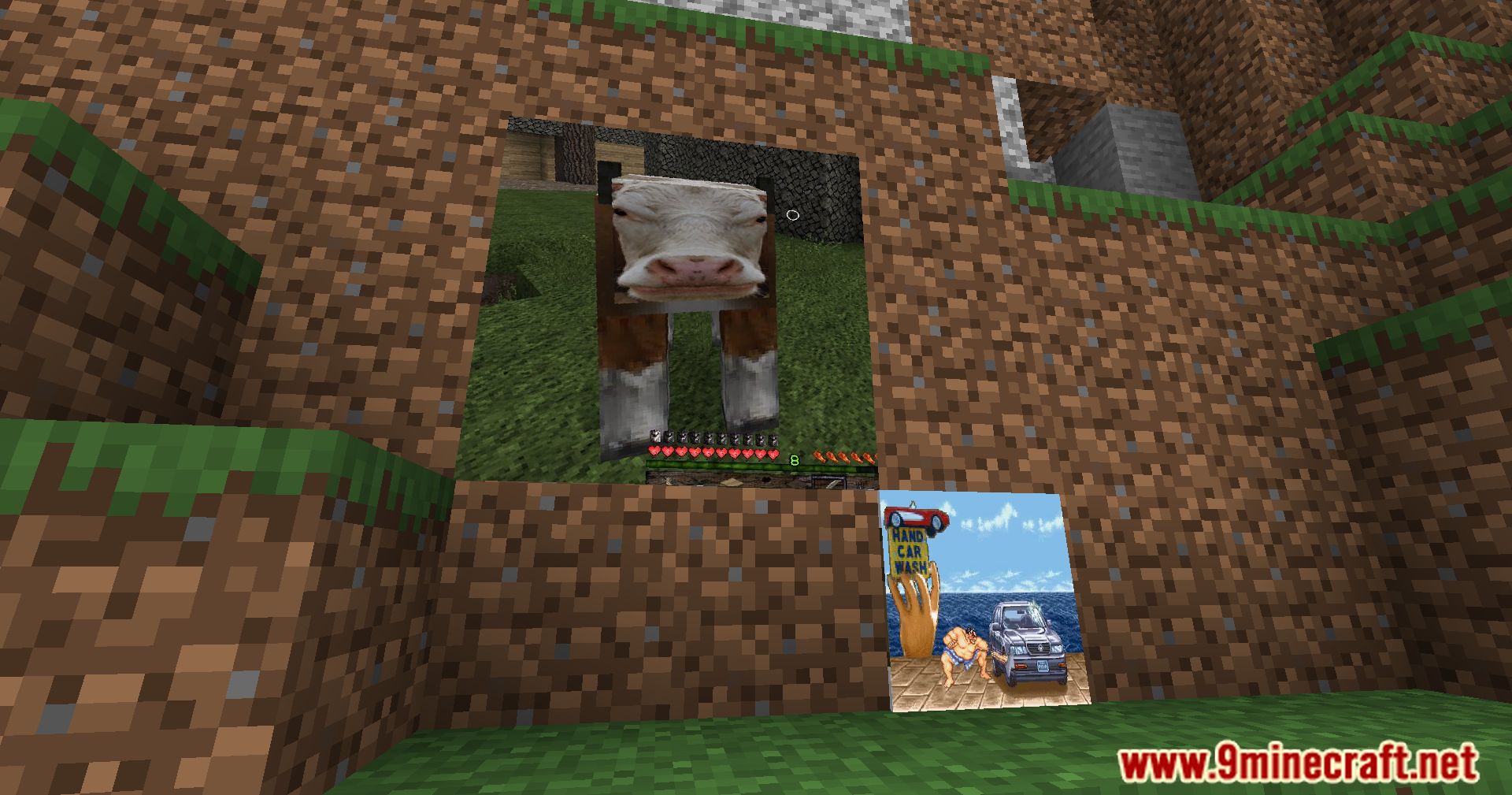
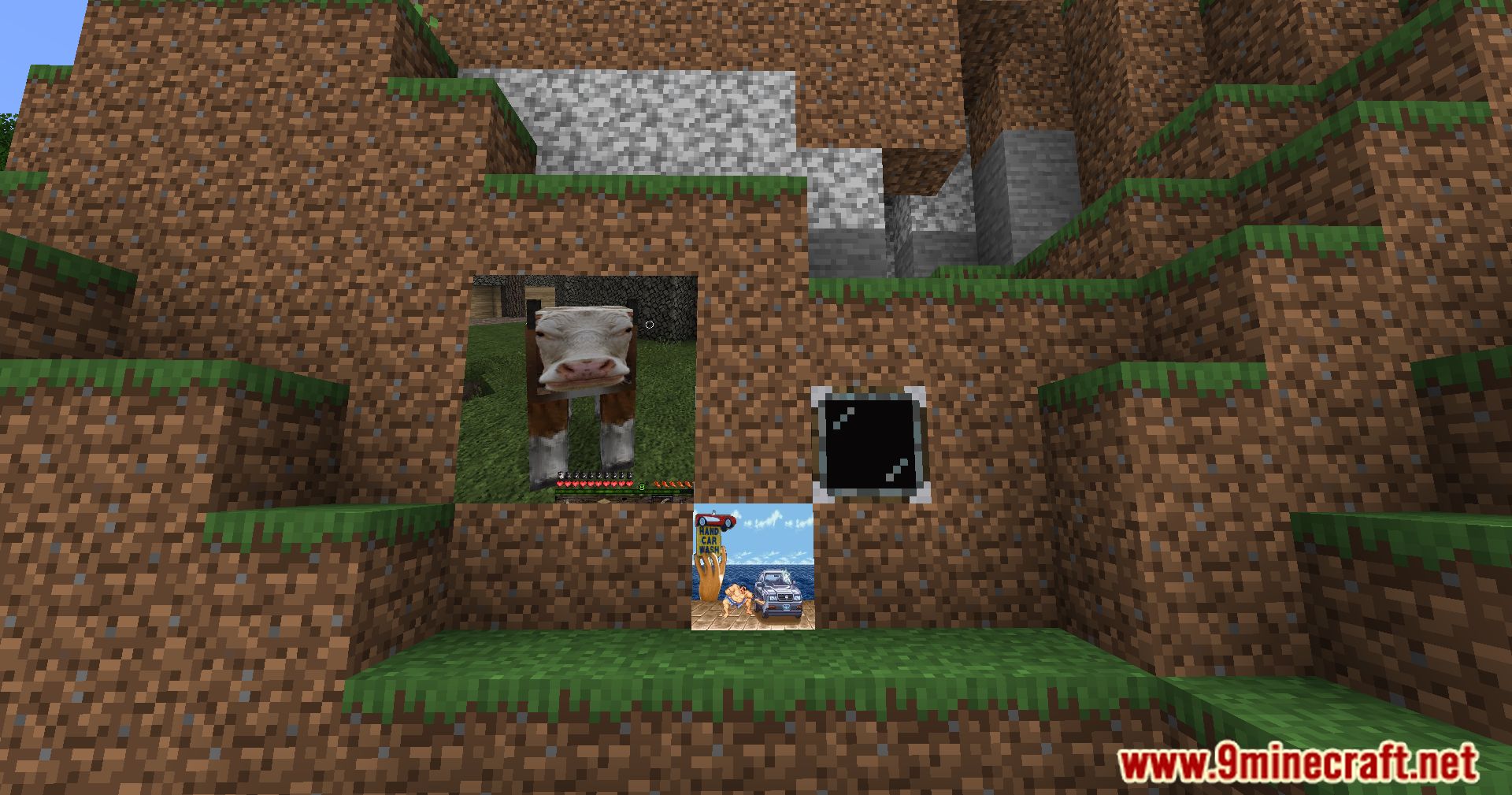
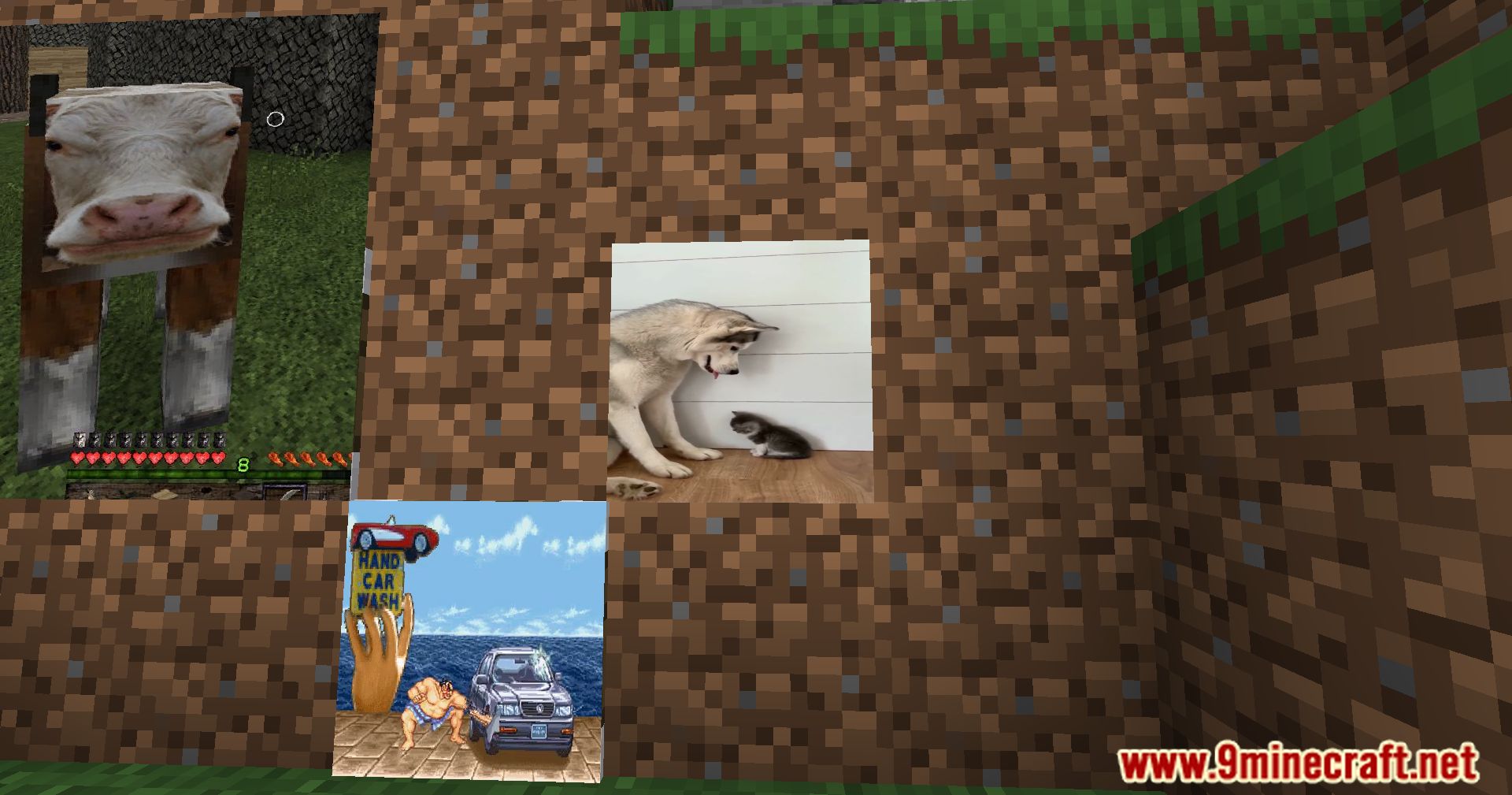
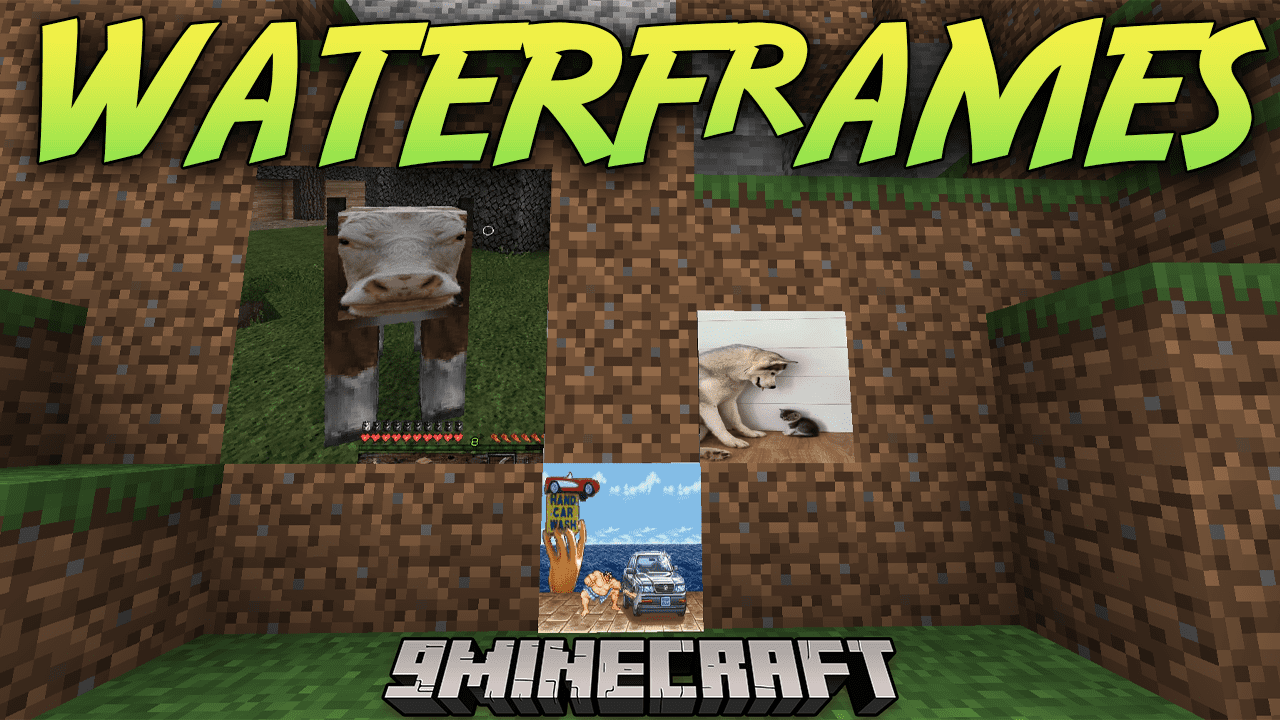
WATERFrAMES Mod is a Minecraft mod that allows you to play videos and display images directly in the game world using URLs, powered by WATERMeDIA technology. Inspired by the LittlePictureFrames mod, WATERFrAMES simplifies the setup process for displayed content – no more manually editing, rotating, adjusting brightness or transparency, or configuring sound distance from the block. Everything is made much easier and more convenient.
WATERFrAMES offers a variety of ways to display media content in Minecraft – from frames and projectors to standard and large TVs. For convenient control, the mod includes items like a remote control and commands (/waterframes) that let you manage displays from a distance. The mod supports both local files via WATERMeDIA and online video playback, including live streams from YouTube, Twitch, and Kick.com, as well as content from Google Drive, OneDrive, and Twitter (X).
Features:
- Multiple ways to show images (Frames, Projectors, TVs and Big TVs)
- Items (Remote Control) and commands (
/waterframes) to control the frames from far away - Local files support (powered by WATERMeDIA) using
water://local/<path> - VideoPlayer support
- Compatible with Youtube, Twitch, Kick.com, Google Drive, One Drive, Twitter (X) and [orange_page]
- ️ Good managment for server admins (url whitelist, gamemode permissions, etc)
- ⚙️ Fully customizable and configurable image (rotation, transparency, brightness and more)
- ⏱️ Easy to use and compatible with other mods having video support (WATERMeDIA)
Screenshots:
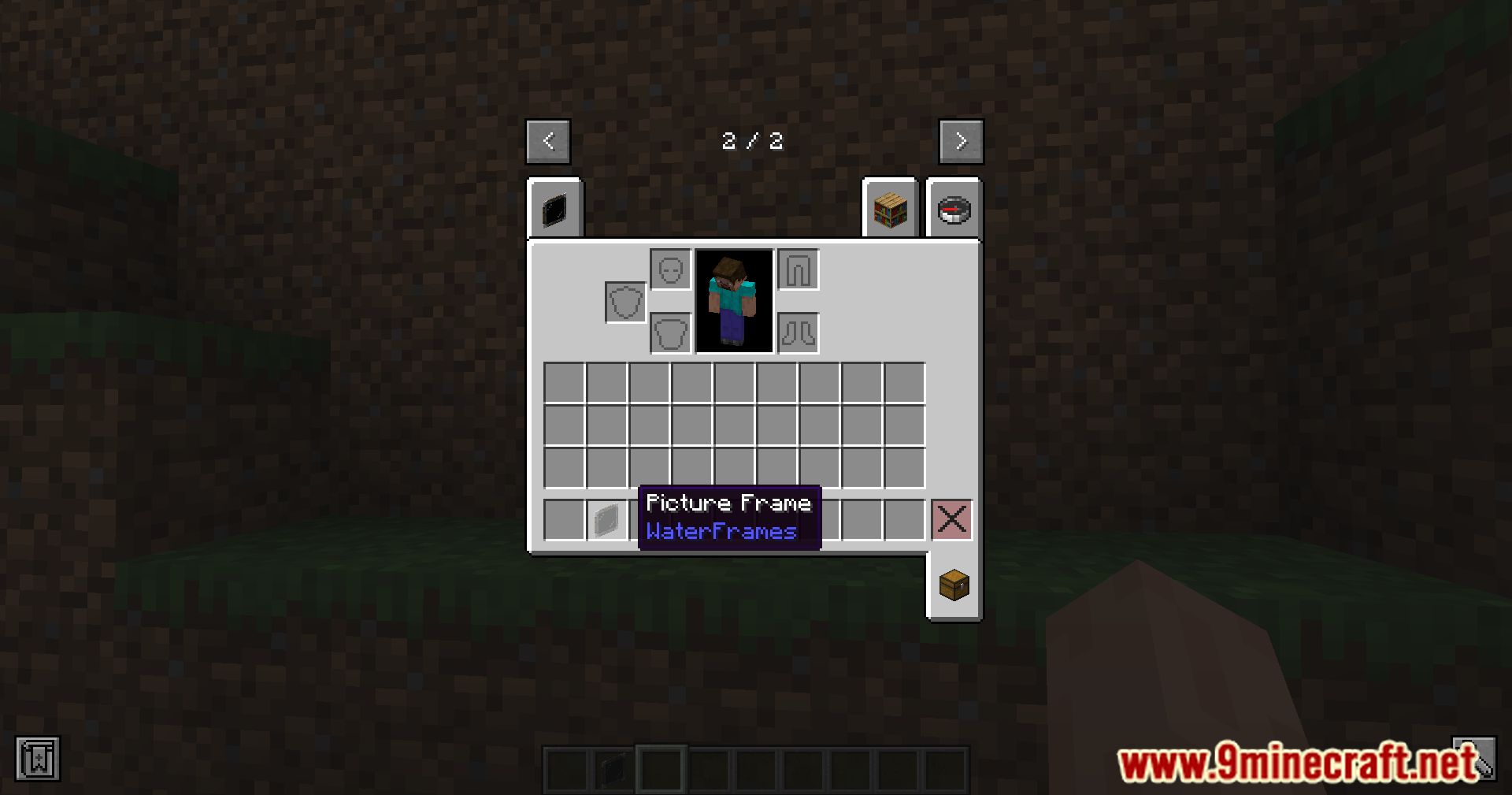
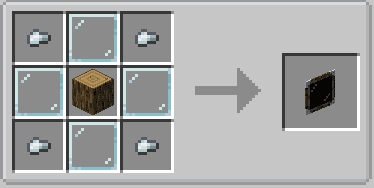
Crafting Recipes:
WATERFrAMES Mod Download Links
For Minecraft 1.21.5
NeoForge Version: Download from Server 1 – Download from Server 2
Fabric Version: Download from Server 1 – Download from Server 2
For Minecraft 1.21.4
NeoForge Version: Download from Server 1 – Download from Server 2
For Minecraft 1.21.1, 1.21
NeoForge Version: Download from Server 1 – Download from Server 2
Fabric Version: Download from Server 1 – Download from Server 2
For Minecraft 1.20.1, 1.20
Forge Version: Download from Server 1 – Download from Server 2
Fabric Version: Download from Server 1 – Download from Server 2
For Minecraft 1.19.2
Forge Version: Download from Server 1 – Download from Server 2
For Minecraft 1.18.2
Forge Version: Download from Server 1 – Download from Server 2
- Edition: Minecraft Java
- File type: .jar
- Minecraft versions listed: 1.21.5, 1.20.1
- How to install: Install the matching mod loader (Forge, Fabric or NeoForge) for your Minecraft version. → Download the .jar. → Put it in the .minecraft/mods folder and launch that loader profile.
- Where to get it: In MC Java Mods, or directly above on this page.
Install steps are the general flow for this file type — How to install Minecraft Java mods & modpacks walks through it step by step.
- Downloads as 176447.mcaddon
- Download size: 250 KB
- Download link checked 30 Jul 2026 — working
- Mirrored on our own servers — the download does not depend on the original host
These come from our own check of the pack file, not from the source page.