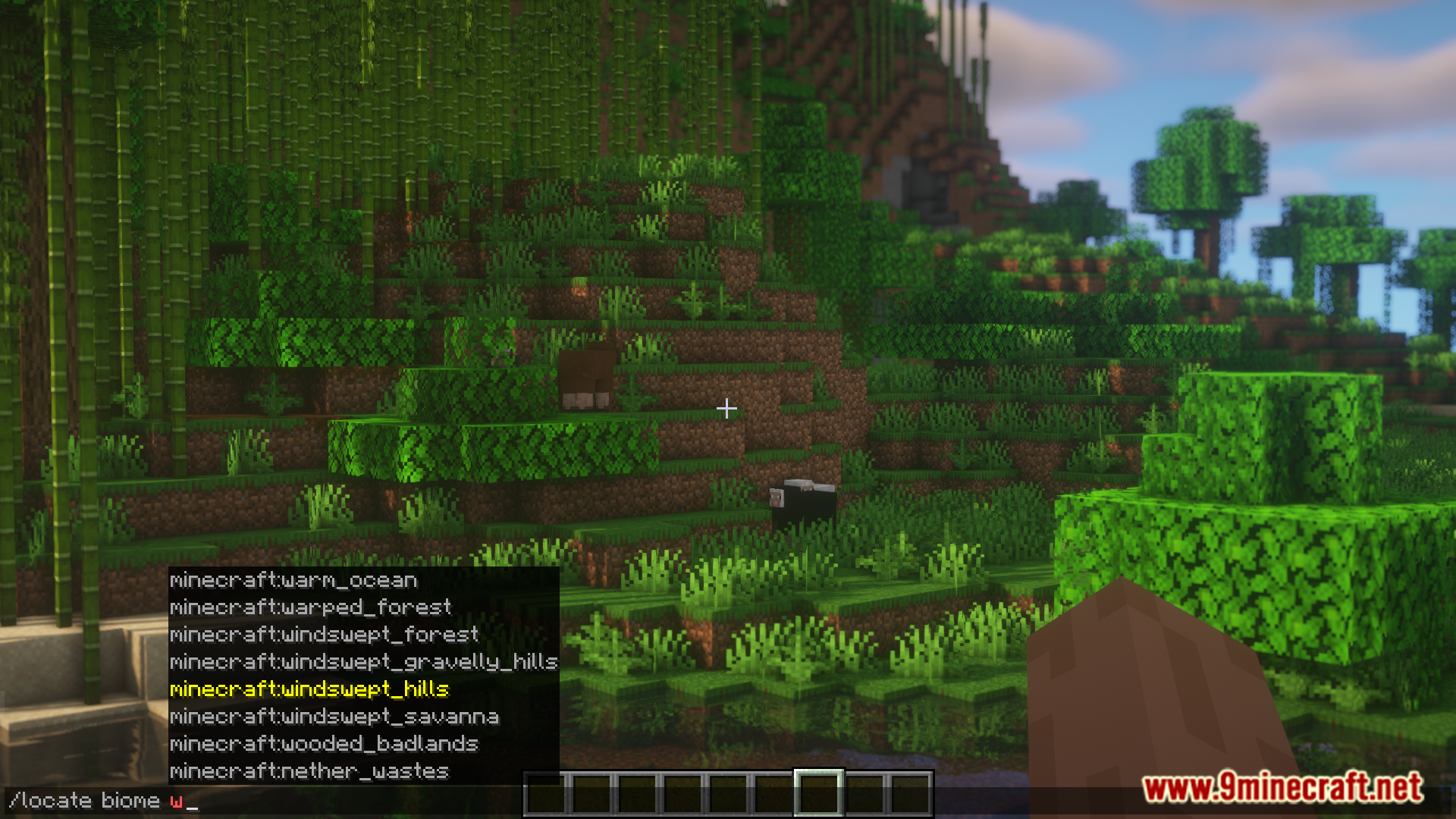

Minecraft allows you to use commands in the game to locate biomes with ease. Using the /locate biome command, you can get the nearest coordinates to any biome in the game, sometimes even modded ones. But if the biome is far away, the game might actually take some time to locate the biome and give its coordinates. During this loading phase, the game actually lags. Locator Mod is here with the solution. This mod massively improves the /locate biome command and allows you to locate biomes within a 10 Million+ block range with great speed.
Features:
- Using the /locate biome command, you can get the coordinates of any biome in the game.
- If the biome is far away, the game might actually take some time to locate the biome.
- This mod massively improves the /locate biome command and allows you to locate biomes with great speed.
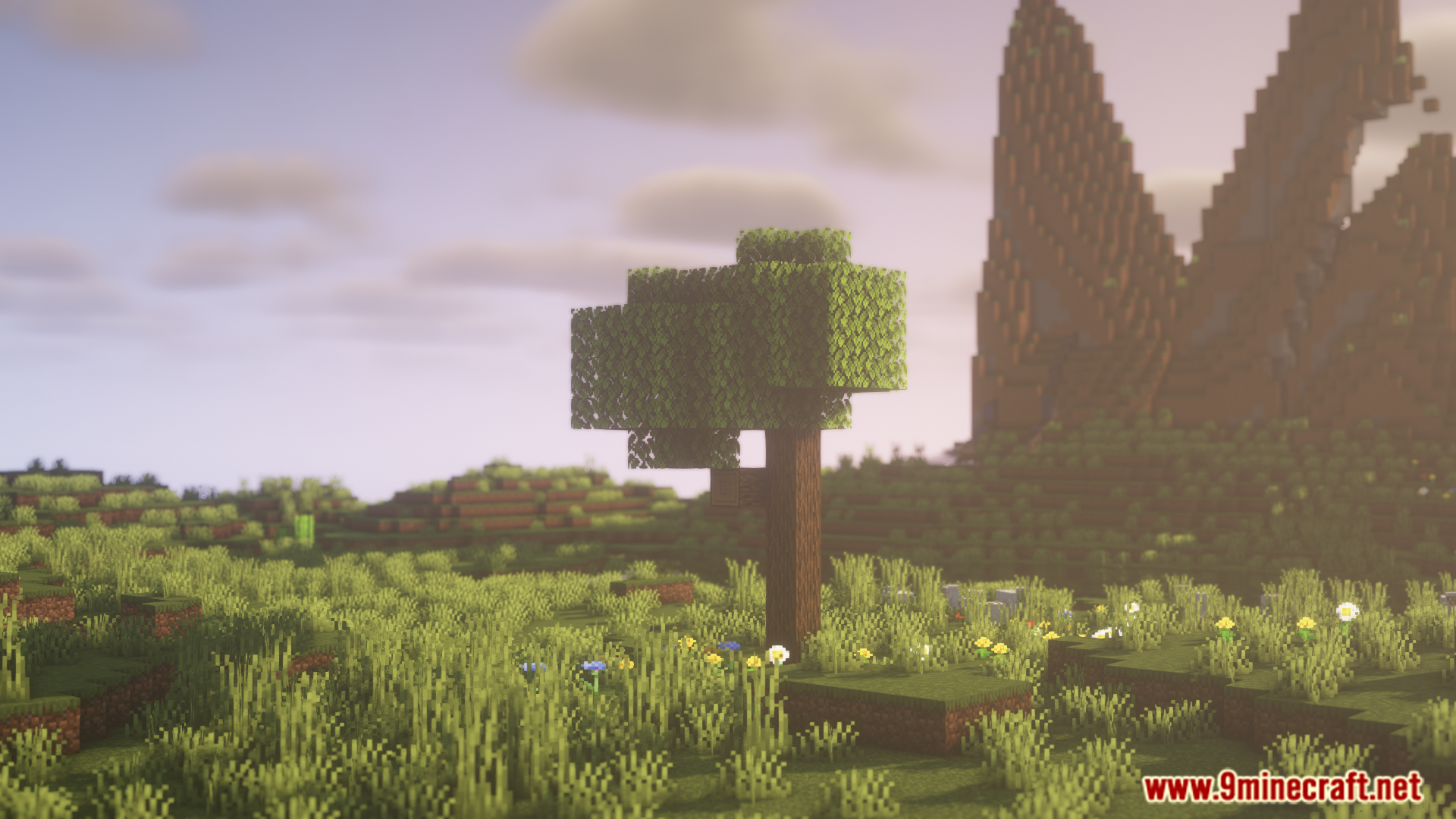
Screenshots:
Locator Mod Download Links
For Minecraft 1.20.2, 1.20.1, 1.20
Forge version: Download from Server 1 – Download from Server 2
- Edition: Minecraft Java
- File type: .jar
- Minecraft versions listed: 1.20.2, 1.20.1
- How to install: Install the matching mod loader (Forge, Fabric or NeoForge) for your Minecraft version. → Download the .jar. → Put it in the .minecraft/mods folder and launch that loader profile.
- Where to get it: In MC Java Mods, or directly above on this page.
Install steps are the general flow for this file type — How to install Minecraft Java mods & modpacks walks through it step by step.
- Downloads as 176480.mcaddon
- Download size: 207 KB
- Download link checked 25 Jul 2026 — working
- Mirrored on our own servers — the download does not depend on the original host
These come from our own check of the pack file, not from the source page.