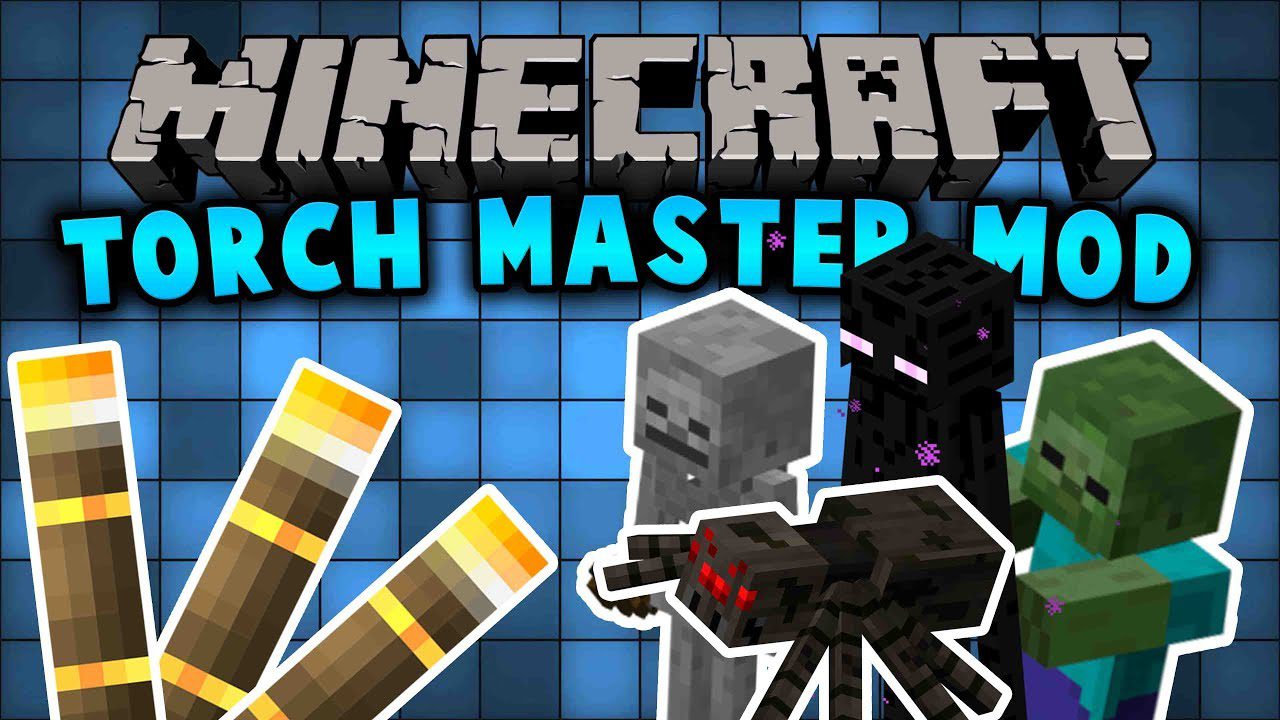
TorchMaster Mod (1.21.10, 1.20.1) – Take Control of Mob Spawning
For the Latest Minecraft Versions We've developed a brand-new version of Torchmaster called Torchmaster 9minecraft Mod. This new build comes with many new…
⬇ Download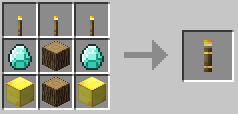
For the Latest Minecraft Versions
We’ve developed a brand-new version of Torchmaster called Torchmaster 9minecraft Mod. This new build comes with many new features, major improvements, and continuous updates for the latest Minecraft versions as fast as possible. Download the new version here: https://www.9minecraft.net/torchmaster-9minecraft-mod/
TorchMaster Mod gives you new tools to control where mobs can spawn. With special torches and lamps, you can easily protect your base from hostile mobs or prevent passive animals from appearing in unwanted places. The mod also includes a block that automatically lights up large areas for you.
Features:
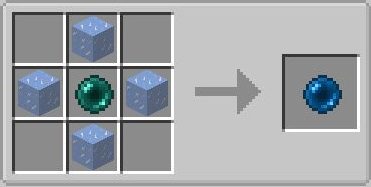
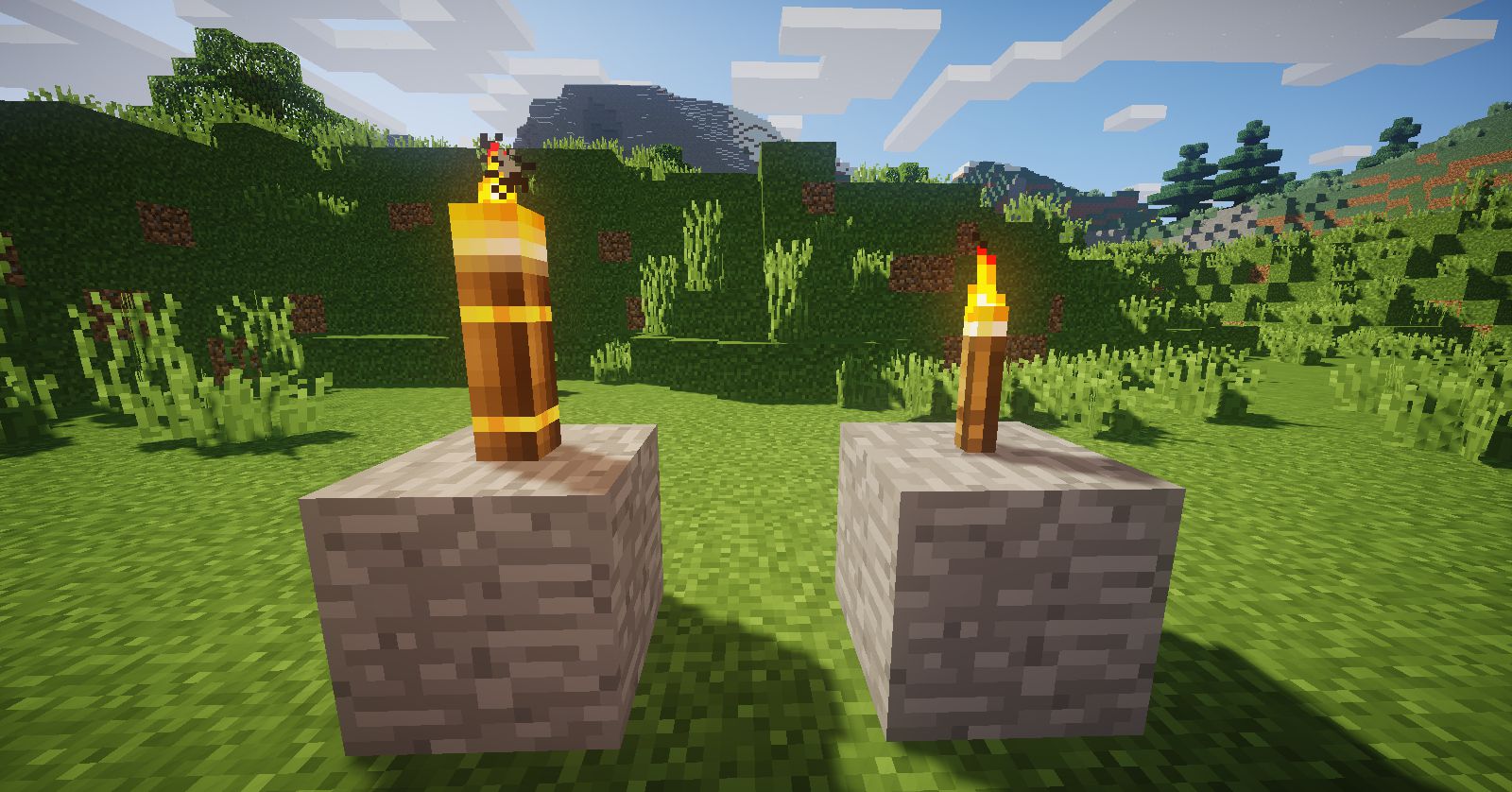
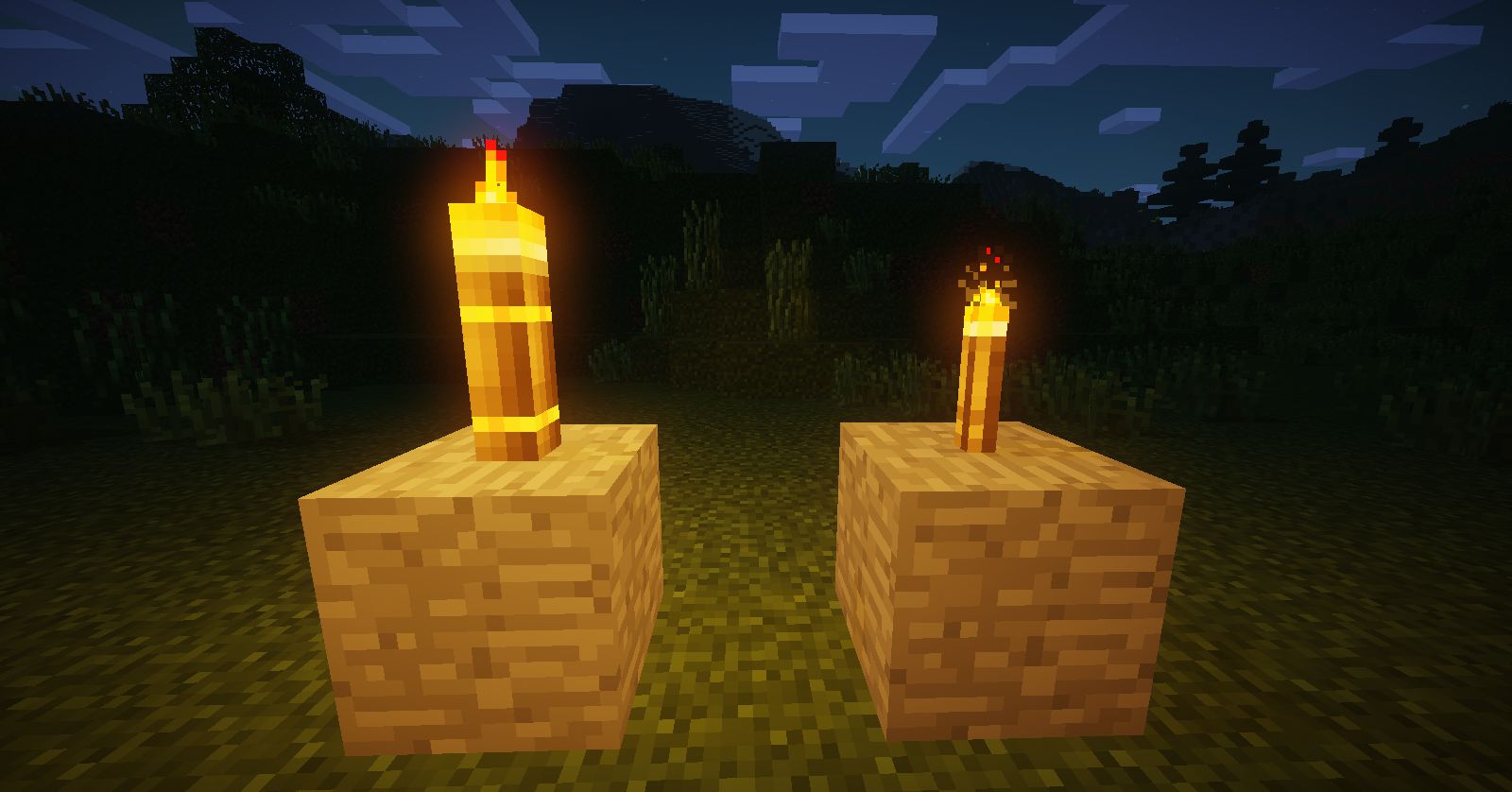
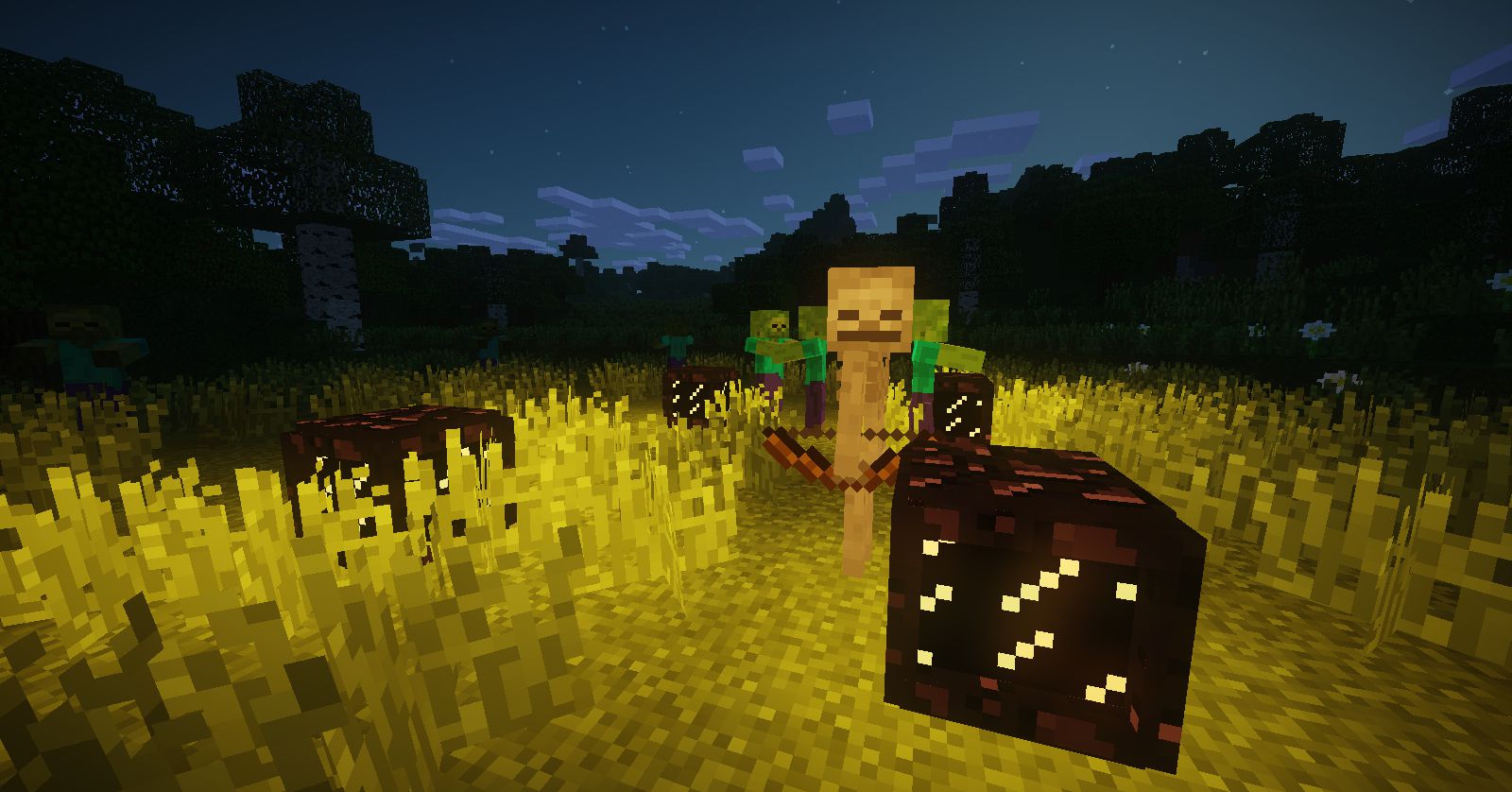
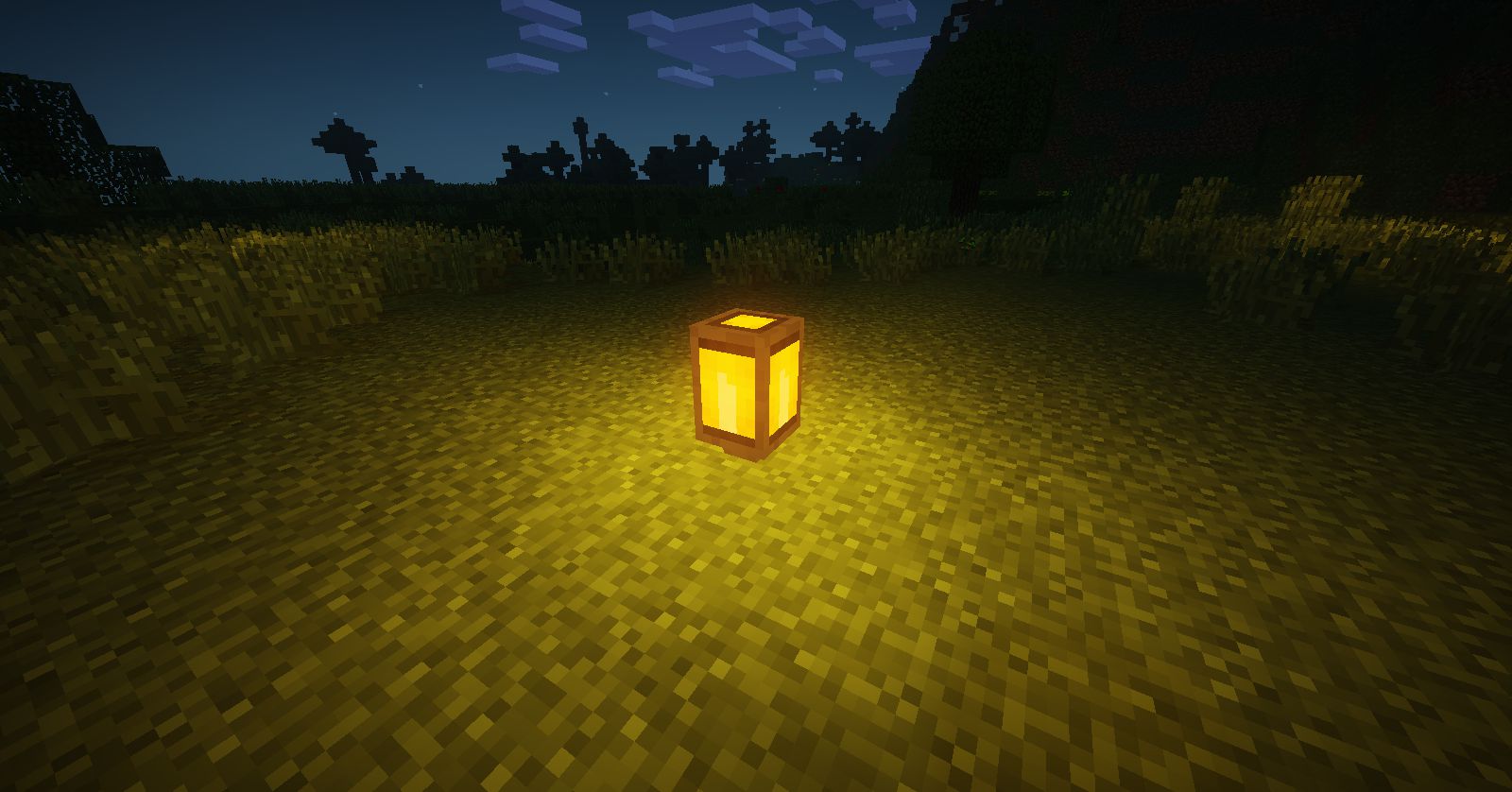
- Mega Torch: Stops hostile mobs from spawning naturally in a large radius. It provides as much light as a glowstone block and prevents spawns caused by low light levels, but it won’t affect mob spawners.
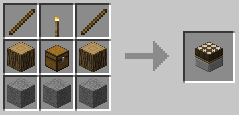
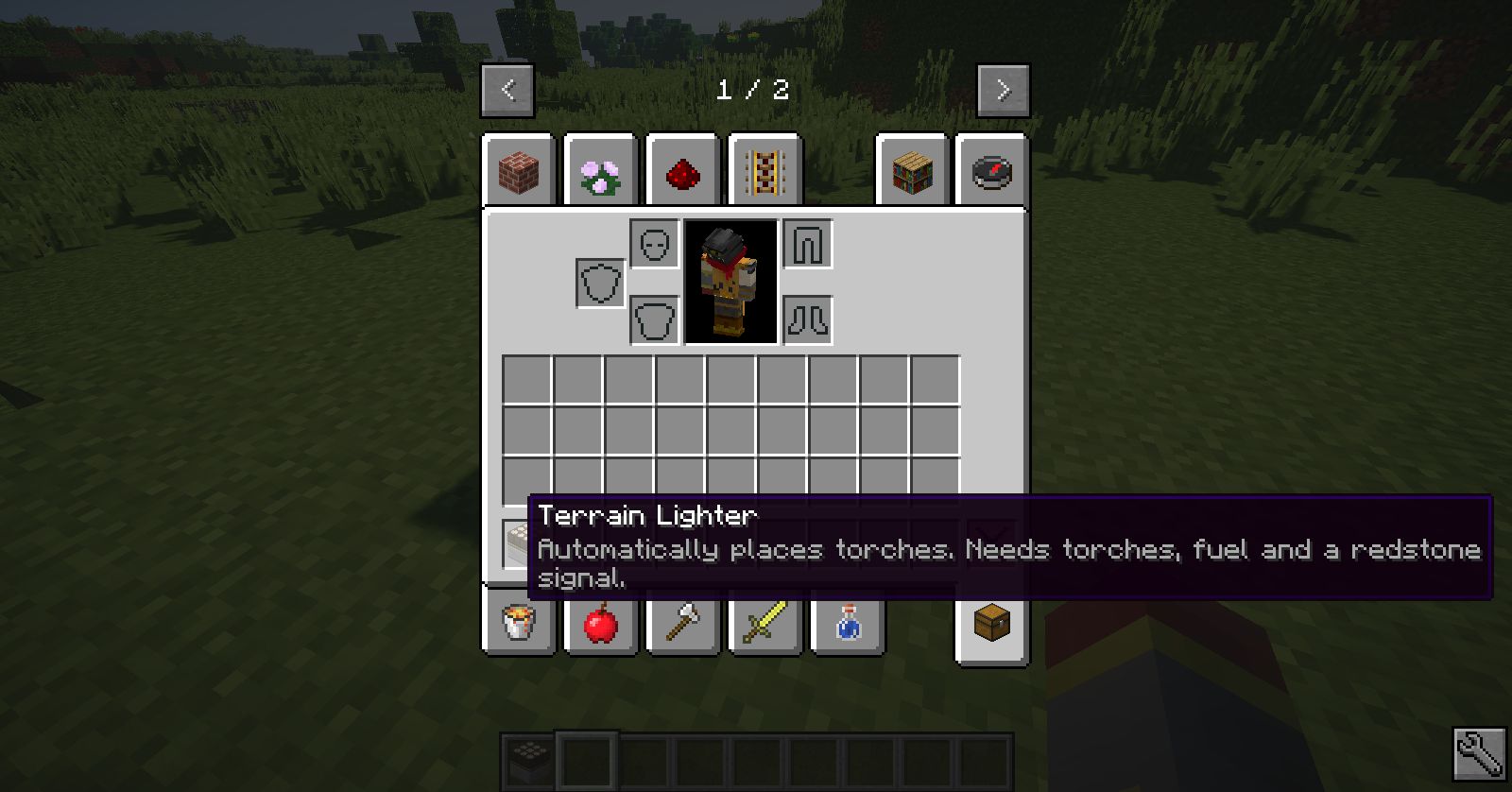
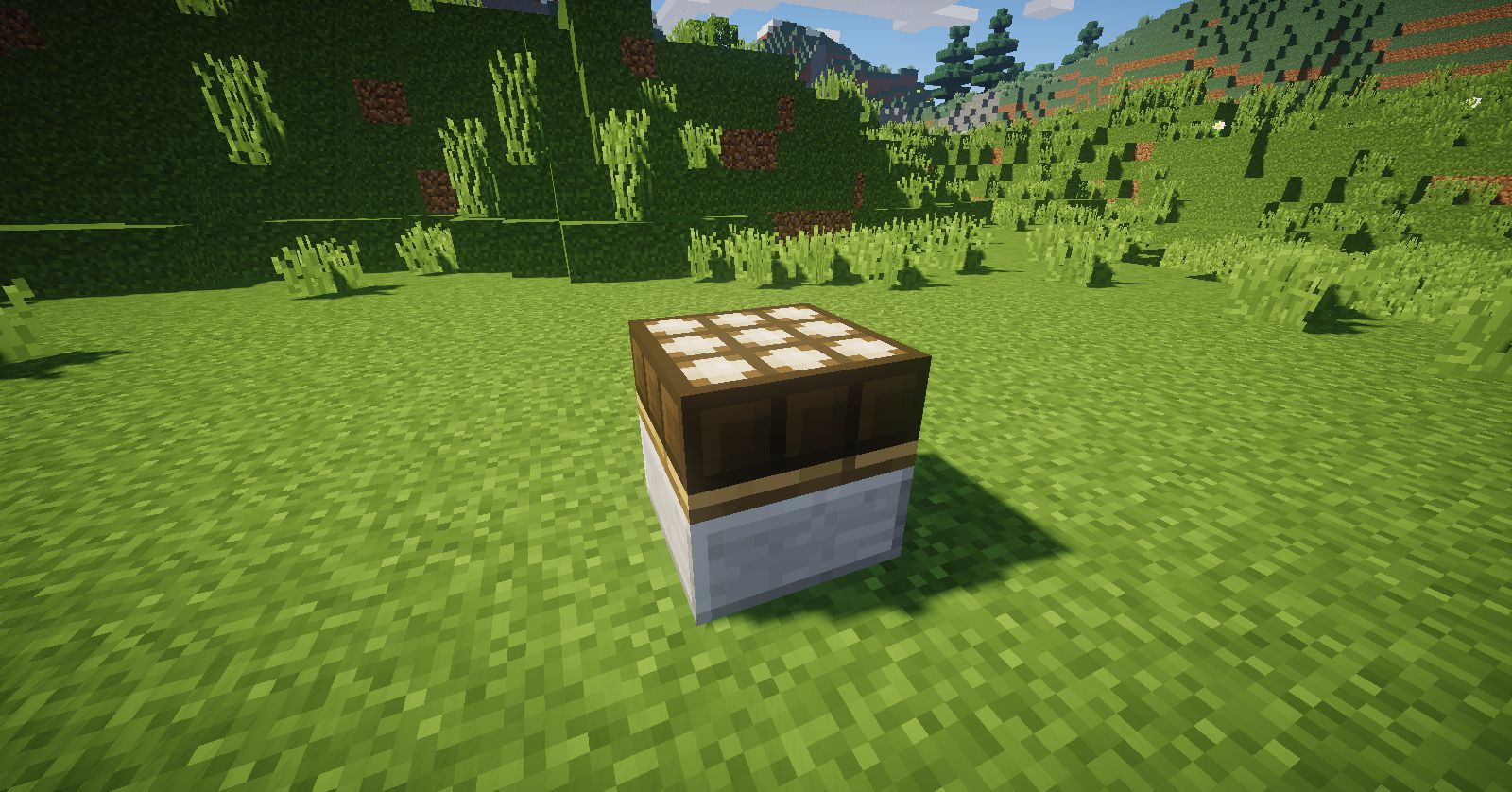
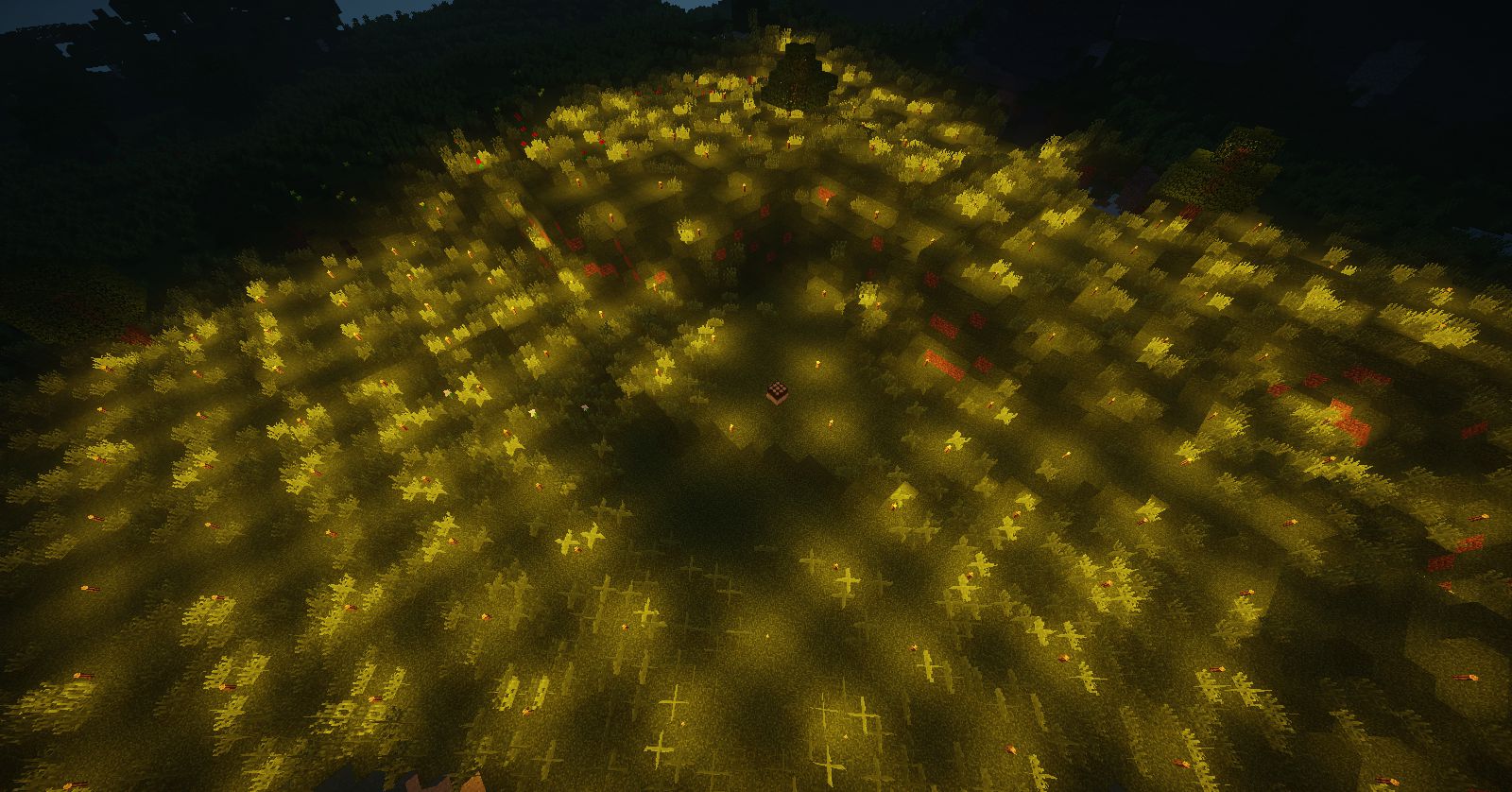
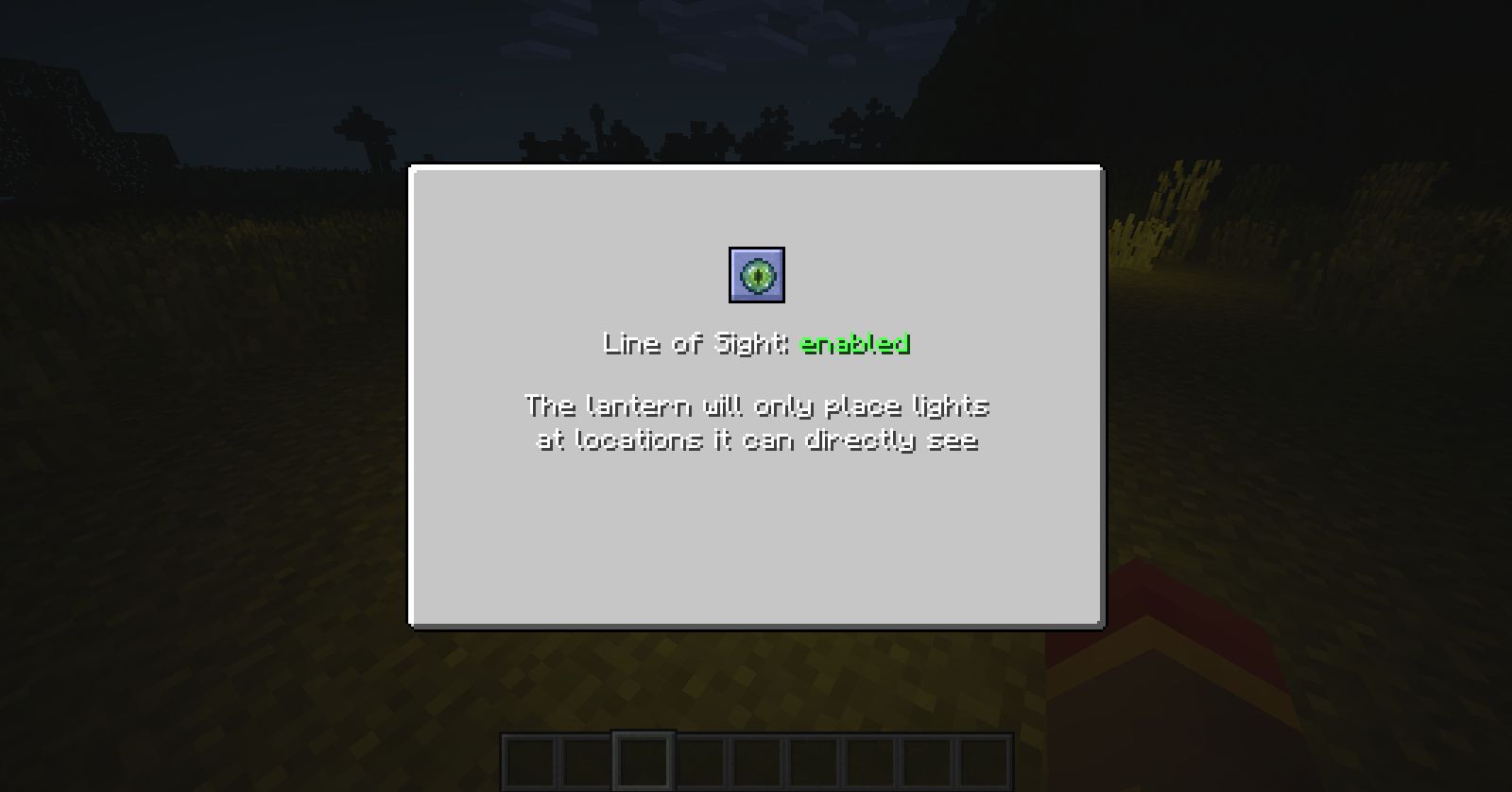
- Terrain Lighter: Automatically places torches in a set area around it. This block helps you light up your surroundings quickly, especially in the early game.
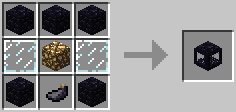
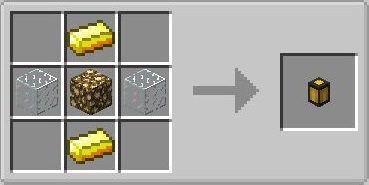
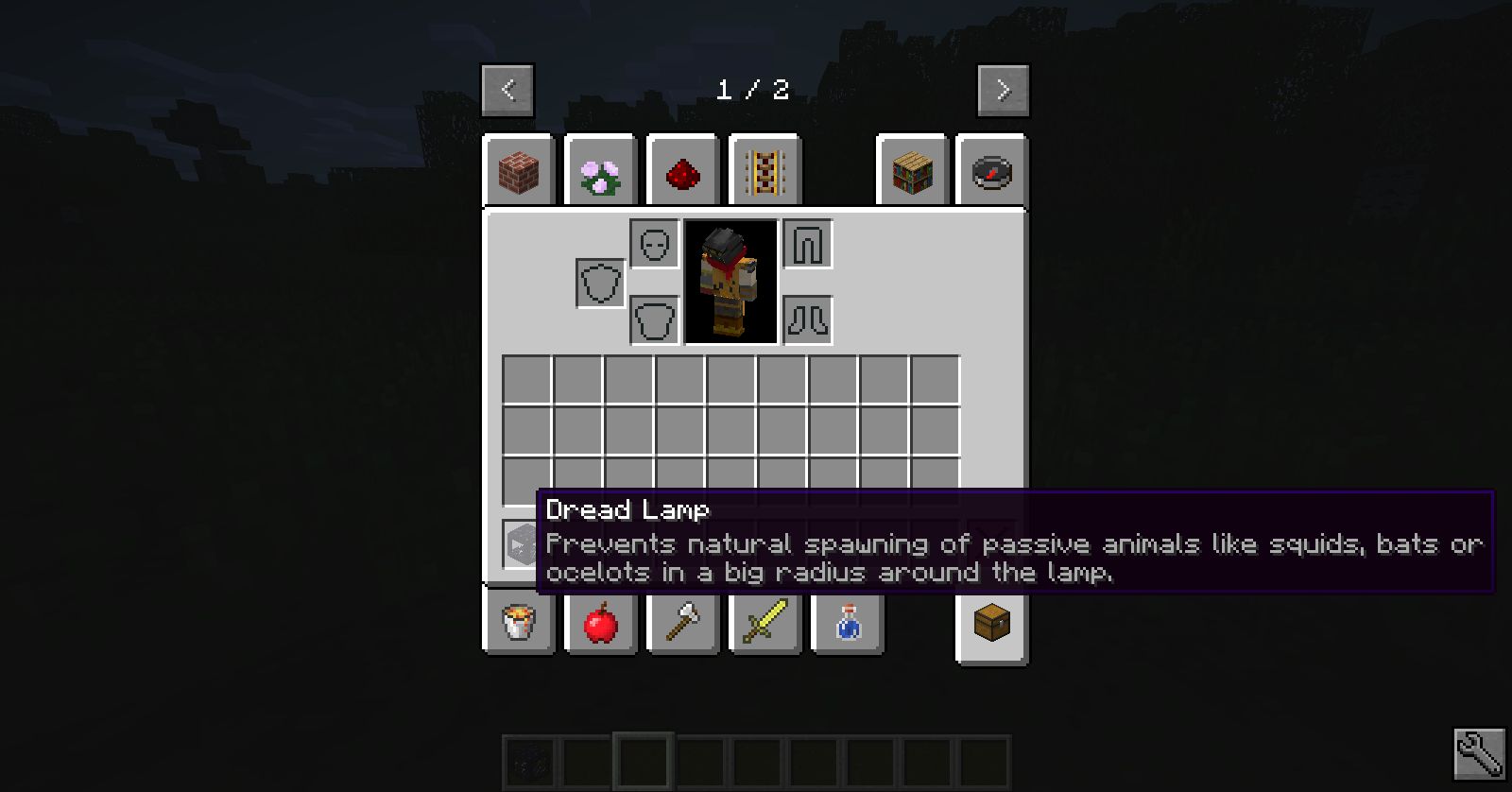
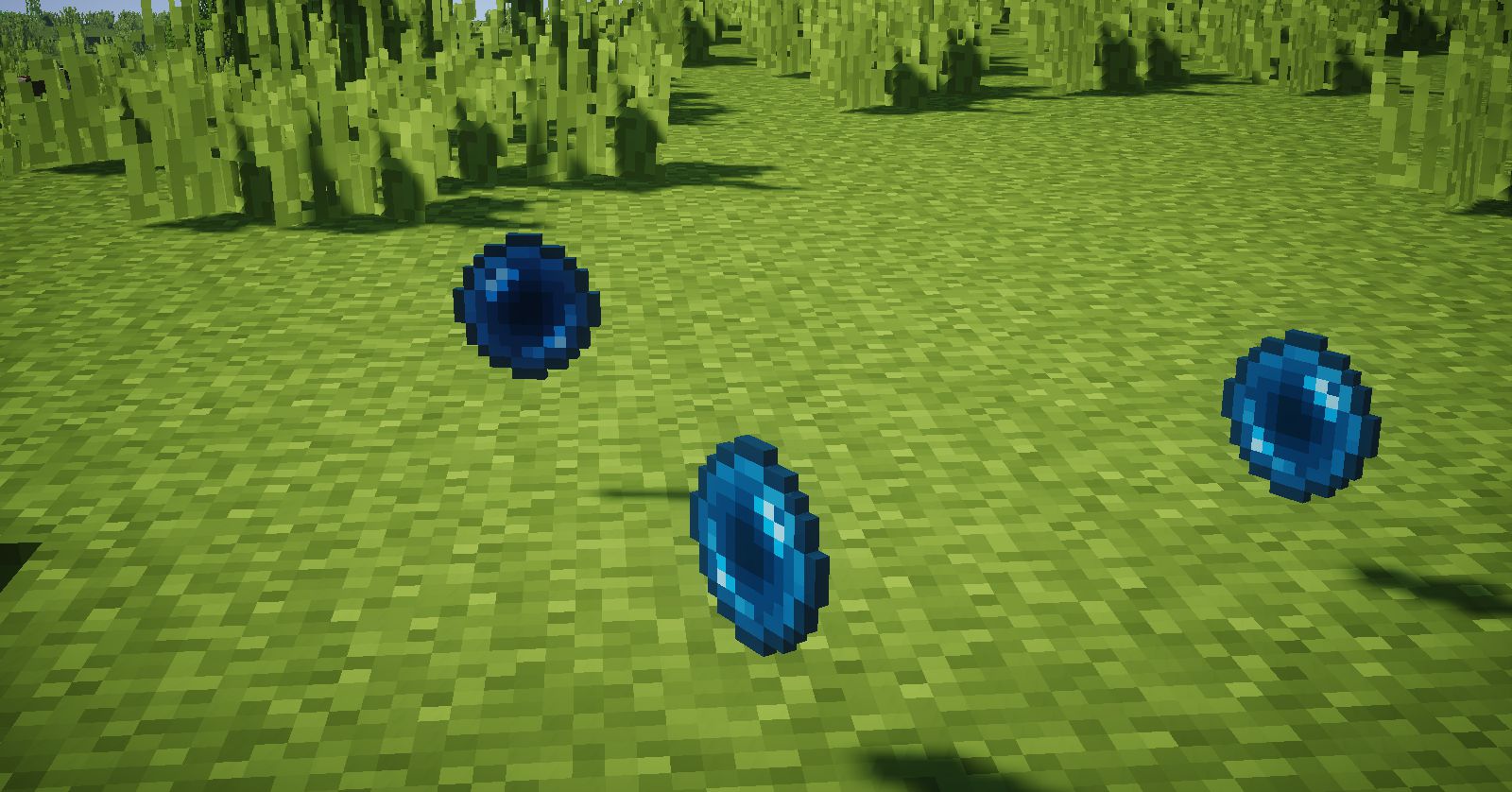
- Dread Lamp: Prevents passive mobs like pigs, cows, and squids from spawning in a wide area. It is great for reducing lag from too many animals, but it still allows you to breed animals normally within its range.
How to Use:
- To use the Terrain Lighter, place it on the ground.
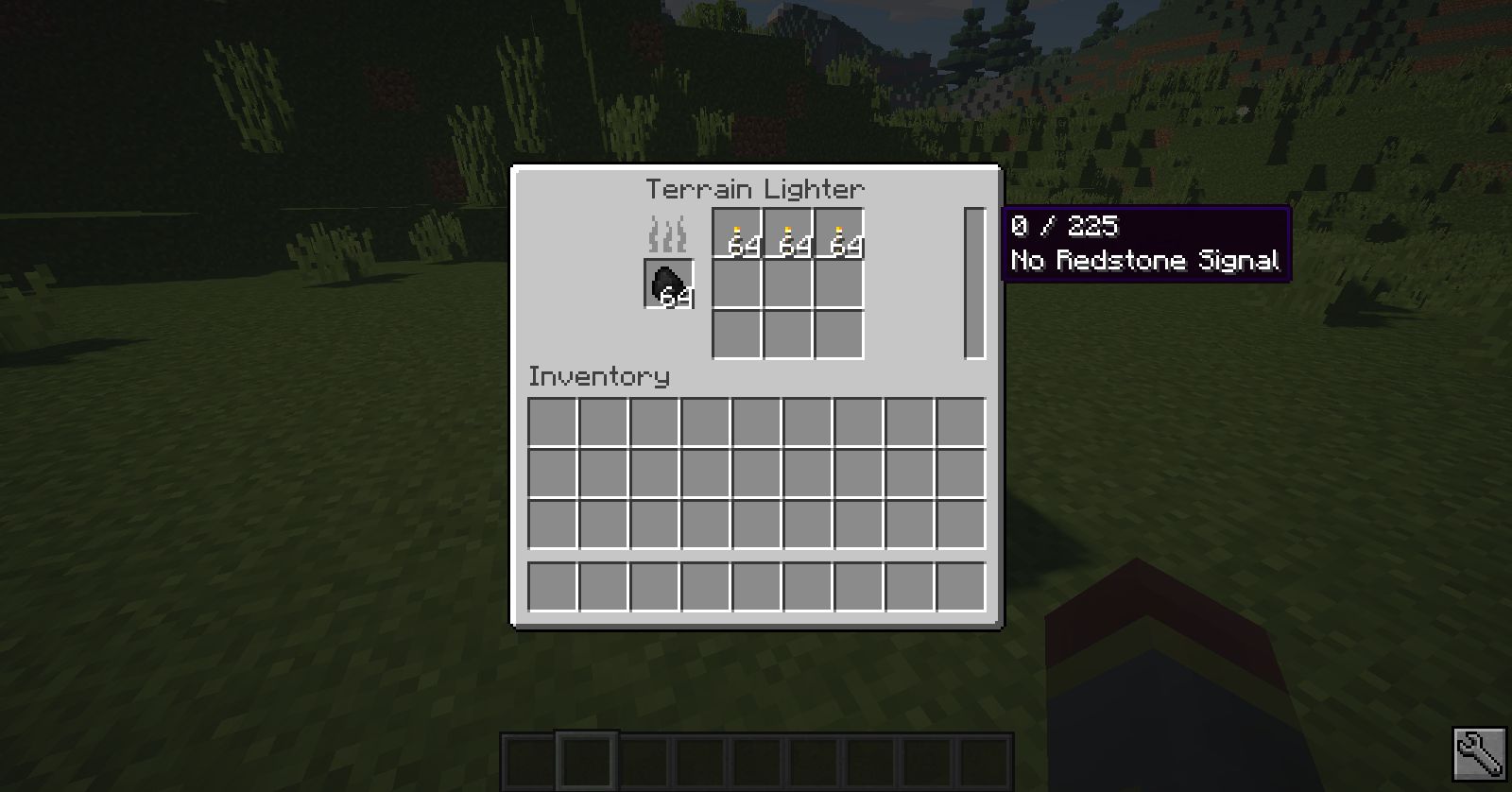
- Open its interface and add fuel, like coal or wood, and a supply of torches.
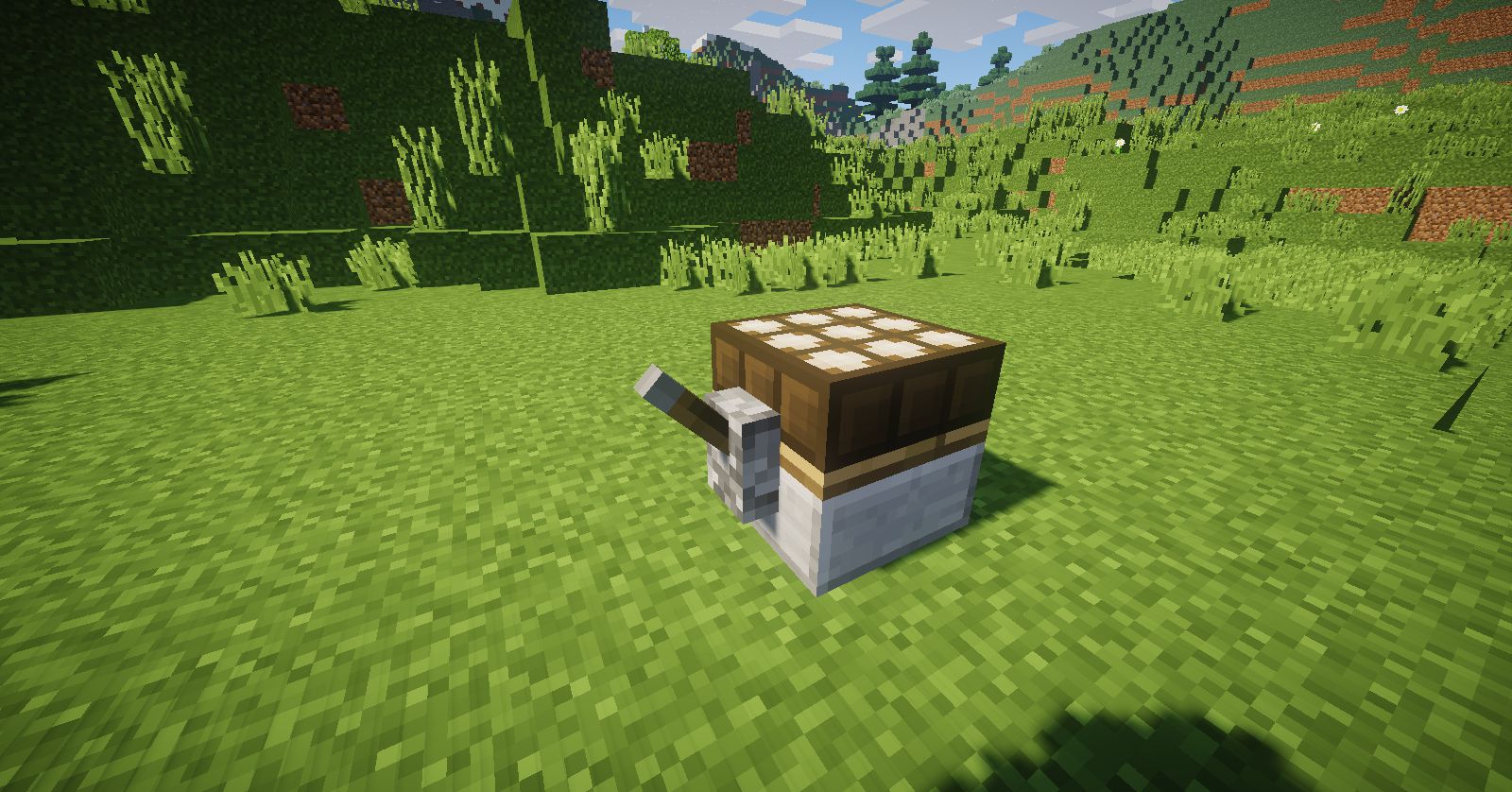
- Activate the block with a redstone signal, such as a lever or redstone torch, to make it start placing torches.
Crafting Recipes:
Special torch

Terrain Lighter

Dread Lamp
Screenshots:
TorchMaster Mod Download Links
For Minecraft 1.12.2
Forge version: Download from Server 1
For Minecraft 1.15.2
Forge version: Download from Server 1
For Minecraft 1.16.5
Forge version: Download from Server 1
For Minecraft 1.17.1
Forge version: Download from Server 1
For Minecraft 1.18.2
Forge version: Download from Server 1
For Minecraft 1.19.2
Forge version: Download from Server 1
For Minecraft 1.19.3
Forge version: Download from Server 1 – Download from Server 2
For Minecraft 1.19.4
Forge version: Download from Server 1 – Download from Server 2
For Minecraft 1.20.1, 1.20
Forge version: Download from Server 1 – Download from Server 2
For Minecraft 1.21.1, 1.21
NeoForge version: Download from Server 1 – Download from Server 2
Fabric version: Download from Server 1 – Download from Server 2
For Minecraft 1.21.3, 1.21.2
NeoForge version: Download from Server 1 – Download from Server 2
Fabric version: Download from Server 1 – Download from Server 2
For Minecraft 1.21.4
NeoForge version: Download from Server 1
Fabric version: Download from Server 1
For Minecraft 1.21.5
NeoForge version: Download from Server 1 – Download from Server 2
Fabric version: Download from Server 1 – Download from Server 2
For Minecraft 1.21.10, 1.21.9
NeoForge version: Download from Server 1 – Download from Server 2
Fabric version: Download from Server 1 – Download from Server 2
- Edition: Minecraft Java
- File type: .jar
- Minecraft versions listed: 1.21.10, 1.20.1
- How to install: Install the matching mod loader (Forge, Fabric or NeoForge) for your Minecraft version. → Download the .jar. → Put it in the .minecraft/mods folder and launch that loader profile.
- Where to get it: In MC Java Mods, or directly above on this page.
Install steps are the general flow for this file type — How to install Minecraft Java mods & modpacks walks through it step by step.
TorchMaster Mod (1.21.10, 1.20.1) – Take Control of Mob Spawning is a free Minecraft Java mod. Compatible with Minecraft 1.21.10, 1.20.1. Download it and open it directly in the game.