
Subtitle Highlight Mod (1.20.1, 1.19.4) – Never Miss a Creeper's Hiss Again
Subtitle Highlight Mod adds custom colors to Minecraft's subtitles. This helps you quickly tell different sounds apart. For example, you can make a…
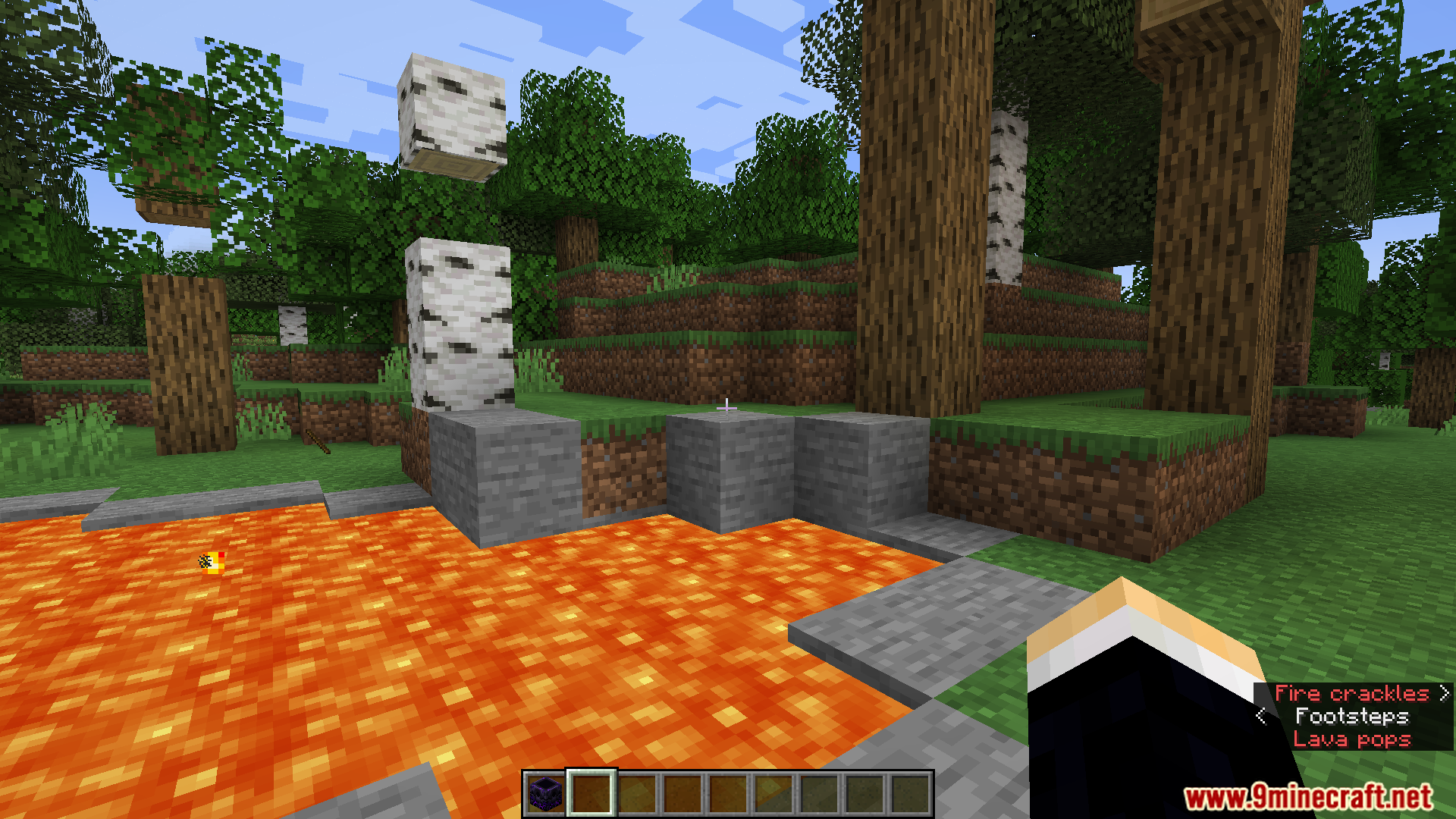
⬇ DownloadOpen in MCModsHubGet it on Google Play →Subtitle Highlight Mod adds custom colors to Minecraft’s subtitles. This helps you quickly tell different sounds apart. For example, you can make a Warden’s roar appear in red text, while a friendly animal’s sound shows up in green. The mod gives you a full menu to choose the colors for every sound in the game.
Features:
- Makes it easier to tell subtitles apart by giving them different styles and colors.
- Lets you pick a special color and format for every single sound in the game.
- Saves all your custom settings in a file called
subtitle_highlight.json. - Includes a fun little Easter egg that you can easily turn off in the settings menu.
Configuration:
- You can change the mod’s settings through the in-game mods menu.
- All settings are saved in the
/config/subtitle_highlight.jsonfile in your Minecraft folder.
Screenshots:
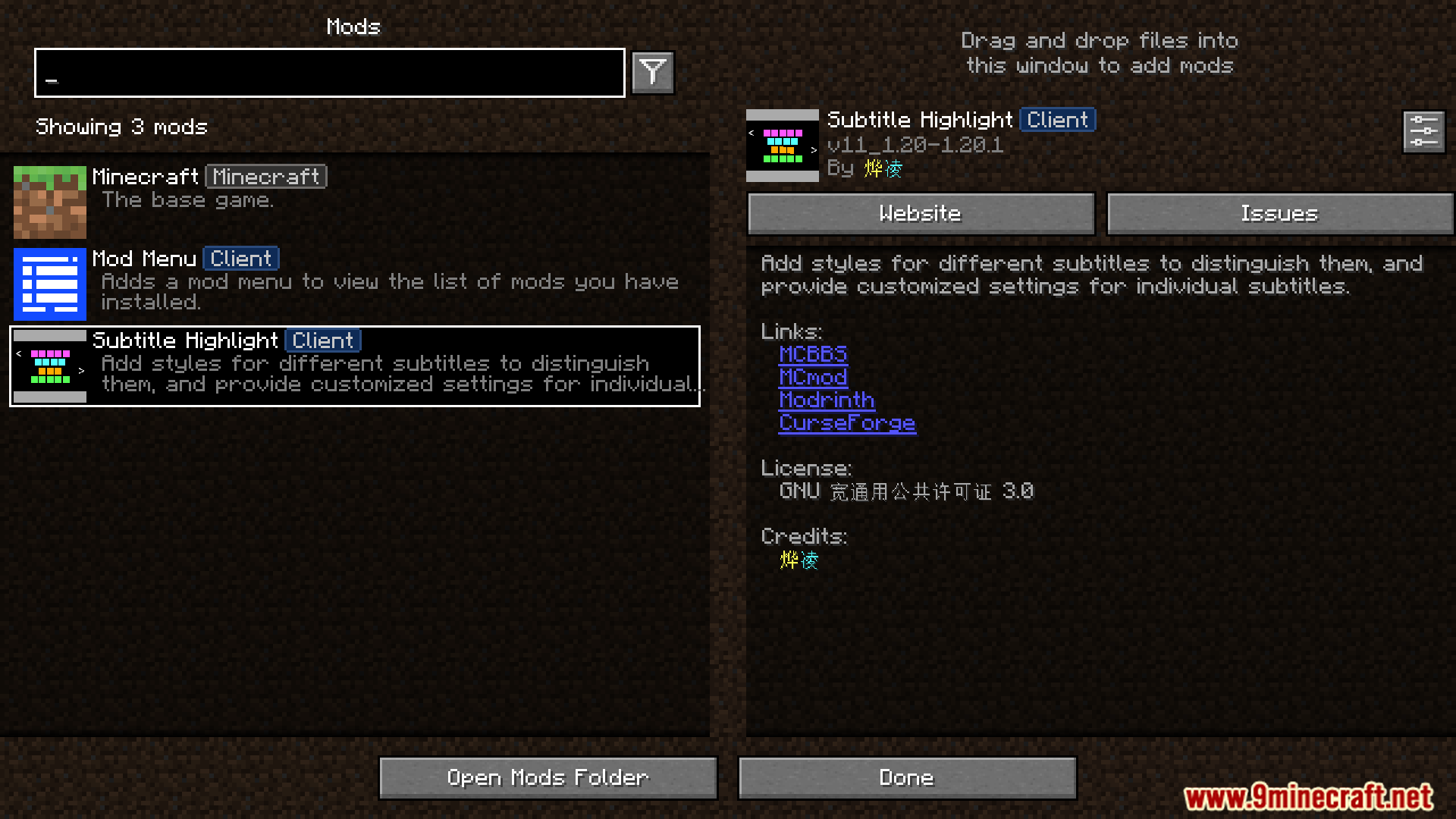
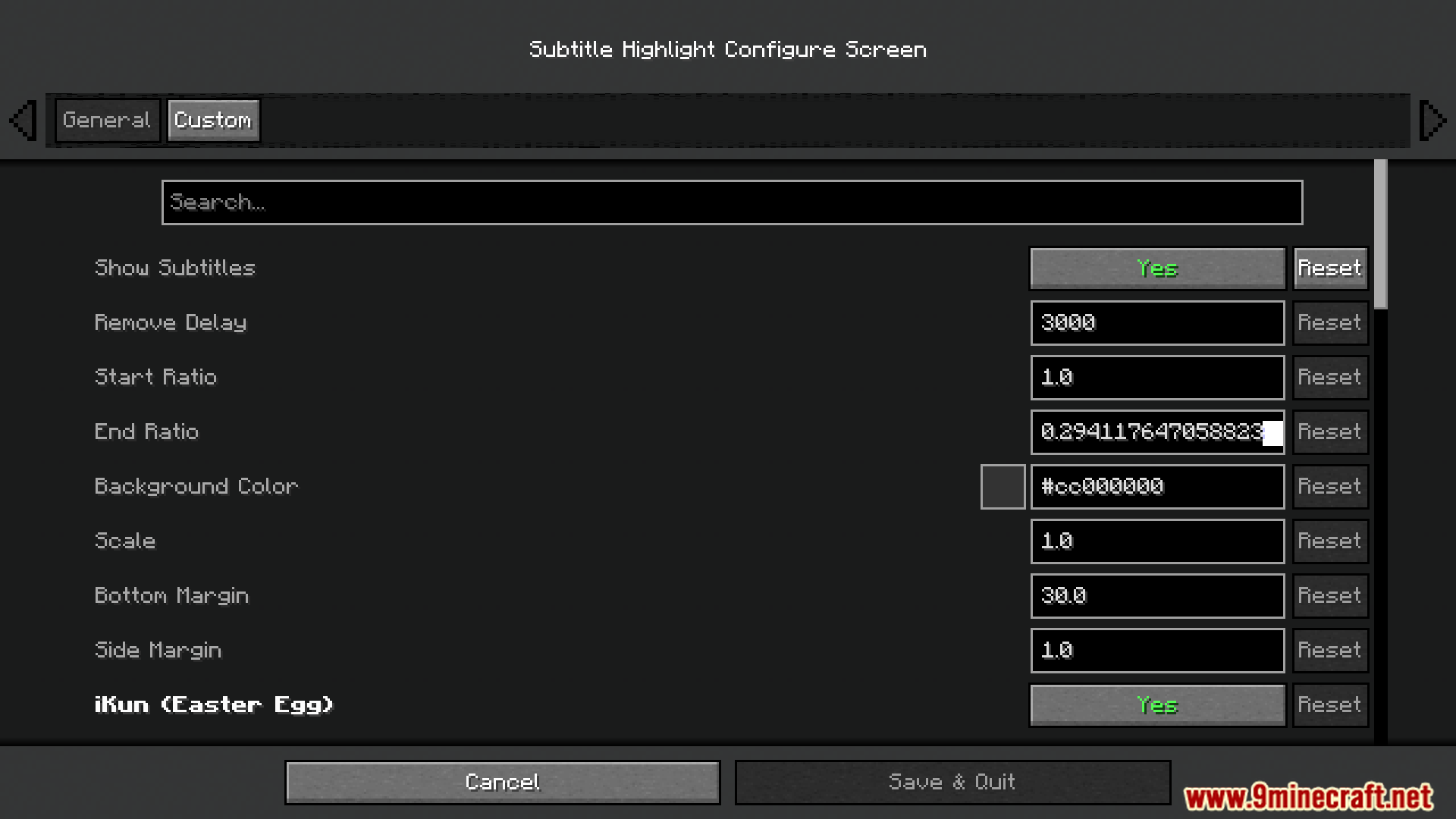
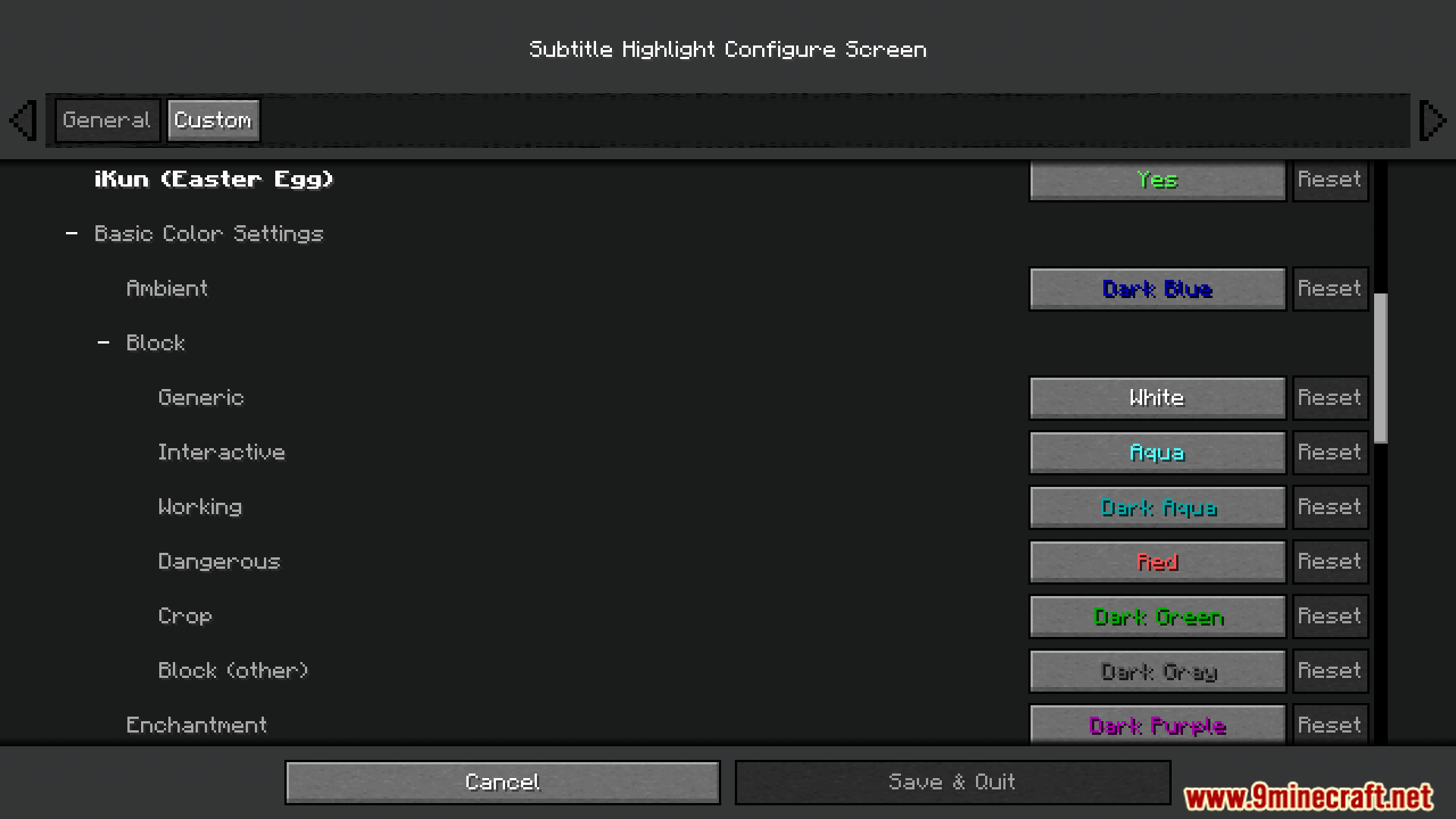
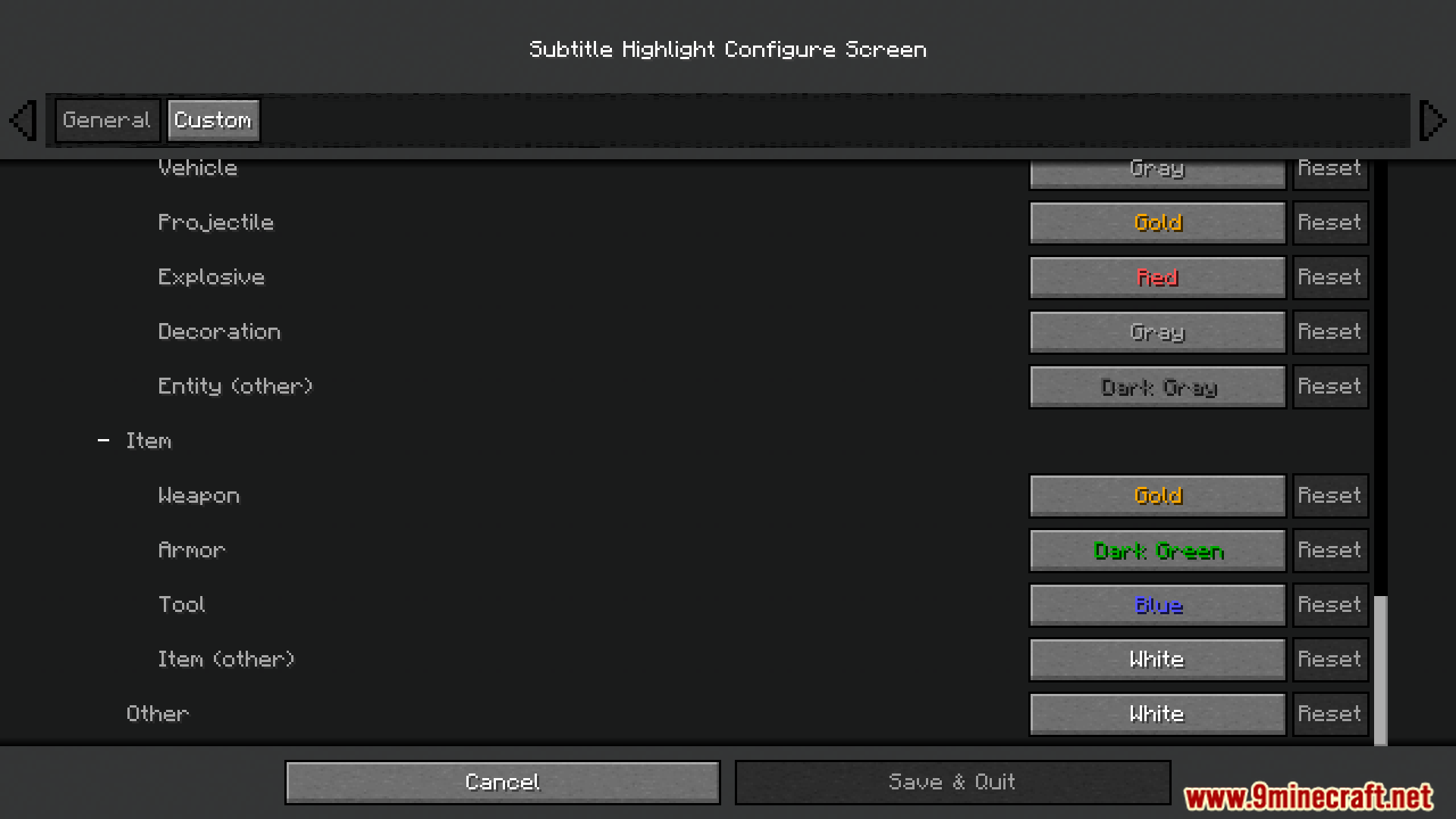

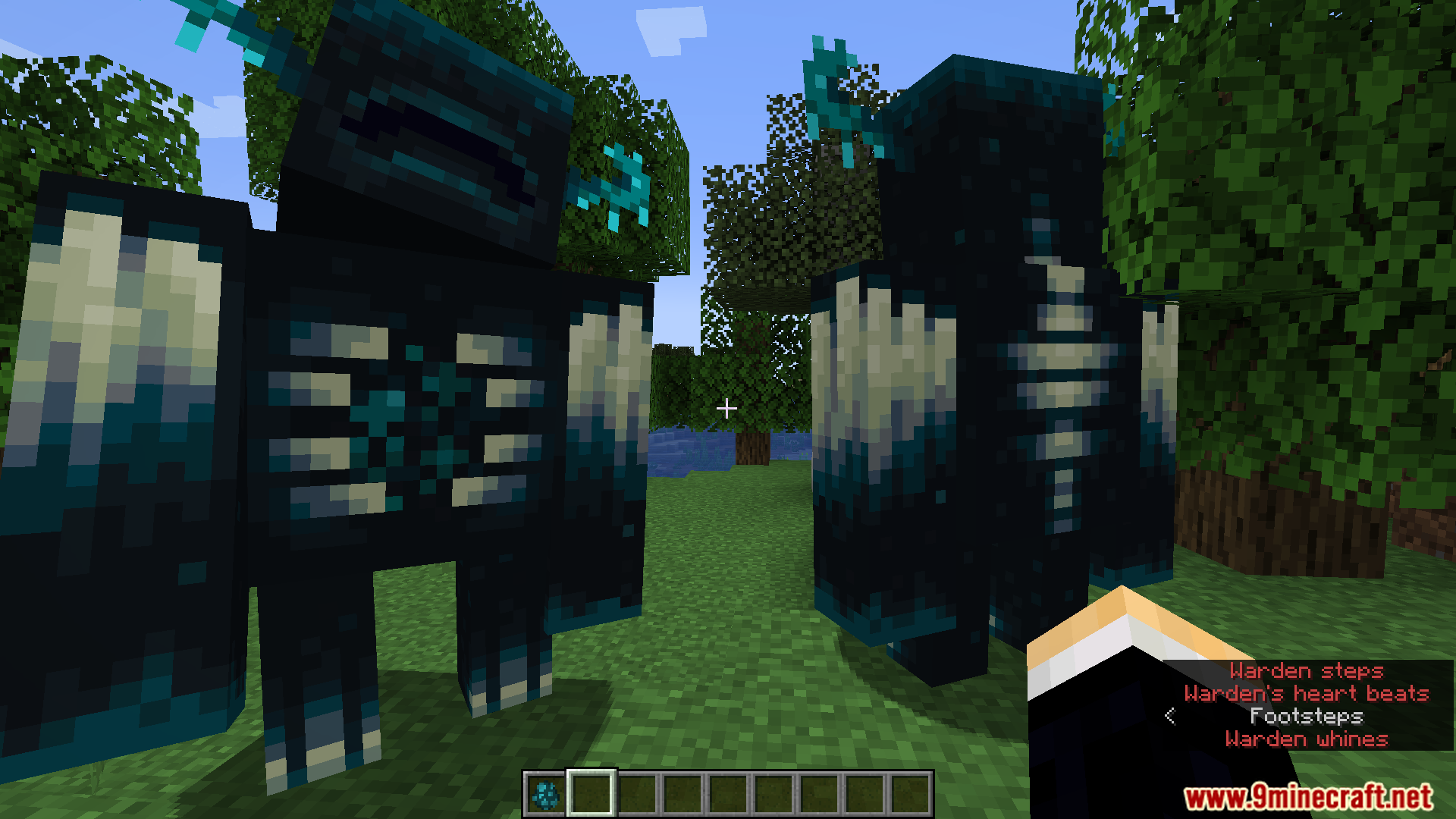
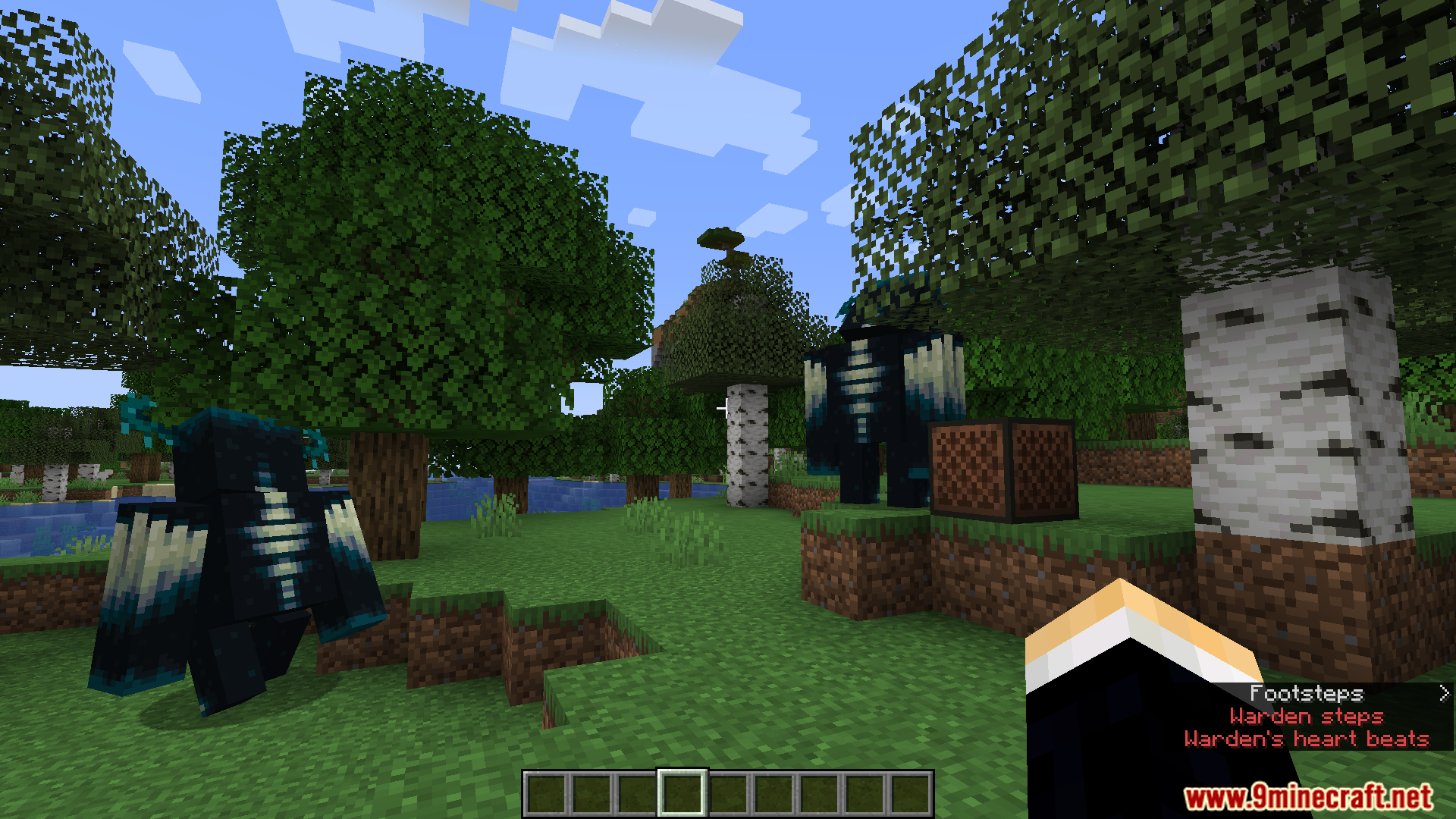
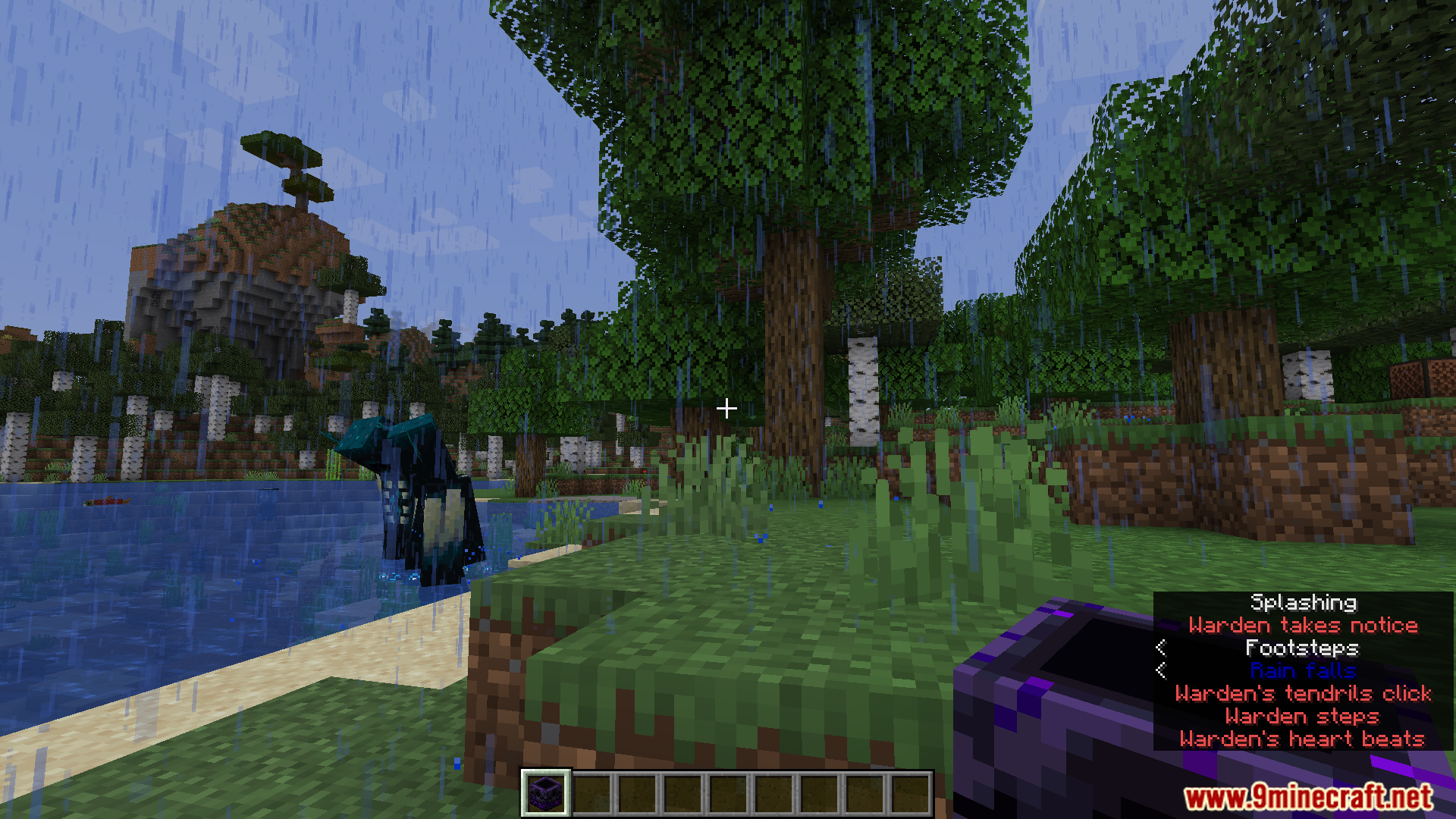
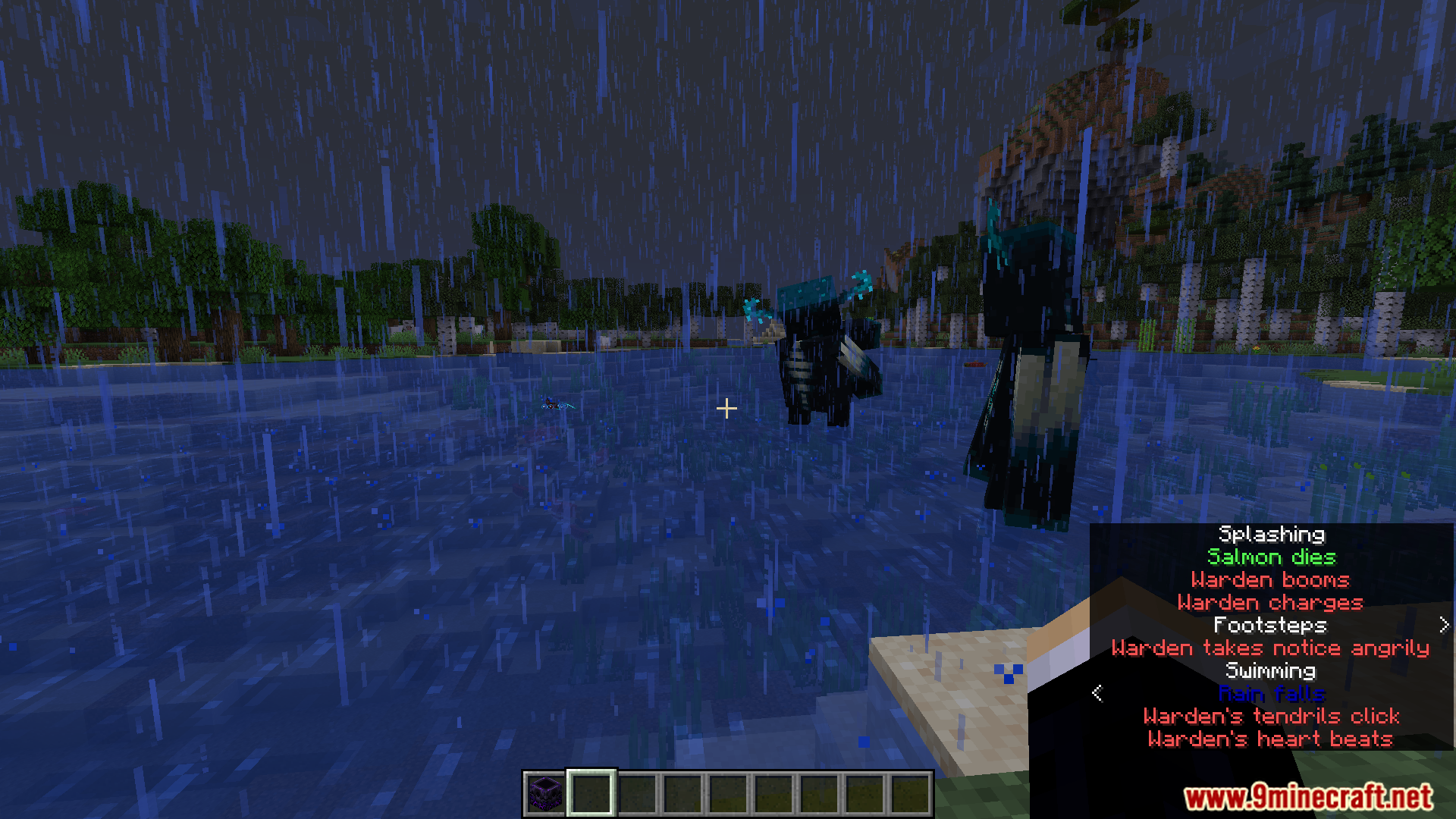


Subtitle Highlight Mod Download Links
For Minecraft 1.20.1, 1.20
Fabric/Quilt version: Download from Server 1 – Download from Server 2
For Minecraft 1.19.4
Fabric/Quilt version: Download from Server 1 – Download from Server 2
For Minecraft 1.19.3
Fabric/Quilt version: Download from Server 1 – Download from Server 2
For Minecraft 1.19.2, 1.19.1, 1.19
Fabric/Quilt version: Download from Server 1 – Download from Server 2
For Minecraft 1.18.2
Fabric/Quilt version: Download from Server 1 – Download from Server 2
For Minecraft 1.17.1
Fabric/Quilt version: Download from Server 1 – Download from Server 2
For Minecraft 1.16.5
Fabric/Quilt version: Download from Server 1 – Download from Server 2
- Download size: 46 KB
- Download link checked 25 Jul 2026 — working
- Mirrored on our own servers — the download does not depend on the original host
These come from our own check of the pack file, not from the source page.