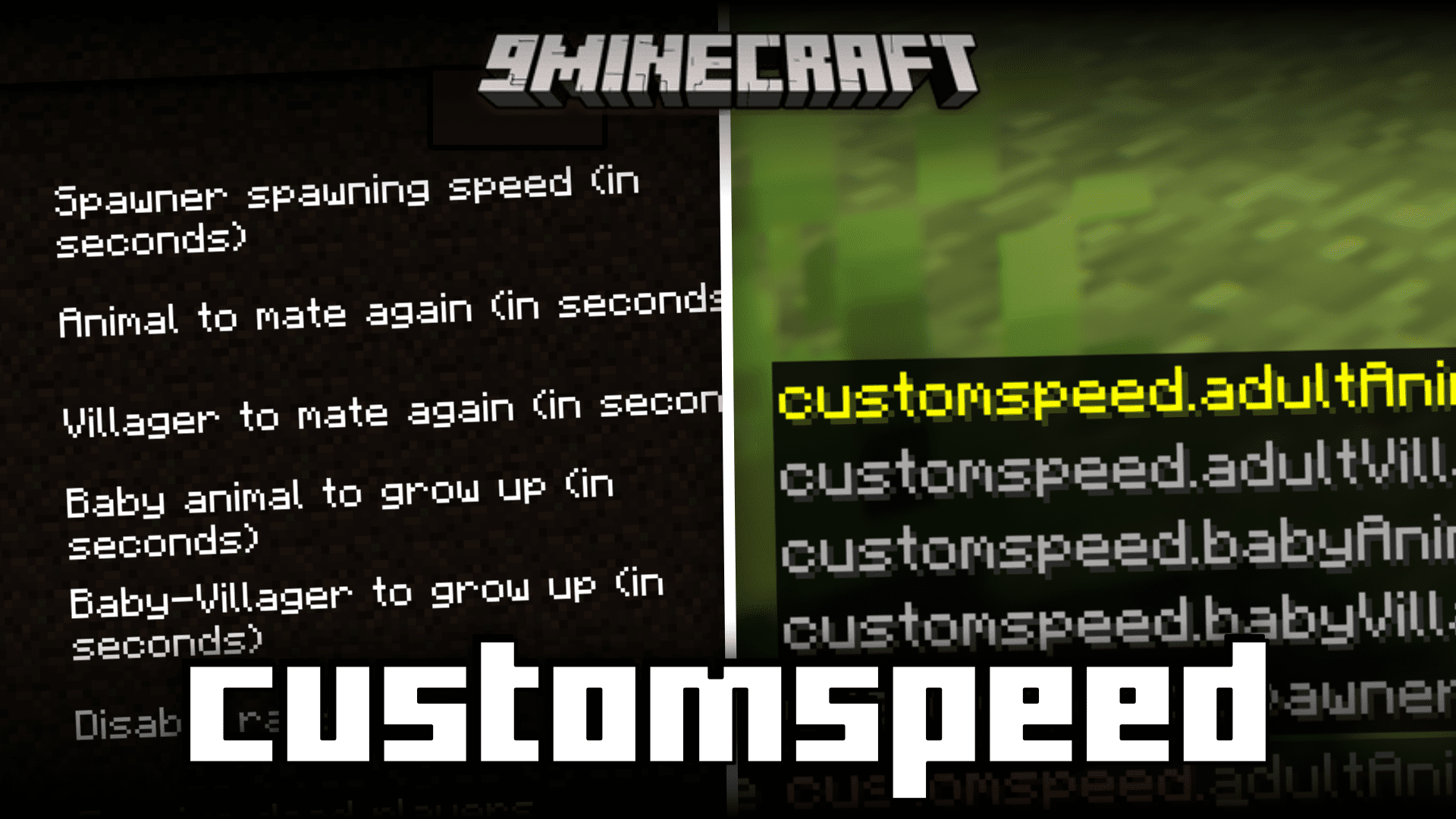
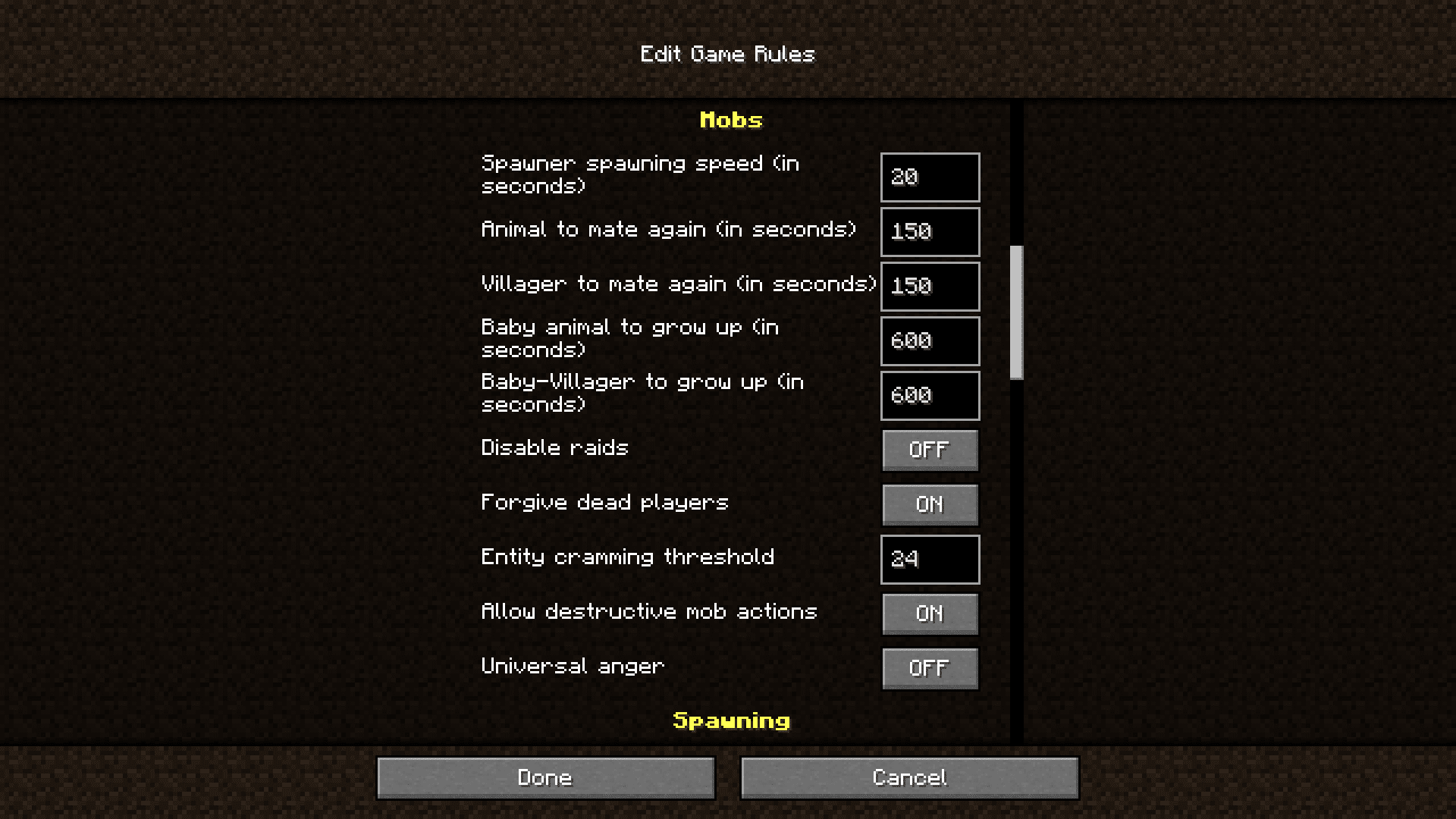
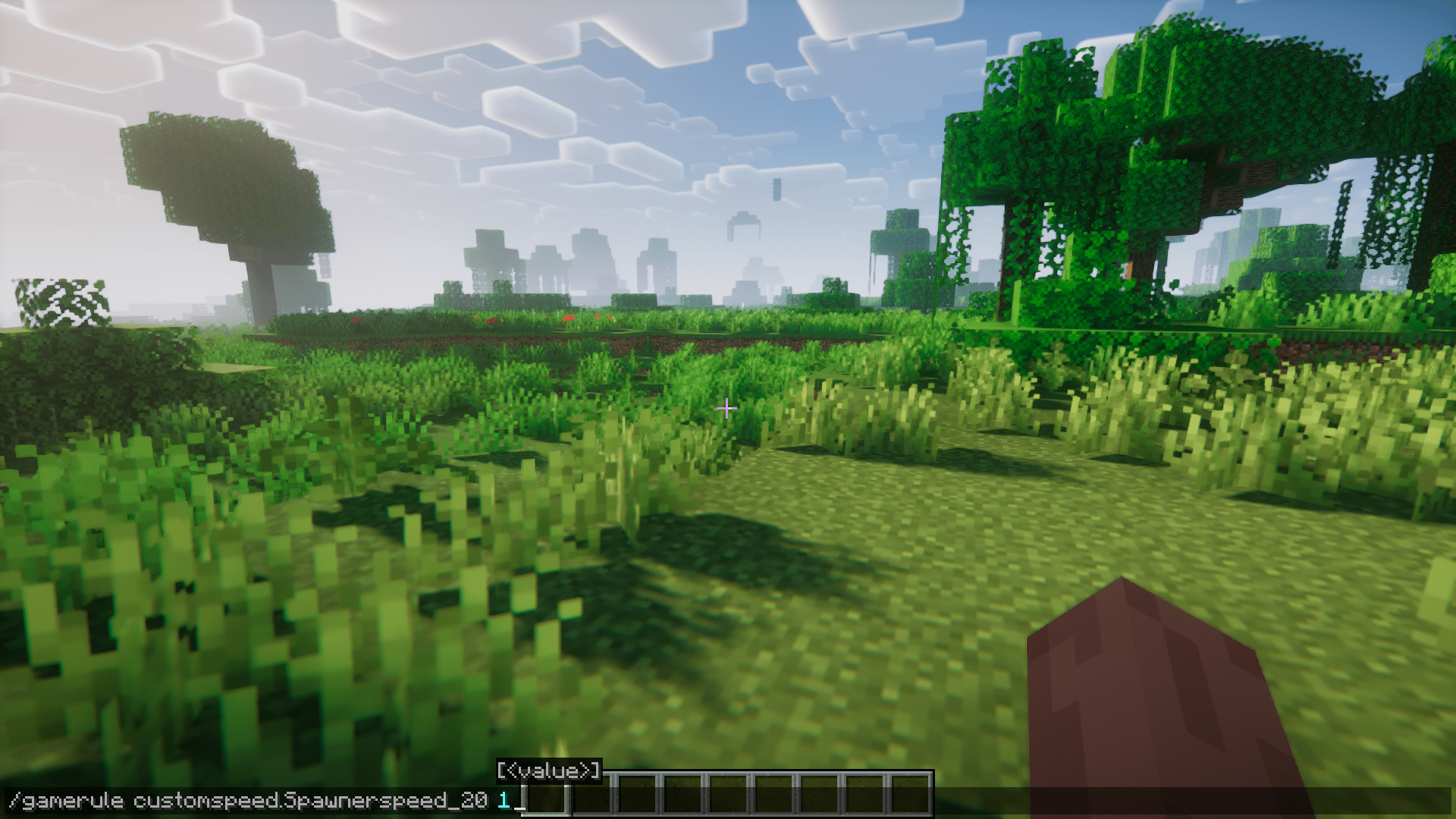
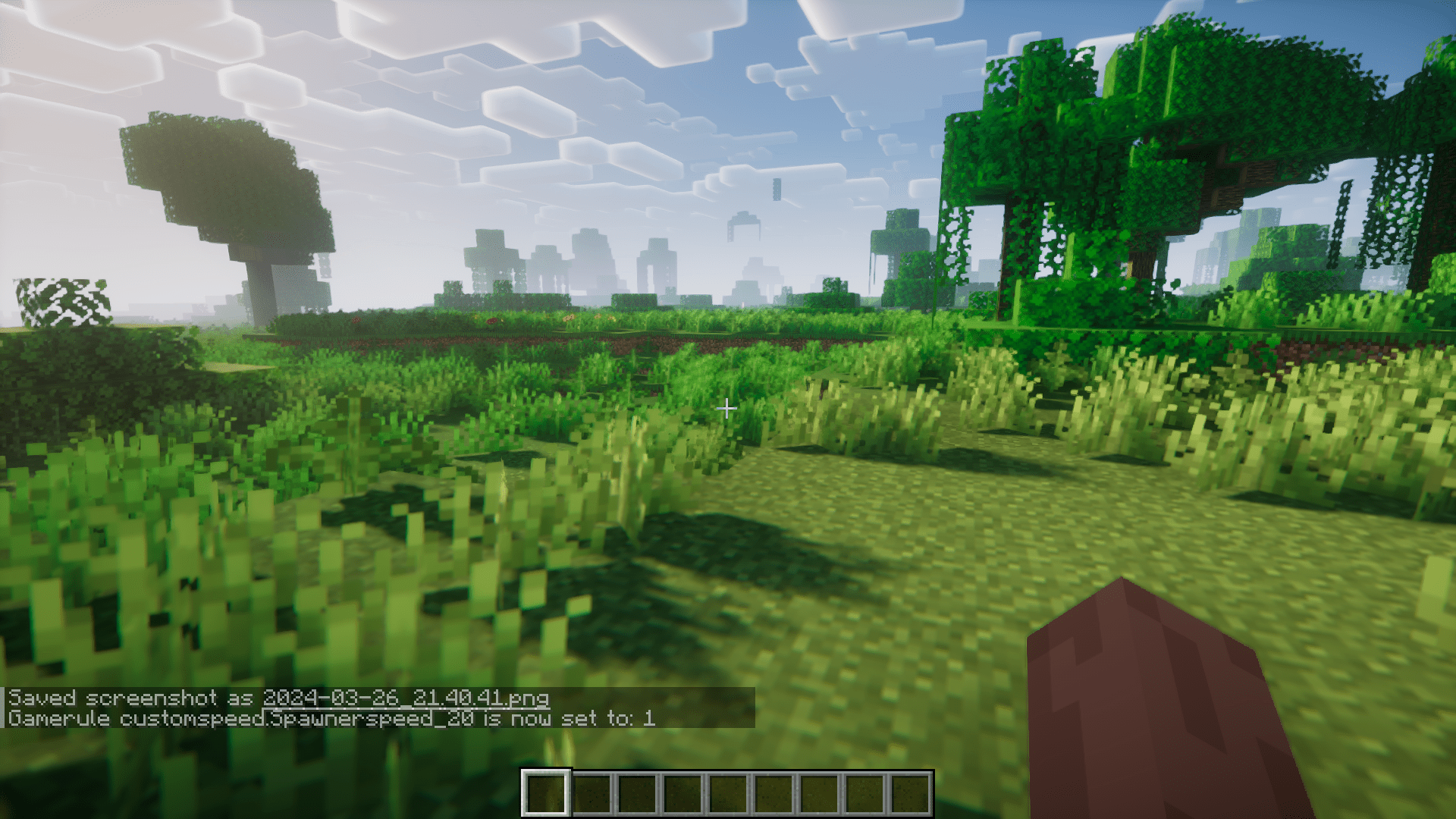



Minecraft has an in-game clock that determines how often certain periodic tasks must take place. This clock is also used to determine the cooldown time of certain different processes. For example, there is a cooldown for how often a mob spawner must spawn mobs. This cooldown is between 10-40 seconds. But what if you wanted a mob spawner to work faster? The solution to this is Customspeed Mod. As the name suggests, the Customspeed mod allows you to customize certain speeds in the game. The mod allows you to edit these values using commands. Using these commands, you can change the cooldown time for breeding mobs, the time necessary for mobs to grow, and the time for a mob spawner to spawn mobs. There is also an option to set these values in the world creation menu. The command and their usage are listed in the next section.
Features:
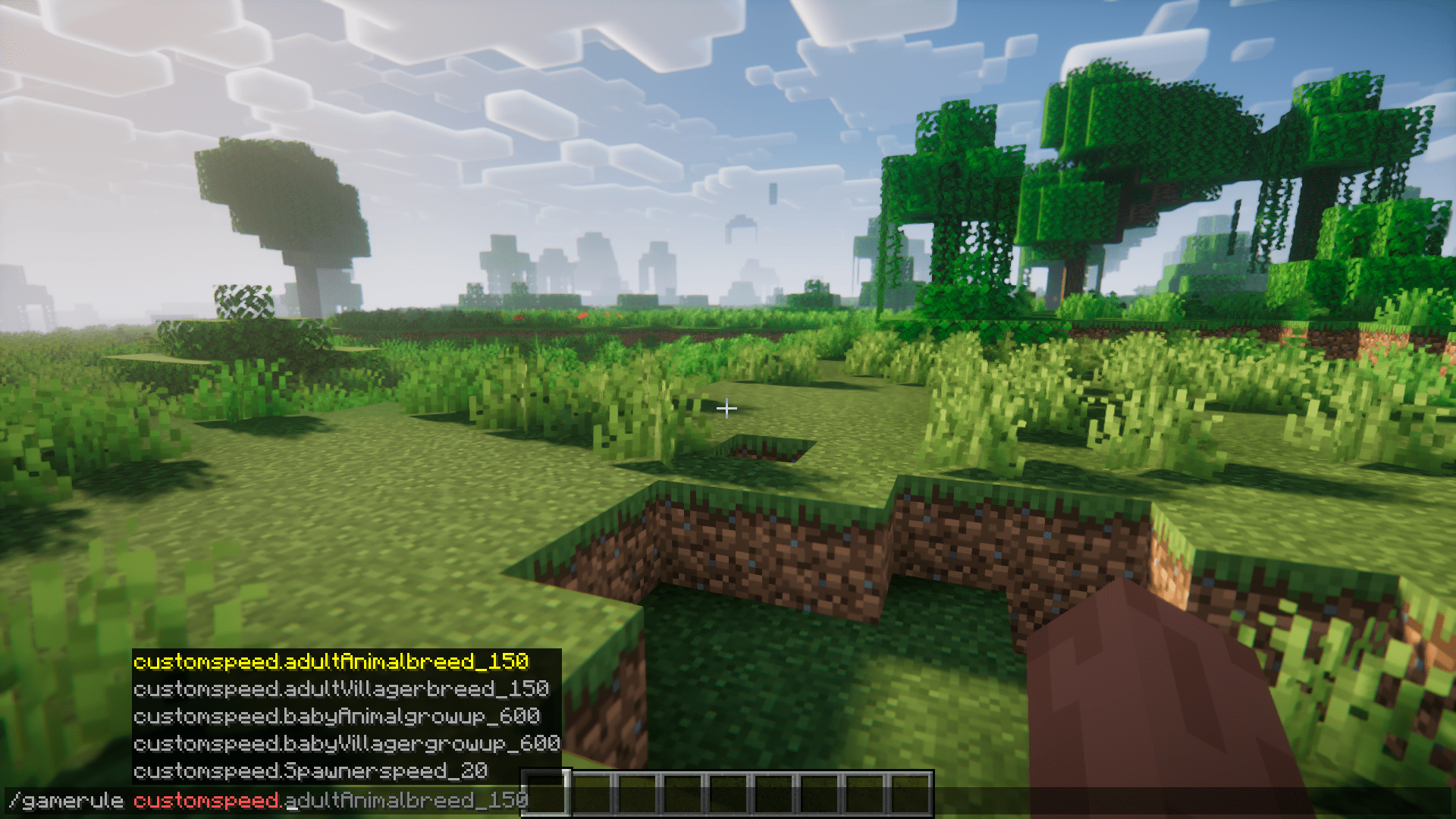
- /gamerule customspeed.adultVillagerbreed_150″: The cooldown for a villager to mate again.
- /gamerule customspeed.babyVillagergrowup_600″: The Time for a Baby Villager to grow up.
- /gamerule customspeed.adultAnimalbreed_150″: The cooldown for an Animal to mate again.
- /gamerule customspeed.babyAnimalgrowup_600″: The time for a Baby Animal to grow up.
- /gamerule customspeed.Spawnerspeed_20″: The average time for a spawner to spawn mobs again.
Screenshots:
Customspeed Mod Download Links
- Edition: Minecraft Java
- File type: .jar
- Minecraft version listed: 1.20.1
- How to install: Install the matching mod loader (Forge, Fabric or NeoForge) for your Minecraft version. → Download the .jar. → Put it in the .minecraft/mods folder and launch that loader profile.
- Where to get it: In MC Java Mods, or directly above on this page.
Install steps are the general flow for this file type — How to install Minecraft Java mods & modpacks walks through it step by step.
Customspeed Mod (26.2, 1.20.1) – Configure Time Values In-Game is a free Minecraft Java mod. Compatible with Minecraft 1.20.1. Download it and open it directly in the game.