Skyfall Meteorites Mod (1.20.1, 1.19.2) – Mine Impact Craters for New Ores
Java mod listed for Minecraft 1.19–1.20. File opened and checked on 25 Oct 2026; downloads from the MC Java Mods app on Android.
⬇ Download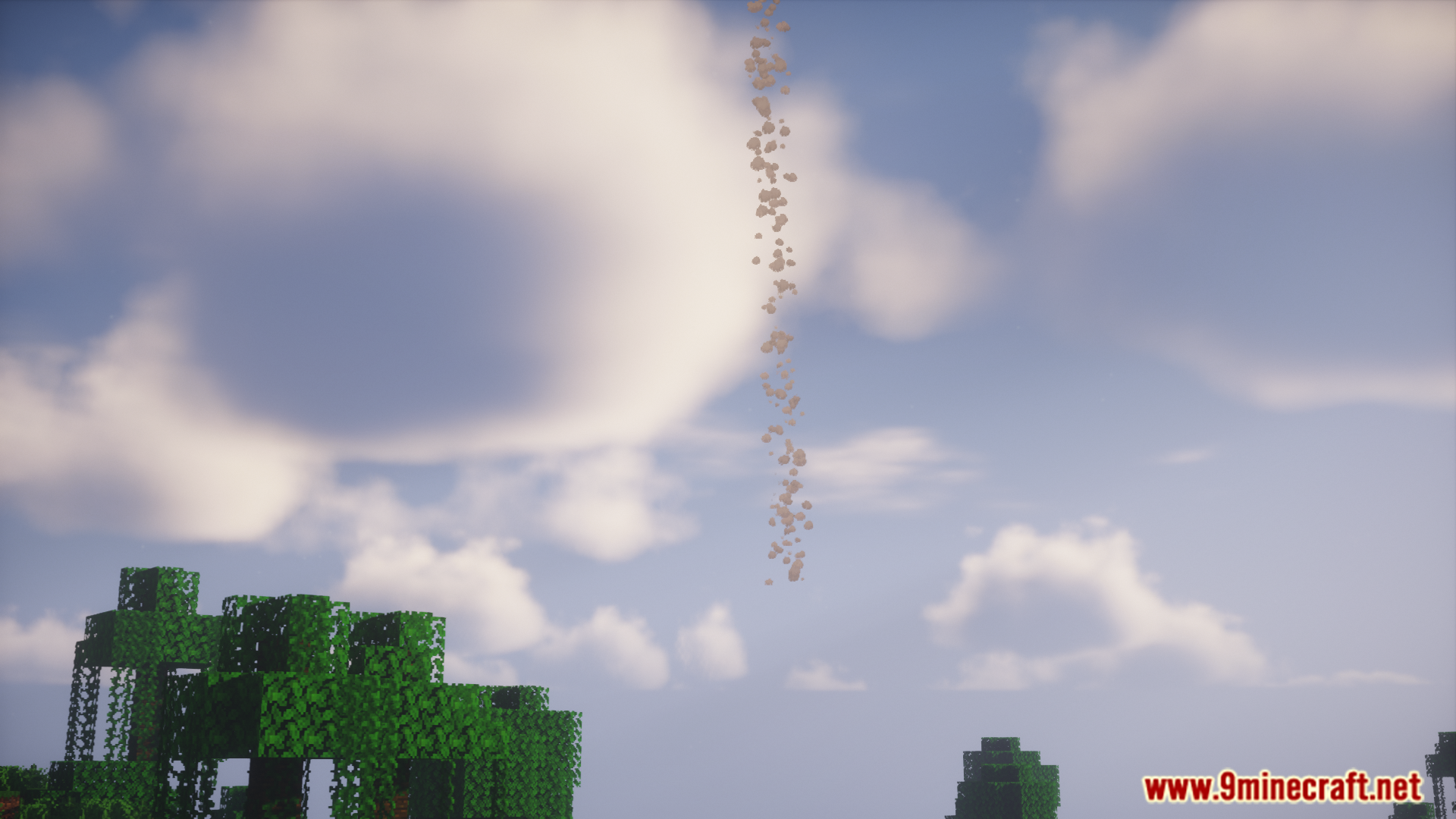
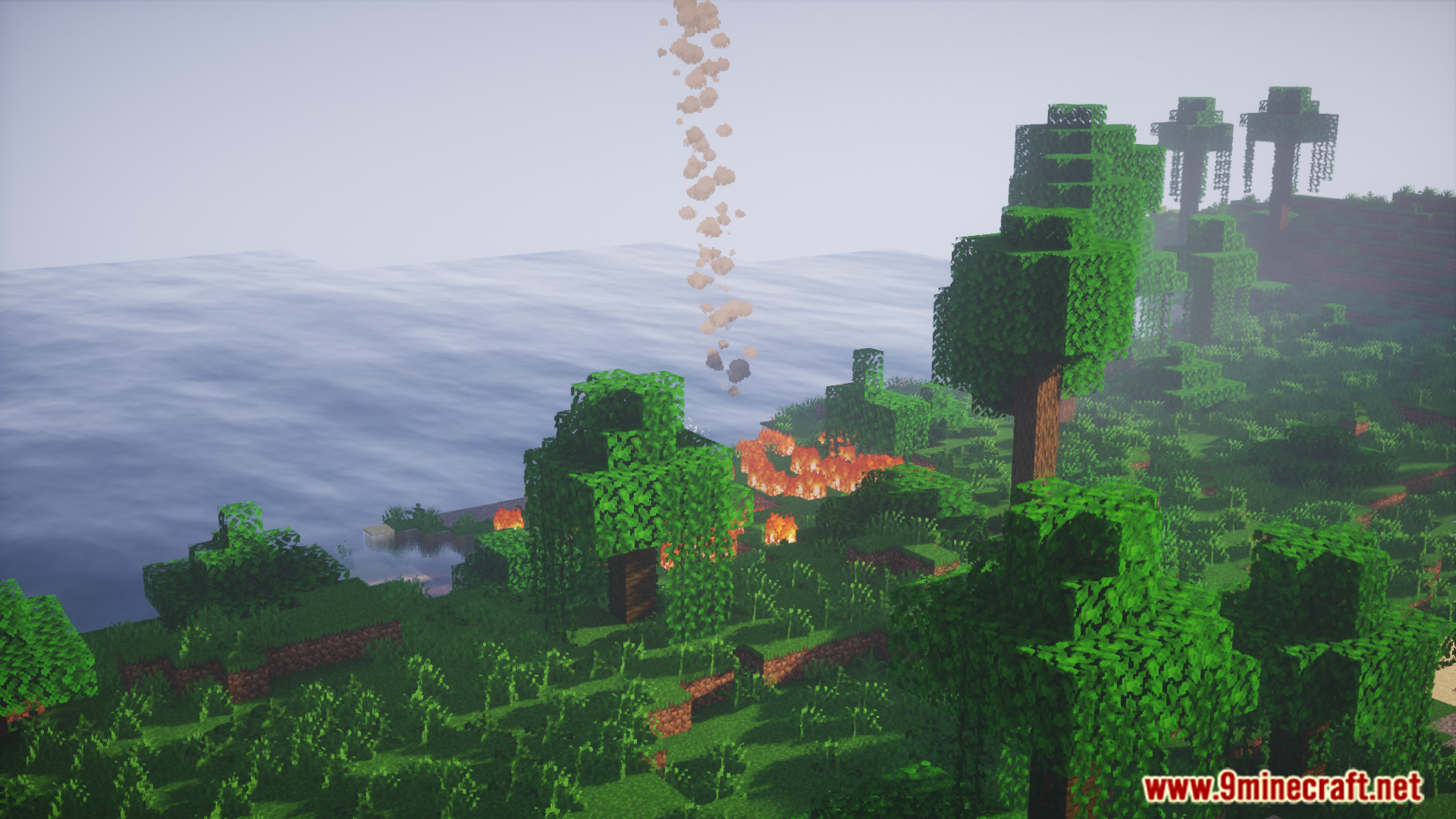
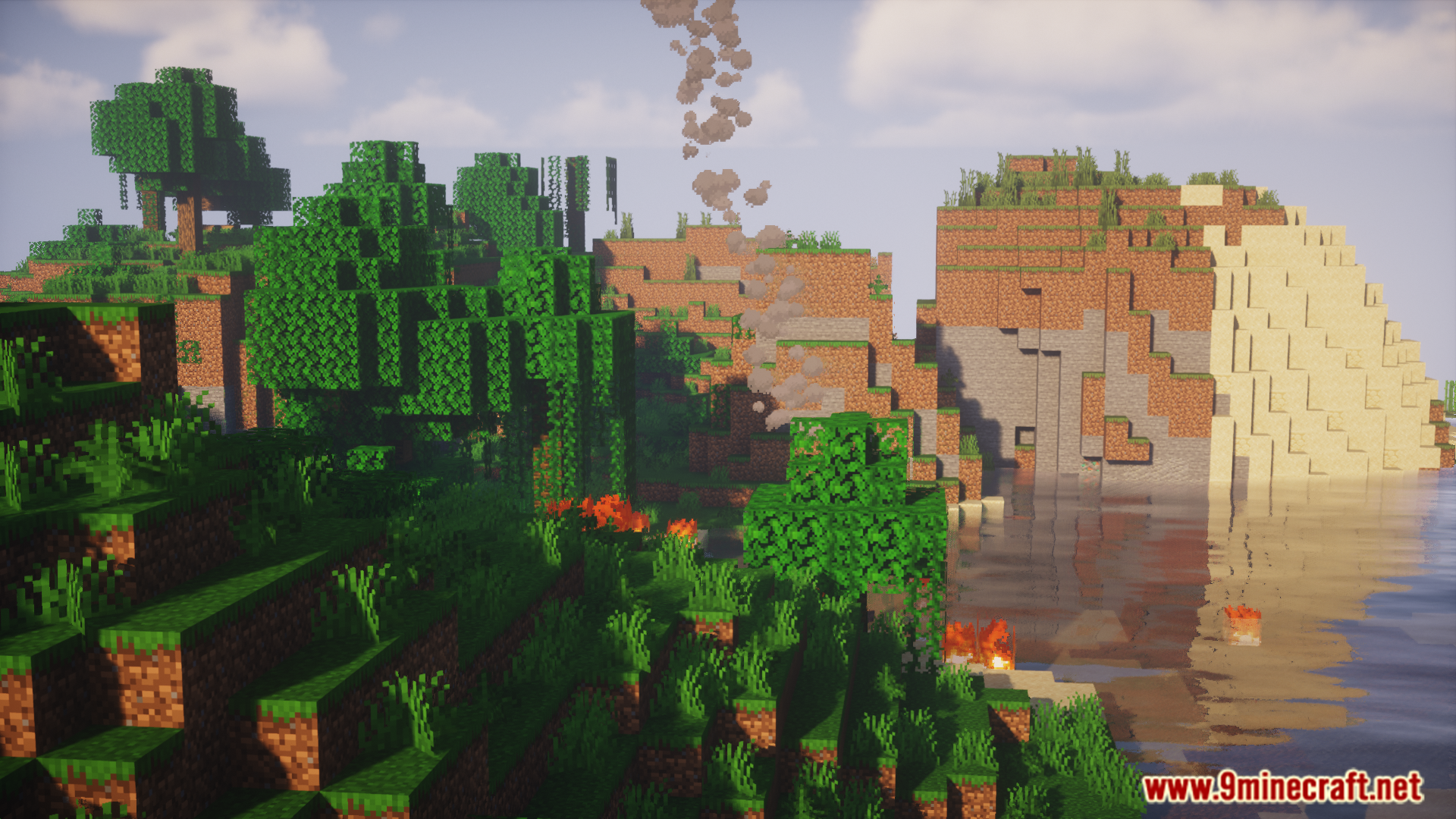
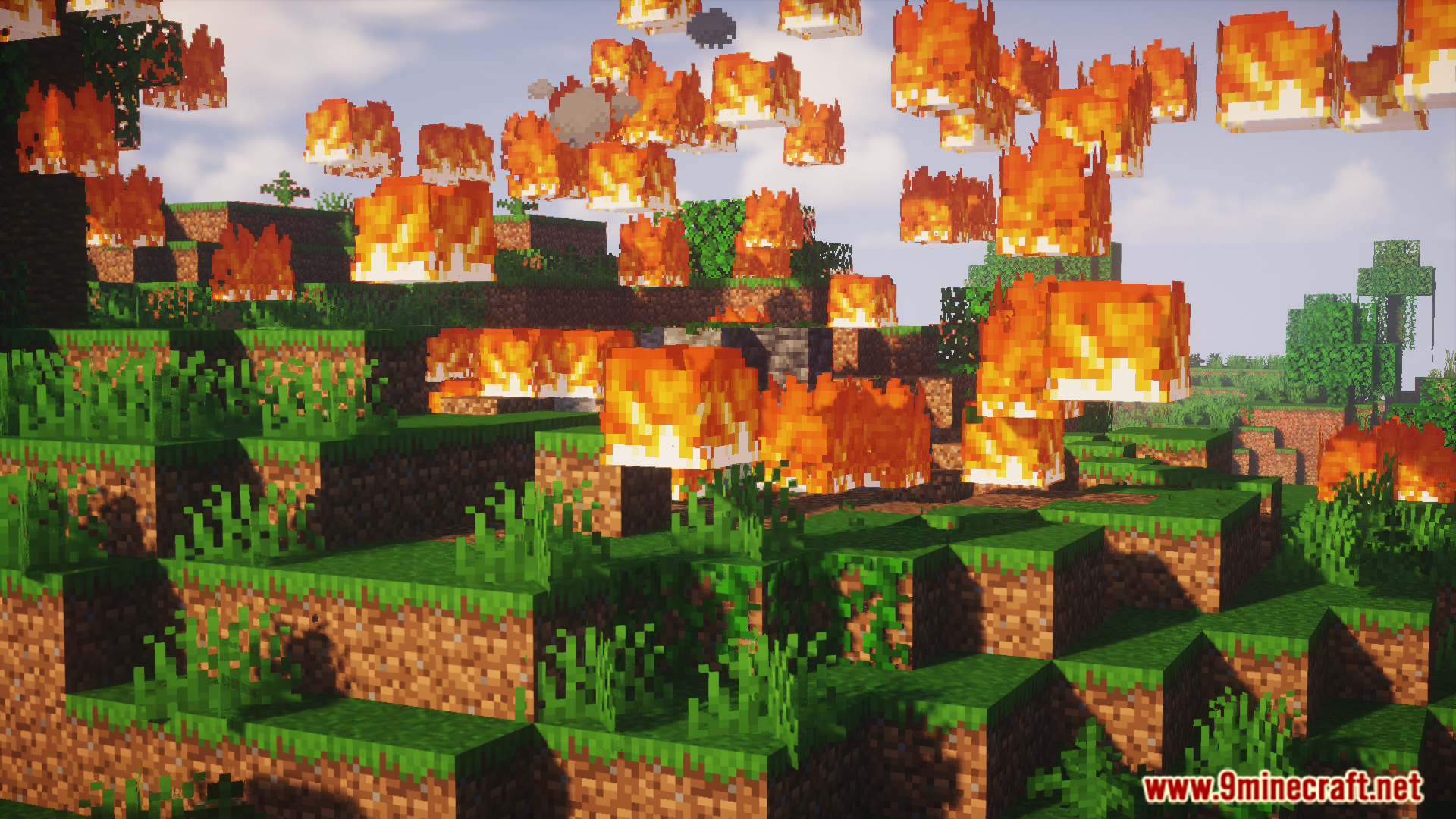
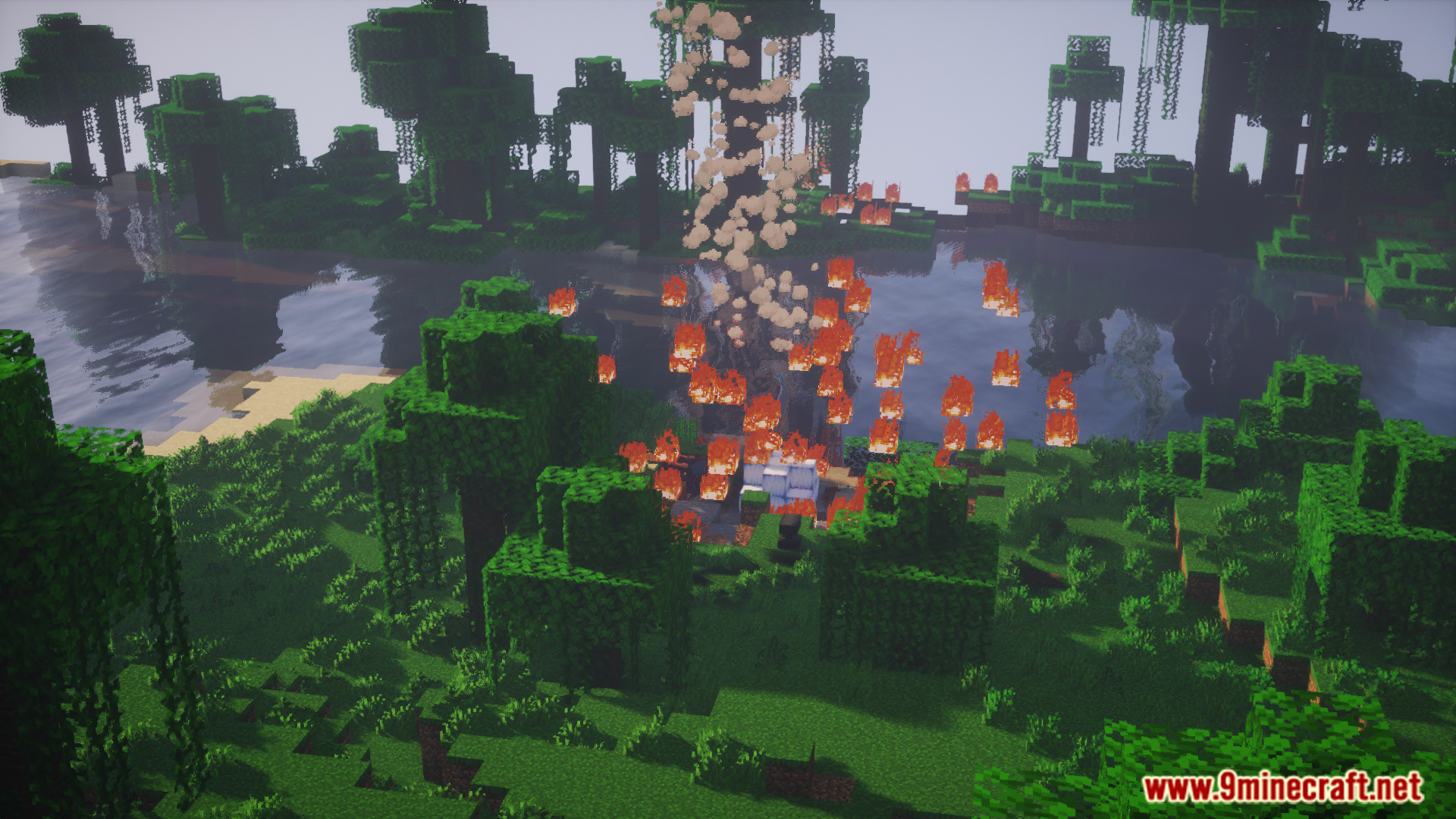
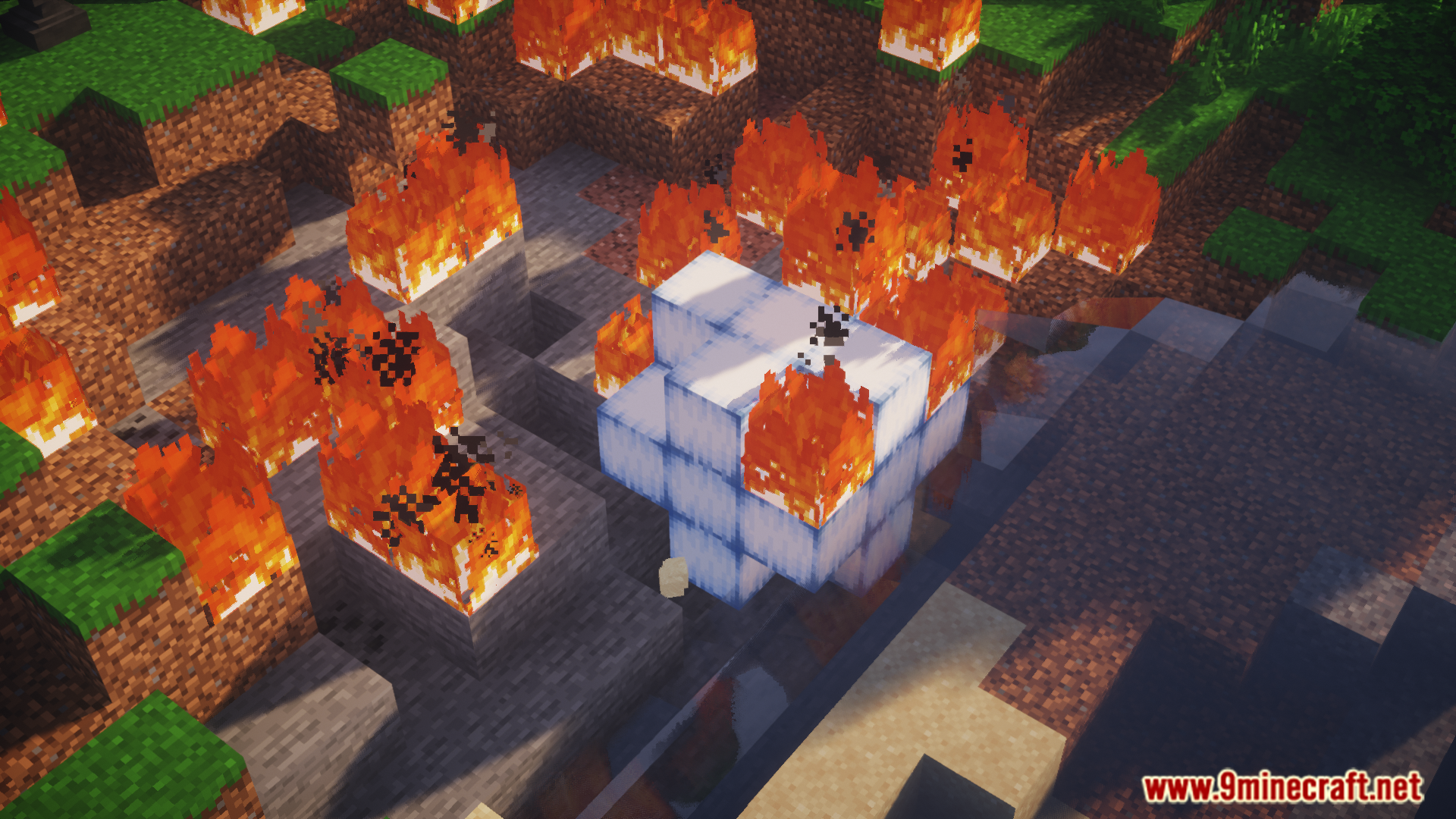
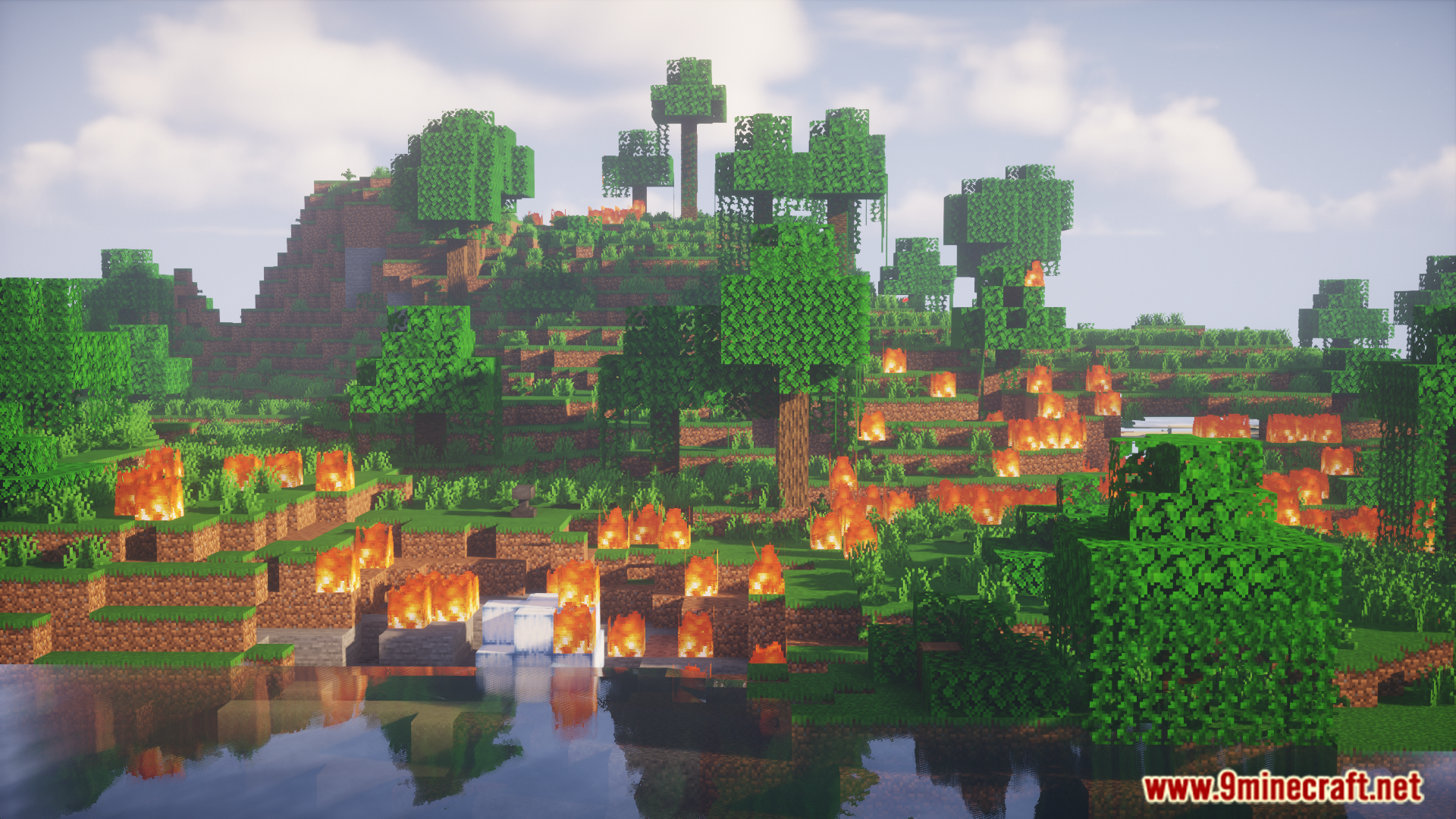
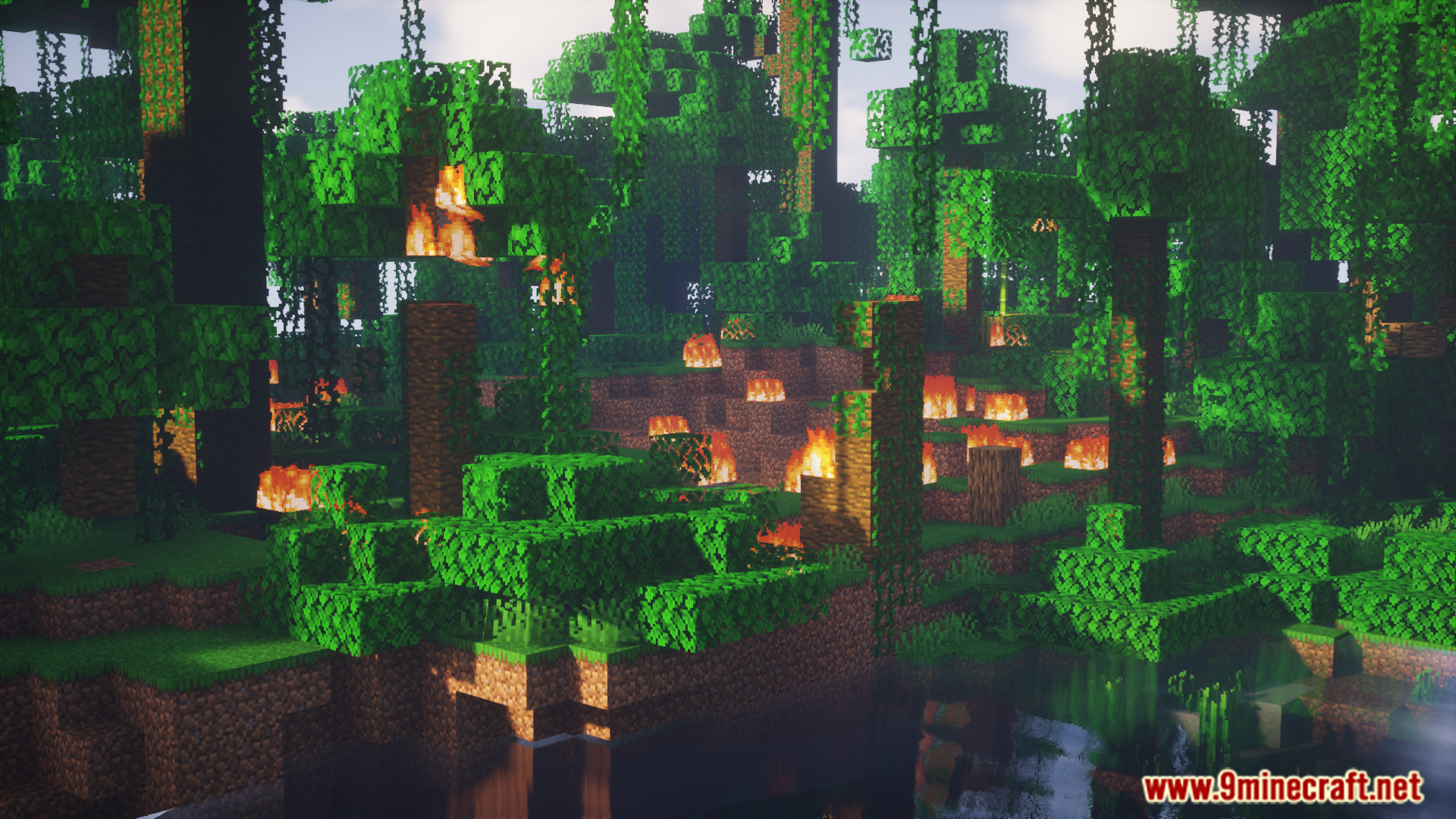
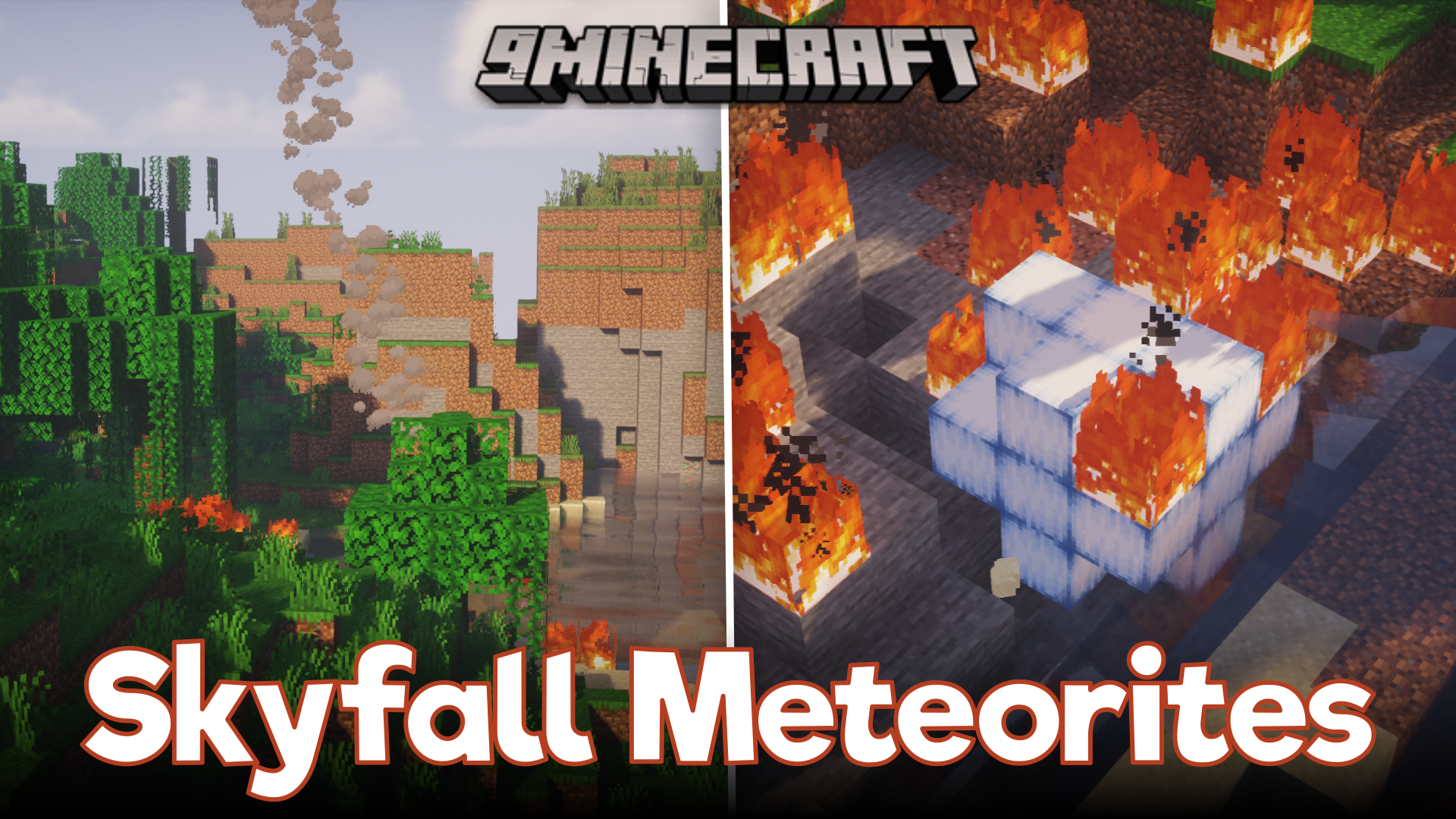
Skyfall Meteorites Mod unleashes giant rocks from space that crash down into your world. These meteorites can strike anywhere, leaving craters and setting the landscape on fire. The mod adds a few different events, with one happening randomly as you play. You can also use a special command to start a meteor shower whenever you want. After the impact, you can search the crash site for new materials and valuable items.
Features:
Falling from the Sky:
- Adds three different sizes of meteorites that can crash into your world.
- Introduces three new events involving things falling from the sky.
- One of these events can happen naturally without using any commands.
- Use an Astral Attraction Rune to call down a large meteorite right to your location.
New Resources and Loot:
- Discover a new block called Sky Rock, which drops different materials when mined.
- Collect Stardust from meteorites to power special blocks and use in recipes.
- Find Mysterious Crates inside meteorites and open them with Stardust to get treasure.
- Get Skyforged Tools from crates, which are very fast but have low durability.
Protection from Above:
- Build a Skyfall Protector that uses Stardust to shoot down incoming meteorites.
- Craft an Astral Repulsion Beacon to completely stop meteorites from falling in an area.
Commands:
/skyfall: Use this command to summon all the different meteorites and events.
How to Use:
- Type the
/skyfallcommand to manually start a meteorite event. - After a meteorite crashes, look for new materials like Sky Rock and Stardust.
- Use Stardust on a Mysterious Crate to open it and see what loot is inside.
- To protect your base, build a Skyfall Protector or an Astral Repulsion Beacon.
- Power these protective blocks with Stardust to make them work.
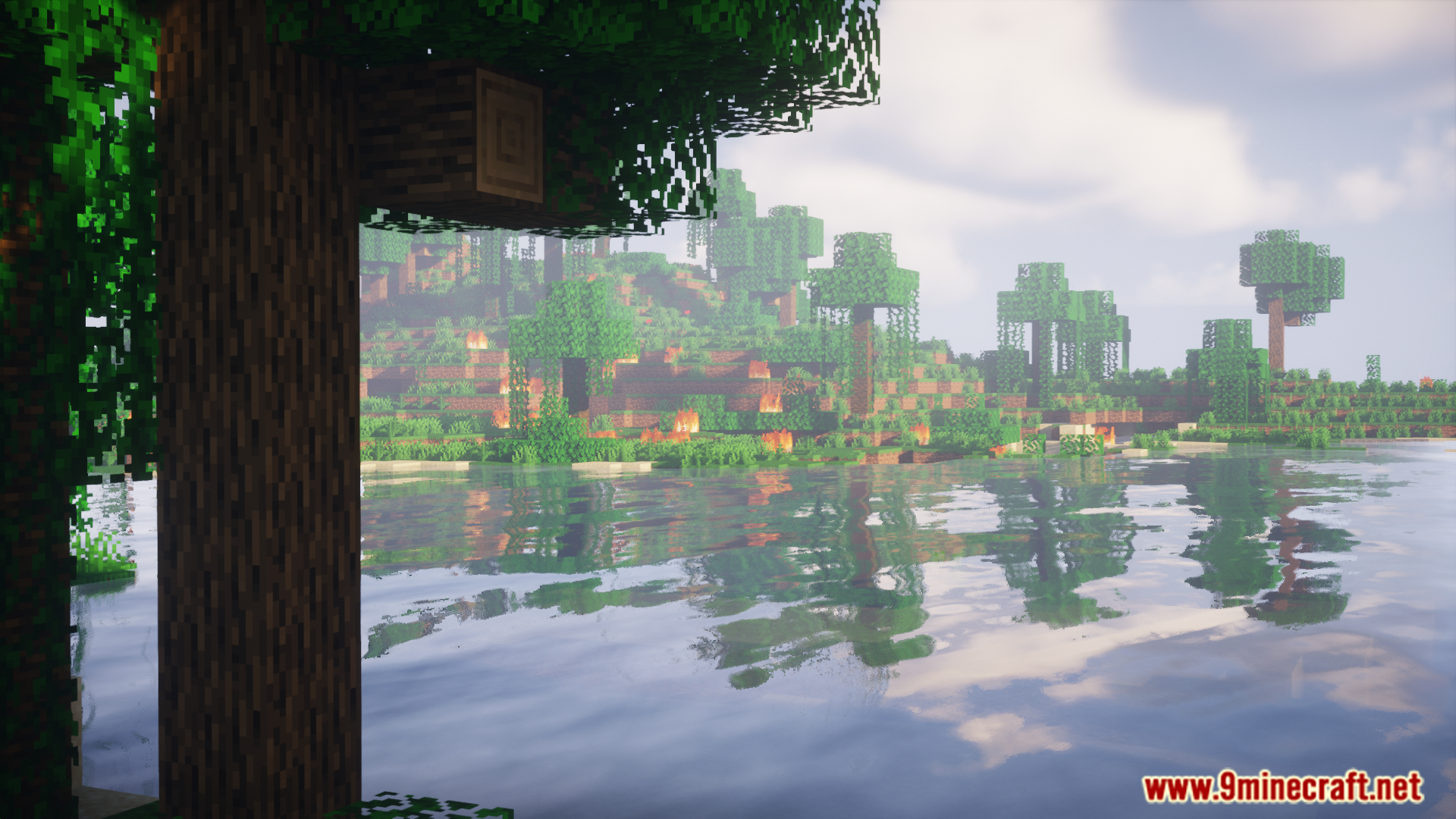
Screenshots:
Skyfall Meteorites Mod Download Links
For Minecraft 1.20.1, 1.20
Forge version: Download from Server 1 – Download from Server 2
For Minecraft 1.19.2
Forge version: Download from Server 1 – Download from Server 2
- Edition: Minecraft Java
- File type: .jar
- Minecraft versions listed: 1.20.1, 1.19.2
- How to install: Install the matching mod loader (Forge, Fabric or NeoForge) for your Minecraft version. → Download the .jar. → Put it in the .minecraft/mods folder and launch that loader profile.
- Where to get it: In MC Java Mods, or directly above on this page.
Install steps are the general flow for this file type — How to install Minecraft Java mods & modpacks walks through it step by step.
- Downloads as 176557.mcaddon
- Download size: 2.6 MB
- Download link checked 25 Jul 2026 — working
- Mirrored on our own servers — the download does not depend on the original host
These come from our own check of the pack file, not from the source page.