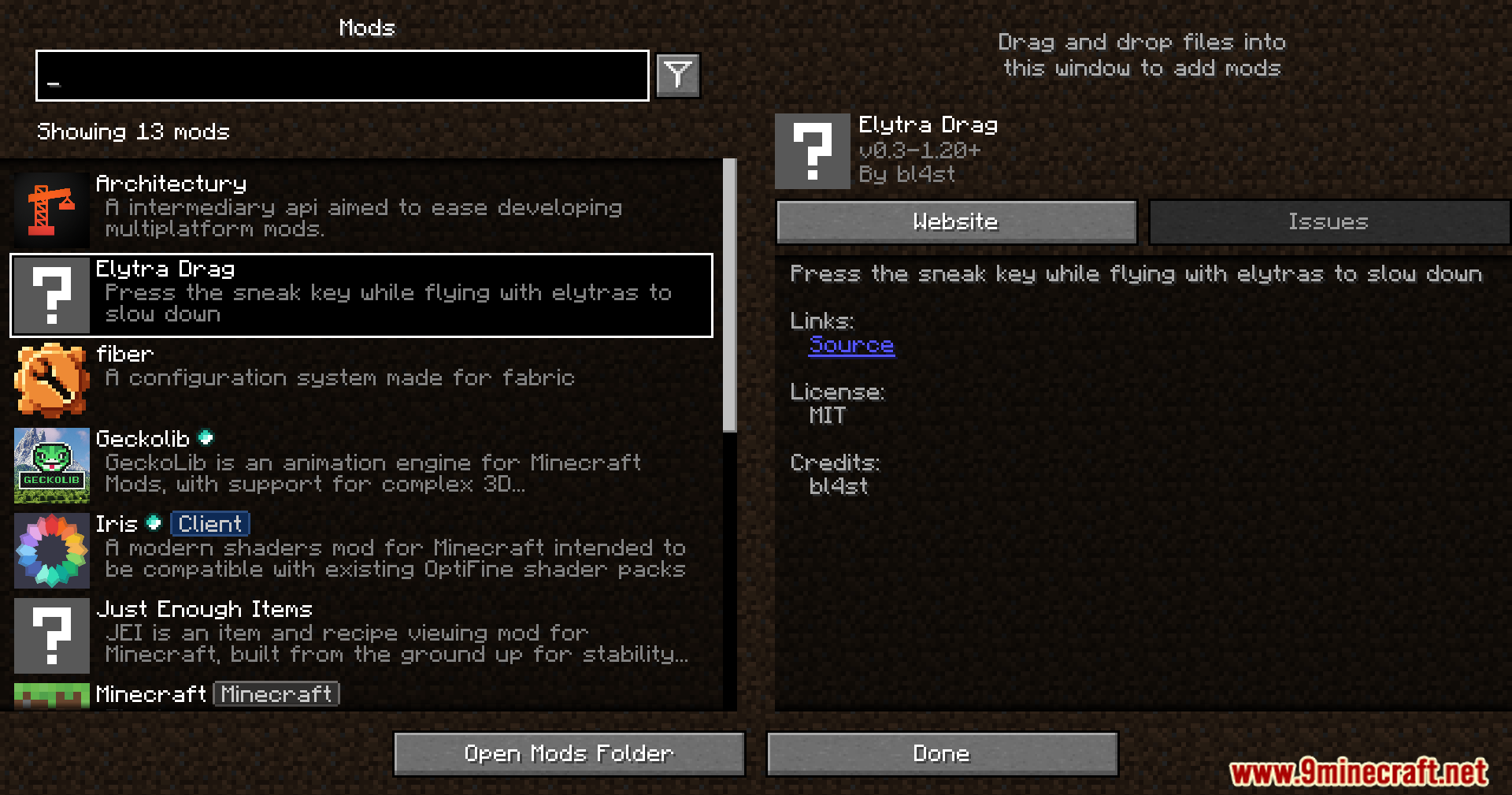
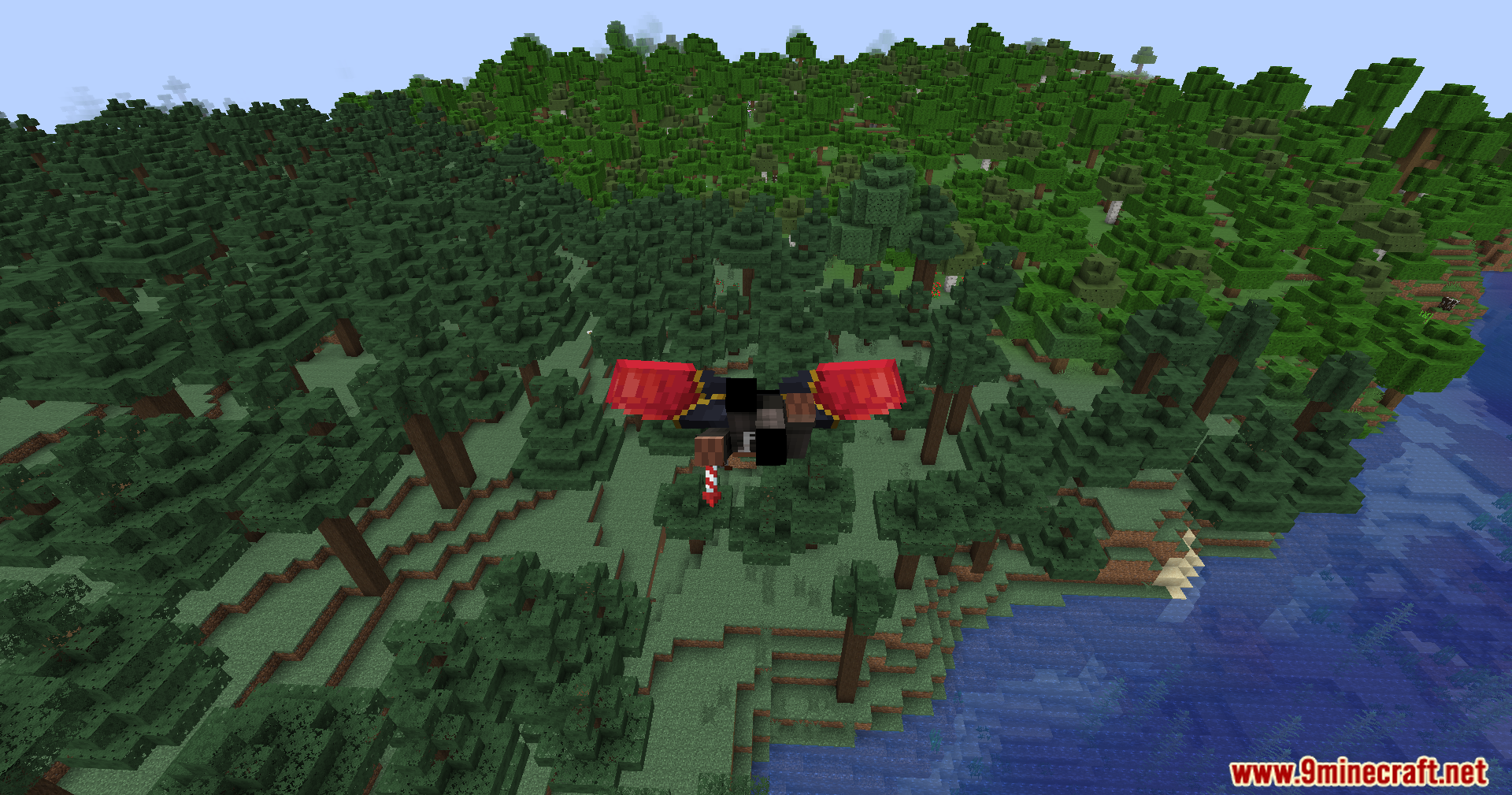
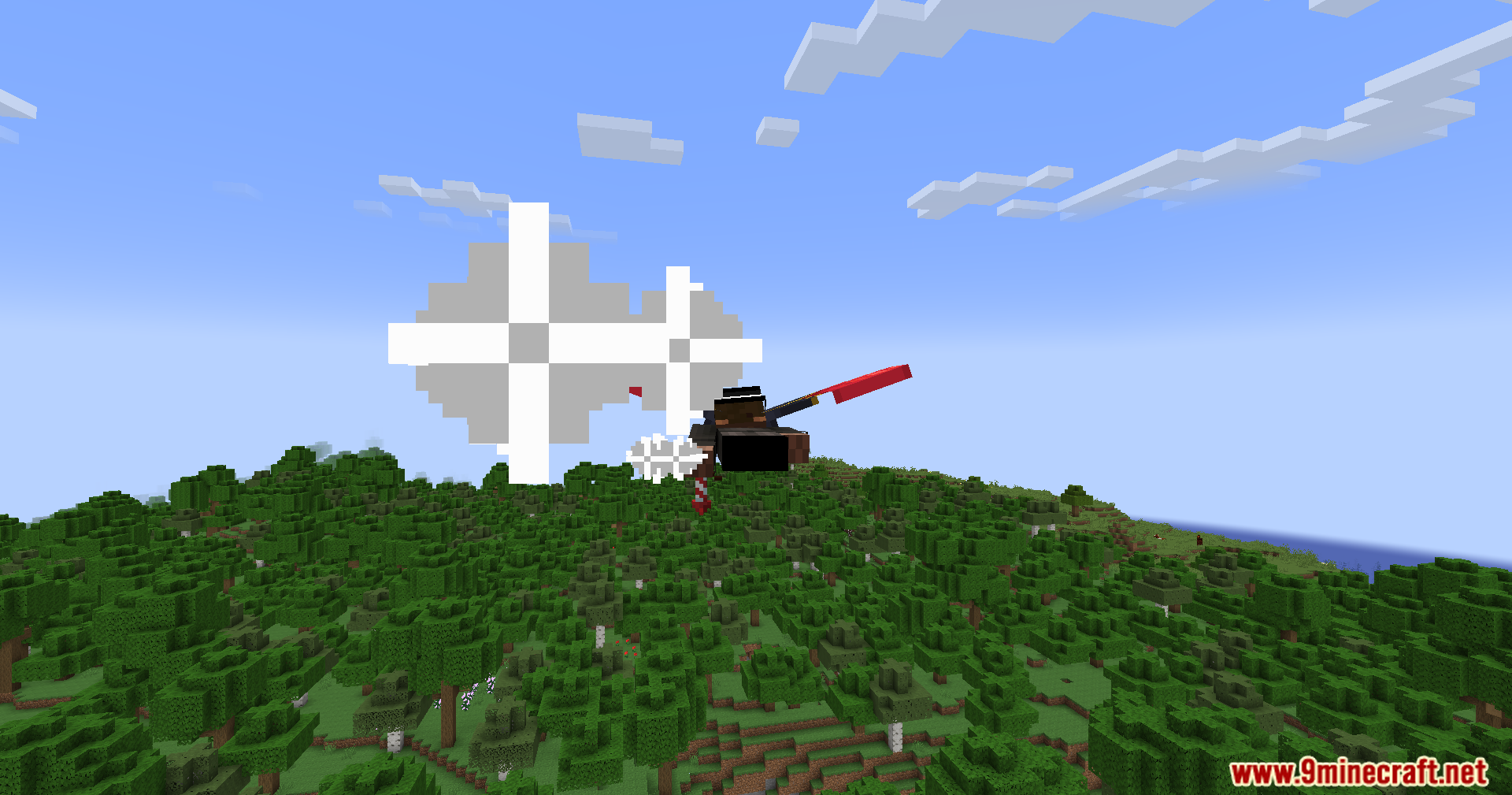
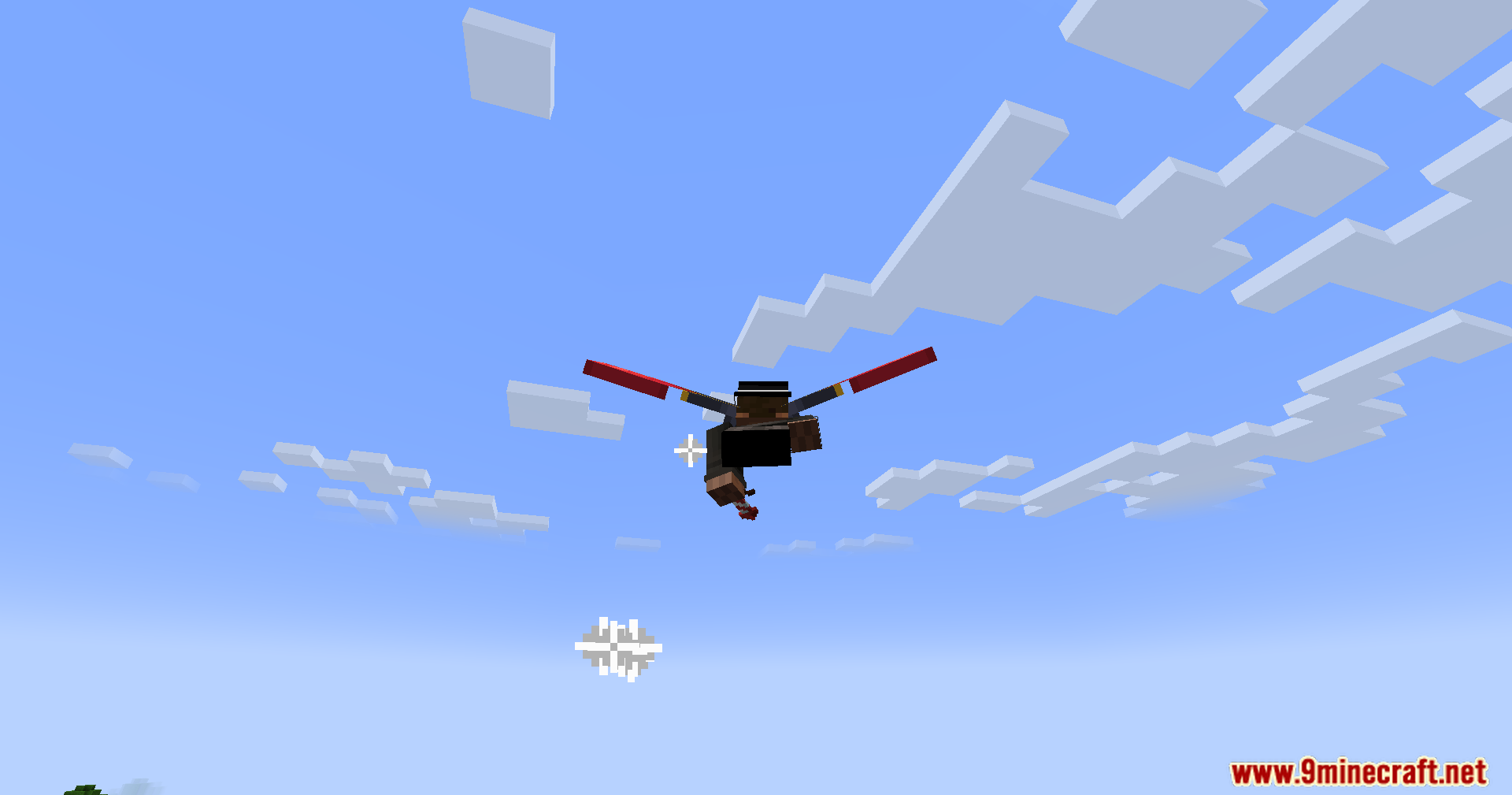
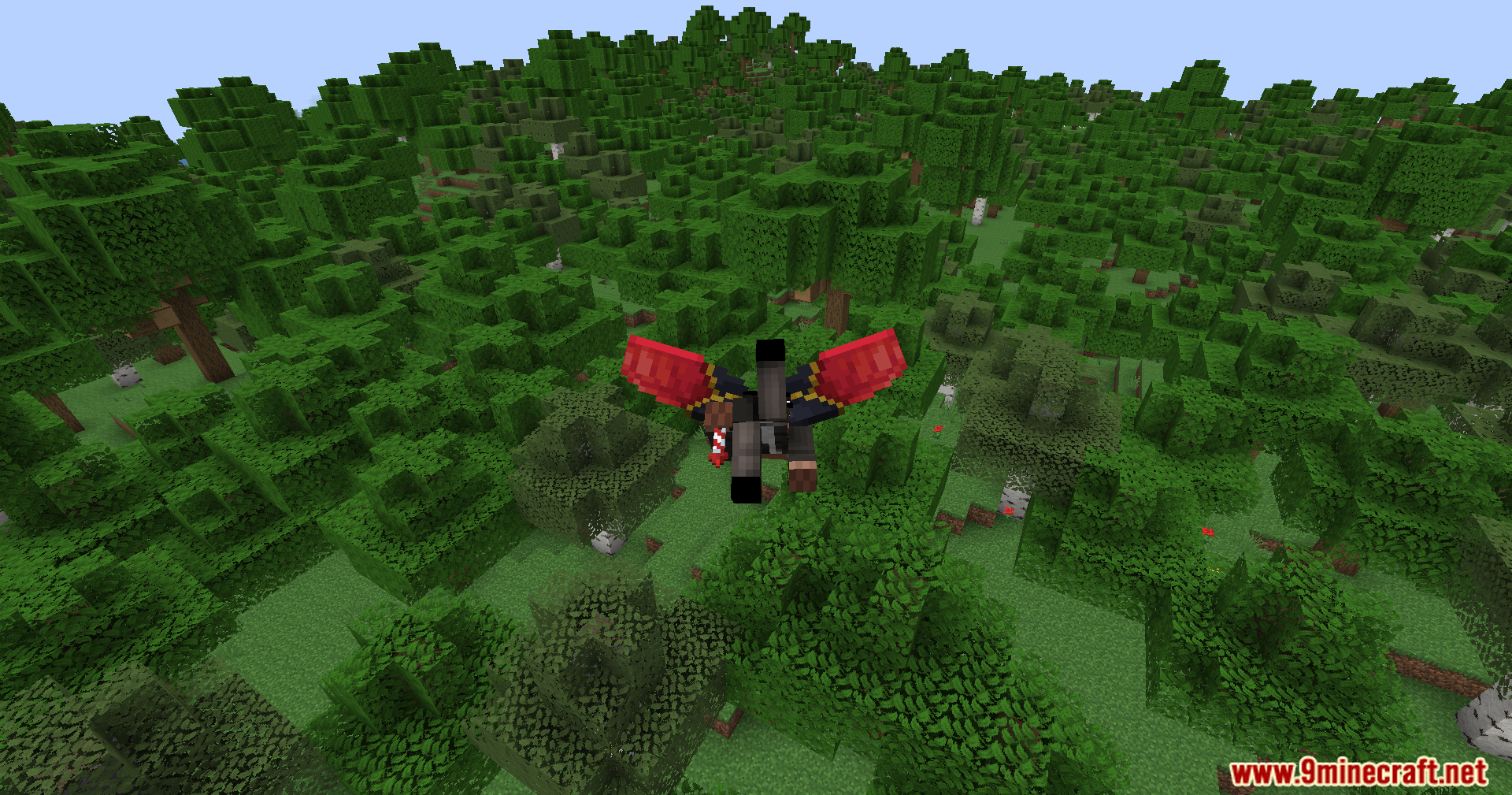
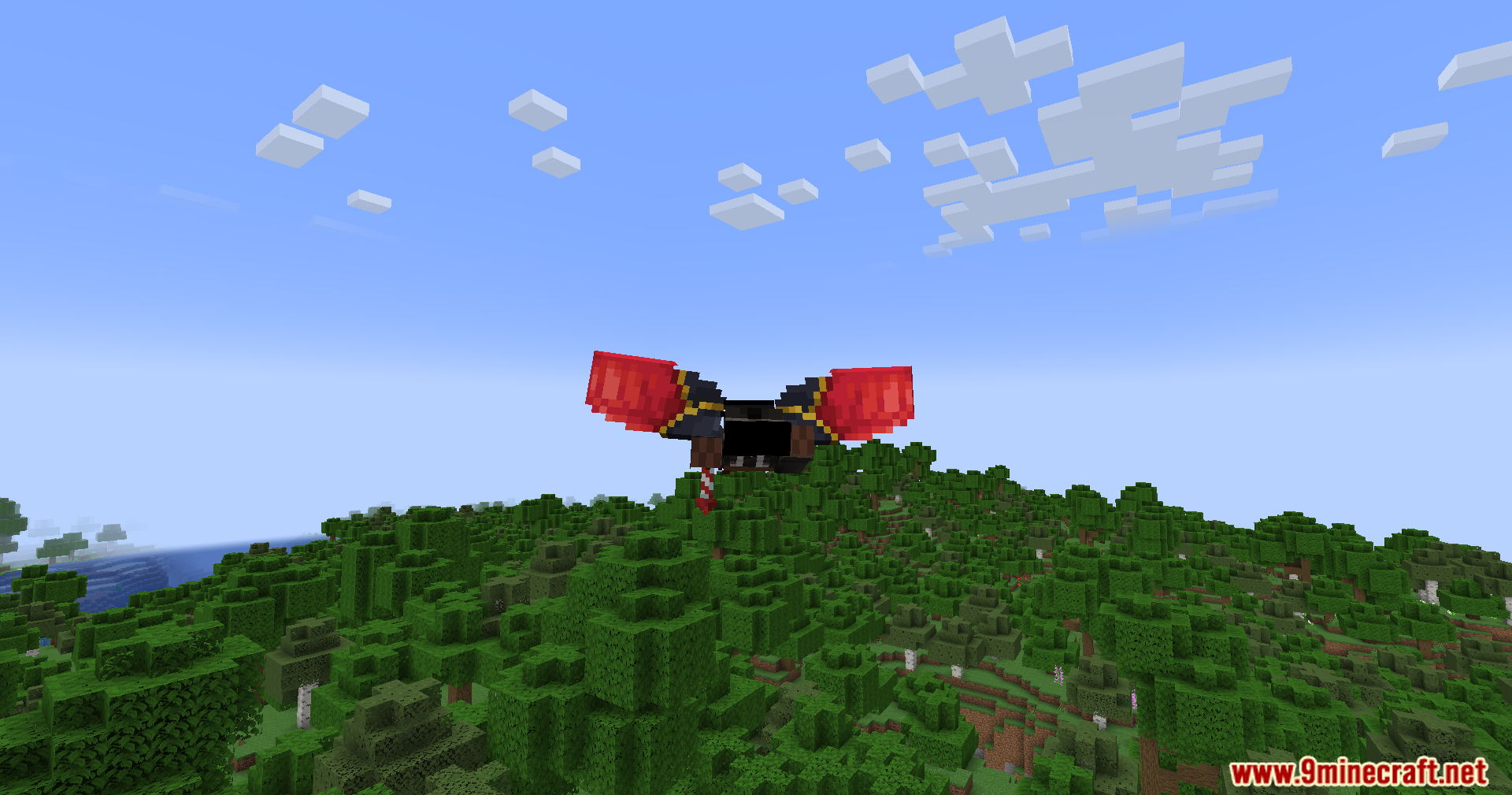
Elytra Drag Mod gives you more control over your flight by adding air brakes to your elytra. Just press the sneak key while gliding to slow down in the sky. This makes it much easier to control your speed and land safely without taking a lot of damage.
Features:
- Lets you press the Sneak key to slow down or stop while flying with an elytra.
- Automatically cancels any active rocket boosts as soon as you start slowing down.
- Reduces damage from high-speed landings by adding a limit to fall distance.
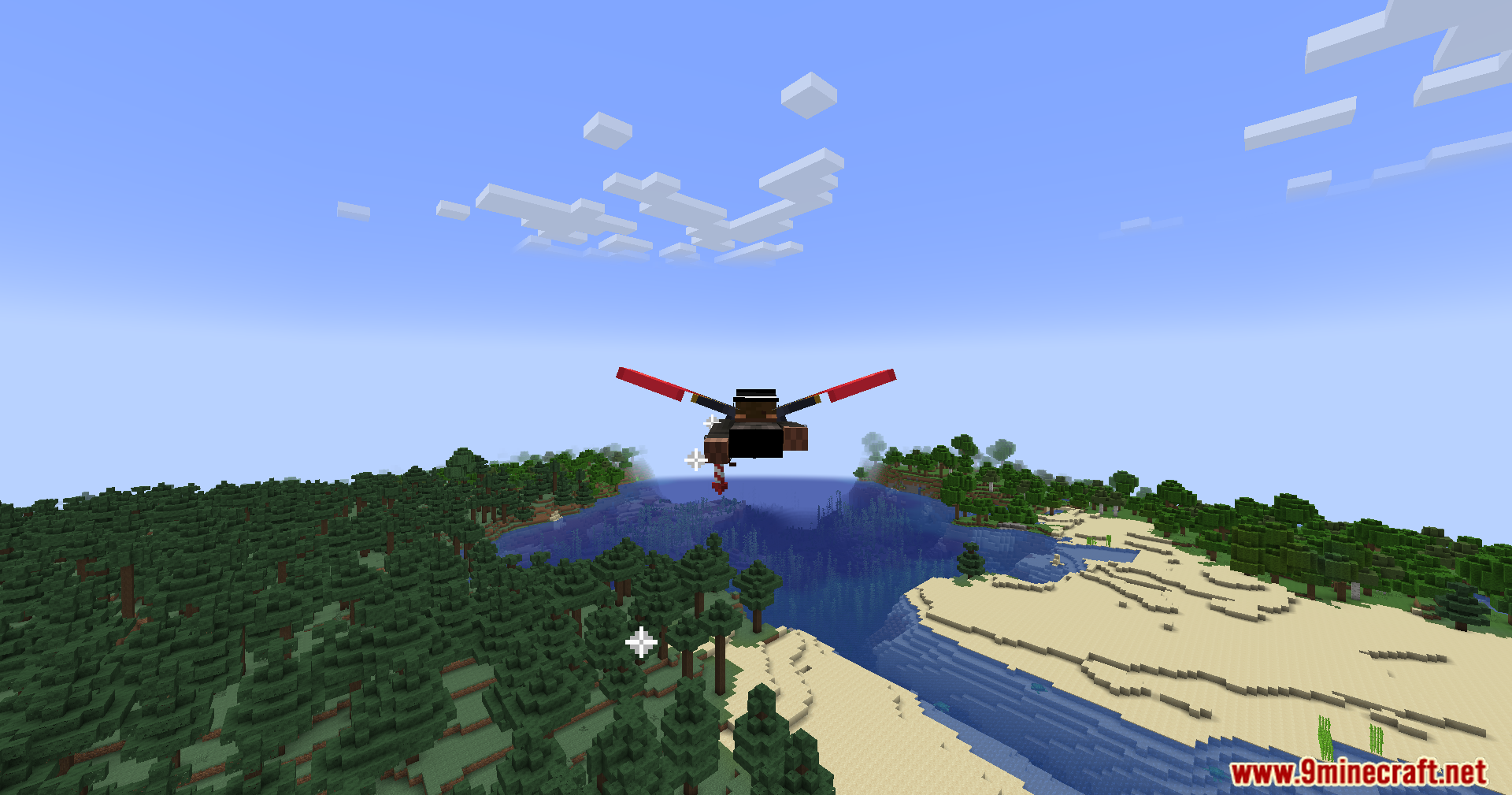
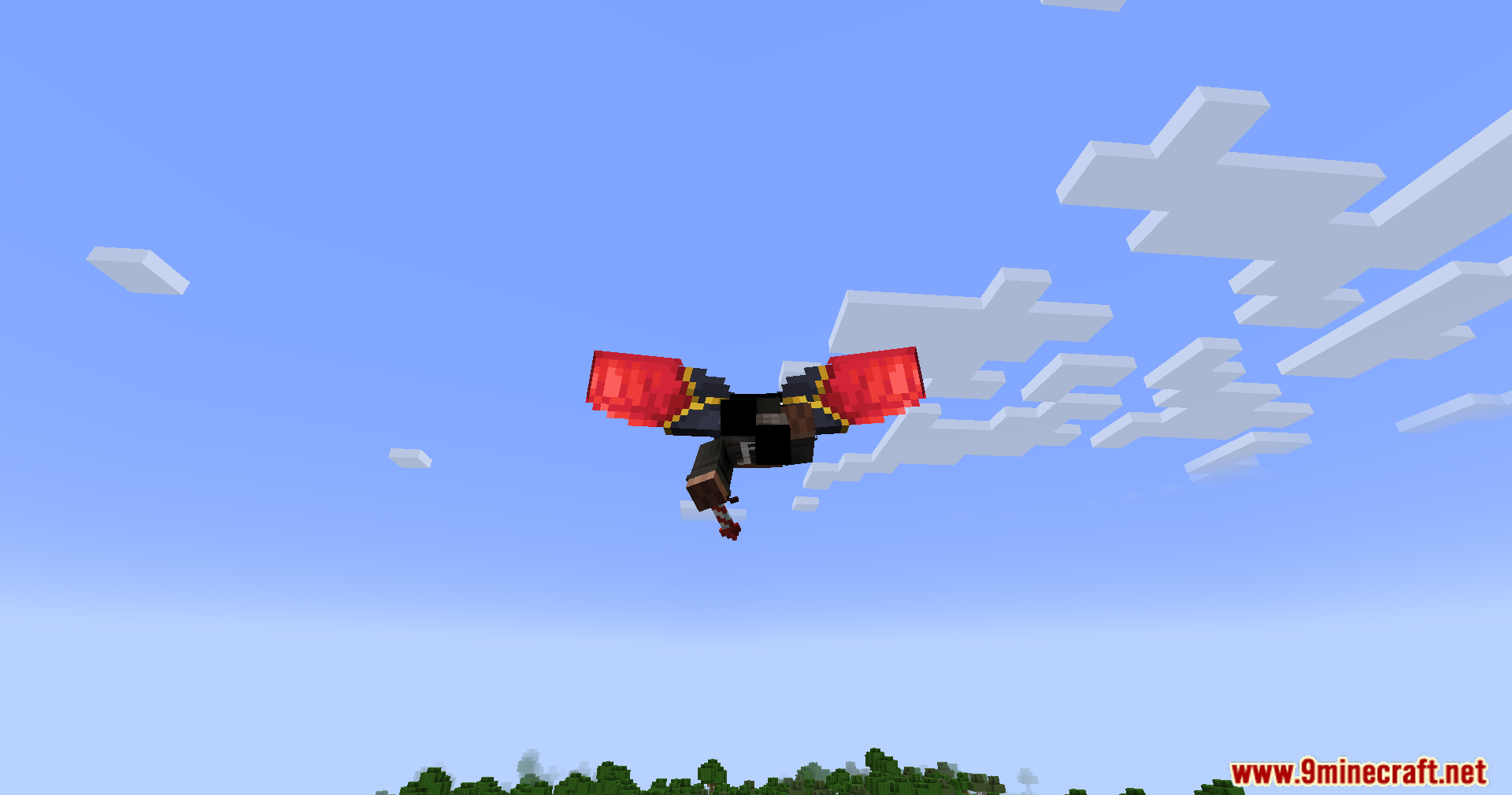
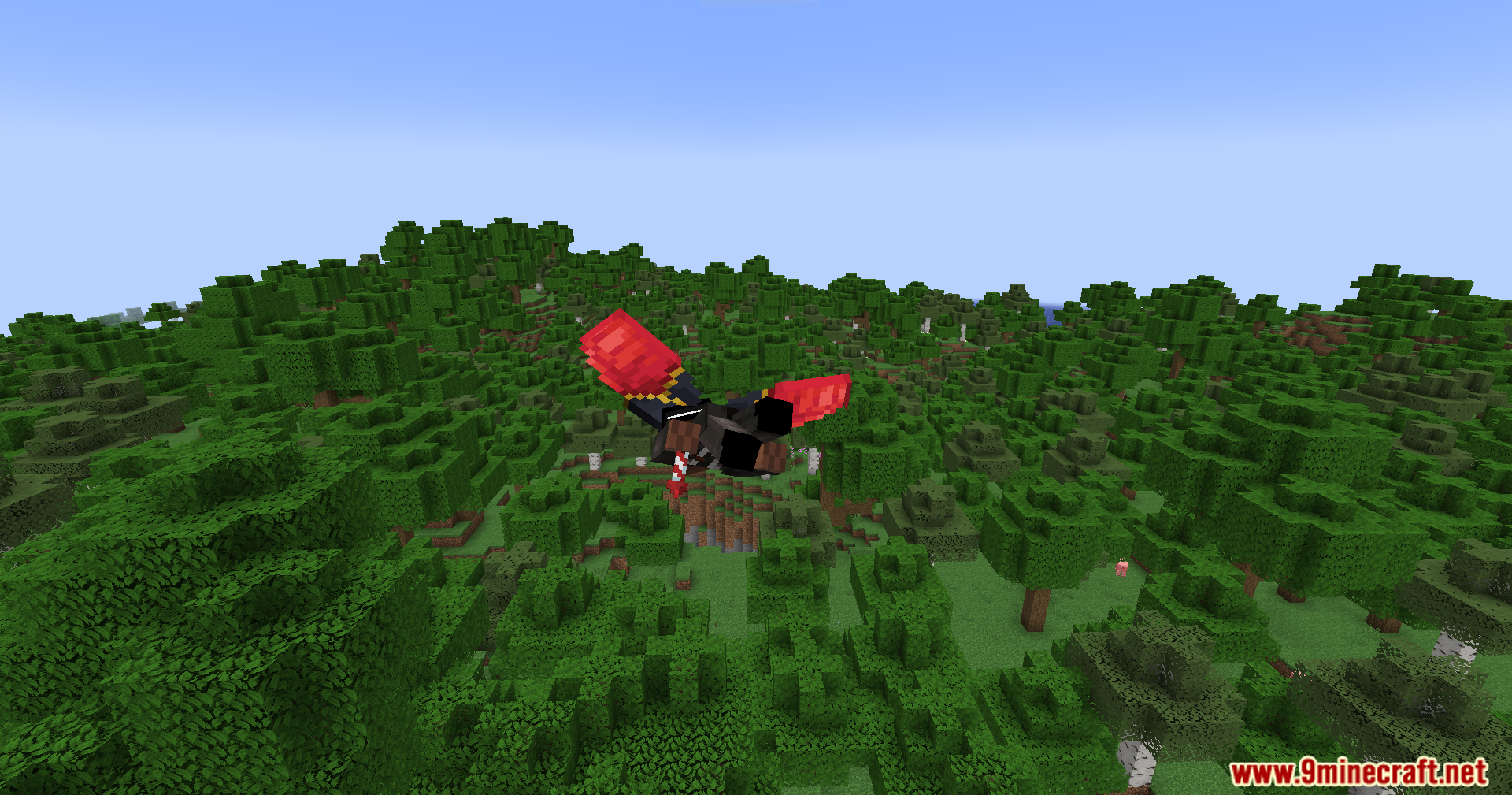
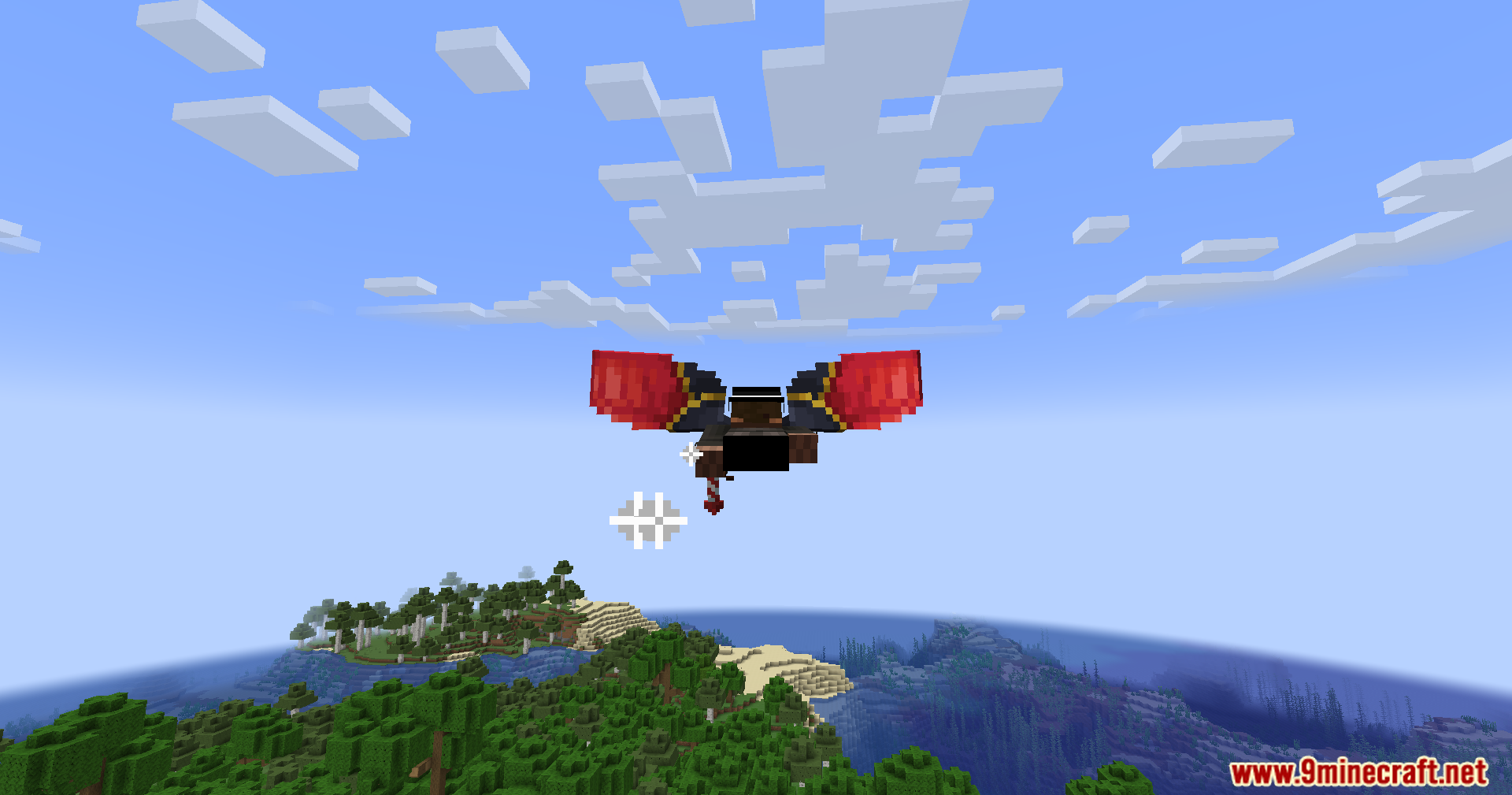
- Shows a special new wing animation when you are braking in the air.
How to Use:
- While you are flying with an elytra, press and hold the Sneak key.
- This will activate the drag effect, slowing you down for better control and safer landings.
Configuration:
You can change the following settings in the mod’s config file:
- The drag coefficient (how quickly you slow down).
- The fall distance cap to limit landing damage.
- The minimum speed needed to activate the drag feature.
Screenshots:
Elytra Drag Mod Download Links
For Minecraft 1.21.1, 1.21
Fabric version: Download from Server 1 – Download from Server 2
For Minecraft 1.20.6, 1.20.4, 1.20.2, 1.20.1, 1.20
Fabric version: Download from Server 1 – Download from Server 2
For Minecraft 1.19.4, 1.19.3, 1.19.2, 1.19.1, 1.19
Fabric version: Download from Server 1 – Download from Server 2
Quick facts
- Edition: Minecraft Java
- File type: .jar
- Minecraft versions listed: 1.21.1, 1.20.1
- How to install: Install the matching mod loader (Forge, Fabric or NeoForge) for your Minecraft version. → Download the .jar. → Put it in the .minecraft/mods folder and launch that loader profile.
- Where to get it: In MC Java Mods, or directly above on this page.
Install steps are the general flow for this file type — How to install Minecraft Java mods & modpacks walks through it step by step.
Verified by MCModsHub
- Downloads as 176562.mcaddon
- Download size: 12 KB
- Download link checked 25 Jul 2026 — working
- Mirrored on our own servers — the download does not depend on the original host
These come from our own check of the pack file, not from the source page.