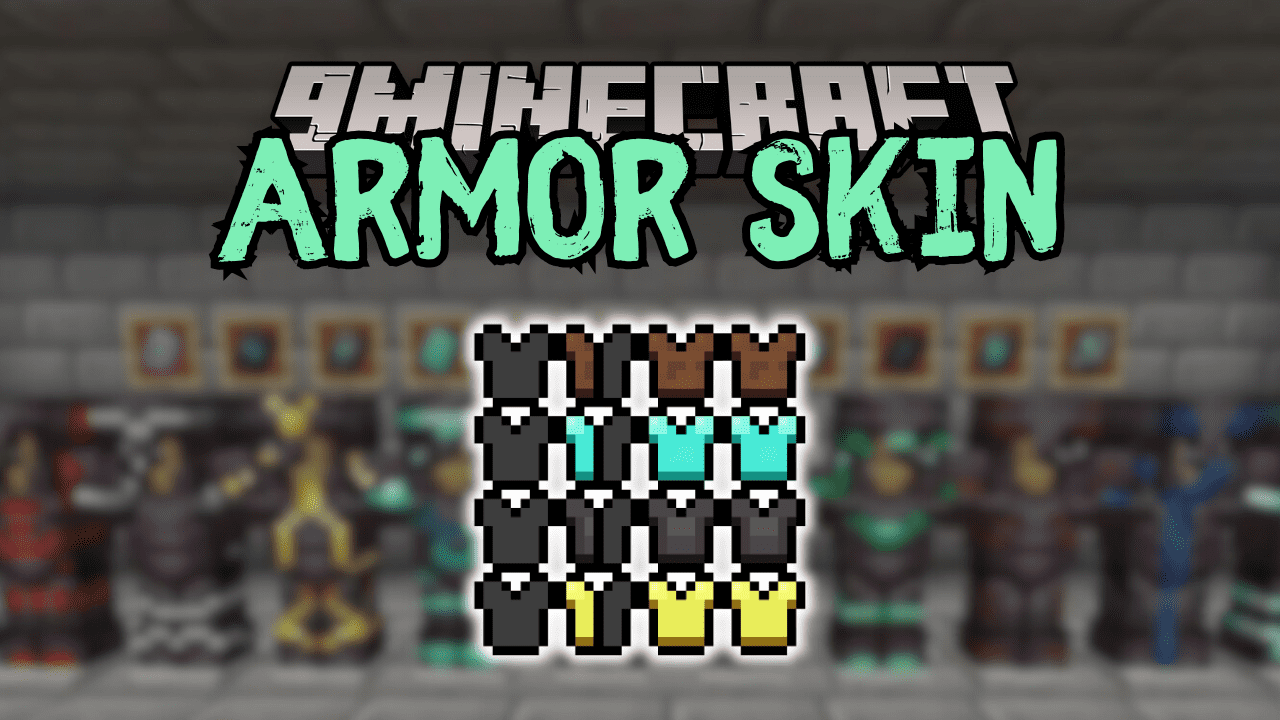
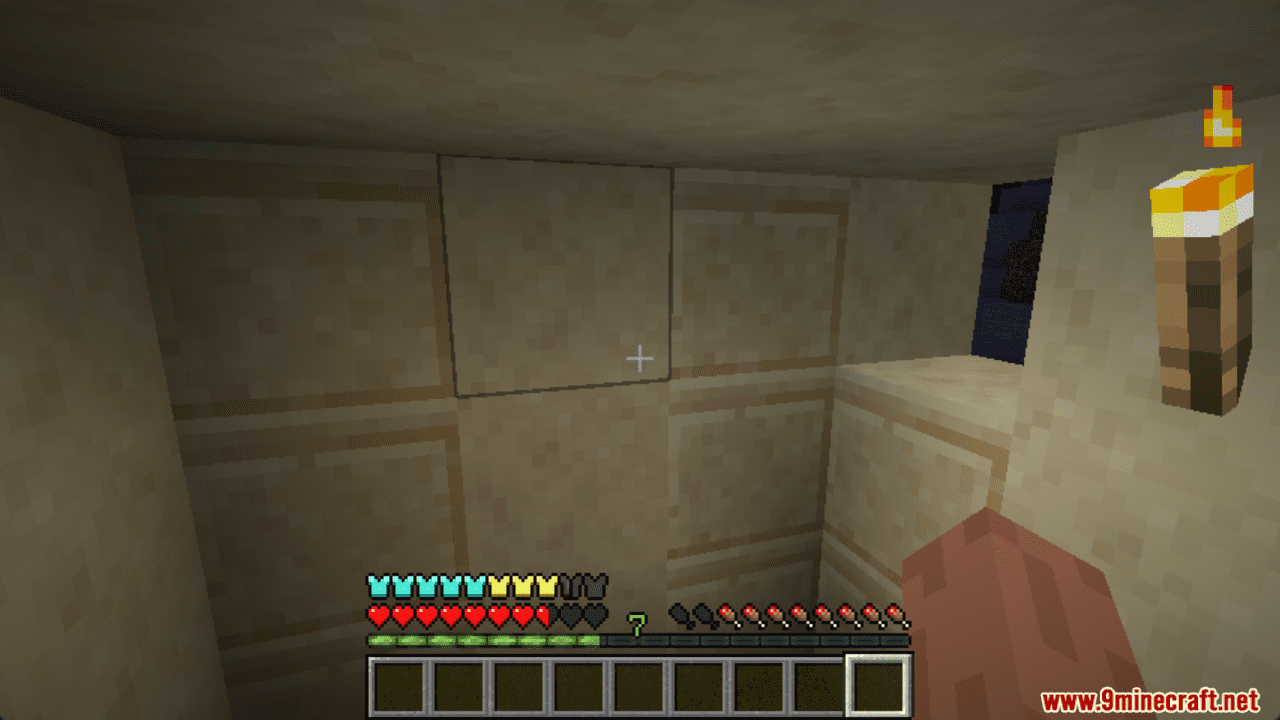
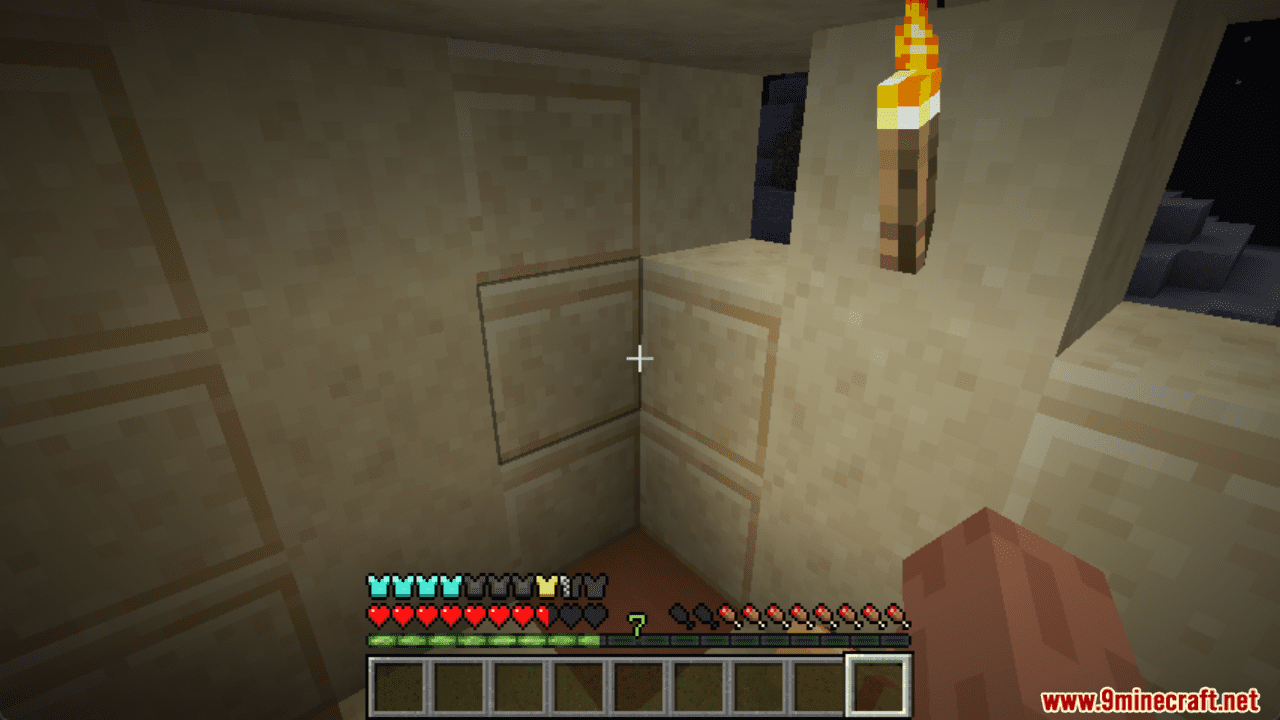
Armor Skin Mod is a Minecraft Fabric mod that shows armor types in the armor status bar. This is a useful feature for players who want to be able to quickly and easily identify the type of armor they are wearing, especially when wearing multiple pieces of armor from different mods. Armor Skin works by adding small icons to the armor status bar next to each piece of armor. These icons indicate the type of armor, such as diamond, netherite, or a custom armor type from a mod. The icons can be customized in the mod’s config file, so players can choose the colors and styles that they prefer. Armor Skin is a simple mod, but it can be a very useful addition to any Minecraft player’s modpack. It is especially useful for players who use mods that add new types of armor, or for players who want to be able to quickly identify their armor type in combat.
Features:
- Quickly and easily identify the type of armor you are wearing.
- Useful for players who use mods that add new types of armor.
- Can be customized to match your preferred colors and styles.
Screenshots:
Armor Skin Mod Download Links
For Minecraft 1.21.10
Fabric Version: Download from Server 1 – Download from Server 2
For Minecraft 1.20.1
Fabric Version: Download from Server 1 – Download from Server 2
- Edition: Minecraft Java
- File type: .jar
- Minecraft versions listed: 1.21.10, 1.20.1
- How to install: Install the matching mod loader (Forge, Fabric or NeoForge) for your Minecraft version. → Download the .jar. → Put it in the .minecraft/mods folder and launch that loader profile.
- Where to get it: In MC Java Mods, or directly above on this page.
Install steps are the general flow for this file type — How to install Minecraft Java mods & modpacks walks through it step by step.
- Downloads as 176577.mcaddon
- Download size: 39 KB
- Download link checked 26 Jul 2026 — working
- Mirrored on our own servers — the download does not depend on the original host
These come from our own check of the pack file, not from the source page.