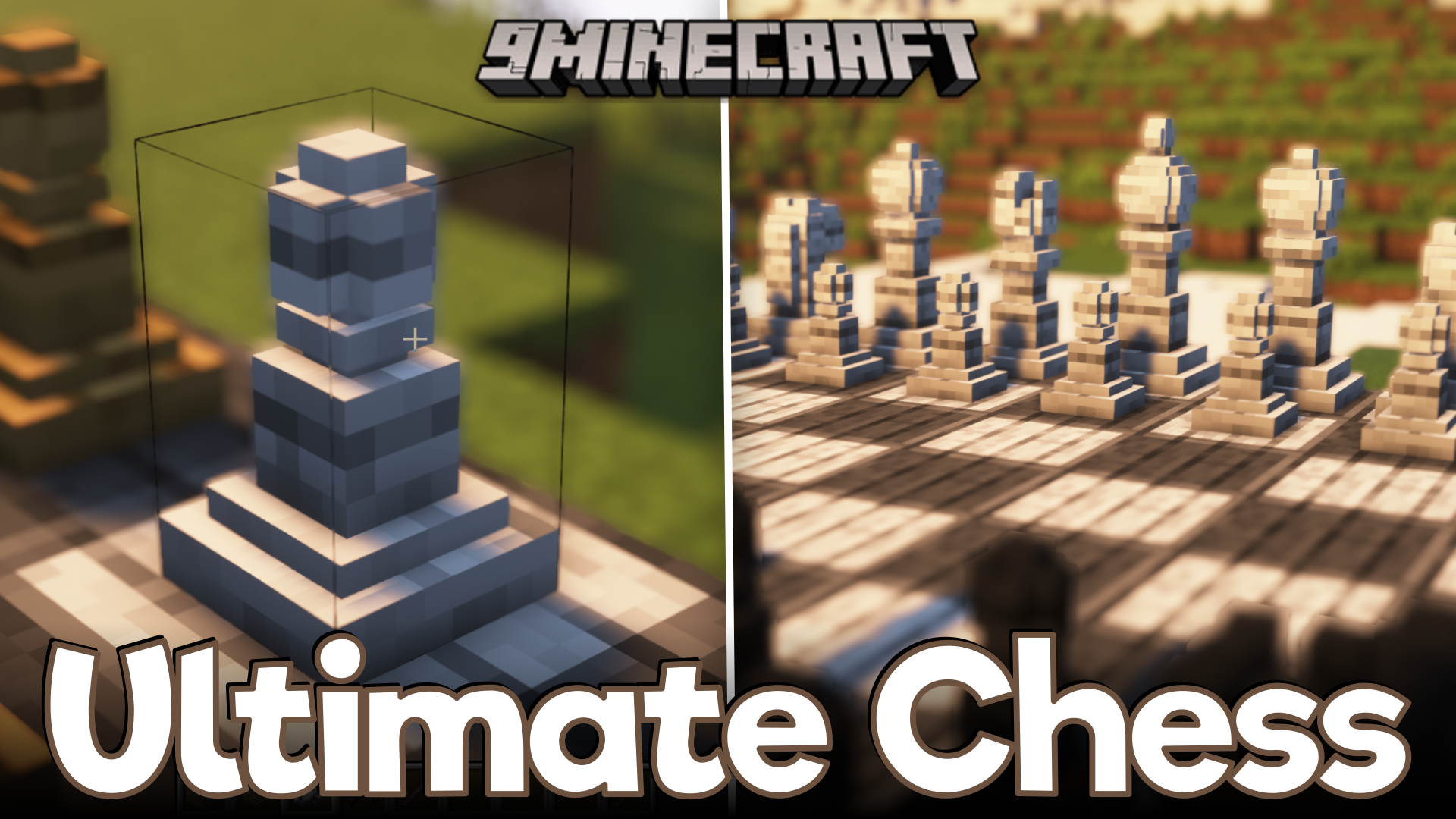
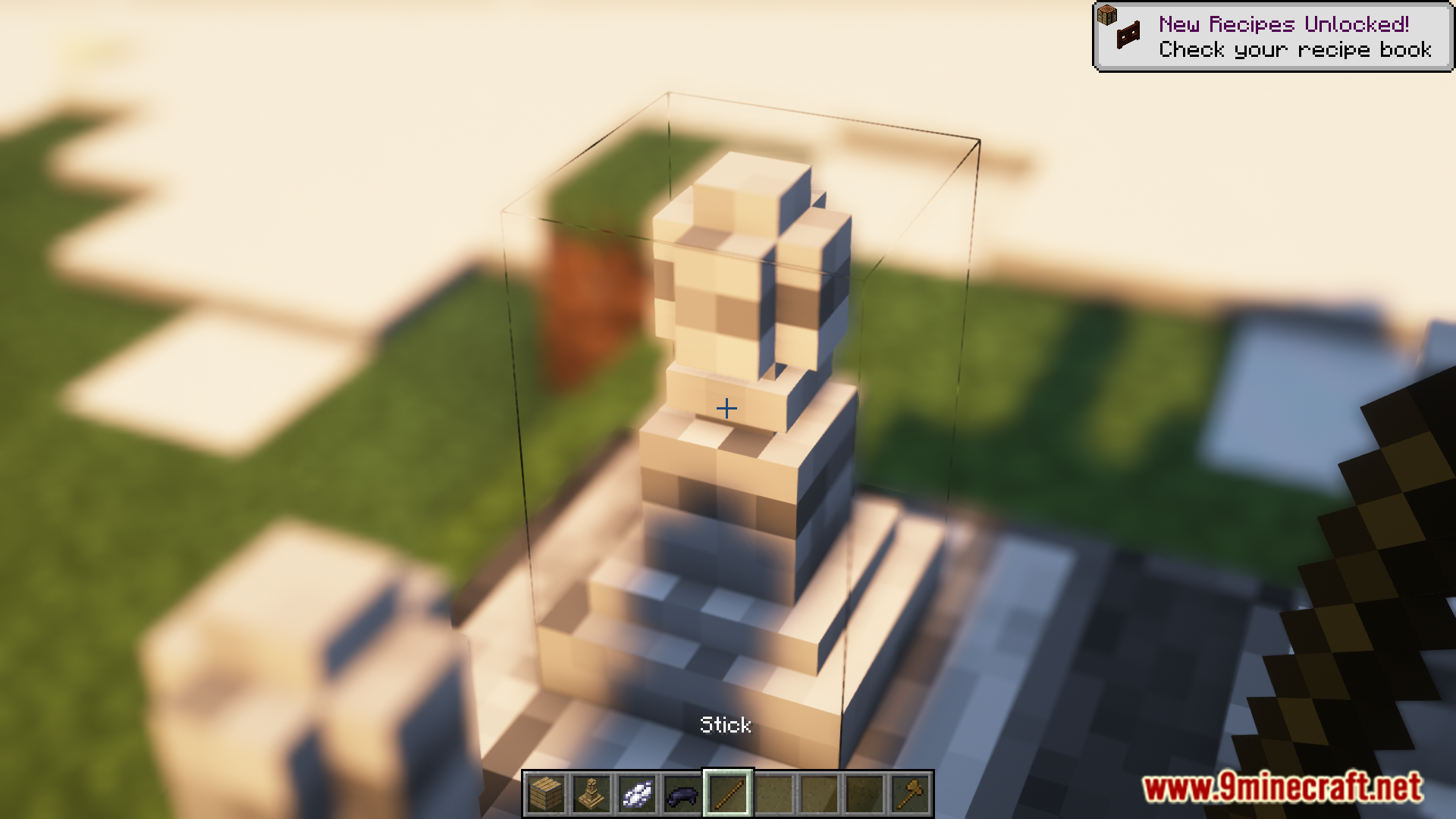
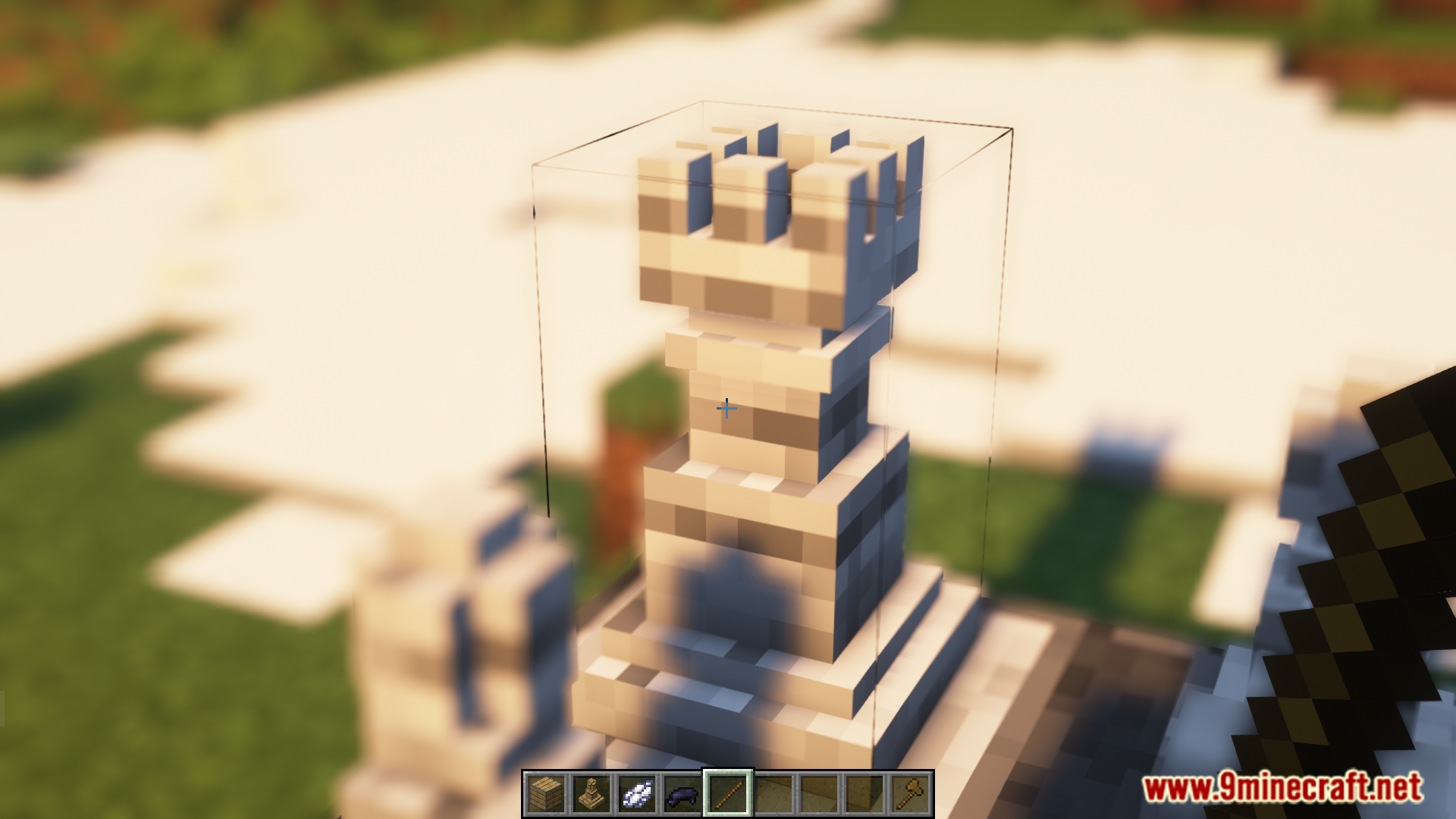
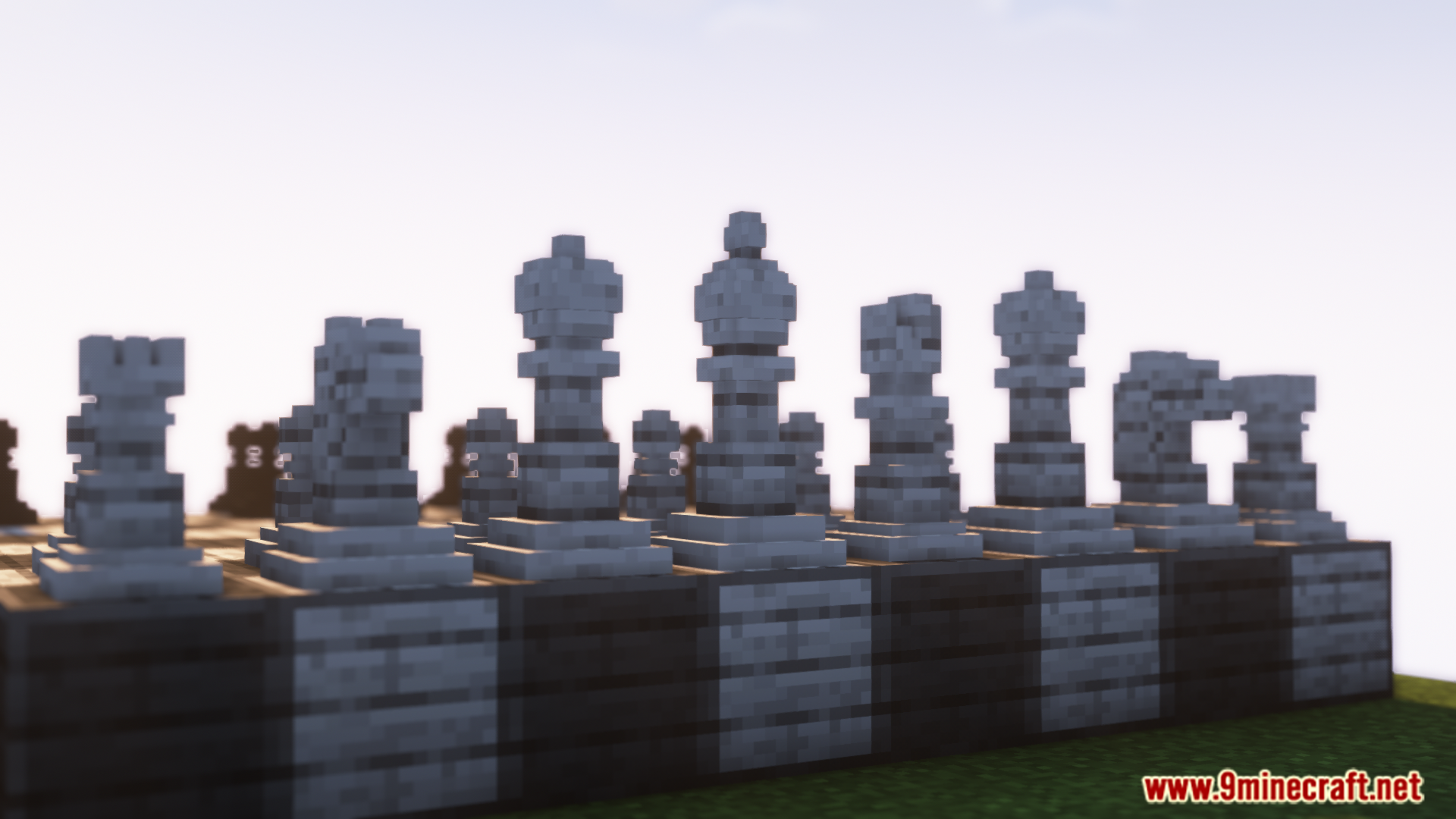
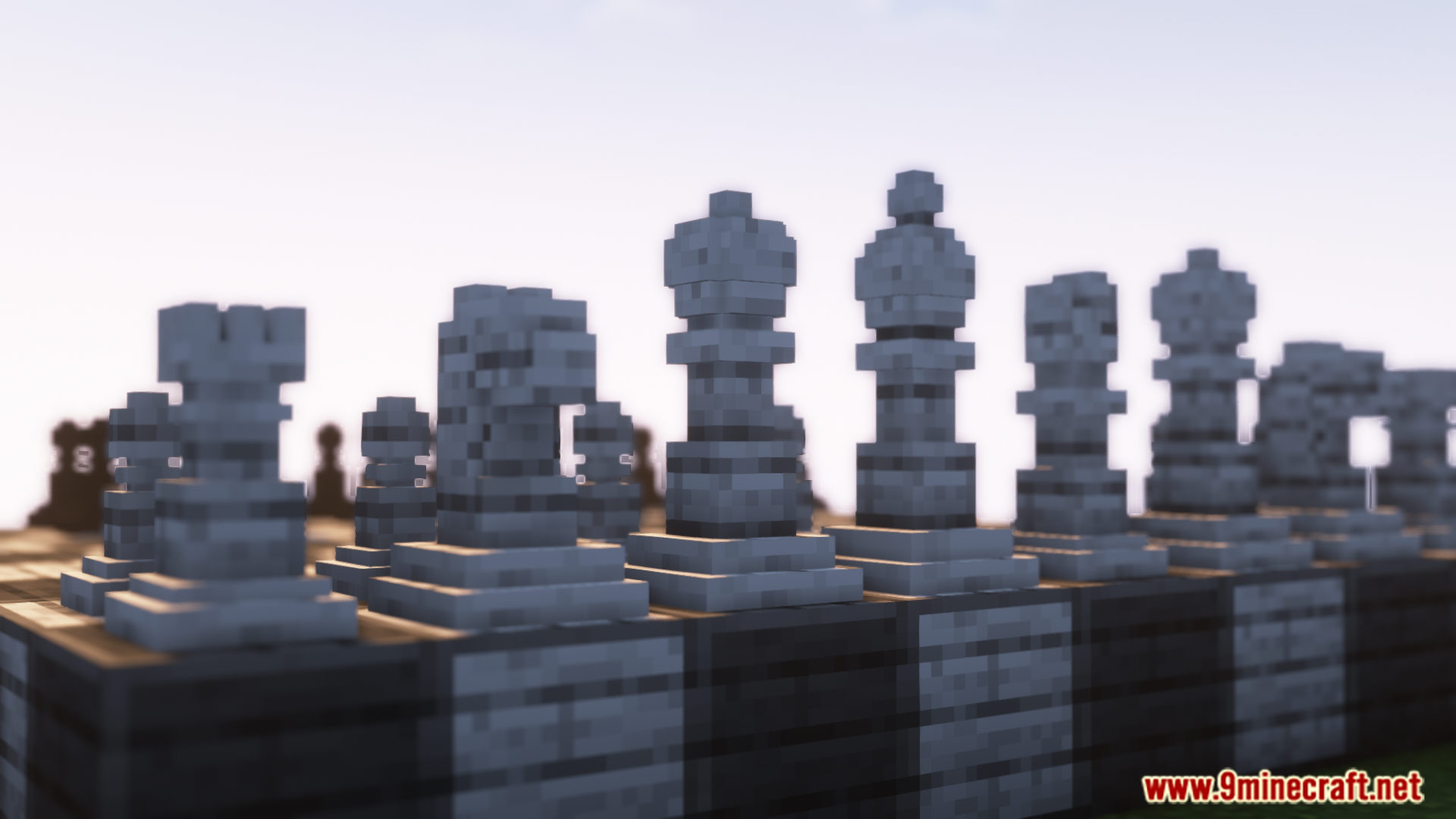
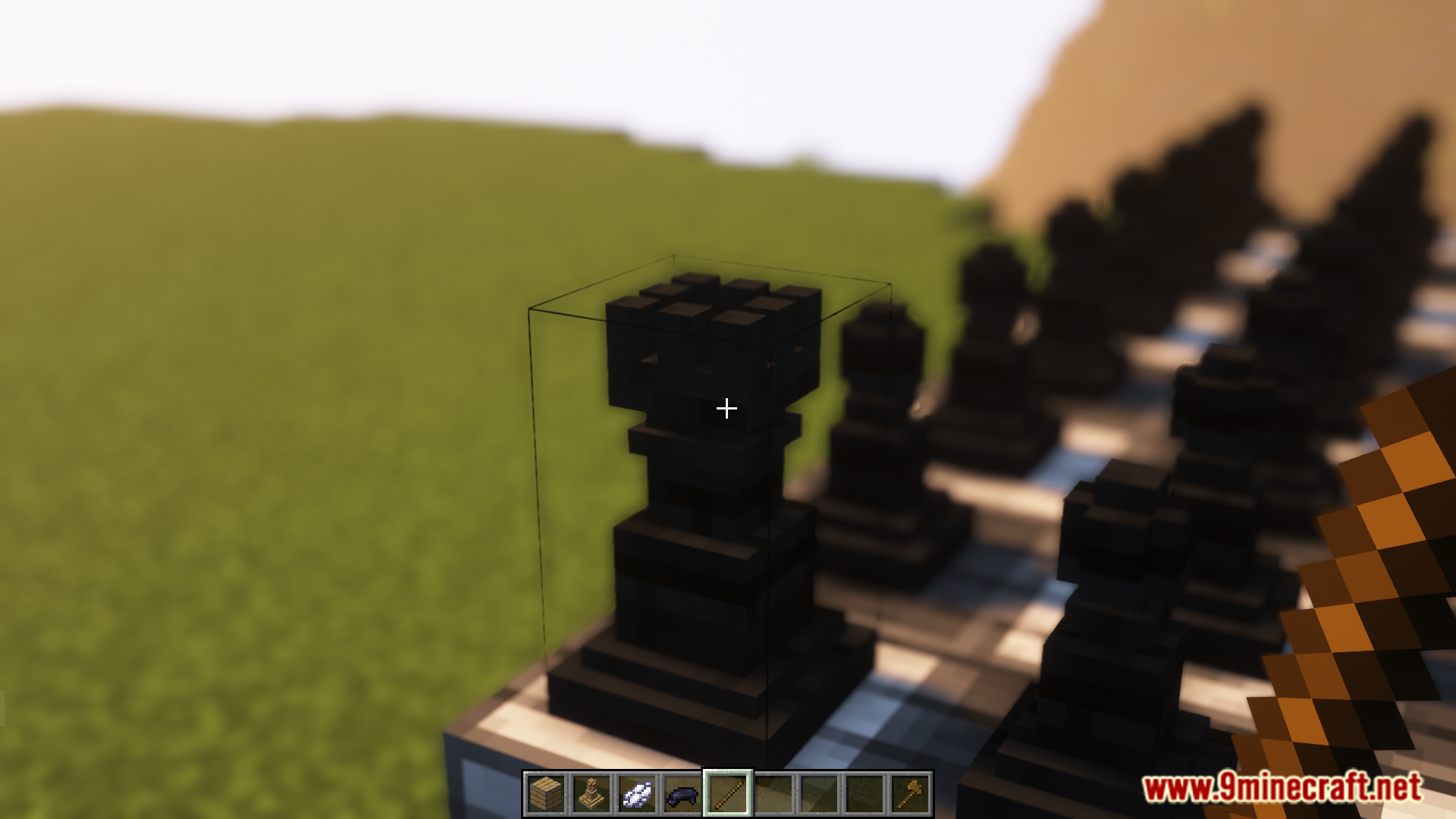
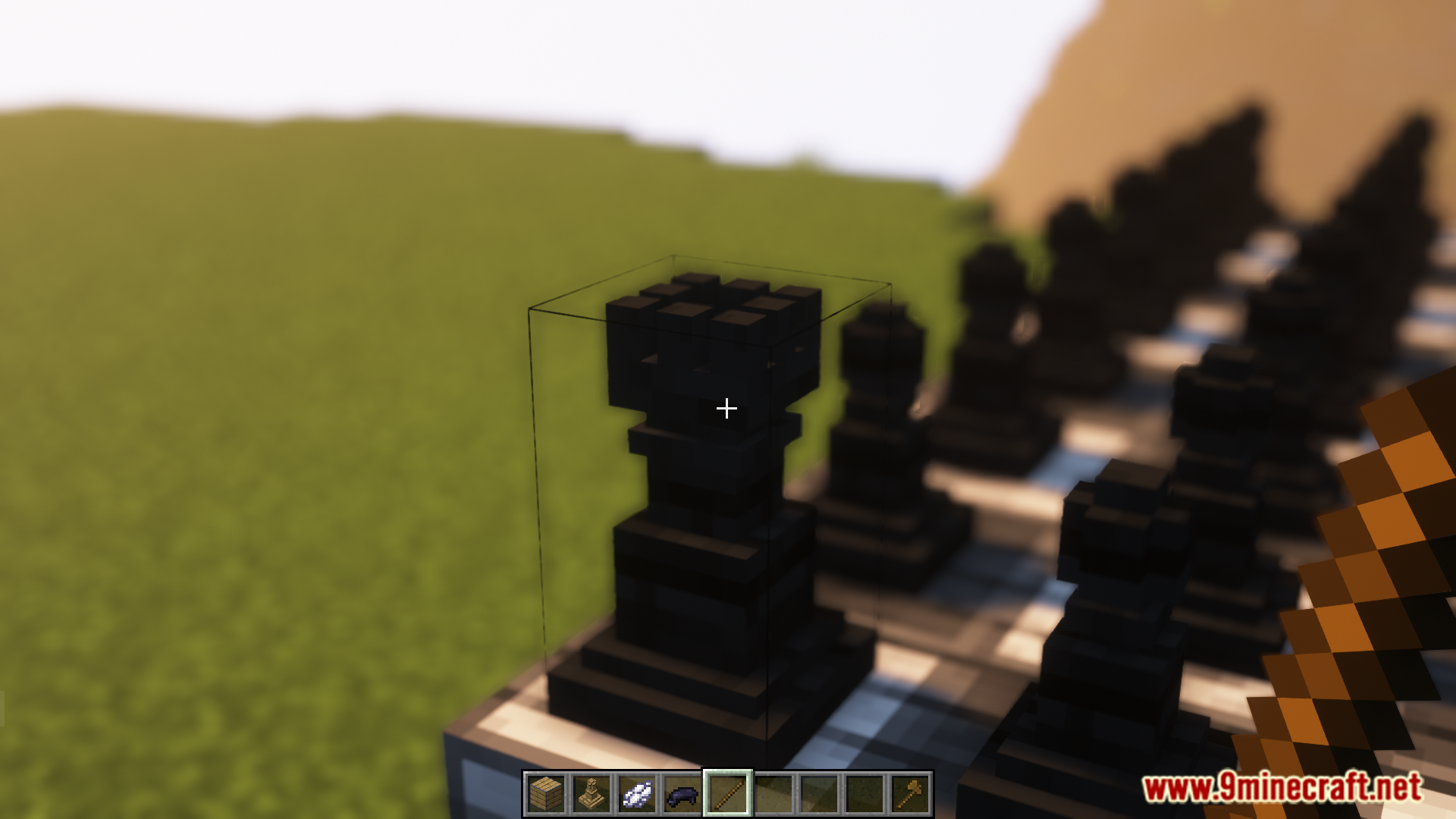
Ultimate Chess Mod brings the classic games of chess and checkers into your Minecraft world. You can craft your own game board and all the different pieces needed to play. The board squares and the game pieces can be colored with any dye, letting you set up teams with custom colors. To change a piece from a pawn into a king, queen, or rook, just use a stick. This also lets you switch to checker pieces for a different kind of game.
Features:
- Lets you craft and play chess and checkers right inside Minecraft.
- You can use any dye to color your game pieces and the board.
- Change the shape of a piece by right-clicking it with a stick.
- This mod also includes checker pieces if you prefer that game.
- Make your chessboard look fancy by using gold on the board blocks.
How to Use:
- To change the shape of a game piece, right-click it with a stick.
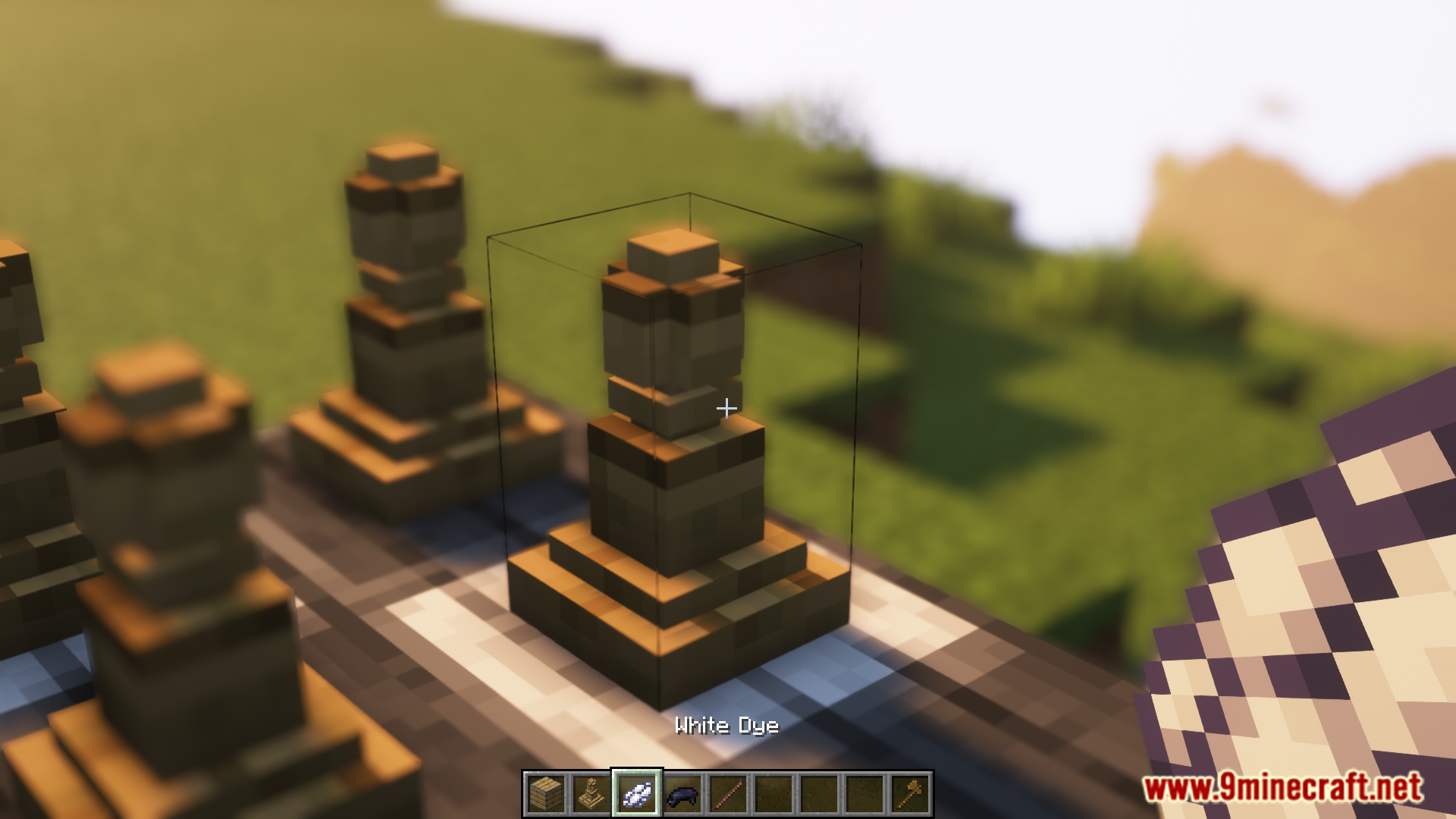
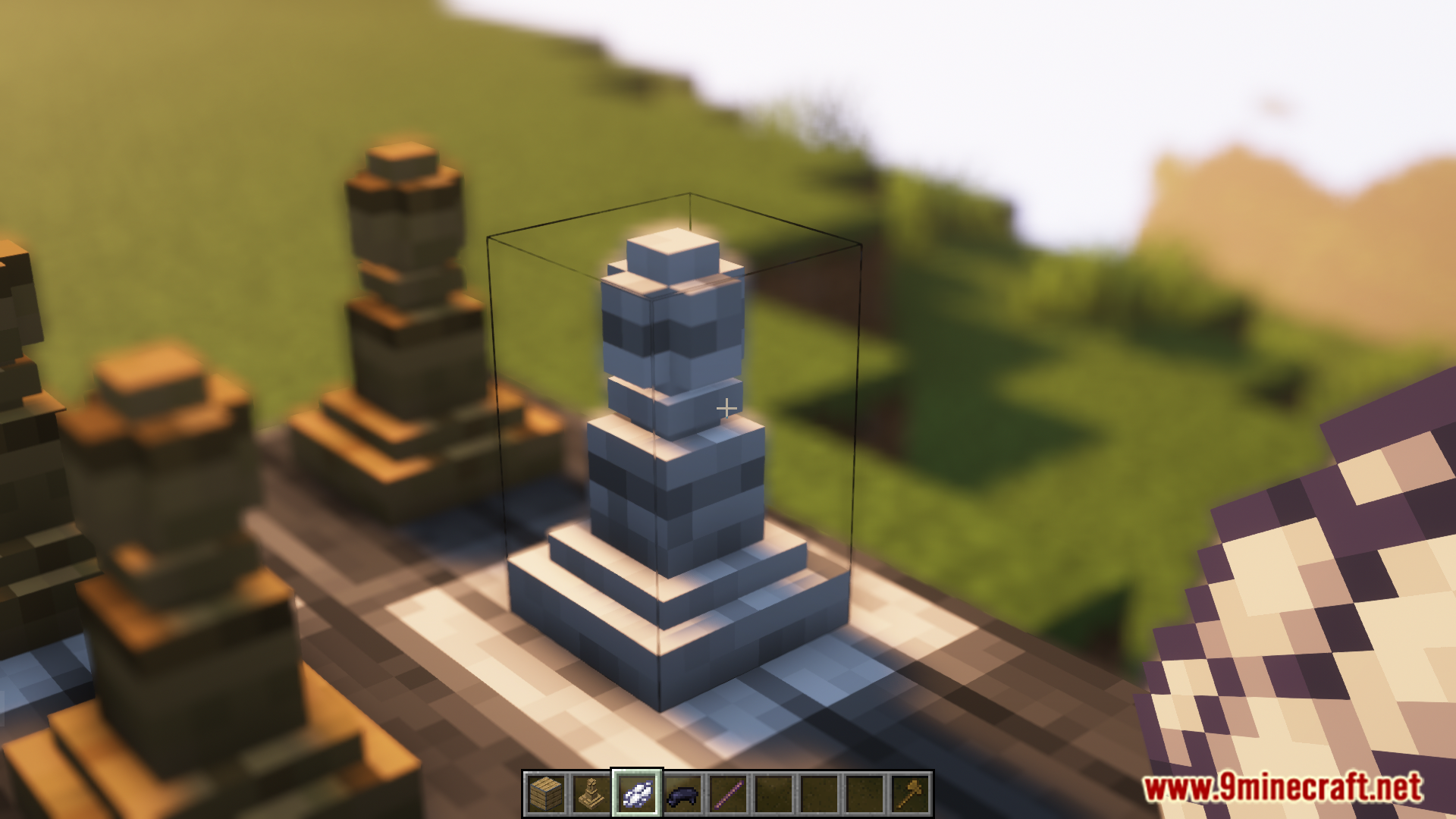
- You can color both the pieces and the board using any dye.
- To make the board look special, use gold on the board blocks.
- Use black and white dye to create the classic chessboard pattern.
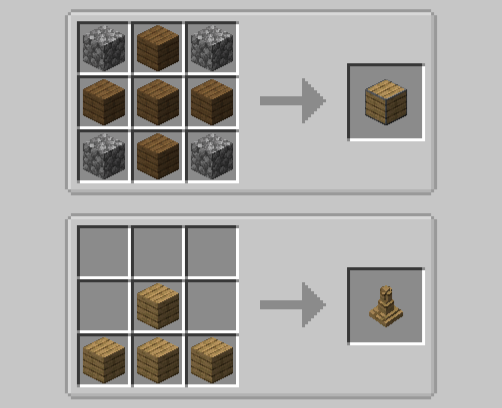
Crafting Recipes:
Screenshots:
Ultimate Chess Mod Download Links
For Minecraft 1.20.1, 1.20
Forge version: Download from Server 1 – Download from Server 2
Fabric version: Download from Server 1 – Download from Server 2
- Edition: Minecraft Java
- File type: .jar
- Minecraft versions listed: 1.20.1, 1.20
- How to install: Install the matching mod loader (Forge, Fabric or NeoForge) for your Minecraft version. → Download the .jar. → Put it in the .minecraft/mods folder and launch that loader profile.
- Where to get it: In MC Java Mods, or directly above on this page.
Install steps are the general flow for this file type — How to install Minecraft Java mods & modpacks walks through it step by step.
- Downloads as 176585.mcaddon
- Download size: 246 KB
- Download link checked 25 Jul 2026 — working
- Mirrored on our own servers — the download does not depend on the original host
These come from our own check of the pack file, not from the source page.