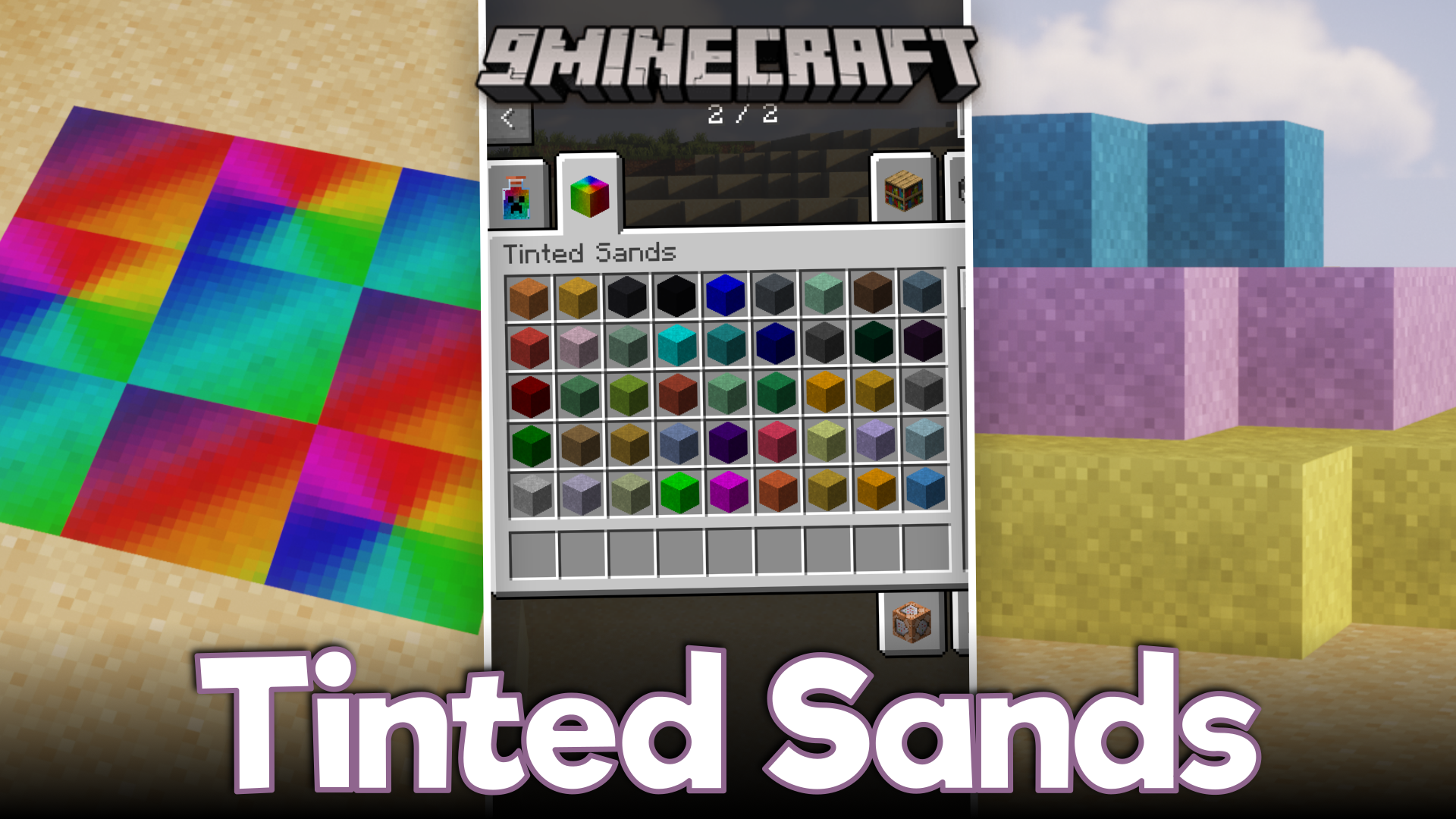
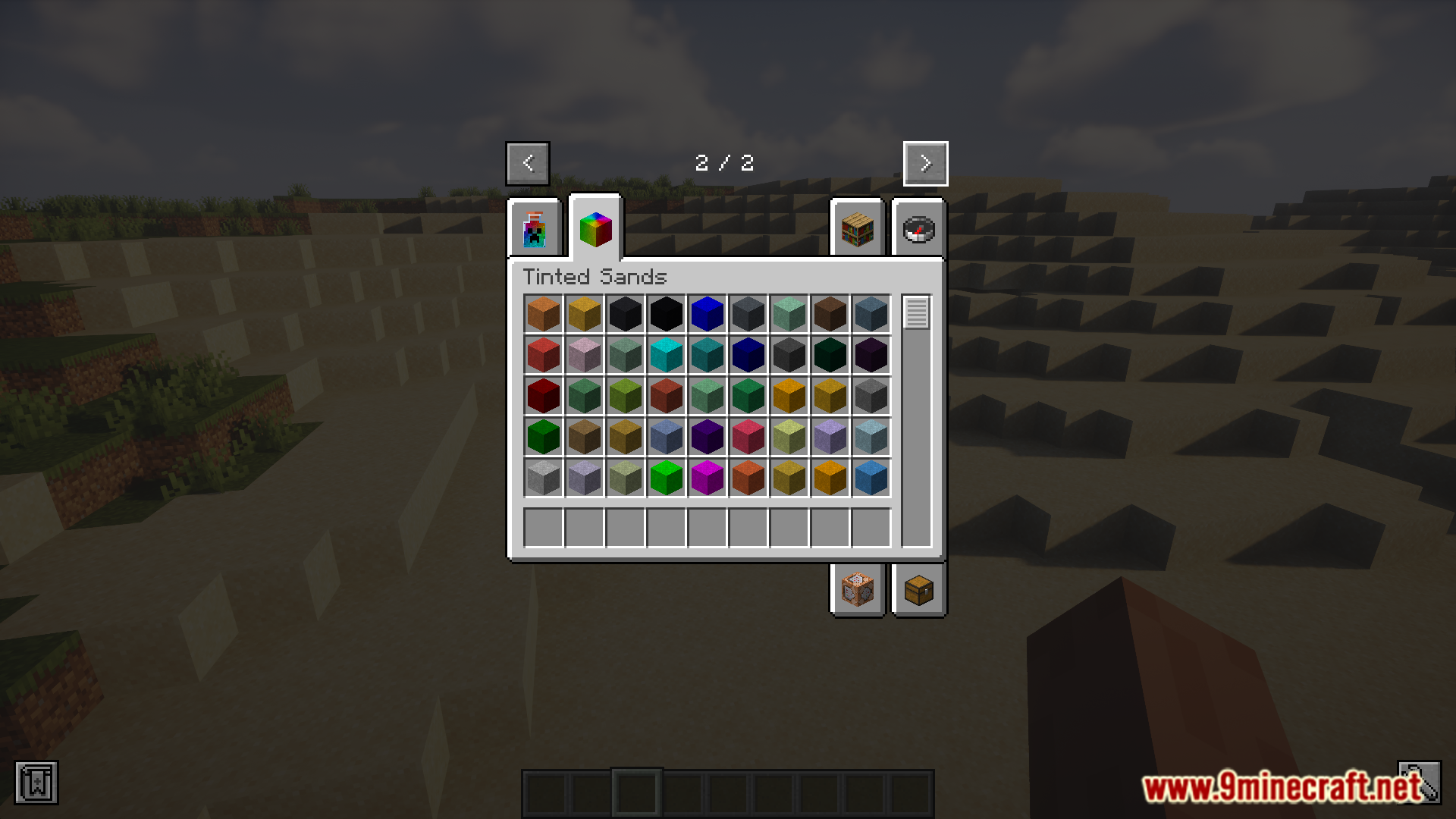
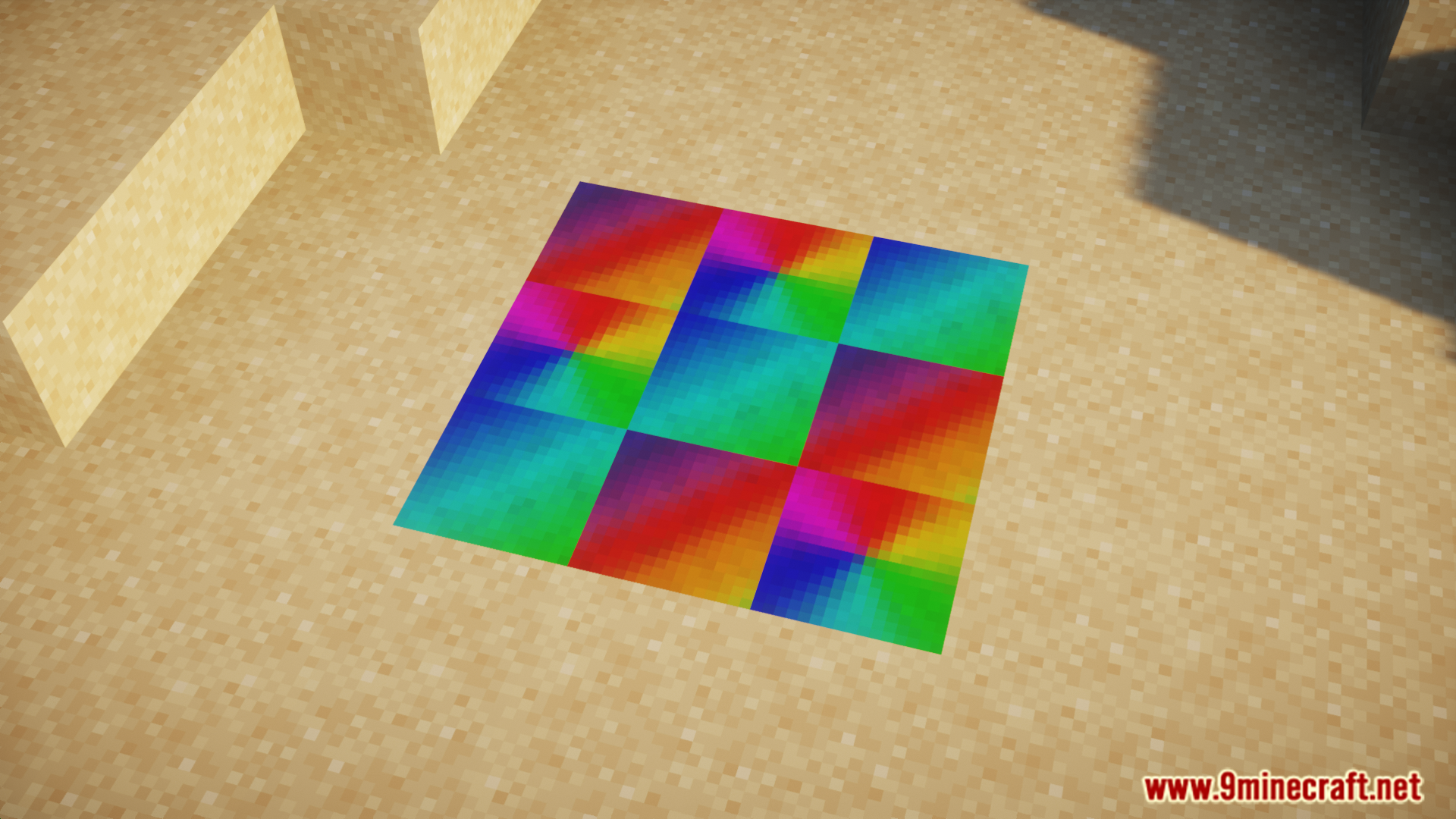
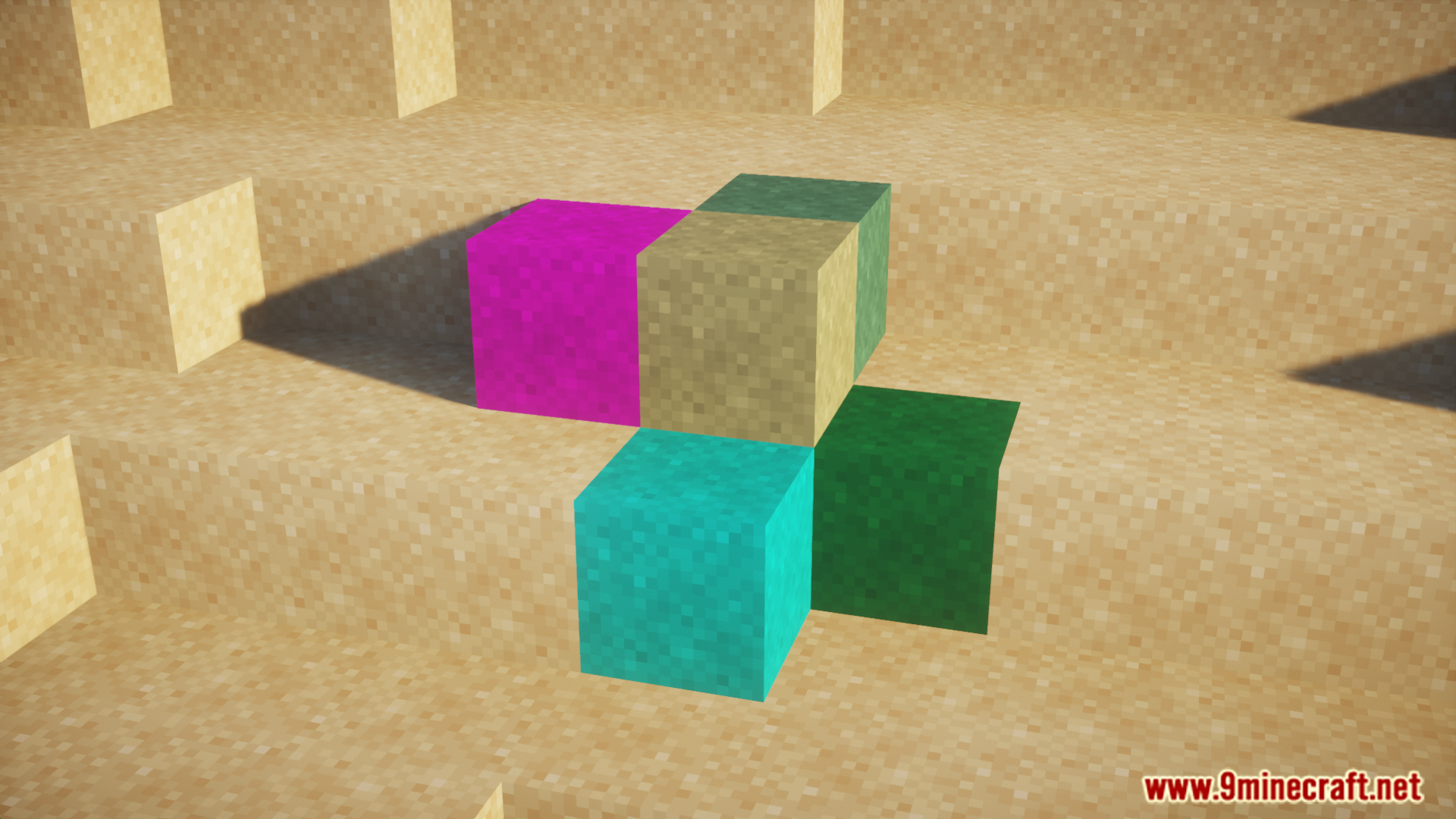
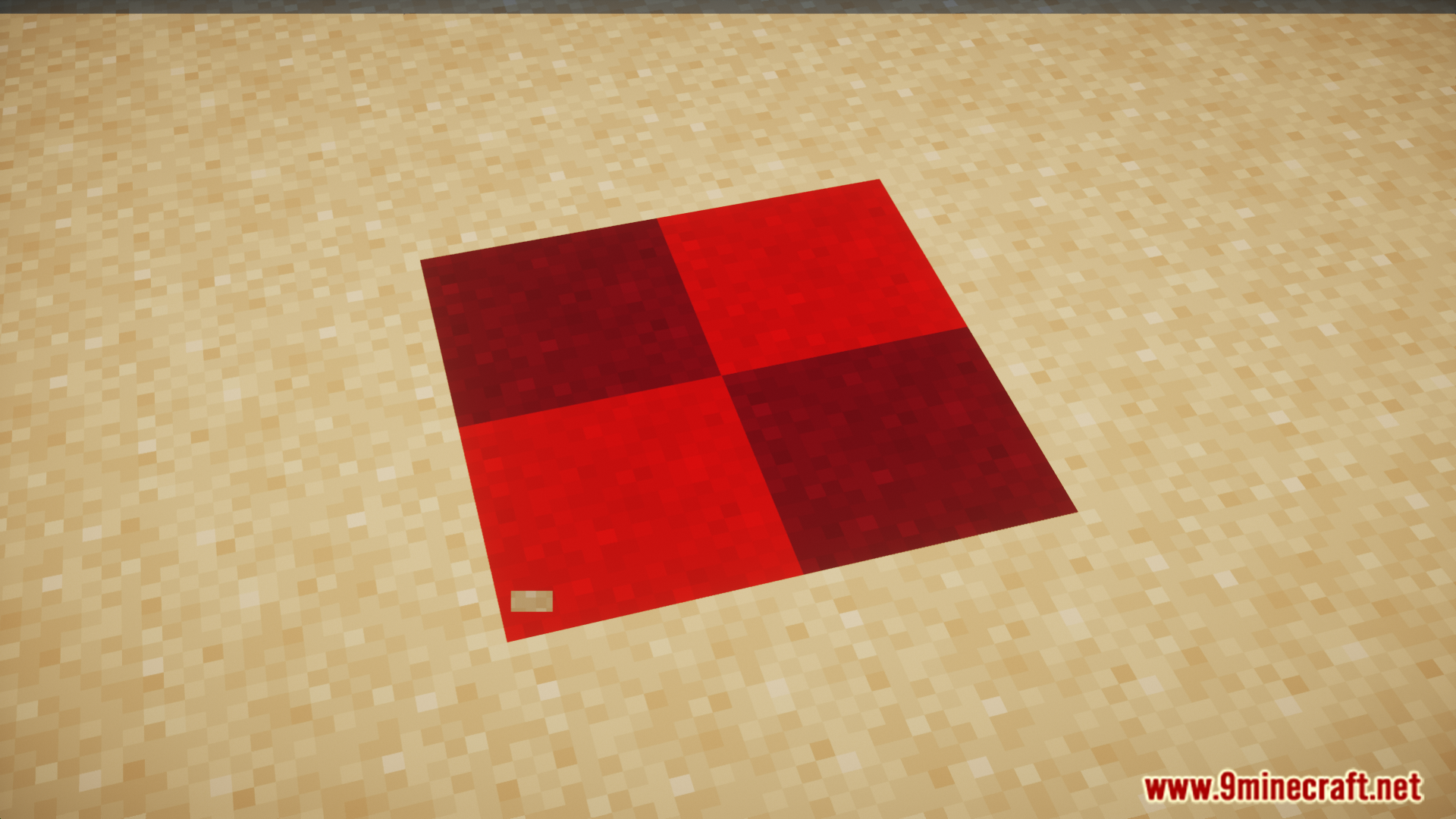
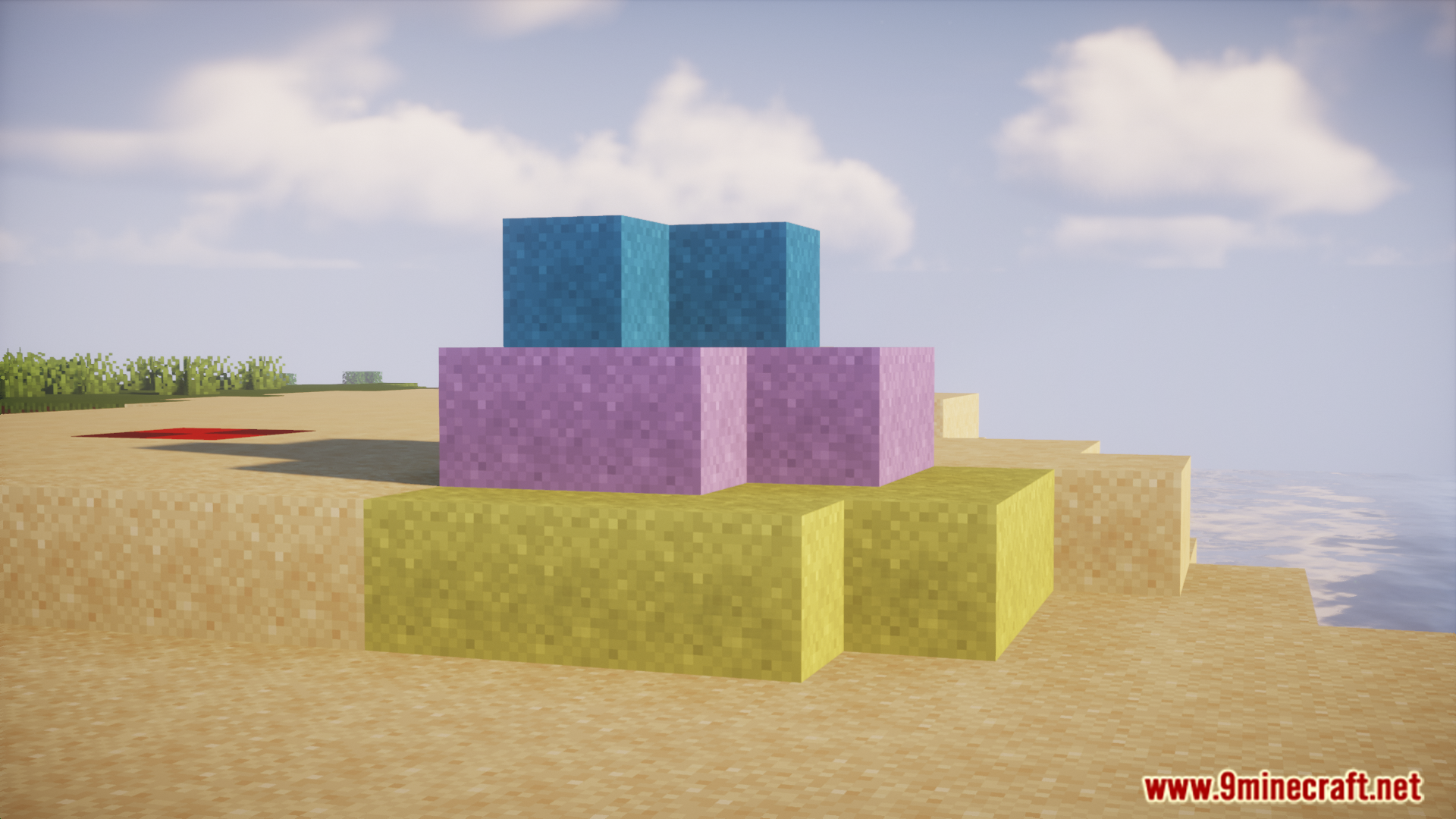
The vanilla game has sixteen main dyes that can be used to color a variety of different blocks and items. But some dyes can be combined and applied onto certain items like leather armor pieces to obtain unique colors. Tinted Sands Mod is here to expand that feature onto sand blocks as well. As the name suggests, this mod allows you to add color to sand blocks in the game. The colored sand blocks will only differ in appearance, and will behave like regular sand blocks. The current version of the mod introduces seventy five different colors for sand, sandstone, chiseled sandstone, cut and smooth sandstone blocks.
Features:
- Allows you to add colors to certain sand themed blocks.
- The following blocks are included: Sand, sandstone, chiseled sandstone, cut and smooth sandstone blocks.
- Introduces seventy five new colors for these blocks.
Screenshots:
Tinted Sands Mod Download Links
For Minecraft 1.21.1, 1.21
NeoForge version: Download from Server 1 – Download from Server 2
For Minecraft 1.20.1, 1.20
Forge/NeoForge version: Download from Server 1 – Download from Server 2
- Edition: Minecraft Java
- File type: .jar
- Minecraft versions listed: 1.21.1, 1.20.1
- How to install: Install the matching mod loader (Forge, Fabric or NeoForge) for your Minecraft version. → Download the .jar. → Put it in the .minecraft/mods folder and launch that loader profile.
- Where to get it: In MC Java Mods, or directly above on this page.
Install steps are the general flow for this file type — How to install Minecraft Java mods & modpacks walks through it step by step.
- Downloads as 176586.mcaddon
- Download size: 1.8 MB
- Download link checked 30 Jul 2026 — working
- Mirrored on our own servers — the download does not depend on the original host
These come from our own check of the pack file, not from the source page.