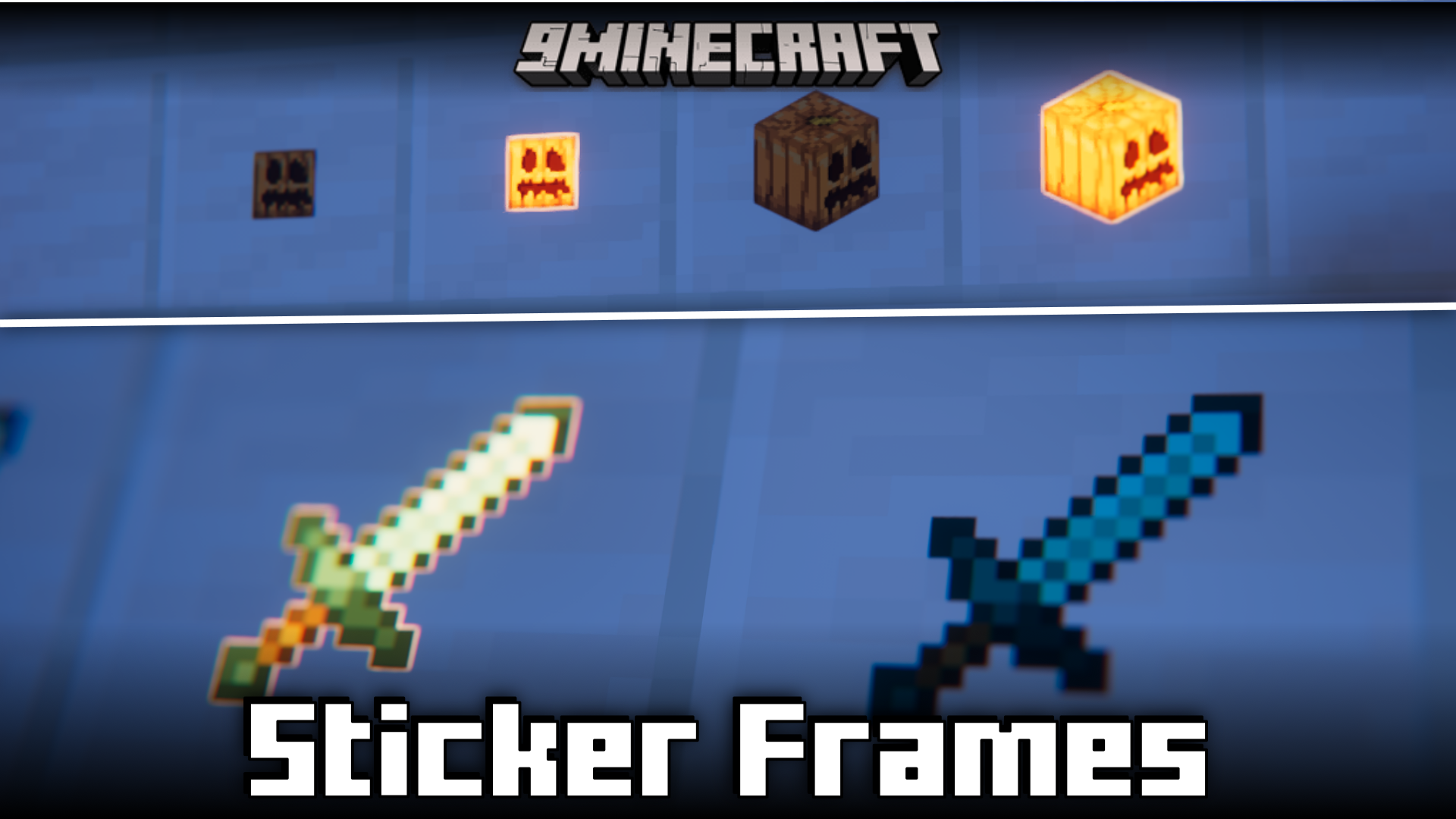
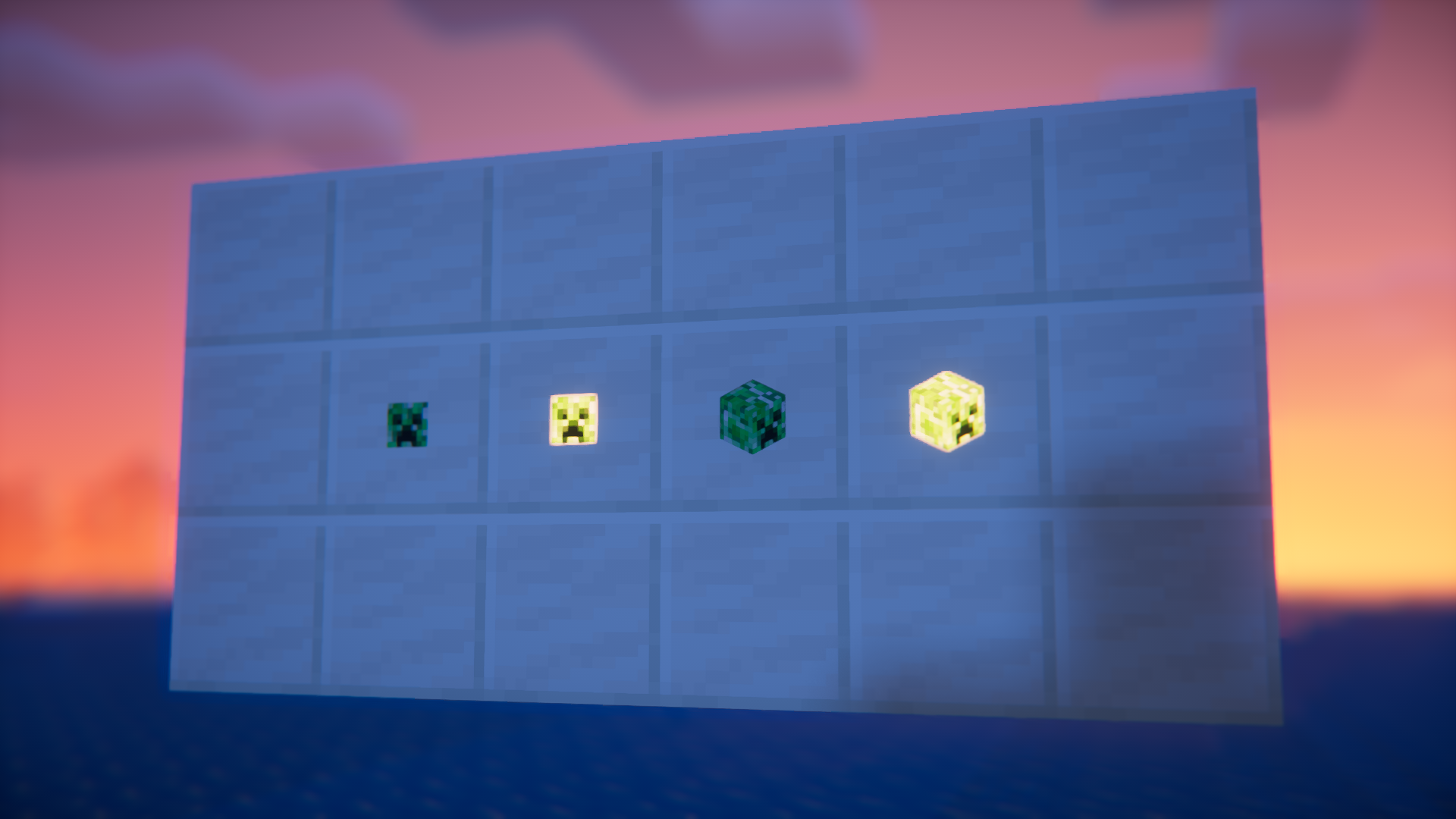
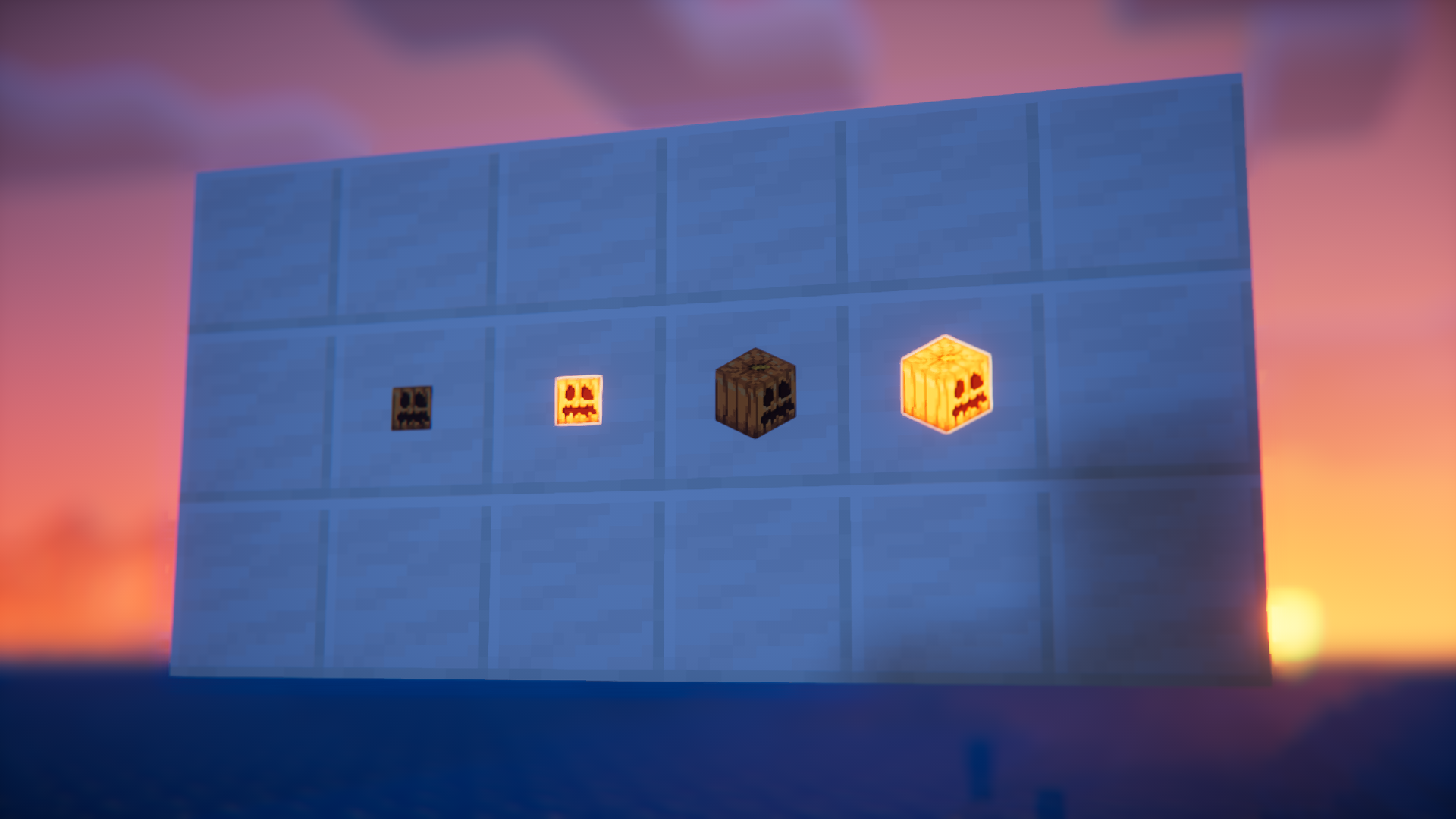
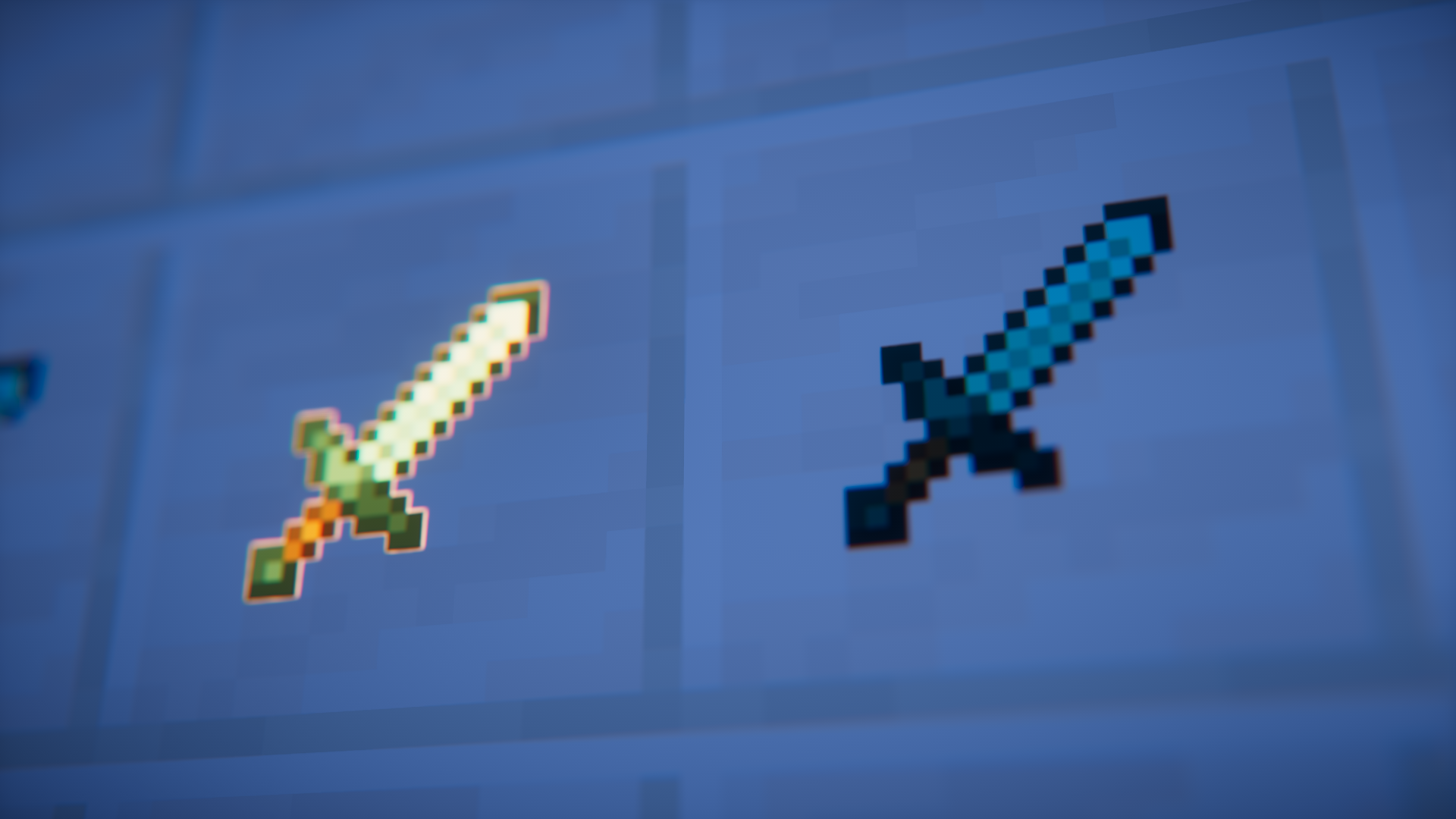

Items frames in Minecraft are very useful for displaying your valued items in-game. But the leathery appearance of the item frame makes it unsuitable to be placed in many builds. They may end up ruining the aesthetics of your build. Sticker Frames Mod is here with an ideal solution… and more! This mod adds four new item frame variants into the game. The first one looks like a regular frame, but will turn invisible once you place an item into it. The second one displays items inside it similar to how they appear in your inventory. Both of these frames have their own glowing variants.
Features:
- Adds four new items frames into the game.
- Item frames that turn invisible when you place an item inside.
- Item frames that make items appear like how they appear in your inventory.
- Glowing variants for both.
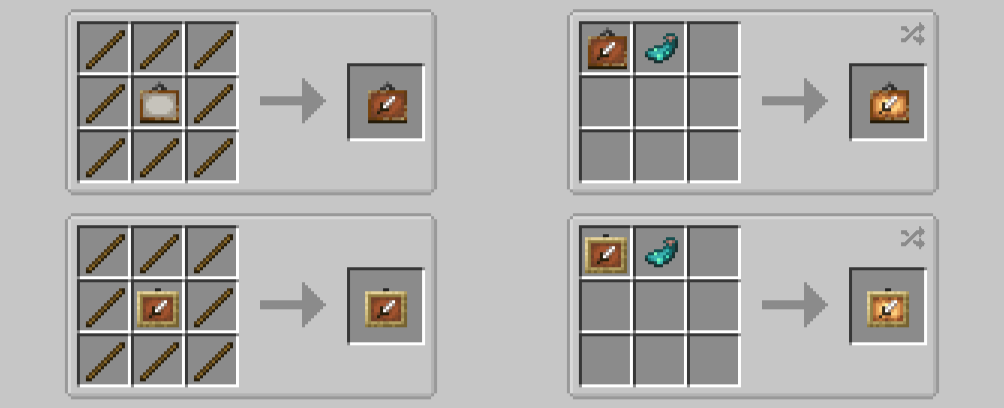
Crafting Recipes:
Screenshots:
Sticker Frames Mod Download Links
For Minecraft 1.21.10
NeoForge version: Download from Server 1 – Download from Server 2
For Minecraft 1.21.8, 1.21.7, 1.21.6
NeoForge version: Download from Server 1 – Download from Server 2
For Minecraft 1.21.5
NeoForge version: Download from Server 1 – Download from Server 2
For Minecraft 1.21.4
NeoForge version: Download from Server 1 – Download from Server 2
For Minecraft 1.21.1, 1.21
NeoForge version: Download from Server 1 – Download from Server 2
For Minecraft 1.20.6
NeoForge version: Download from Server 1 – Download from Server 2
For Minecraft 1.20.4
NeoForge version: Download from Server 1 – Download from Server 2
For Minecraft 1.20.1
Forge version: Download from Server 1 – Download from Server 2
For Minecraft 1.19.2
Forge version: Download from Server 1 – Download from Server 2
- Edition: Minecraft Java
- File type: .jar
- Minecraft versions listed: 1.21.10, 1.20.1
- How to install: Install the matching mod loader (Forge, Fabric or NeoForge) for your Minecraft version. → Download the .jar. → Put it in the .minecraft/mods folder and launch that loader profile.
- Where to get it: In MC Java Mods, or directly above on this page.
Install steps are the general flow for this file type — How to install Minecraft Java mods & modpacks walks through it step by step.
- Downloads as 176632.mcaddon
- Download size: 43 KB
- Download link checked 25 Jul 2026 — working
- Mirrored on our own servers — the download does not depend on the original host
These come from our own check of the pack file, not from the source page.