ModsJava
Obstruction Mod (1.20.1, 1.19.2) – Survive an Unkillable Horror Entity
Java mod listed for Minecraft 1.19–1.20. Downloads from the MC Java Mods app on Android.
⬇ Download

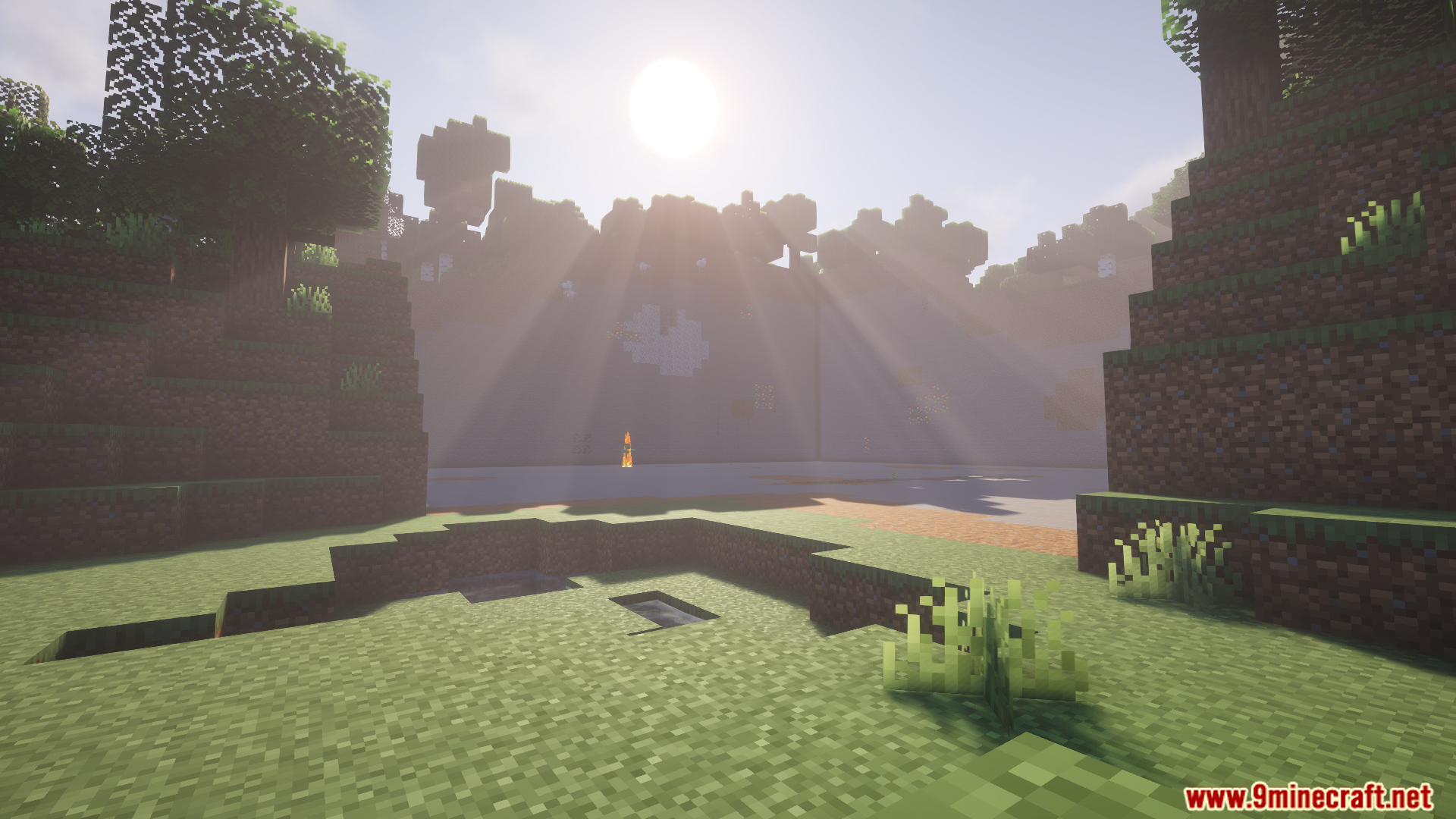
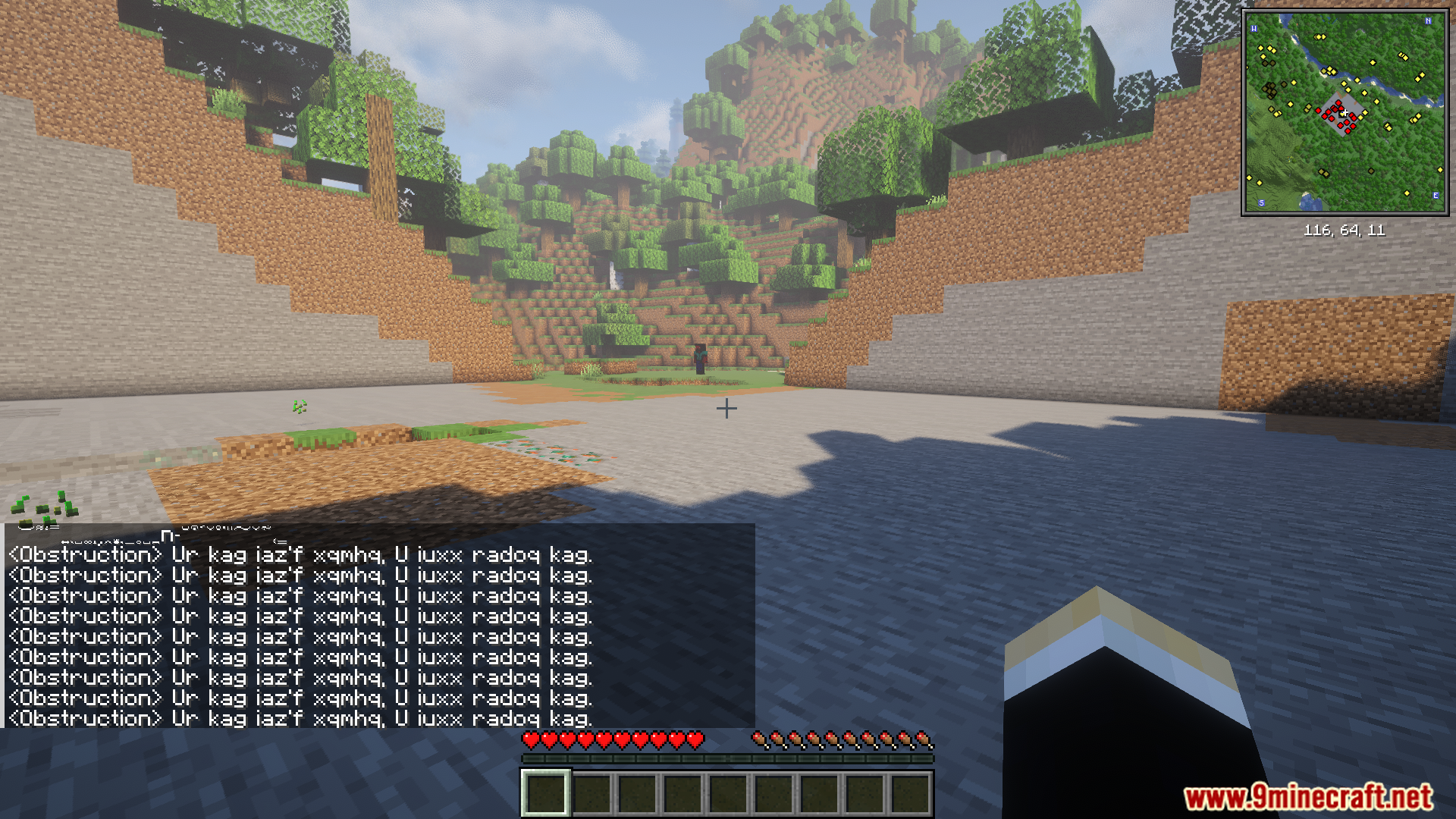
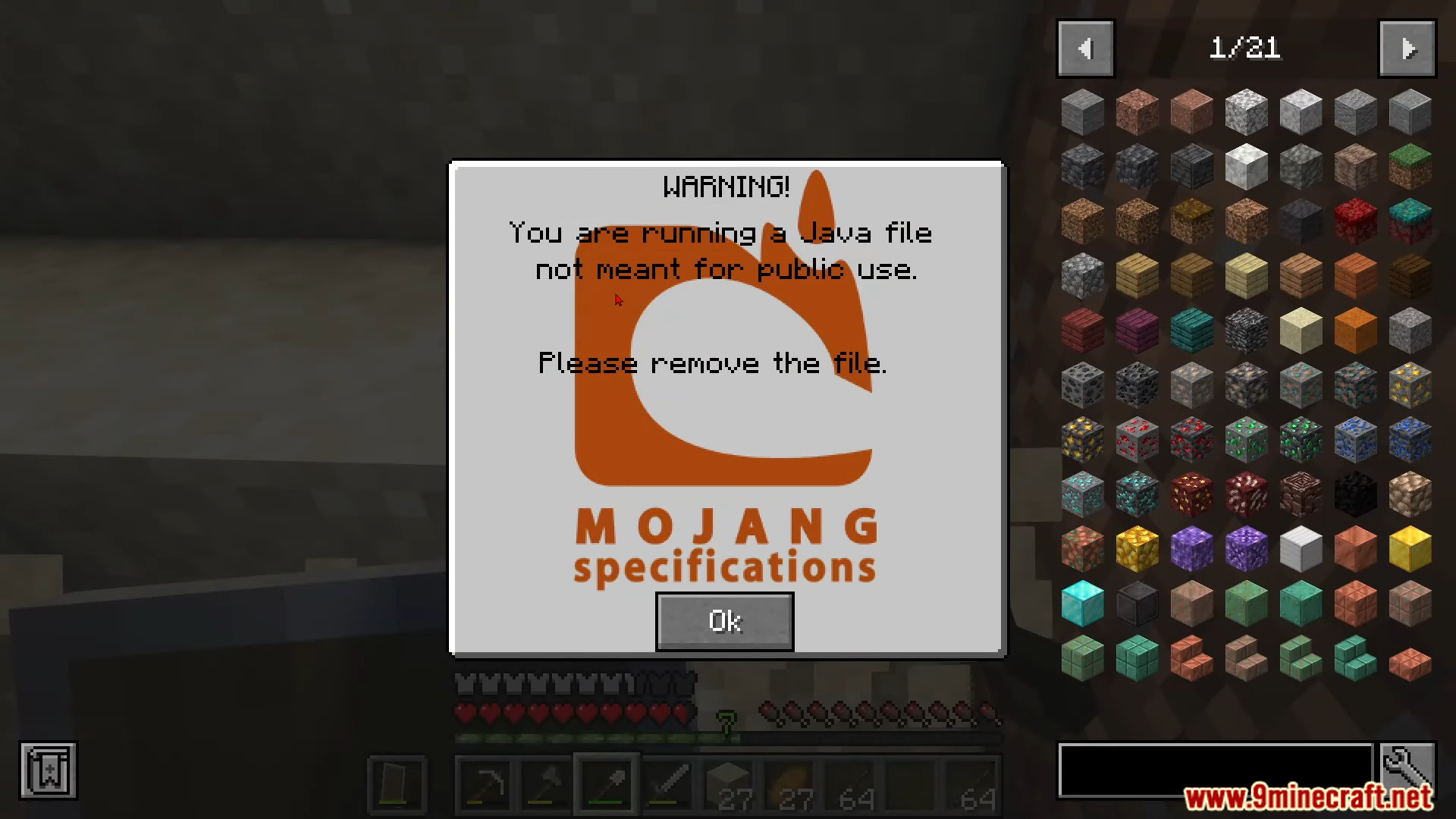
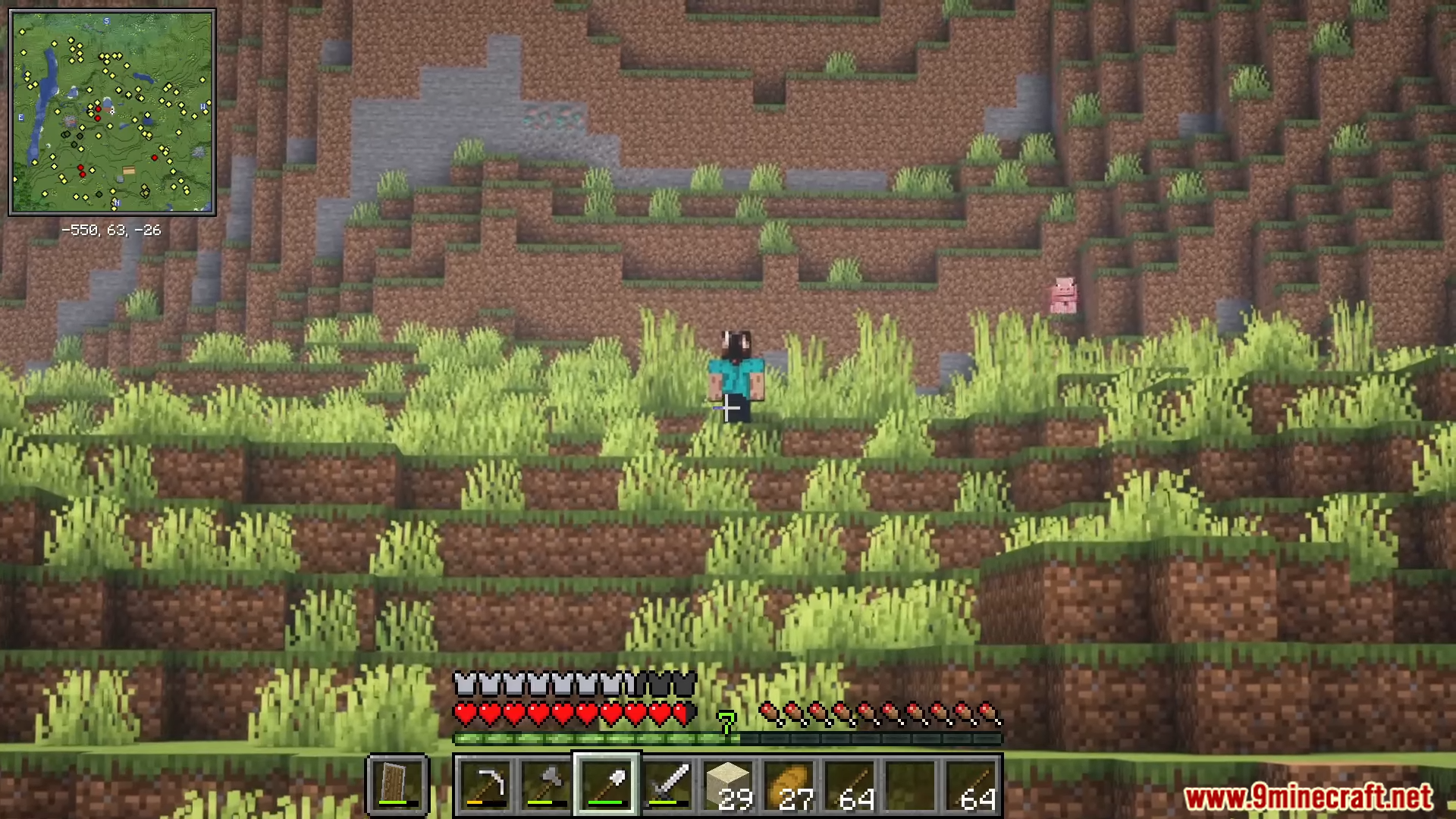

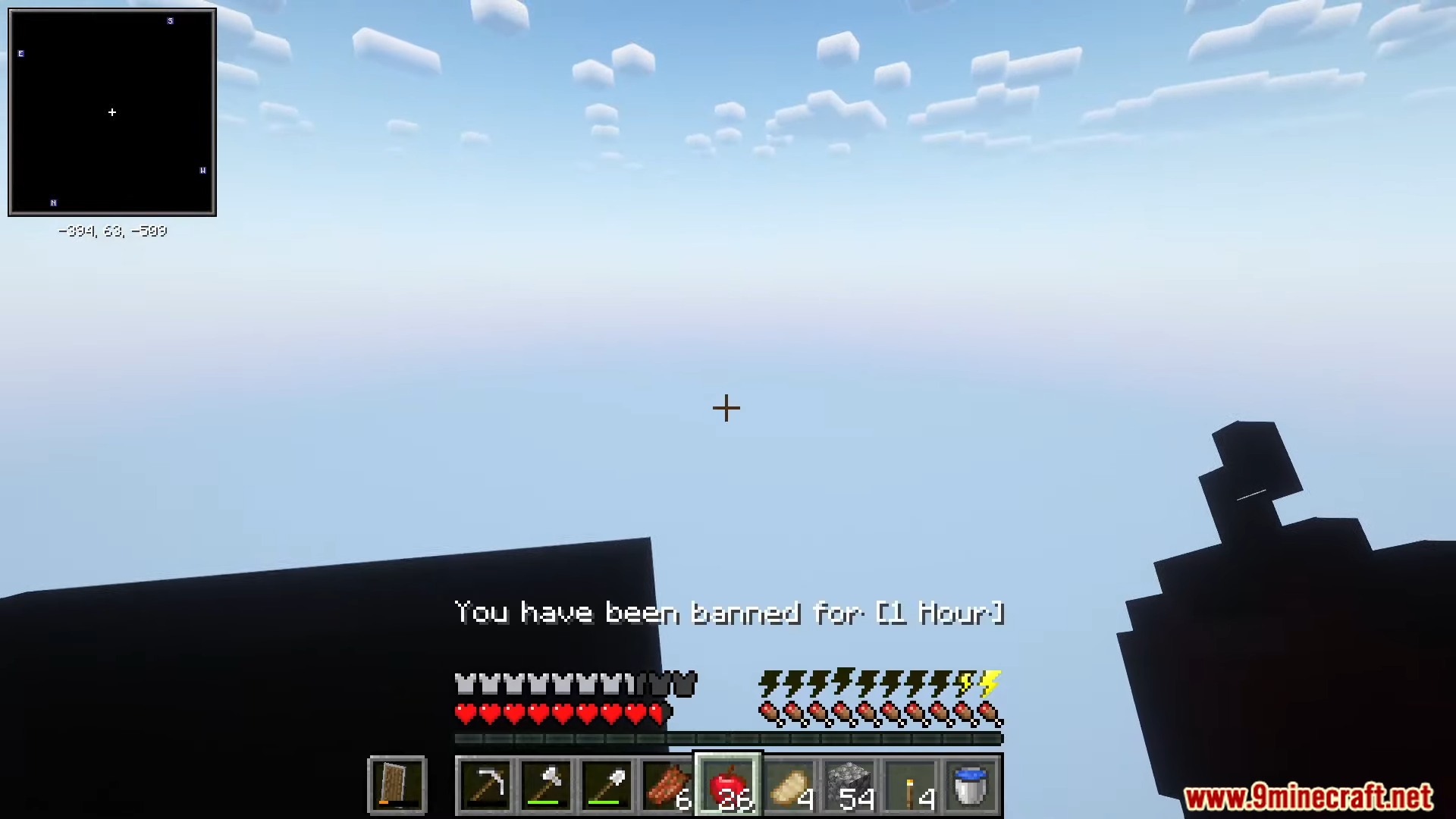
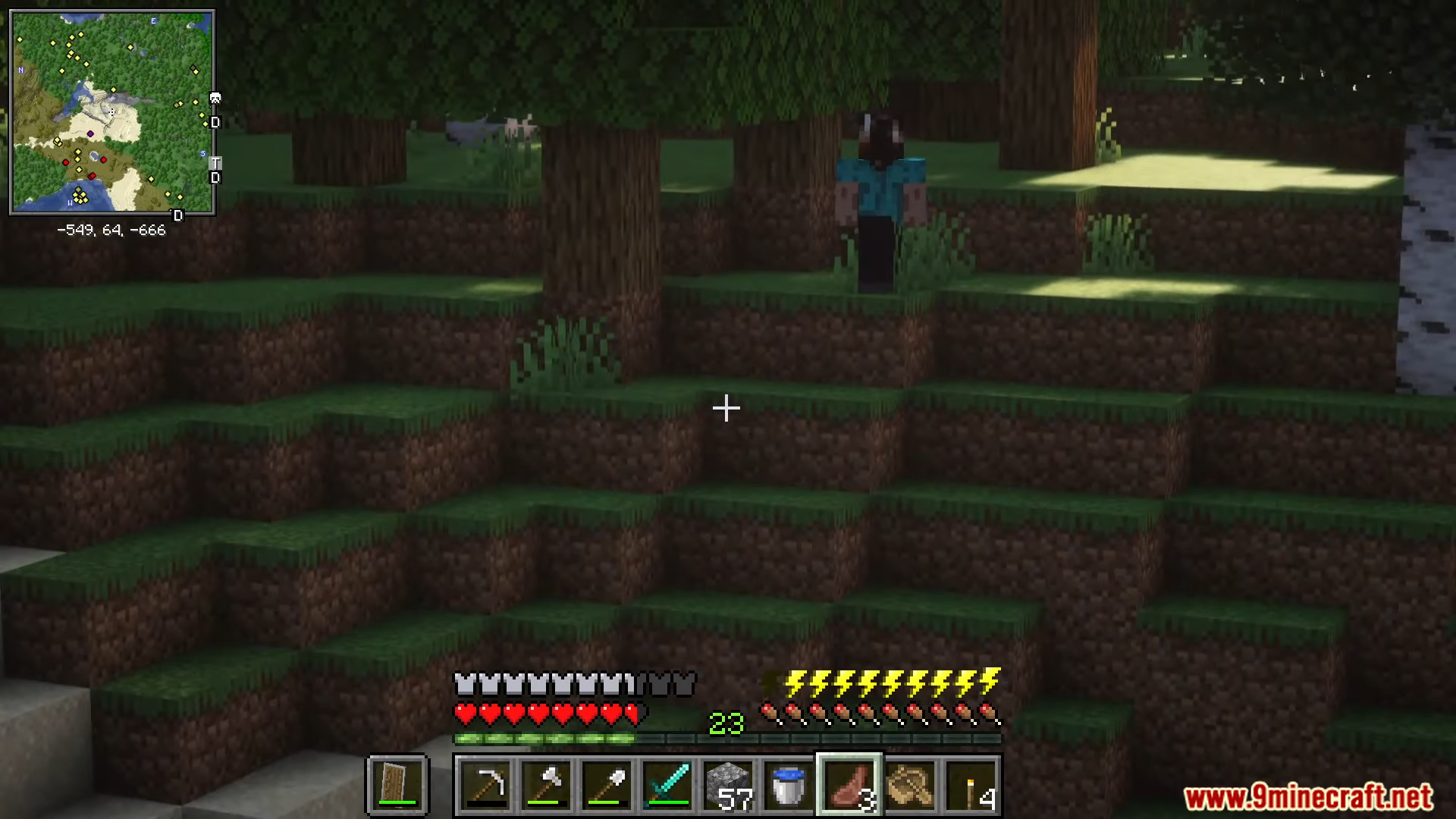
Obstruction Mod adds a creepy mob that pretends to be a friendly Mojang Security Agent. This creature watches and stalks you from a distance. If it gets too close, it might trap you in a strange, new dimension that you’ll have to escape from. The mod is designed to be a subtle horror experience inspired by old Minecraft mysteries.
Features:
- Adds a new hostile mob disguised as a Mojang Security Agent to trick players.
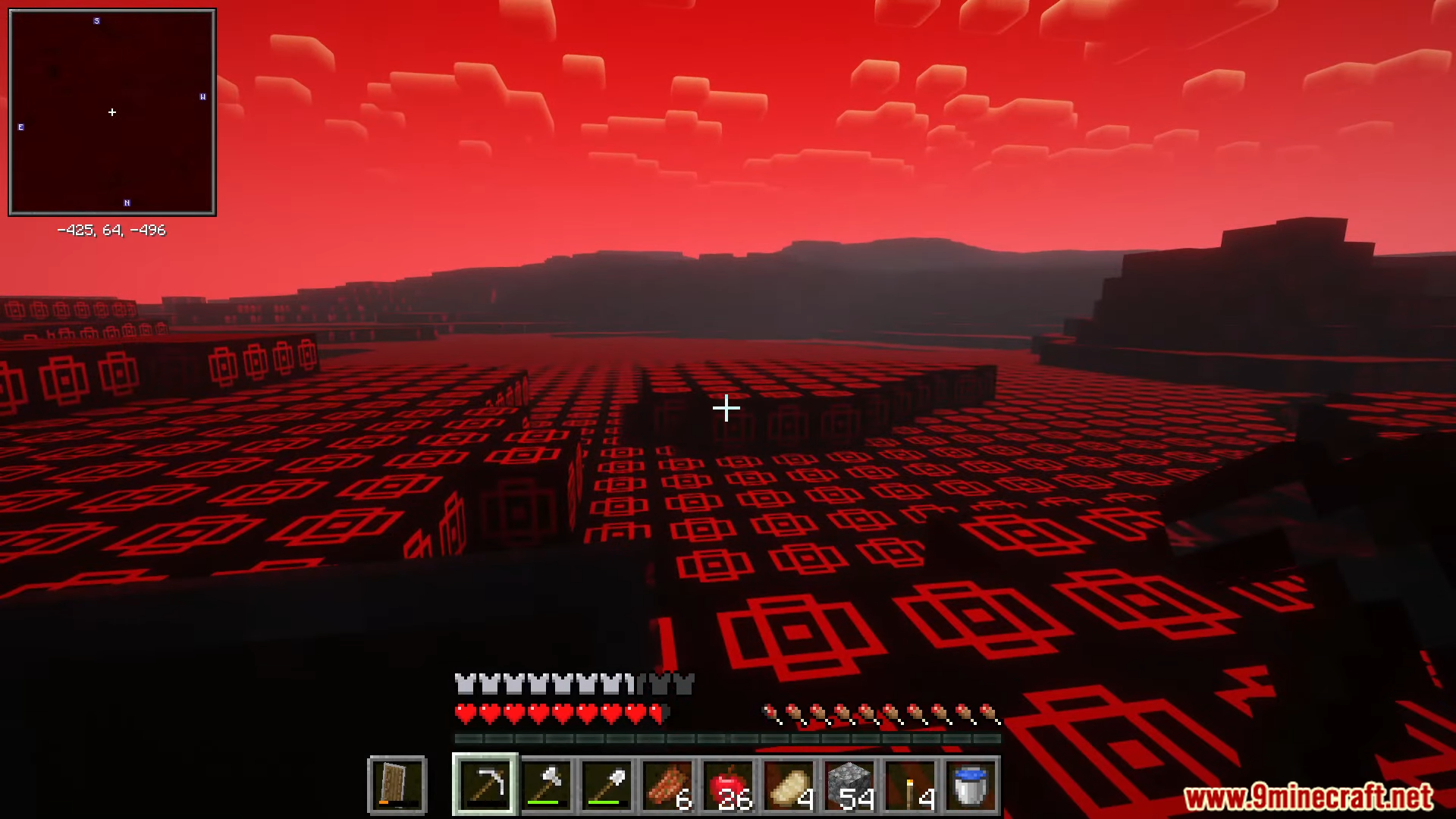
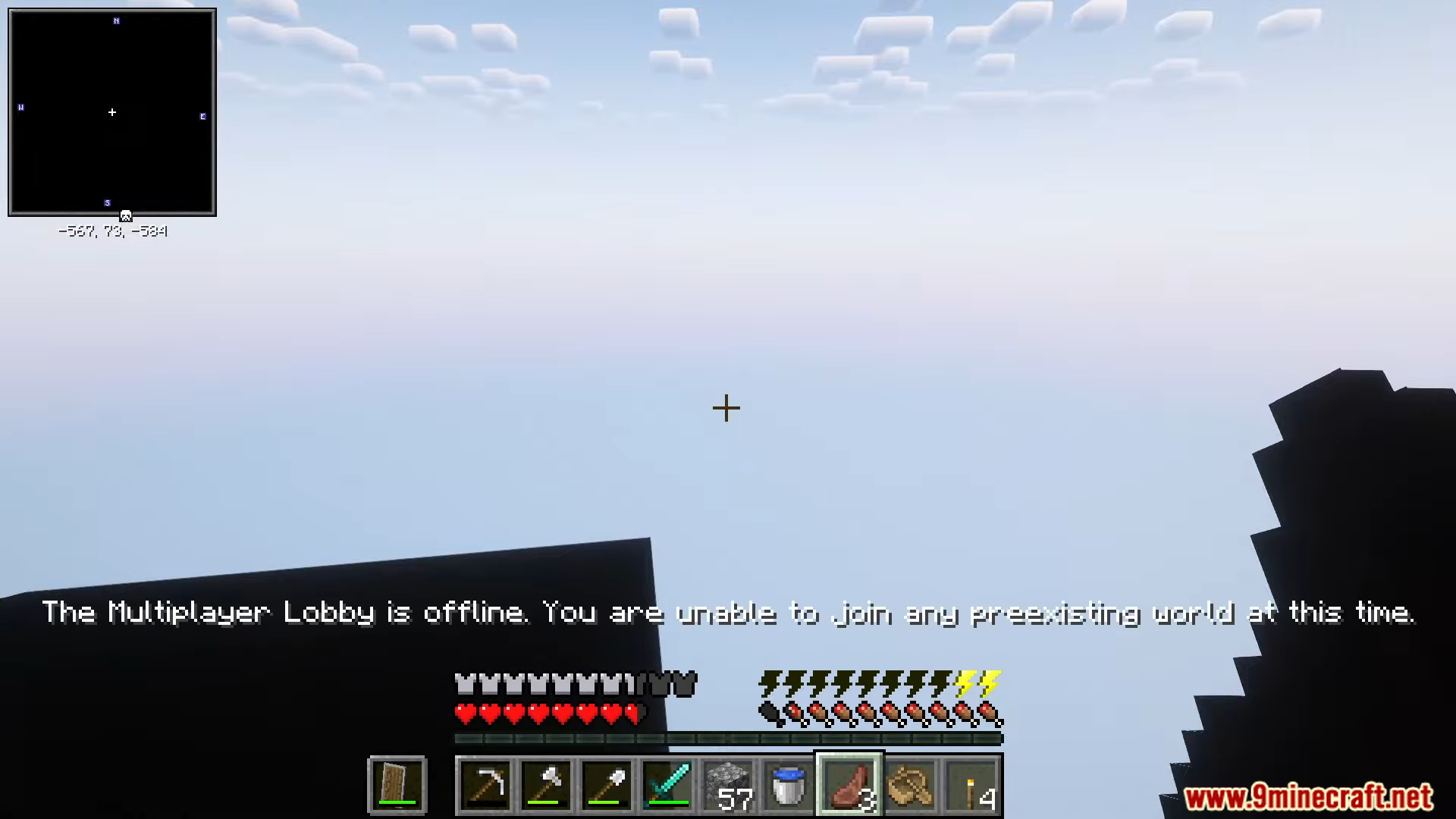
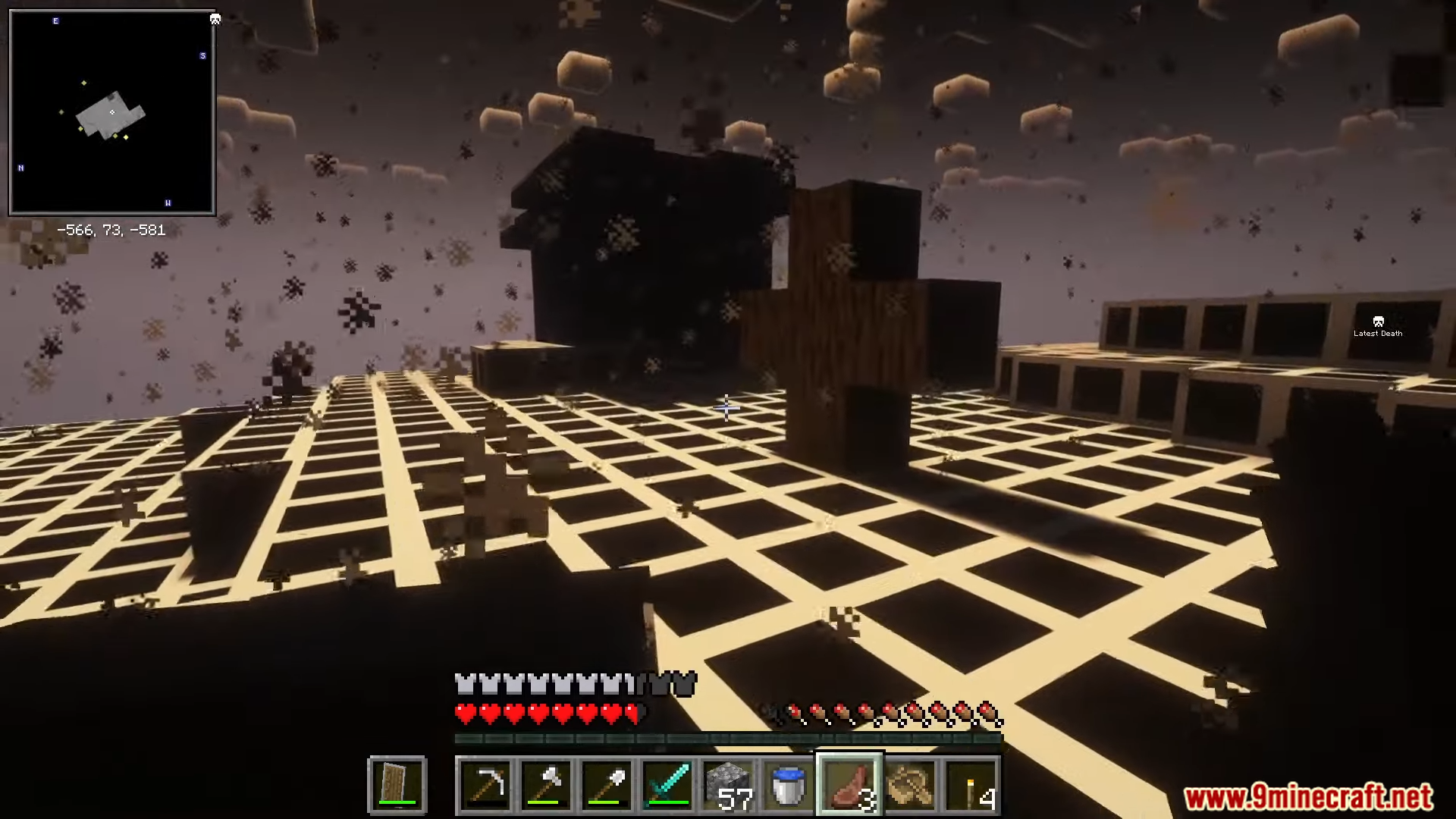
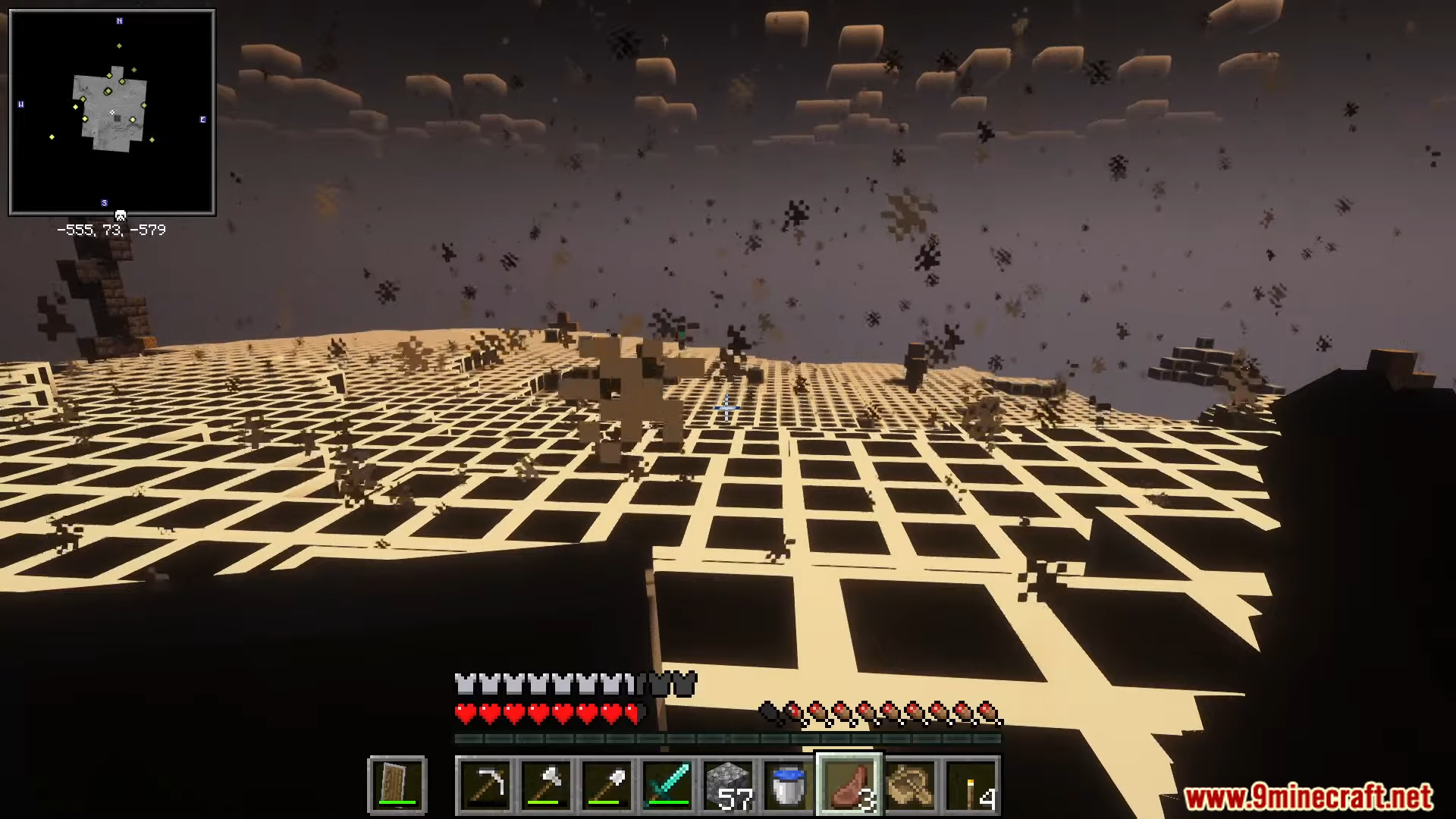
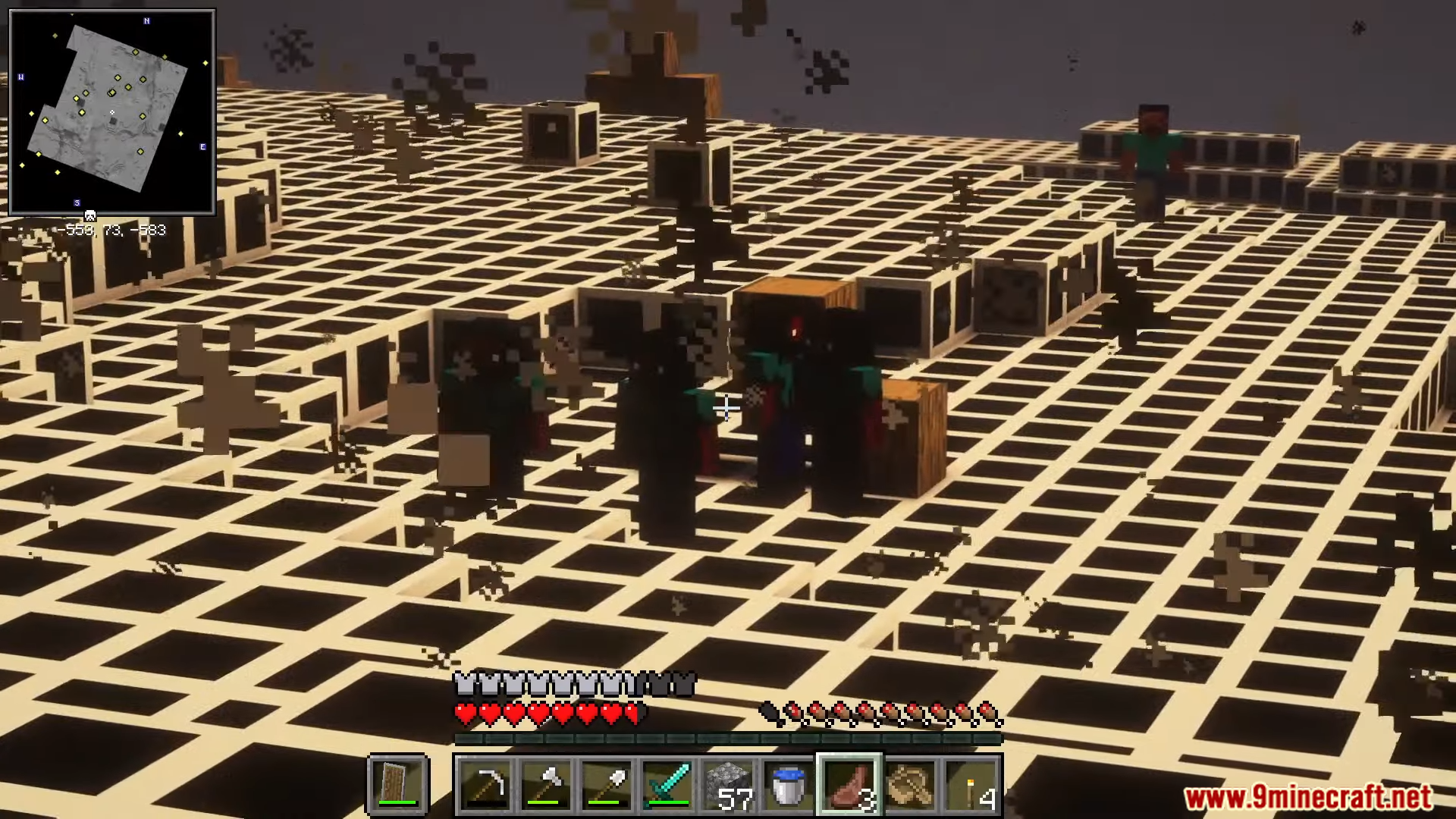
- Get transported to a creepy dimension called ‘ALPHAMULTIPLAYERLOBBY’ if the mob catches you.
- A metallic breathing sound plays as a warning when the entity is nearby.
- Find special exit structures with a one-time-use “X” block to escape the dimension.
- The dimension contains motionless entities that are mostly harmless, but you should avoid any that stare at you.
- Generates random structures in the world; some are safe, while others may contain fire or explosives.
- The main entity cannot be killed, so running and hiding is the only way to survive.
How to Use:
- If you hear a metallic breathing sound, run away and cover yourself with blocks.
- If the mob interacts with you, you will be sent to the ALPHAMULTIPLAYERLOBBY dimension.
- To get back to your world, you must find an exit structure and right-click the special “X” block.
- Be careful around the structures the mod adds, as some are designed to grief your world with traps.
- The main mob makes no sound when it runs at you, so always be prepared to escape.
Screenshots:

Obstruction Mod Download Links
For Minecraft 1.20.1, 1.20
Forge version: Download from Server 1 – Download from Server 2
For Minecraft 1.19.2
Forge version: Download from Server 1 – Download from Server 2
Quick facts
- Edition: Minecraft Java
- File type: .jar
- Minecraft versions listed: 1.20.1, 1.19.2
- How to install: Install the matching mod loader (Forge, Fabric or NeoForge) for your Minecraft version. → Download the .jar. → Put it in the .minecraft/mods folder and launch that loader profile.
- Where to get it: In MC Java Mods, or directly above on this page.
Install steps are the general flow for this file type — How to install Minecraft Java mods & modpacks walks through it step by step.
File checked by MCModsHub
- Downloads as 176640.mcaddon
- Download size: 8.5 MB
- Download link checked 25 Jul 2026 — working
- Mirrored on our own servers — the download does not depend on the original host
These come from our own check of the pack file, not from the source page.