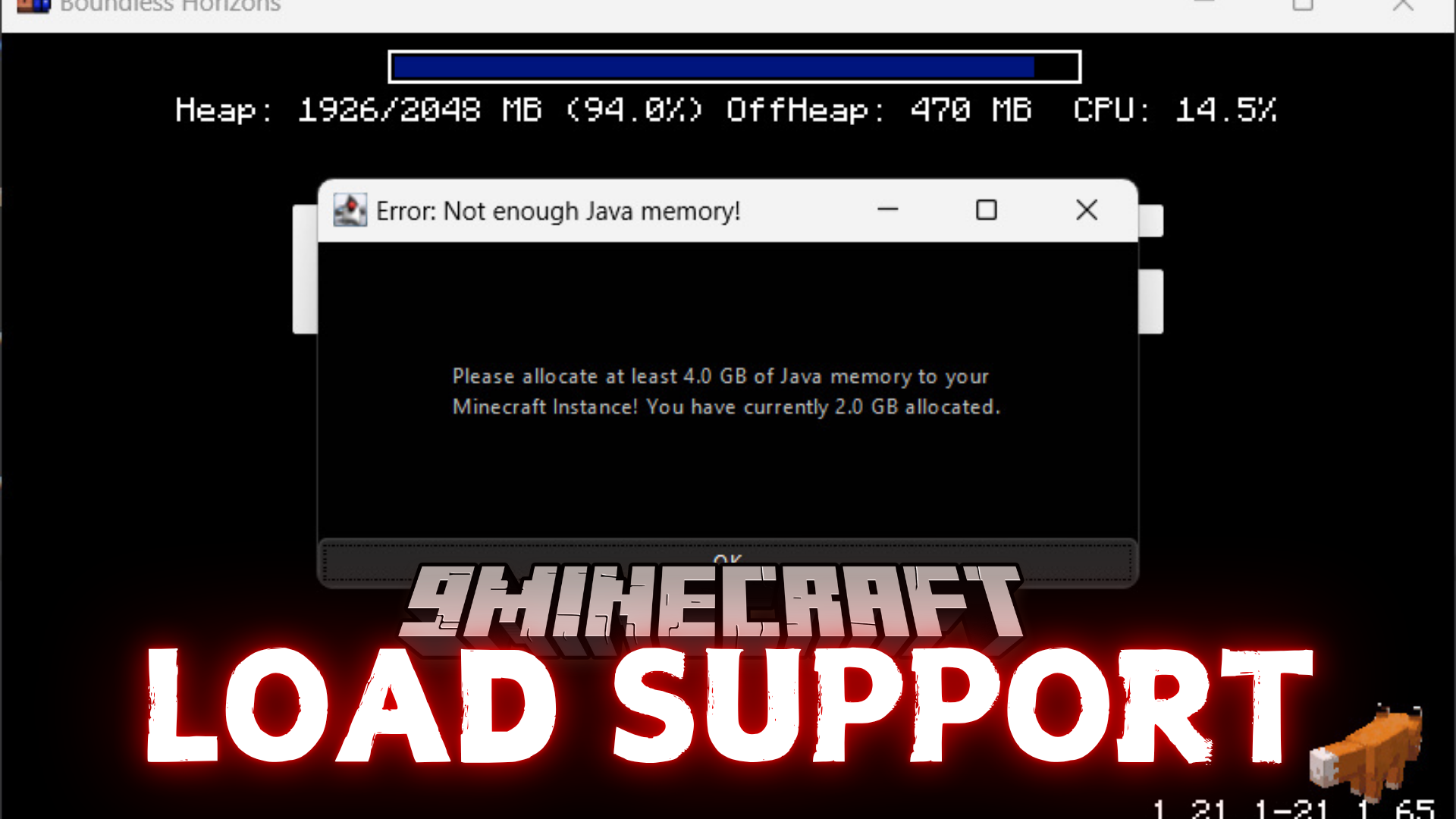
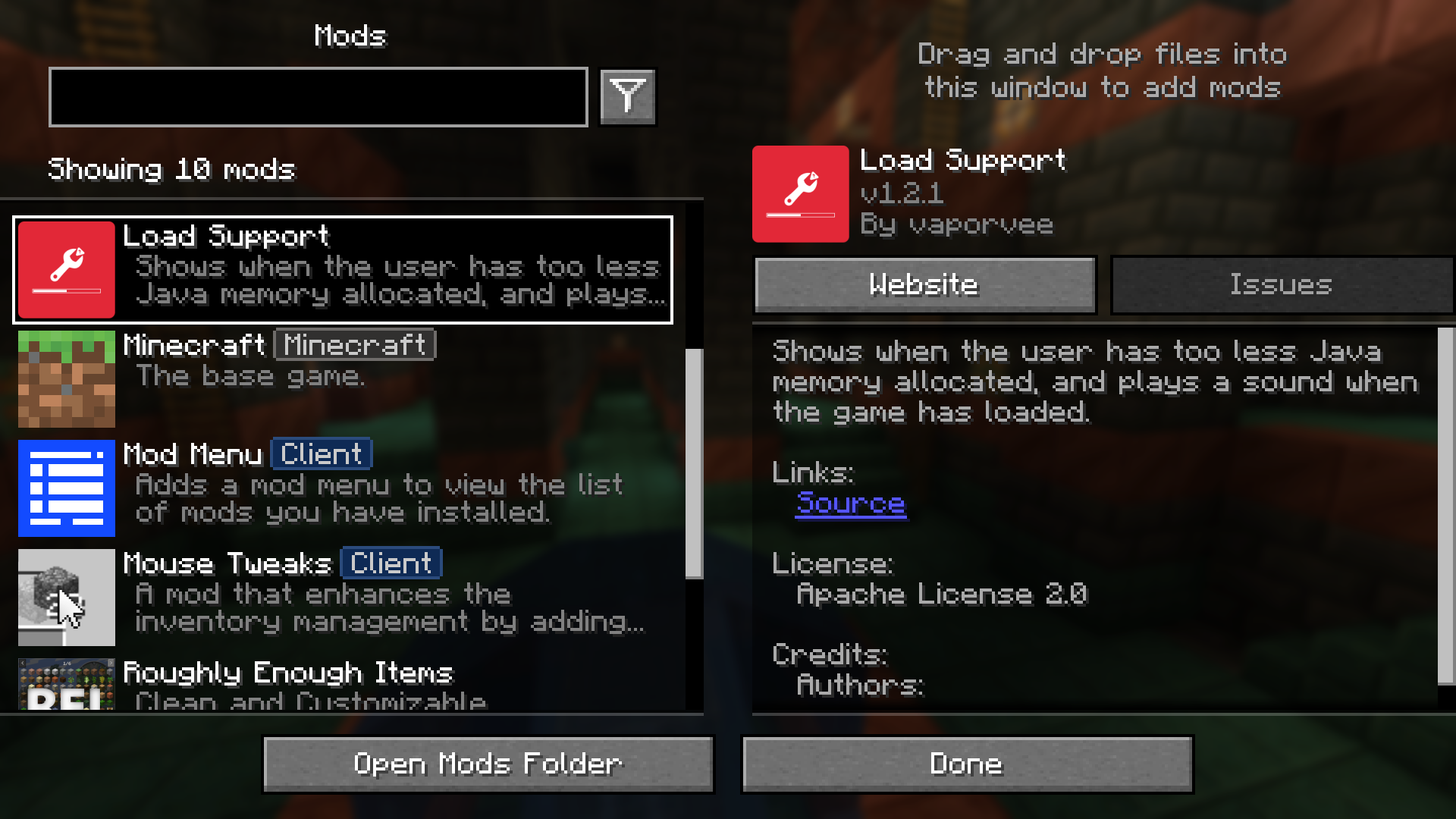
Load Support Mod warns you if you have not given Minecraft enough Java memory. This mod shows an error message right away so you don’t have to wait for the game to crash. It also plays a sound to let you know when the game has finished loading, which is useful when the game is in the background.
Features:
- Shows a warning immediately if your selected Java memory is too low.
- Blocks the game window to make sure you see the memory warning.
- Plays a sound when Minecraft has completely loaded.
Configuration:
You can change the settings in the config/loadsupport.toml file. The options are explained below:
loadFinishSound = "minecraft:ui.toast.challenge_complete"
minMemory = 4.0
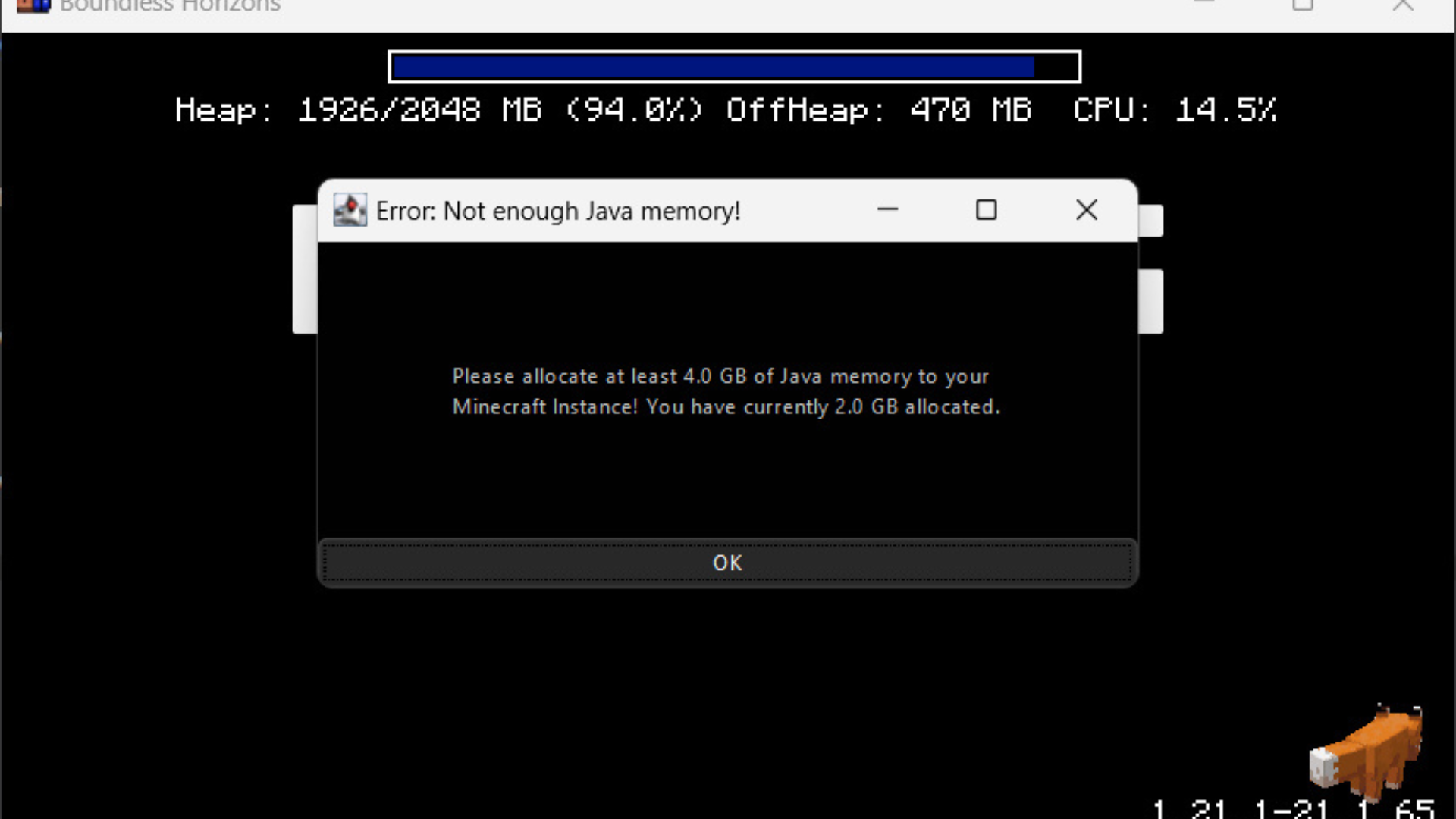
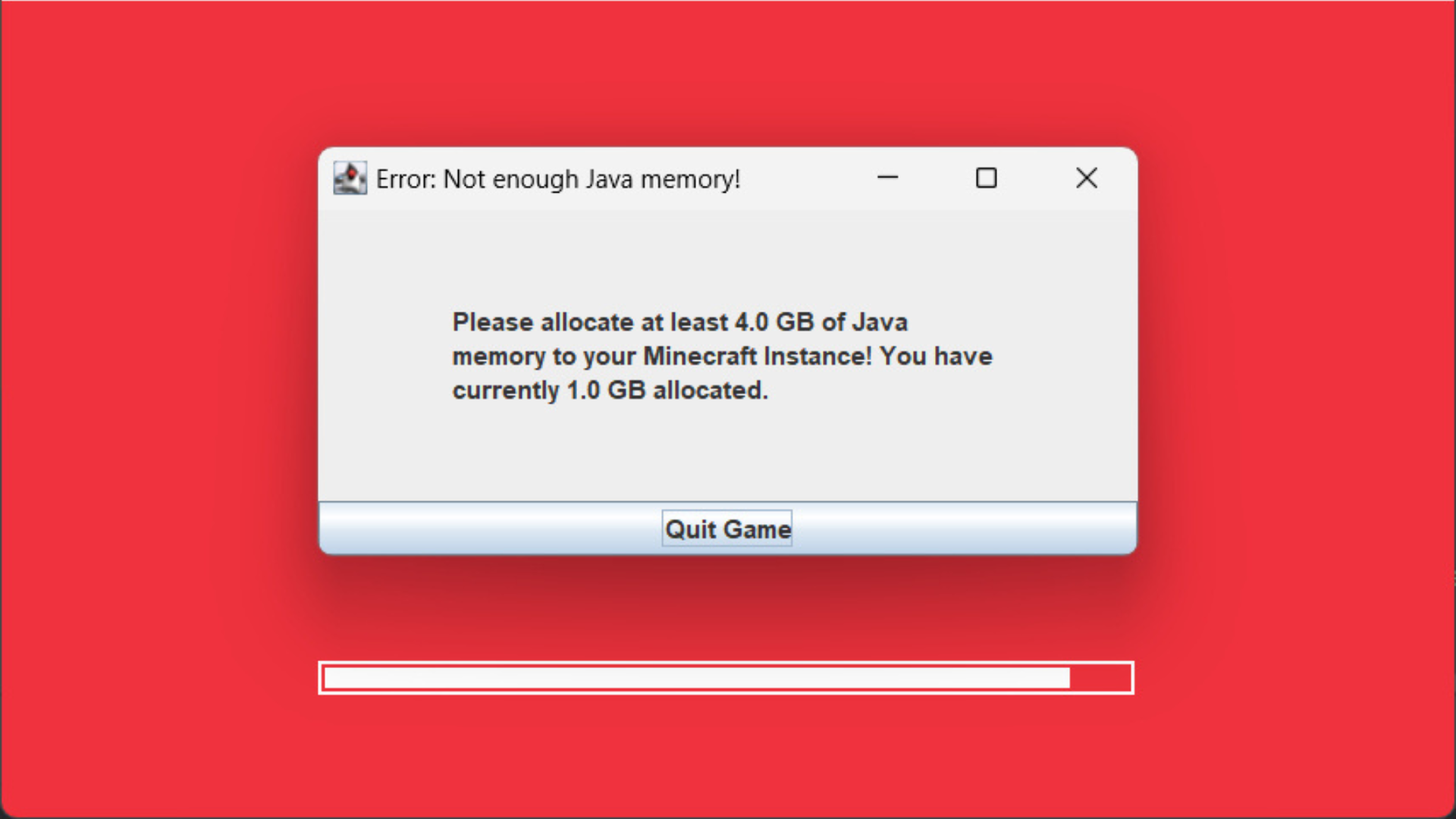
errorTitle = "Error: Not enough Java memory!"
errorMinMemory = "Please allocate at least {minMemory} GB of Java memory to your Minecraft instance!"
errorCurrentMemory = "You have currently {currentMemory} GB allocated."
memoryInfoLink = "https://github.com/vaporvee/LoadSupport/wiki/How-to-allocate-more-memory-to-your-Minecraft-instance"
In the messages, {minMemory} and {currentMemory} are replaced with their actual values.
Screenshots:

Load Support Mod Download Links
For Minecraft 1.21.8, 1.21.7, 1.21.6
Fabric Version: Download from Server 1 – Download from Server 2
NeoForge Version: Download from Server 1 – Download from Server 2
For Minecraft 1.21.5, 1.21.4, 1.21.3, 1.21.1, 1.21
Fabric Version: Download from Server 1 – Download from Server 2
NeoForge Version: Download from Server 1 – Download from Server 2
- Edition: Minecraft Java
- File type: .jar
- Minecraft versions listed: 1.21.8, 1.21.1
- How to install: Install the matching mod loader (Forge, Fabric or NeoForge) for your Minecraft version. → Download the .jar. → Put it in the .minecraft/mods folder and launch that loader profile.
- Where to get it: In MC Java Mods, or directly above on this page.
Install steps are the general flow for this file type — How to install Minecraft Java mods & modpacks walks through it step by step.
- Downloads as 176641.mcaddon
- Download size: 24 KB
- Download link checked 29 Jul 2026 — working
- Mirrored on our own servers — the download does not depend on the original host
These come from our own check of the pack file, not from the source page.