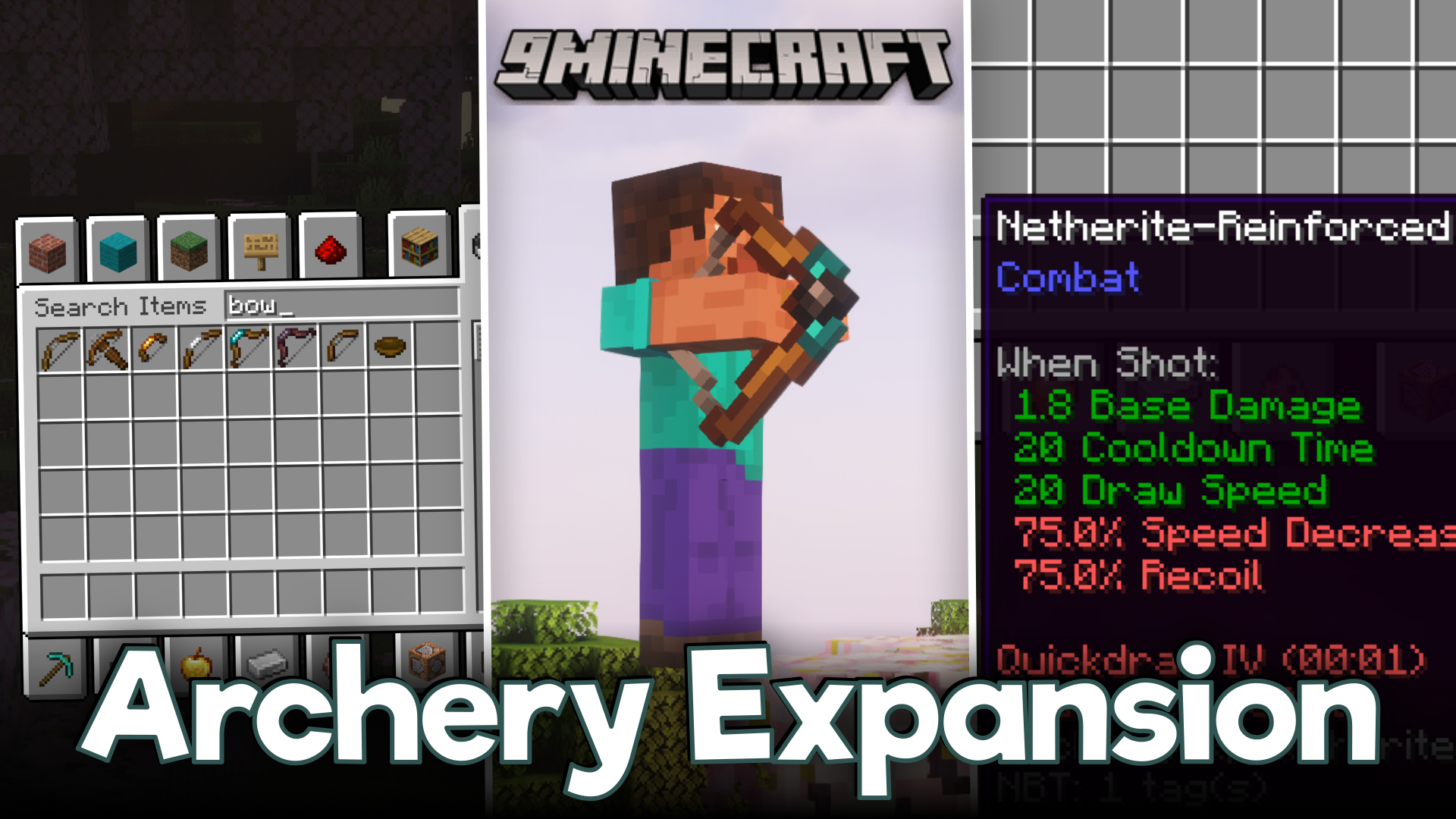

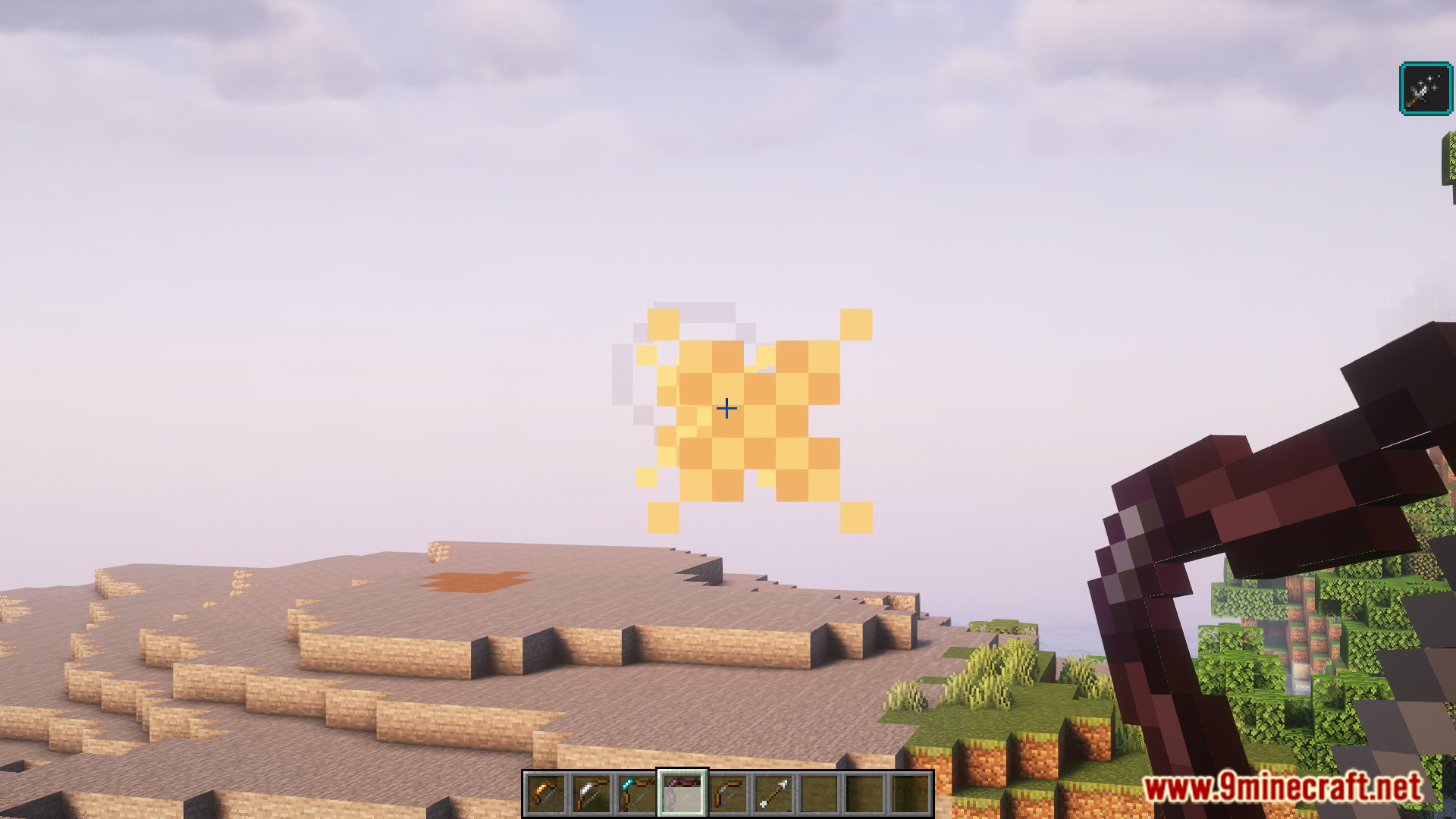
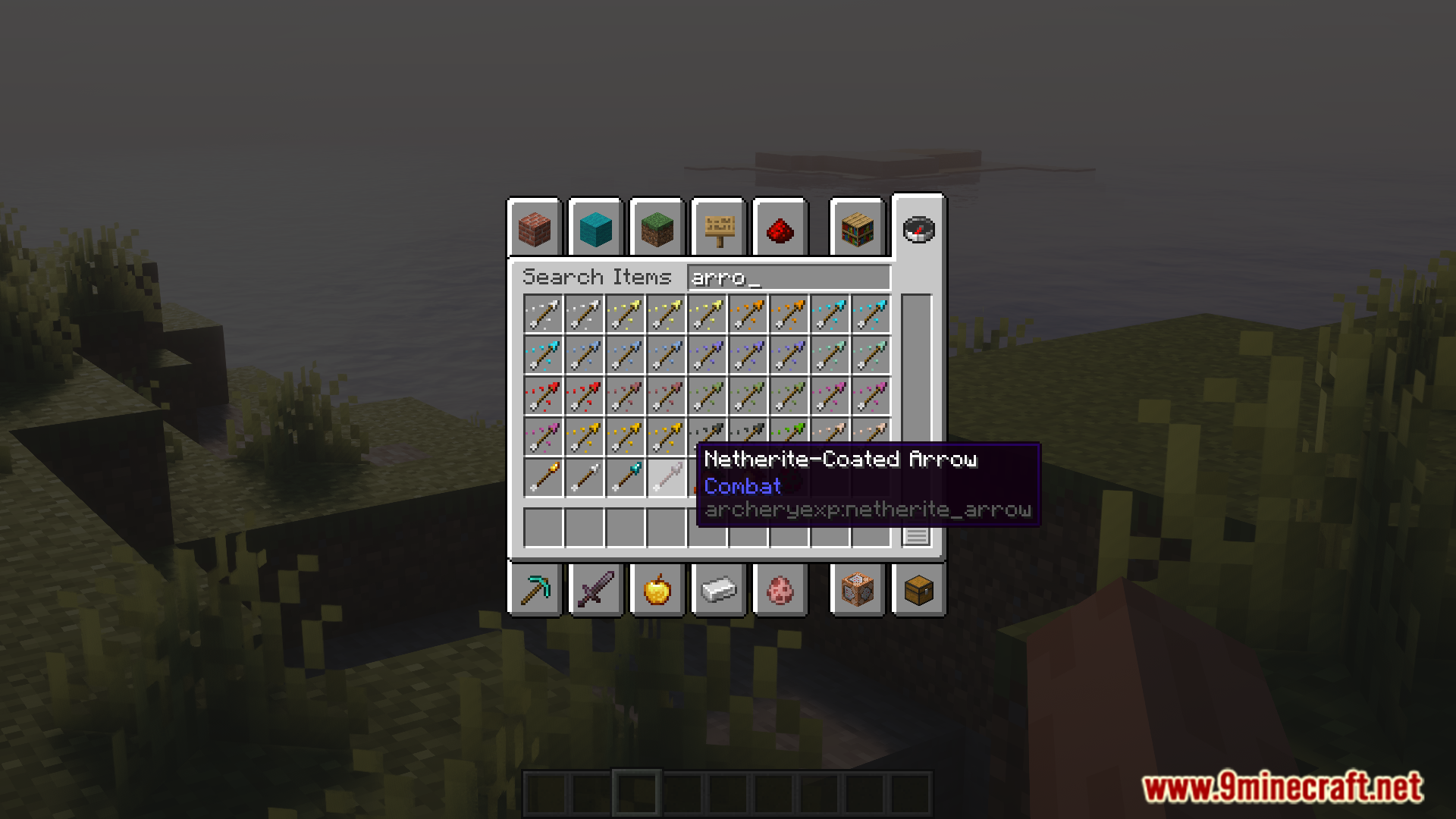
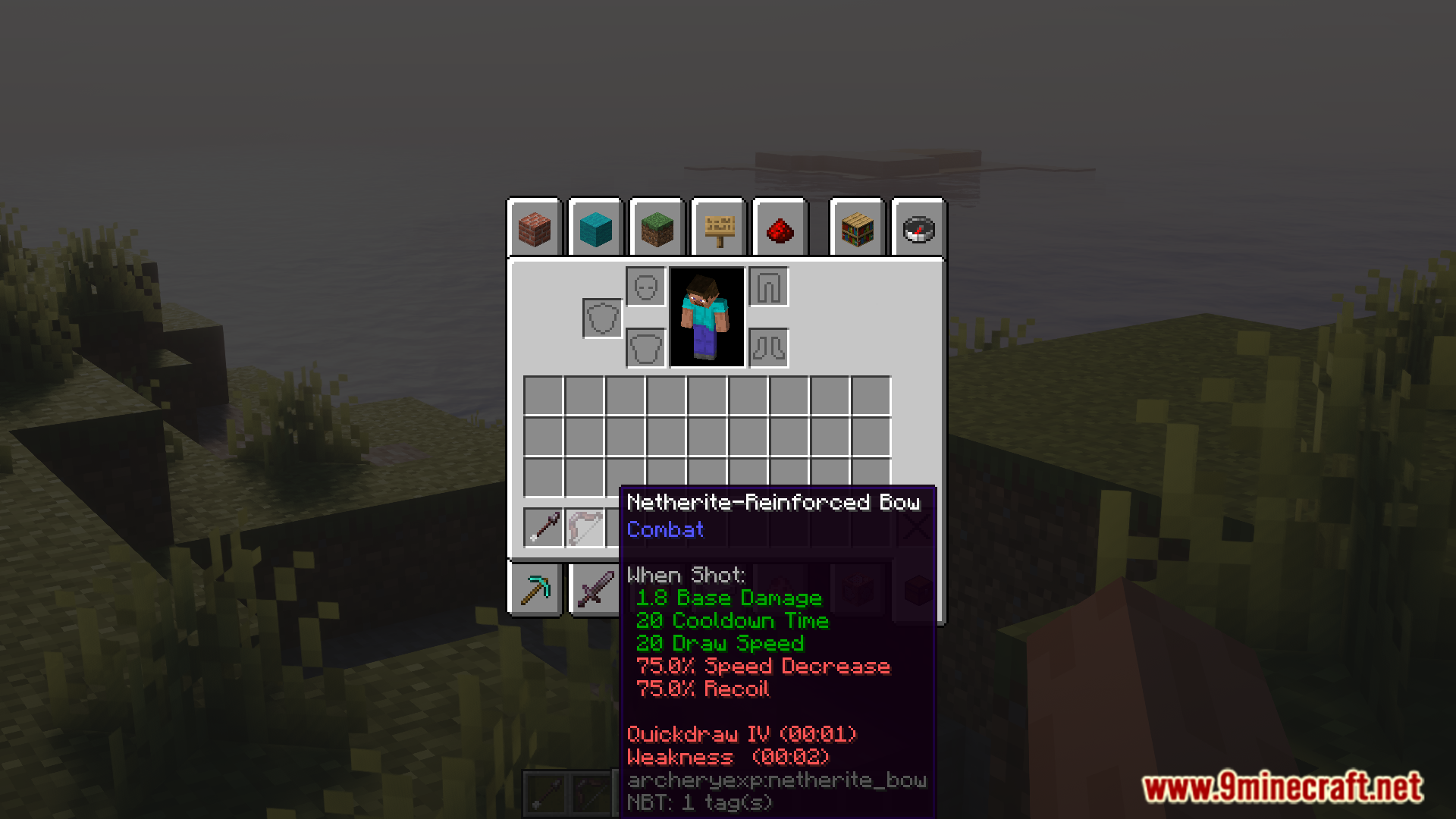
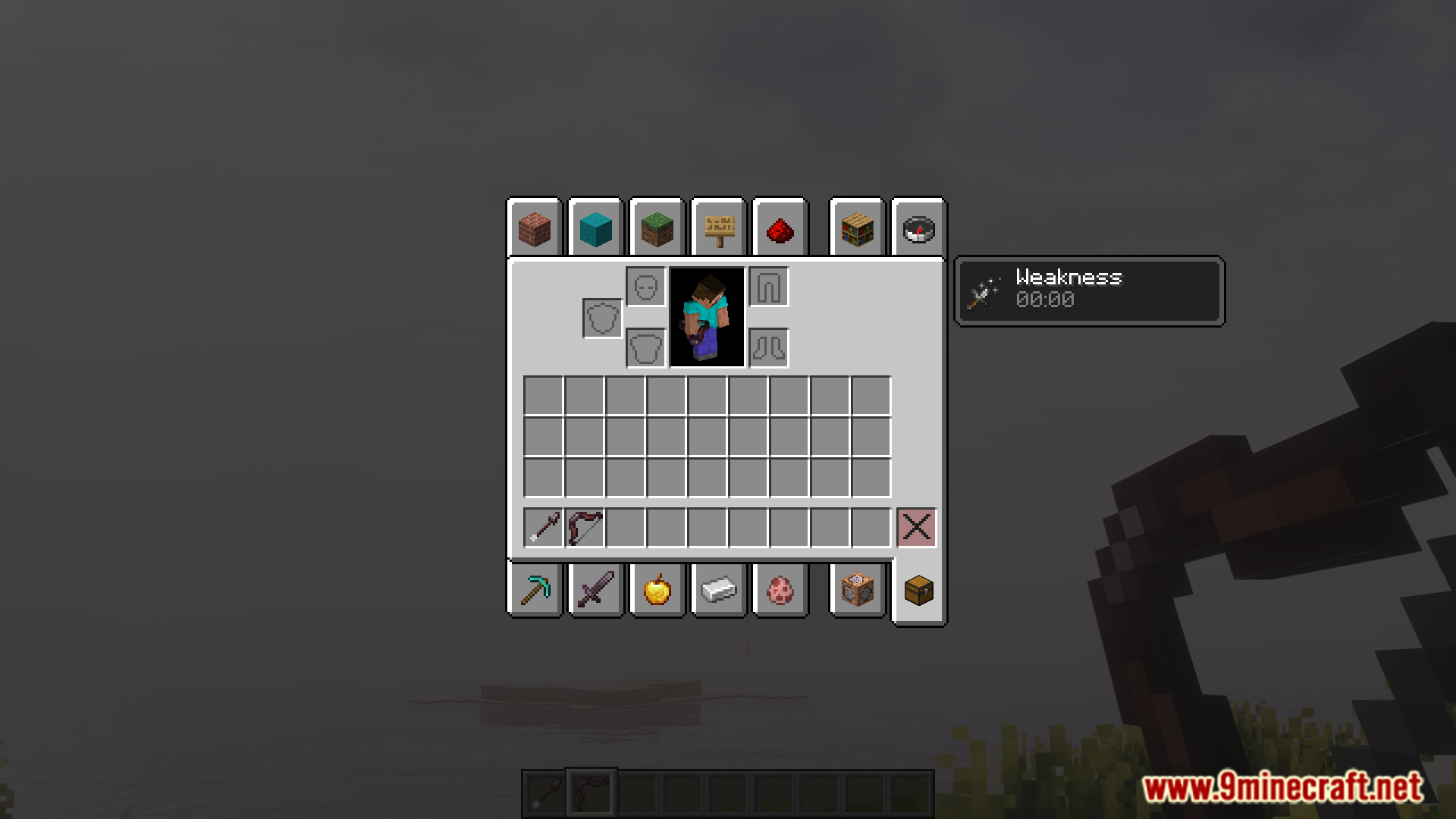
Archery Expansion Mod adds a full progression system for bows and arrows in Minecraft. While swords and tools have tiers like wood, iron, and diamond, bows are usually stuck with just one type. This mod changes that by introducing new bows and arrows made from different materials, each with its own strengths and weaknesses.
Features:
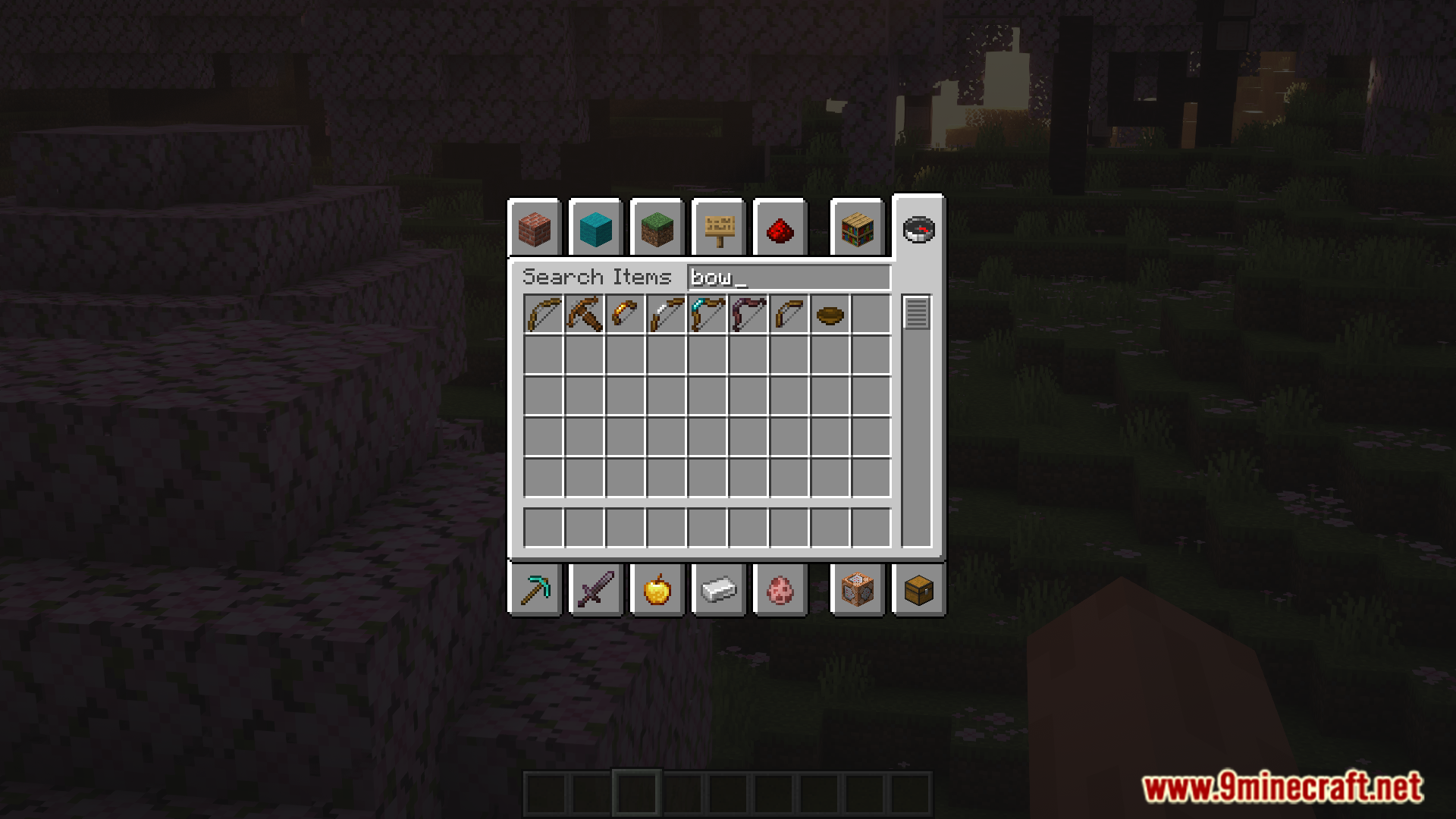
- Adds five new tiers for bows and arrows: Wooden, Gold, Iron, Diamond, and Netherite.
- Lower-tier bows draw faster and let you move quicker, but are weaker. Higher-tier bows are stronger but slower to draw.
- Introduces the Quickdraw mechanic, which makes anyone who just fired a bow take extra damage from the next arrow hit.
- Skeletons now spawn with weaker Cursed Bows. Note that your existing vanilla bows will become Cursed Bows when this mod is added.
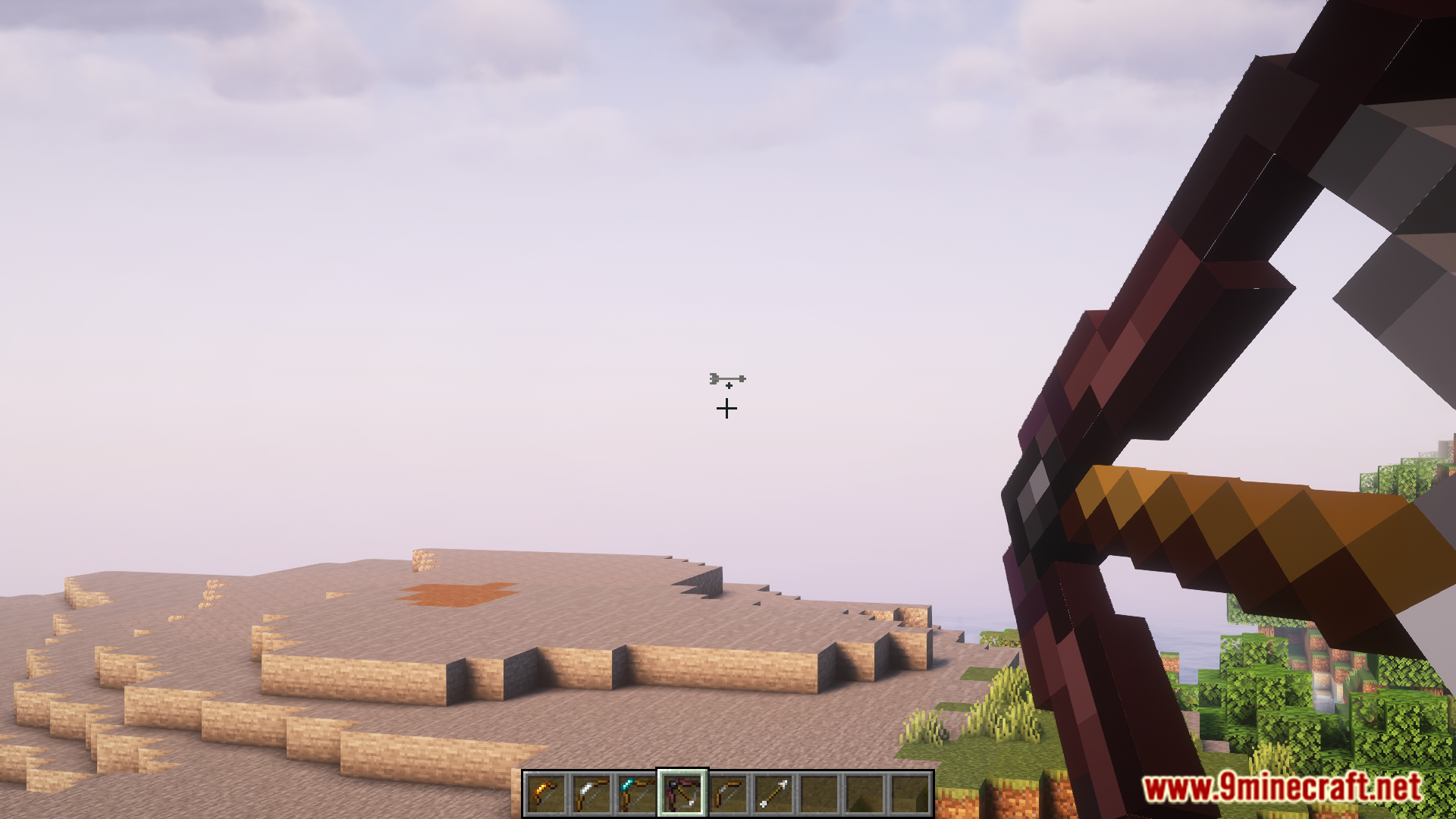
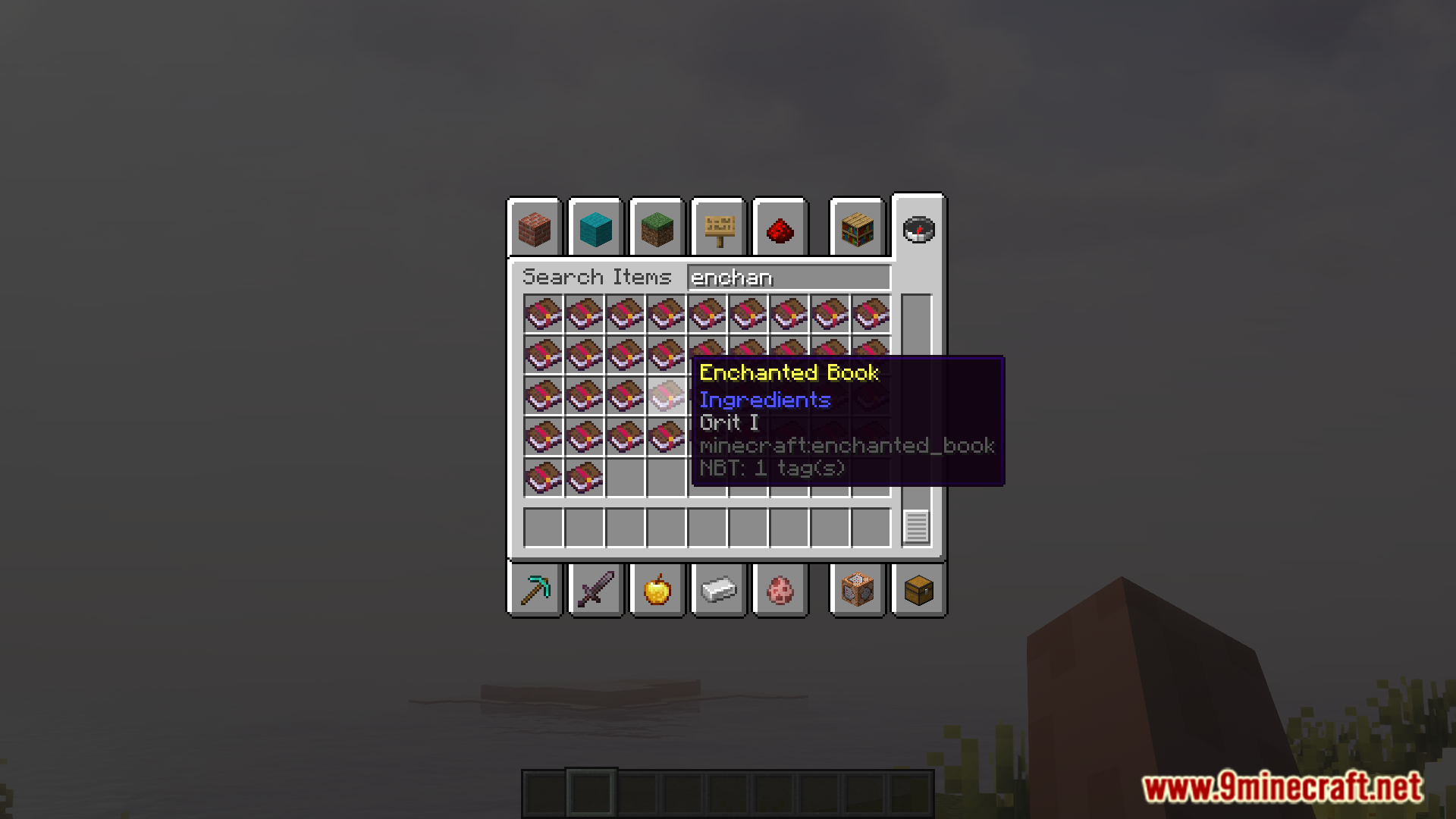
- Find new enchantments like Trajectory, which shows your arrow’s path, and Headshot, which deals extra damage.
- A new meter appears under your crosshair to show how far your bow is drawn.
- Repair the new bows in an anvil using their matching materials (e.g., iron ingots for an Iron Bow).
- Discover tiered arrows in loot chests inside structures like Pillager Outposts, End Cities, and Bastions.
Configuration:
- The stats for each bow can be changed using a datapack.
- You can also use datapacks to add compatibility for bows and arrows from other mods.
Screenshots:
Archery Expansion Mod Download Links
For Minecraft 1.20.1, 1.20
Forge version: Download from Server 1 – Download from Server 2
Forge/NeoForge version: Download from Server 1 – Download from Server 2
Fabric version: Download from Server 1 – Download from Server 2
Quick facts
- Edition: Minecraft Java
- File type: .jar
- Minecraft versions listed: 1.20.1, 1.20
- How to install: Install the matching mod loader (Forge, Fabric or NeoForge) for your Minecraft version. → Download the .jar. → Put it in the .minecraft/mods folder and launch that loader profile.
- Where to get it: In MC Java Mods, or directly above on this page.
Install steps are the general flow for this file type — How to install Minecraft Java mods & modpacks walks through it step by step.
Verified by MCModsHub
- Downloads as 176672.mcaddon
- Download size: 360 KB
- Download link checked 30 Jul 2026 — working
- Mirrored on our own servers — the download does not depend on the original host
These come from our own check of the pack file, not from the source page.