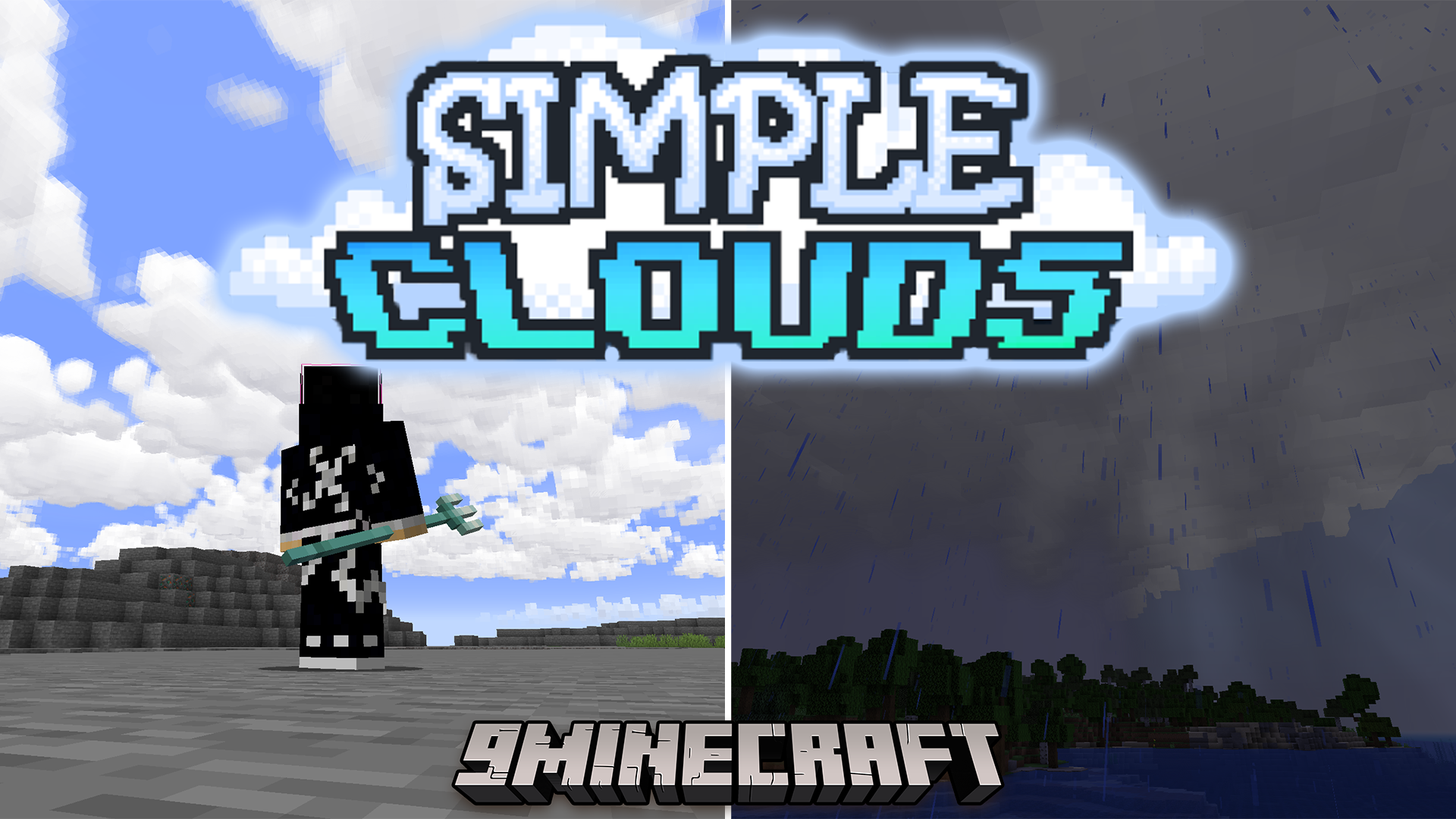
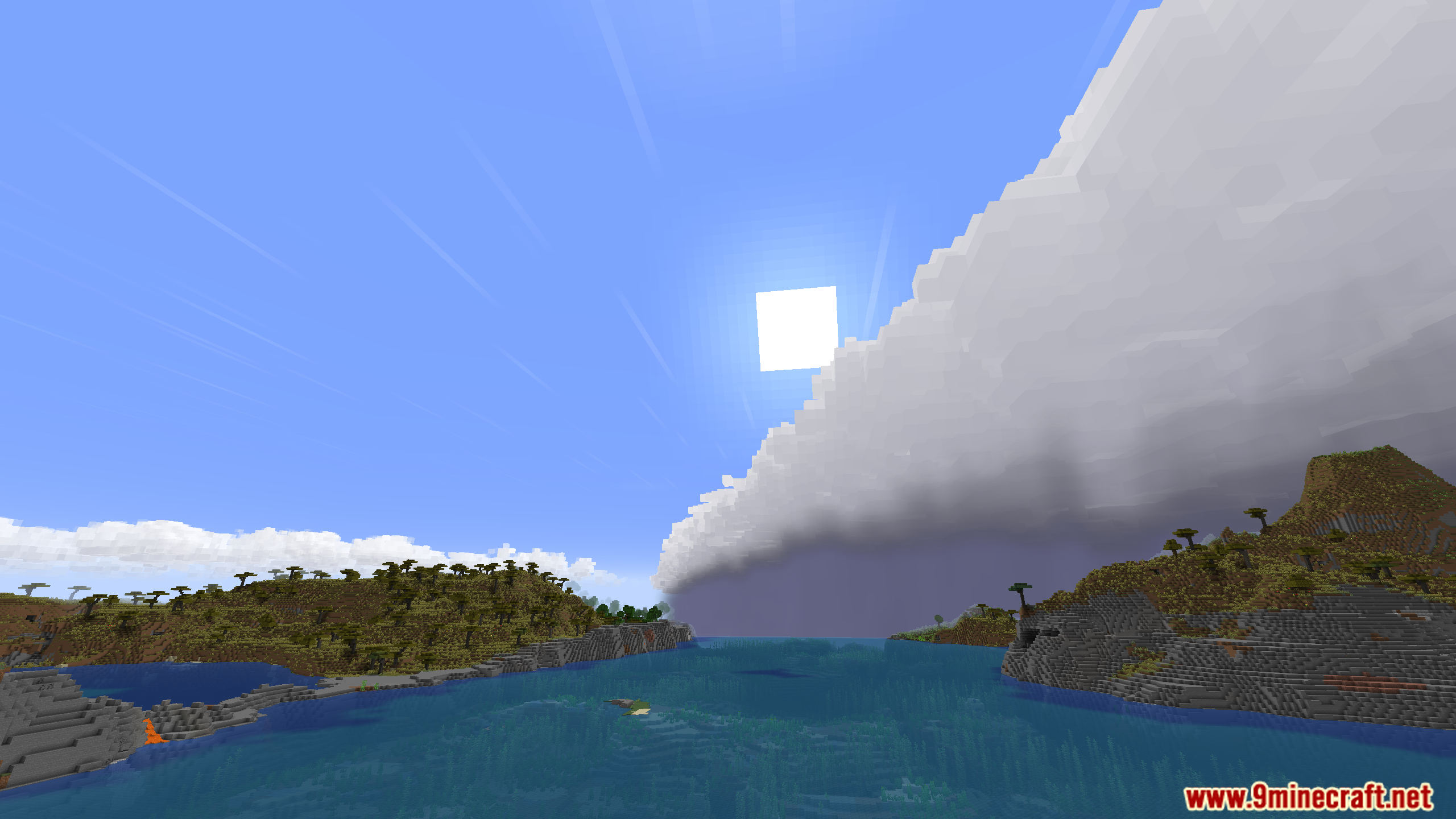
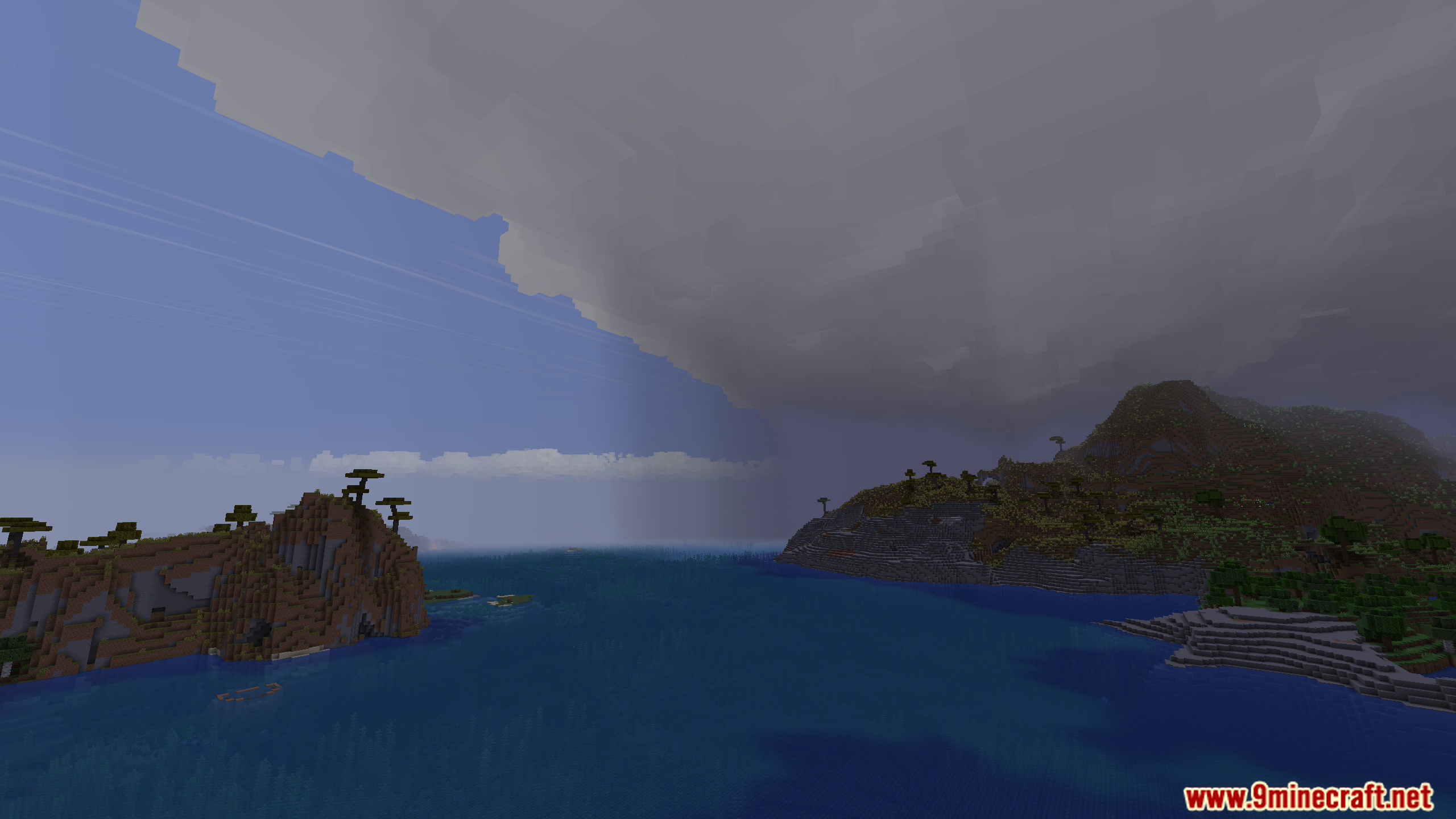
Simple Clouds Mod changes the way clouds look in Minecraft, adding new types and localized weather. It makes the sky more beautiful and interesting by adding different cloud shapes based on real life. This mod also makes rain and storms happen only in specific areas under stormy clouds.
Features:
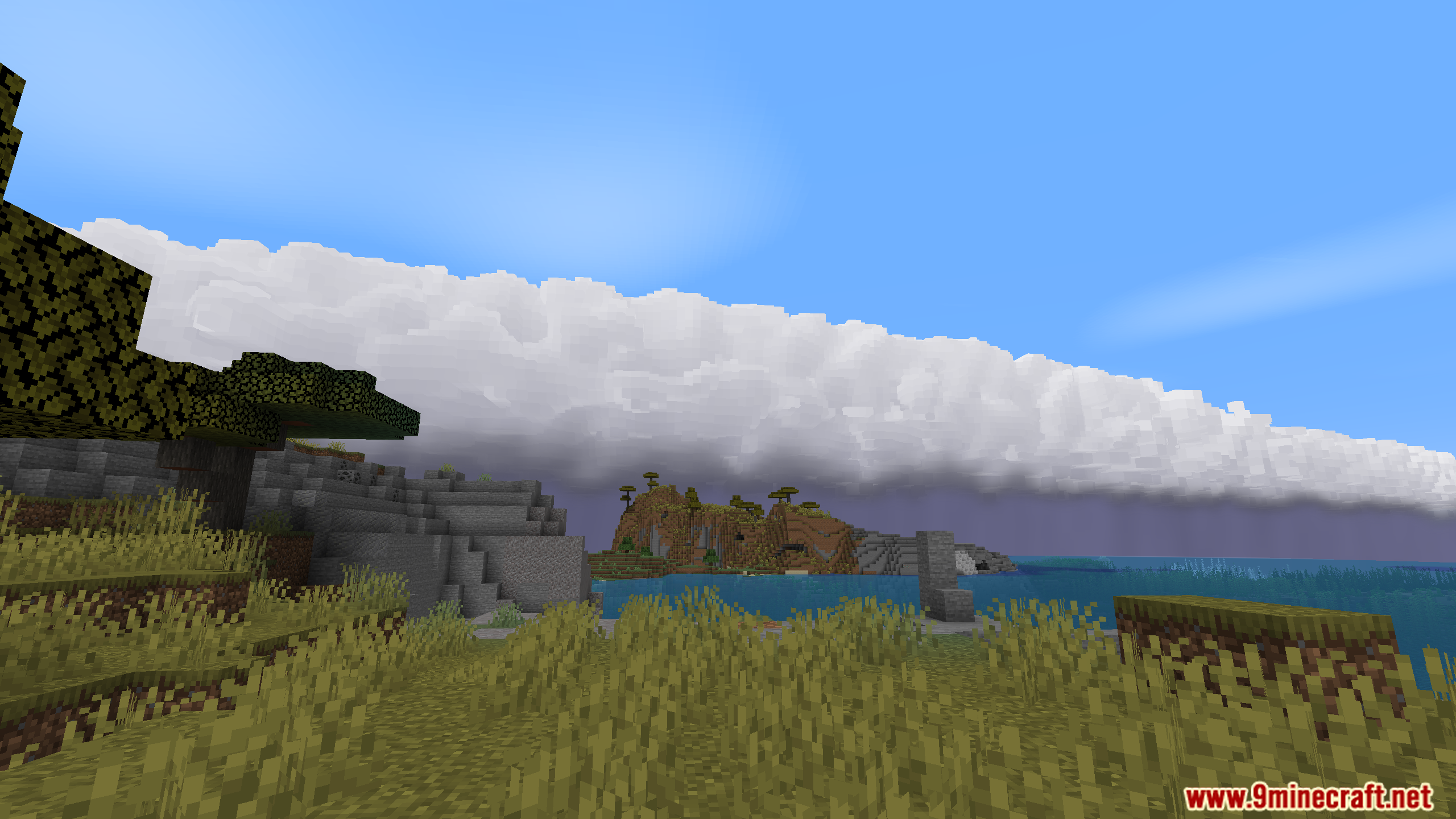
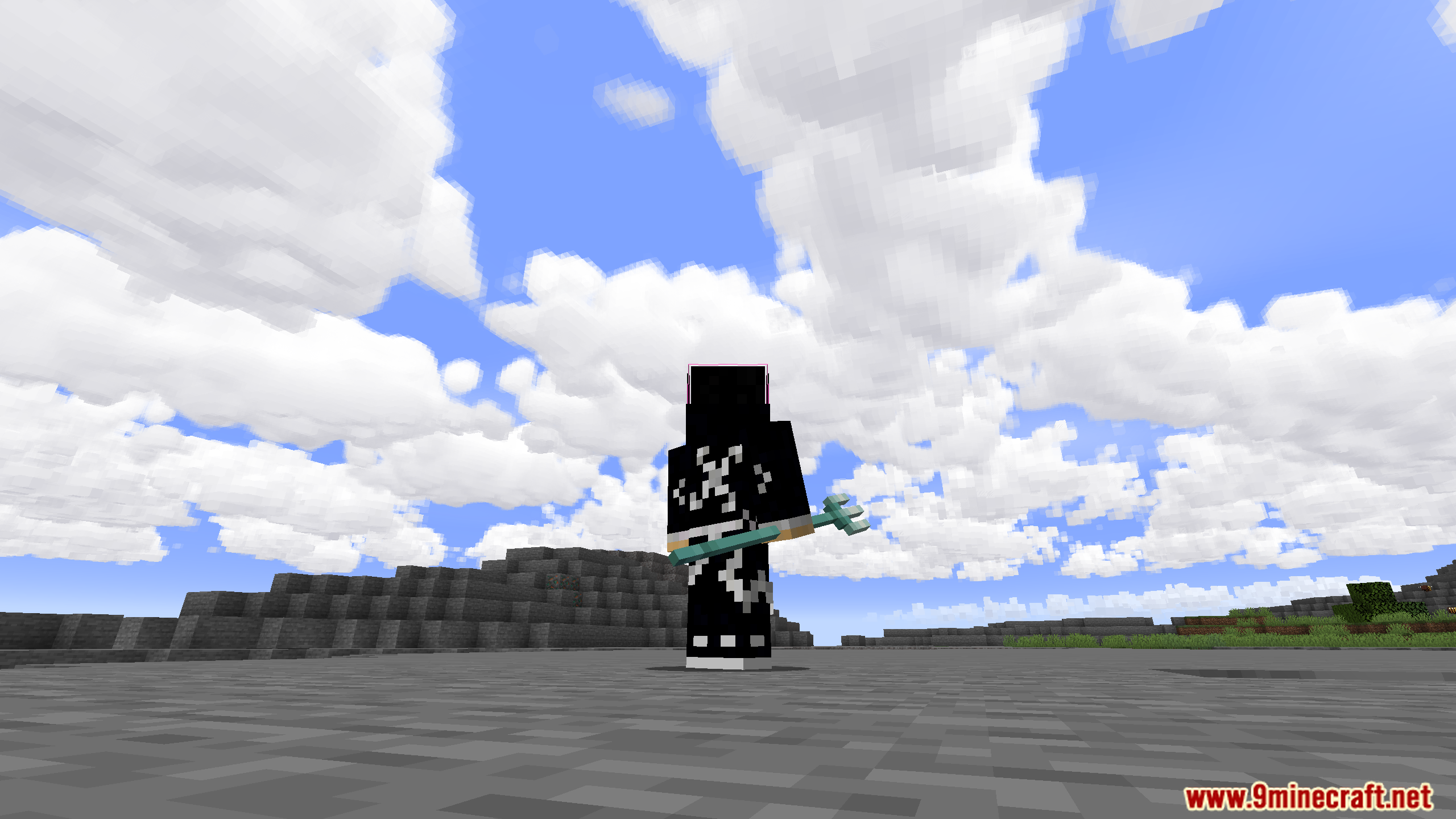
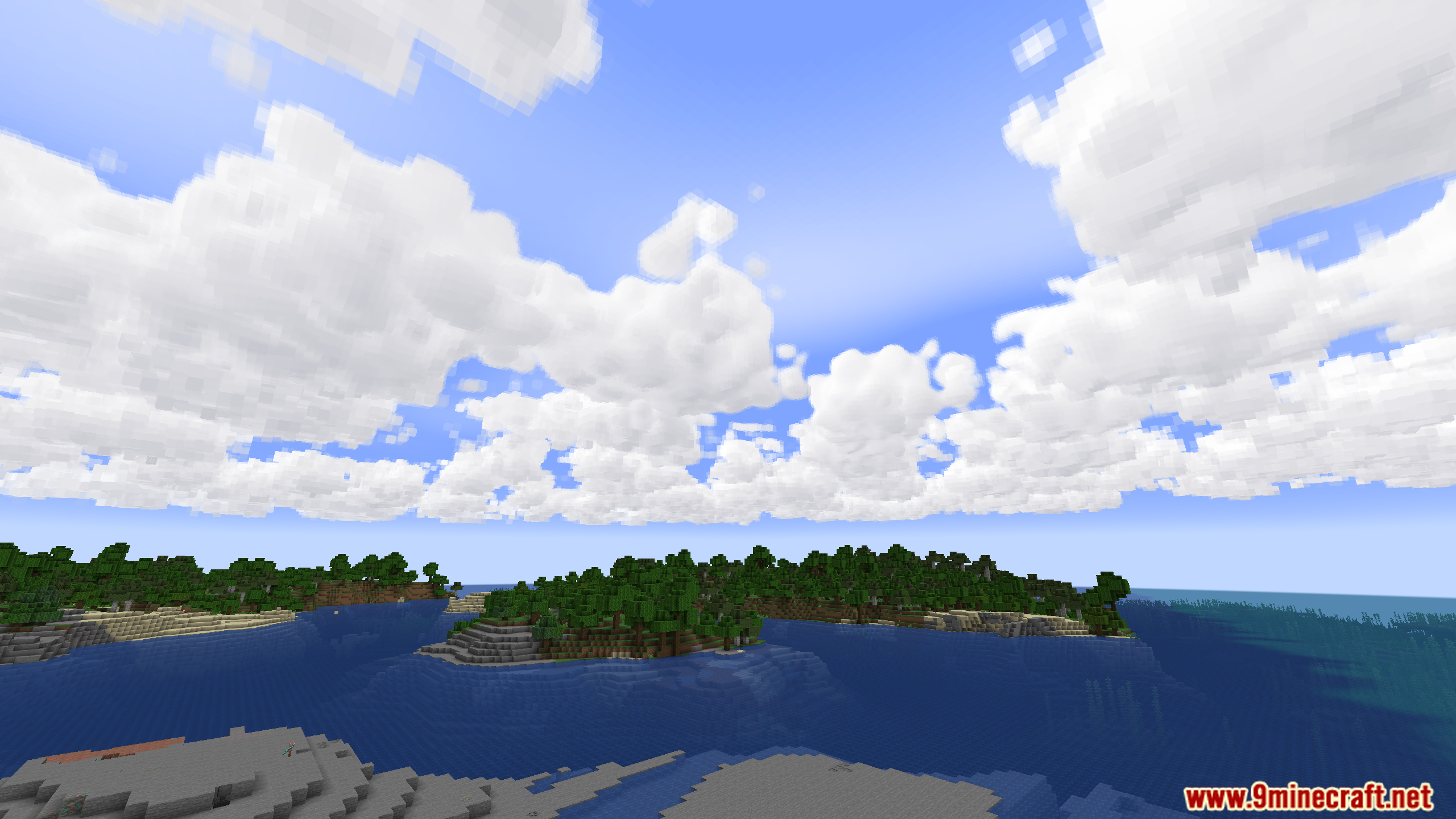
- Adds 7 unique cloud types that look like real-world cloud formations.
- Clouds can stretch over 20,000 blocks wide.
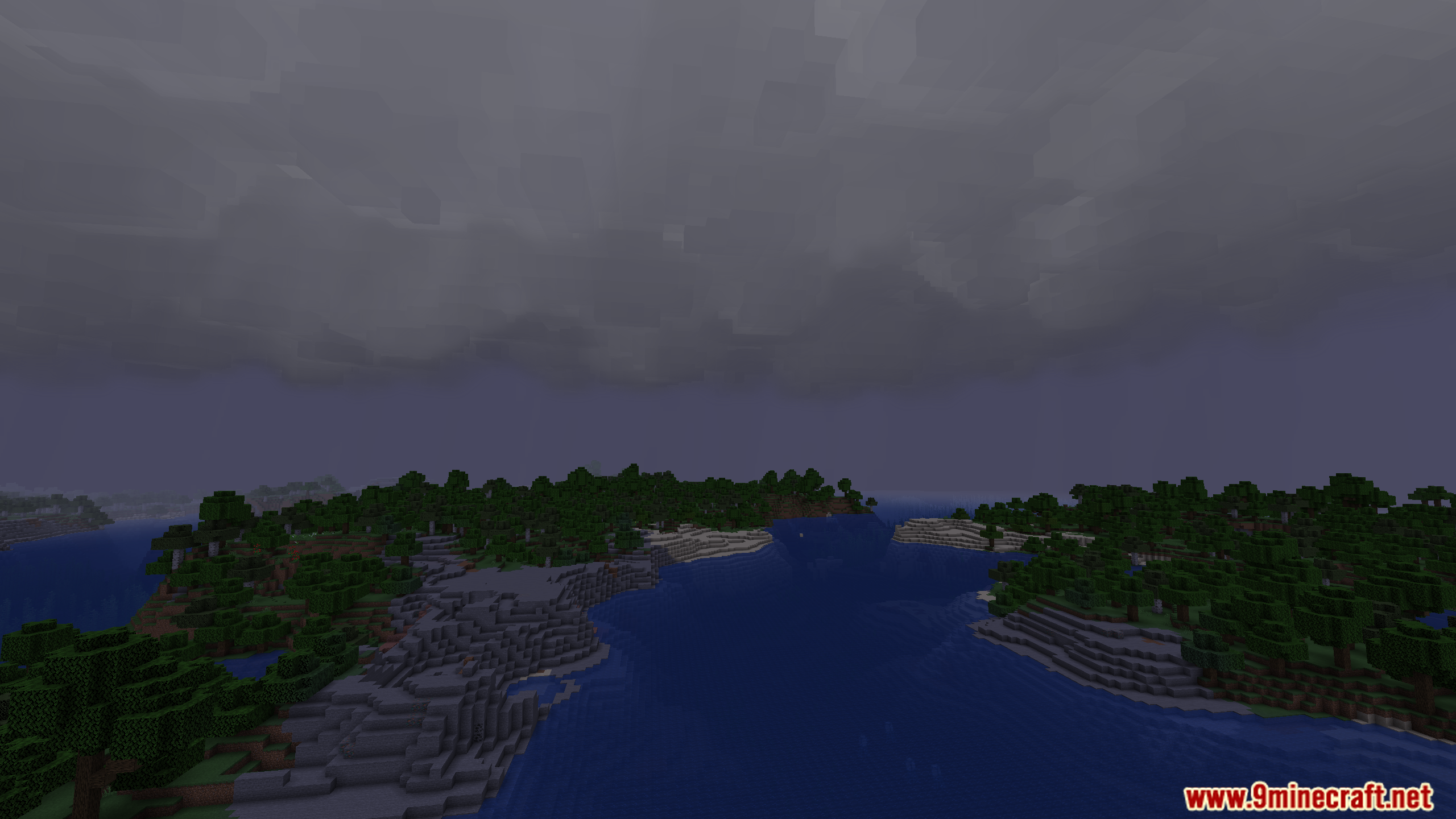
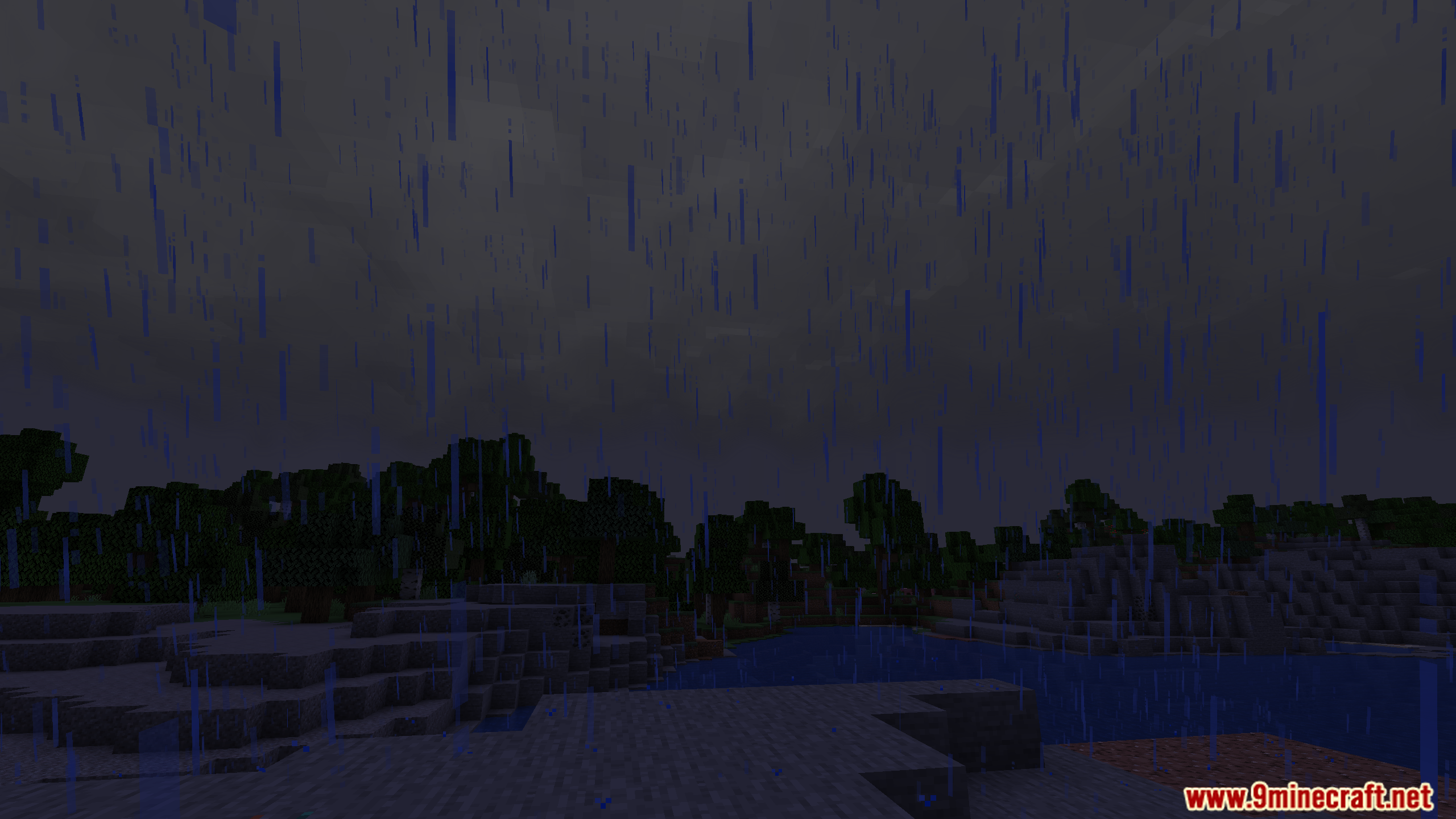
- A special “storm fog” appears under stormy clouds, making them look more threatening.
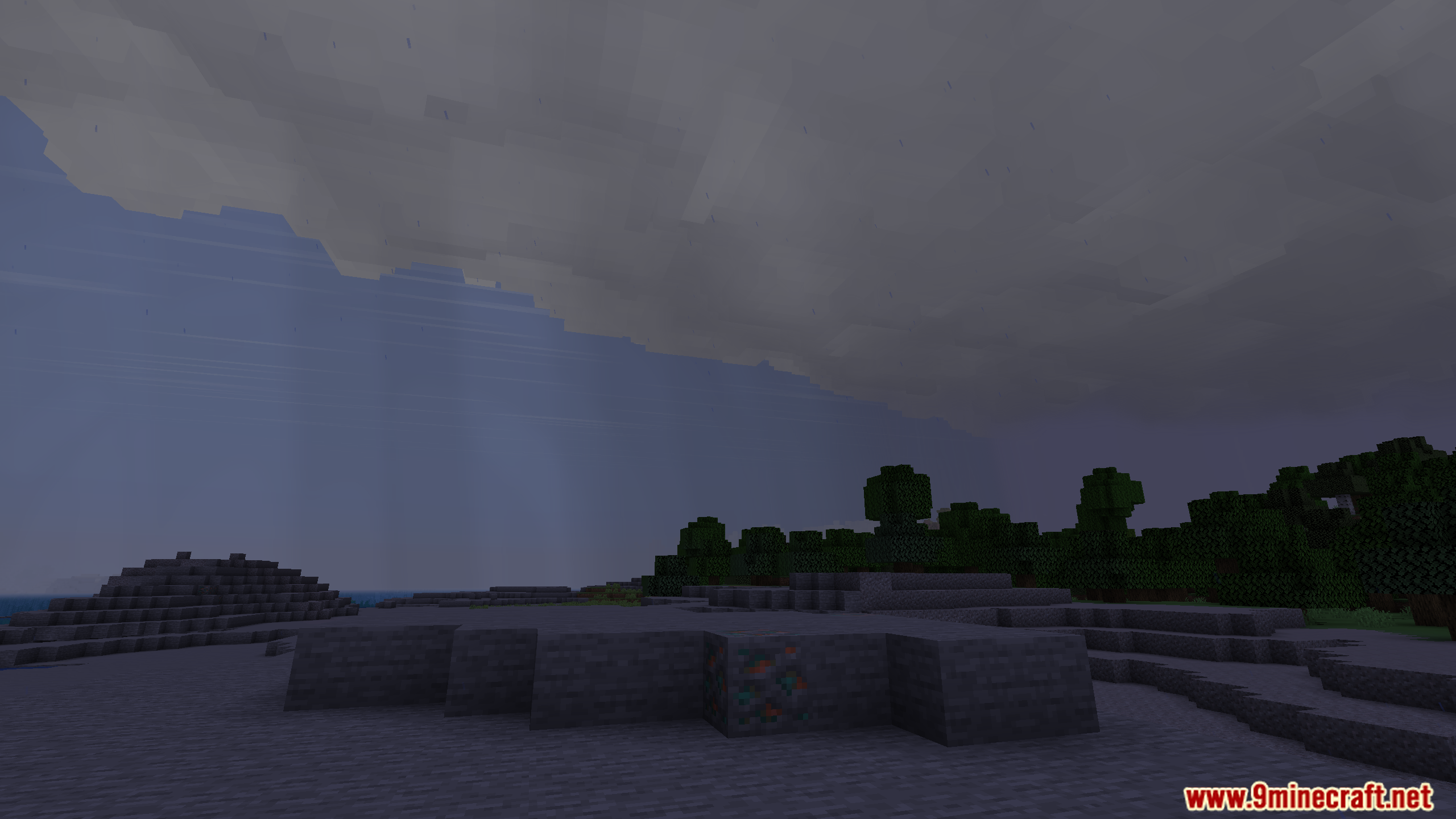
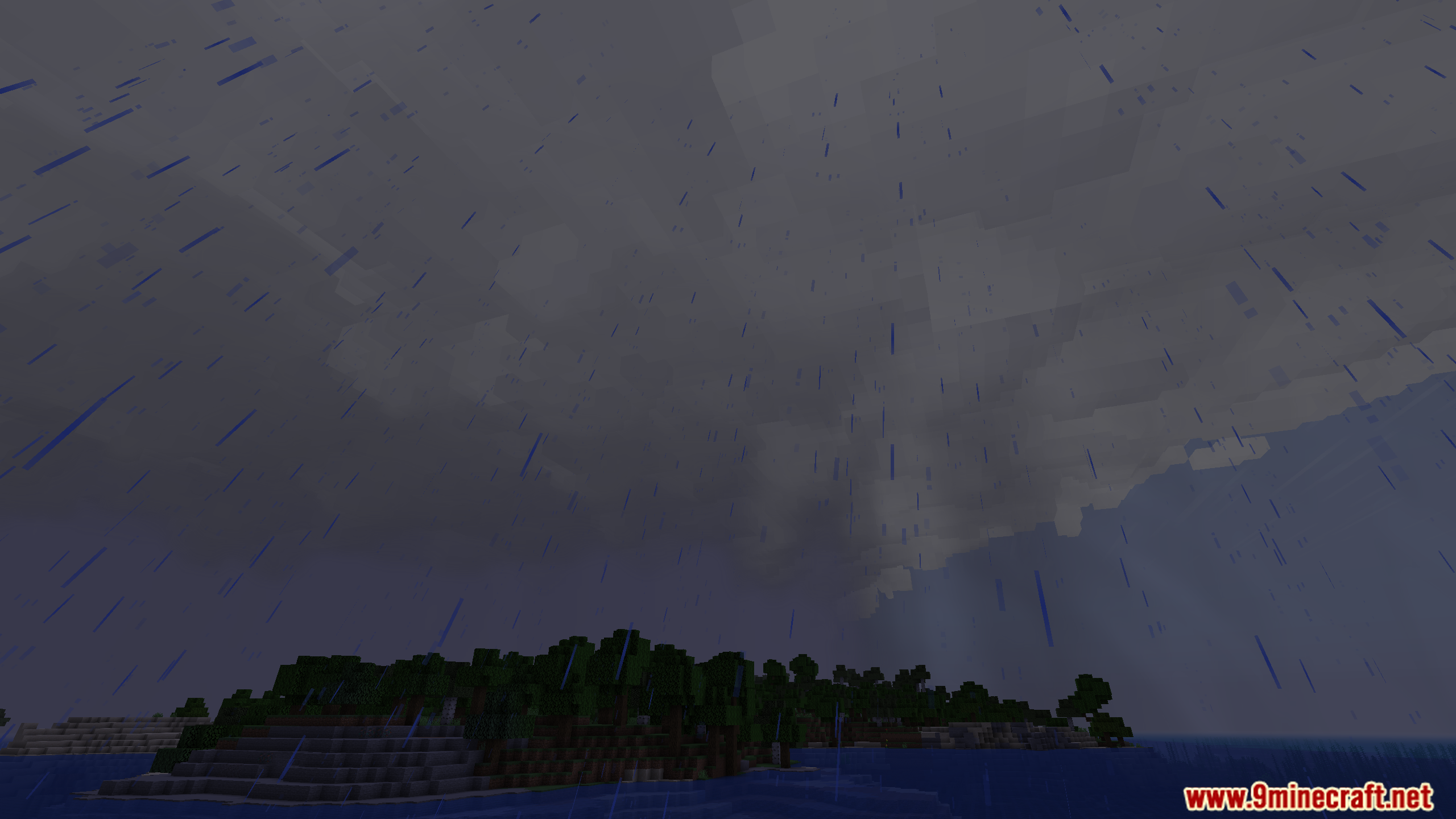
- Rain and snow will only fall in areas directly underneath clouds that have precipitation.
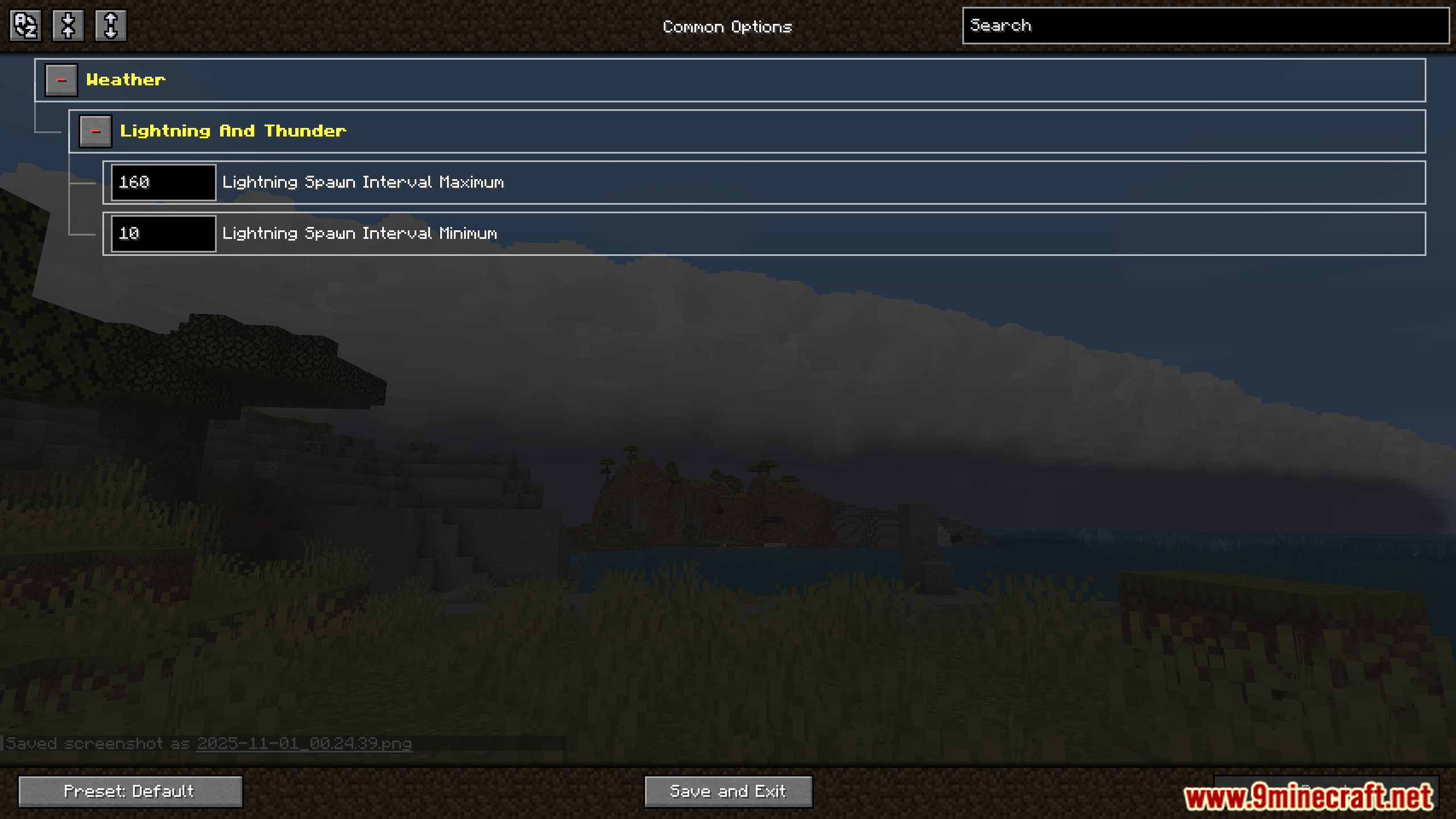
- Features custom lightning and delayed thunder for more realistic storms.
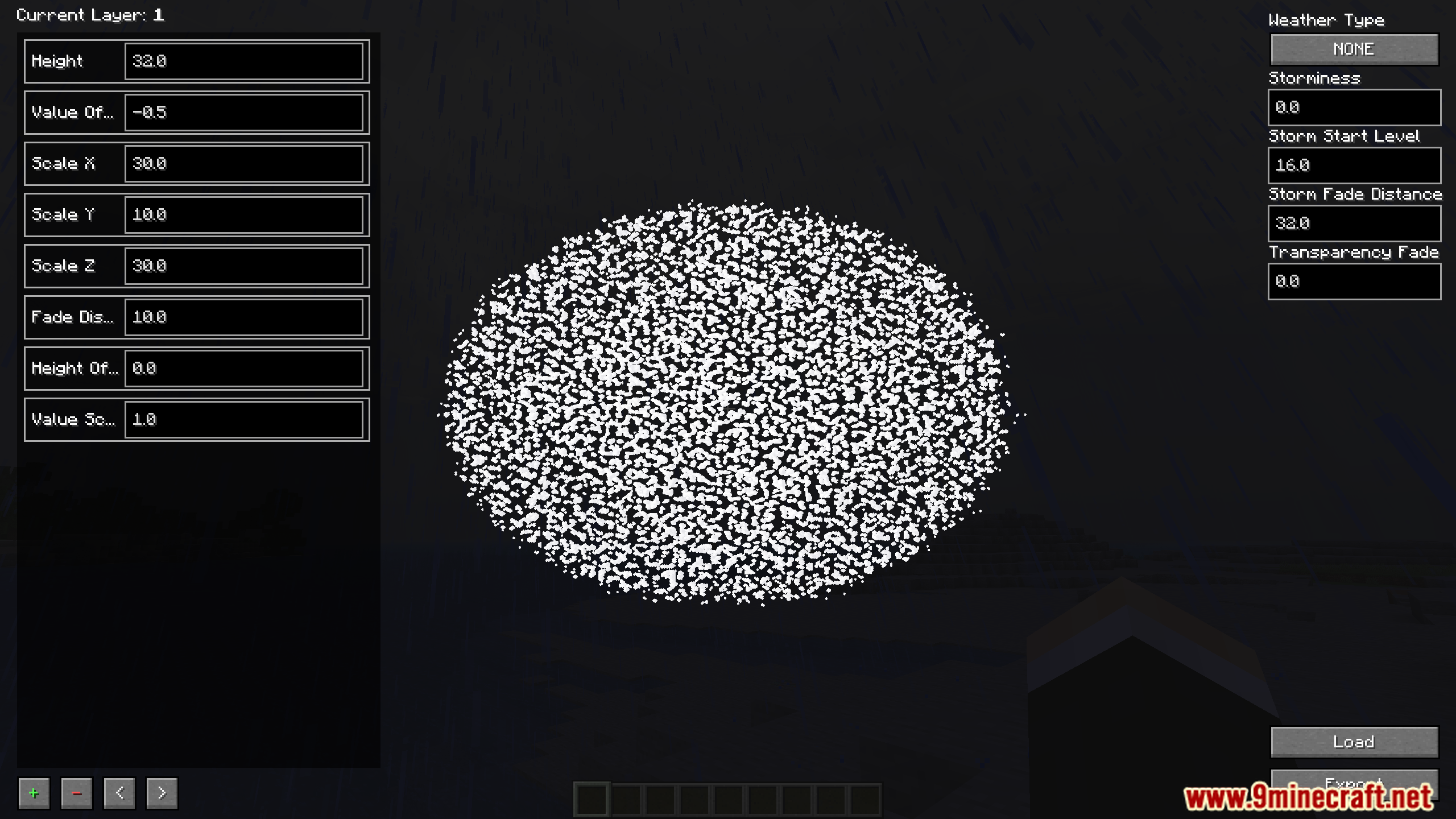
- Includes a built-in cloud editor to create and customize your own cloud types.
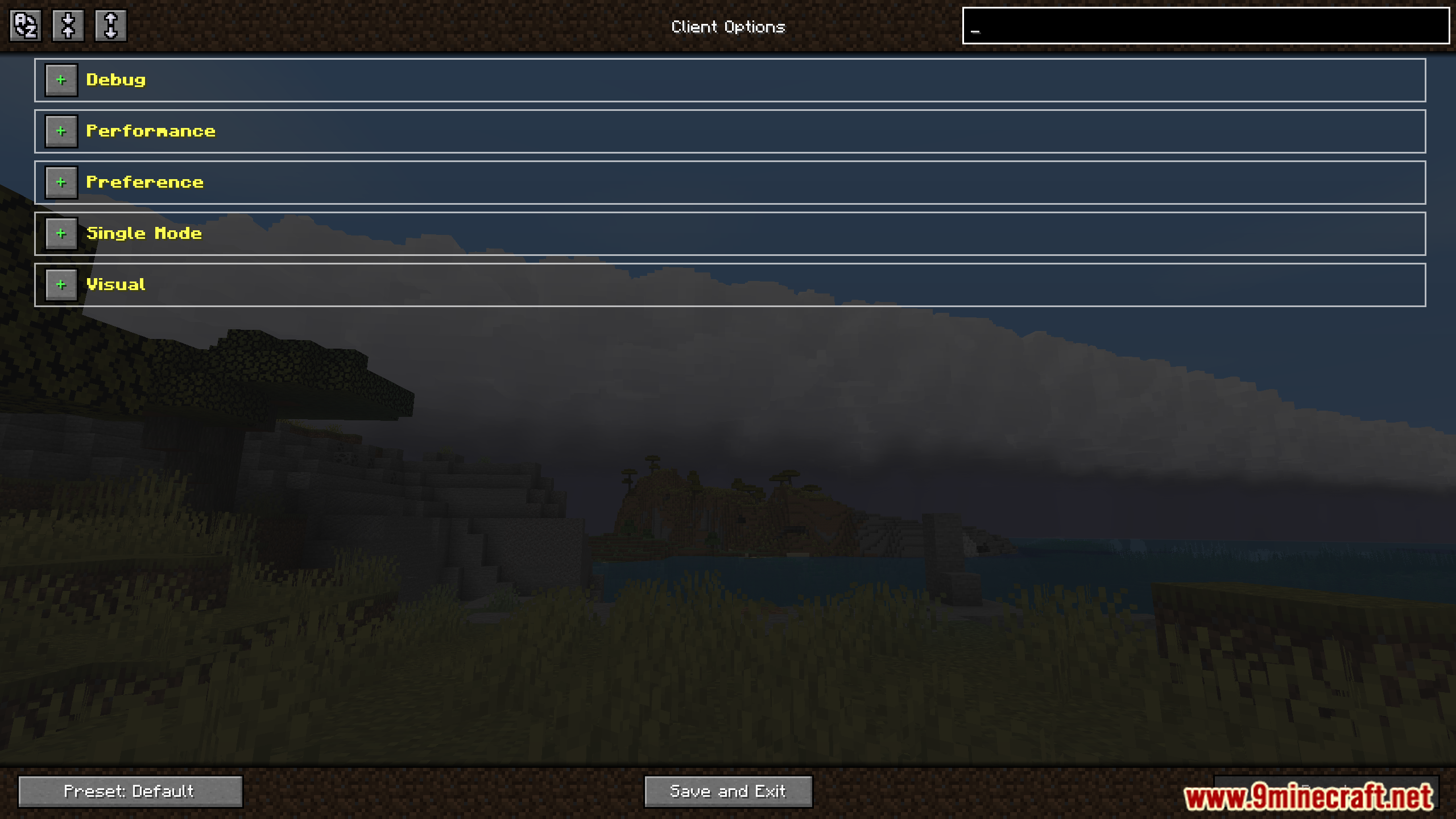
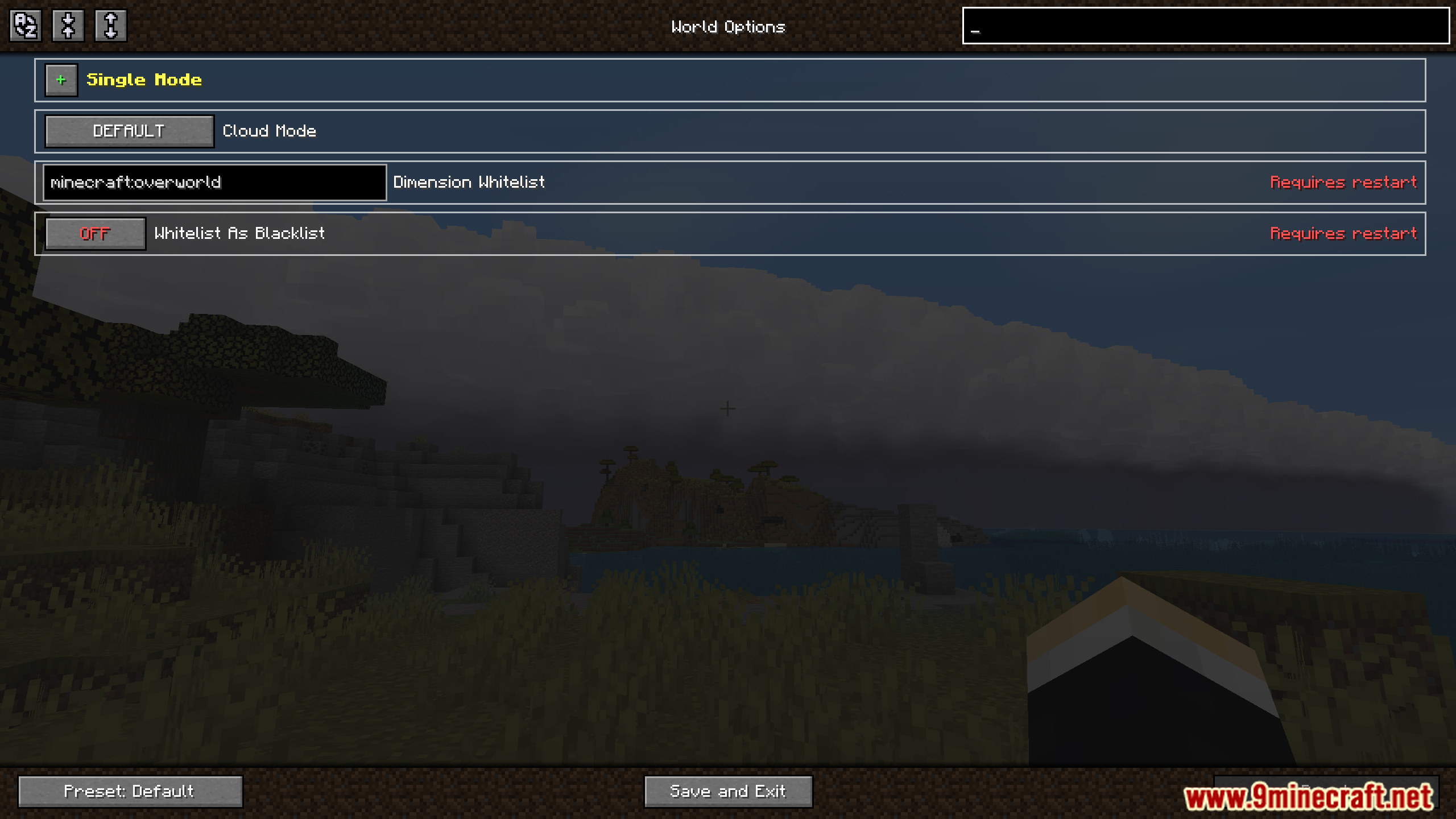
- You can change many settings to adjust the mod’s look and performance.
How to Use:
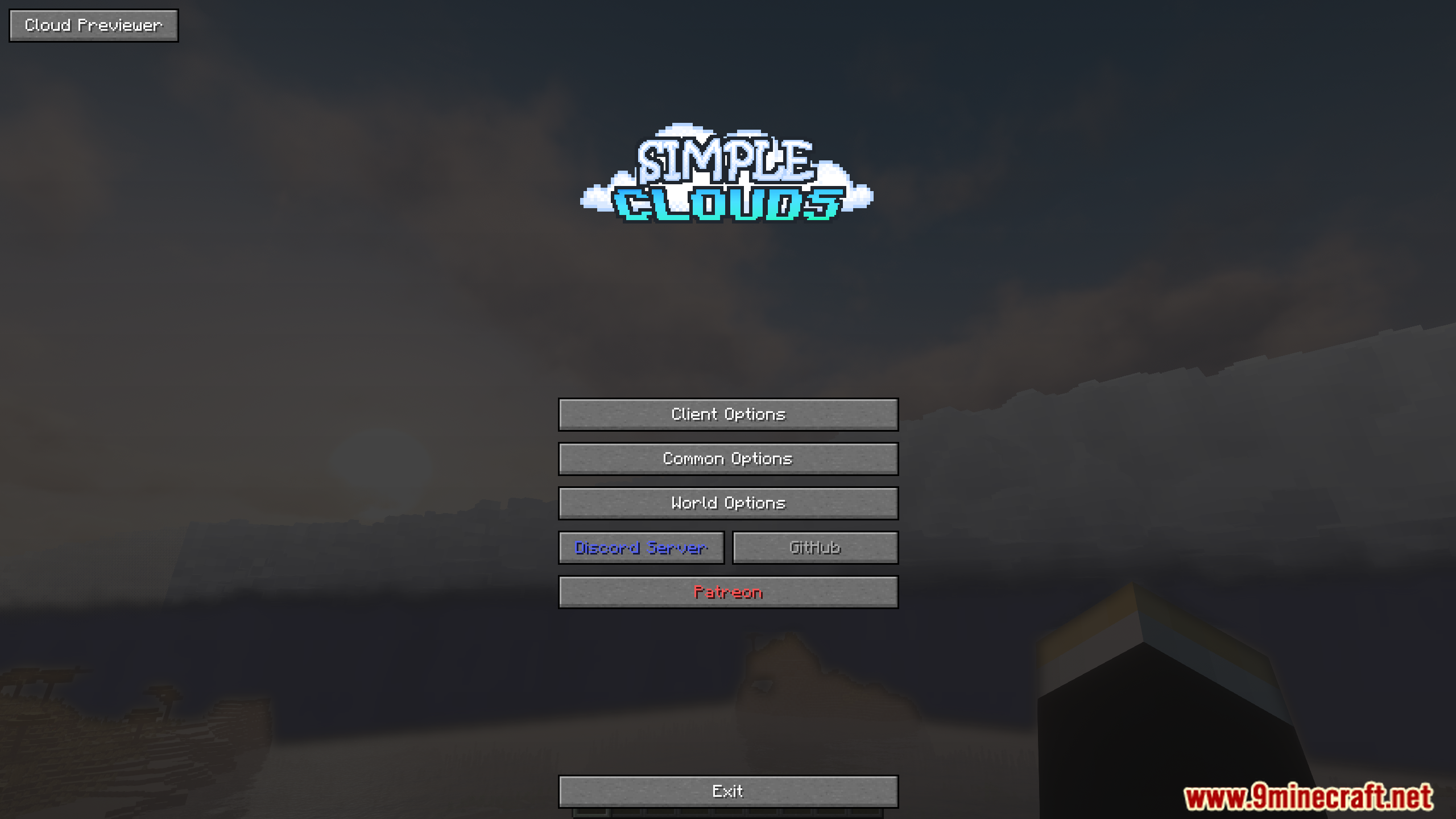
- To access the configuration menu, go to the options screen and look for a light blue ‘S’ button.
- You can find the built-in cloud editor inside the main configuration menu.
Screenshots:
Simple Clouds Mod Download Links
For Minecraft 1.21.1, 1.21
Forge version: Download from Server 1 – Download from Server 2
For Minecraft 1.20.1, 1.20
Forge version: Download from Server 1 – Download from Server 2
Quick facts
- Edition: Minecraft Java
- File type: .jar
- Minecraft versions listed: 1.21.1, 1.20.1
- How to install: Install the matching mod loader (Forge, Fabric or NeoForge) for your Minecraft version. → Download the .jar. → Put it in the .minecraft/mods folder and launch that loader profile.
- Where to get it: In MC Java Mods, or directly above on this page.
Install steps are the general flow for this file type — How to install Minecraft Java mods & modpacks walks through it step by step.
Verified by MCModsHub
- Downloads as 176677.mcaddon
- Download size: 2.1 MB
- Download link checked 27 Jul 2026 — working
- Mirrored on our own servers — the download does not depend on the original host
These come from our own check of the pack file, not from the source page.