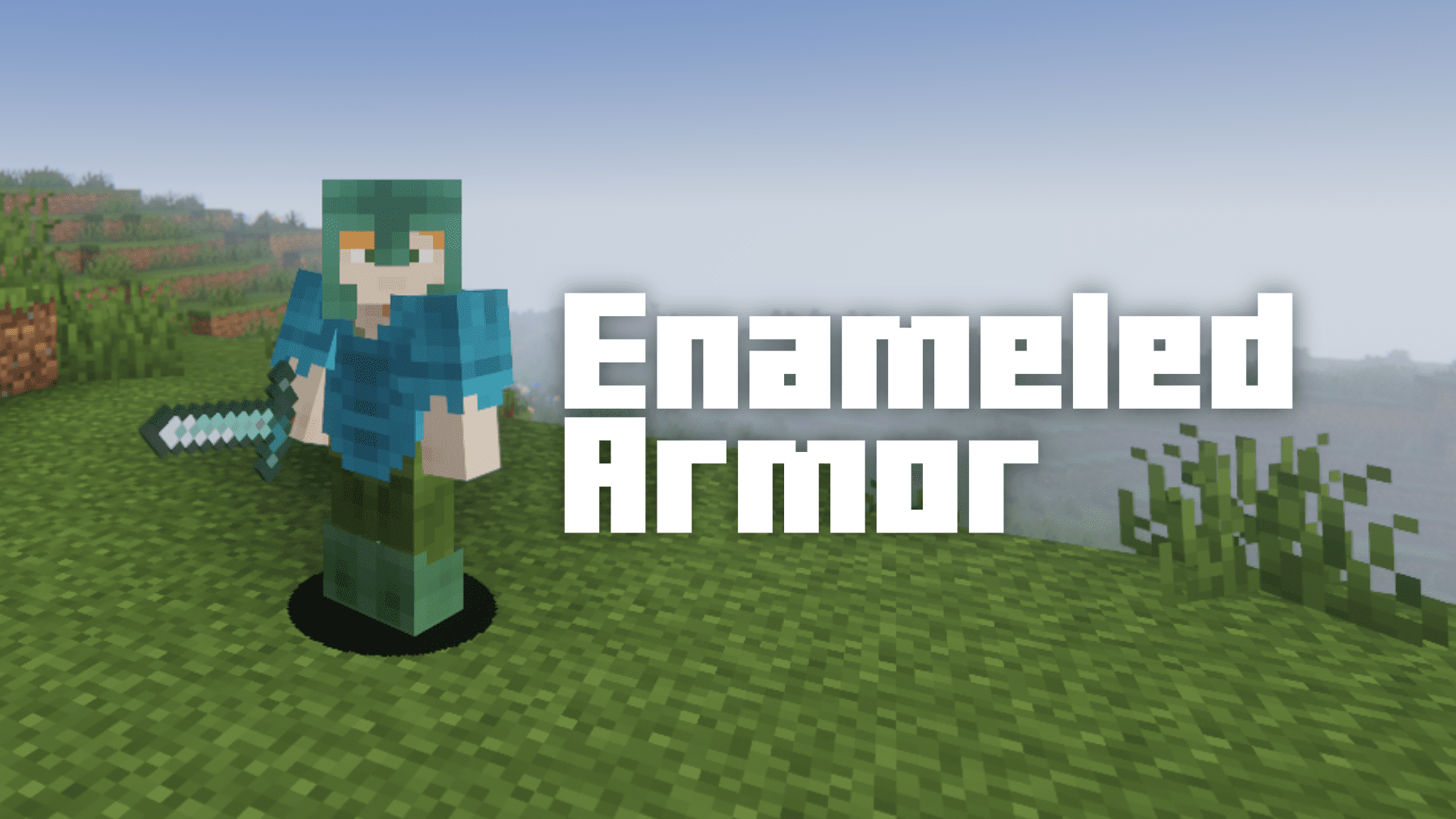
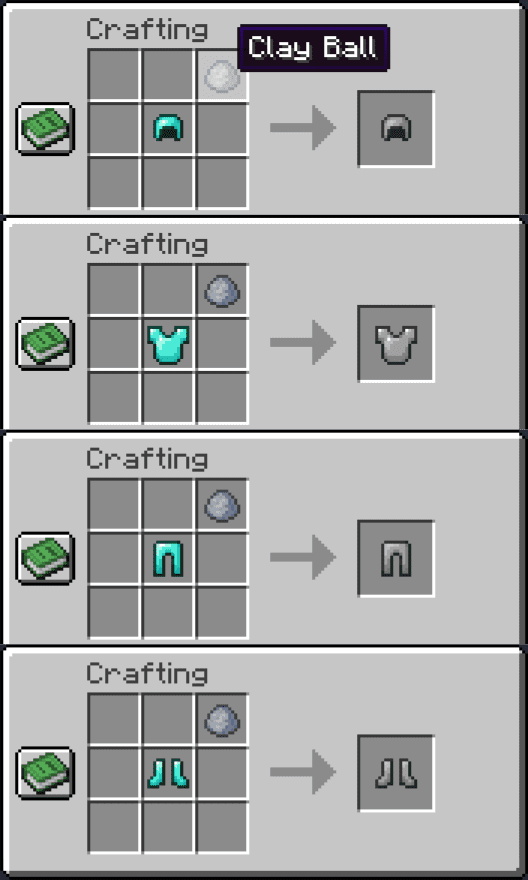
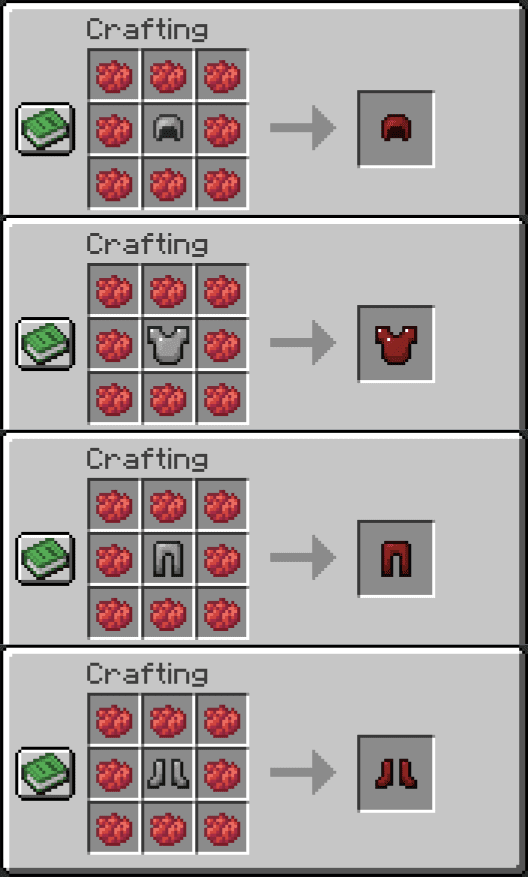
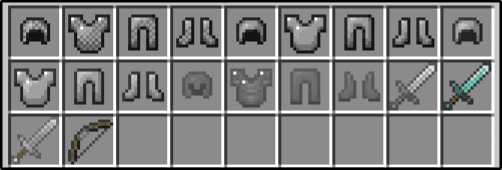
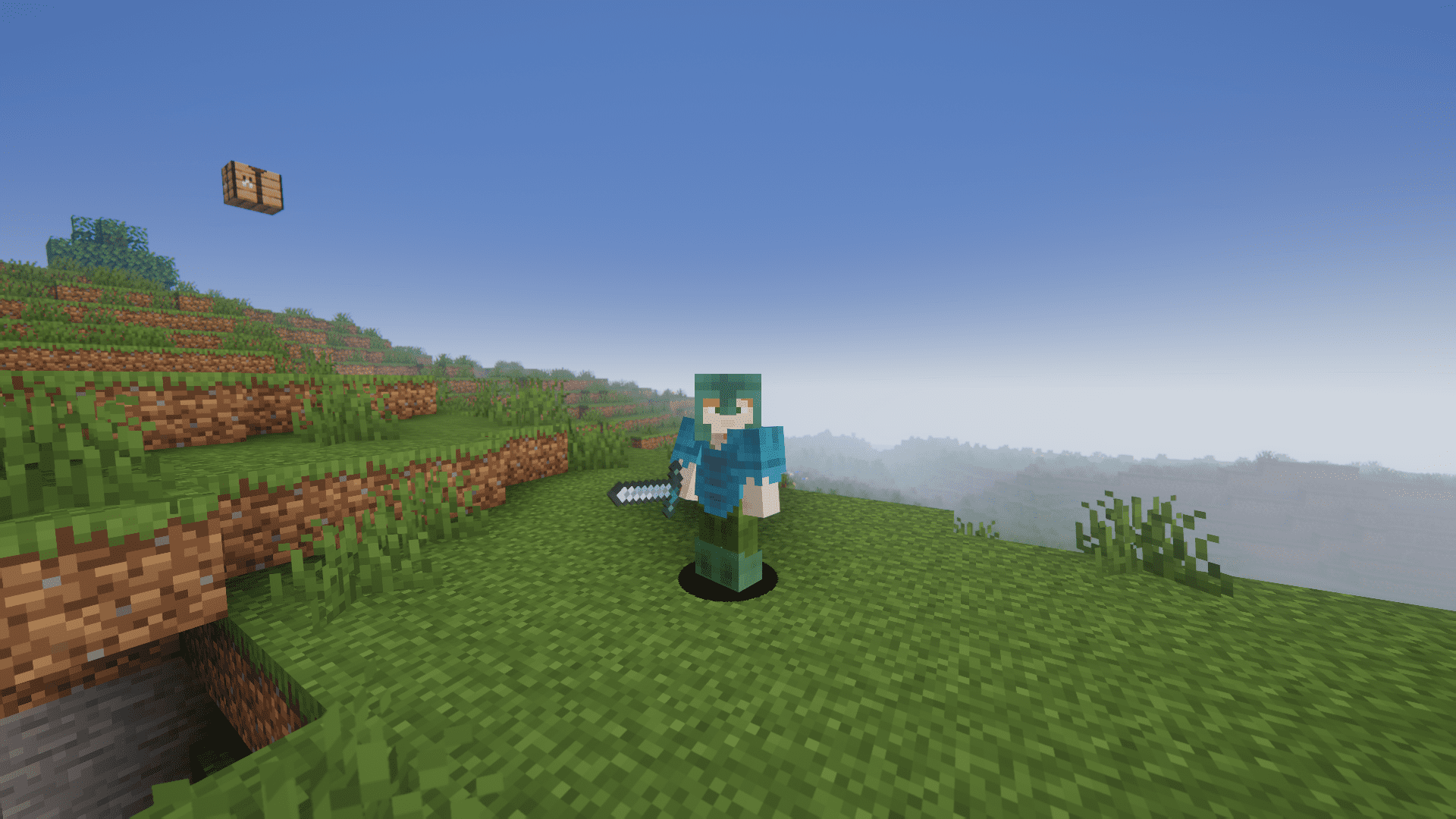
Enameled Armor Mod, a game-changer that allows you to transform your ordinary armor pieces into stunning works of art. In this article, we’ll explore the fascinating features of the Enameled Armor mod, from coloring your armor with vibrant dyes to toggling enchantment glint, and even experimenting with creative recipes. Imagine adorning your Diamond, Iron, and Chainmail armor sets with a dazzling array of colors, turning your character into a walking canvas of self-expression. The Enameled Armor mod lets you achieve just that. By applying a delicate layer of clay and infusing it with one or more dyes, you can paint your armor in rich and vibrant shades. What’s more, you’re not limited to just one dye – feel free to experiment with up to 8 dyes in a single pass to create truly unique and captivating color combinations.
Features:
- Vivid Customization: Transform Diamond, Iron, and Chainmail armor into personalized masterpieces by applying vibrant dyes and creating unique color combinations.
- Enchantment Glint Control: Toggle enchantment glint on enchanted enameled armor with a simple right-click, allowing you to strike the perfect balance between mystique and subtlety.
- Weapon Customization: Enamel Bows, Iron Swords, and Diamond Swords, giving you the power to personalize your weaponry and toggle enchantment glint, enhancing your combat style.
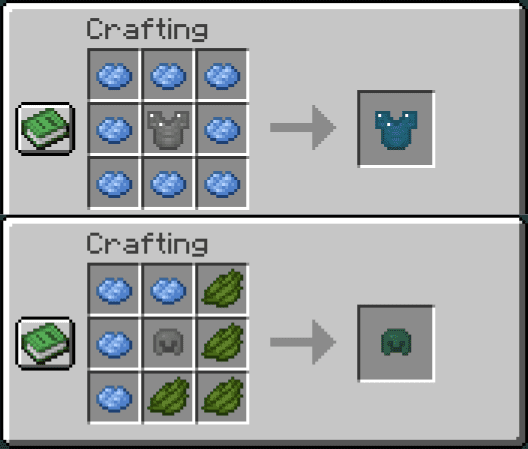
- True Colors Crafting: Craft true blue, true red, true green, true white, and true black armor with specific recipes, offering a diverse palette of striking hues for ultimate self-expression.
- Chainmail and Beyond: Explore new possibilities with chainmail armor recipes, extending your creative potential and adding an extra layer of customization to your Minecraft adventures.
Crafting Recipes:
Screenshots:
Enameled Armor Mod Download Links
For Minecraft 1.14.4
Forge version: Download from Server 1 – Download from Server 2
For Minecraft 1.15.2
Forge version: Download from Server 1 – Download from Server 2
For Minecraft 1.16.5
Forge version: Download from Server 1 – Download from Server 2
For Minecraft 1.17.1
Forge version: Download from Server 1 – Download from Server 2
For Minecraft 1.18.2
Forge version: Download from Server 1 – Download from Server 2
For Minecraft 1.19.2
Forge version: Download from Server 1 – Download from Server 2
For Minecraft 1.19.4
Forge version: Download from Server 1 – Download from Server 2
For Minecraft 1.20.1
Forge version: Download from Server 1 – Download from Server 2
For Minecraft 1.20.2
Forge version: Download from Server 1 – Download from Server 2
For Minecraft 1.20.4
Forge version: Download from Server 1 – Download from Server 2
For Minecraft 1.20.6
Forge version: Download from Server 1 – Download from Server 2
For Minecraft 1.21.1, 1.21
Forge version: Download from Server 1 – Download from Server 2
For Minecraft 1.21.3, 1.21.2
Forge version: Download from Server 1 – Download from Server 2
For Minecraft 1.21.4
Forge version: Download from Server 1 – Download from Server 2
For Minecraft 1.21.5
Forge version: Download from Server 1 – Download from Server 2
For Minecraft 1.21.10, 1.21.9
Forge version: Download from Server 1 – Download from Server 2
Fabric version: Download from Server 1 – Download from Server 2
- Edition: Minecraft Java
- File type: .jar
- Minecraft versions listed: 1.21.10, 1.20.1
- How to install: Install the matching mod loader (Forge, Fabric or NeoForge) for your Minecraft version. → Download the .jar. → Put it in the .minecraft/mods folder and launch that loader profile.
- Where to get it: In MC Java Mods, or directly above on this page.
Install steps are the general flow for this file type — How to install Minecraft Java mods & modpacks walks through it step by step.
Enameled Armor Mod (1.21.10, 1.20.1) – Dye Your Armor Set is a free Minecraft Java mod. Compatible with Minecraft 1.21.10, 1.20.1. Download it and open it directly in the game.