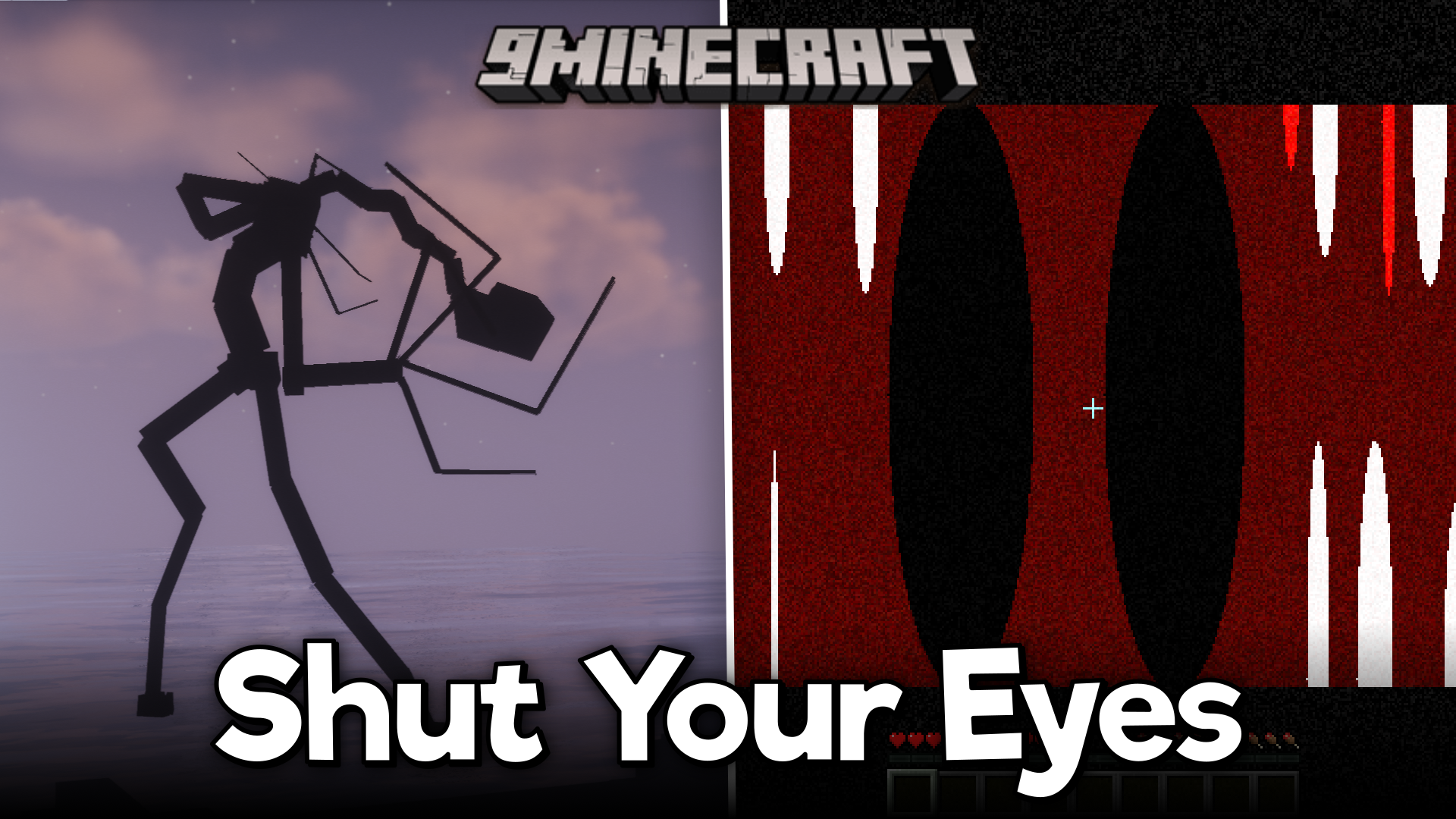
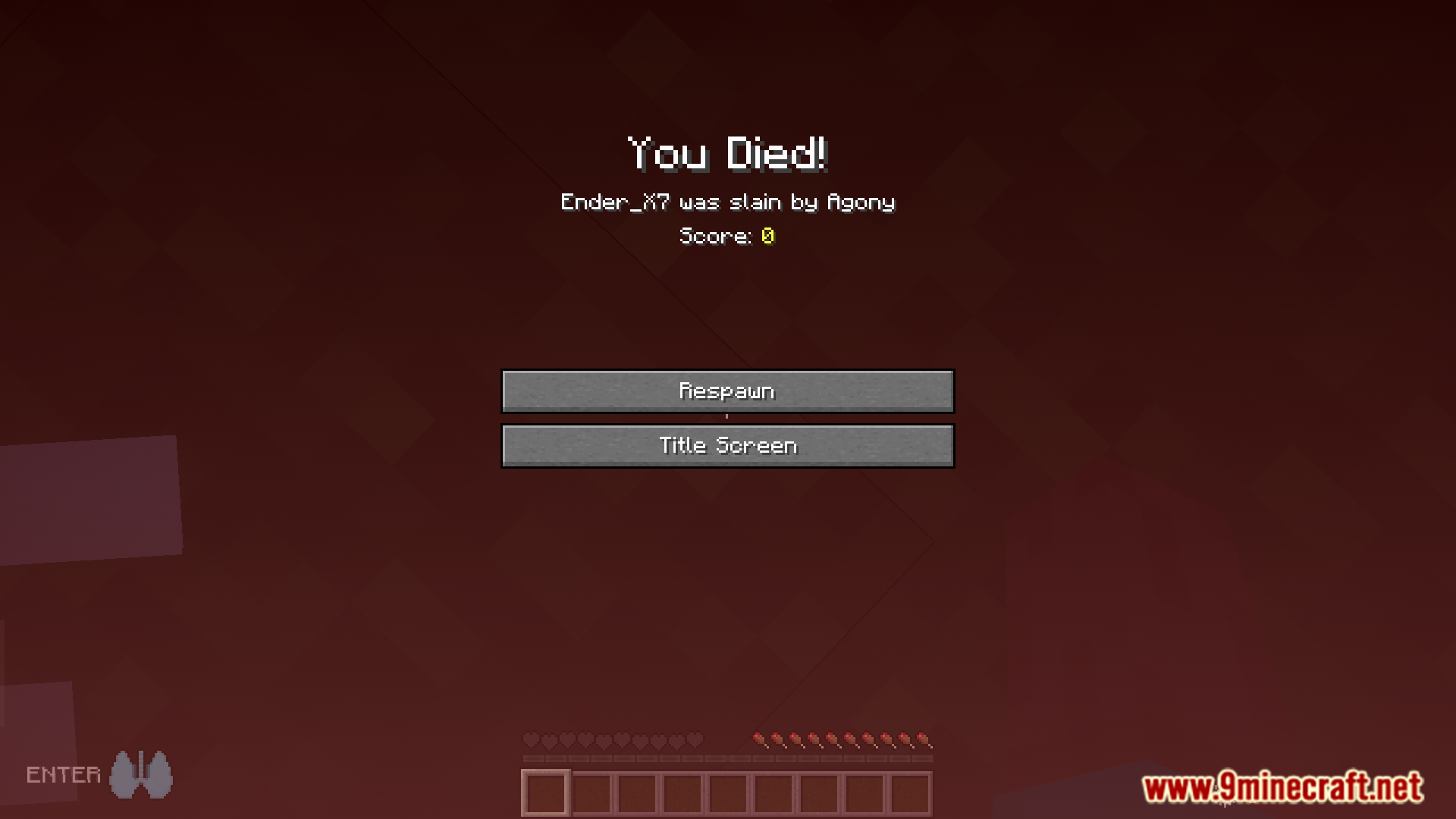
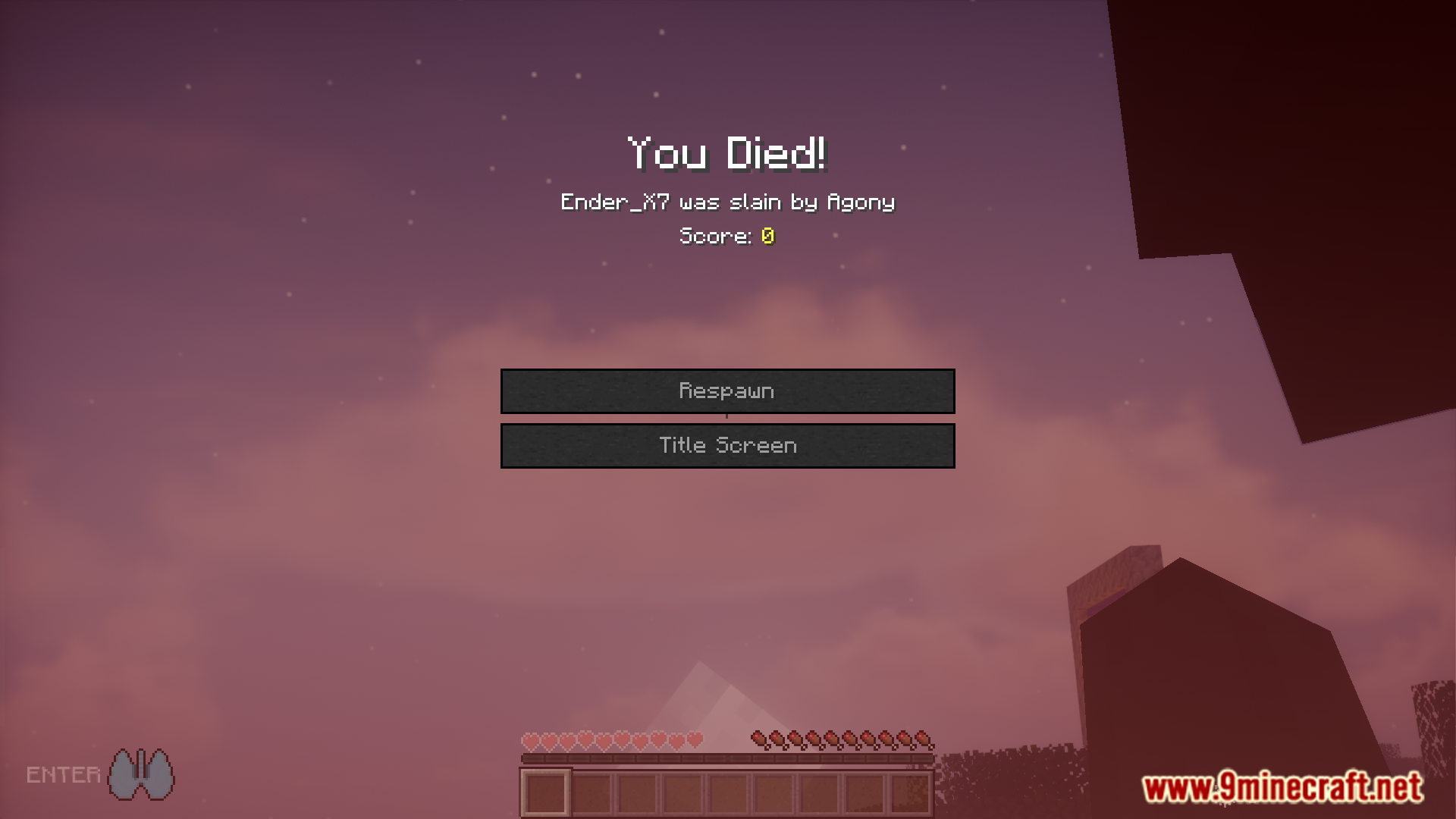
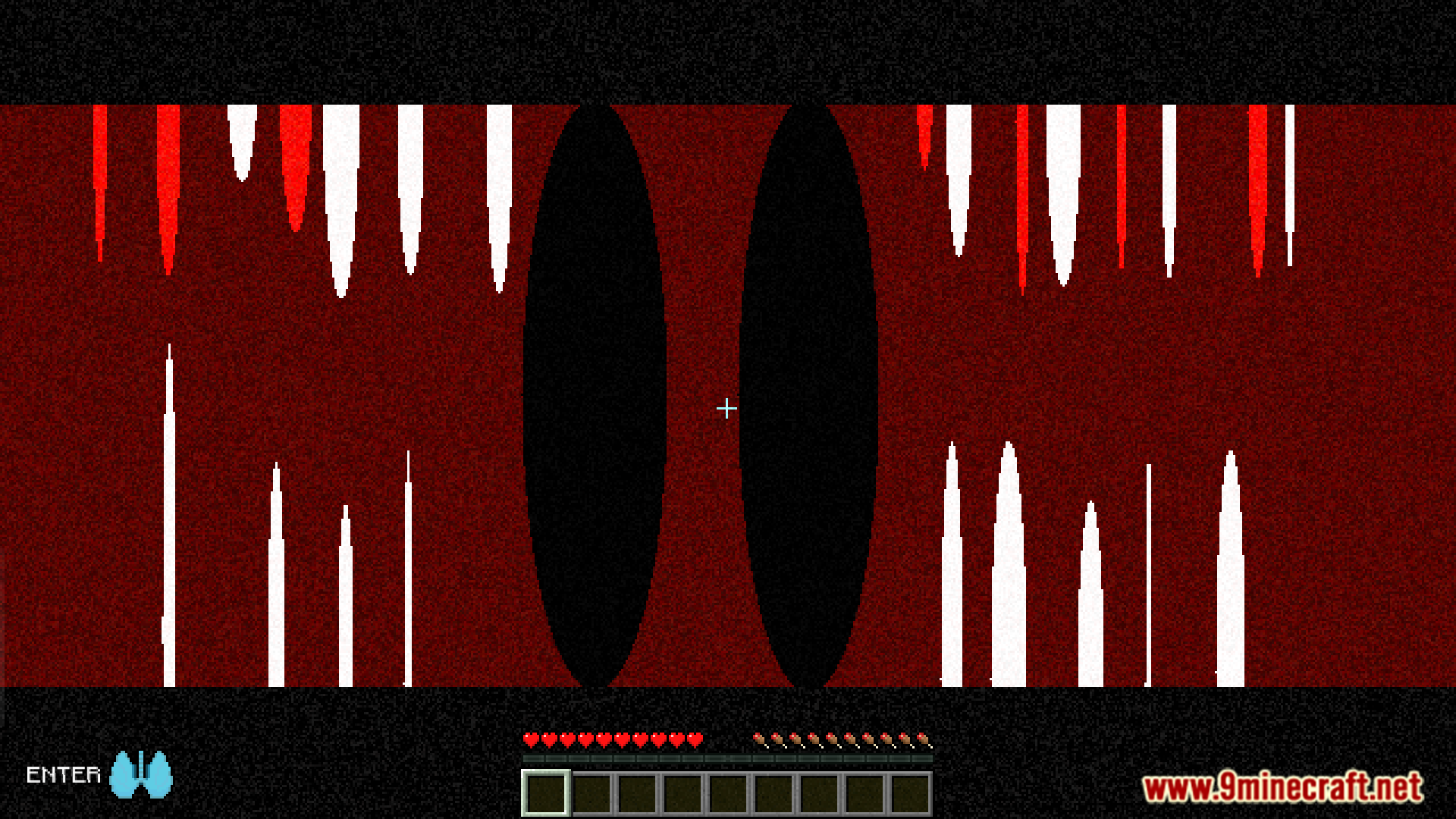
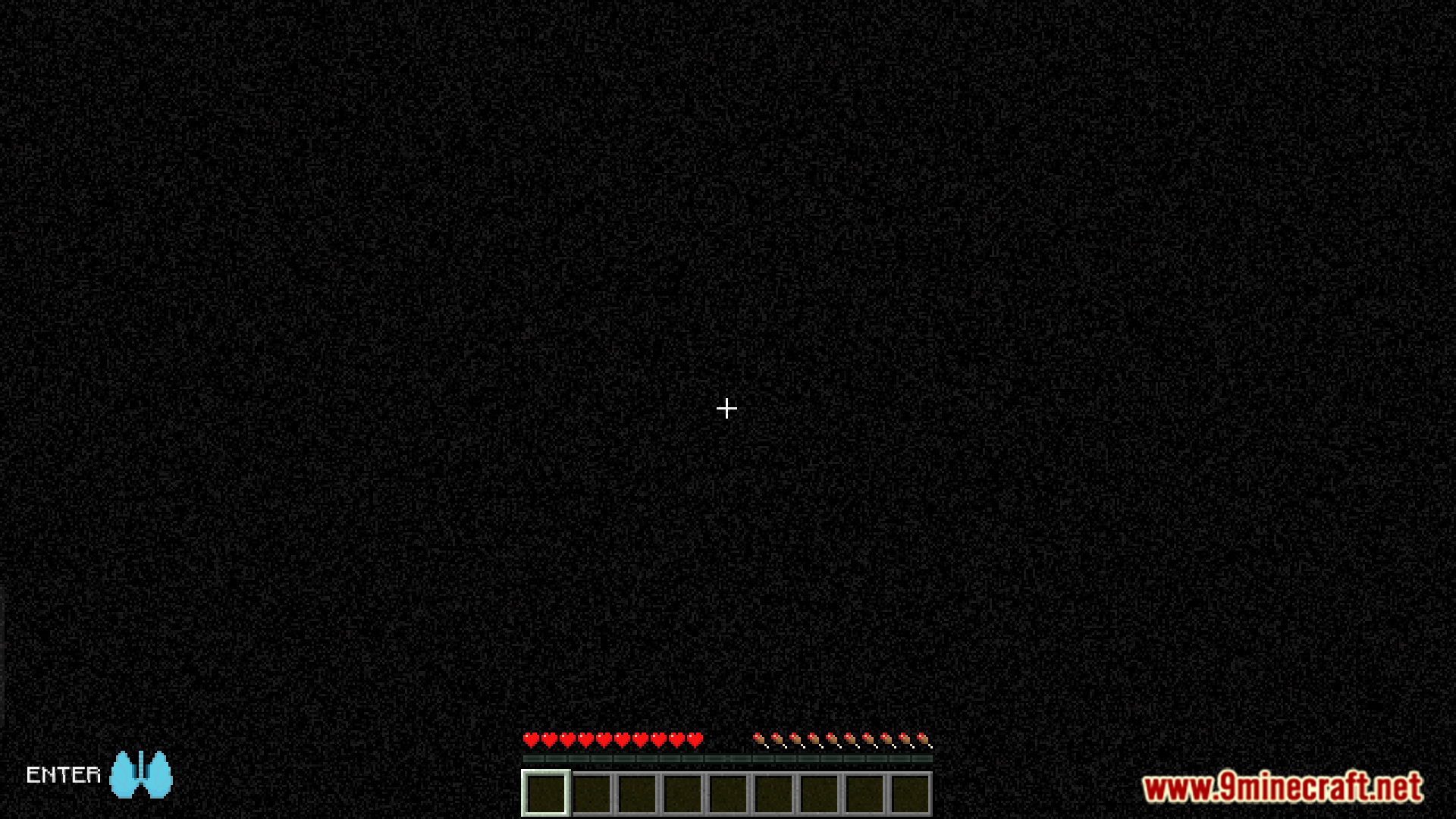
Shut Your Eyes Mod unleashes a terrifying creature that stalks you throughout your world. This monster will only attack when you are vulnerable and can see it. To survive an encounter, you must close your eyes and hold your breath. Listen for sound cues that let you know when the creature has gone, and only then is it safe to look again.
Features:
- Adds a new monster that will stalk you in your world.
- The creature can only damage you if you are looking at it.
- Survive by closing your eyes and holding your breath.
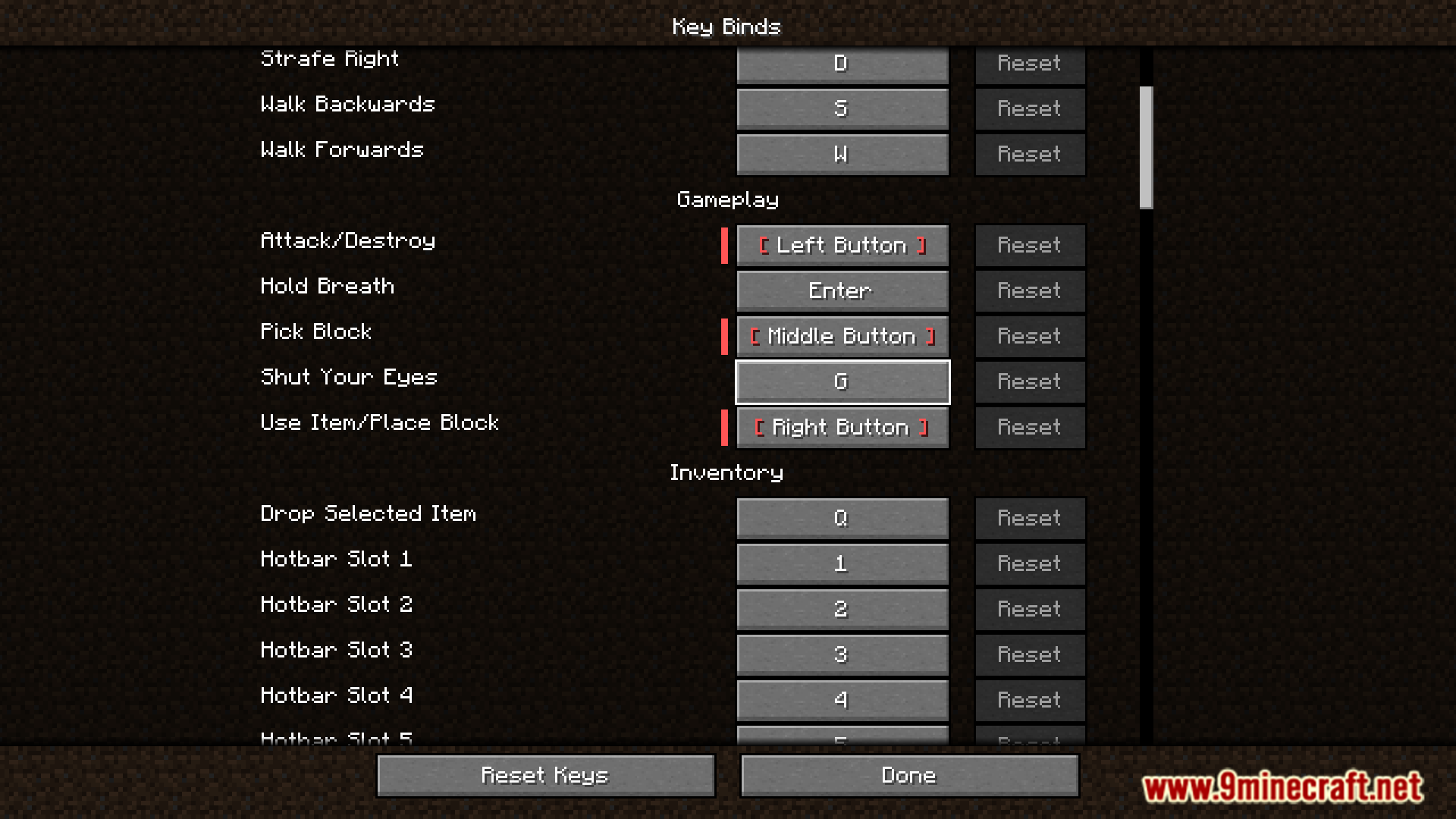
- The default key to close your eyes is ‘G’.
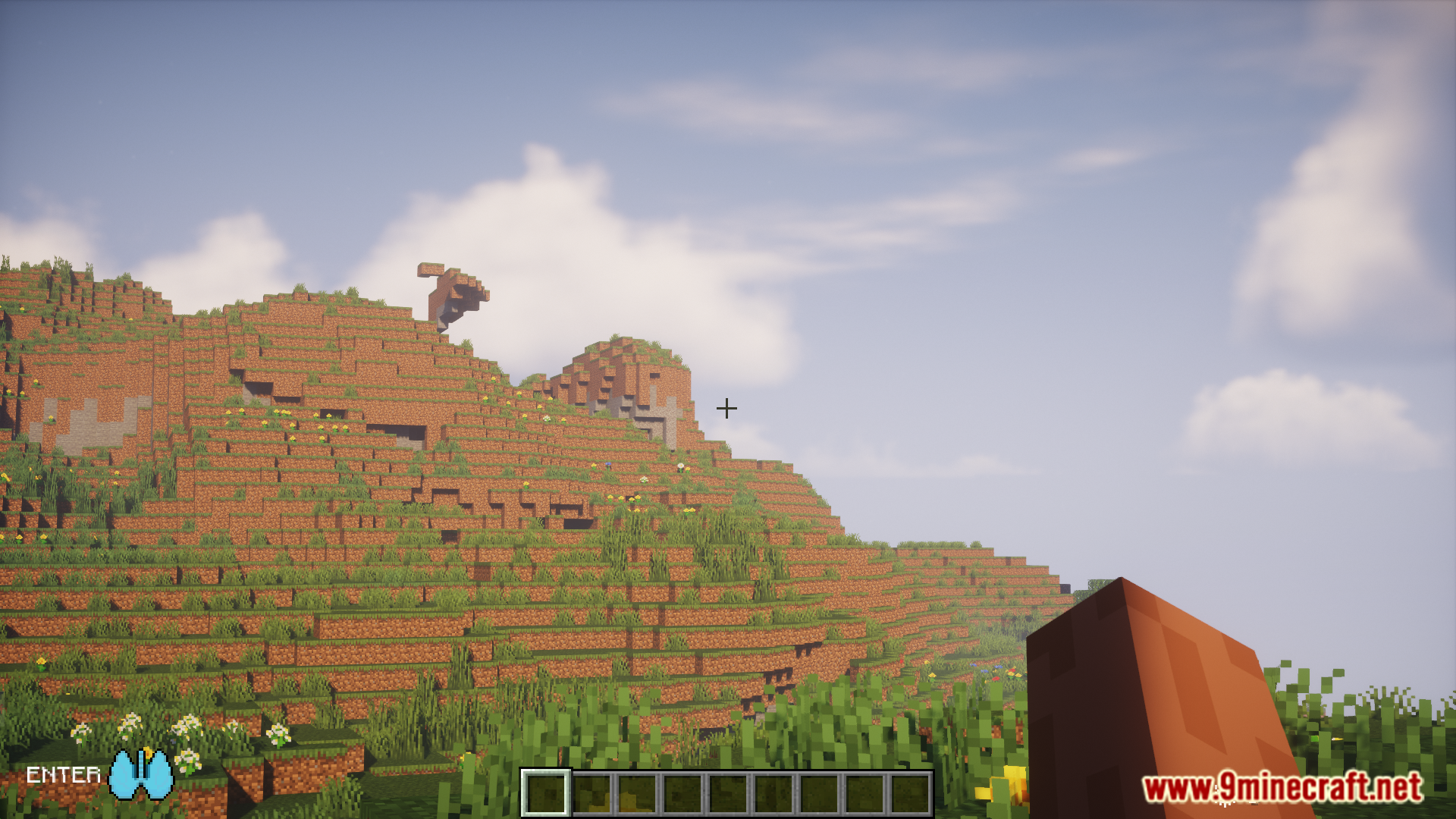
- The default key to hold your breath is ‘ENTER’.
- Both keybinds can be changed in the control settings.
- Sound cues will let you know when the monster is near or has left.
- A configuration file lets you change spawn rates, event timers, and more.
Commands & Configuration:
- Use the command
/repair_syeto fix potential issues with the mod in your world. - To change settings like spawn rates, you can find the config file in your world’s save folder, inside the
serverconfigdirectory.
How to Use:
- When you sense the creature is near, press the ‘G’ key to close your eyes.
- Next, press the ‘ENTER’ key to hold your breath.
- Wait until you hear the sound cue that signals the monster has left the area.
- Once it’s gone, you can safely open your eyes and breathe again.
Screenshots:
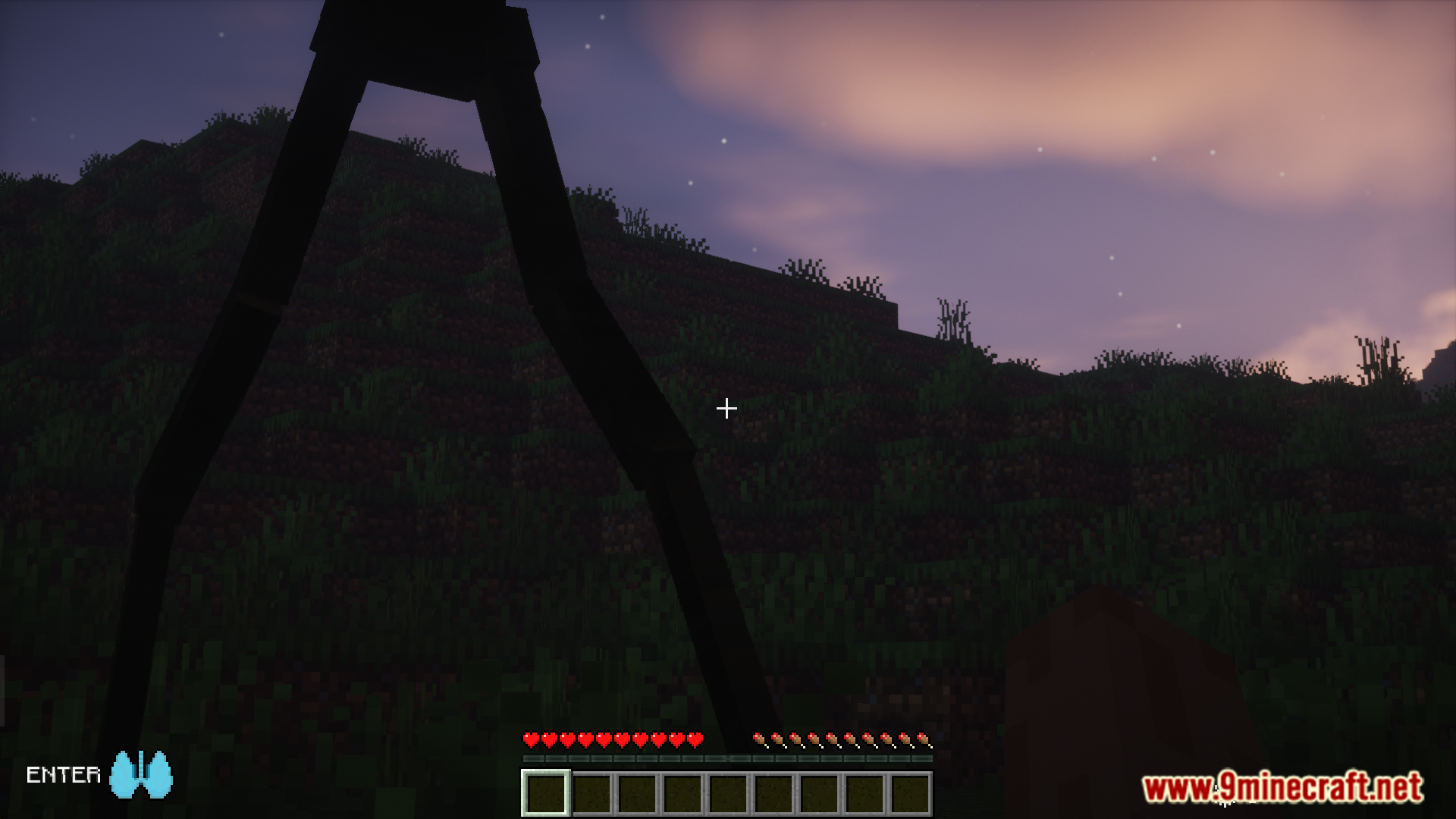
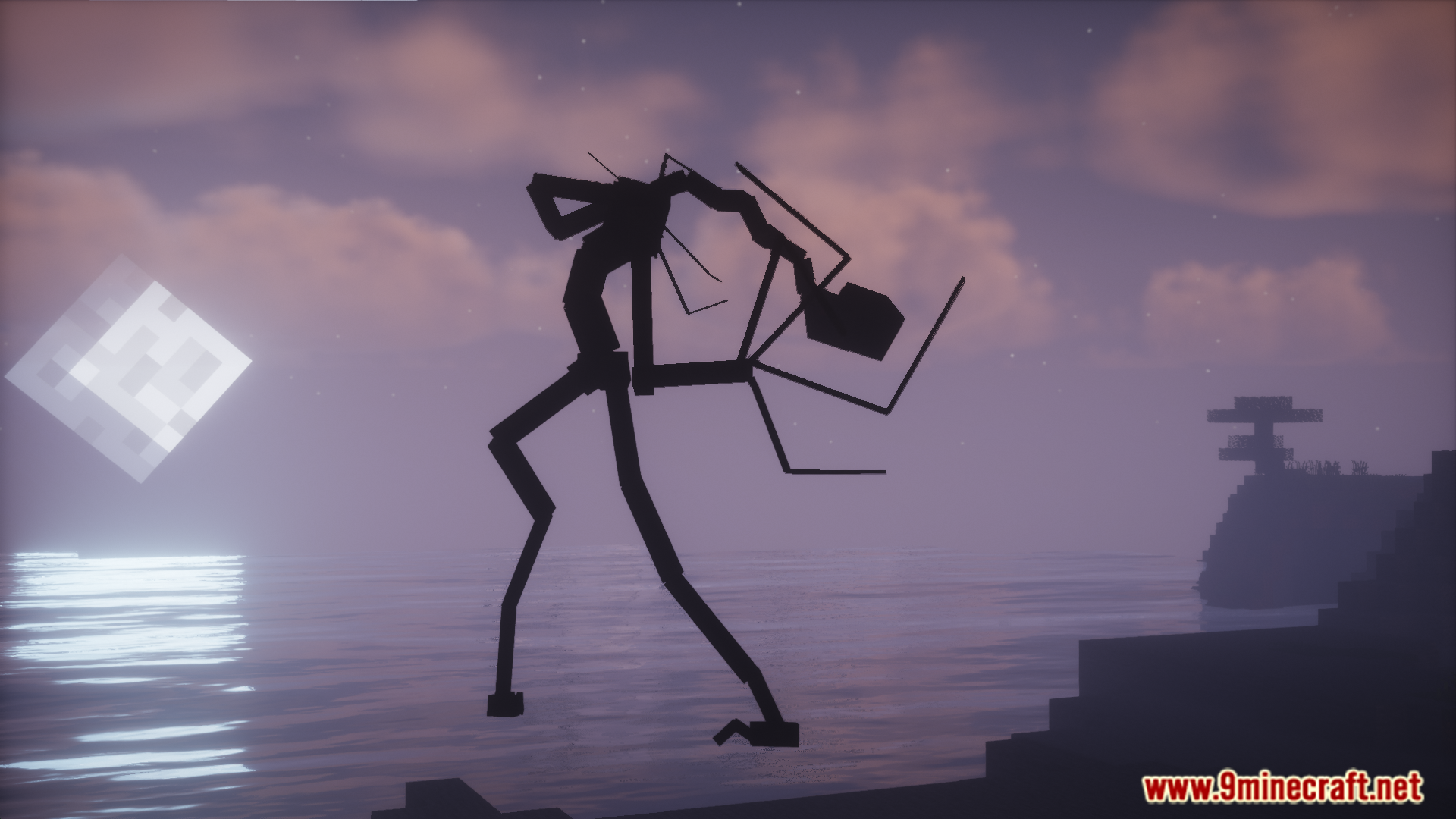
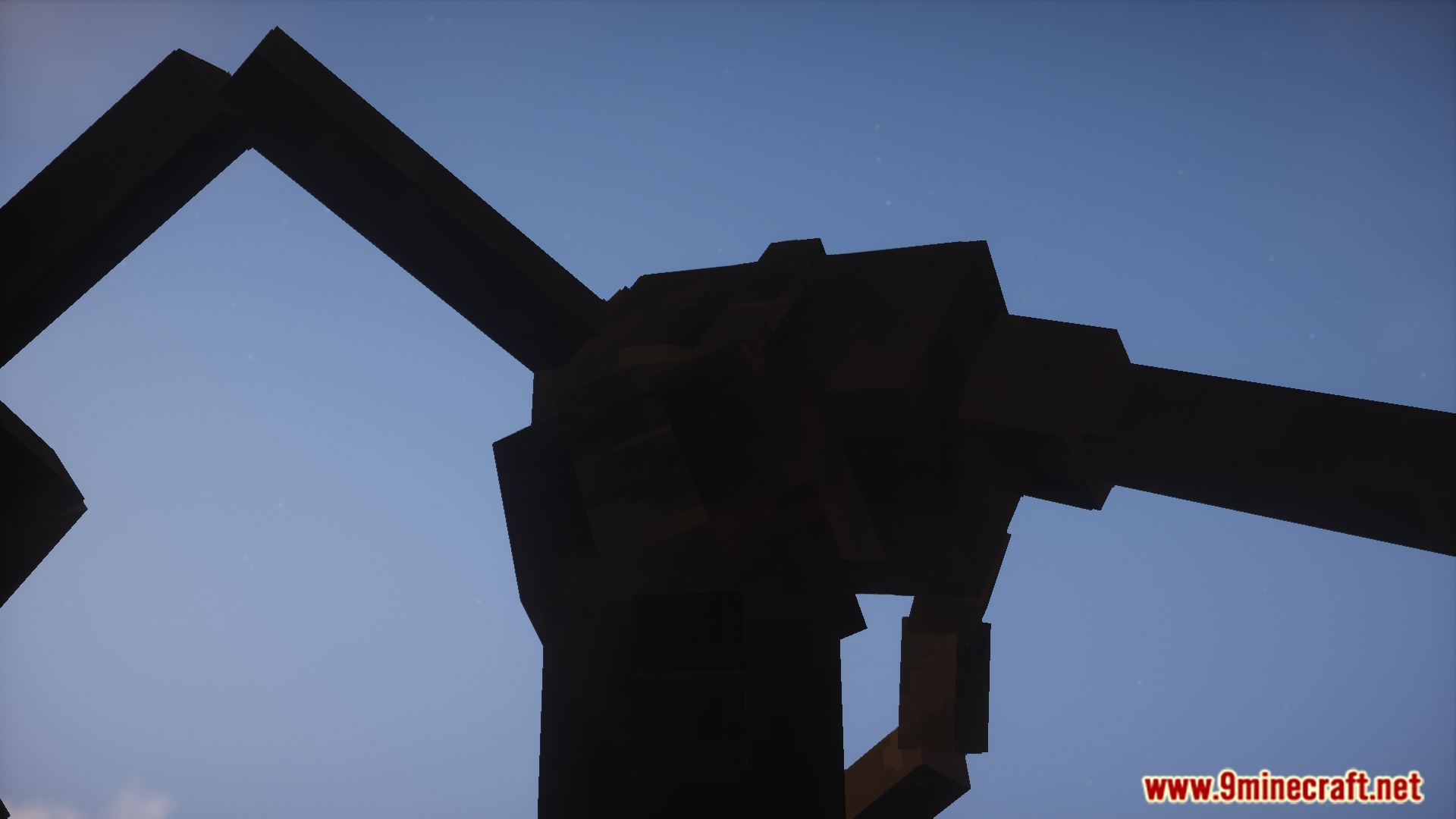
Shut Your Eyes Mod Download Links
For Minecraft 1.20.1, 1.20
Forge version: Download from Server 1 – Download from Server 2
For Minecraft 1.19.2
Forge version: Download from Server 1 – Download from Server 2
Quick facts
- Edition: Minecraft Java
- File type: .jar
- Minecraft versions listed: 1.20.1, 1.19.2
- How to install: Install the matching mod loader (Forge, Fabric or NeoForge) for your Minecraft version. → Download the .jar. → Put it in the .minecraft/mods folder and launch that loader profile.
- Where to get it: In MC Java Mods, or directly above on this page.
Install steps are the general flow for this file type — How to install Minecraft Java mods & modpacks walks through it step by step.
Verified by MCModsHub
- Downloads as 176732.mcaddon
- Download size: 42.1 MB
- Download link checked 25 Jul 2026 — working
- Mirrored on our own servers — the download does not depend on the original host
These come from our own check of the pack file, not from the source page.