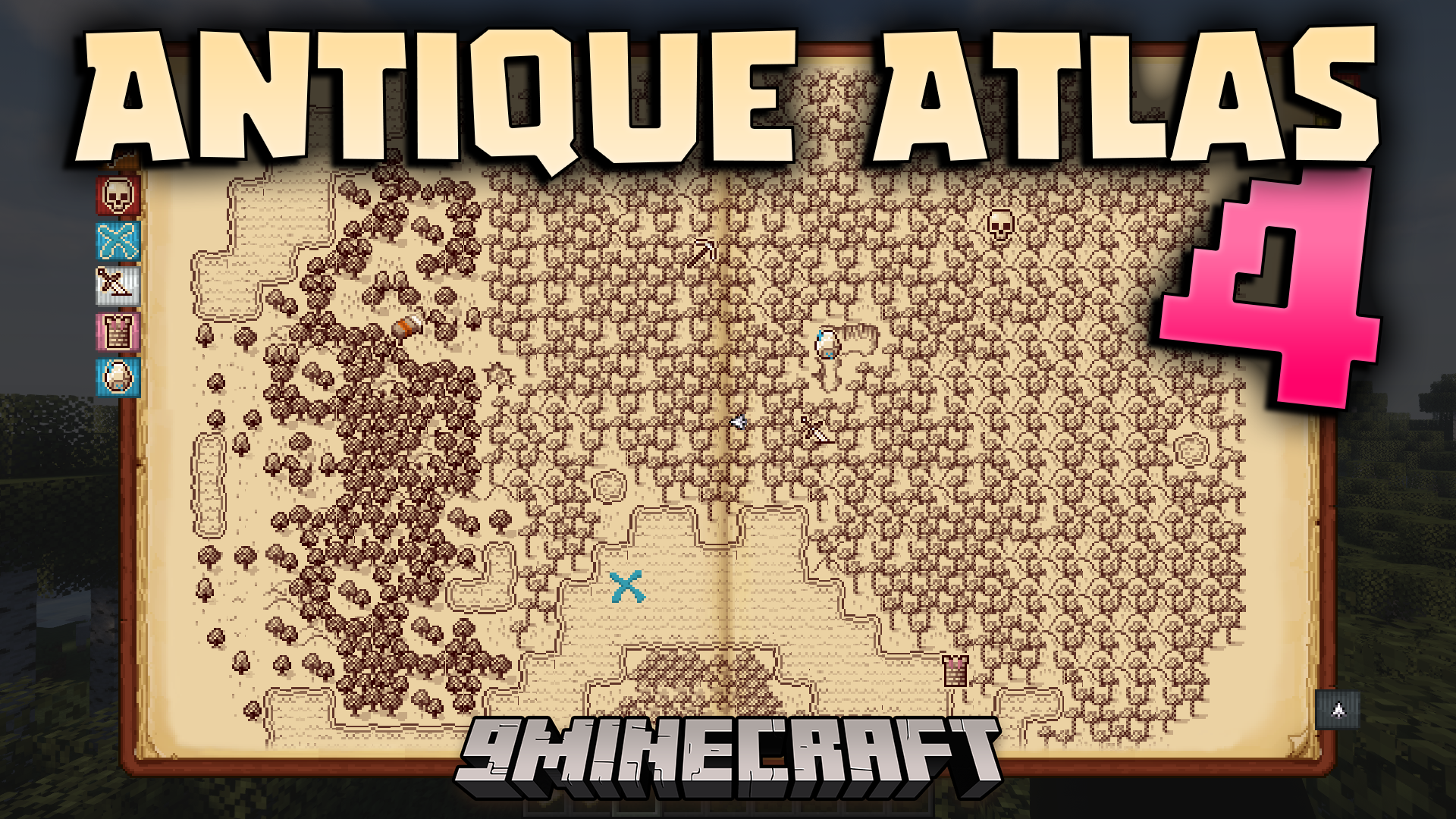
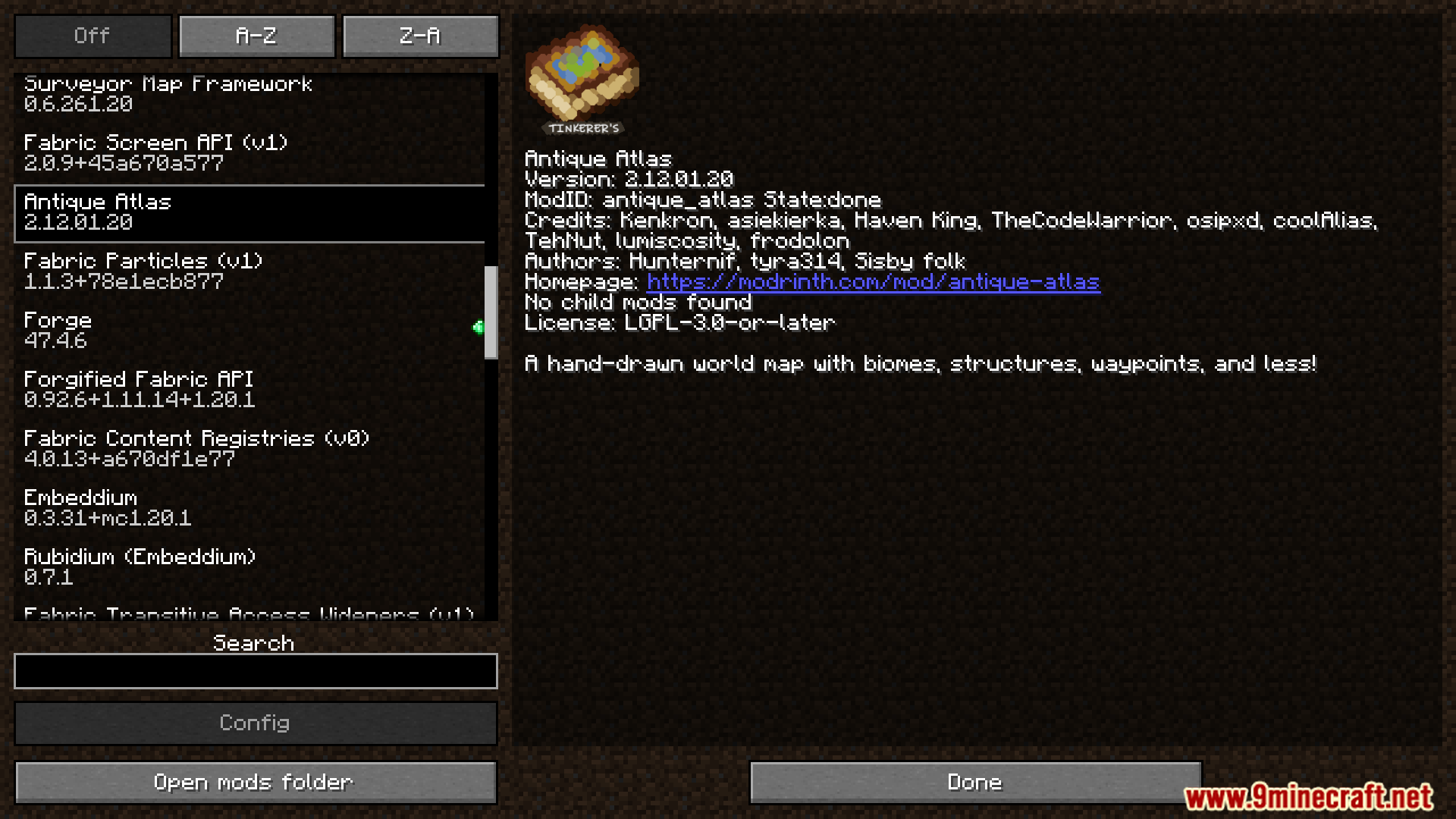
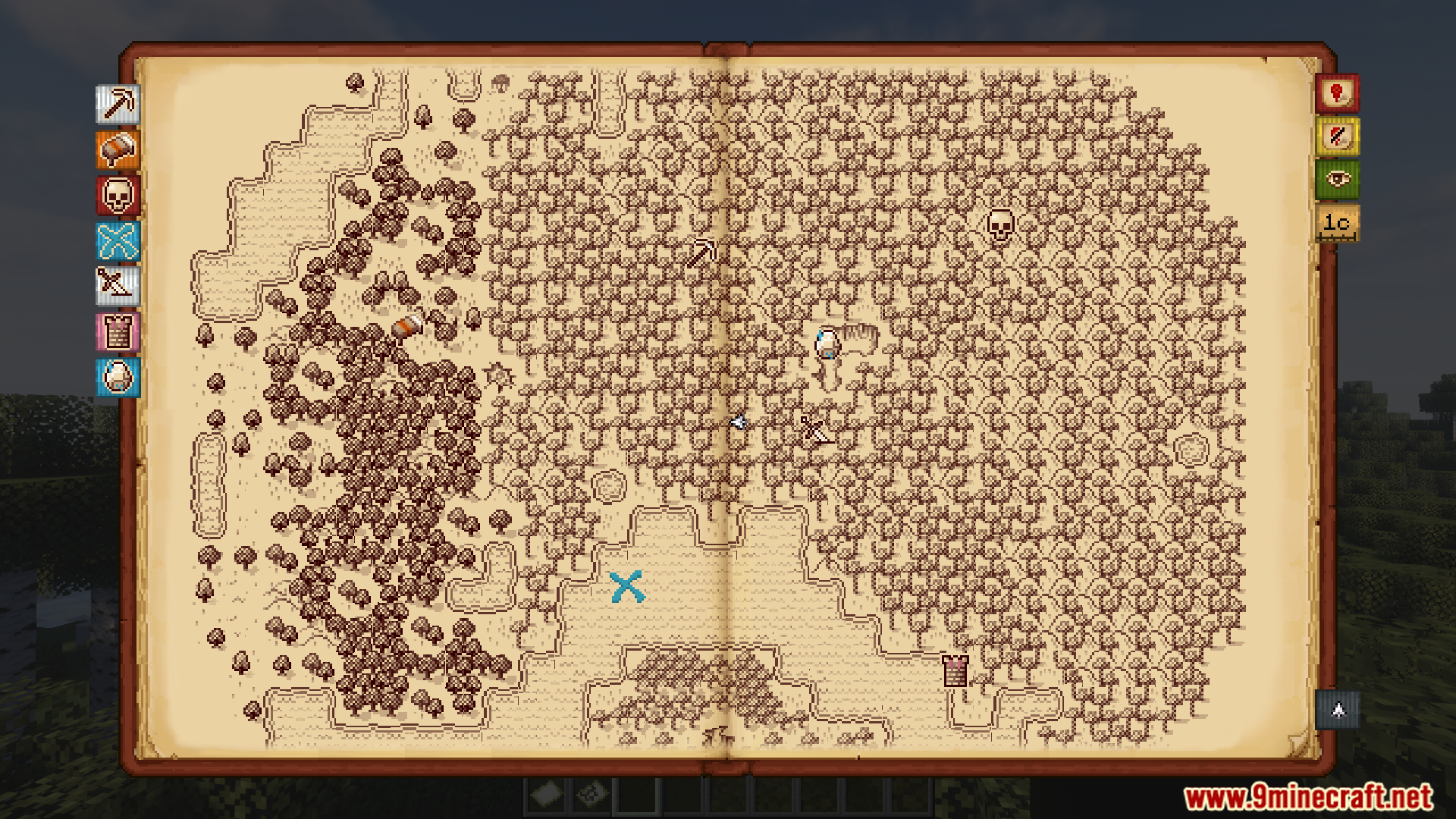
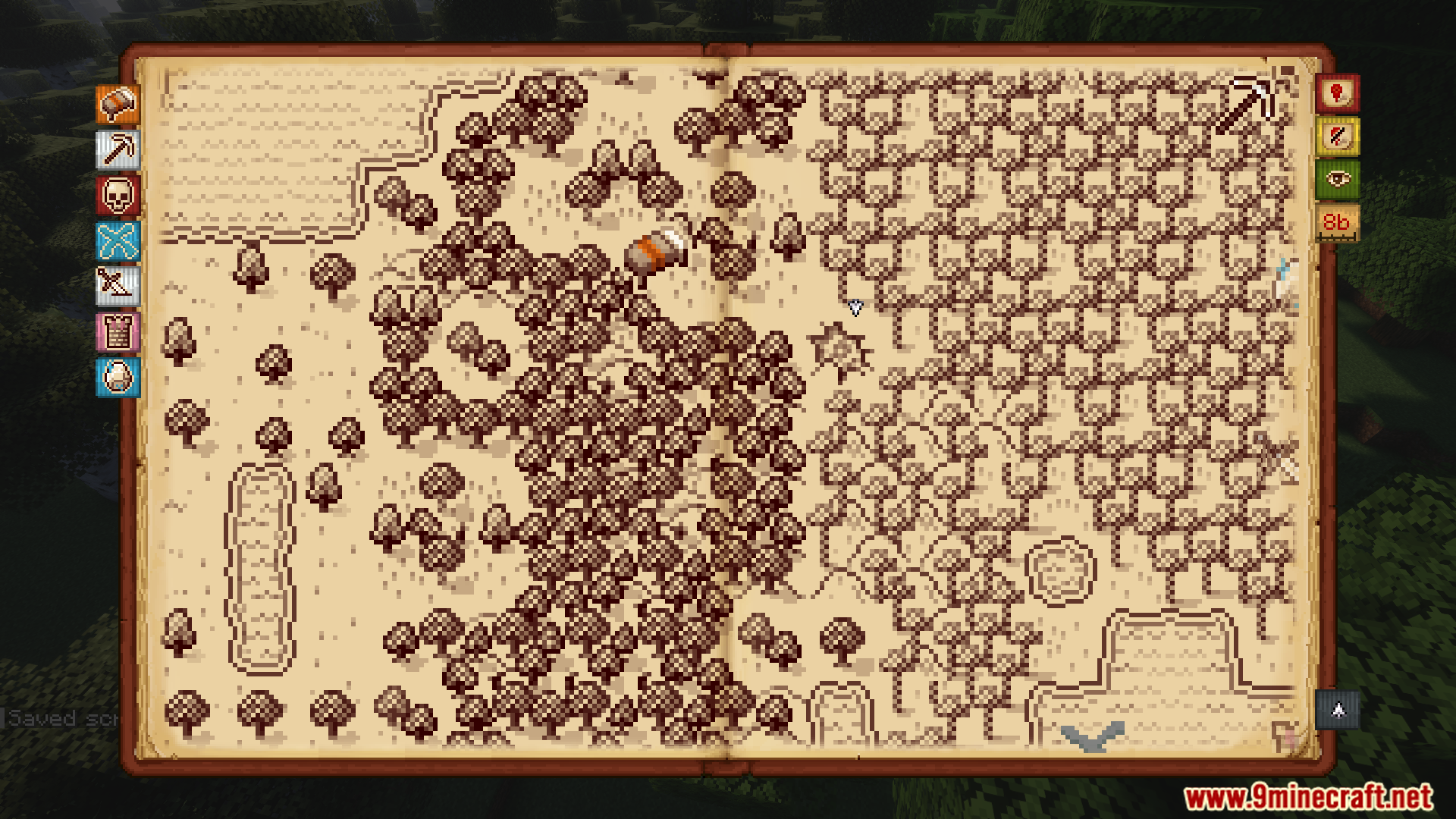
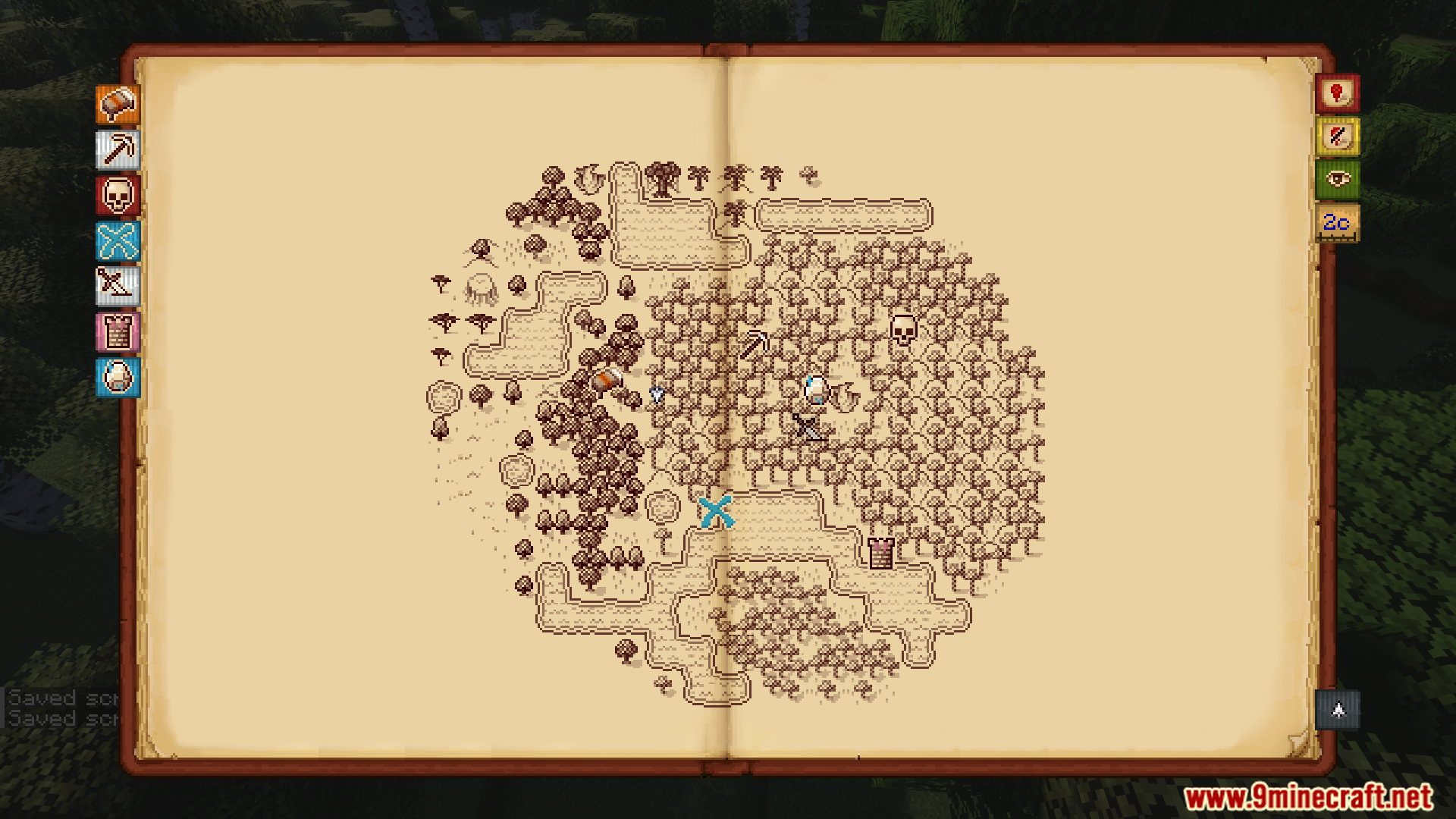
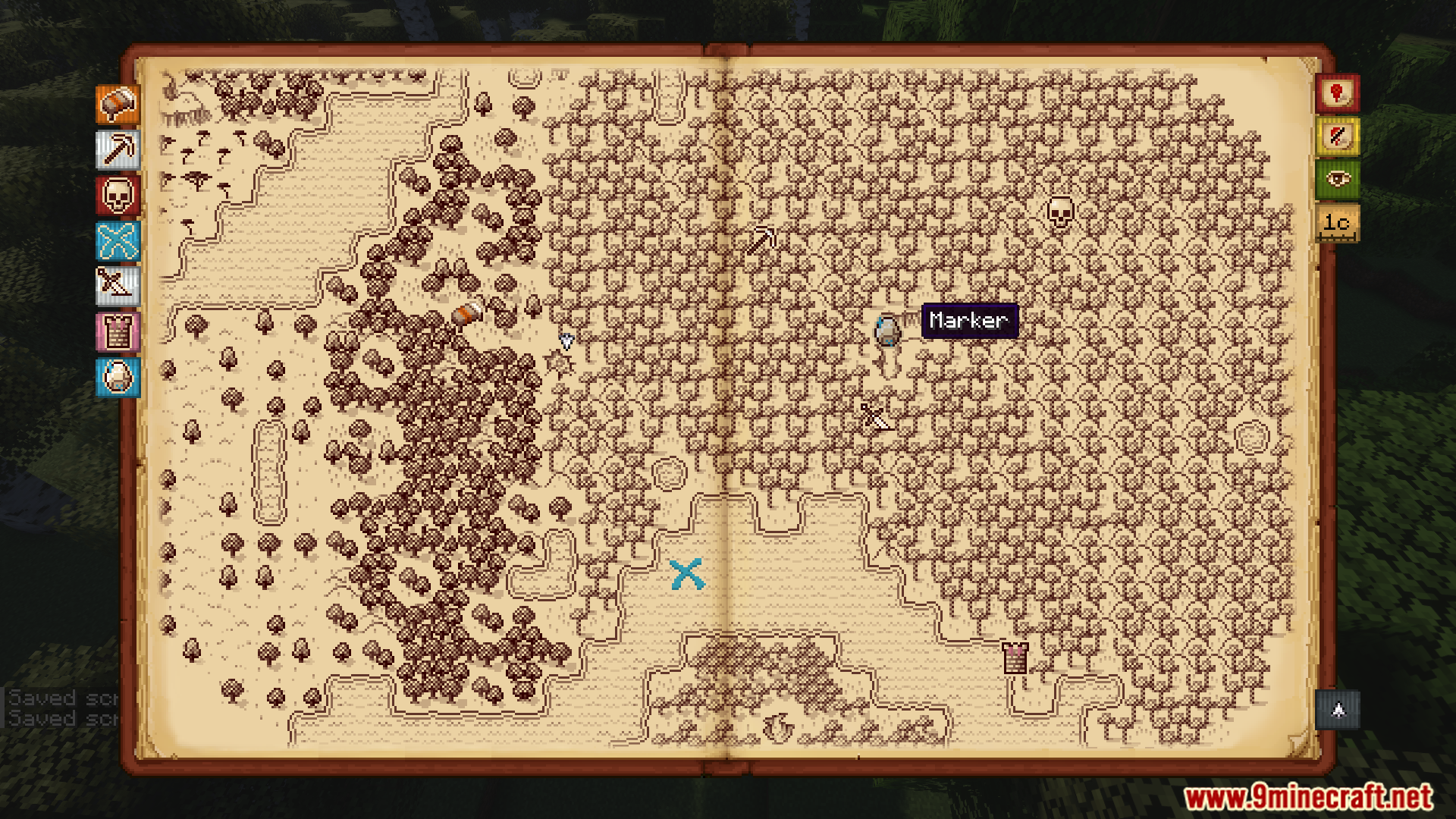
Antique Atlas 4 Mod gives you a beautiful, hand-drawn map that looks like an old piece of parchment. As you explore your world, the map automatically fills in with details. You can place custom markers to remember important locations and even share your map progress with friends on a server. This mod makes charting your adventures feel more personal and immersive.
Features:
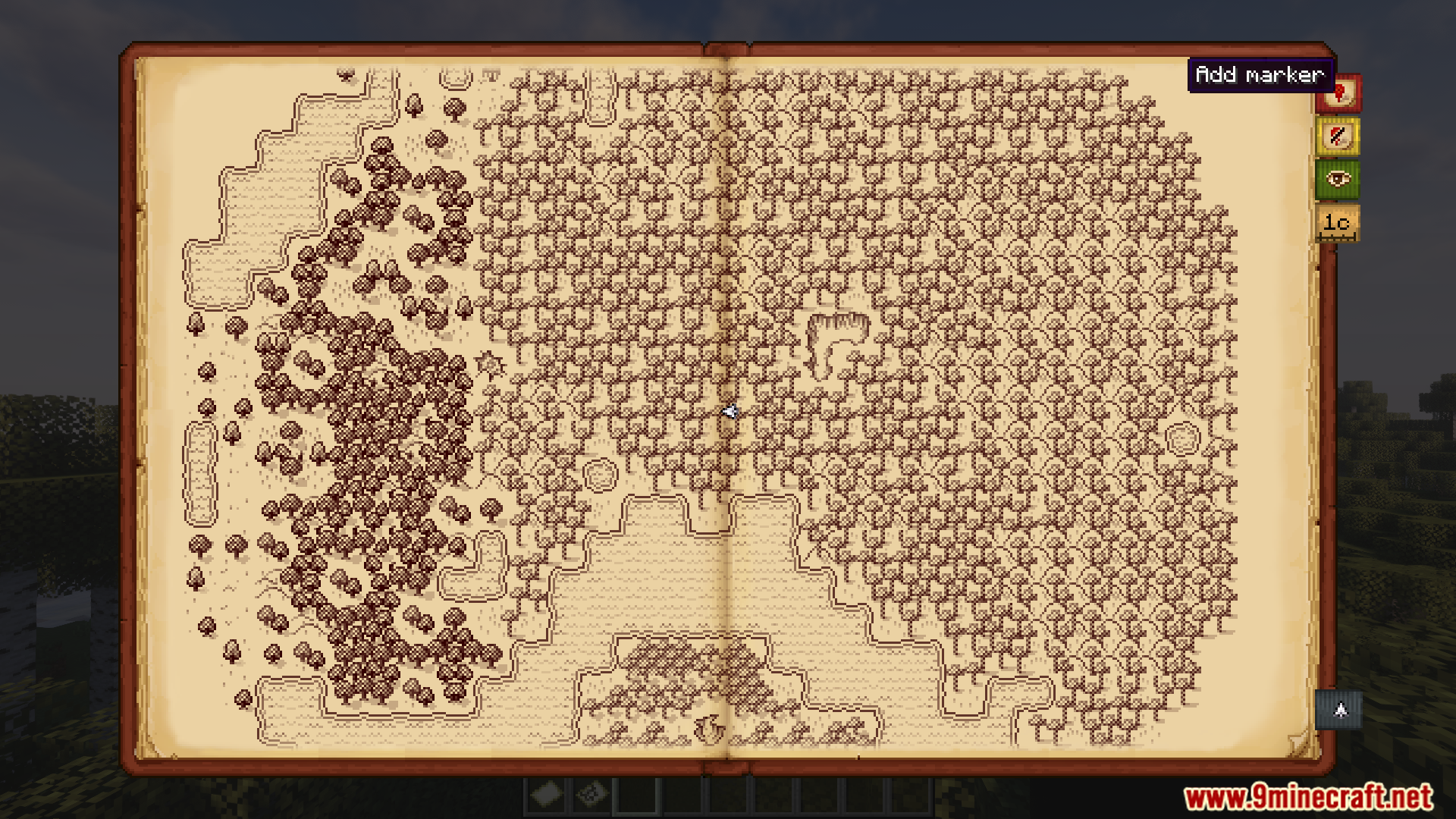
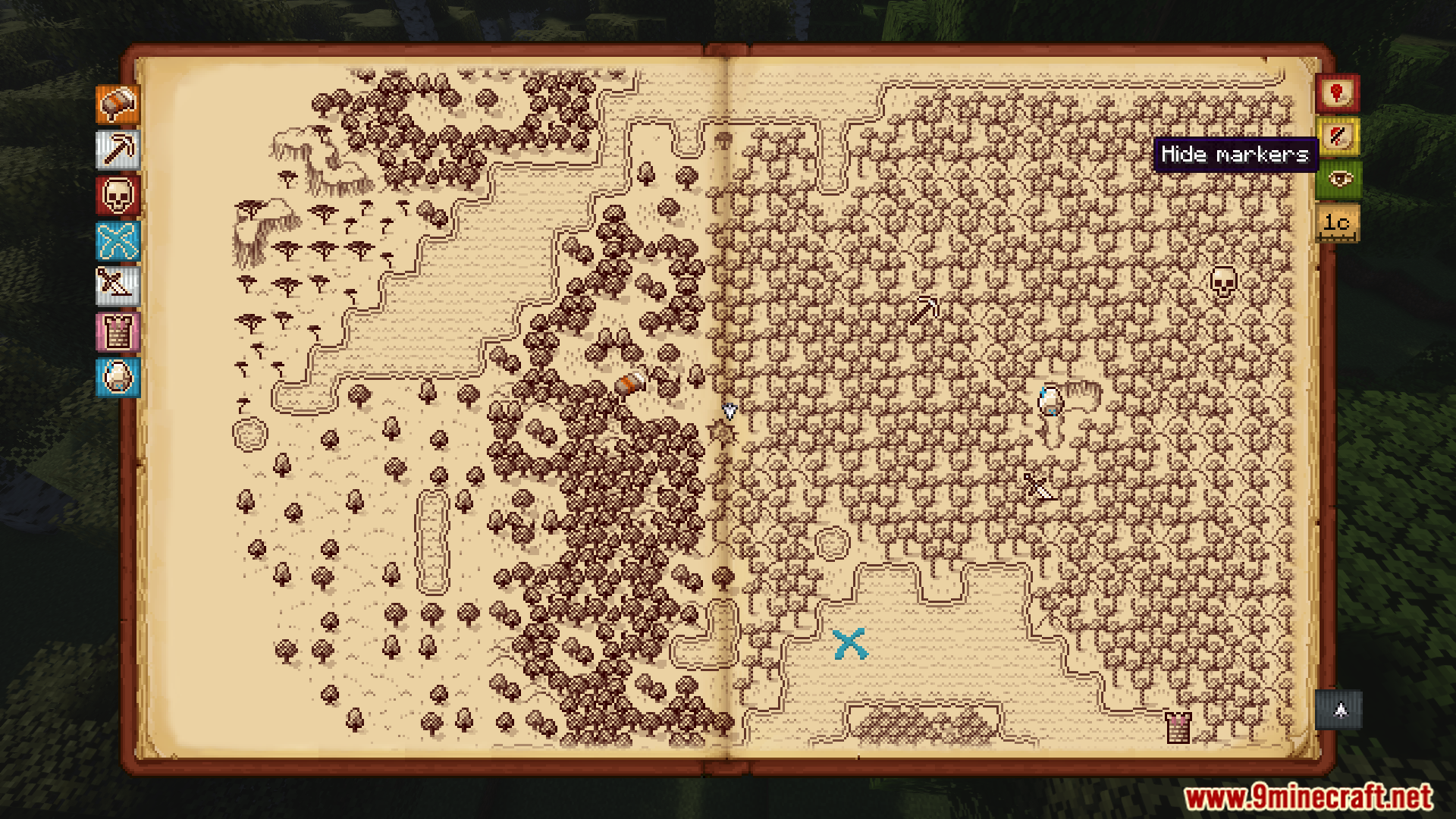
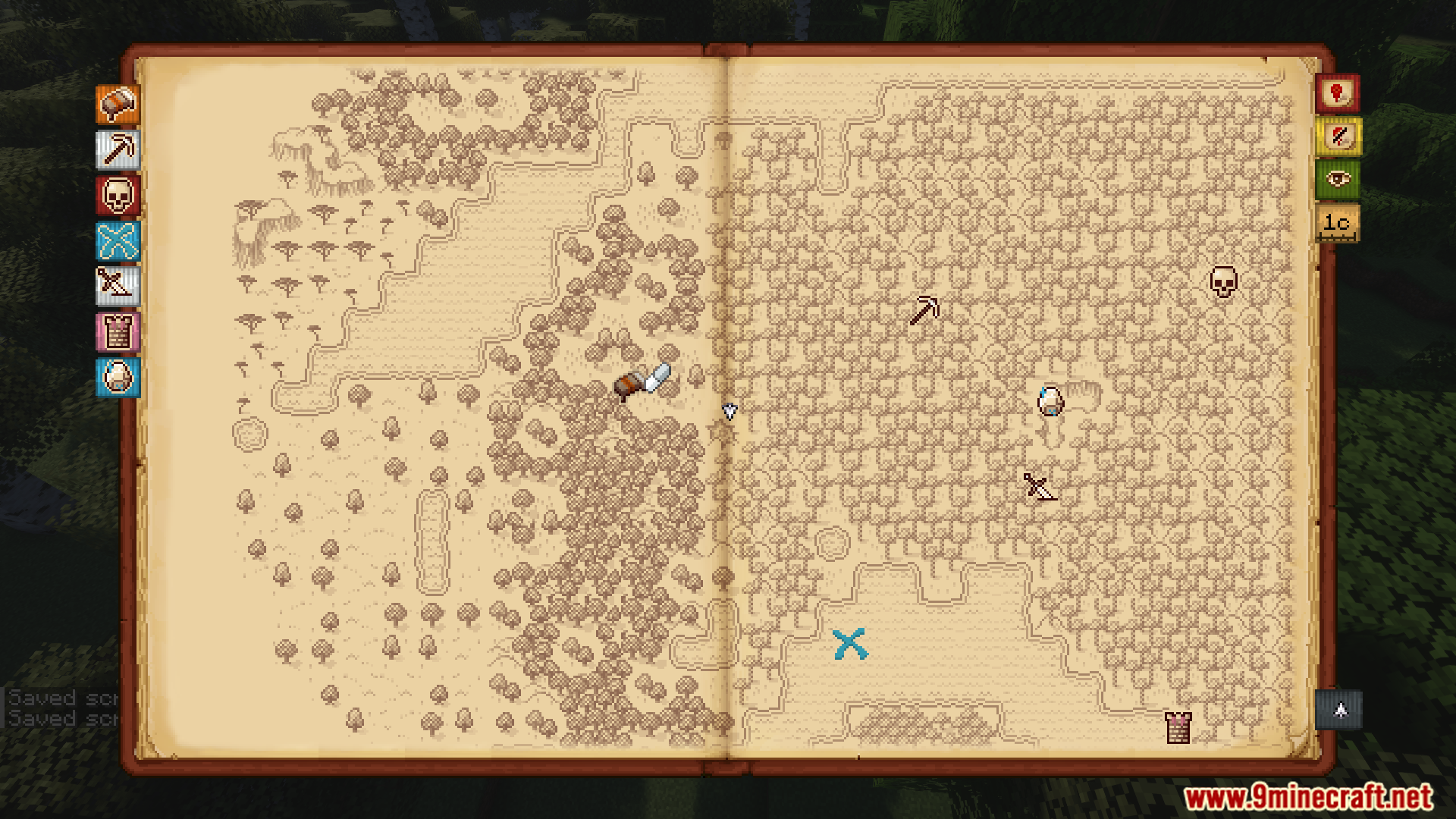
- Replaces the default map with a hand-drawn, scrollable atlas.
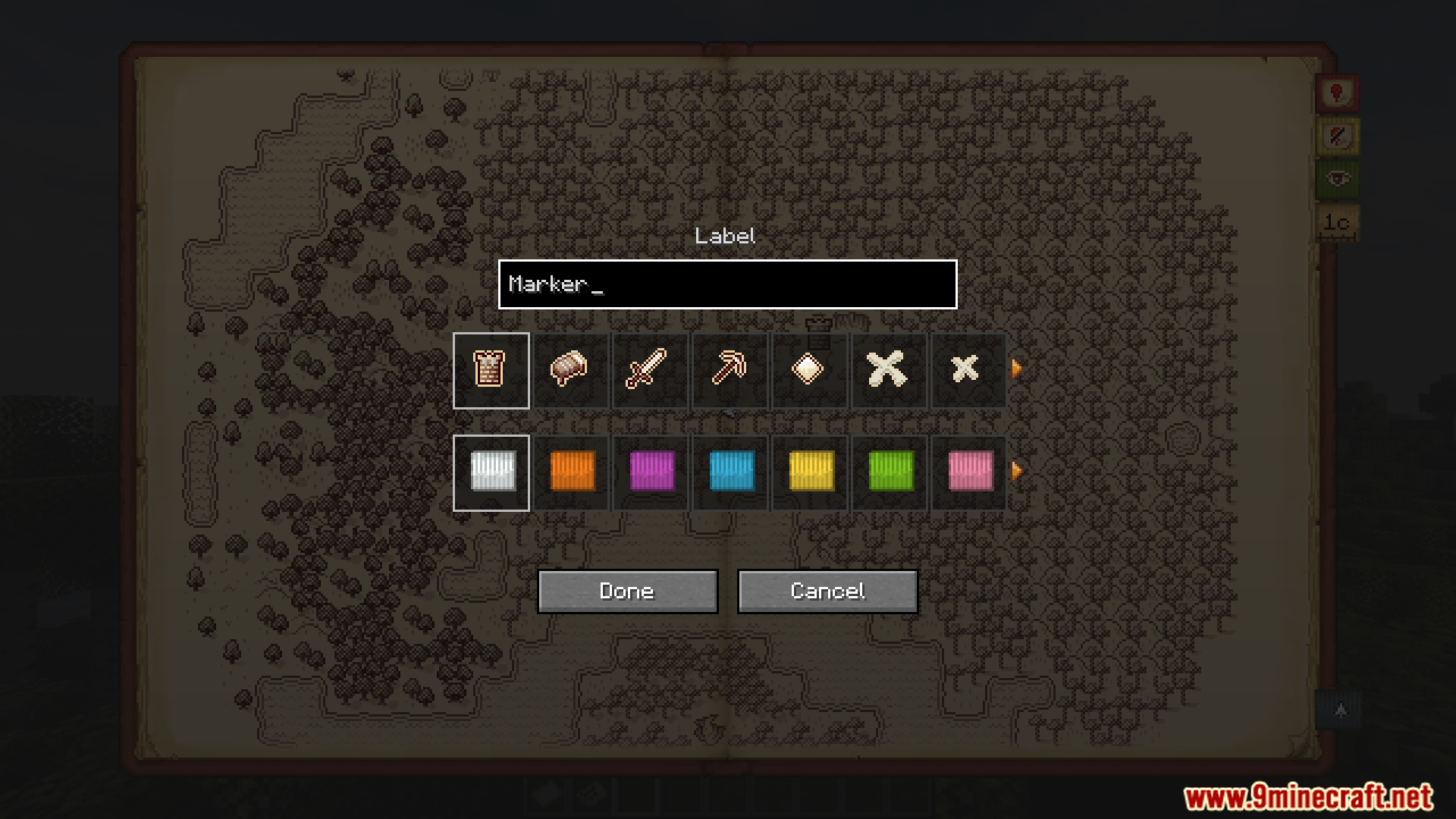
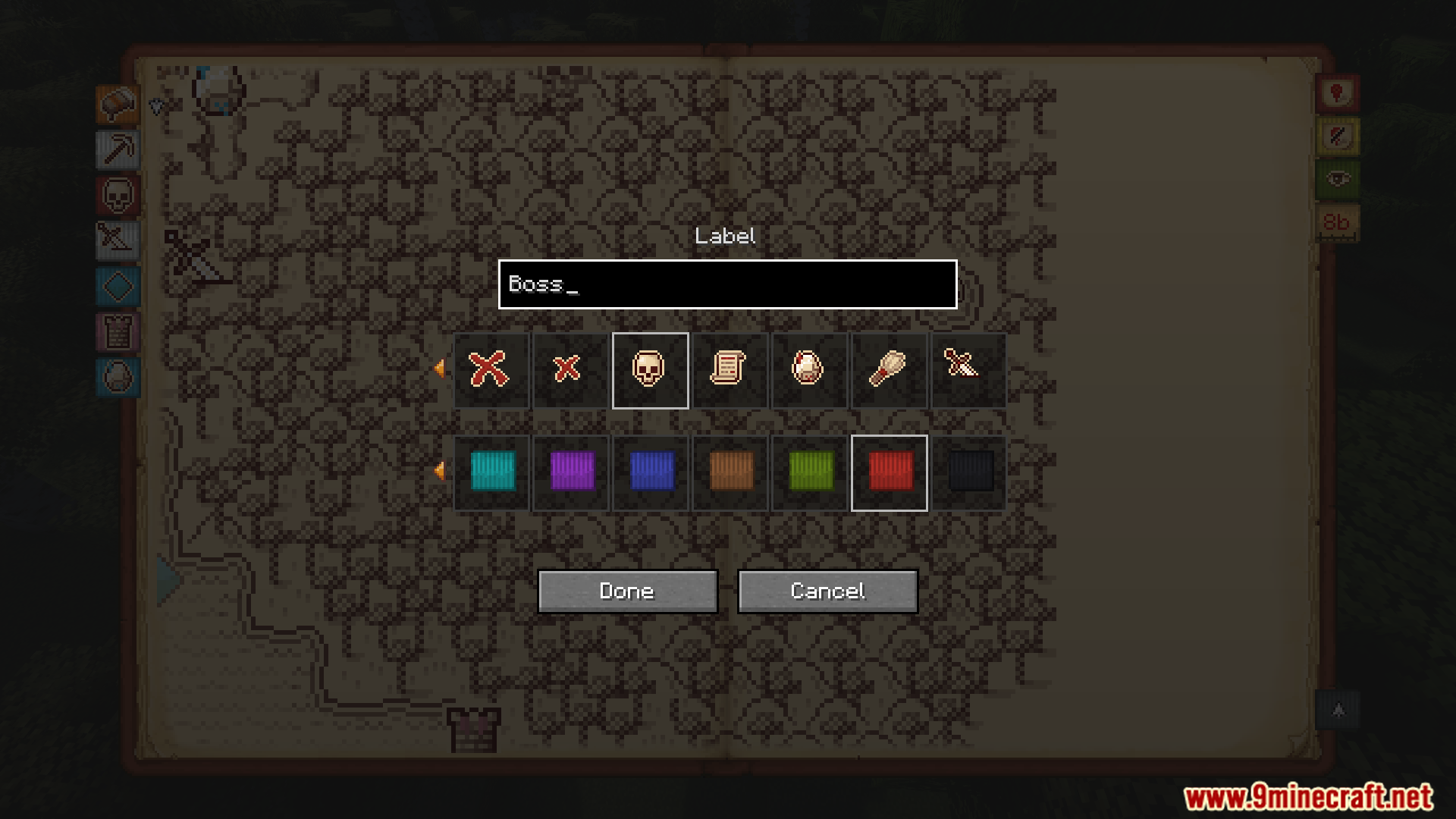
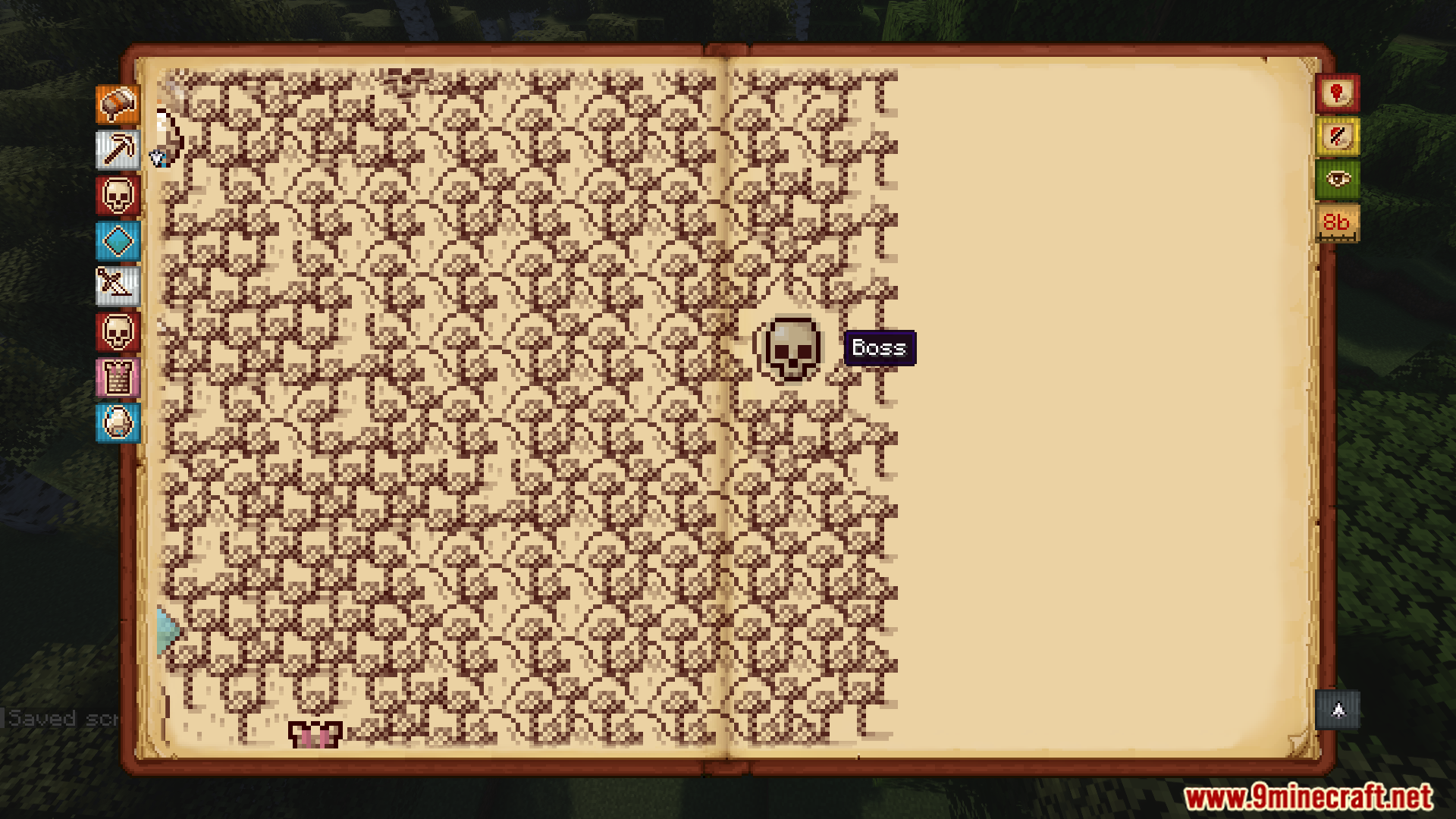
- Create your own waypoint markers with different styles and colors.
- Automatically adds markers for structures and active nether portals once you discover them.
- Share your explored map area and waypoints with other players.
- Get a handheld atlas item by renaming a book to “Antique Atlas” at an anvil.
- Automatically imports existing waypoints from Xaero’s Minimap.
Commands:
/surveyor share [player]– Shares your map exploration and waypoints with another player.
How to Use:
- Press the ‘M’ key by default to open the world map.
- Drag with your mouse to pan across the map and use the scroll wheel to zoom.
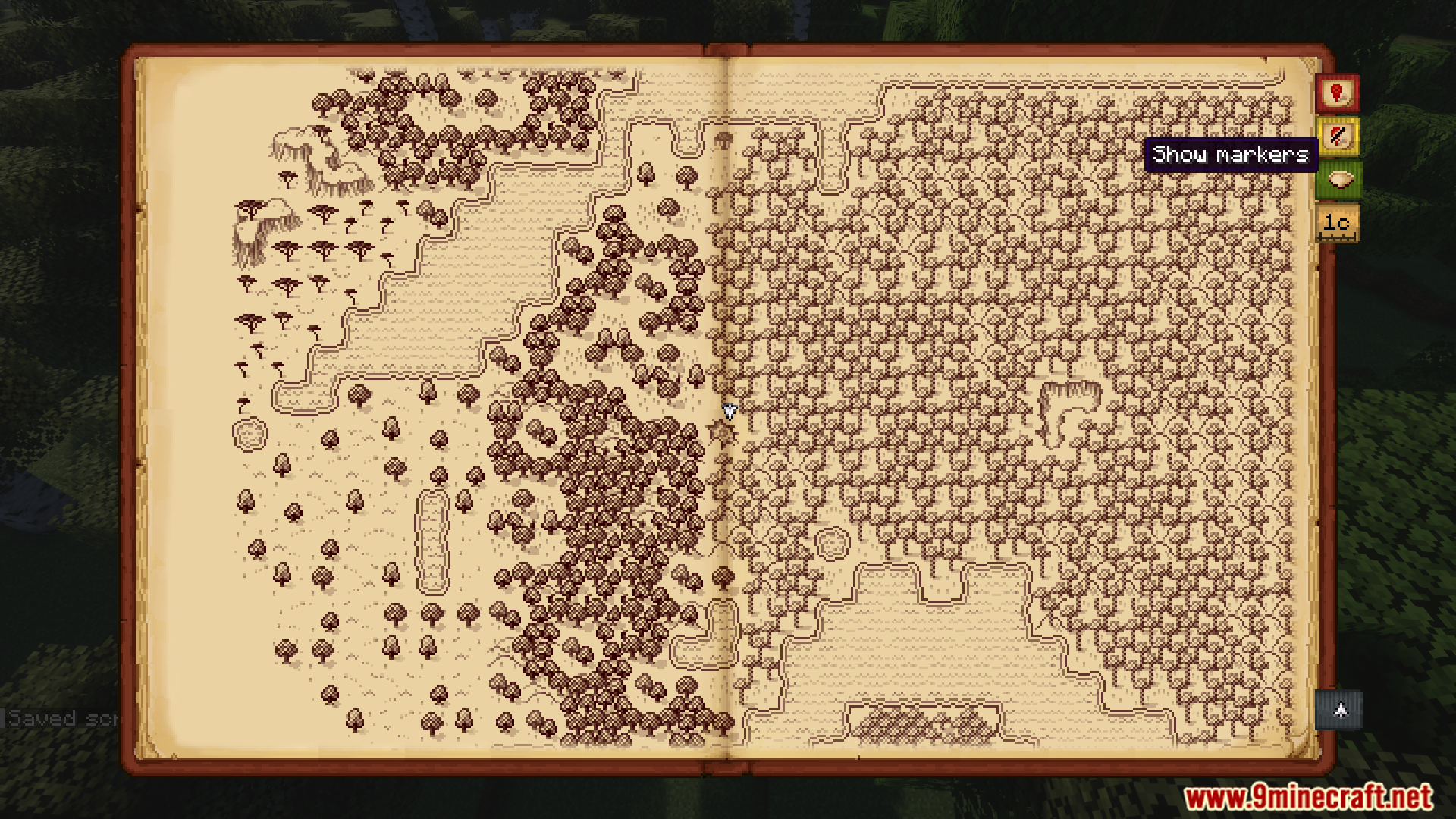
- Use the bookmark buttons on the map screen to create and remove your markers.
- To hold the map in your hands, take a regular book to an anvil and rename it to “Antique Atlas”.
Screenshots:
Antique Atlas 4 Mod Download Links
For Minecraft 1.21.1, 1.21
Fabric/Quilt/NeoForge version: Download from Server 1 – Download from Server 2
For Minecraft 1.20.1, 1.20
Forge/Fabric/Quilt version: Download from Server 1 – Download from Server 2
For Minecraft 1.19.2
Fabric/Quilt version: Download from Server 1 – Download from Server 2
- Edition: Minecraft Java
- File type: .jar
- Minecraft versions listed: 1.21.1, 1.20.1
- How to install: Install the matching mod loader (Forge, Fabric or NeoForge) for your Minecraft version. → Download the .jar. → Put it in the .minecraft/mods folder and launch that loader profile.
- Where to get it: In MC Java Mods, or directly above on this page.
Install steps are the general flow for this file type — How to install Minecraft Java mods & modpacks walks through it step by step.
- Downloads as 176746.mcaddon
- Download size: 1.4 MB
- Download link checked 26 Jul 2026 — working
- Mirrored on our own servers — the download does not depend on the original host
These come from our own check of the pack file, not from the source page.