
Lightfall Client Mod lets you join special servers that run on Lightfall. These servers need a custom connection handshake, and this mod adds the necessary support for it. It also provides a special screen so you can see the status of your connection while it’s in progress.
Features:
- Adds compatibility for joining Lightfall servers.
- Shows a custom handshake screen to track your connection status.
- Works entirely on the client-side and adds no new content like blocks or items.
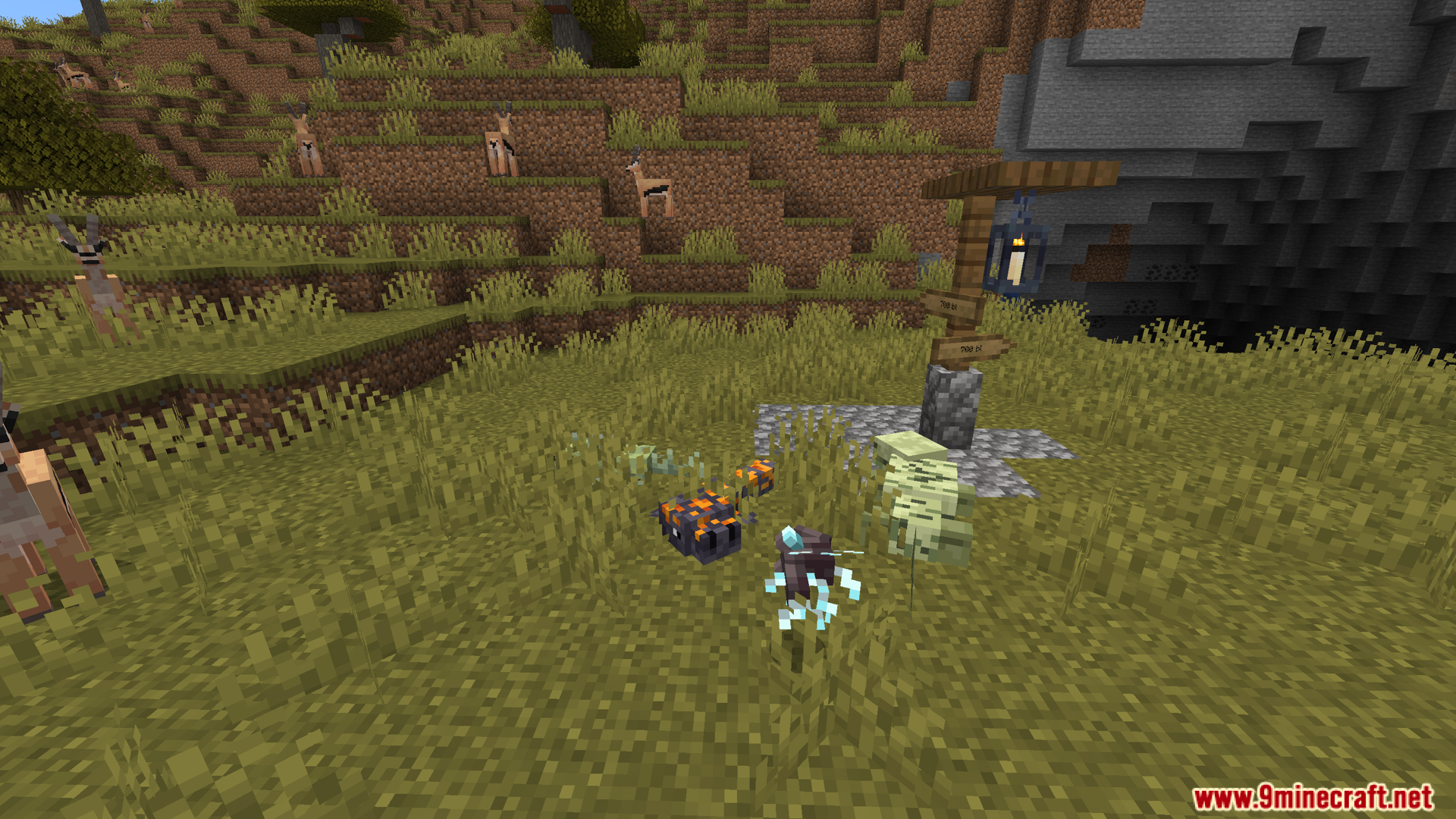
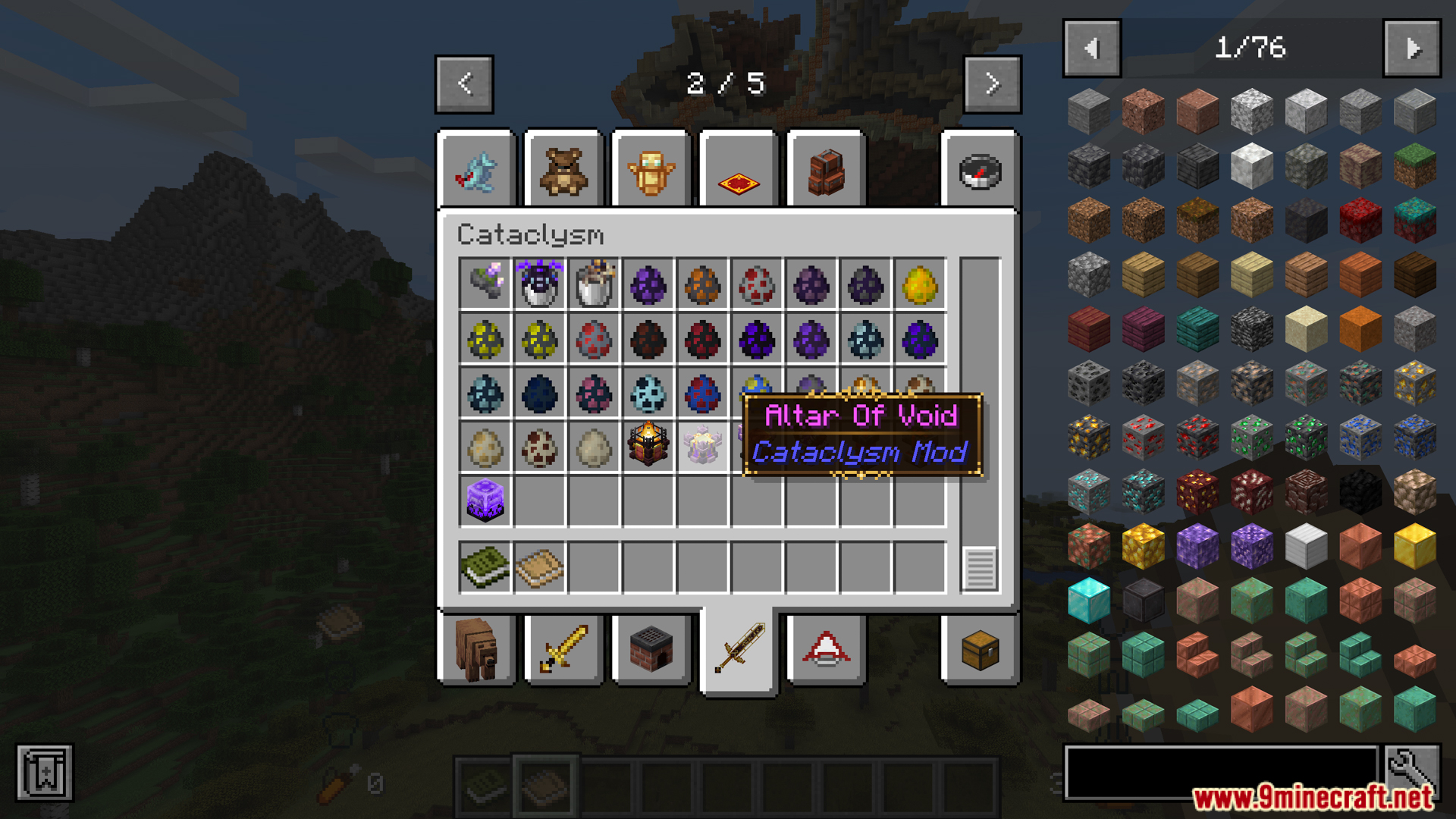
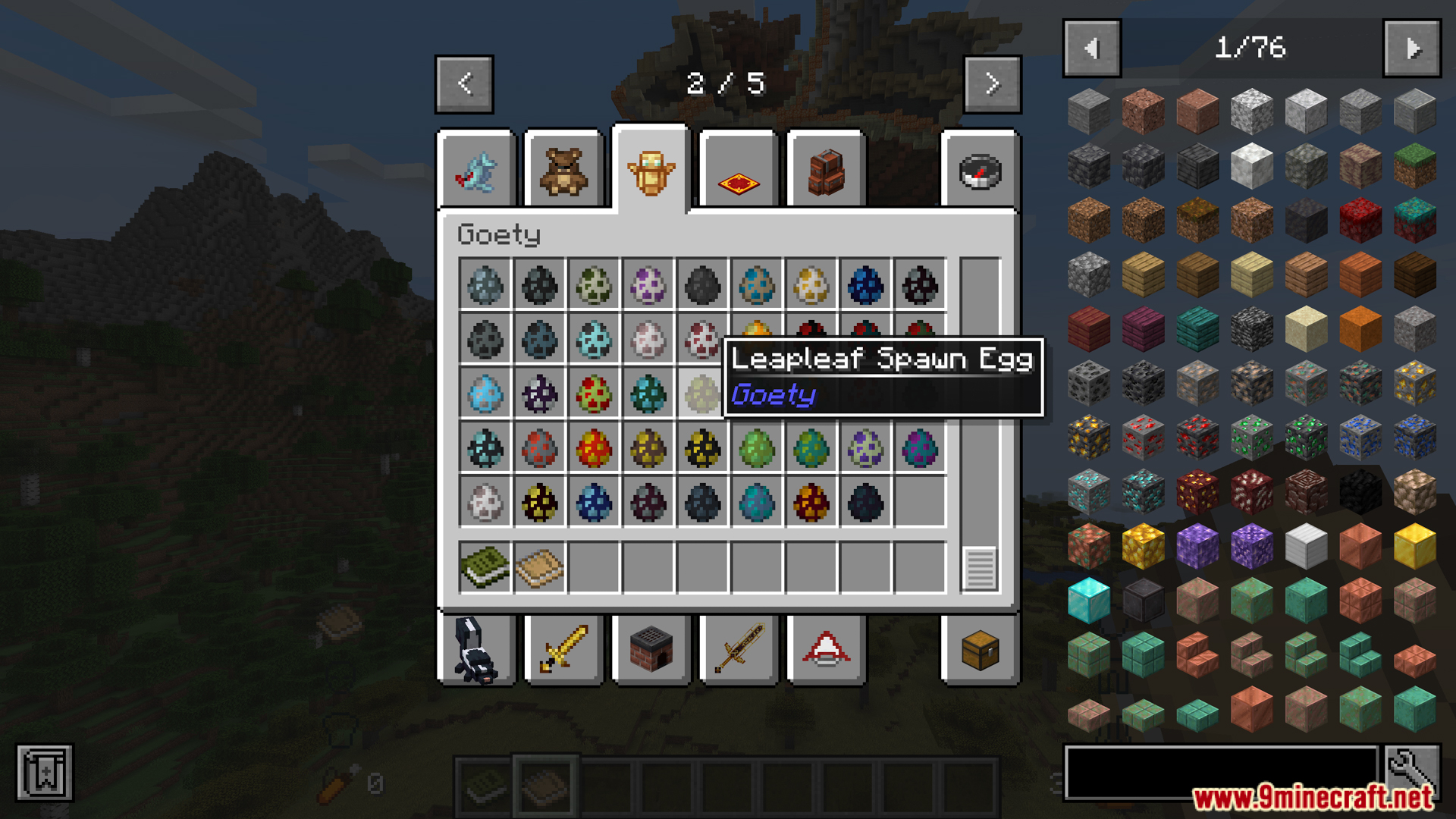
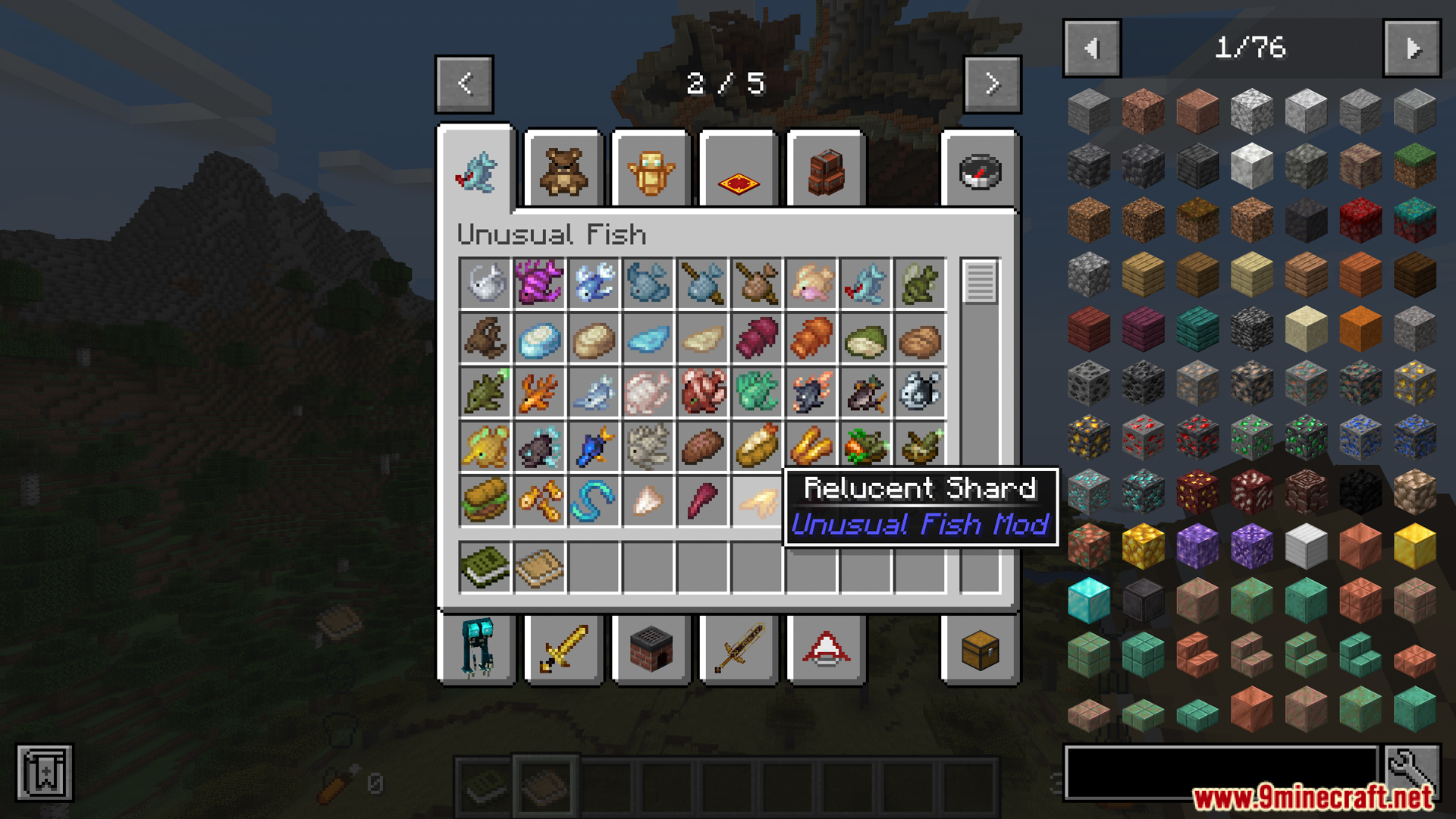
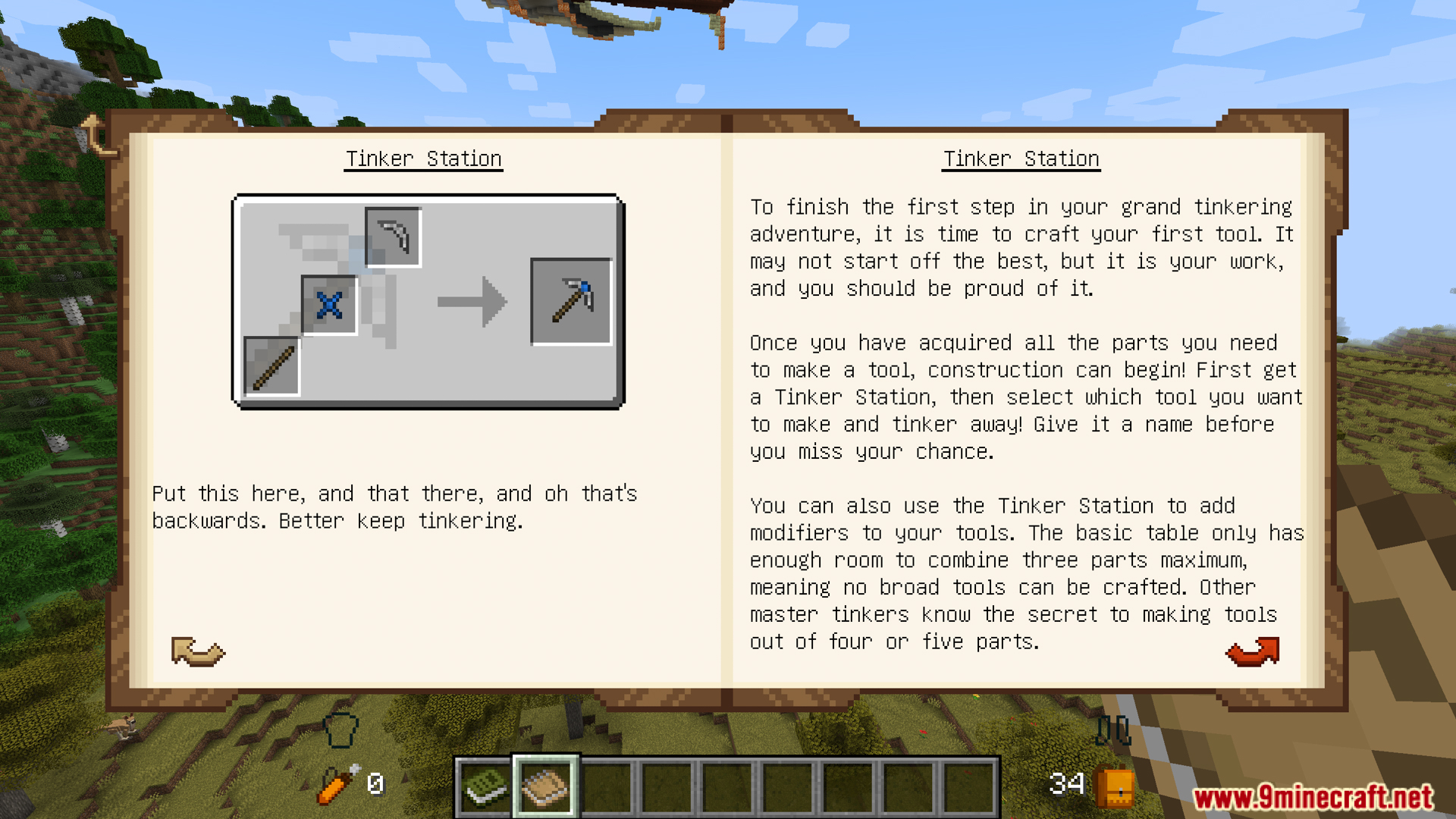
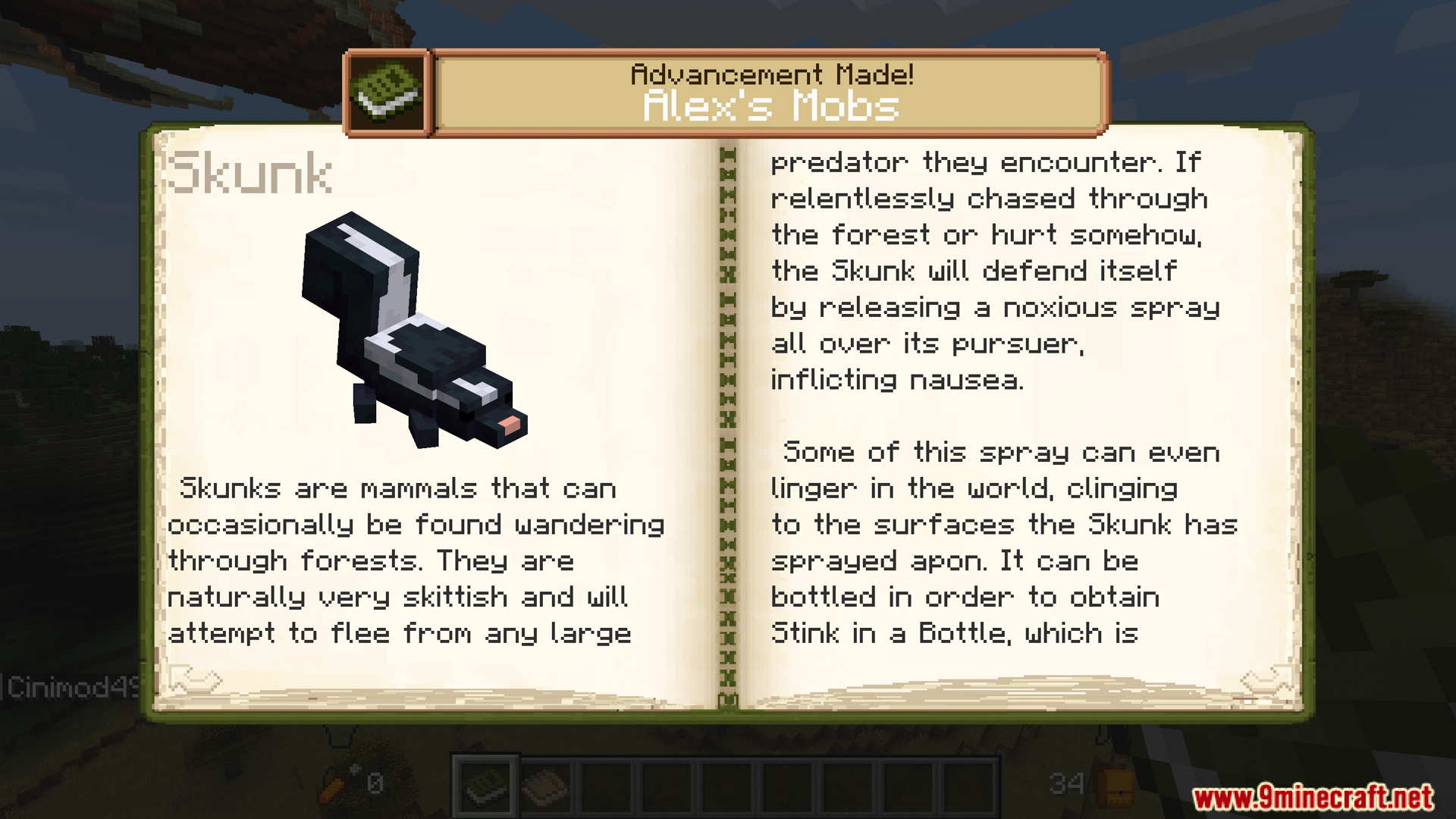
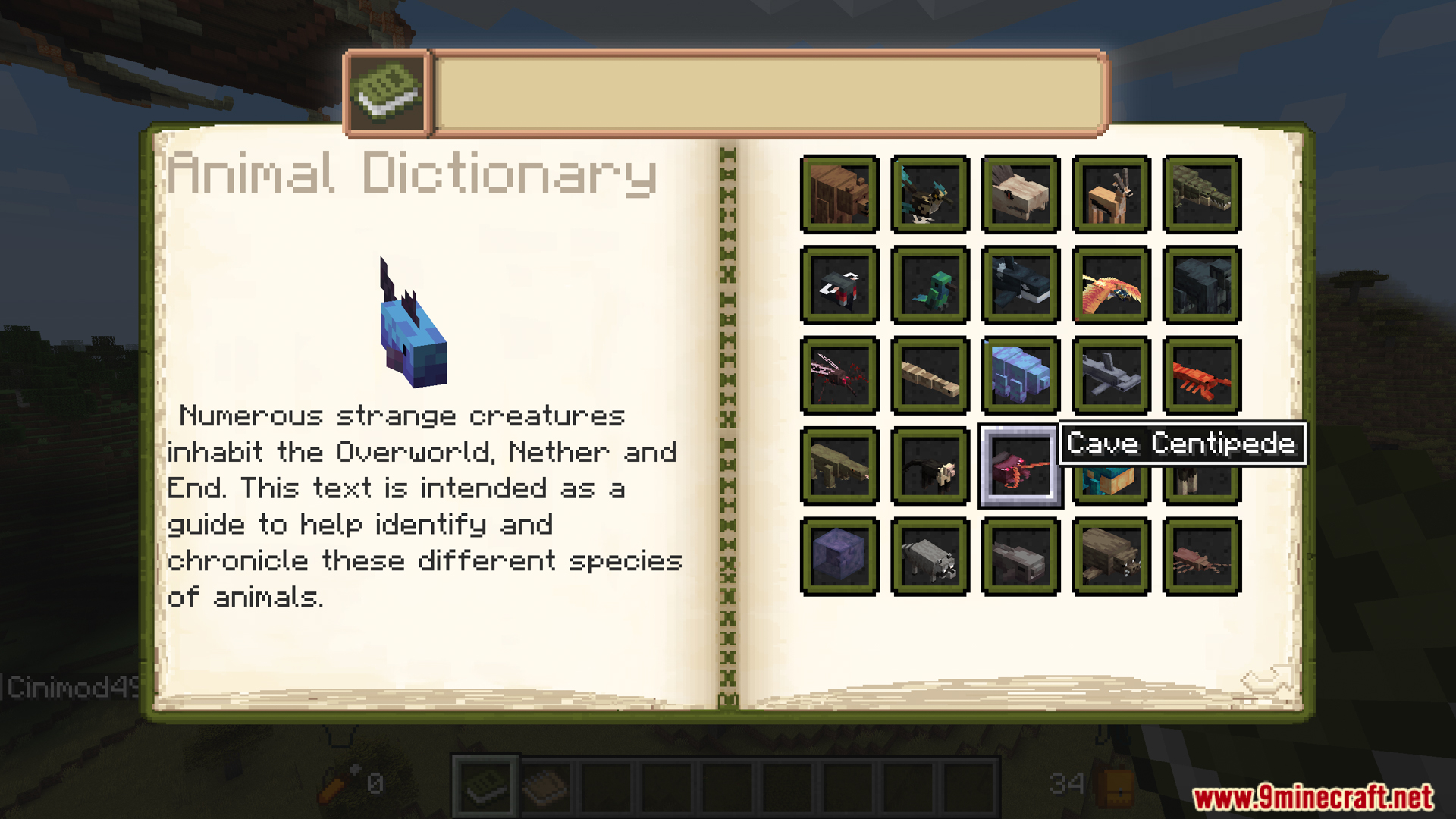
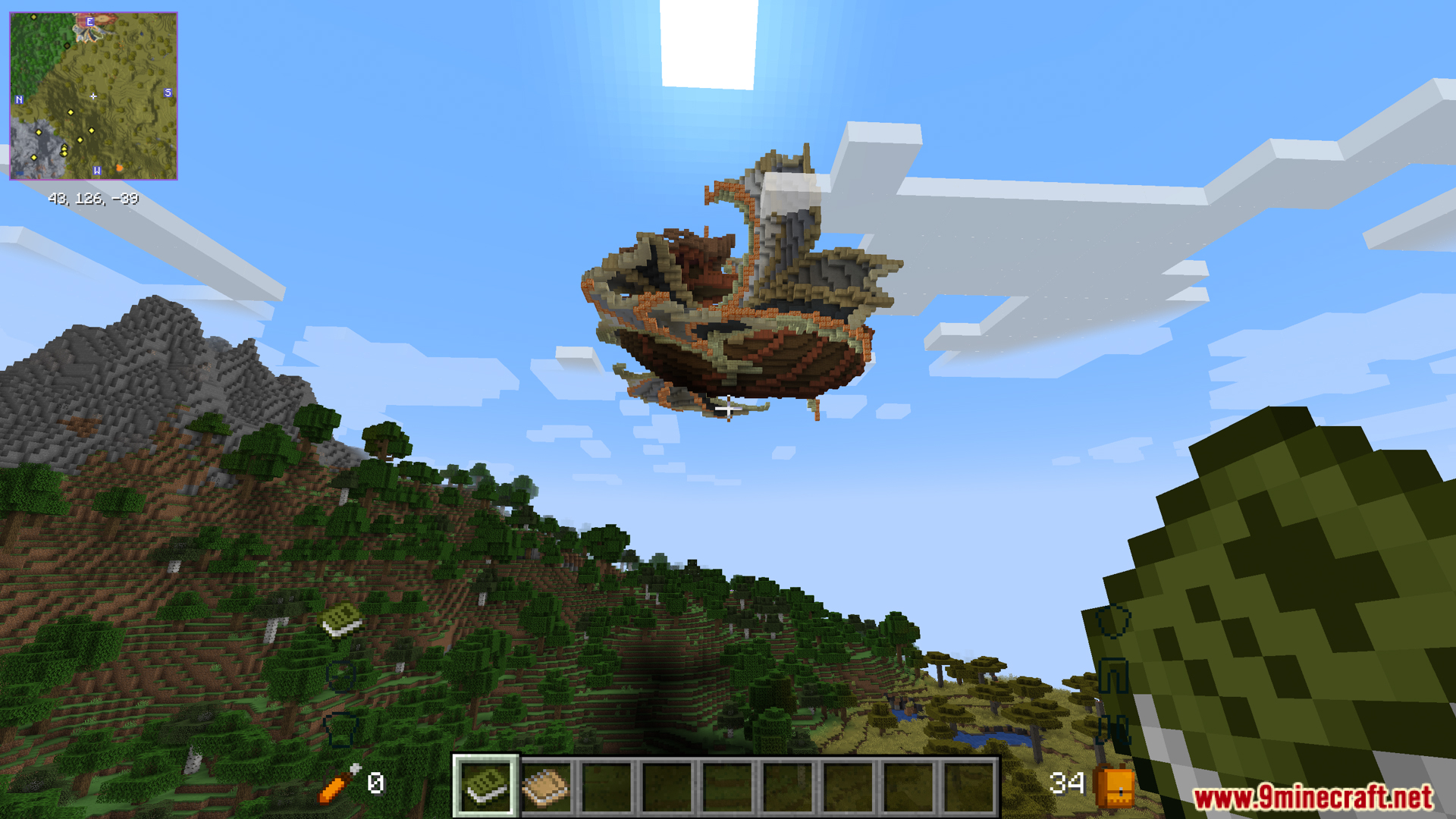
Screenshots:
Lightfall Client Mod Download Links
For Minecraft 1.20.1, 1.20
Forge/NeoForge version: Download from Server 1 – Download from Server 2
For Minecraft 1.19.4
Forge/NeoForge version: Download from Server 1 – Download from Server 2
For Minecraft 1.19.2
Forge version: Download from Server 1 – Download from Server 2
For Minecraft 1.18.2
Forge version: Download from Server 1 – Download from Server 2
For All Versions from Minecraft 1.15.2 to Minecraft 1.16.5
Forge version: Download from Server 1 – Download from Server 2
- Edition: Minecraft Java
- File type: .jar
- Minecraft versions listed: 1.20.1, 1.19.4
- How to install: Install the matching mod loader (Forge, Fabric or NeoForge) for your Minecraft version. → Download the .jar. → Put it in the .minecraft/mods folder and launch that loader profile.
- Where to get it: In MC Java Mods, or directly above on this page.
Install steps are the general flow for this file type — How to install Minecraft Java mods & modpacks walks through it step by step.
Lightfall Client Mod (1.20.1, 1.19.4) – Join Unique Online Worlds is a free Minecraft Java mod. Compatible with Minecraft 1.20.1, 1.19.4. Download it and open it directly in the game.