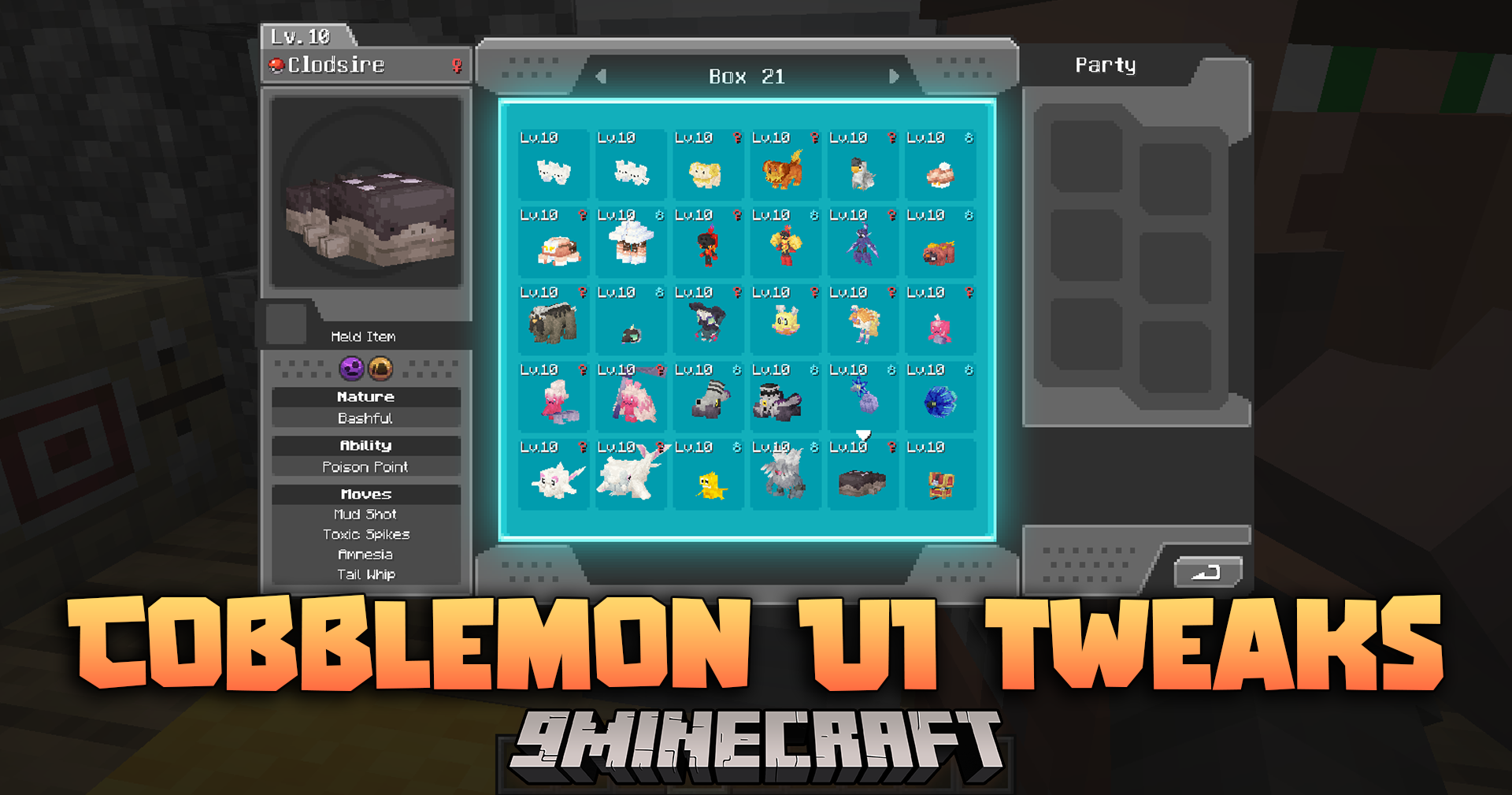
Cobblemon UI Tweaks Mod (1.21.1, 1.20.1) – QOL Improvements to Cobblemon's User Interfaces
Java mod listed for Minecraft 1.20–1.21. Downloads from the MC Java Mods app on Android.
⬇ Download
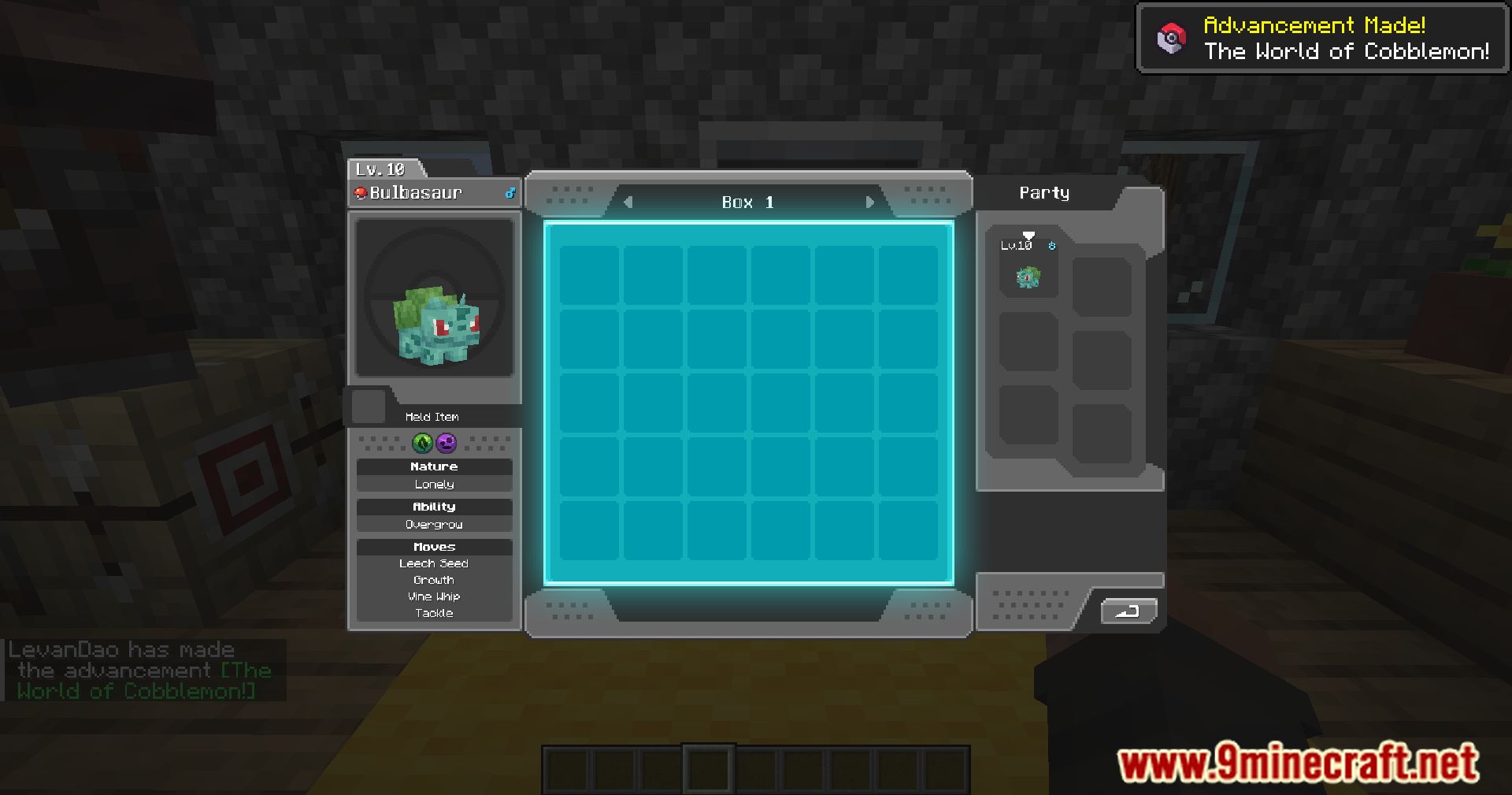
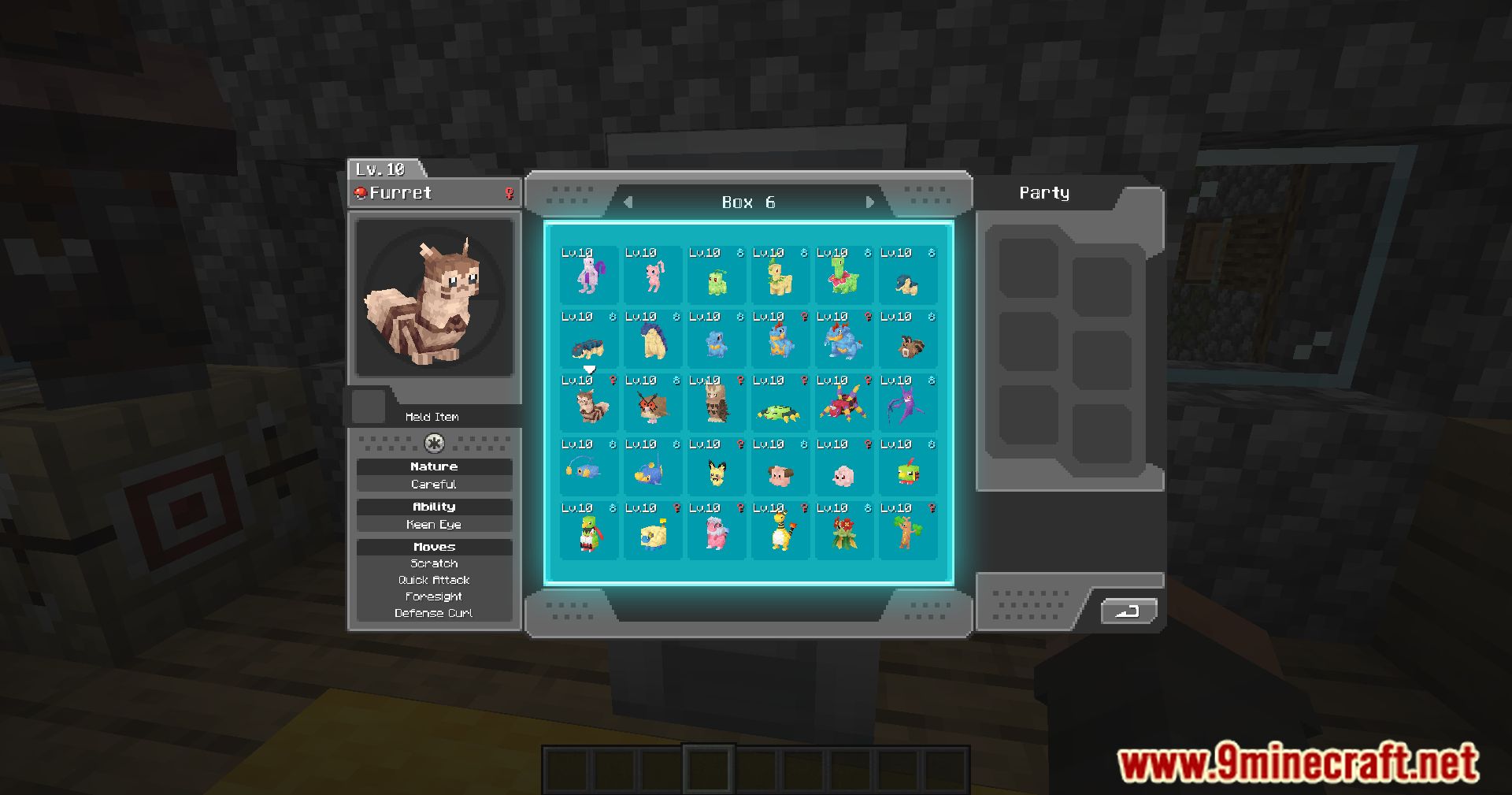
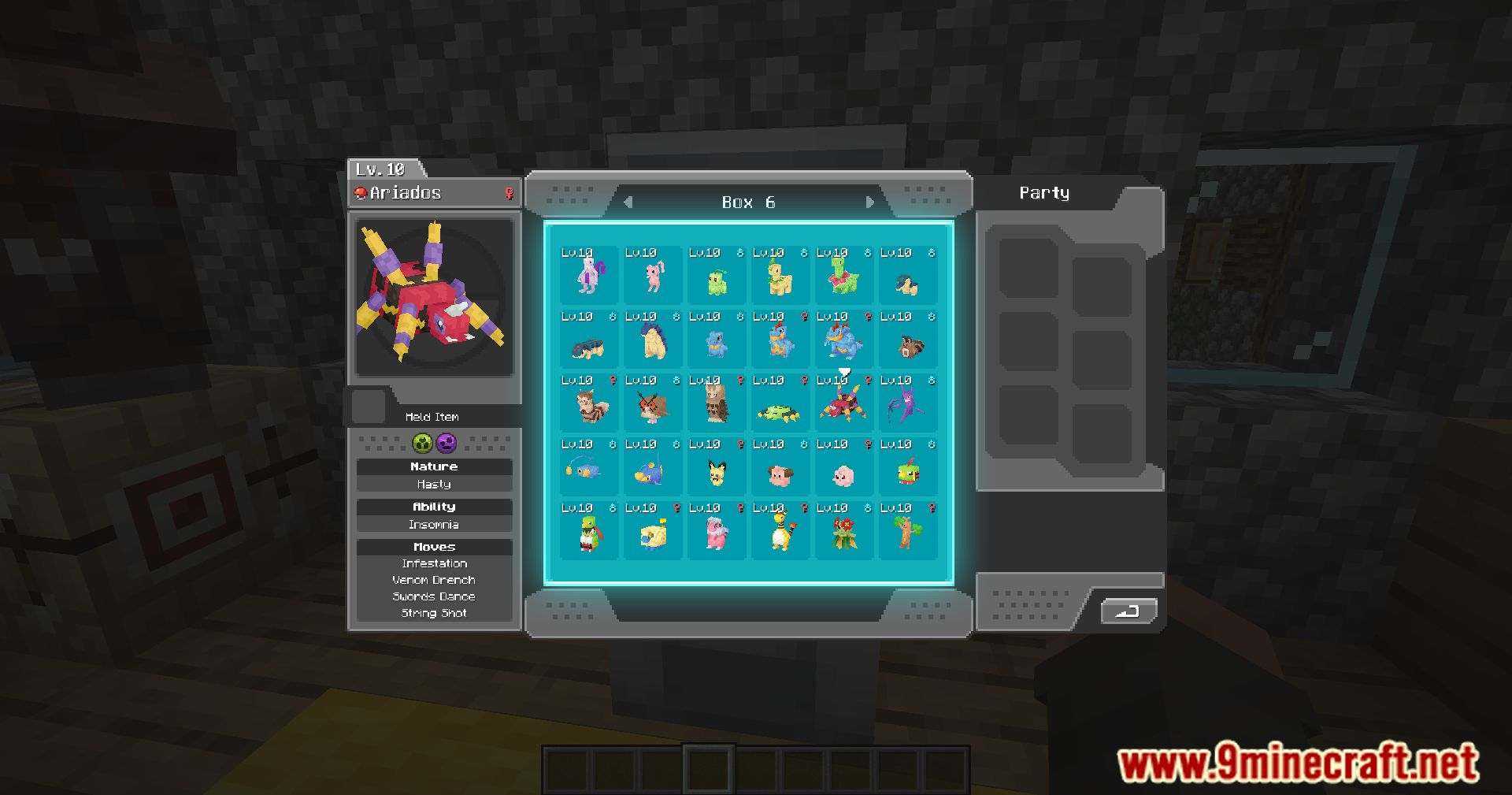
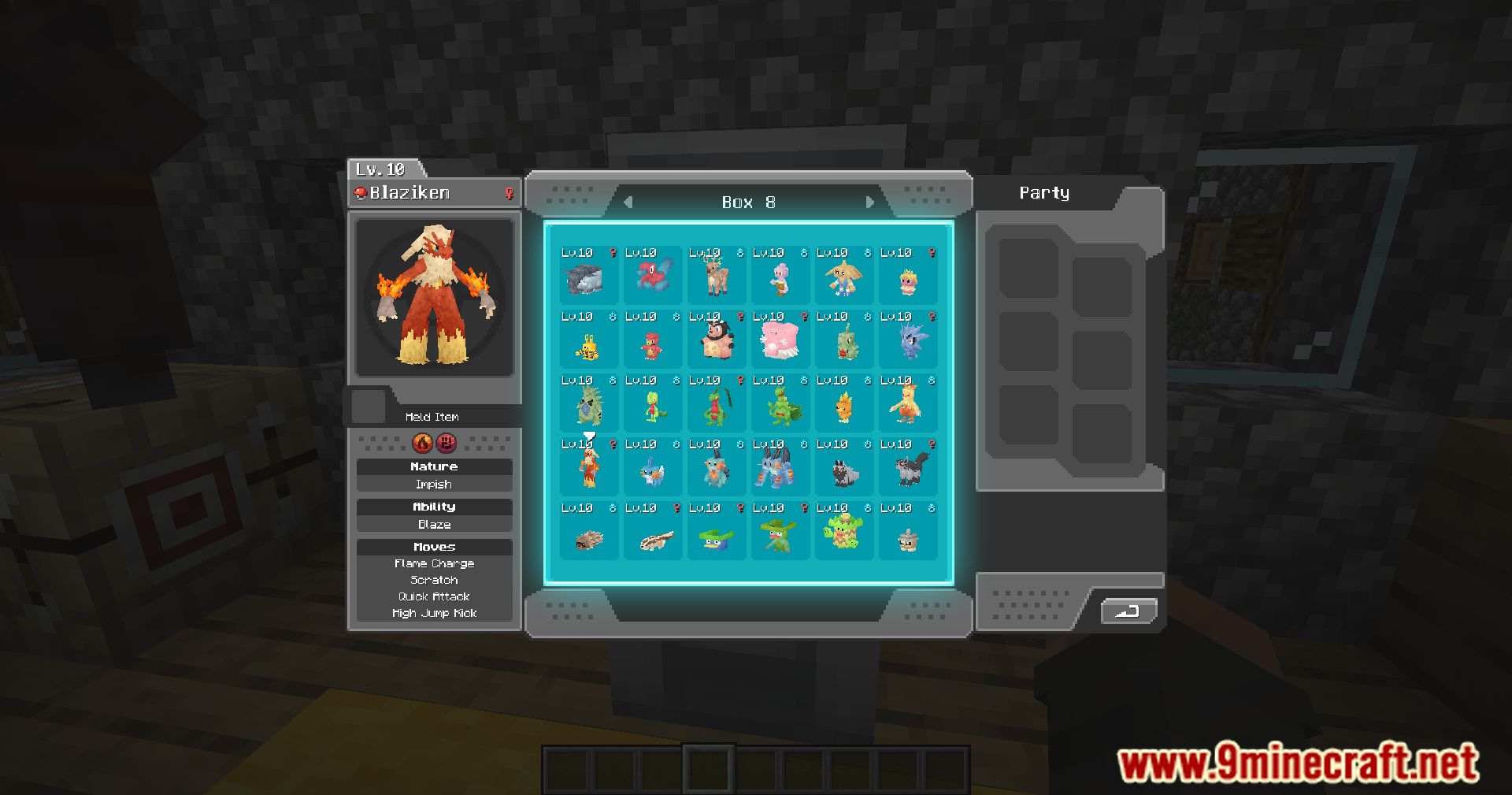
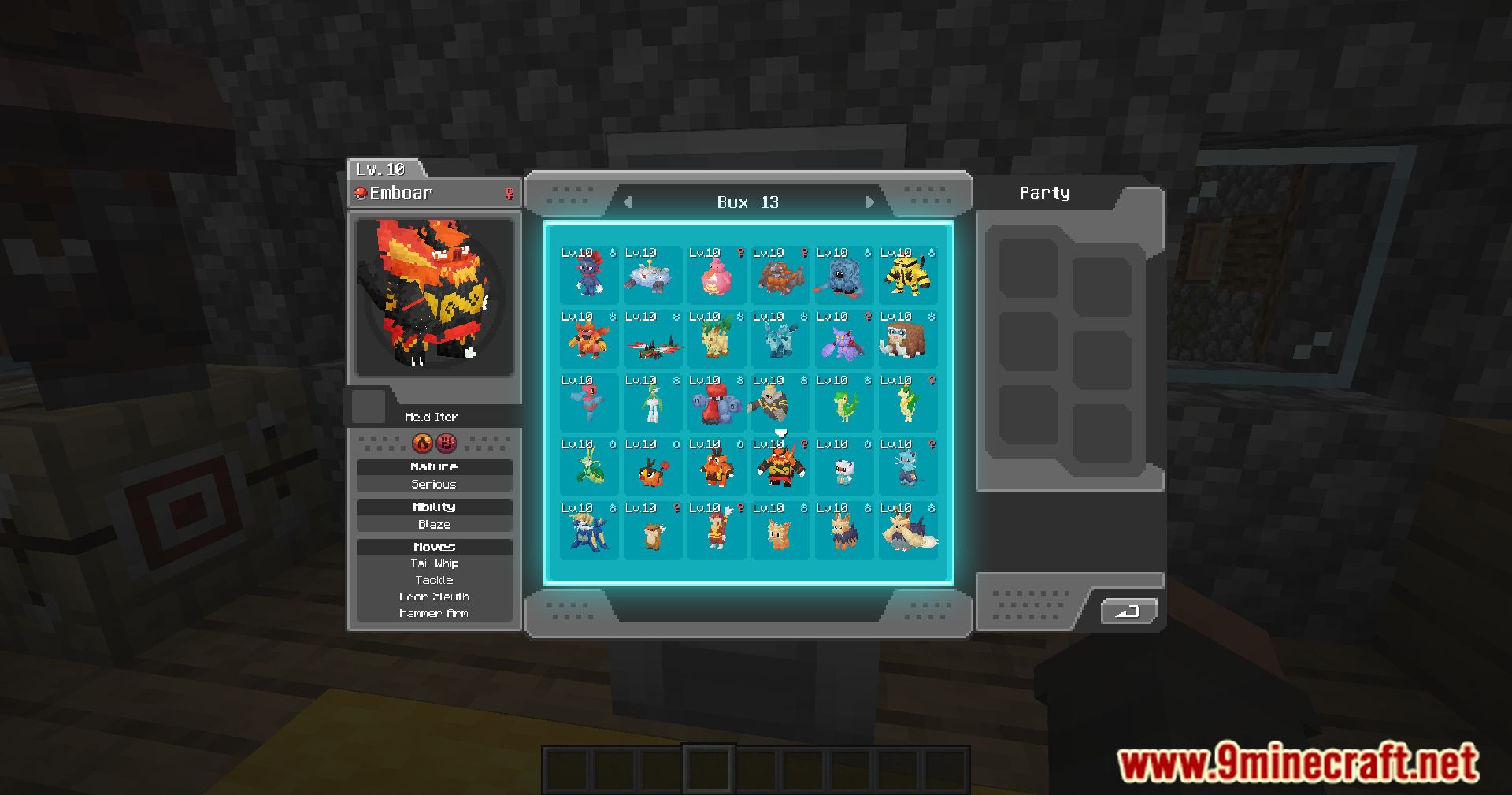
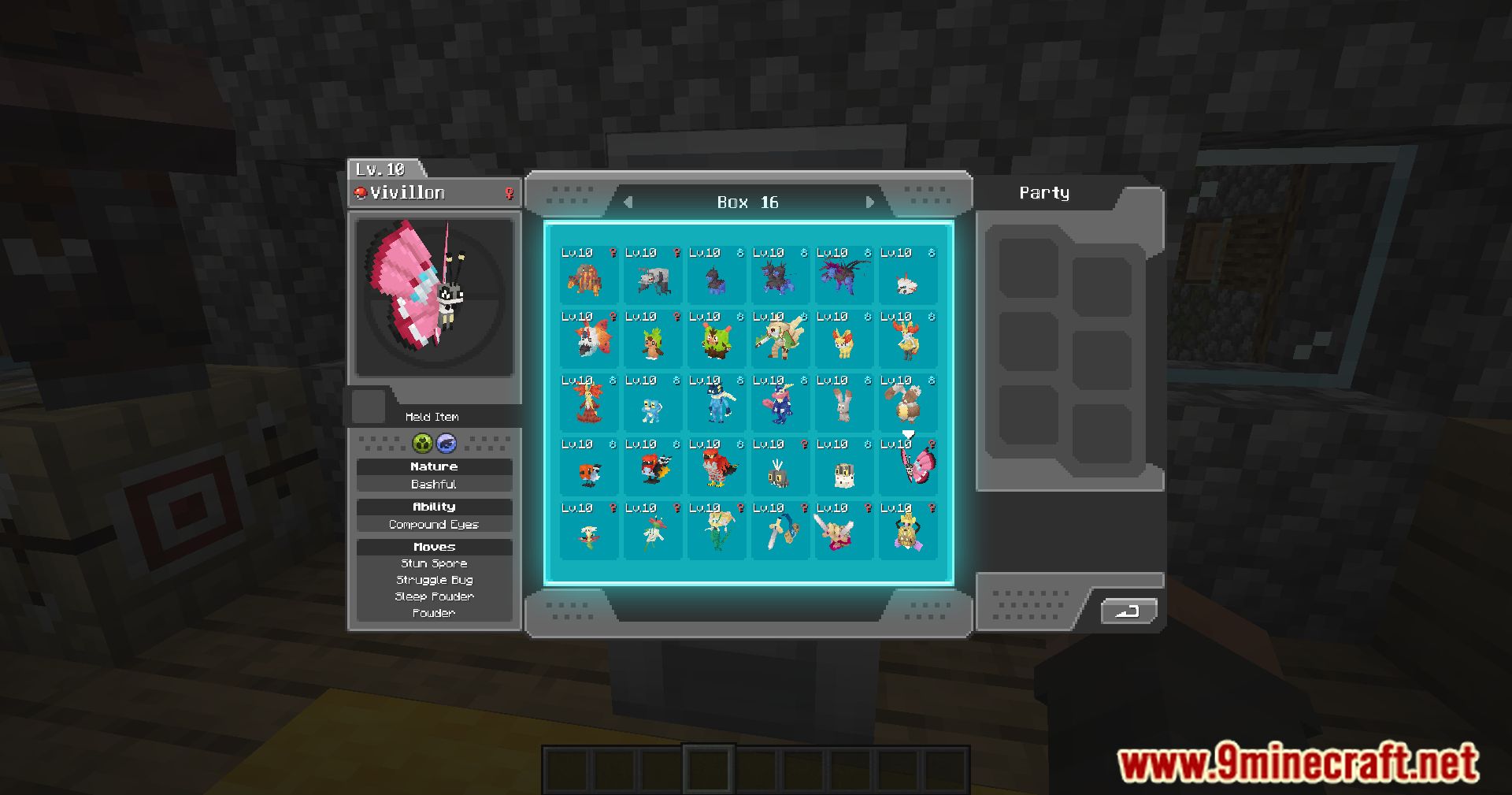
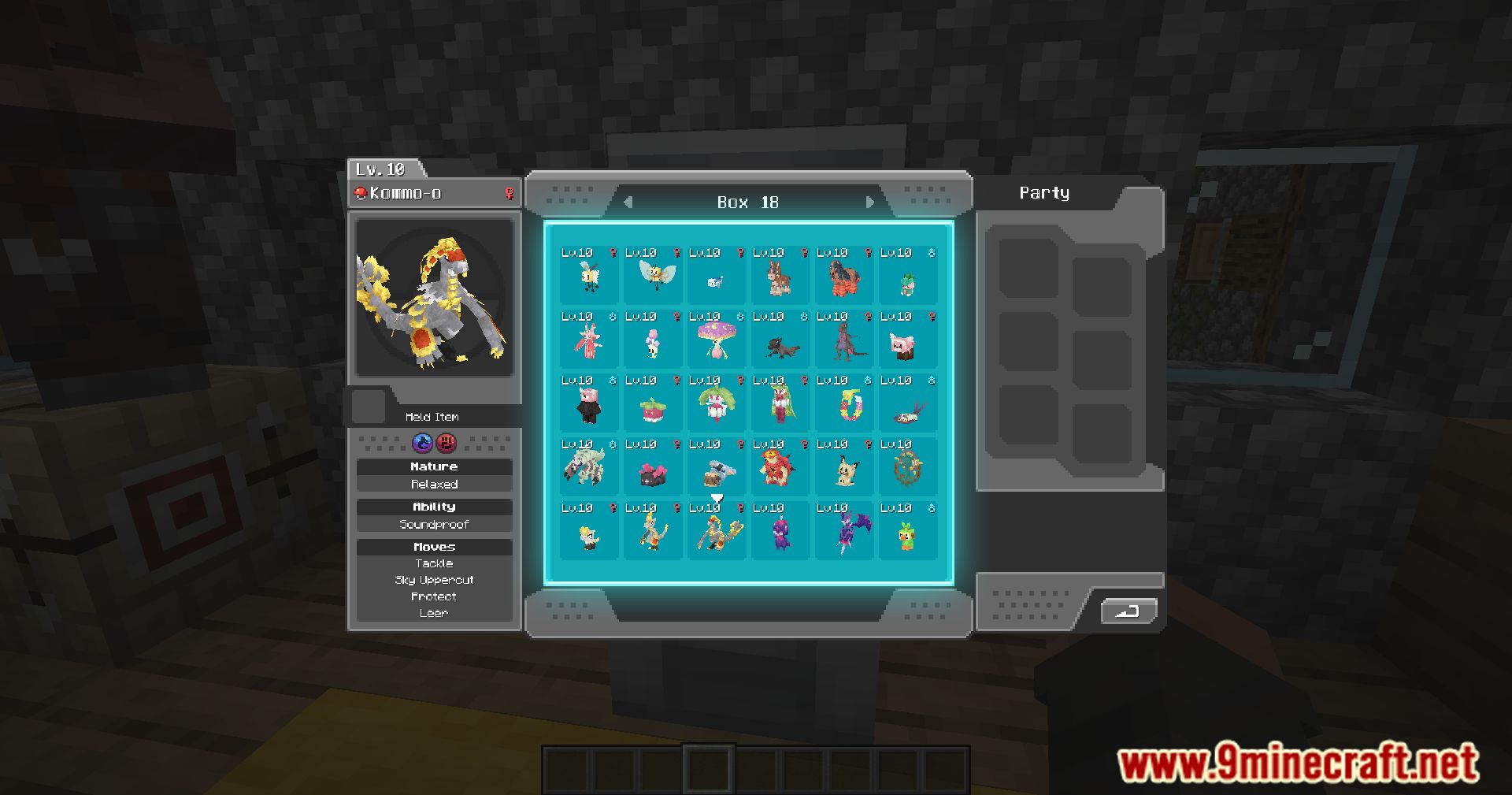
Cobblemon UI Tweaks Mod improves the user interface in Cobblemon. It adds quality-of-life (QOL) enhancements to make navigating and interacting with the game’s UI.
Features:
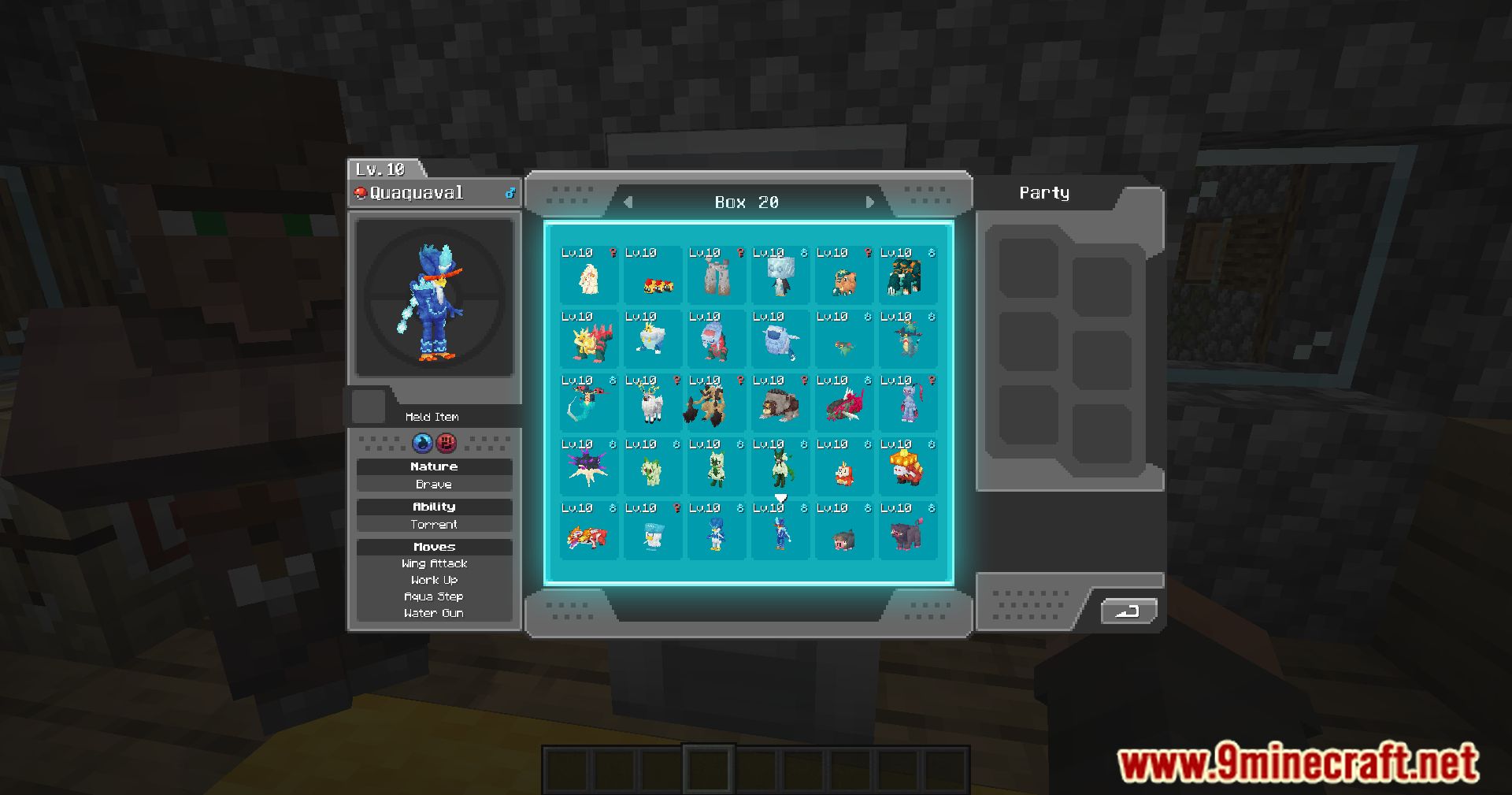
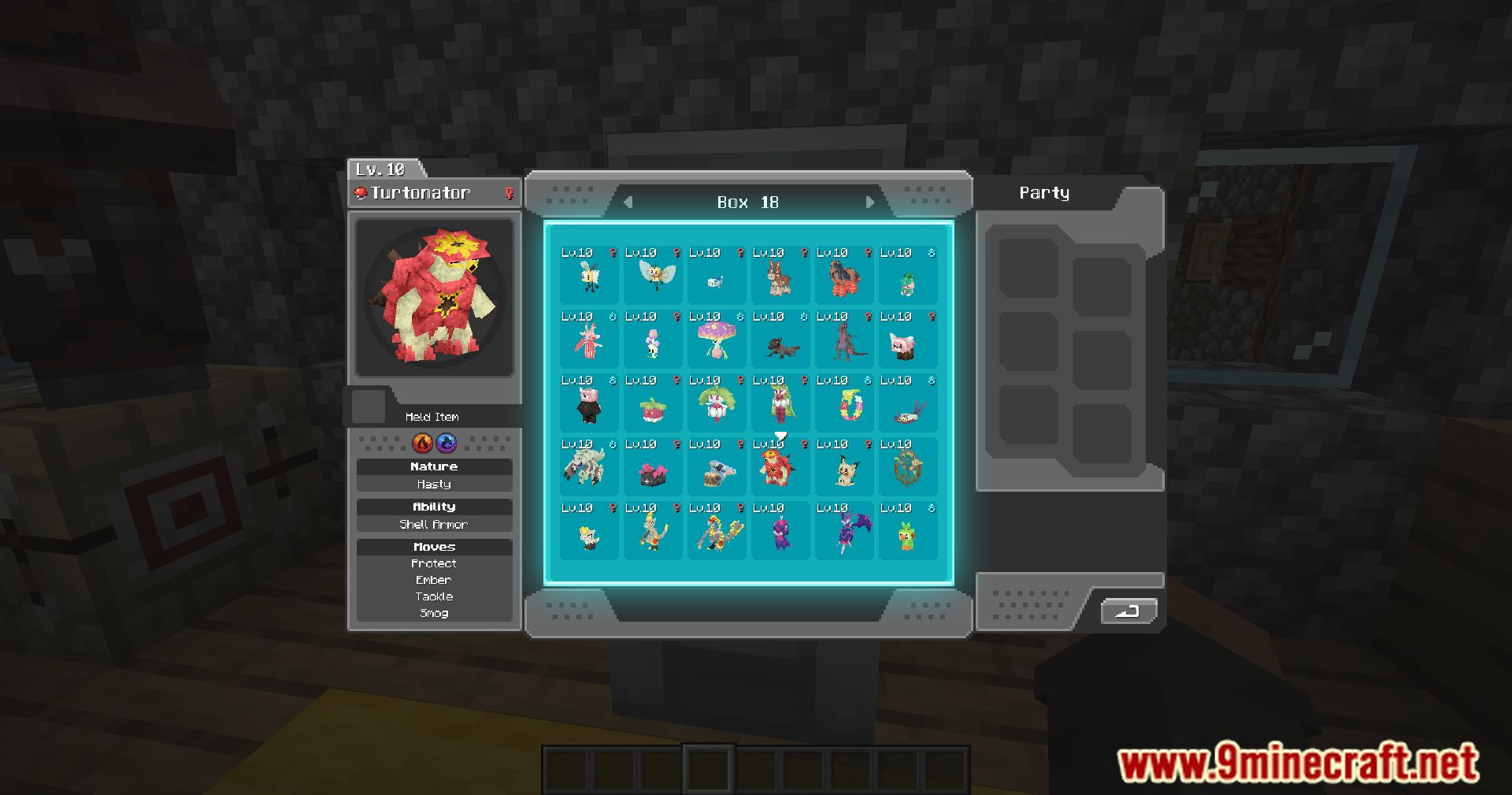
- Using the summary keybind when hovering a Pokemon in a PC or pasture will open it’s summary screen
- PCs and pastures will open the last viewed box when re-opened
- Scrolling in a PC or pasture will move to the next box
- Dragging top of battle message window allows it to be moved
- Dragging bottom right corner of battle message window allows it’s width and height to be adjusted
Screenshots:
Cobblemon UI Tweaks Mod Download Links
For Minecraft 1.21.1, 1.21
Fabric version: Download from Server 1 – Download from Server 2
For Minecraft 1.20.6, 1.20.4, 1.20.2
Fabric version: Download from Server 1 – Download from Server 2
For Minecraft 1.20.1, 1.20
Fabric version: Download from Server 1 – Download from Server 2
- Edition: Minecraft Java
- File type: .jar
- Minecraft versions listed: 1.21.1, 1.20.1
- How to install: Install the matching mod loader (Forge, Fabric or NeoForge) for your Minecraft version. → Download the .jar. → Put it in the .minecraft/mods folder and launch that loader profile.
- Where to get it: In MC Java Mods, or directly above on this page.
Install steps are the general flow for this file type — How to install Minecraft Java mods & modpacks walks through it step by step.
Cobblemon UI Tweaks Mod (1.21.1, 1.20.1) – QOL Improvements to Cobblemon's User Interfaces is a free Minecraft Java mod. Compatible with Minecraft 1.21.1, 1.20.1. Download it and open it directly in the game.