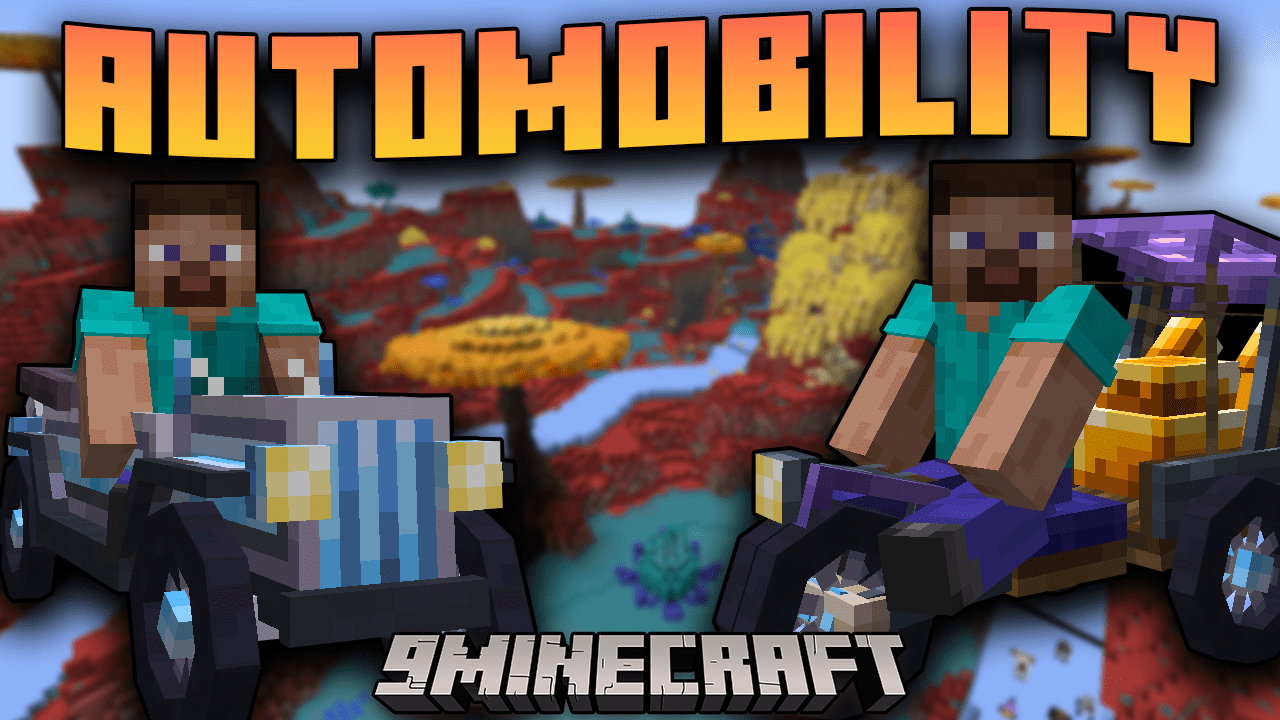
Automobility Mod (1.21.1, 1.20.1) – It's Time to Build Your Own Cars
Java mod listed for Minecraft 1.20–1.21. File opened and checked on 11 Oct 2026; downloads from the MC Java Mods app on Android.
⬇ Download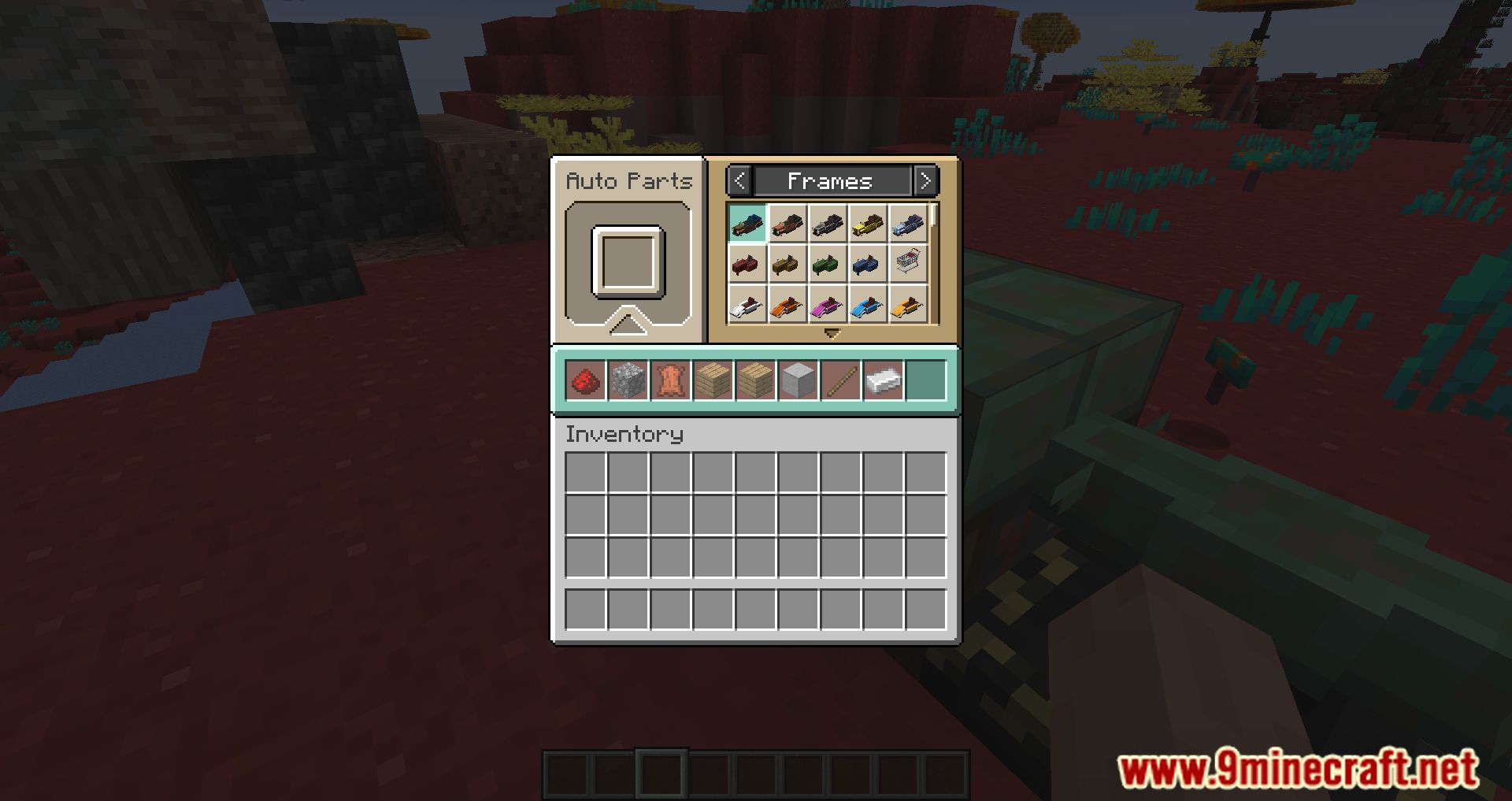
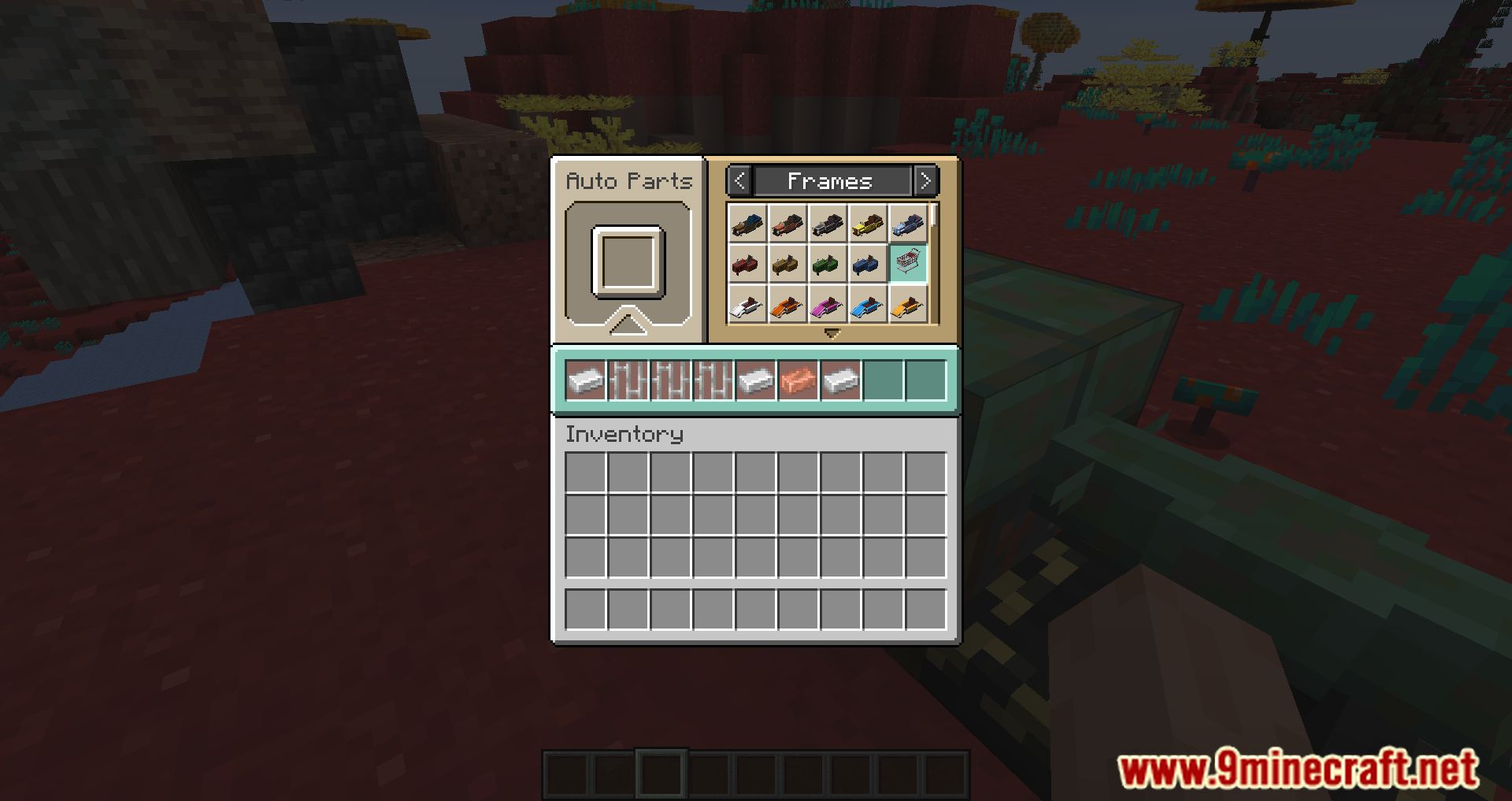
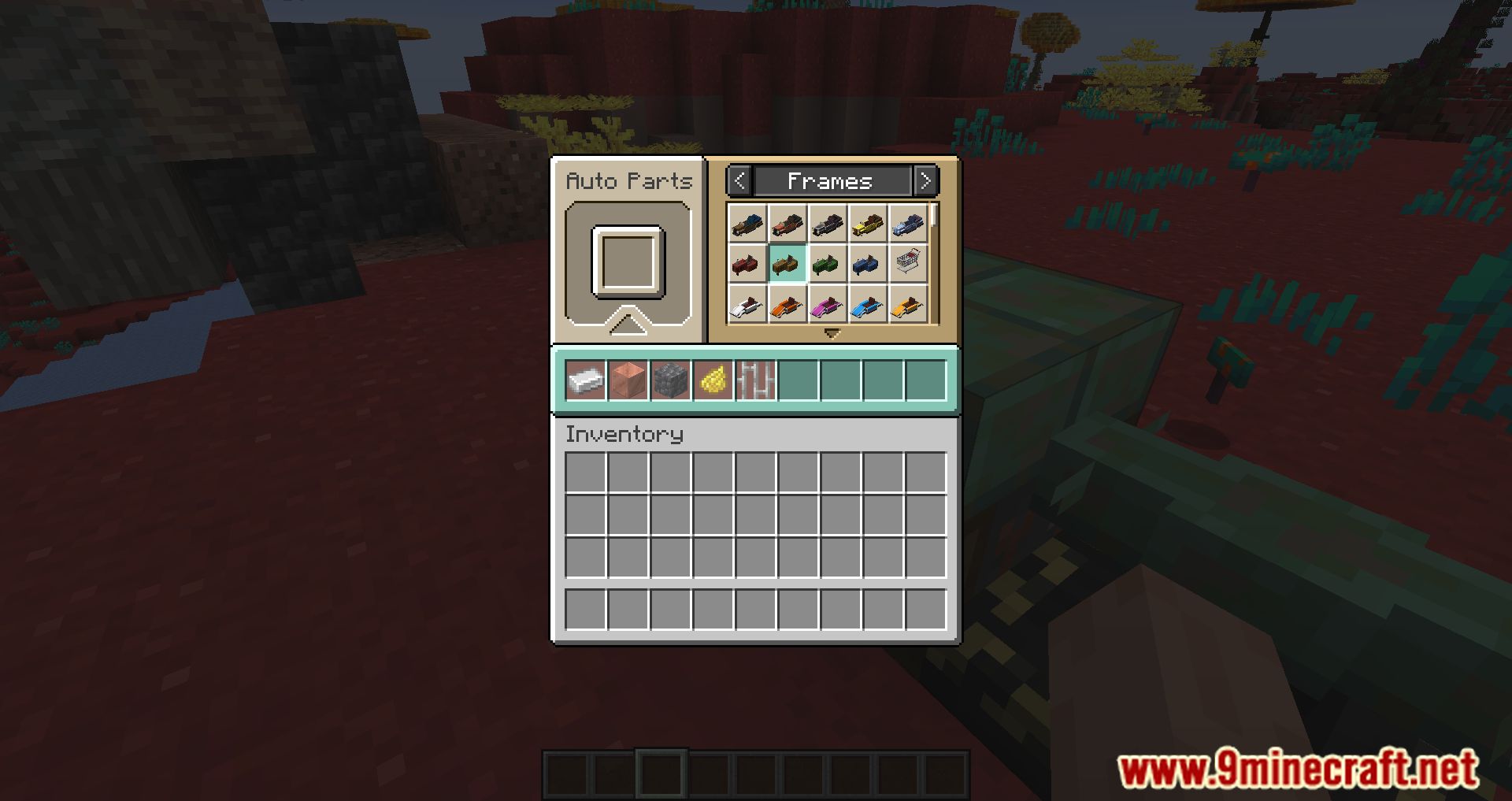
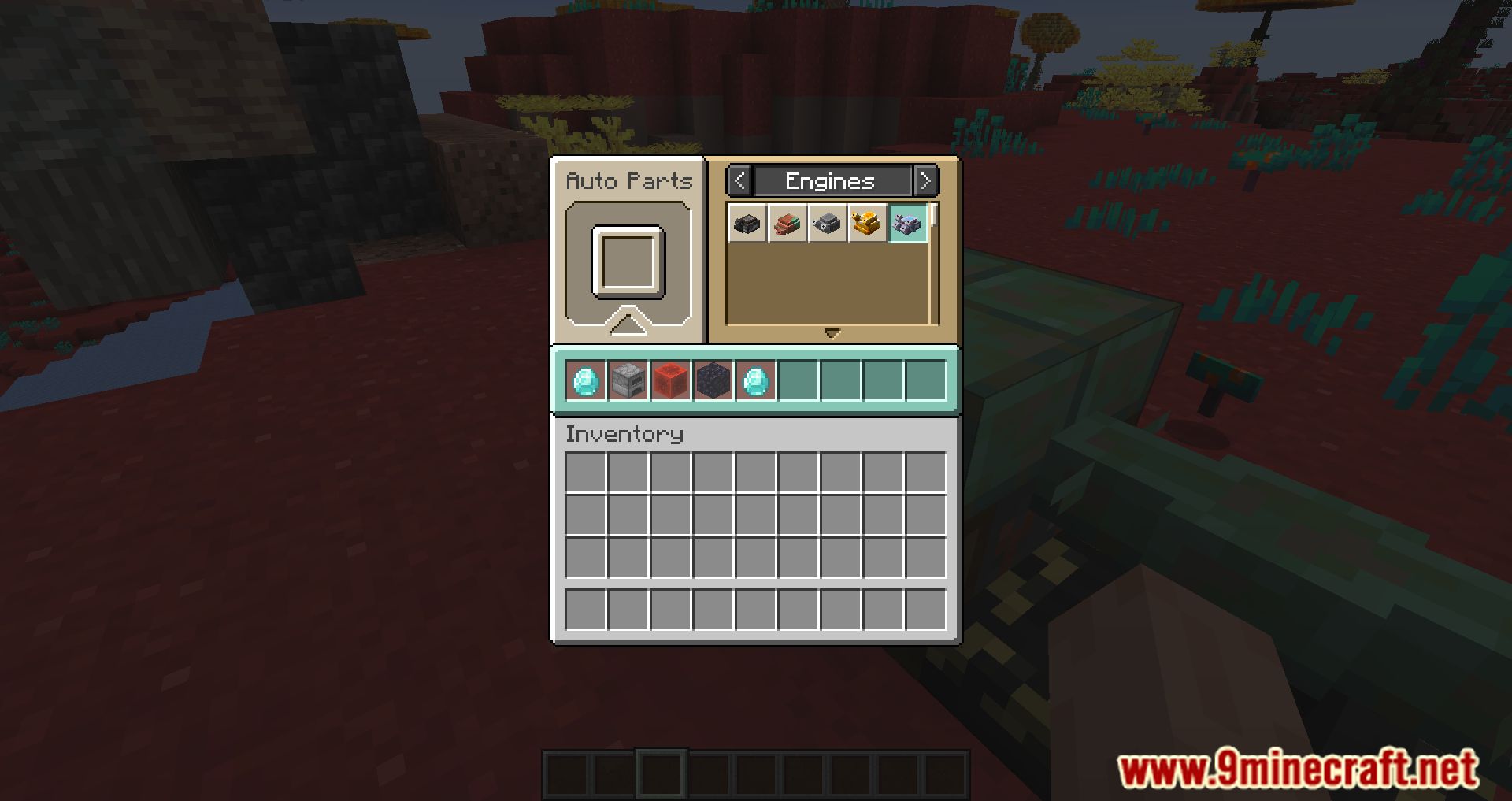
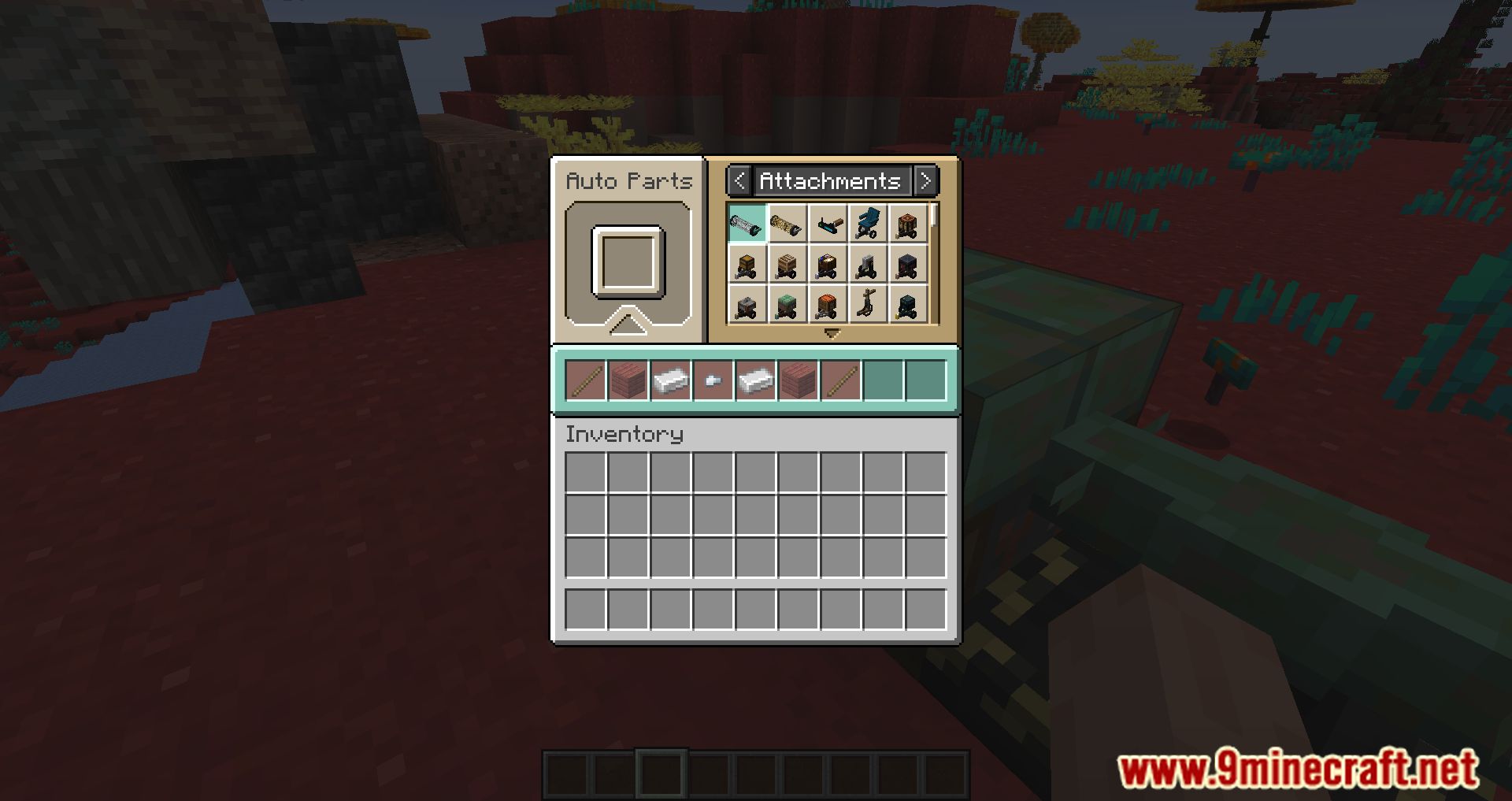
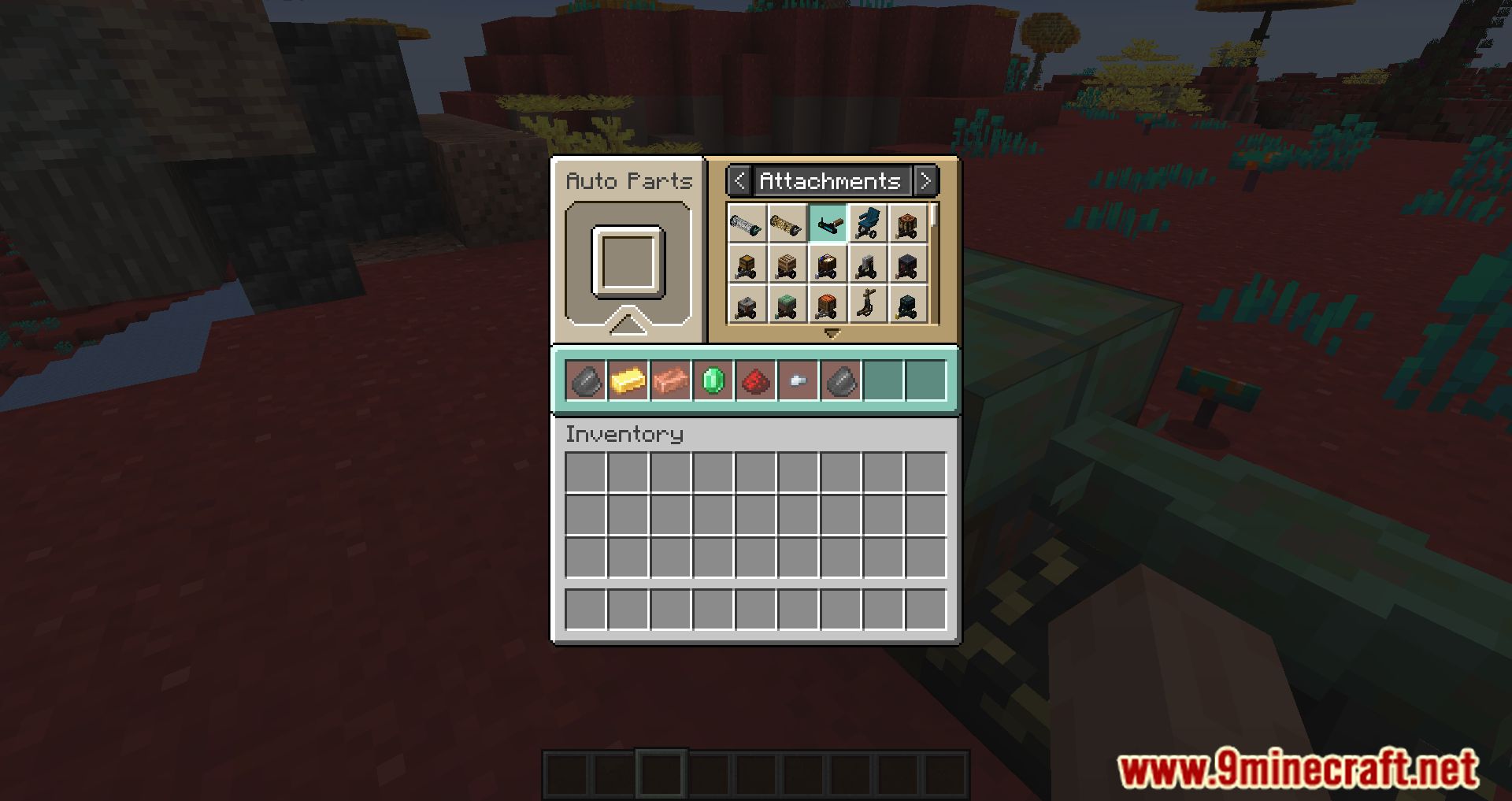
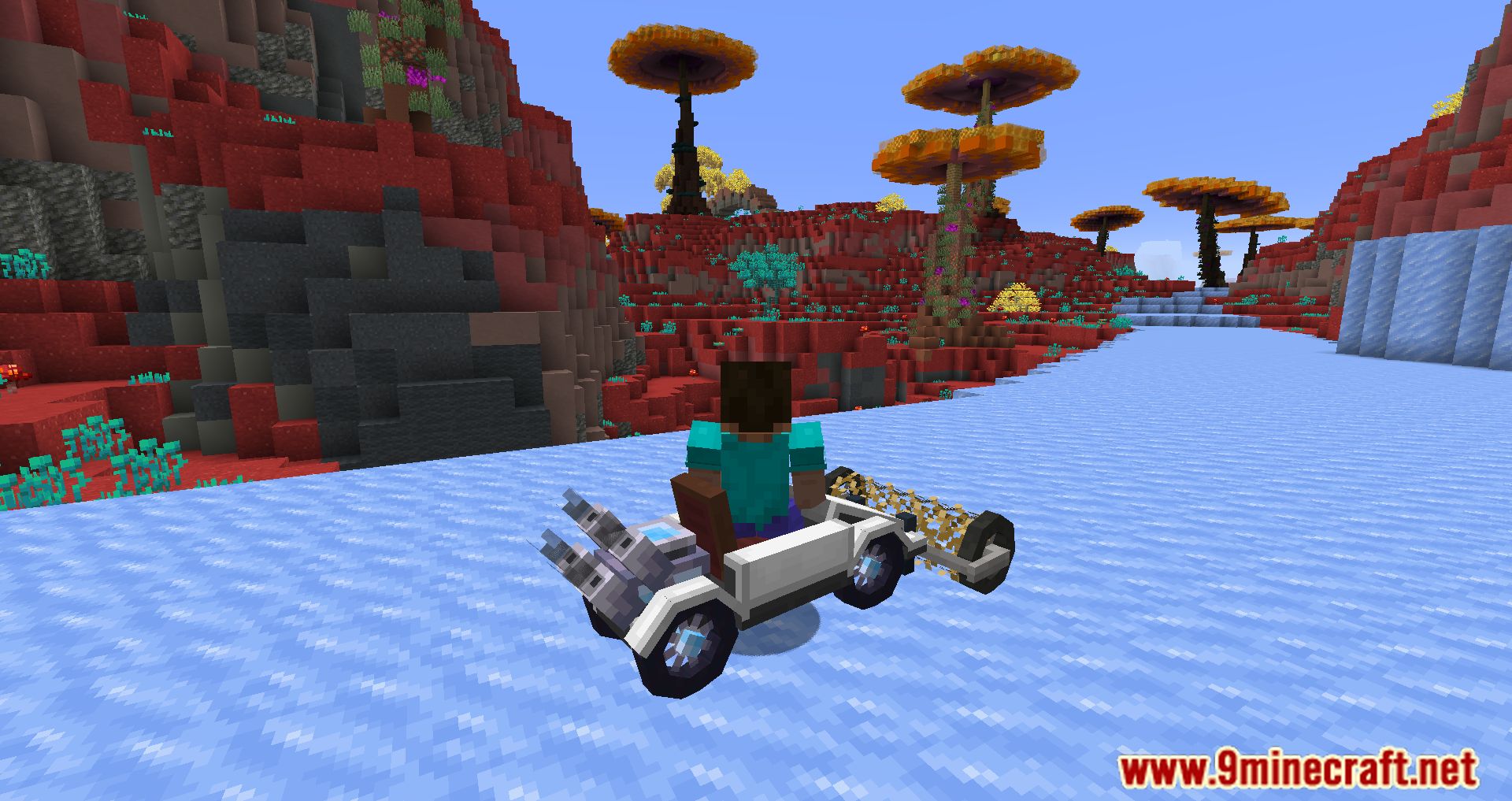
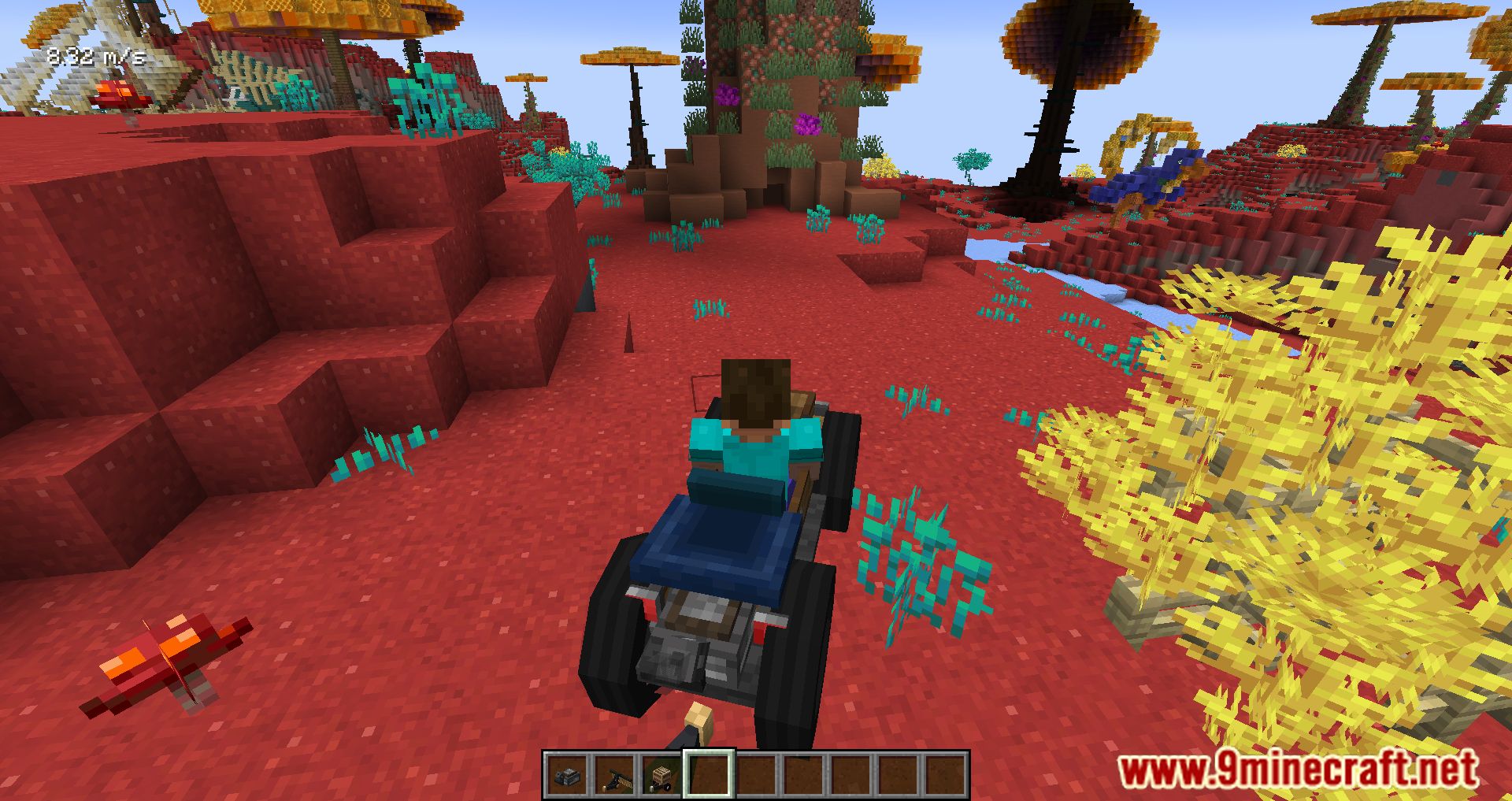
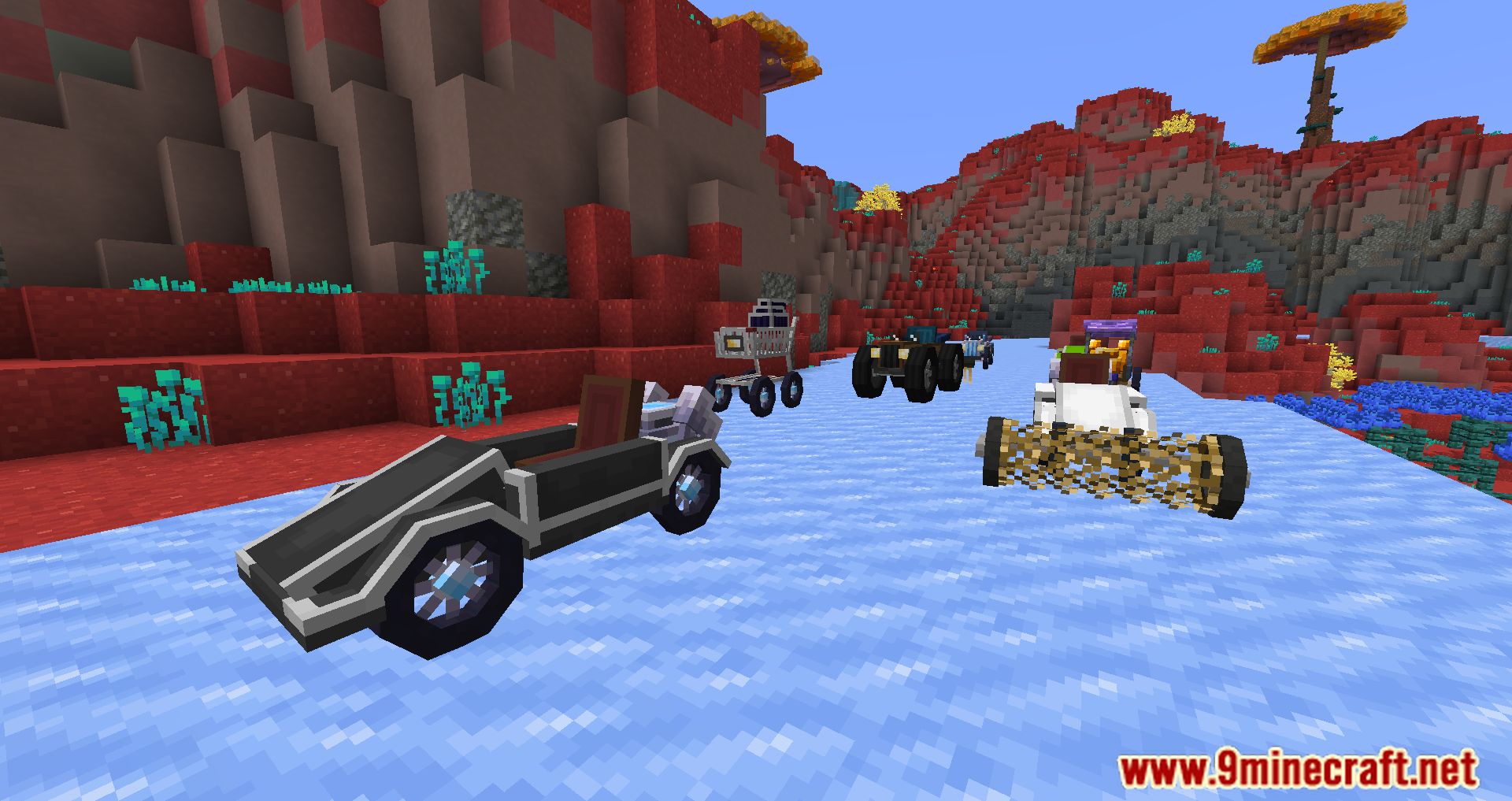
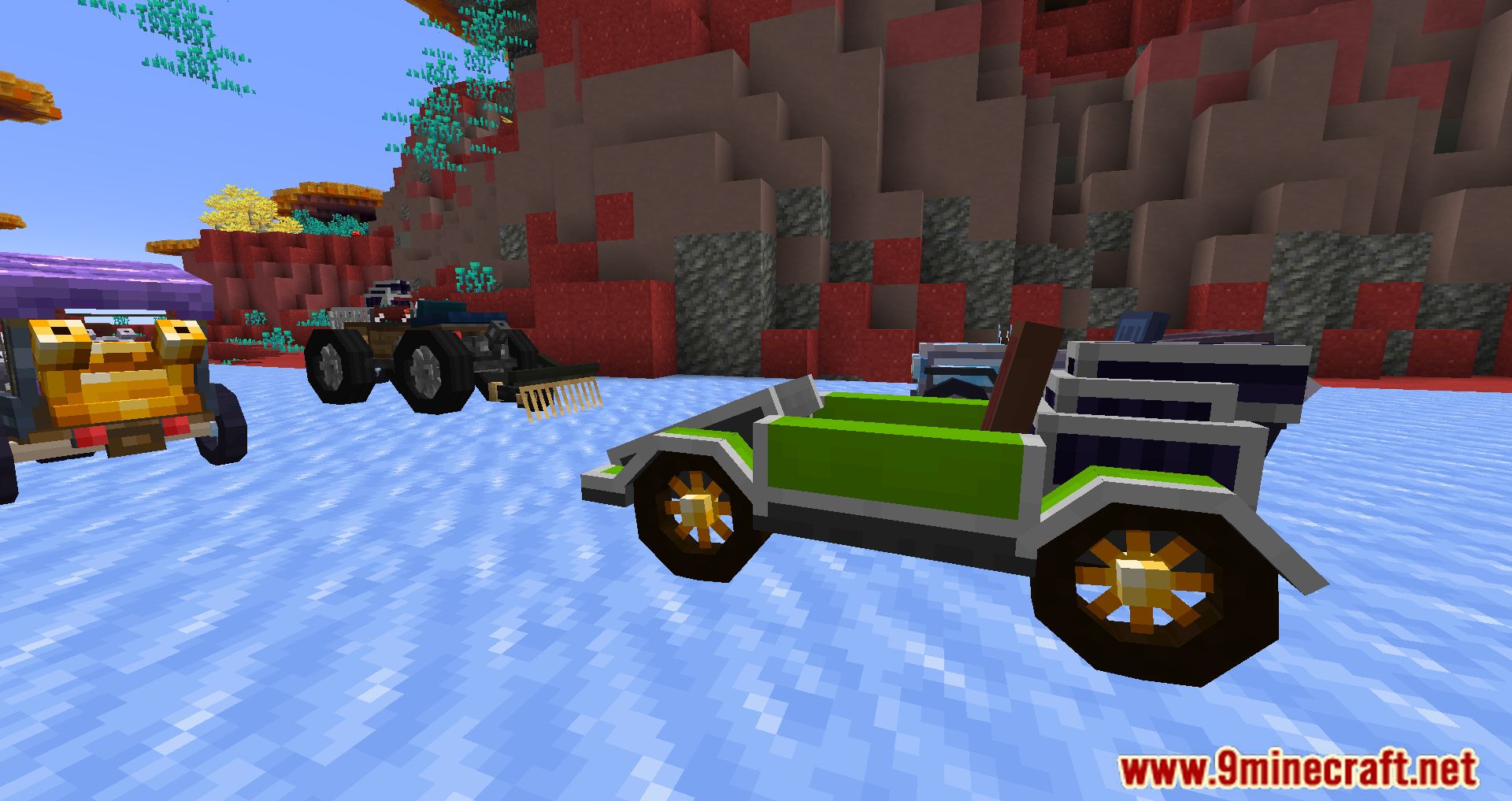
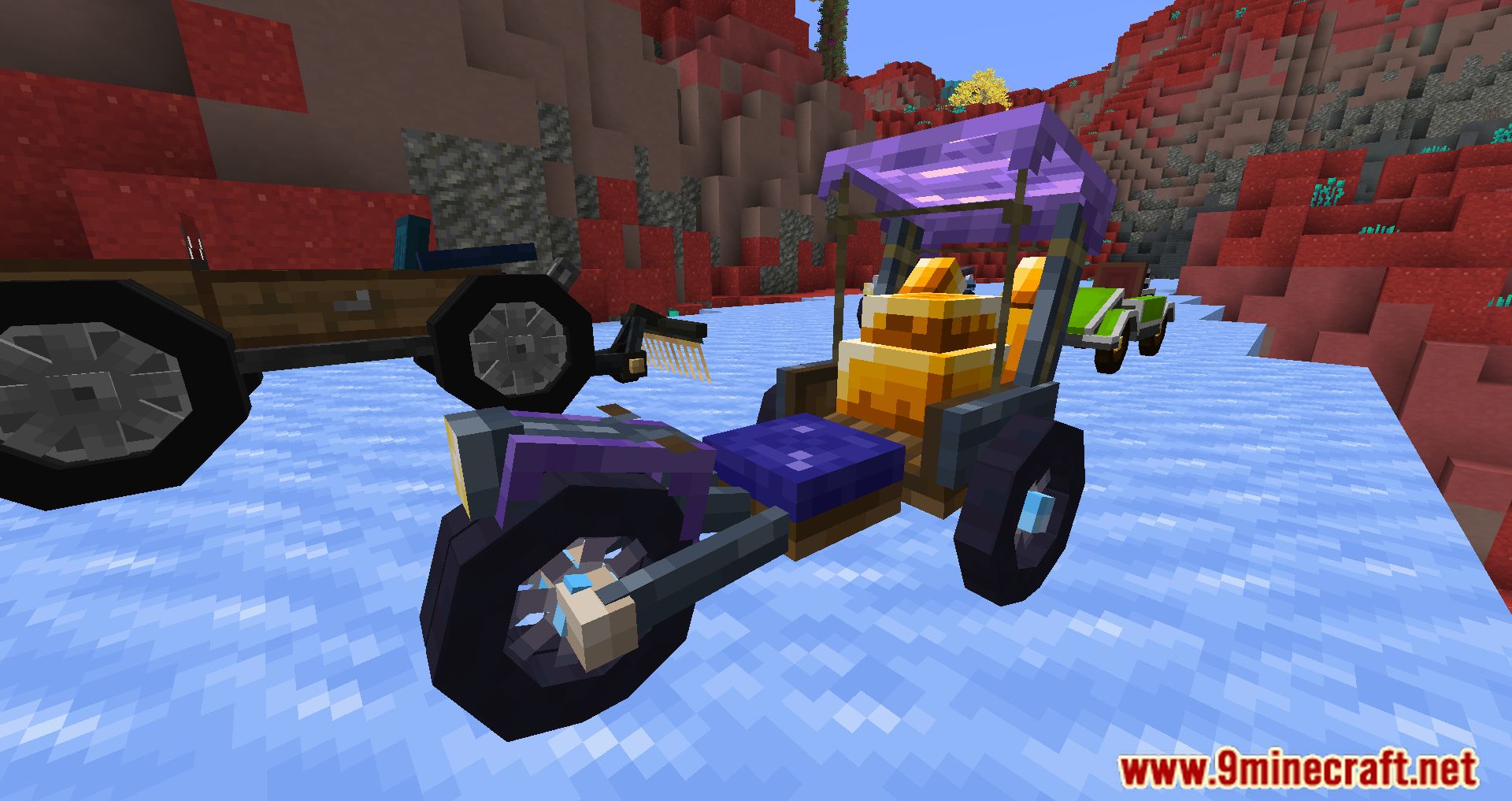
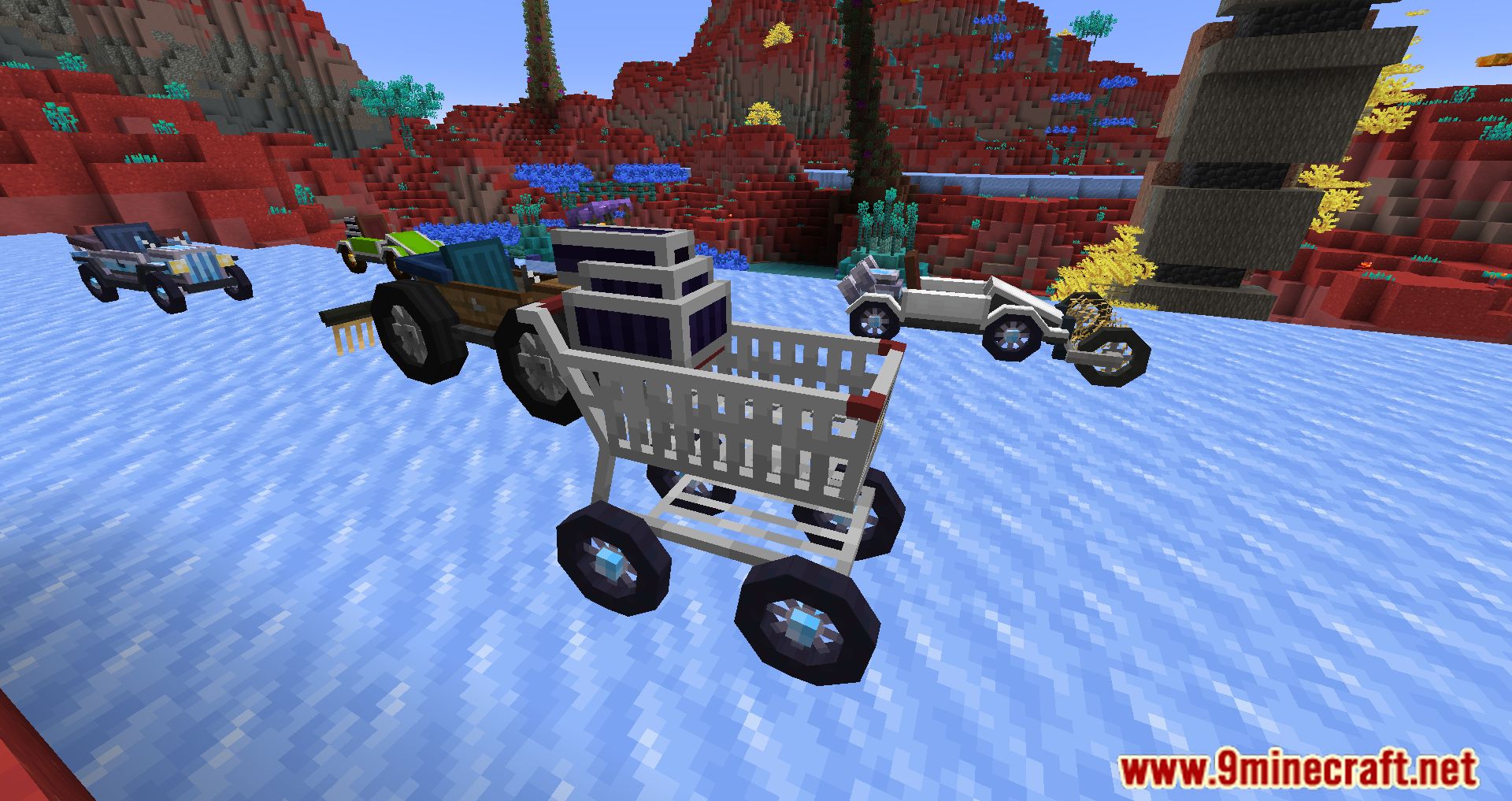
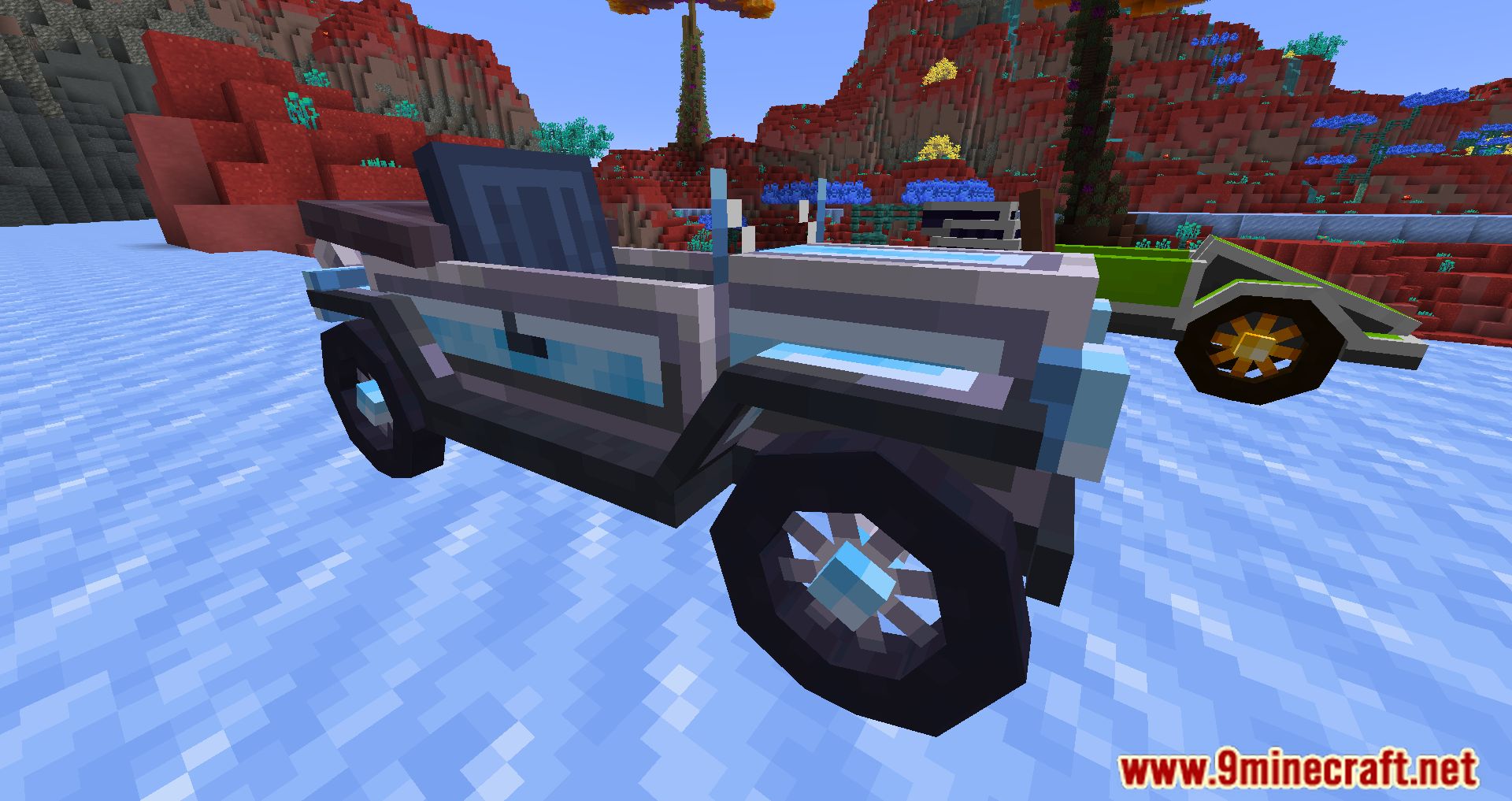
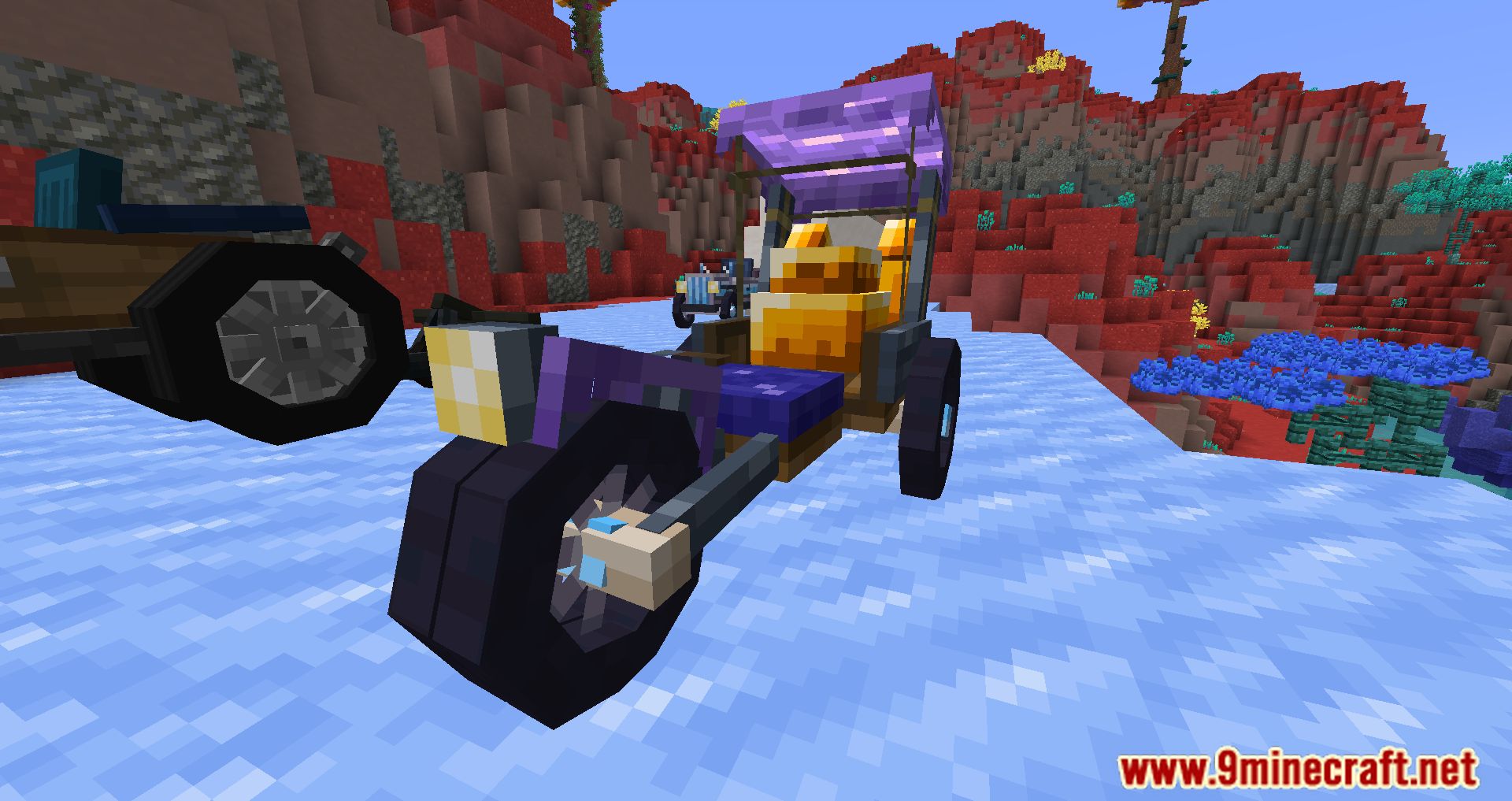
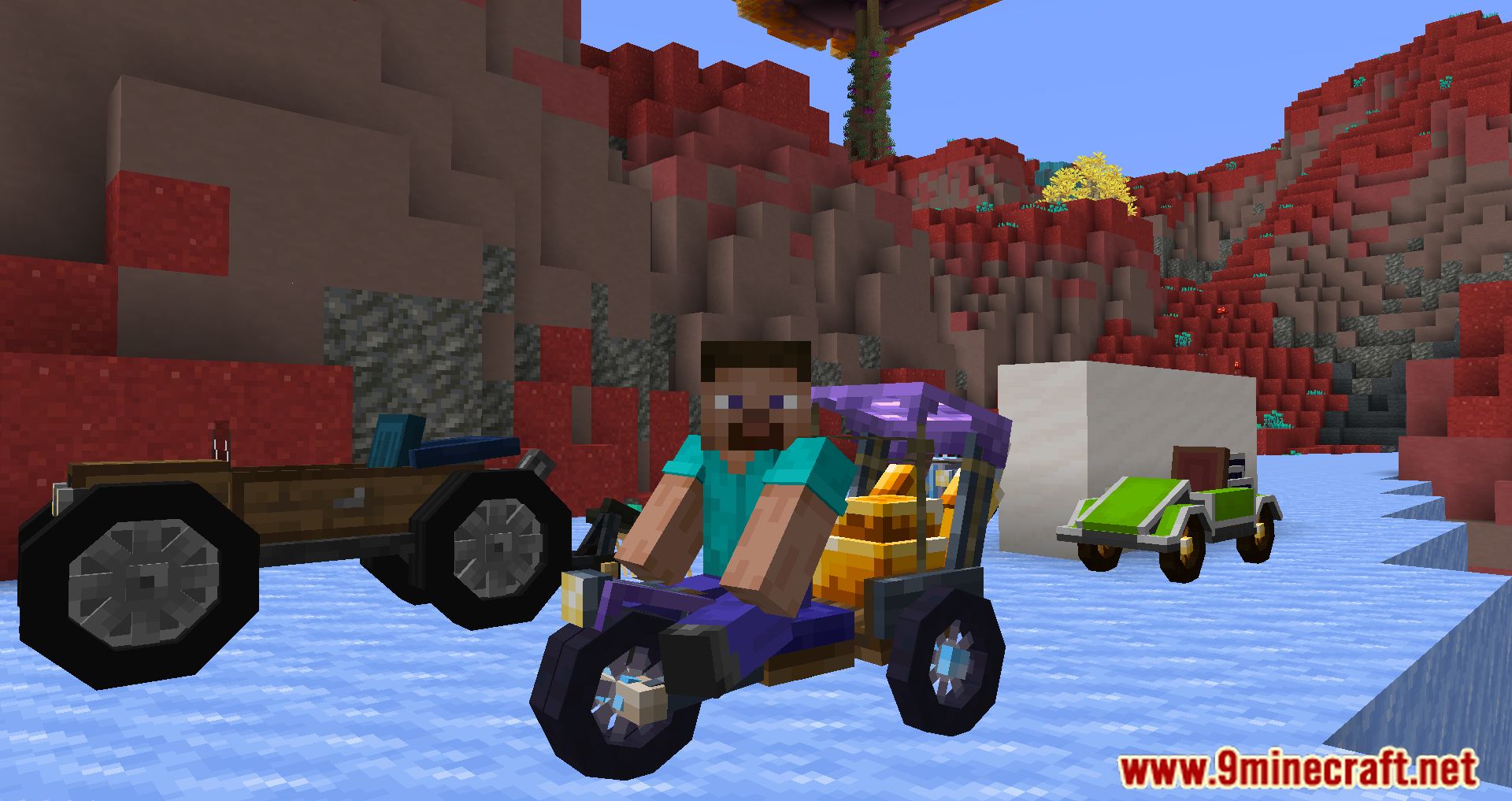
Automobility Mod is a mod that allows players to manufacture multiple car models. These vehicles can be assembled in parts, including wheels, chassis, and engine. Players can also add accessories and build road infrastructure to drive their cars. All the pieces are crafted and assembled in the car assembler, where players combine components until the vehicle is complete. The next step is to use a lever to physically generate the car in the world. Players can upgrade their vehicles by installing accessories, adding new functionalities and utilities. While not essential, the mod creator recommends using JEI Mod to check out crafting recipes for blocks, items, and elements included in the mod.
Features:
- Craft frames, engines, and wheels using the Auto Mechanic Table, then assemble them in the Automobile Assembler.
- Add attachments to enhance functionality-like turbochargers for speed or off-road tires for better grip.
- Construct slopes, dash panels, and off-road tiles to create racetracks or obstacle courses.
- Vehicles have realistic controls, including drifting, acceleration, and braking.
- Works with MidnightControls, allowing players to drive using a game controller.
Screenshots:
Crafting Recipes:
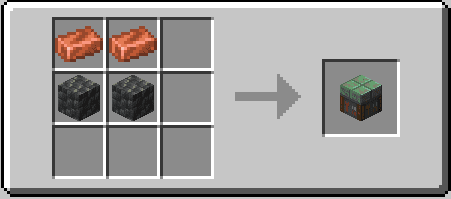
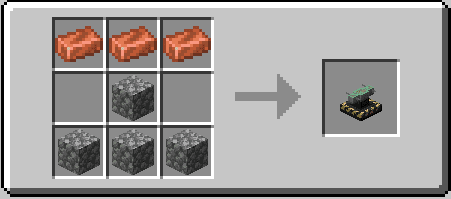
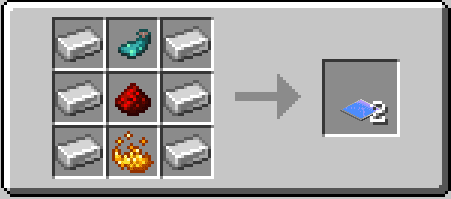
Automobility Mod Download Links
For Minecraft 1.21.1, 1.21
NeoForge version: Download from Server 1 – Download from Server 2
Fabric/Quilt version: Download from Server 1 – Download from Server 2
For Minecraft 1.20.1, 1.20
Forge/NeoForge version: Download from Server 1 – Download from Server 2
Fabric/Quilt version: Download from Server 1 – Download from Server 2
For Minecraft 1.19.2
Forge version: Download from Server 1 – Download from Server 2
Fabric/Quilt version: Download from Server 1 – Download from Server 2
For Minecraft 1.18.2
Fabric/Quilt version: Download from Server 1 – Download from Server 2
- Edition: Minecraft Java
- File type: .jar
- Minecraft versions listed: 1.21.1, 1.20.1
- How to install: Install the matching mod loader (Forge, Fabric or NeoForge) for your Minecraft version. → Download the .jar. → Put it in the .minecraft/mods folder and launch that loader profile.
- Where to get it: In MC Java Mods, or directly above on this page.
Install steps are the general flow for this file type — How to install Minecraft Java mods & modpacks walks through it step by step.
- Downloads as 176795.mcaddon
- Download size: 1.3 MB
- Download link checked 25 Jul 2026 — working
- Mirrored on our own servers — the download does not depend on the original host
These come from our own check of the pack file, not from the source page.