Dynamic Surroundings Mod adds many new weather and environmental effects to make your Minecraft world feel more alive. This mod includes different levels of thunderstorms, dust storms in the desert, and many new sound effects to improve your experience.
Dynamic Surroundings HUDs Mod:
This mod contains the HUD features from Dynamic Surroundings. Because this mod duplicates features of earlier versions of Dynamic Surroundings, this mod is only compatible with Dynamic Surroundings. If you have a version earlier the client will not start with a dependency error. This mod is purely client side. If installed on a server no errors will occur, and Forge will ignore loading the mod. This makes it pretty safe to put into universal mod packs if desired.
Features:
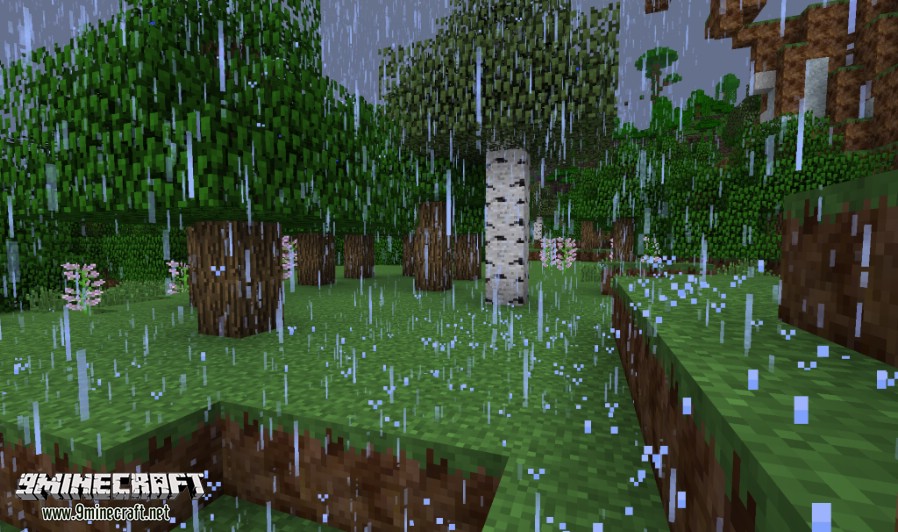
- Adds a storm intensity system. When it rains or snows, the intensity changes particle effects, sounds, and sky darkness.
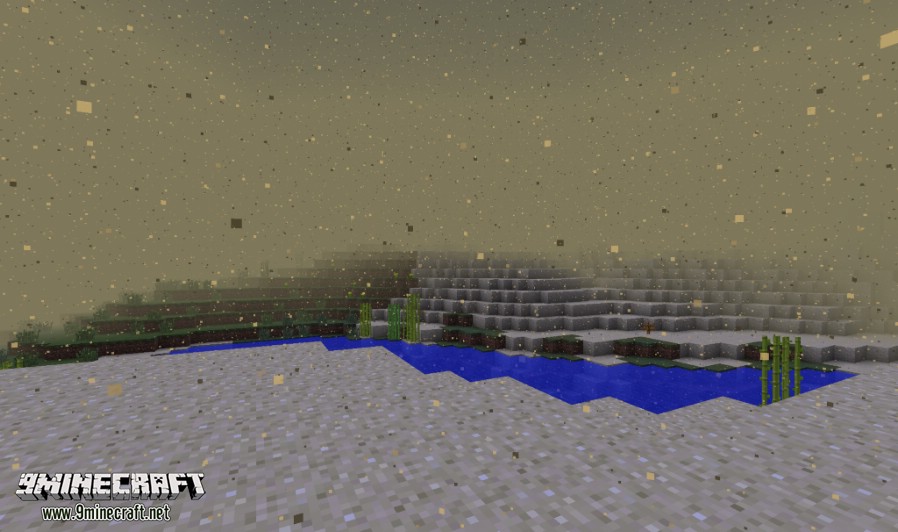
- Deserts get dust storms, with fog and sand particles that change based on the storm’s strength.
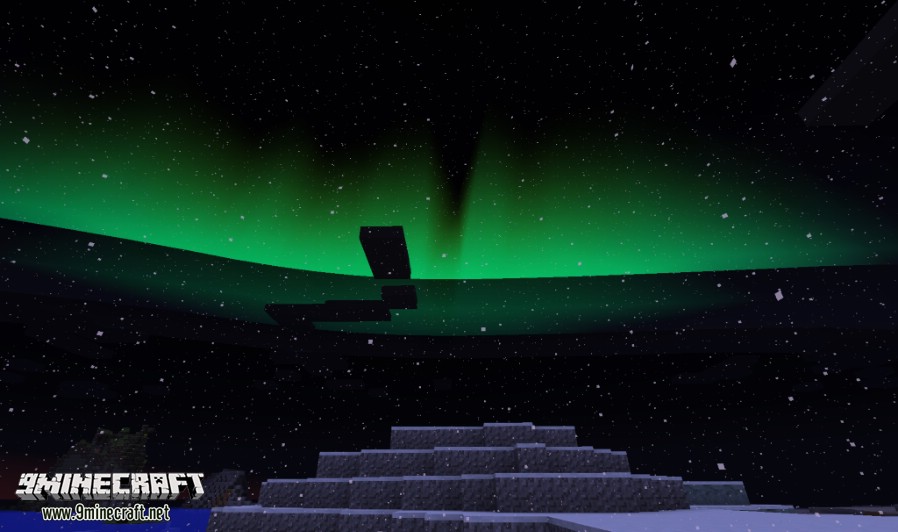
- See beautiful auroras in the sky at night when you are in cold biomes like Taiga or Ice Fields.
- Adds fog that changes depending on the biome, time of day, and weather.
- Biomes have unique background sounds, like birds in the forest or waves at the beach.
- Certain blocks now make sounds, such as cracking sounds from ice or frog croaks from lily pads.
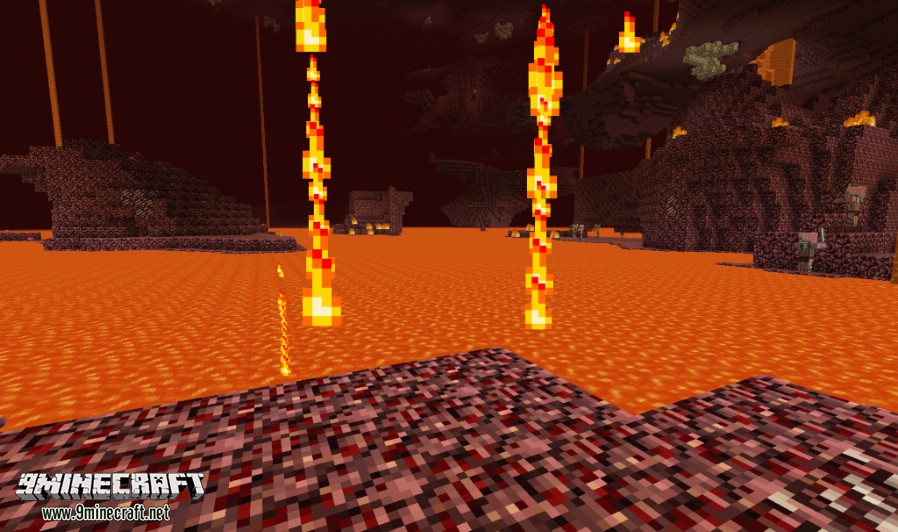
- Adds new visual effects, like fire jets bursting from lava and bubble columns rising from the bottom of lakes.
- Replaces the default thunder sounds with more realistic versions.
- Control individual sounds in-game. You can block, lower, or change the volume of specific sounds.
- Waterfalls have new sound and visual effects when you are near them.
- Works with the Serene Seasons mod, so effects can change with the seasons.
Screenshots:
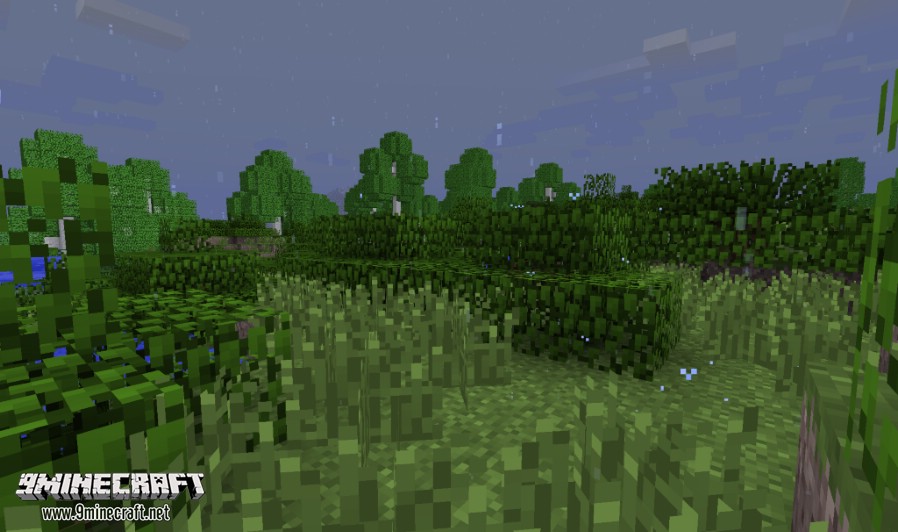
Calm Rain
Heavy Rain
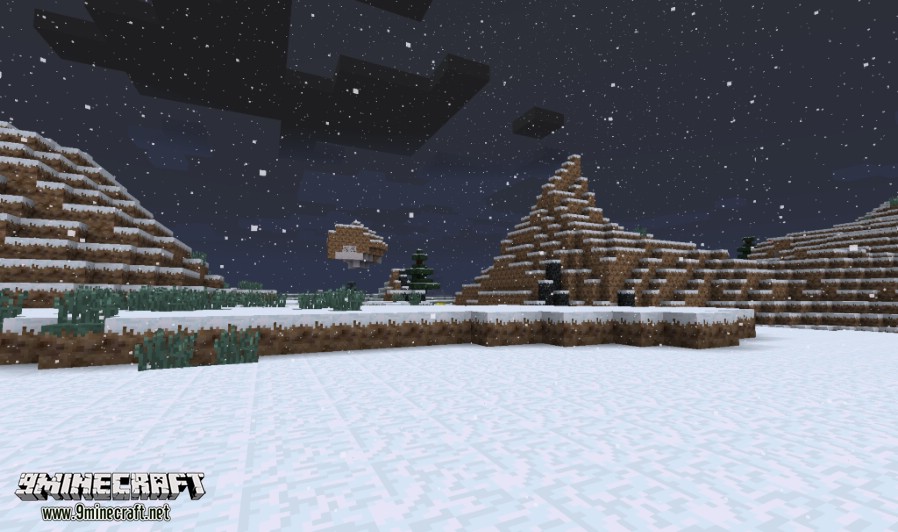
Light Snowfall
Blowing Sand
Aurora w/Calm Snow
Firejets in the Nether
Dynamic Surroundings Mod Download Links
For Minecraft 1.7.10
Forge version: Download from Server 1
For Minecraft 1.8.9
Forge version: Download from Server 1
For Minecraft 1.12.2
Forge version: Download from Server 1 – Download from Server 2
HUDs Forge version: Download from Server 1
For Minecraft 1.16.5
Forge version: Download from Server 1 – Download from Server 2
For Minecraft 1.17.1
Fabric version: Download from Server 1
For Minecraft 1.18.2
Forge version: Download from Server 1
For Minecraft 1.19.2, 1.19.1, 1.19
Forge version: Download from Server 1
Fabric version: Download from Server 1
For Minecraft 1.20.1, 1.20
Fabric version: Download from Server 1 – Download from Server 2
For Minecraft 1.20.4, 1.20.3
Fabric version: Download from Server 1 – Download from Server 2
For Minecraft 1.21.1, 1.21
Fabric version: Download from Server 1 – Download from Server 2
NeoForge version: Download from Server 1 – Download from Server 2
- Edition: Minecraft Java
- File type: .jar
- Minecraft versions listed: 1.21.1, 1.20.1
- How to install: Install the matching mod loader (Forge, Fabric or NeoForge) for your Minecraft version. → Download the .jar. → Put it in the .minecraft/mods folder and launch that loader profile.
- Where to get it: In MC Java Mods, or directly above on this page.
Install steps are the general flow for this file type — How to install Minecraft Java mods & modpacks walks through it step by step.
- Downloads as 176808.mcaddon
- Download size: 9.3 MB
- Download link checked 25 Jul 2026 — working
- Mirrored on our own servers — the download does not depend on the original host
These come from our own check of the pack file, not from the source page.