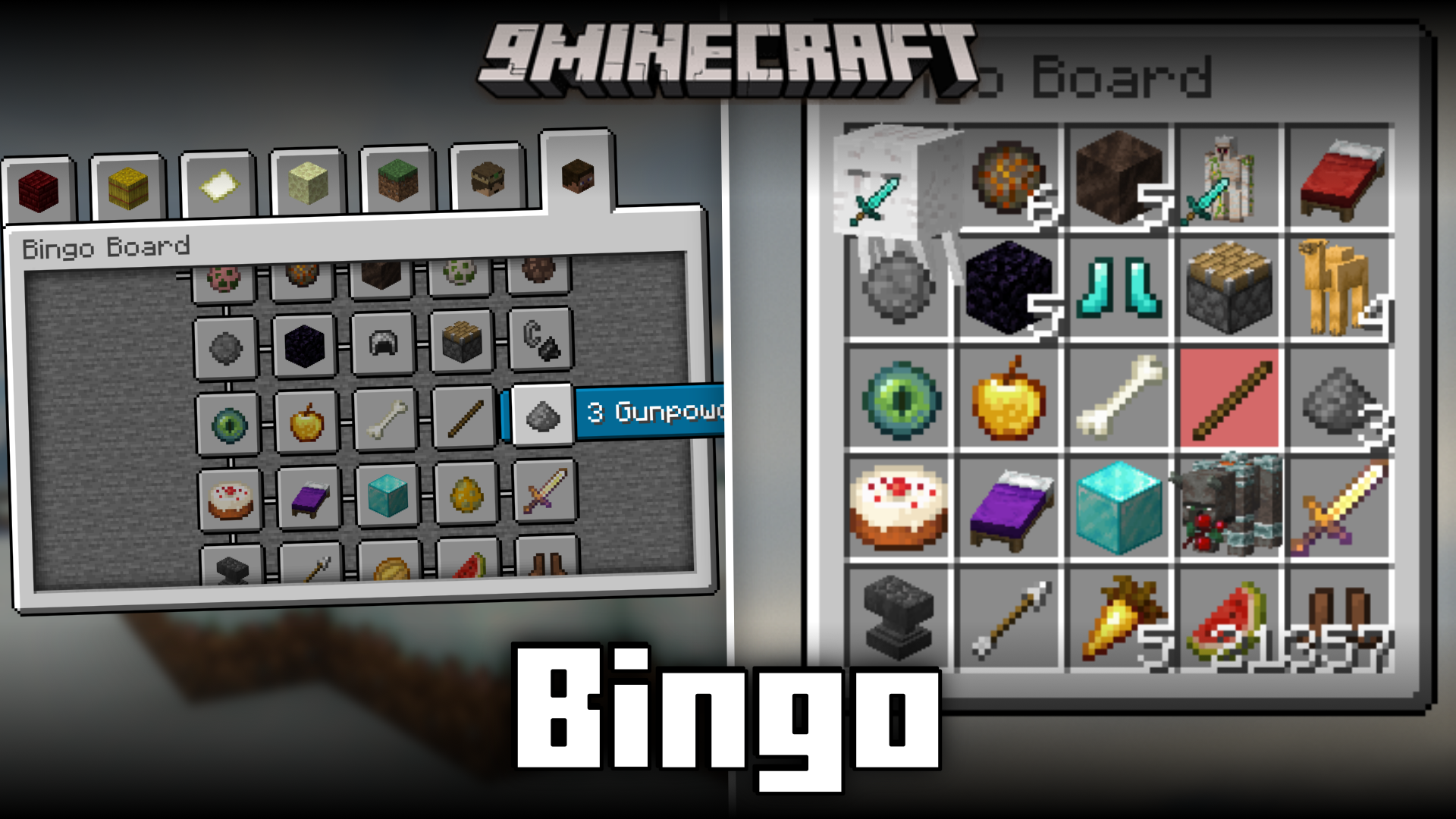
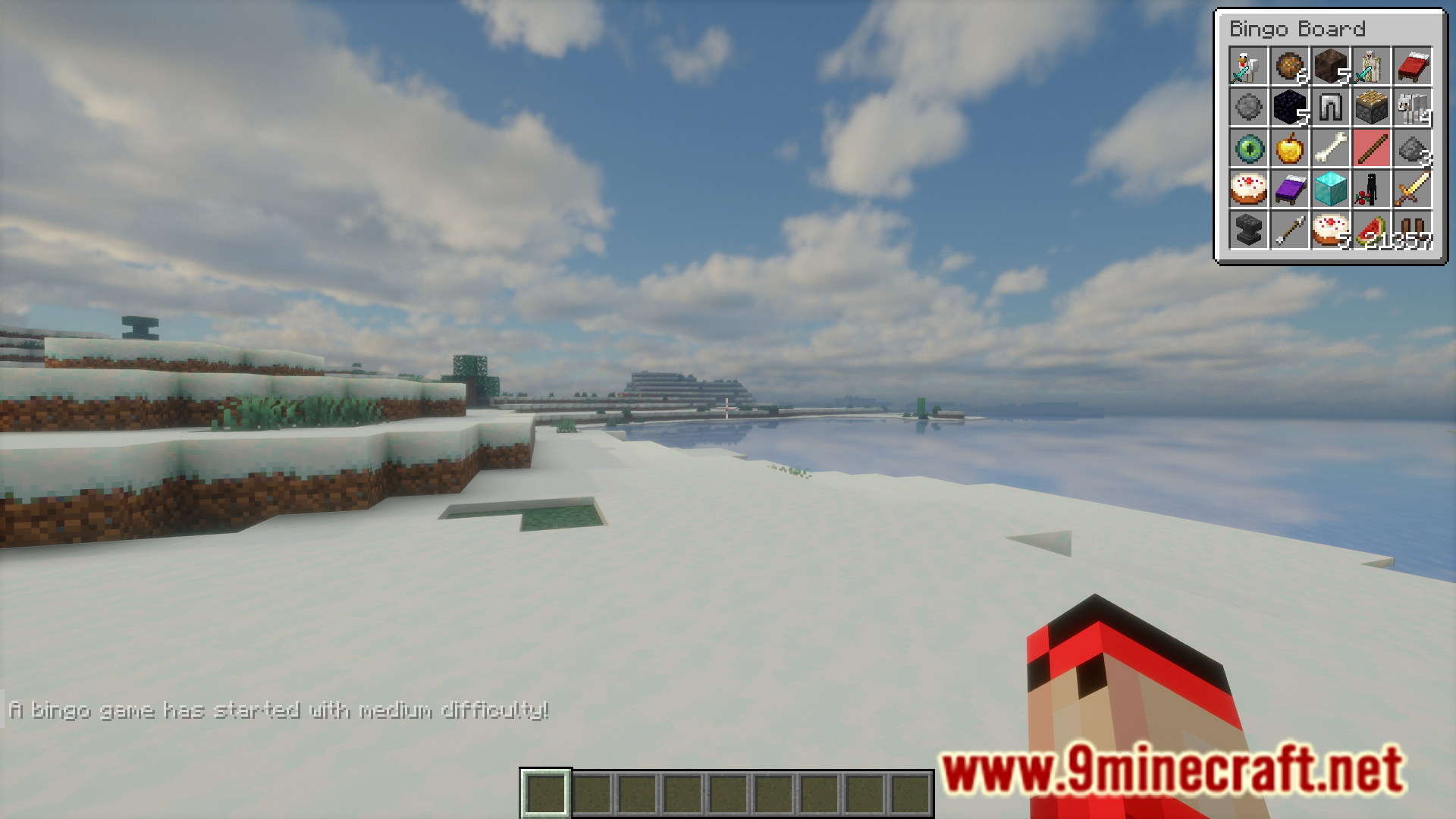
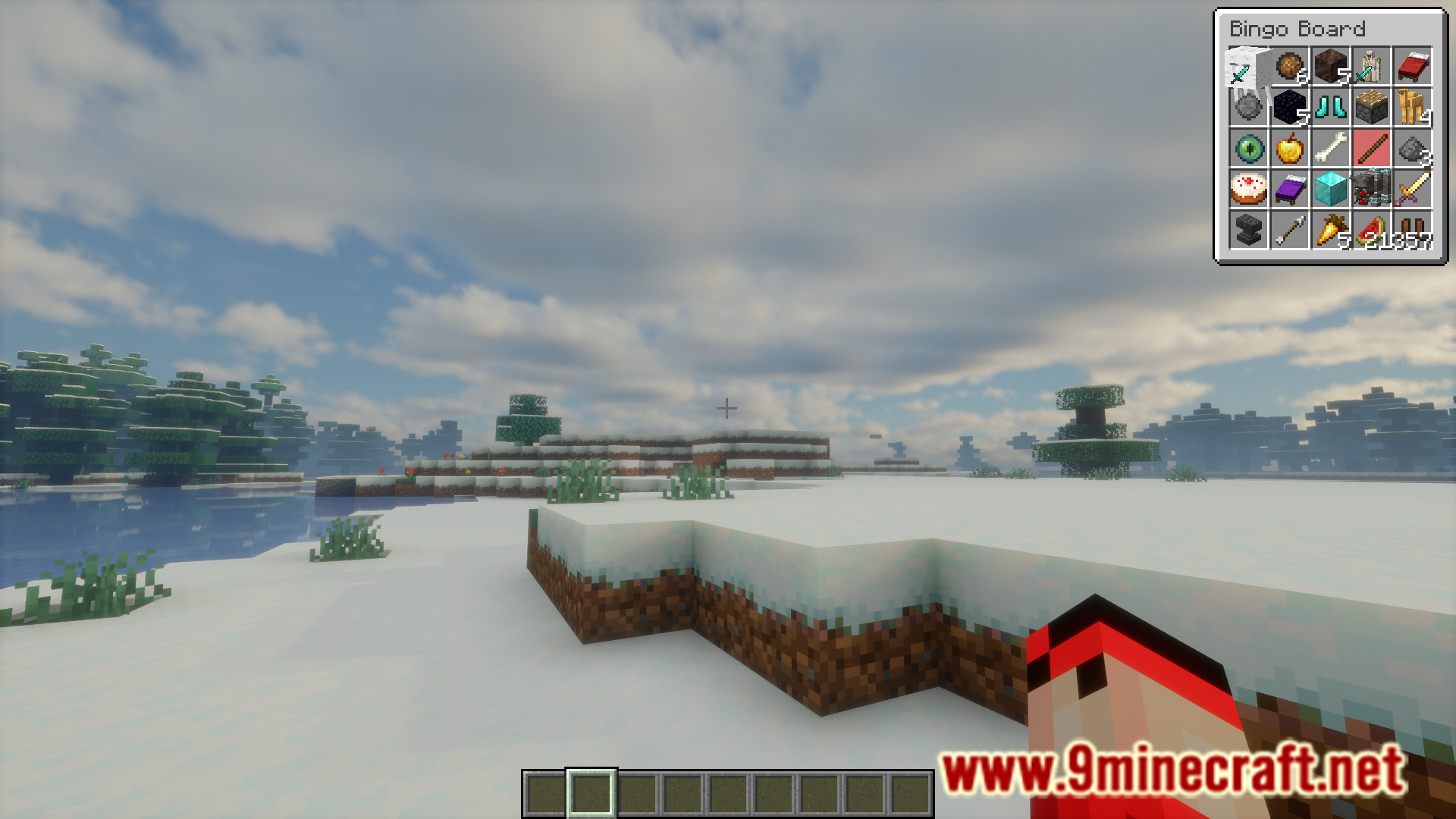
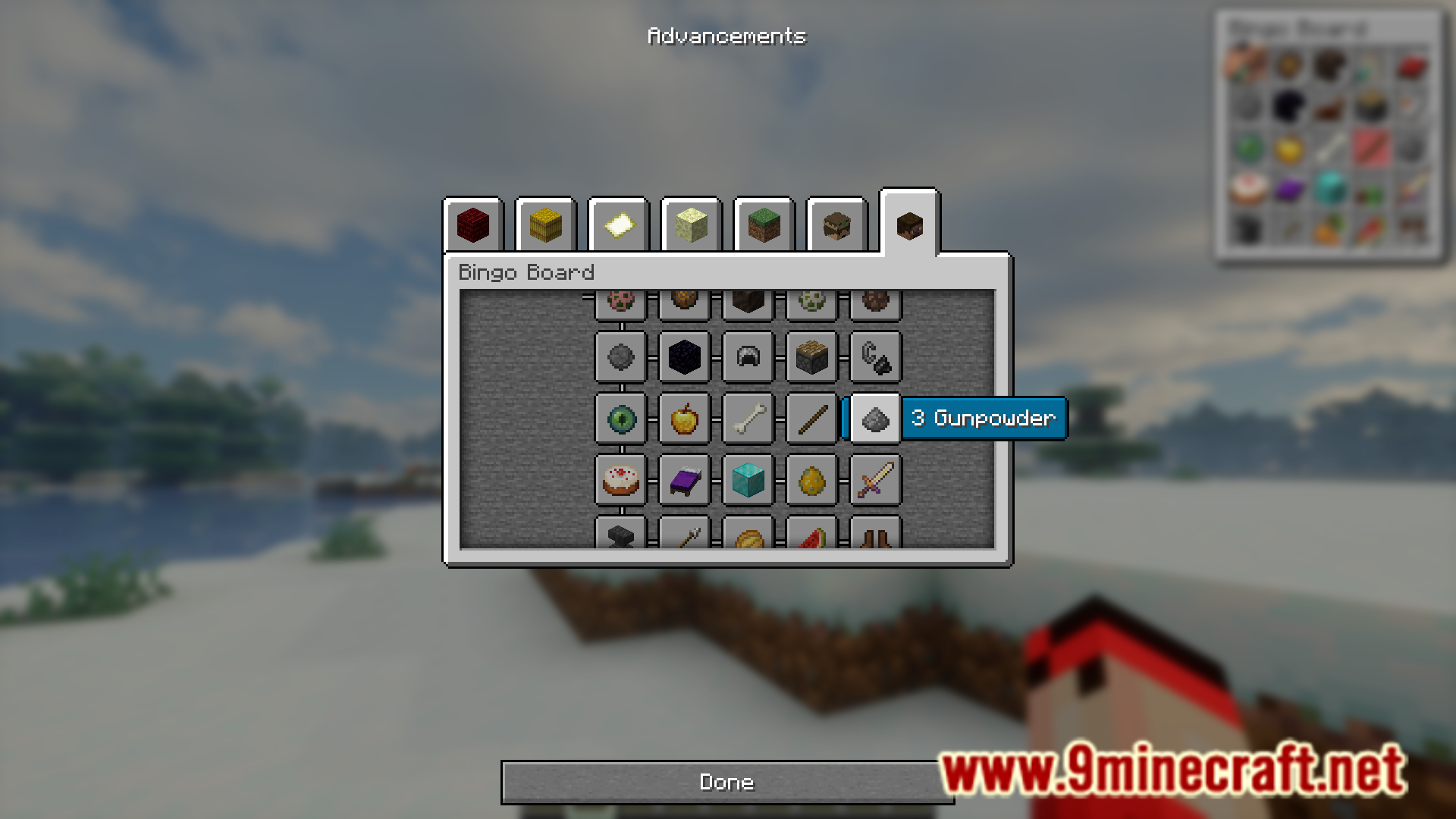
Bingo is a very popular game internationally. Bingo Mod allows you to play the game online with your friends. This mod basically introduces the bingo game into Minecraft in a very user friendly manner. Players can use the commands introduced by this mod to split into teams and start a game of bingo. A bingo board will appear on the top right corner of your screen. You can access the contents of this board using the new section added to the achievements tab. A detailed list of commands and instructions as noted by the developer are given below.
Features:
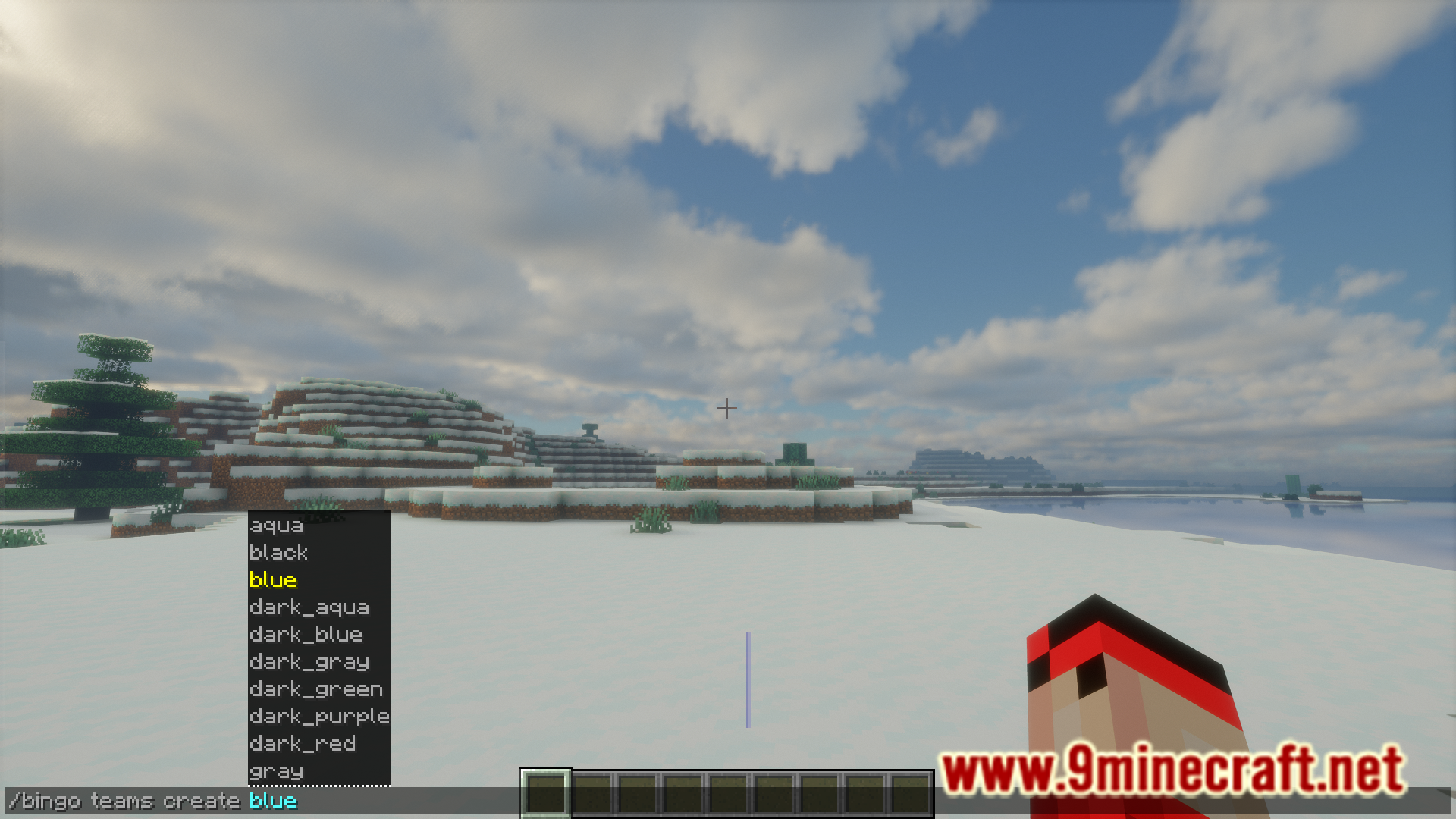
- /bingo teams create : create a new team
- /bingo teams randomize : add a player to a team
- /team : manage teams
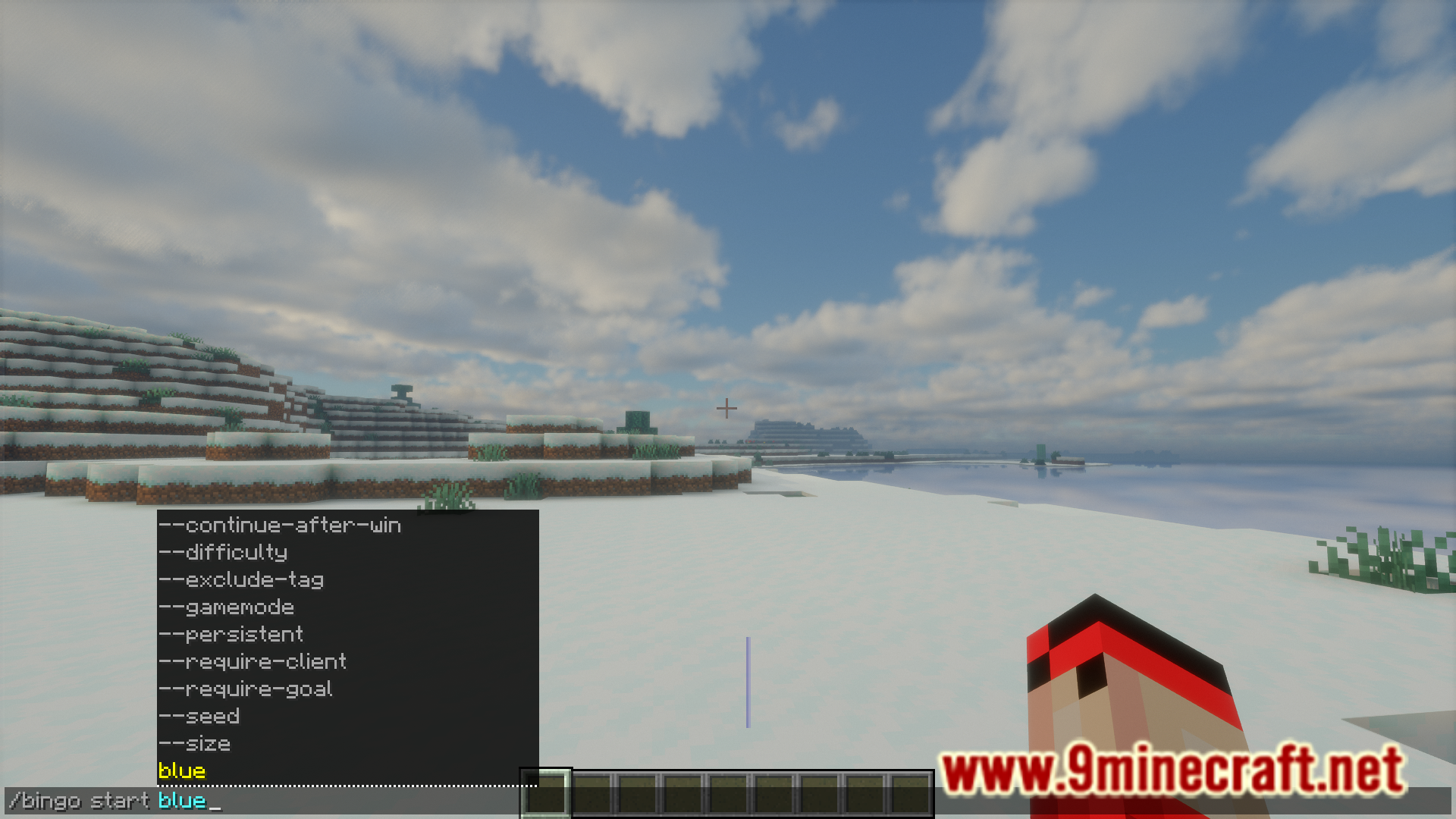
- /bingo start [options…] : start a game
- /bingo start red blue : starts a game game between team red and blue
Screenshots:
Bingo Mod Download Links
For Minecraft 1.21.10, 1.21.9
NeoForge version: Download from Server 1 – Download from Server 2
Fabric version: Download from Server 1 – Download from Server 2
For Minecraft 1.21.8, 1.21.7, 1.21.6
NeoForge version: Download from Server 1 – Download from Server 2
Fabric version: Download from Server 1 – Download from Server 2
For Minecraft 1.21.4
NeoForge version: Download from Server 1 – Download from Server 2
Fabric version: Download from Server 1 – Download from Server 2
For Minecraft 1.21.3, 1.21.2
NeoForge version: Download from Server 1 – Download from Server 2
Fabric version: Download from Server 1 – Download from Server 2
For Minecraft 1.21.1, 1.21
NeoForge version: Download from Server 1 – Download from Server 2
Fabric version: Download from Server 1 – Download from Server 2
For Minecraft 1.20.6
NeoForge version: Download from Server 1 – Download from Server 2
Fabric version: Download from Server 1 – Download from Server 2
For Minecraft 1.20.4
NeoForge version: Download from Server 1 – Download from Server 2
Fabric version: Download from Server 1 – Download from Server 2
- Edition: Minecraft Java
- File type: .jar
- Minecraft versions listed: 1.21.10, 1.20.6
- How to install: Install the matching mod loader (Forge, Fabric or NeoForge) for your Minecraft version. → Download the .jar. → Put it in the .minecraft/mods folder and launch that loader profile.
- Where to get it: In MC Java Mods, or directly above on this page.
Install steps are the general flow for this file type — How to install Minecraft Java mods & modpacks walks through it step by step.
- Downloads as 176846.mcaddon
- Download size: 1.1 MB
- Download link checked 25 Jul 2026 — working
- Mirrored on our own servers — the download does not depend on the original host
These come from our own check of the pack file, not from the source page.