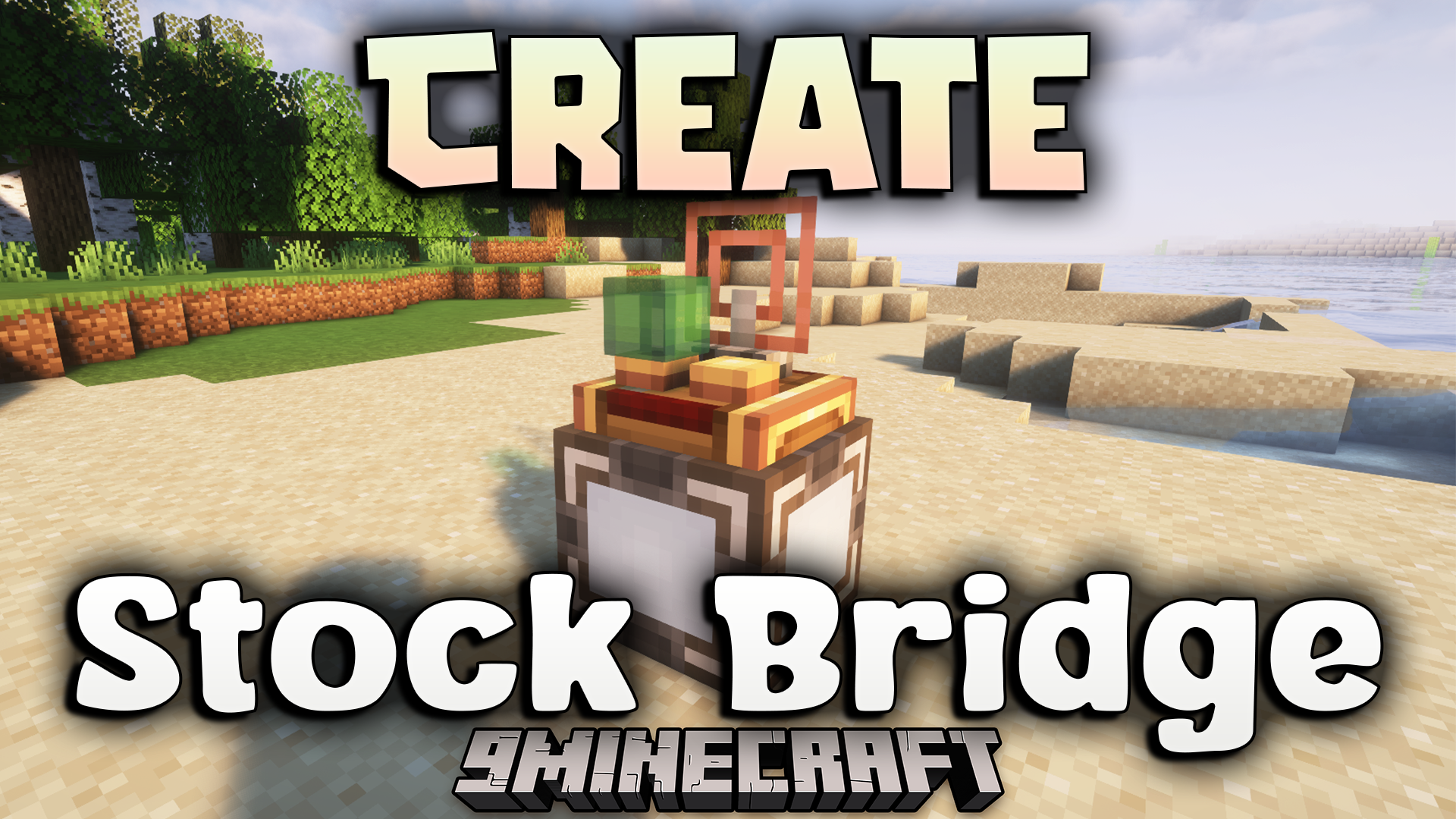
Create Stock Bridge Mod (1.21.1, 1.20.1) – Craft Create Items From Your AE2
Java mod listed for Minecraft 1.20–1.21. File opened and checked on 19 Oct 2026; downloads from the MC Java Mods app on Android.
⬇ Download
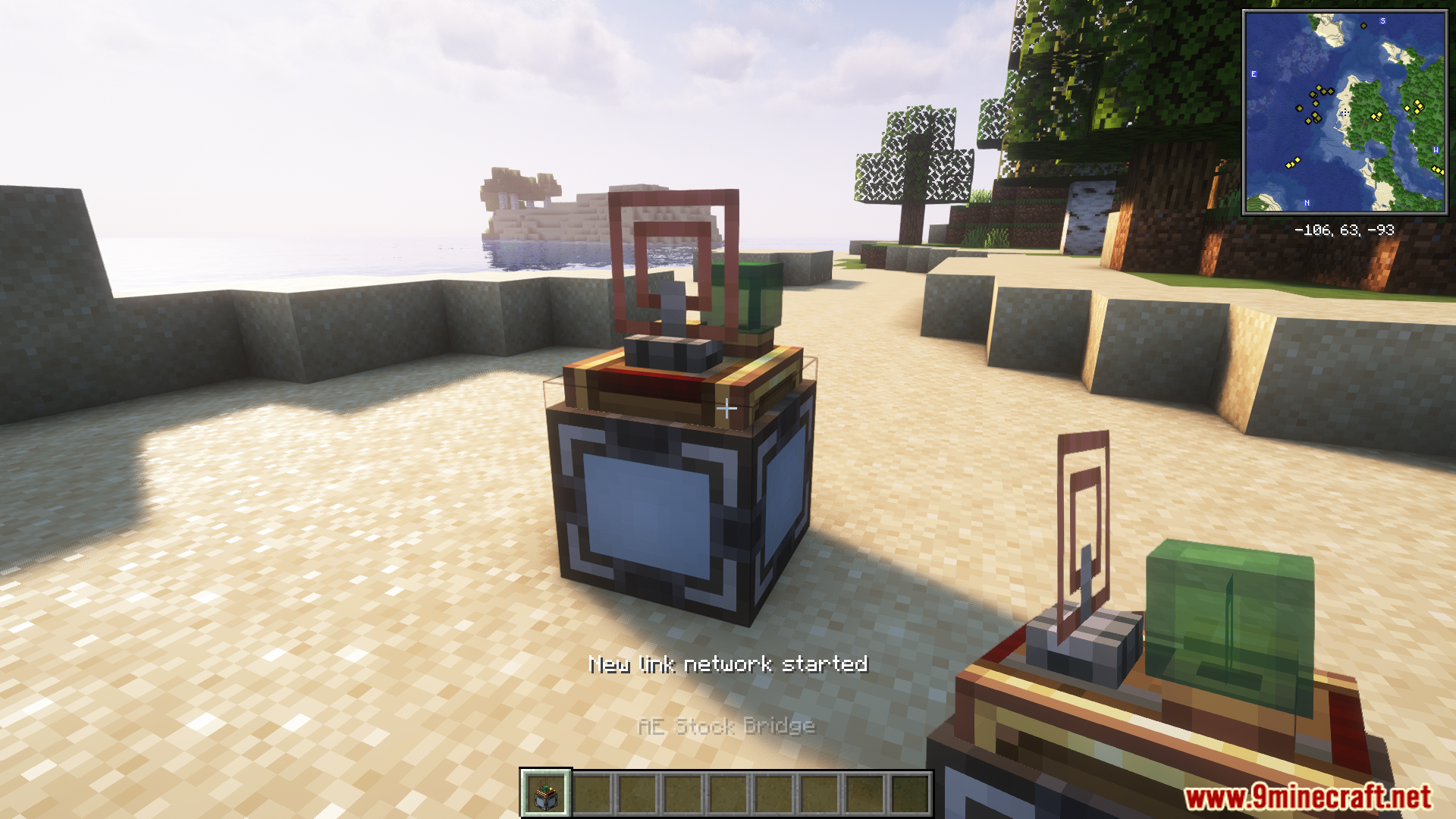
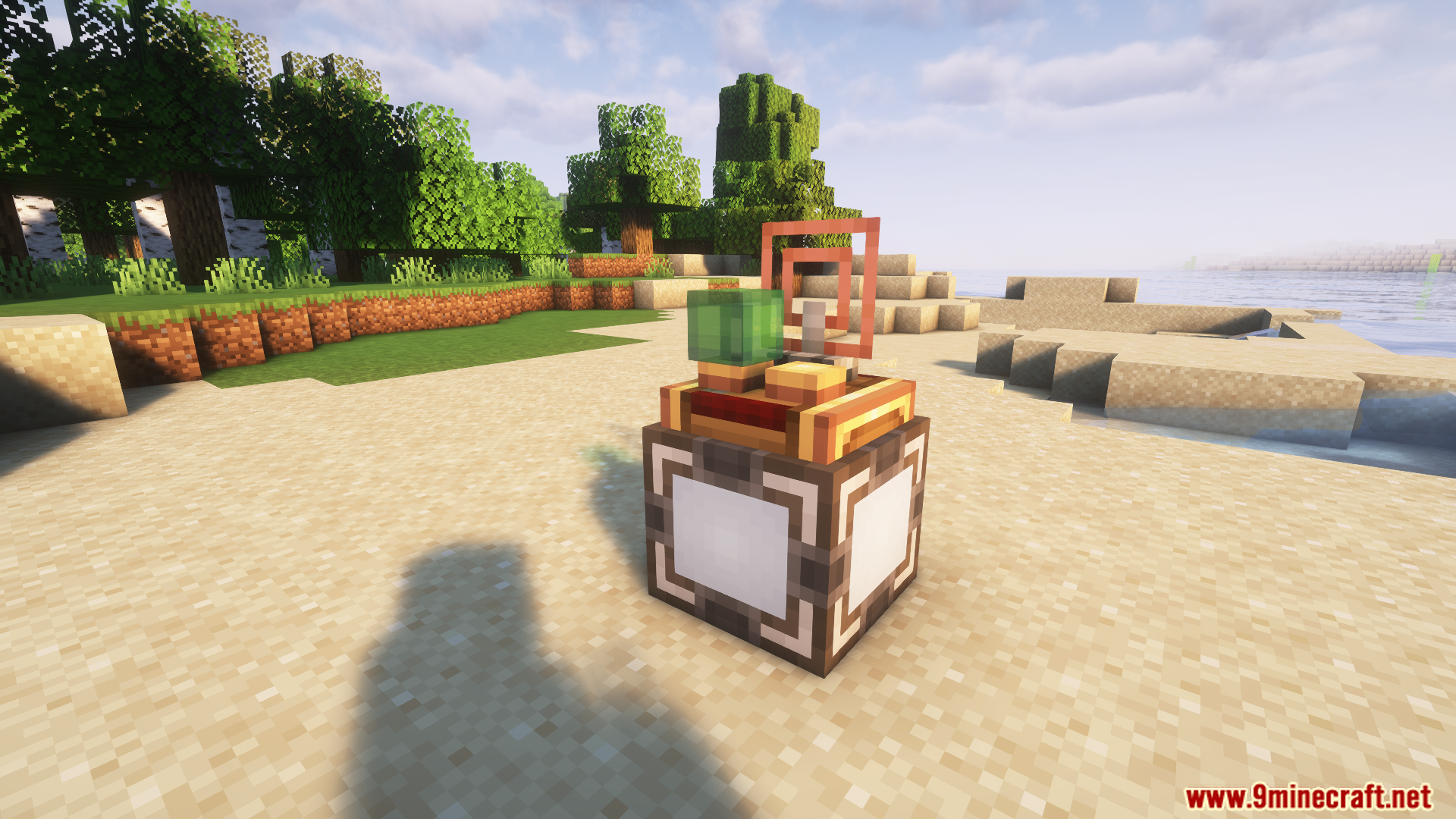
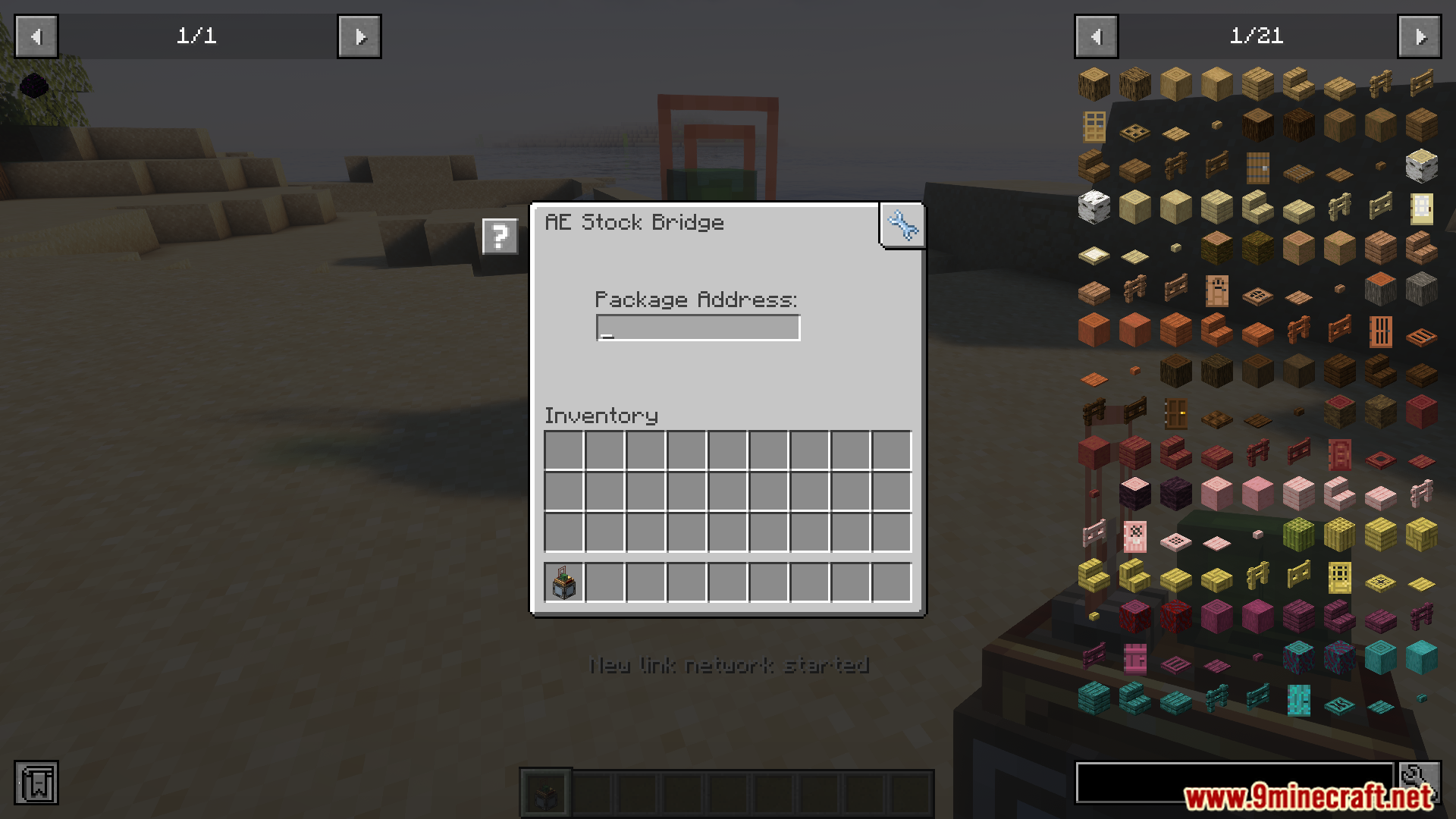
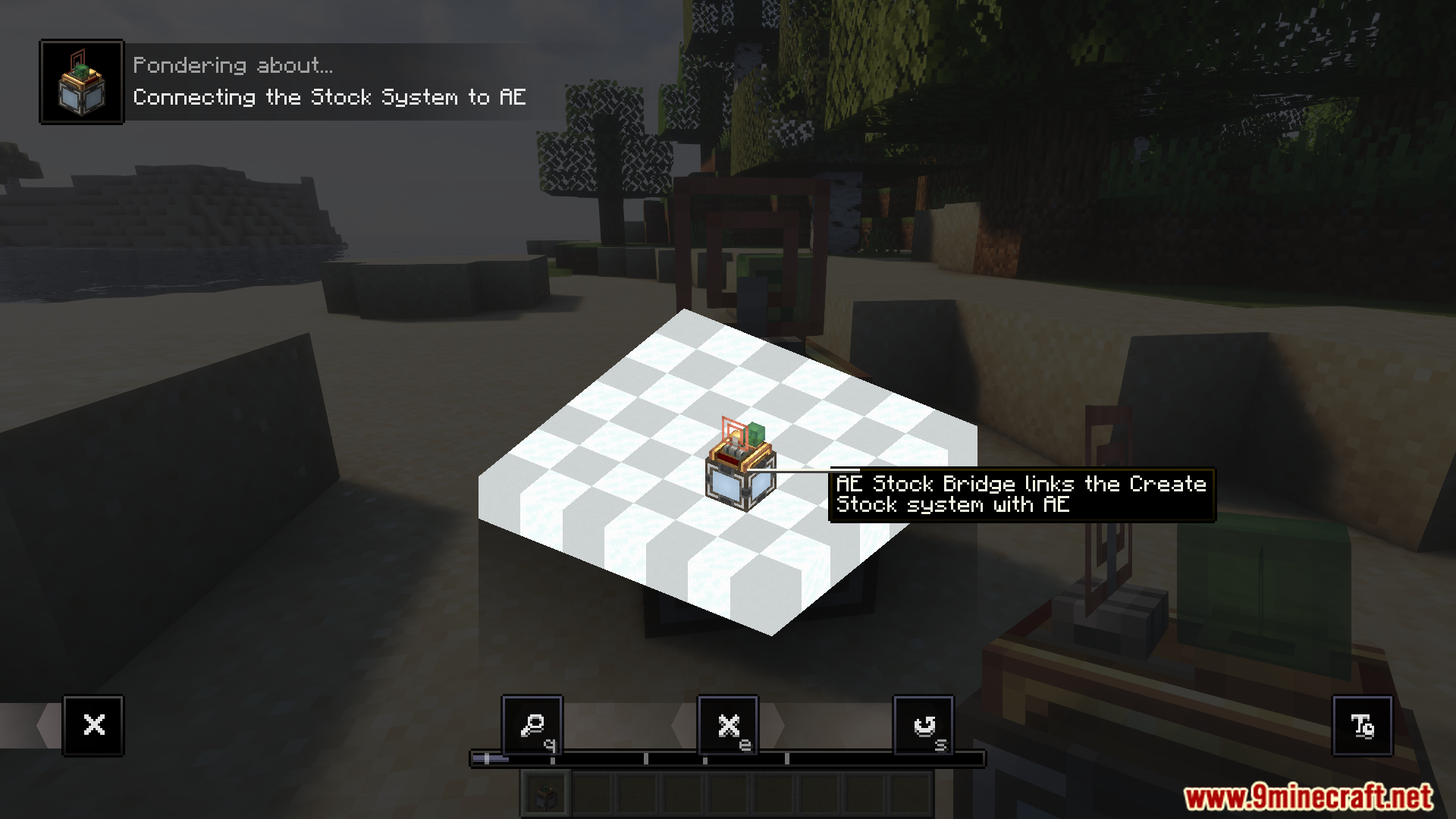
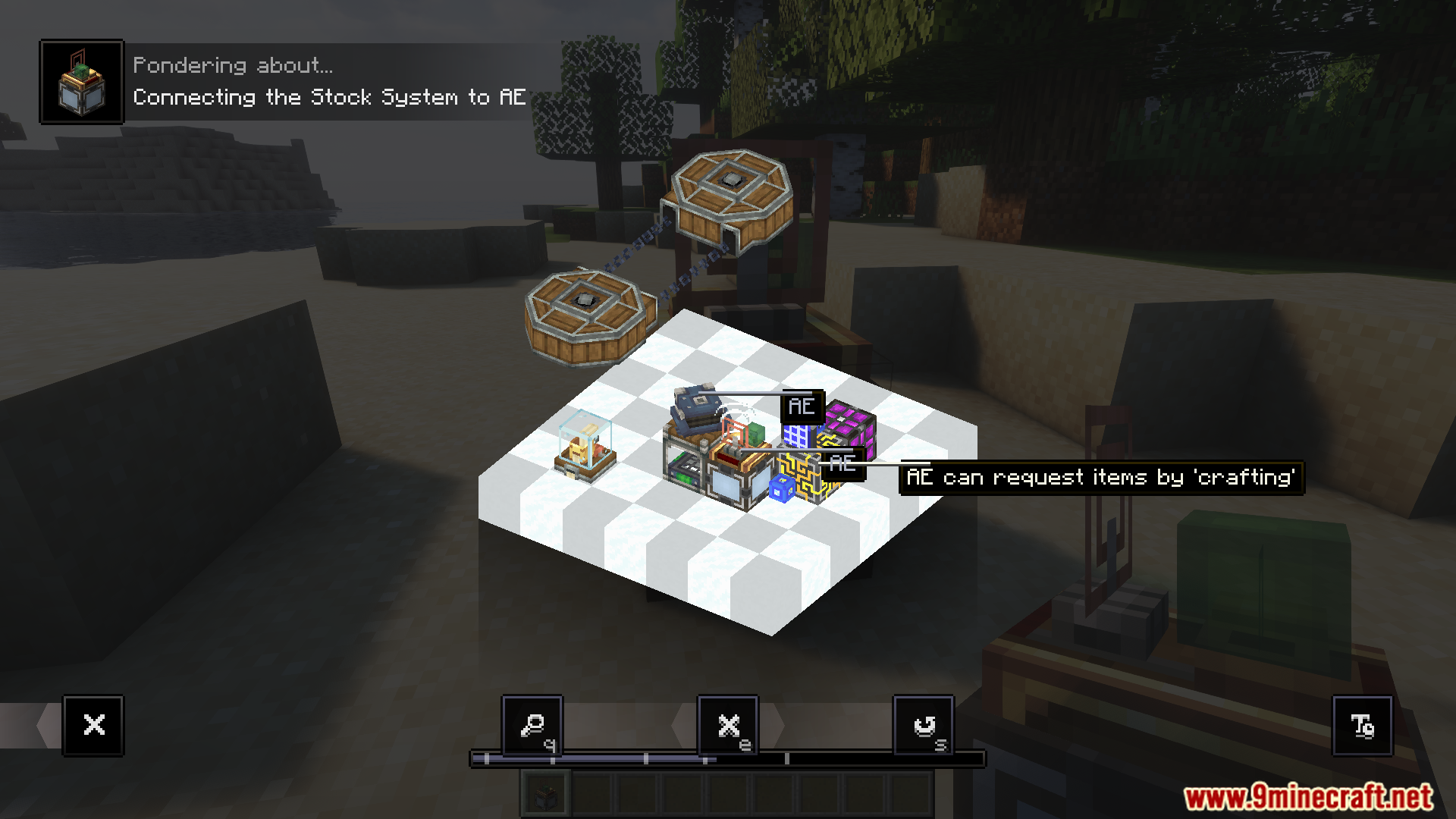
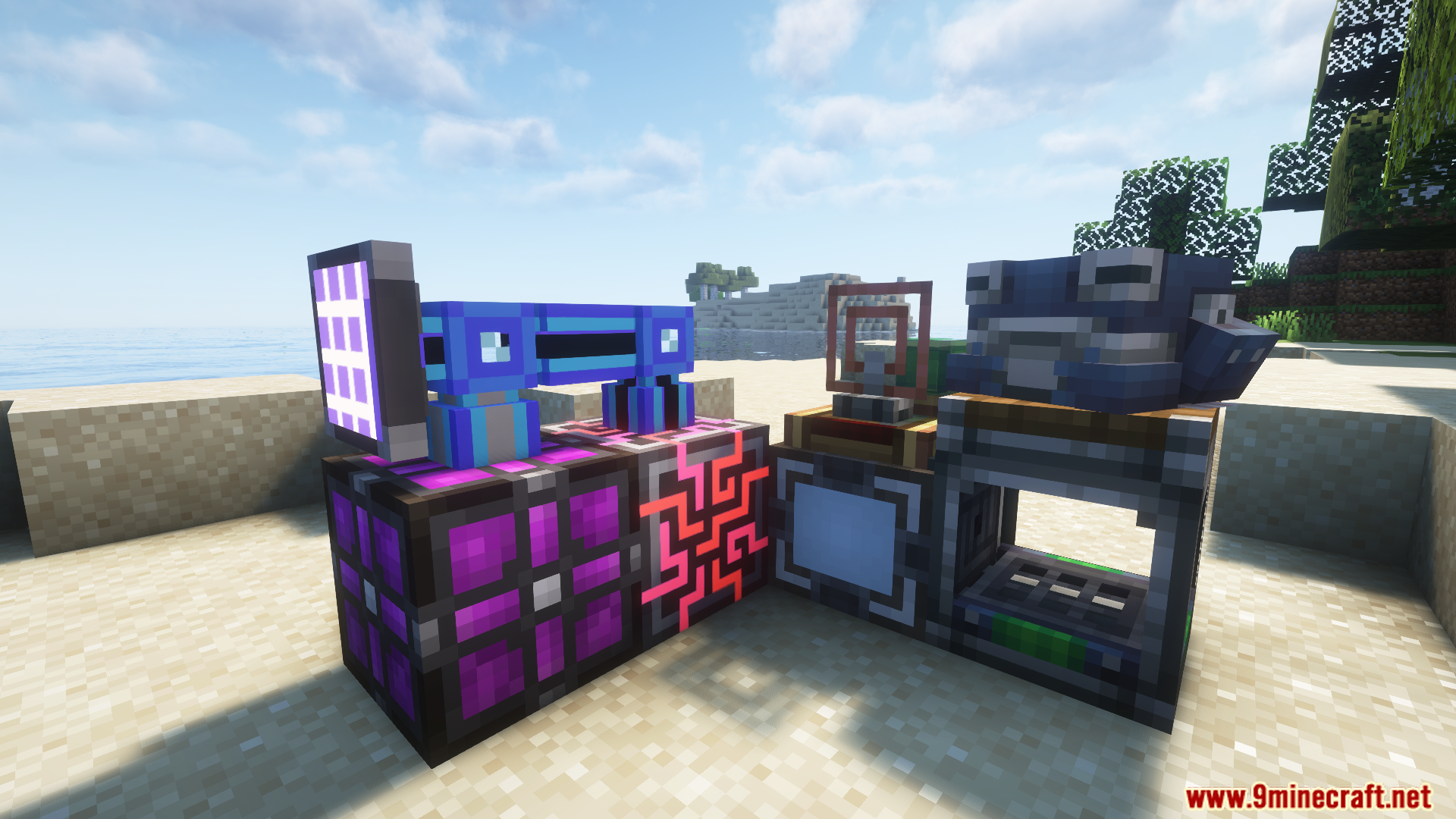
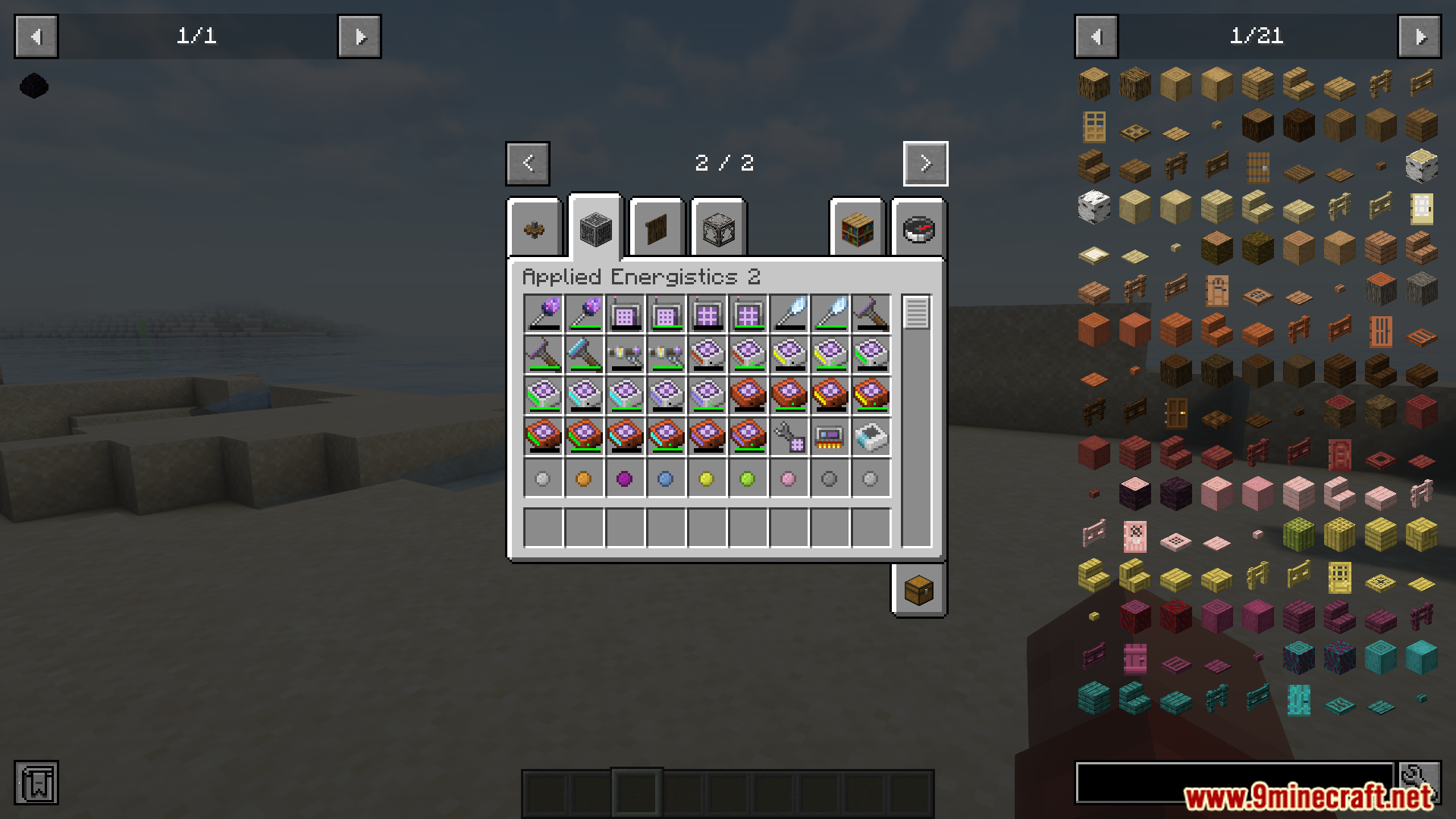
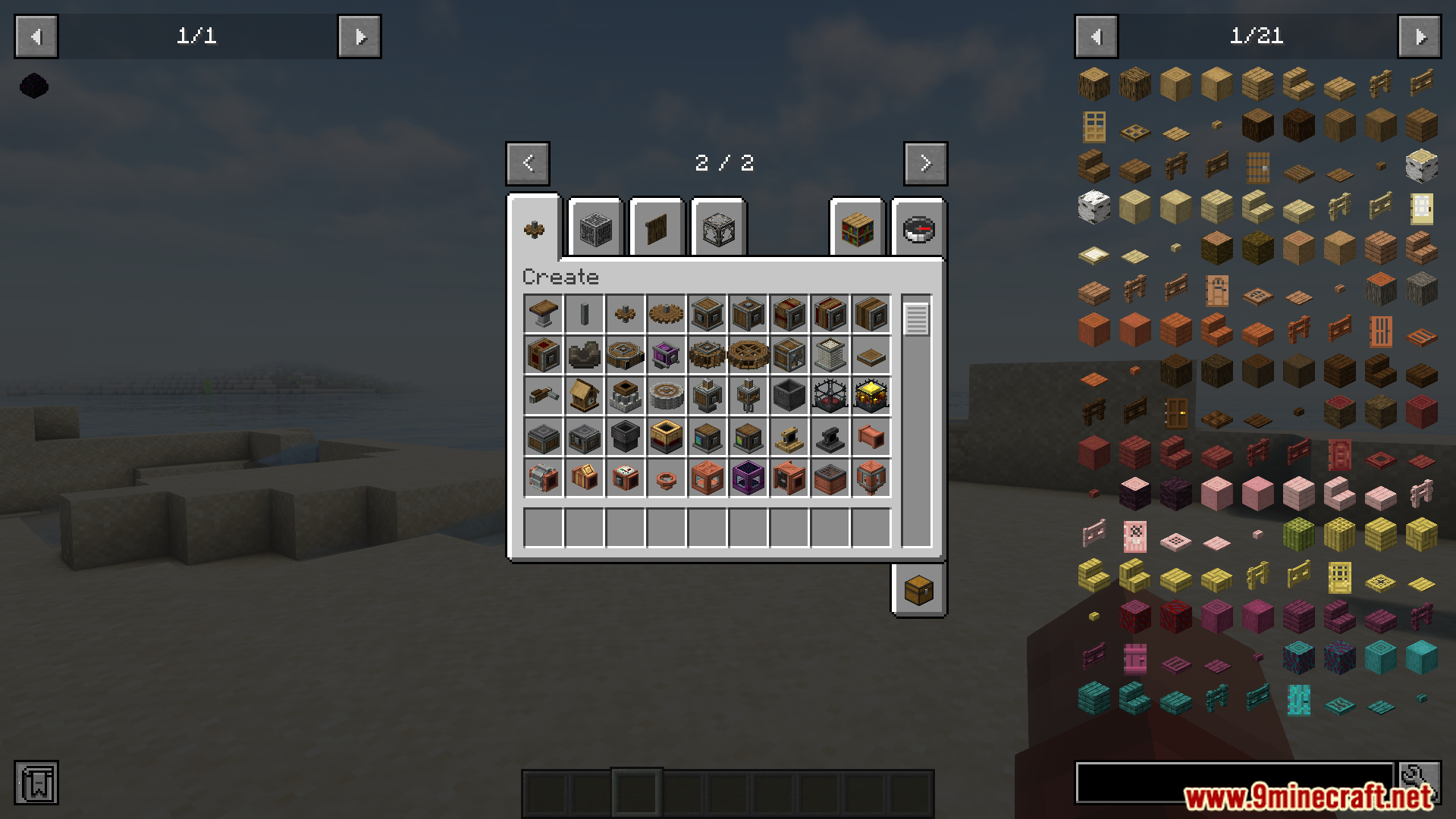
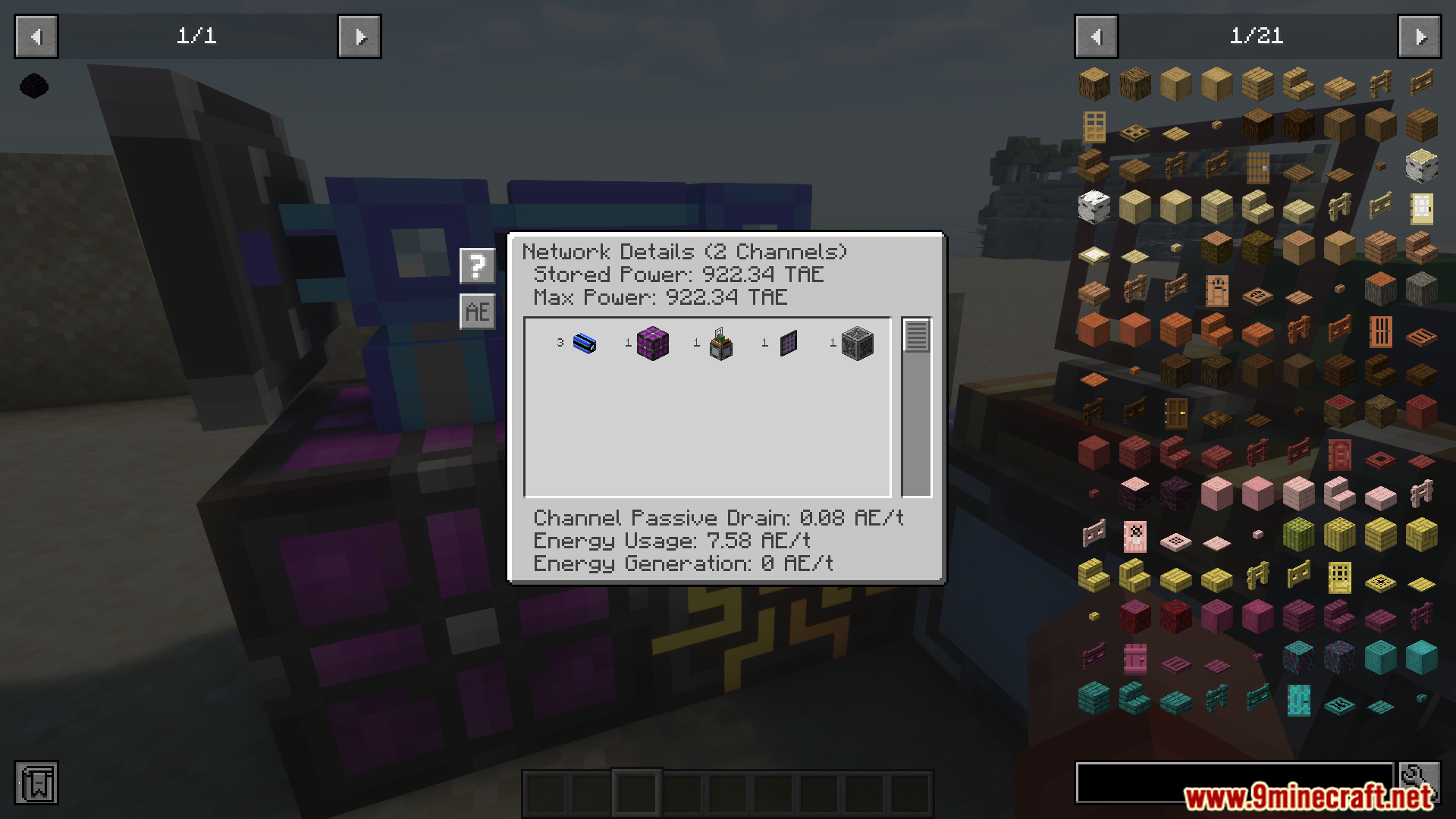
Create Stock Bridge Mod connects the storage systems from the Create mod and Applied Energistics 2 (AE2). It adds a special block called the AE Stock Bridge that links the two mods together. This allows items in your Create stock system to appear as craftable items within your AE2 network. The mod also lets Create packagers pull items directly from AE2 storage for your machines.
Features:
- Links the Create mod’s stock network to an Applied Energistics 2 (AE2) system.
- Makes items from your Create machines show up as craftable inside the AE2 interface.
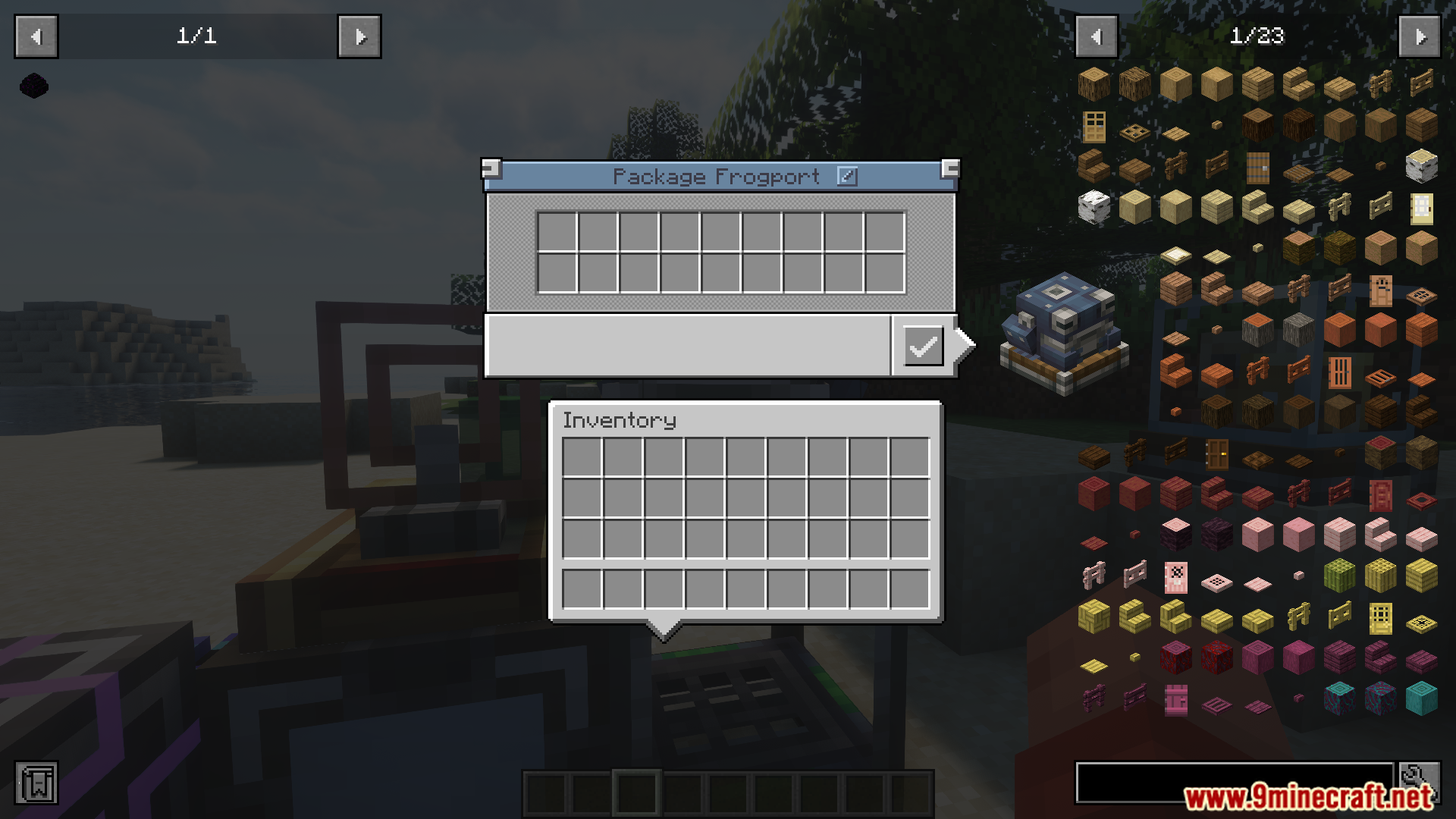
- Lets Create packagers request and take items from your AE2 storage to help with automated crafting.
Screenshots:
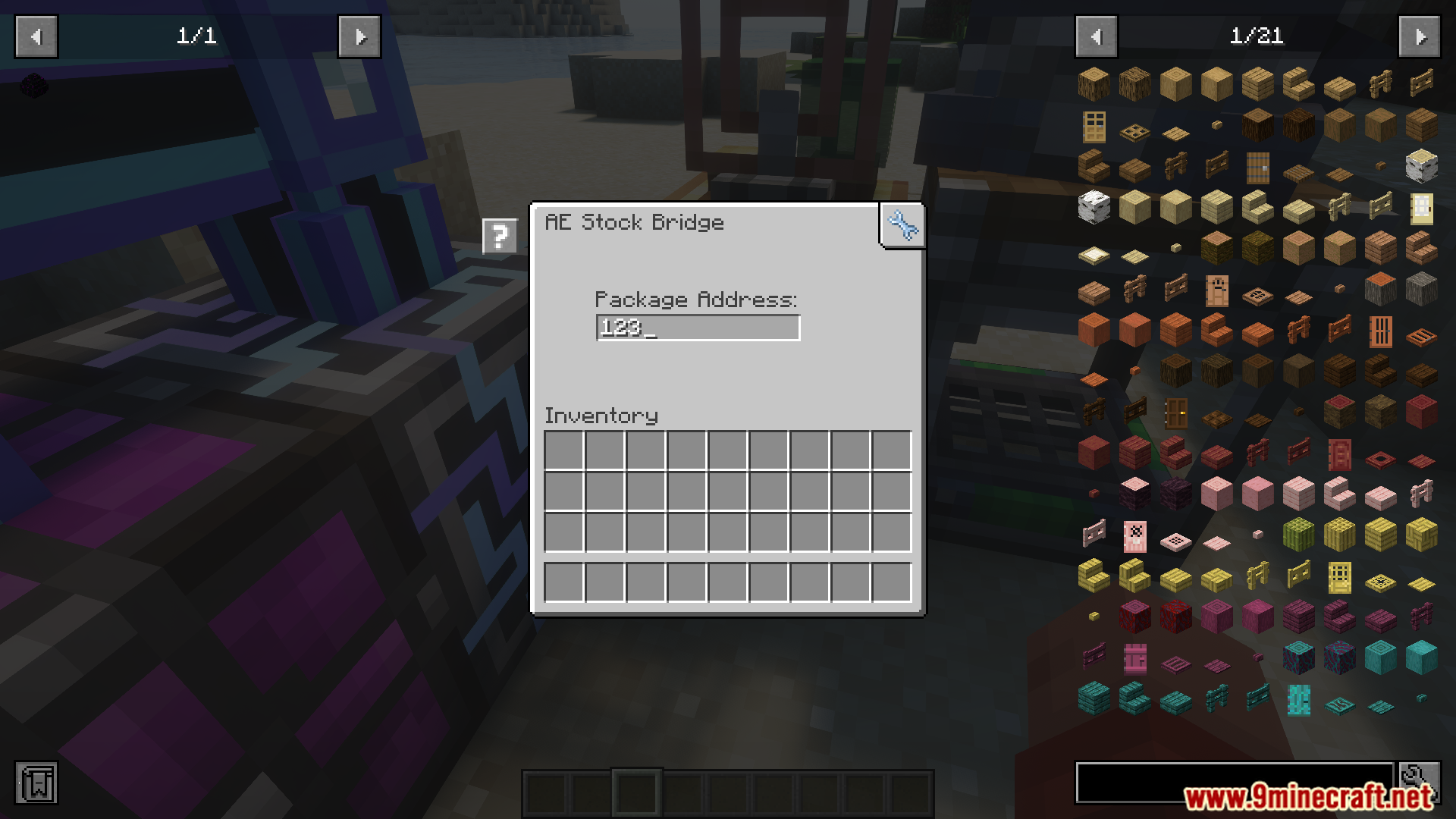
Create Stock Bridge Mod Download Links
For Minecraft 1.21.1, 1.21
NeoForge version: Download from Server 1 – Download from Server 2
For Minecraft 1.20.1, 1.20
Forge version: Download from Server 1 – Download from Server 2
- Edition: Minecraft Java
- File type: .jar
- Minecraft versions listed: 1.21.1, 1.20.1
- How to install: Install the matching mod loader (Forge, Fabric or NeoForge) for your Minecraft version. → Download the .jar. → Put it in the .minecraft/mods folder and launch that loader profile.
- Where to get it: In MC Java Mods, or directly above on this page.
Install steps are the general flow for this file type — How to install Minecraft Java mods & modpacks walks through it step by step.
Create Stock Bridge Mod (1.21.1, 1.20.1) – Craft Create Items From Your AE2 is a free Minecraft Java mod. Compatible with Minecraft 1.21.1, 1.20.1. Download it and open it directly in the game.