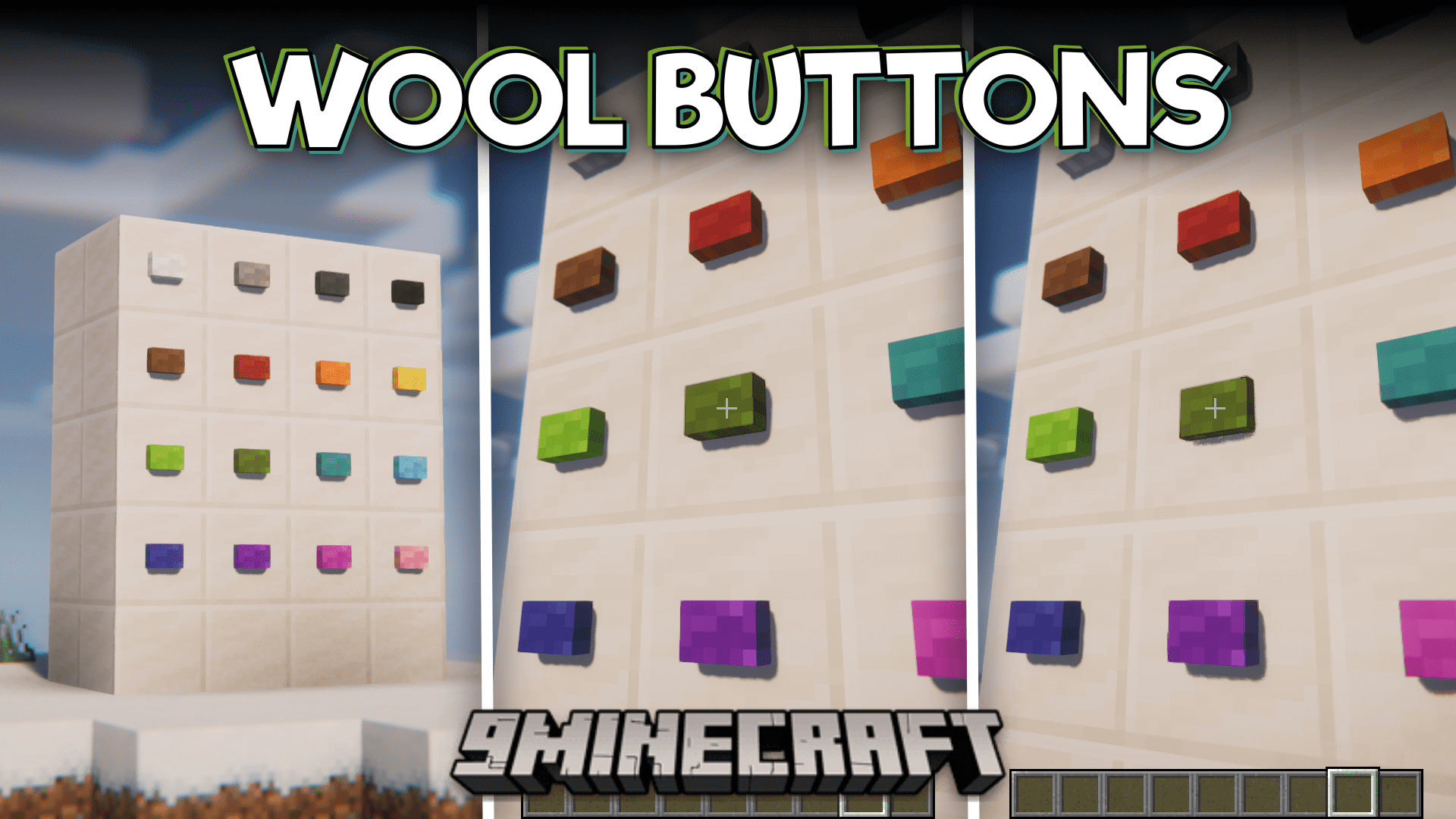
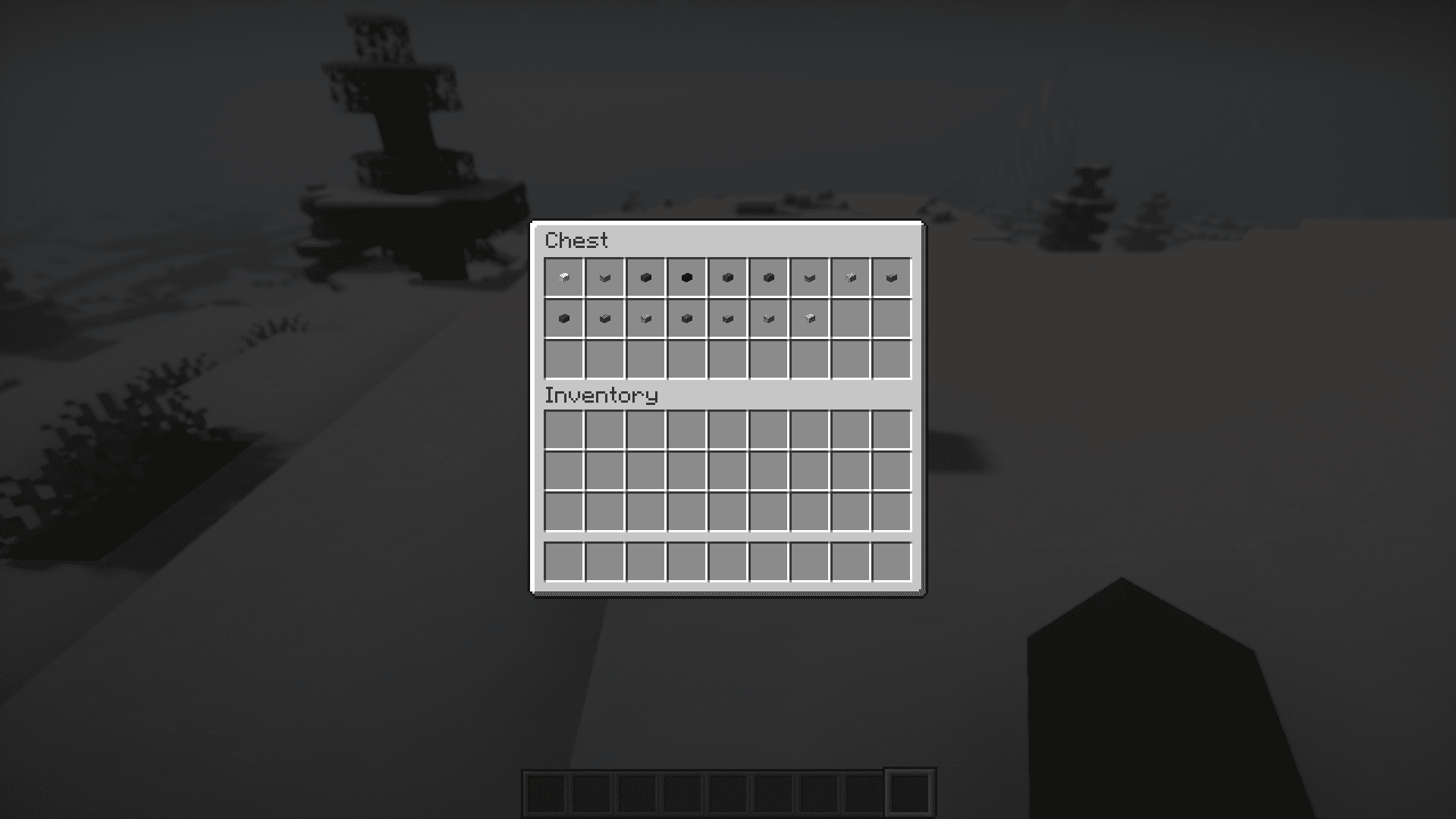

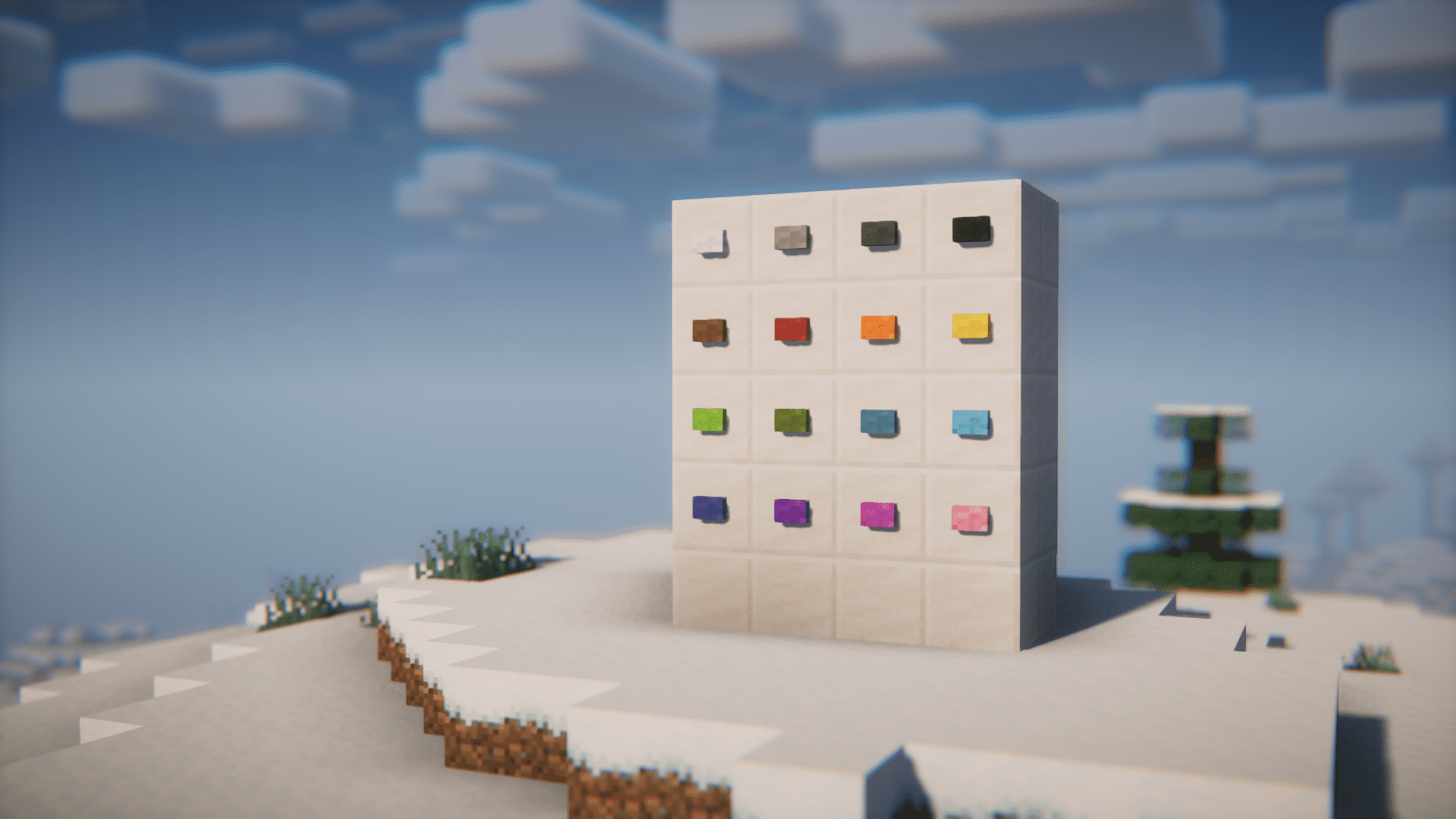
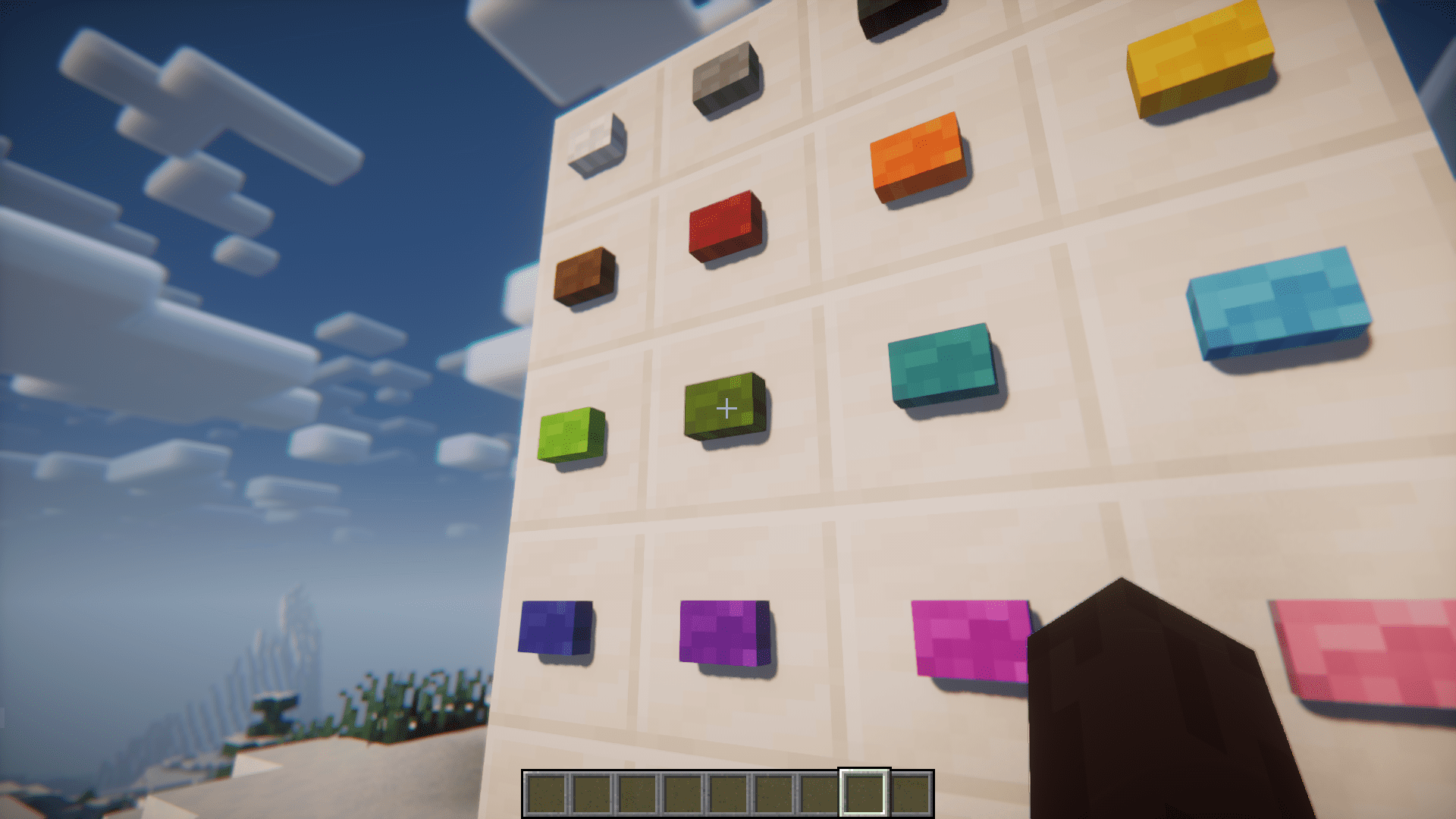
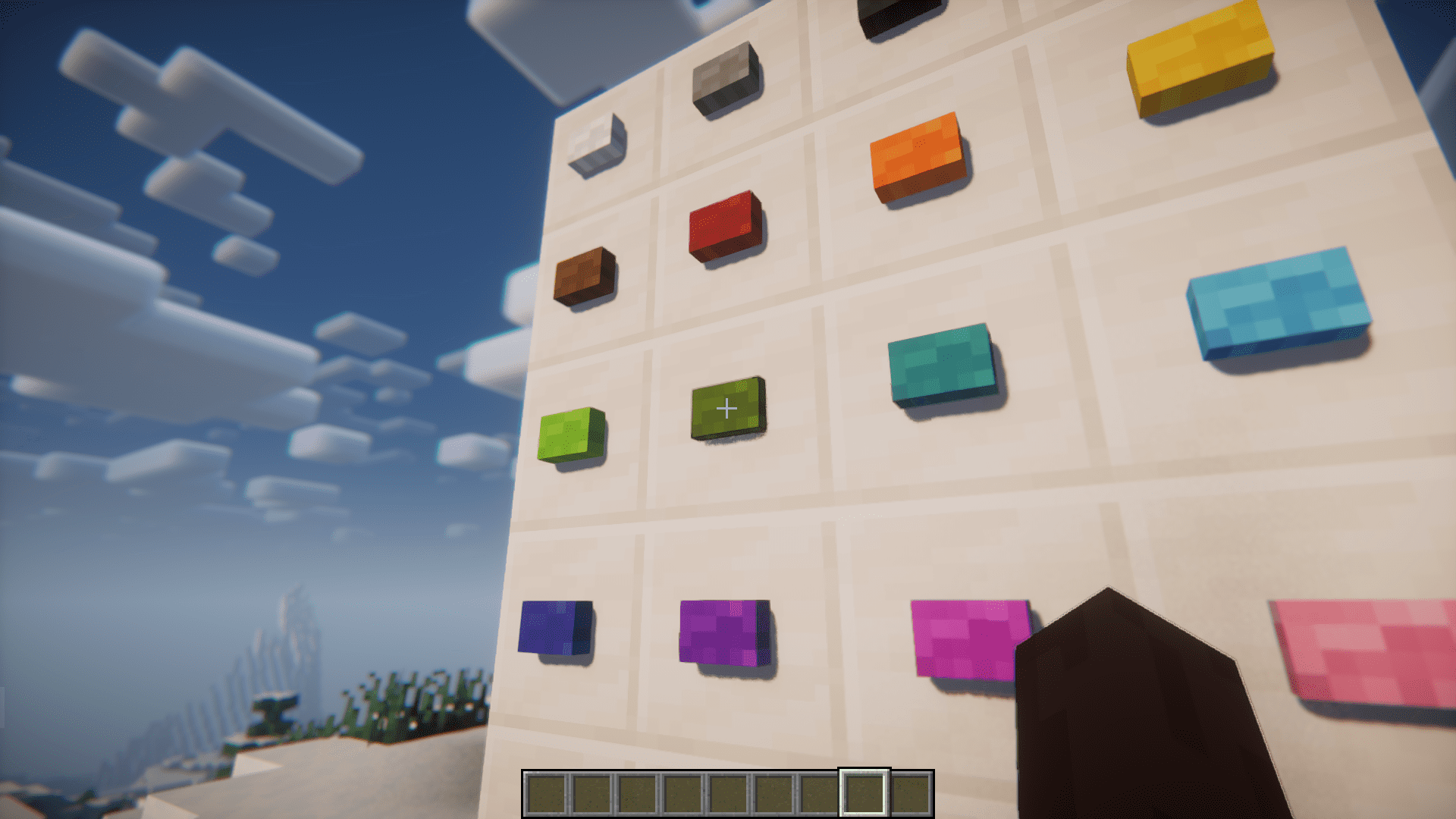
Wool Buttons Mod, as the name suggests, adds woolen buttons into Minecraft. The recipe to craft these buttons is similar to that of regular vanilla buttons – Just place a wool block into a crafting grid. There are buttons for all the 16 wool colors in the game, so this mod will help you craft and place colorful buttons for specific decoration purposes.
Features:
- 16 new colored woolen buttons.
- Crafted by placing one wool block into a crafting grid.
- Configuration option to set whether they play a sound when pressing them.
- Available for Forge and NeoForge.
Screenshots:
Wool Buttons Mod Download Links
Quick facts
- Edition: Minecraft Java
- File type: .jar
- Minecraft version listed: 1.20.1
- How to install: Install the matching mod loader (Forge, Fabric or NeoForge) for your Minecraft version. → Download the .jar. → Put it in the .minecraft/mods folder and launch that loader profile.
- Where to get it: In MC Java Mods, or directly above on this page.
Install steps are the general flow for this file type — How to install Minecraft Java mods & modpacks walks through it step by step.
Verified by MCModsHub
- Downloads as 176878.mcaddon
- Download size: 175 KB
- Download link checked 23 Sept 2026 — working
- Mirrored on our own servers — the download does not depend on the original host
These come from our own check of the pack file, not from the source page.