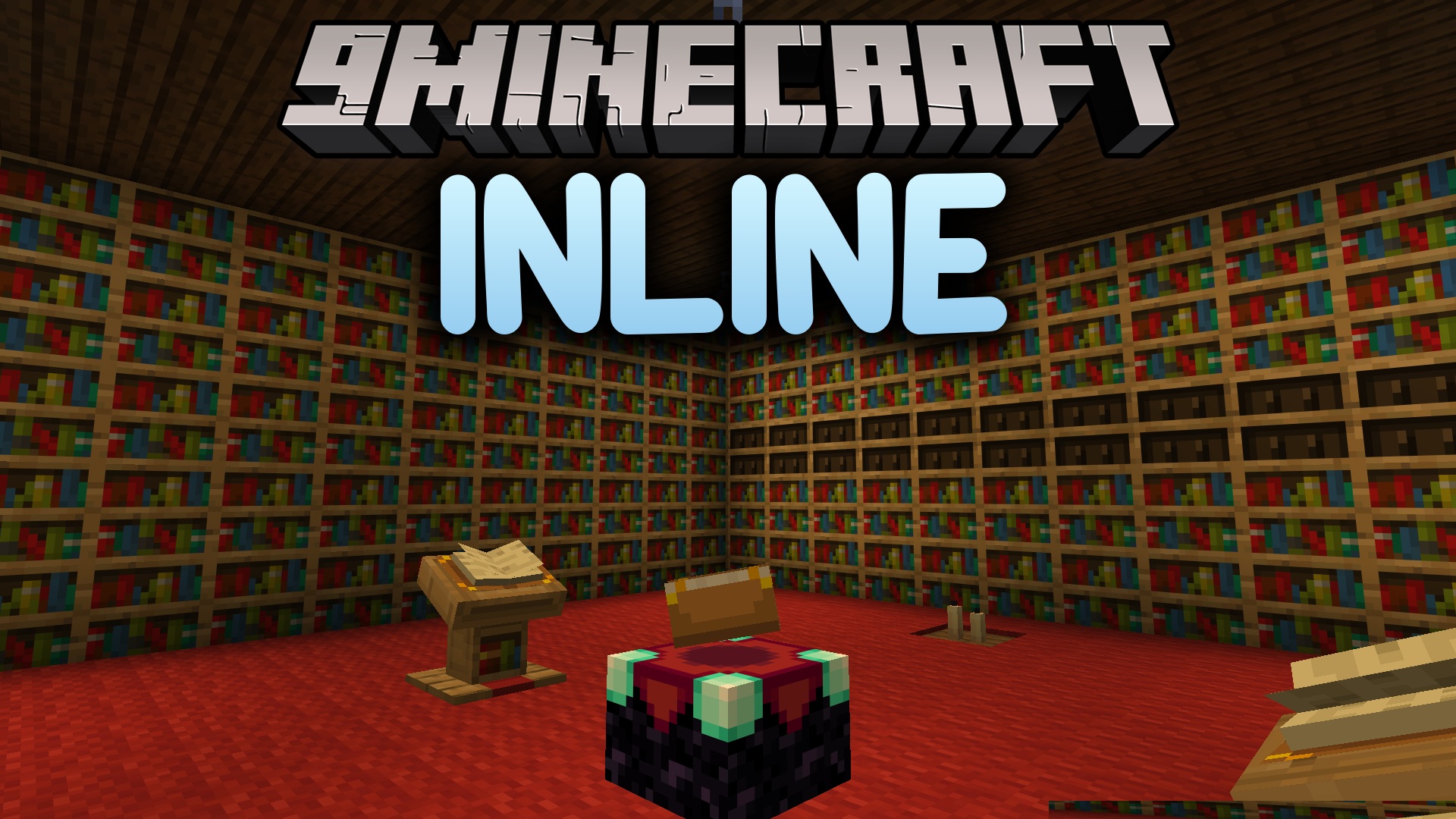
Inline Mod lets you show items, mobs, and icons right inside your text in Minecraft. You can use these special icons in chat messages, on signs, and even on display boards from other mods like Create. This mod adds fun ways to communicate and also works as a tool for other mod developers.
Features:
- Displays items, mobs, player faces, and mod icons directly within text.
- Change the size of the rendered icons to make them smaller or larger.
- Includes a client-side setting to limit the size of rendered messages to prevent spam.
- Works with mods like EMI and REI to automatically add a mod’s icon to its item tooltips.
- Show off the item you are holding in your main hand or off-hand in chat.
- All options can be changed through the in-game settings menu.
How to Use:
- To show an item, type
[item:item_id], for example,[item:diamond_sword]. - To show a mob, type
[entity:mob_id], for example,[entity:pig]. - To show a player’s face, type
[face:username]. - To show an item from your hand, type
[show:hand]or[show:offhand]. - To change the size, replace the colon (
:) with another character. For example, use a comma (,) to make it smaller or a plus sign (+) to make it bigger.
Inline Mod Download Links
For Minecraft 1.21.1, 1.21
Nabric/Quilt Version: Download from Server 1 – Download from Server 2
NeoForge Version: Download from Server 1 – Download from Server 2
For Minecraft 1.20.1, 1.20
Forge/NeoForge Version: Download from Server 1 – Download from Server 2
Nabric/Quilt Version: Download from Server 1 – Download from Server 2
- Edition: Minecraft Java
- File type: .jar
- Minecraft versions listed: 1.21.1, 1.20.1
- How to install: Install the matching mod loader (Forge, Fabric or NeoForge) for your Minecraft version. → Download the .jar. → Put it in the .minecraft/mods folder and launch that loader profile.
- Where to get it: In MC Java Mods, or directly above on this page.
Install steps are the general flow for this file type — How to install Minecraft Java mods & modpacks walks through it step by step.
Inline Mod (1.21.1, 1.20.1) – Make Your Signs and Chat Truly Stand Out is a free Minecraft Java mod. Compatible with Minecraft 1.21.1, 1.20.1. Download it and open it directly in the game.