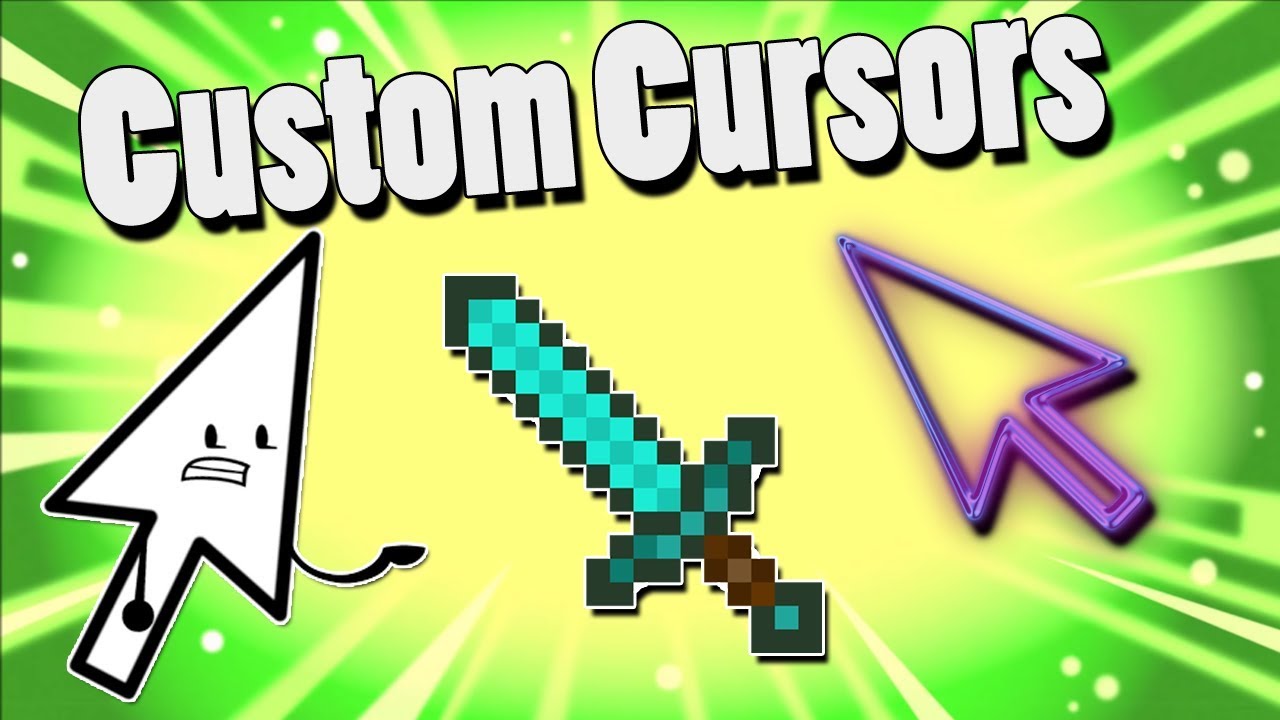
Custom Cursor Mod (1.21.10, 1.20.1) – Change In-Game Cursor
Custom Cursor Mod is a simple mod that let's you personalize your cursor. Upon initial launch, a 'cursor' directory is created to store your custom assets…
⬇ Download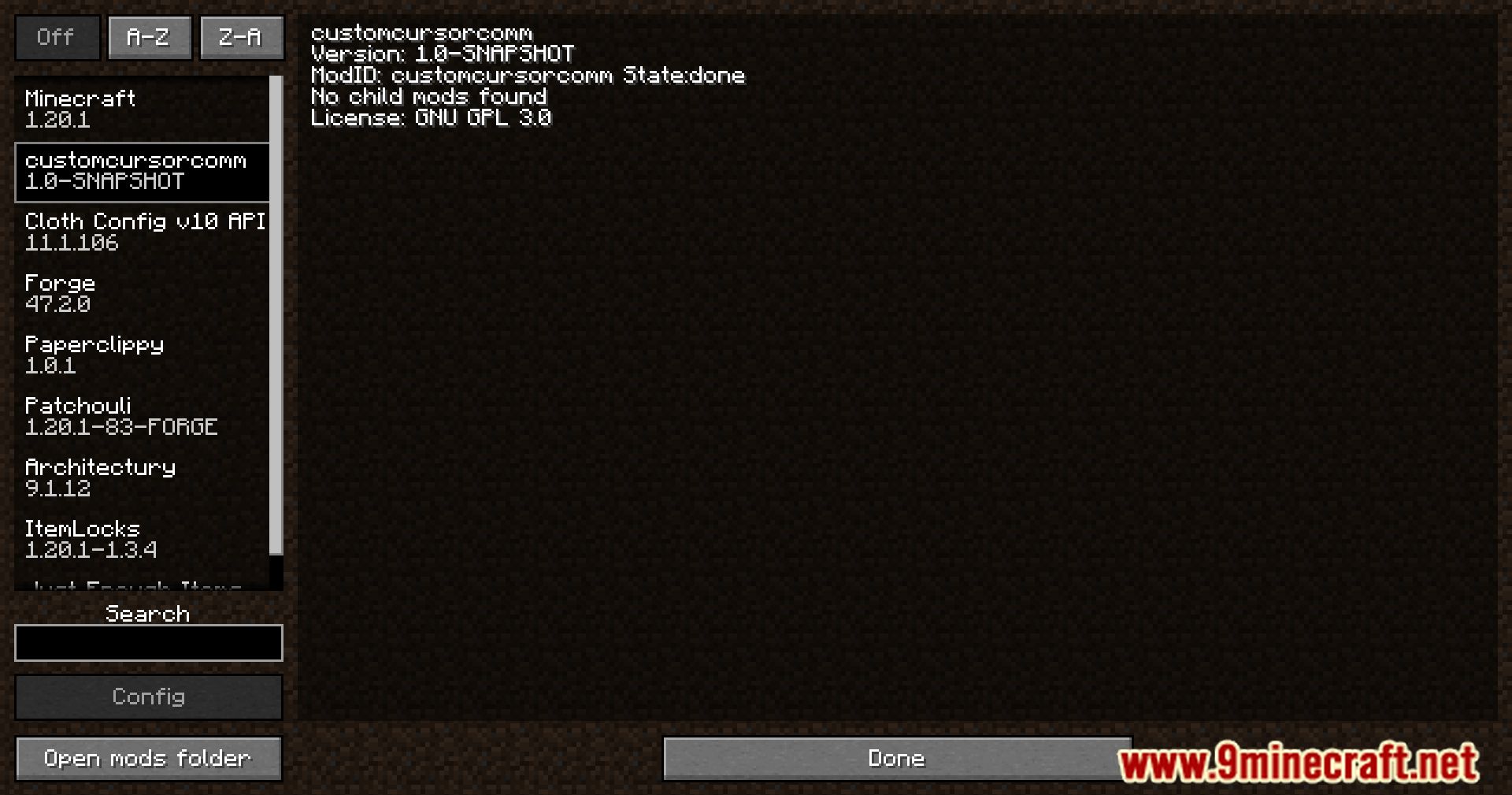
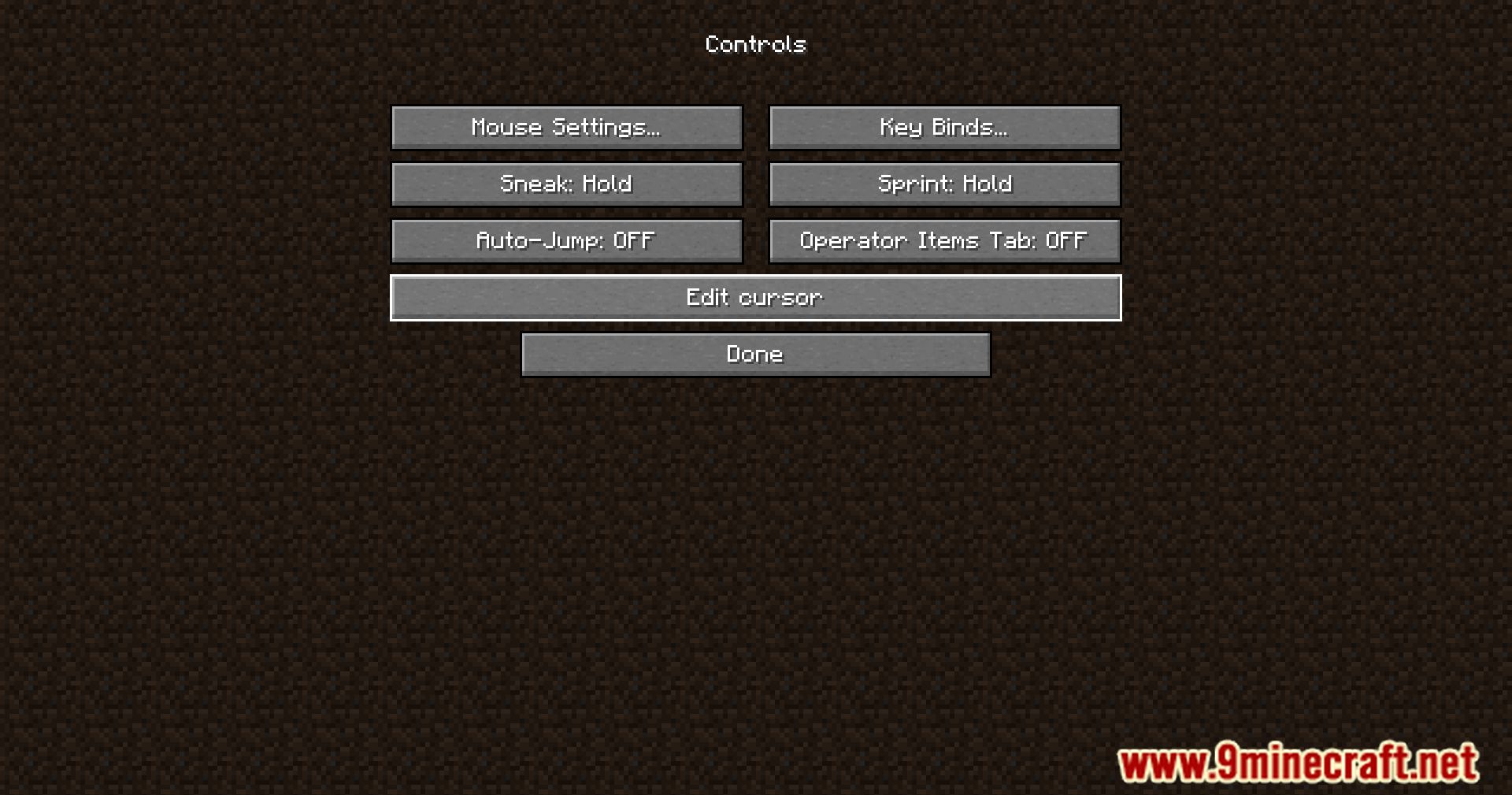
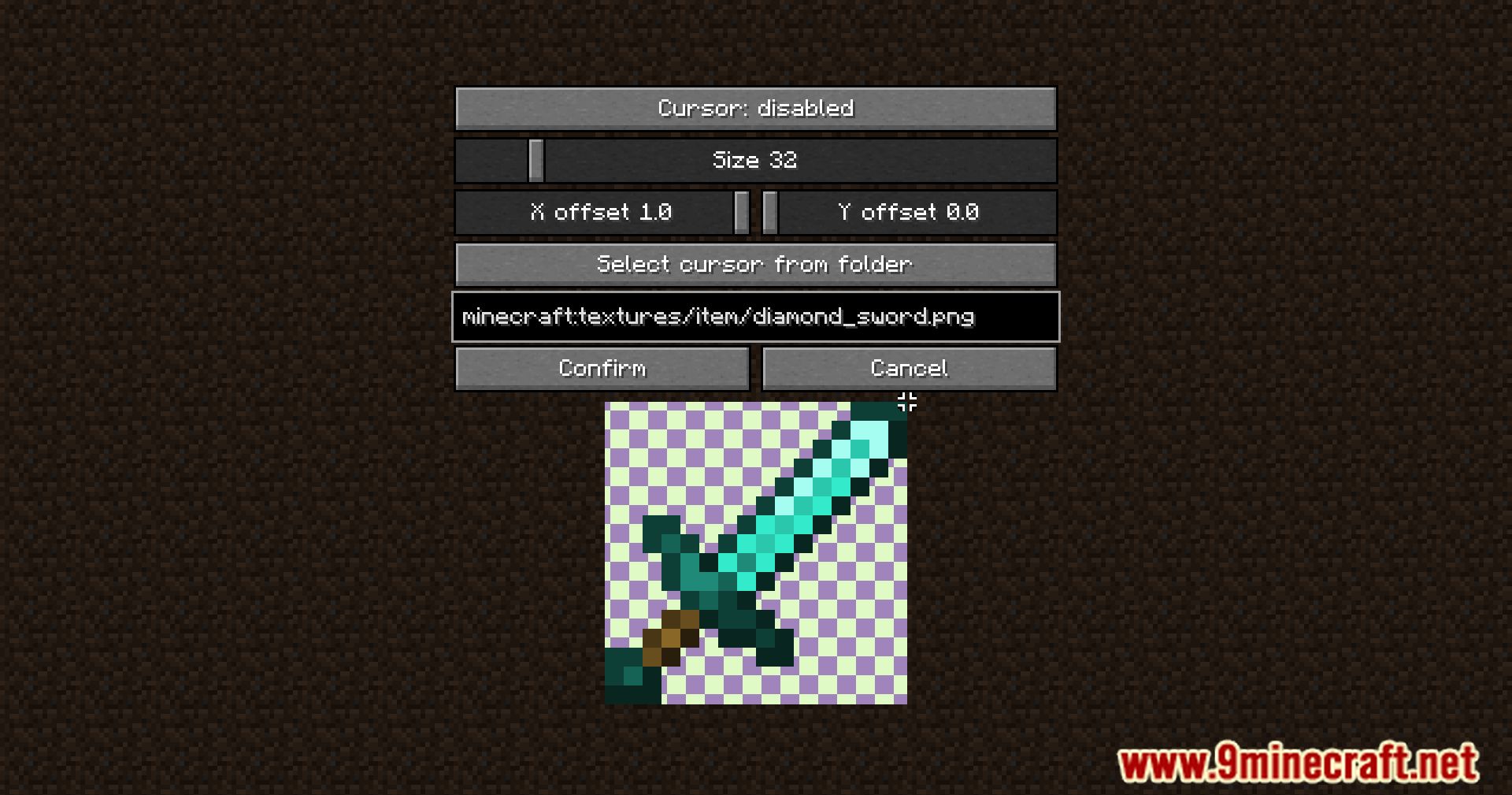
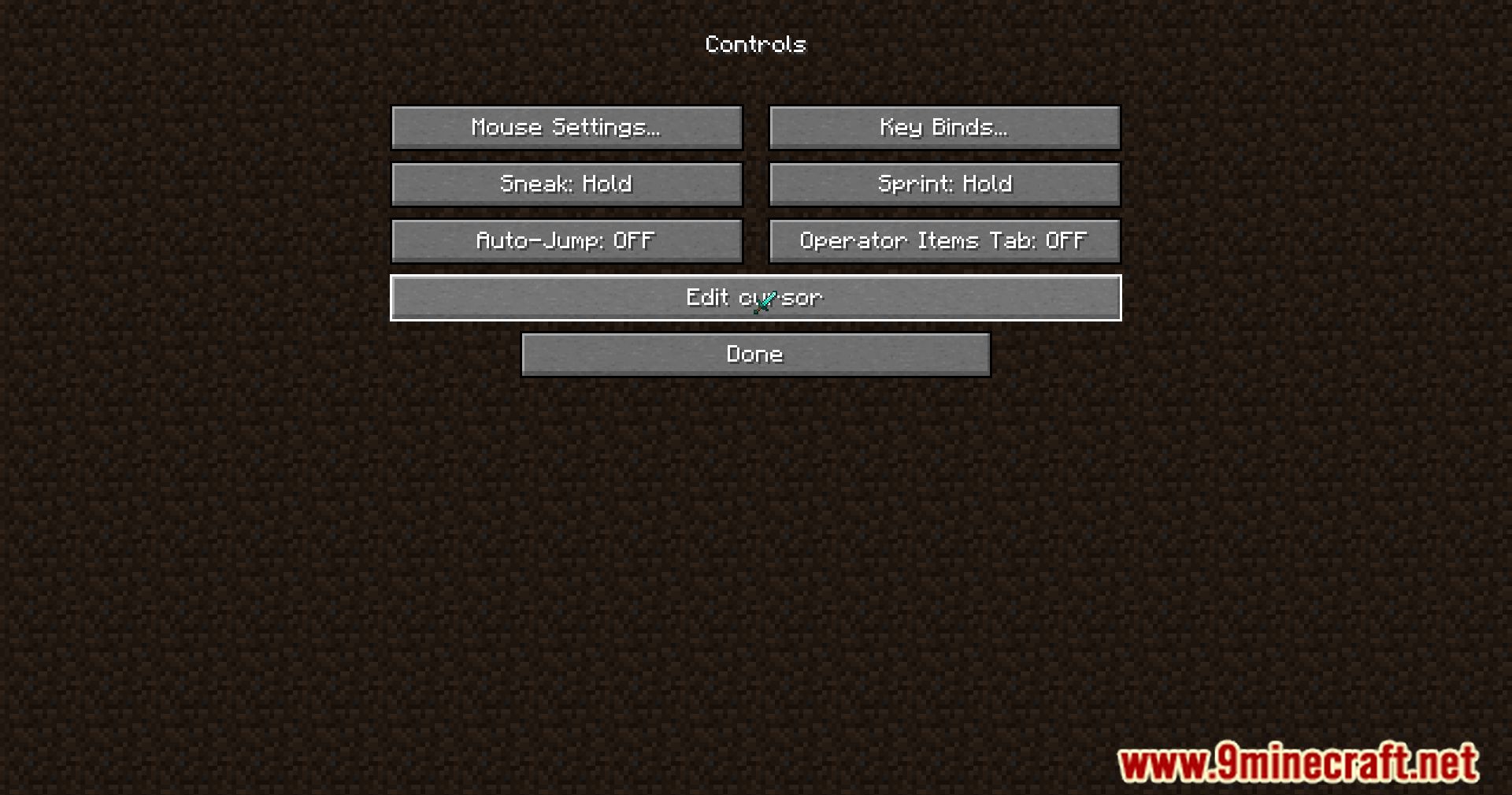
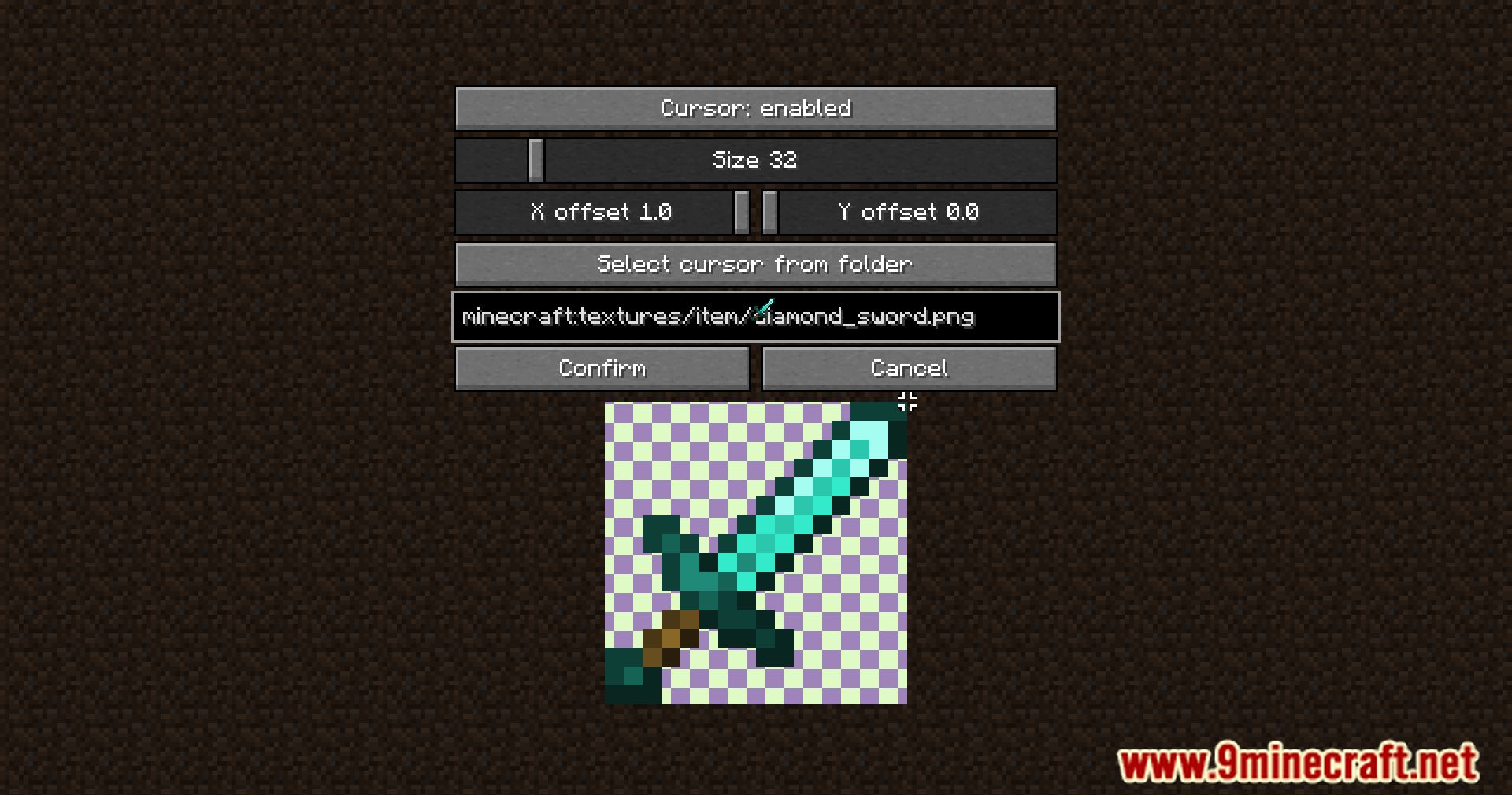
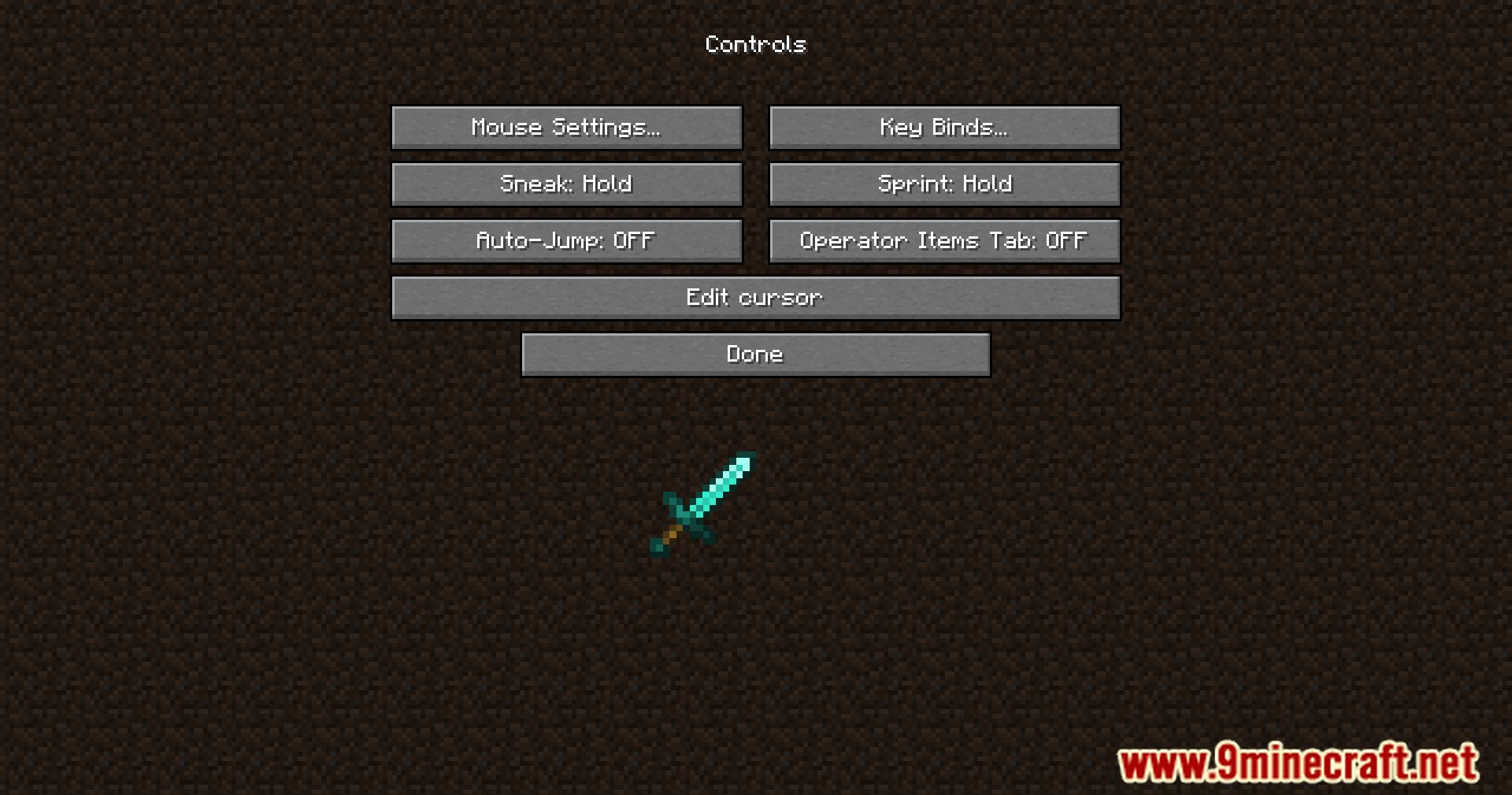
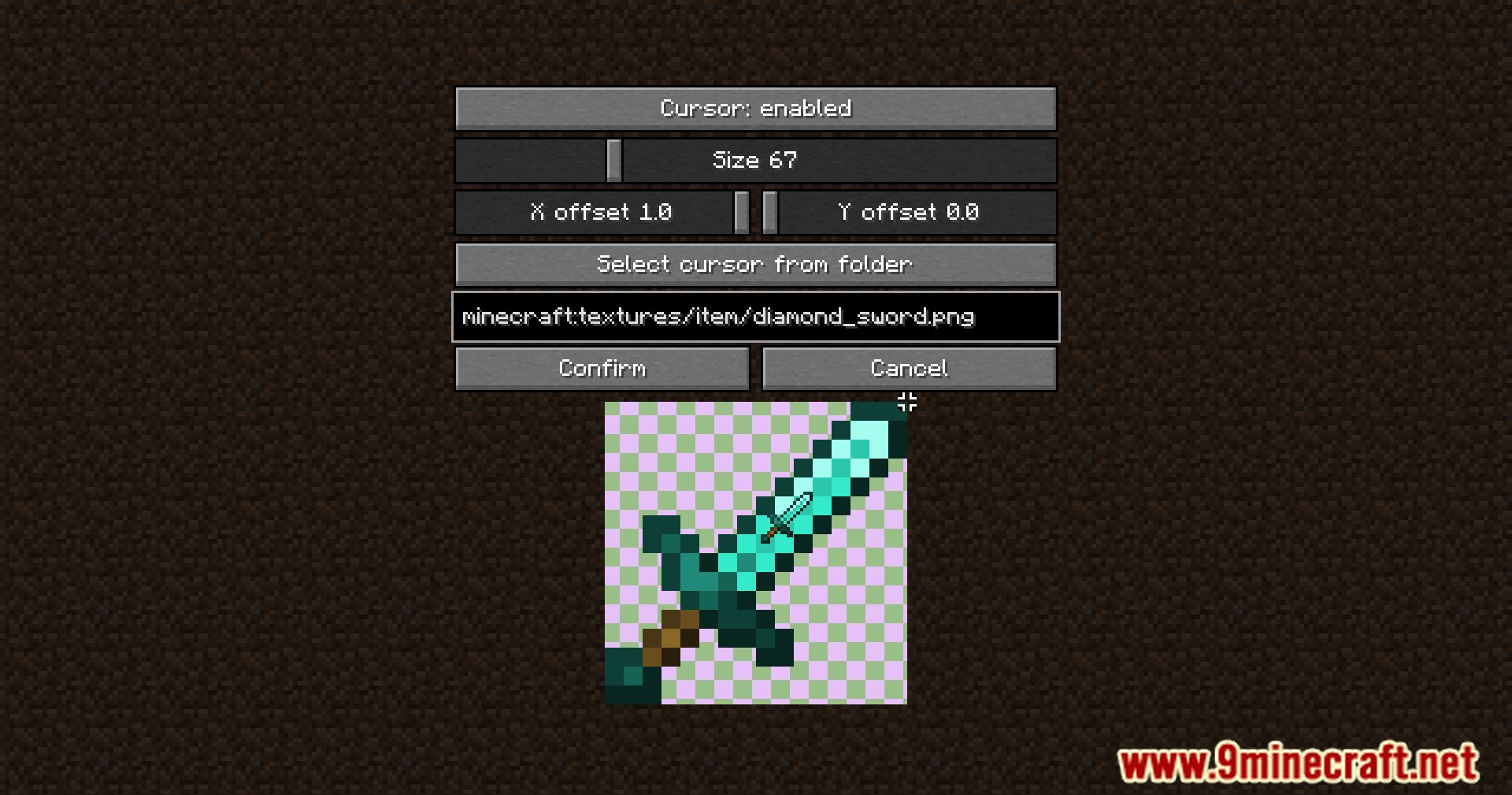
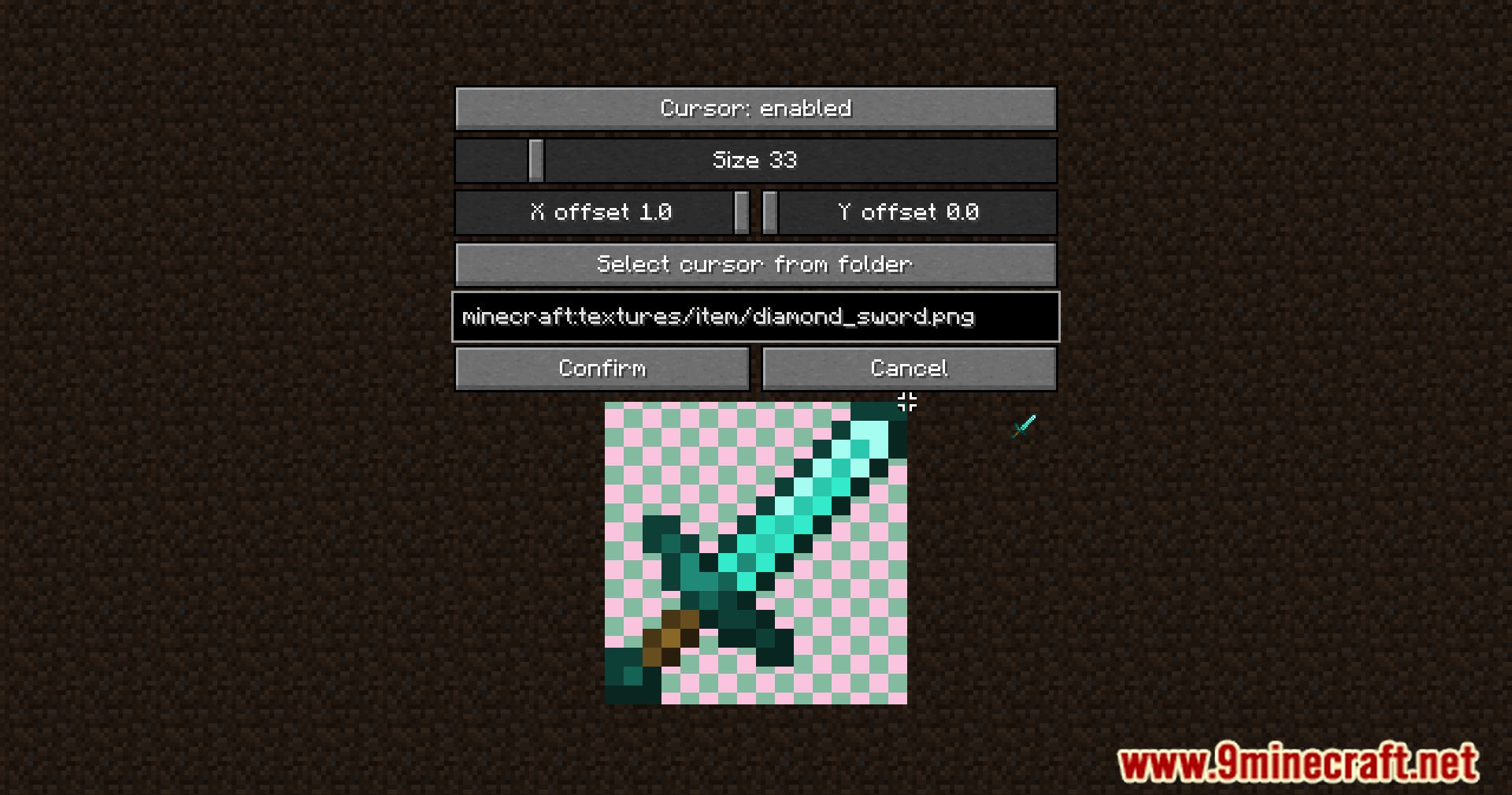
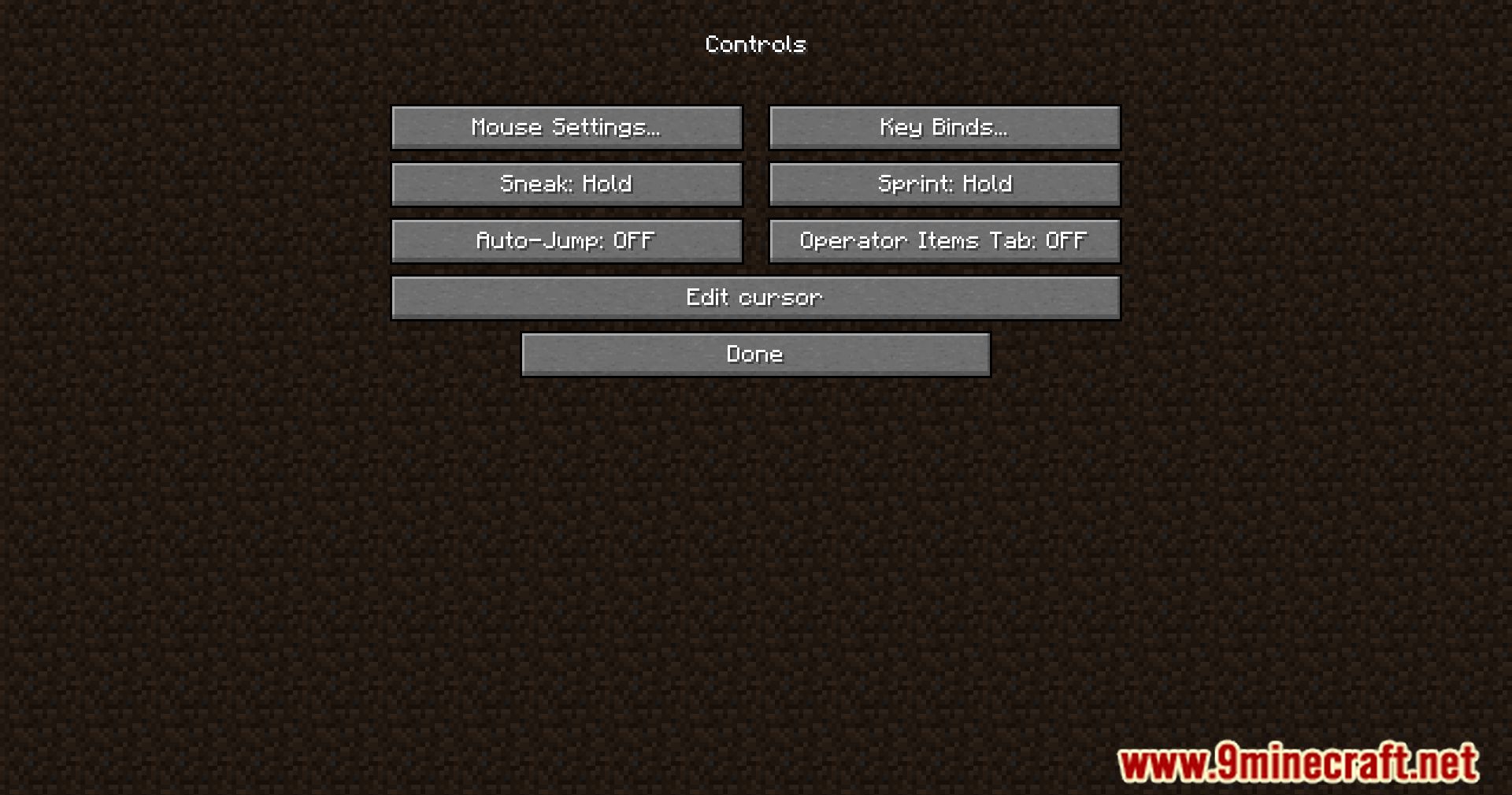
Custom Cursor Mod is a simple mod that let’s you personalize your cursor. Upon initial launch, a ‘cursor’ directory is created to store your custom assets (PNGs only). On the Controls page, you can edit your cursor config directly within the game. You can also place the cursors assets in a resource pack, allowing users to easily disable all custom GUIs as they are localized.
Features:
- You can replace Minecraft’s default cursor with your own PNG image.
- The mod only accepts cursor images in the .png format.
- On the first launch, the mod will automatically create a cursor/ folder in the game’s directory for you to store your custom cursor images.
- You can also place the cursor assets inside a resource pack, allowing you to easily enable or disable them when using multiple customized GUIs.
Configs:
{
"pointer": {
// "Tip" of the mouse
"x": 0.09375,
"y": 0.15625,
// Icon scaling
"size": 40,
// Toggle the mod
"enabled": true,
// Resource Location
"identifier": {
"field_13353": "cursorfolder",
"field_13355": "cursor.png"
}
}
}

The namespace and the path of a resource location should only contain the following symbols:

"0123456789" // Numbers
"abcdefghijklmnopqrstuvwxyz" // Lowercase Letters
"_" // Underscore
"-" // Hyphen/minus
"." // Dot/period
Screenshots:
Custom Cursor Mod Download Links
For Minecraft 1.20.1
Forge Version: Download from Server 1 – Download from Server 2
Fabric Version: Download from Server 1 – Download from Server 2
For Minecraft 1.20.4
Forge Version: Download from Server 1 – Download from Server 2
Fabric Version: Download from Server 1 – Download from Server 2
For Minecraft 1.21.1, 1.21
Fabric Version: Download from Server 1 – Download from Server 2
For Minecraft 1.21.3, 1.21.2
NeoForge Version: Download from Server 1 – Download from Server 2
Fabric Version: Download from Server 1 – Download from Server 2
For Minecraft 1.21.4
NeoForge Version: Download from Server 1 – Download from Server 2
Fabric Version: Download from Server 1 – Download from Server 2
For Minecraft 1.21.5
NeoForge Version: Download from Server 1 – Download from Server 2
Fabric Version: Download from Server 1 – Download from Server 2
For Minecraft 1.21.8, 1.21.7, 1.21.6
NeoForge Version: Download from Server 1 – Download from Server 2
Fabric Version: Download from Server 1 – Download from Server 2
For Minecraft 1.21.8, 1.21.7
NeoForge Version: Download from Server 1 – Download from Server 2
Fabric Version: Download from Server 1 – Download from Server 2
For Minecraft 1.21.10, 1.21.9
NeoForge Version: Download from Server 1 – Download from Server 2
- Edition: Minecraft Java
- File type: .jar
- Minecraft versions listed: 1.21.10, 1.20.1
- How to install: Install the matching mod loader (Forge, Fabric or NeoForge) for your Minecraft version. → Download the .jar. → Put it in the .minecraft/mods folder and launch that loader profile.
- Where to get it: In MC Java Mods, or directly above on this page.
Install steps are the general flow for this file type — How to install Minecraft Java mods & modpacks walks through it step by step.
- Downloads as 176905.mcaddon
- Download size: 78 KB
- Download link checked 25 Jul 2026 — working
- Mirrored on our own servers — the download does not depend on the original host
These come from our own check of the pack file, not from the source page.