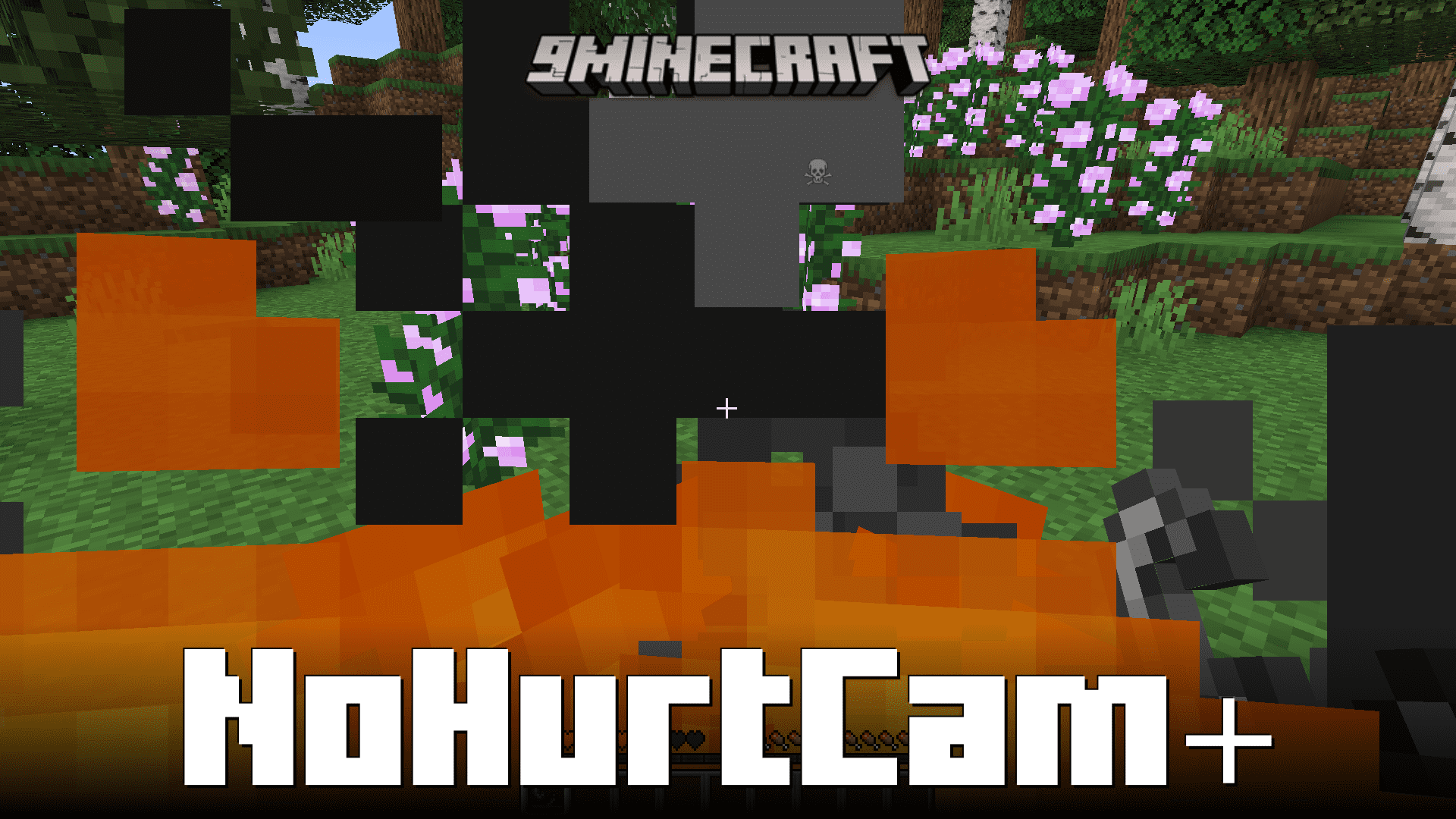
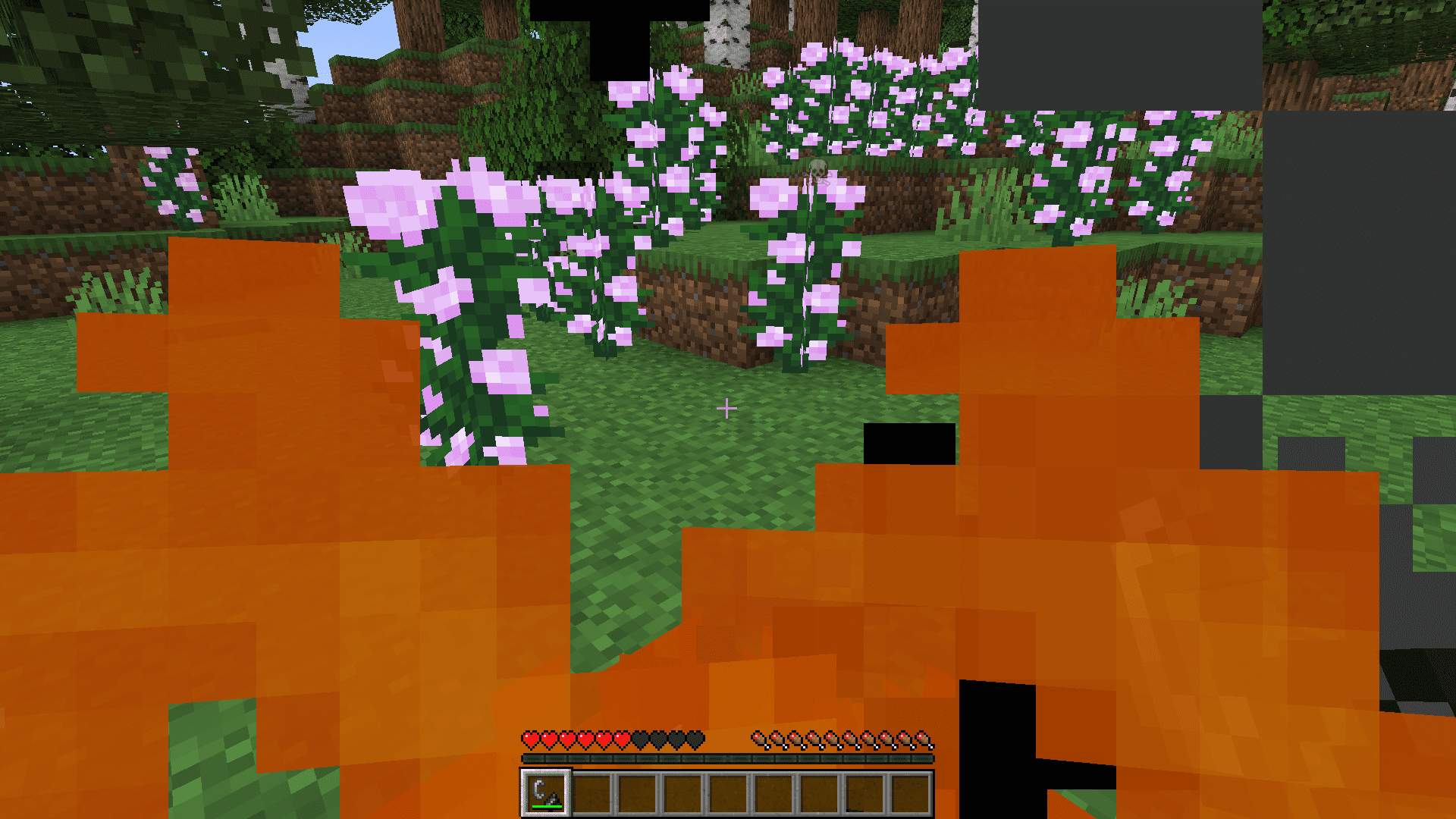
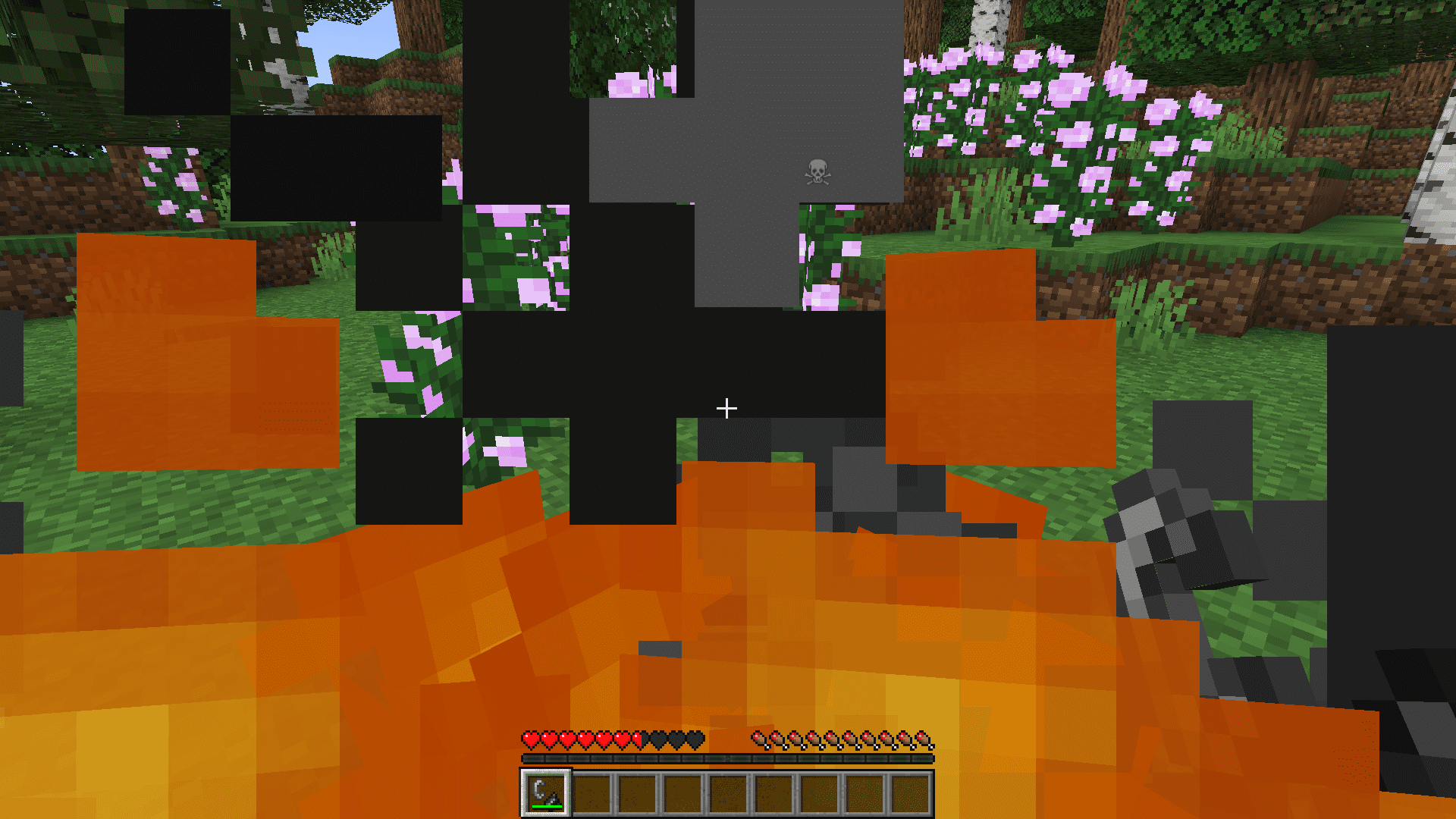
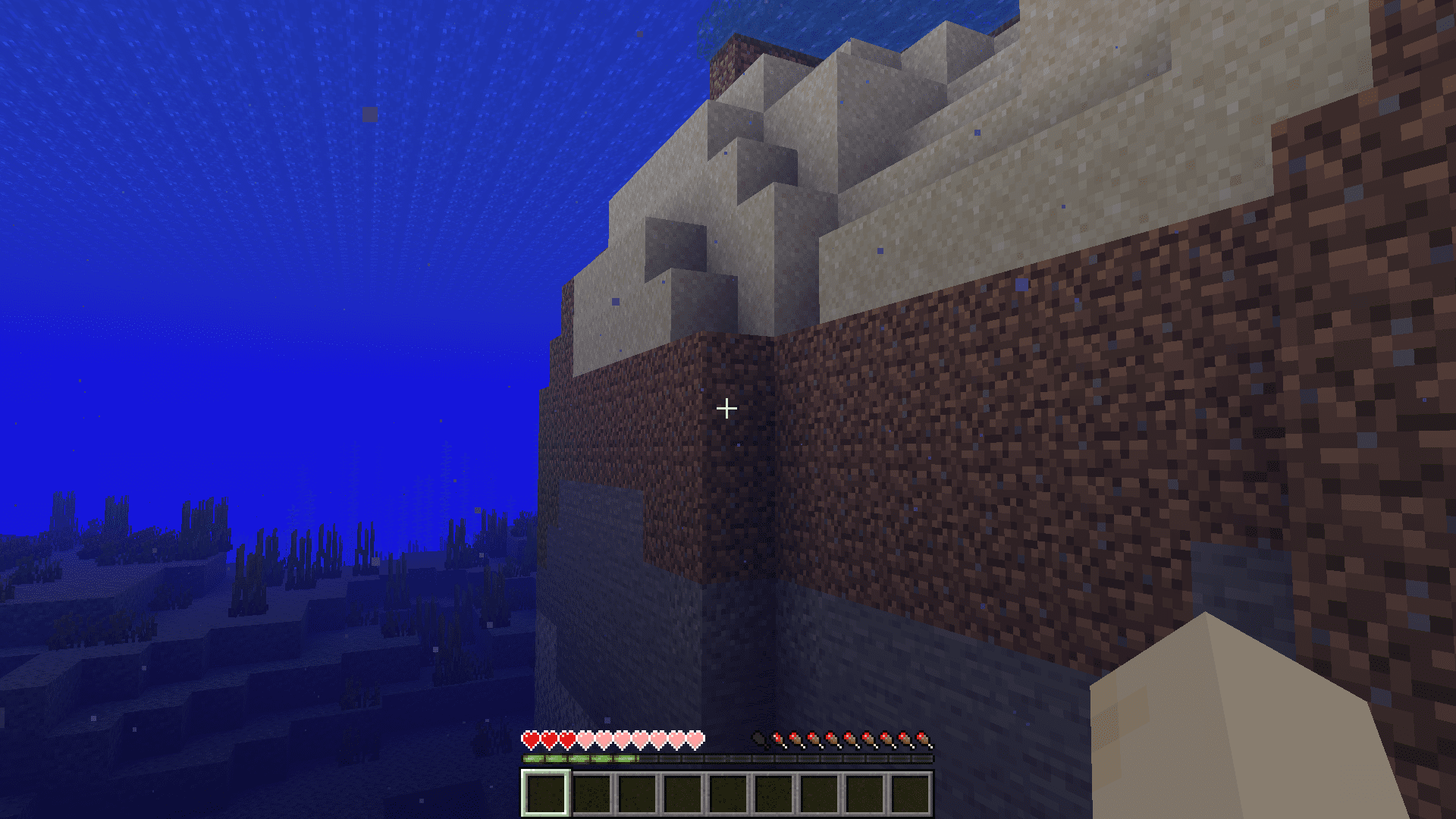
When your Minecraft character takes damage, the screen tends to tilt sharply. This tilt effect is an inconvenience for some, especially when trying to survive some intense situation. NoHurtCam+ Mod allows you to disable this hurtcam manually. You can enable/disable the hurtcam simply at the press of a keybind.
Features:
- Hurtcam Toggle: NoHurtCam+ offers players the ability to instantly toggle the hurtcam feature in Minecraft with the simple press of a keybind. This feature enhances the gaming experience by giving players control over the visual effects that occur when their character takes damage, allowing for smoother and more enjoyable gameplay.
- By eliminating the hurtcam effect when desired, players can maintain better situational awareness and control during intense moments in the game.
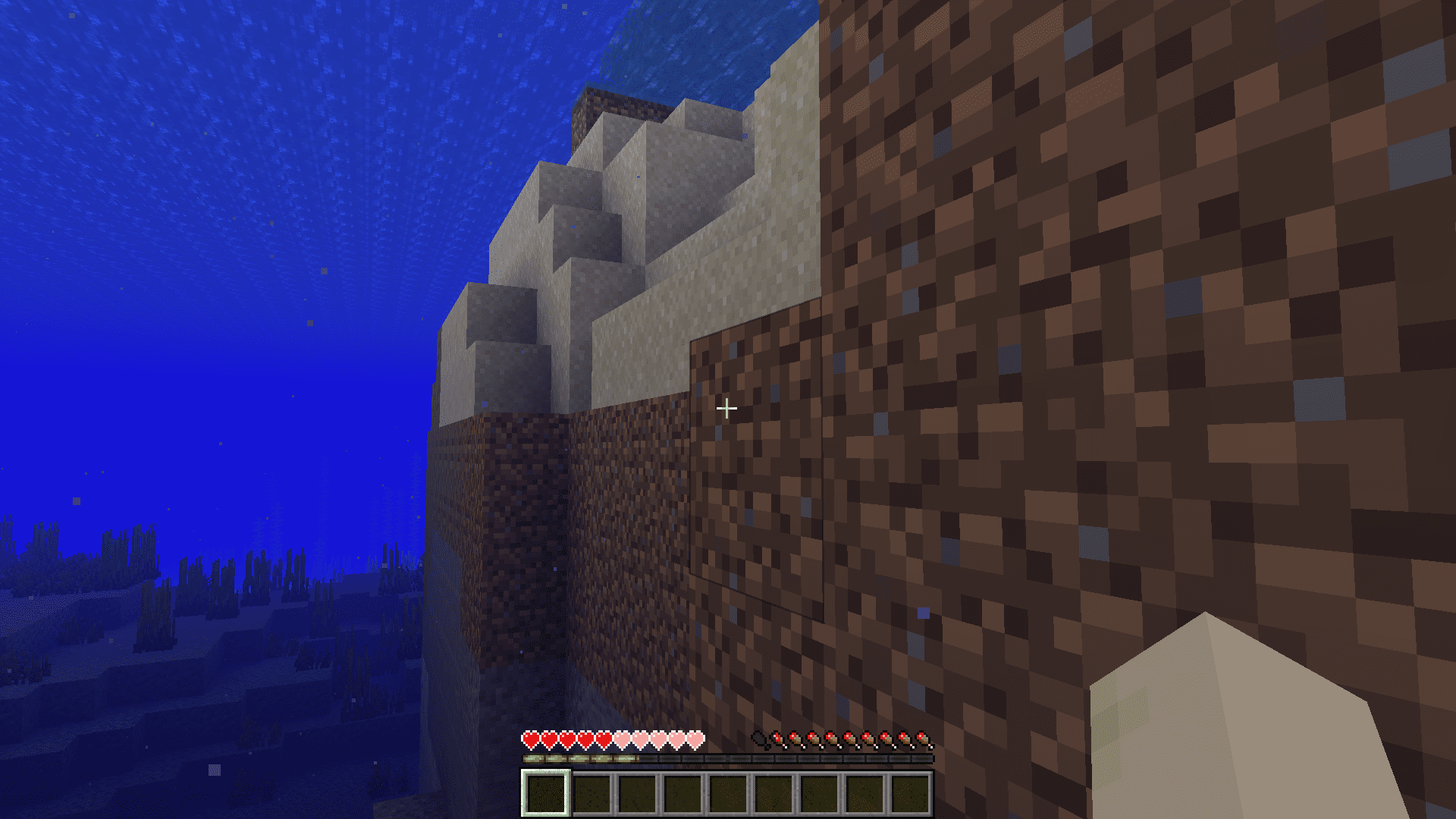
Screenshots:
NoHurtCam+ Mod Download Links
For Minecraft 1.20.2
Fabric version: Download from Server 1 – Download from Server 2
For Minecraft 1.20.1, 1.20
Fabric version: Download from Server 1 – Download from Server 2
For Minecraft 1.19.4, 1.19.2
Fabric version: Download from Server 1 – Download from Server 2
- Edition: Minecraft Java
- File type: .jar
- Minecraft versions listed: 1.20.2, 1.20.1
- How to install: Install the matching mod loader (Forge, Fabric or NeoForge) for your Minecraft version. → Download the .jar. → Put it in the .minecraft/mods folder and launch that loader profile.
- Where to get it: In MC Java Mods, or directly above on this page.
Install steps are the general flow for this file type — How to install Minecraft Java mods & modpacks walks through it step by step.
NoHurtCam+ Mod (1.20.2, 1.20.1) – Disable Hurtcam Using a Keybind is a free Minecraft Java mod. Compatible with Minecraft 1.20.2, 1.20.1. Download it and open it directly in the game.