Music Sync Mod (1.21.10, 1.20.1) – Synchronizes Music For Everyone
Java mod listed for Minecraft 1.20–1.21. Downloads from the MC Java Mods app on Android.
⬇ Download
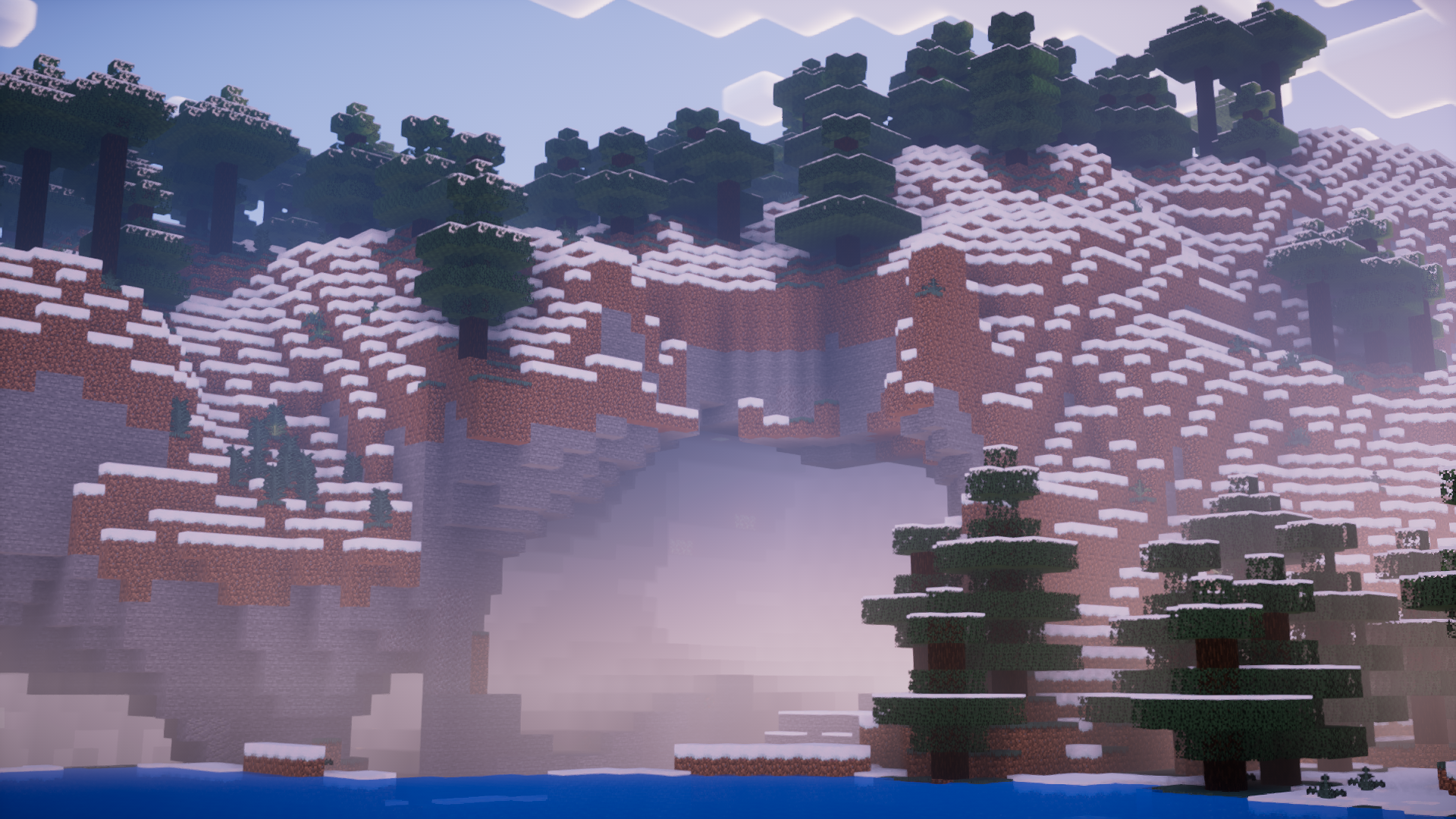
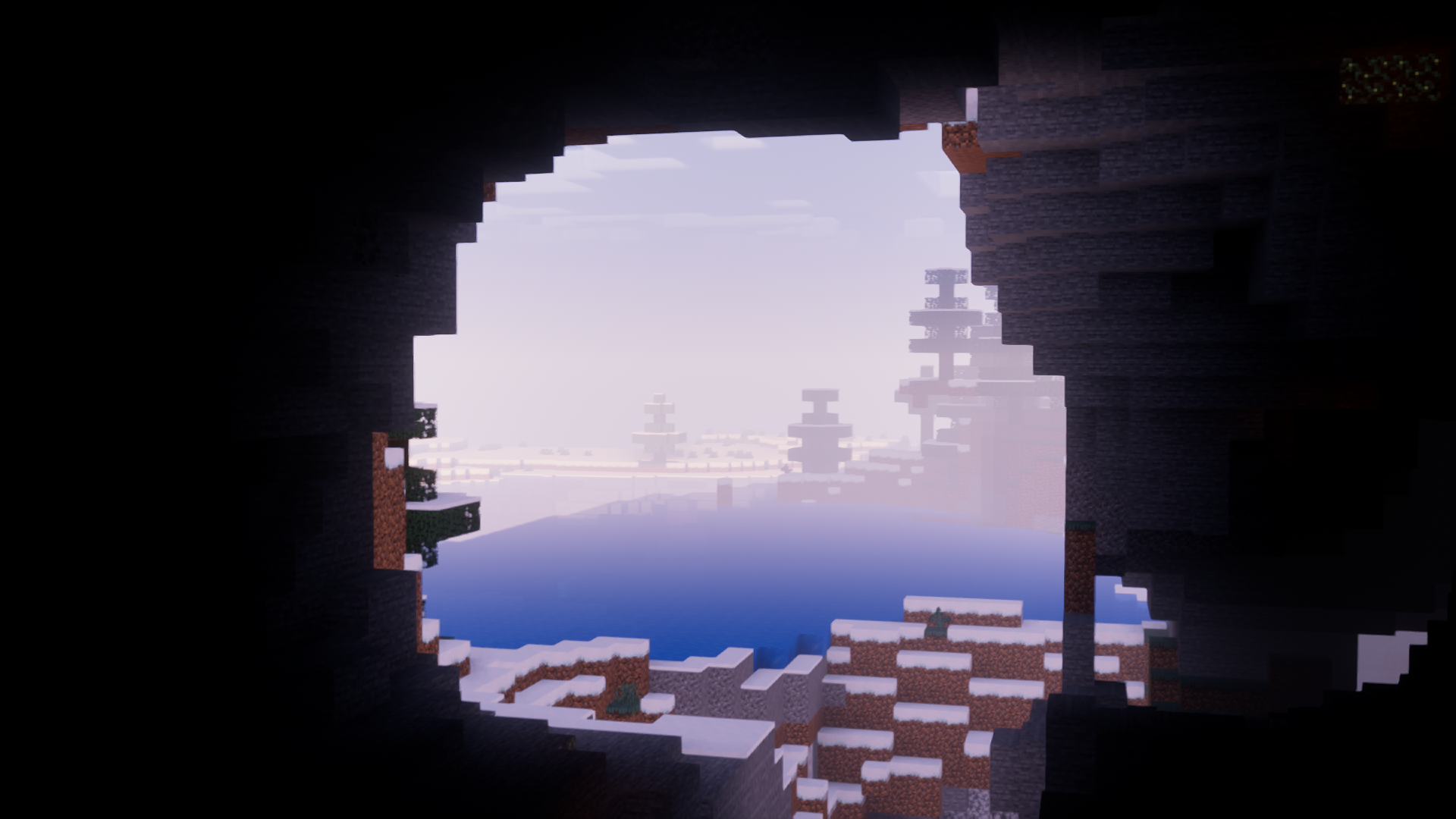
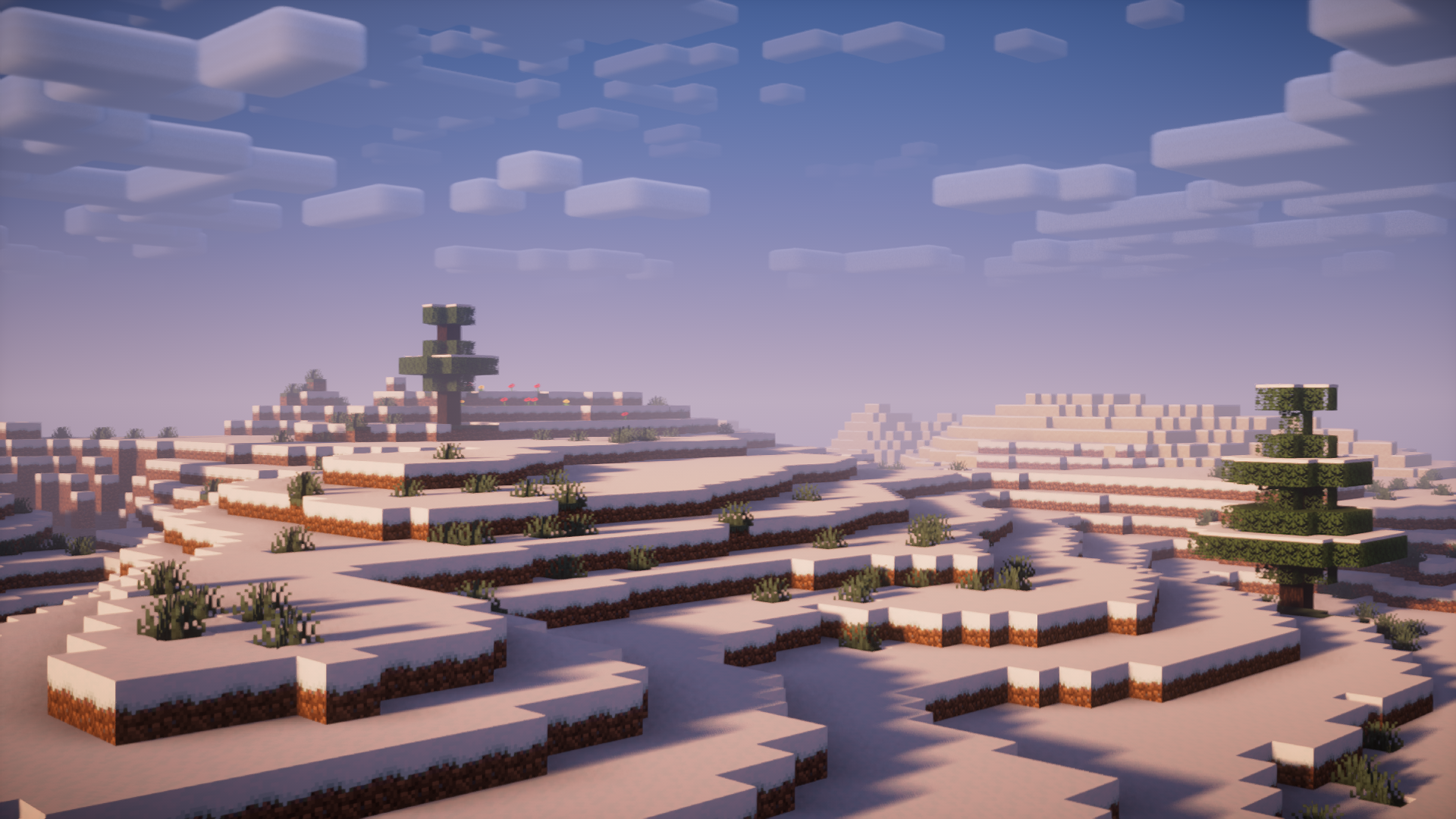
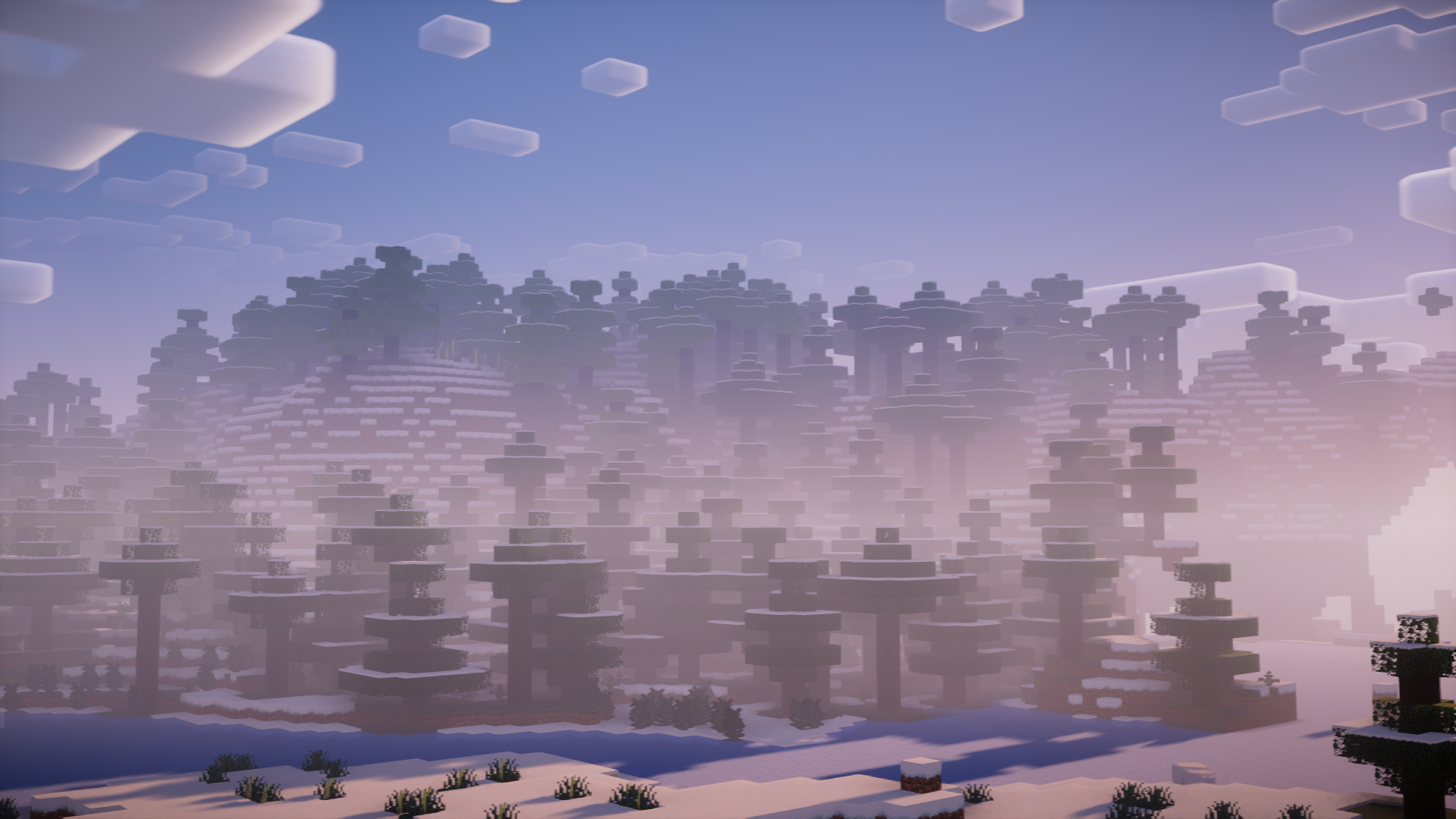
In Minecraft, when you play on a server, the game runs on two different levels – Server side and Client Side. The server side determines all activities on the server that affect all players. On the other hand, the client side manages activities that only affect individual players. This includes features like resource packs, shaders and even in-game music. The in-game music being a client side activity makes it so that all players on a server will have different in-game music playing for them at an instance. Music Sync Mod , as the name suggests, is here to make it so that all players on a server will have the same in-game music playing. The Dragon fight & Credits scene music has higher priority, so that the experience will not be obstructed.
Features:
- Synchronizes the in-game music for all players on the server.
- The Dragon fight & Credits scene music has higher priority.
- Resource pack support for those who add custom Minecraft music.
- Server & client-side.
Screenshots:
Music Sync Mod Download Links
For Minecraft 1.21.10, 1.21.9
Fabric version: Download from Server 1 – Download from Server 2
For Minecraft 1.21.8, 1.21.7, 1.21.6
Fabric version: Download from Server 1 – Download from Server 2
For Minecraft 1.21.5
Fabric version: Download from Server 1 – Download from Server 2
For Minecraft 1.21.4
Fabric version: Download from Server 1 – Download from Server 2
For Minecraft 1.21.3, 1.21.2
Fabric version: Download from Server 1 – Download from Server 2
For Minecraft 1.21.1, 1.21
Fabric version: Download from Server 1 – Download from Server 2
For Minecraft 1.20.6
Fabric version: Download from Server 1 – Download from Server 2
For Minecraft 1.20.1
Fabric version: Download from Server 1 – Download from Server 2
For Minecraft 1.19.4, 1.19.2
Fabric version: Download from Server 1 – Download from Server 2
For Minecraft 1.18.2
Fabric version: Download from Server 1 – Download from Server 2
For Minecraft 1.17.1
Fabric version: Download from Server 1 – Download from Server 2
For Minecraft 1.16.5
Fabric version: Download from Server 1 – Download from Server 2
- Edition: Minecraft Java
- File type: .jar
- Minecraft versions listed: 1.21.10, 1.20.1
- How to install: Install the matching mod loader (Forge, Fabric or NeoForge) for your Minecraft version. → Download the .jar. → Put it in the .minecraft/mods folder and launch that loader profile.
- Where to get it: In MC Java Mods, or directly above on this page.
Install steps are the general flow for this file type — How to install Minecraft Java mods & modpacks walks through it step by step.
- Downloads as 176916.mcaddon
- Download size: 29 KB
- Download link checked 25 Jul 2026 — working
- Mirrored on our own servers — the download does not depend on the original host
These come from our own check of the pack file, not from the source page.