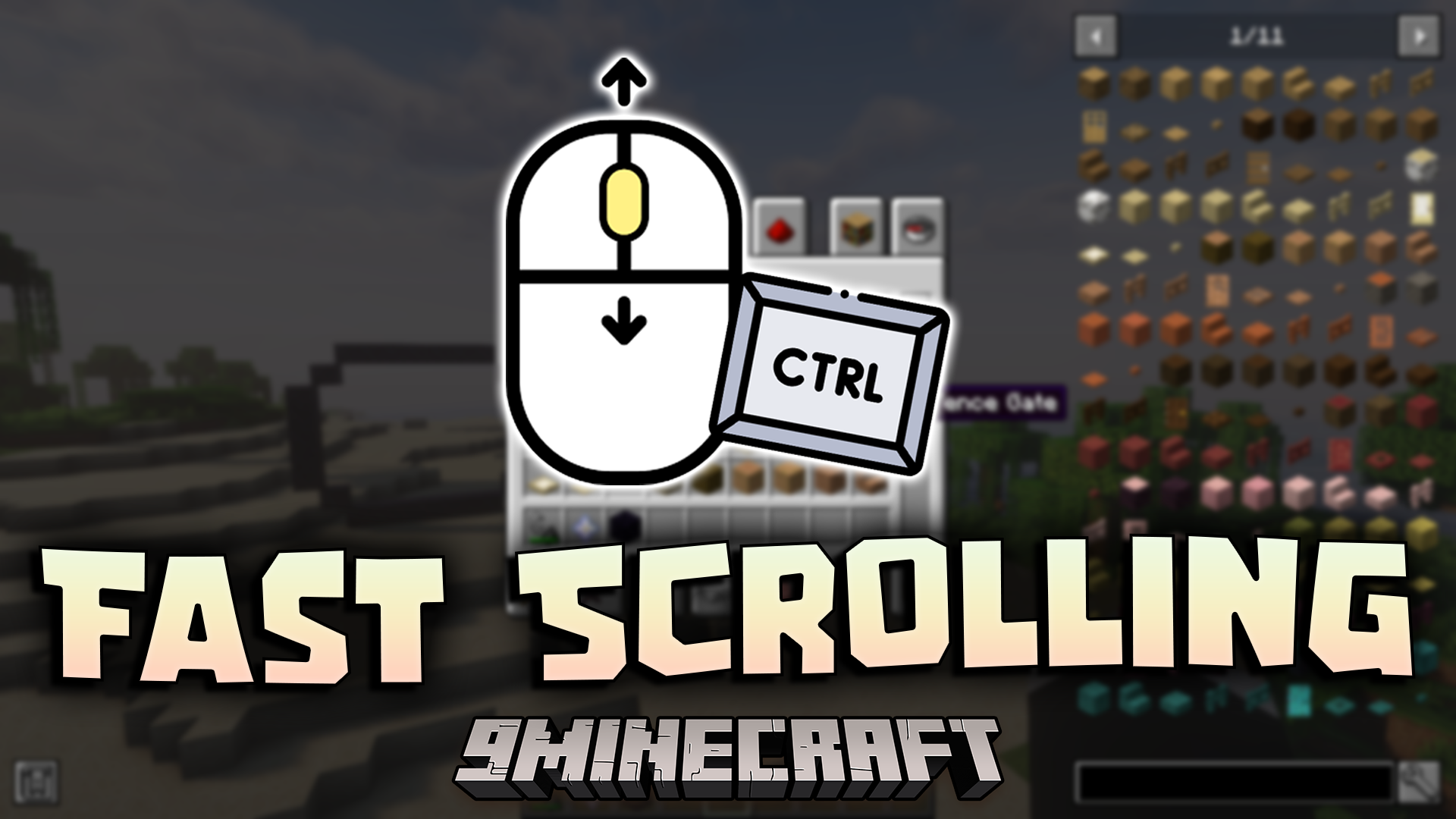
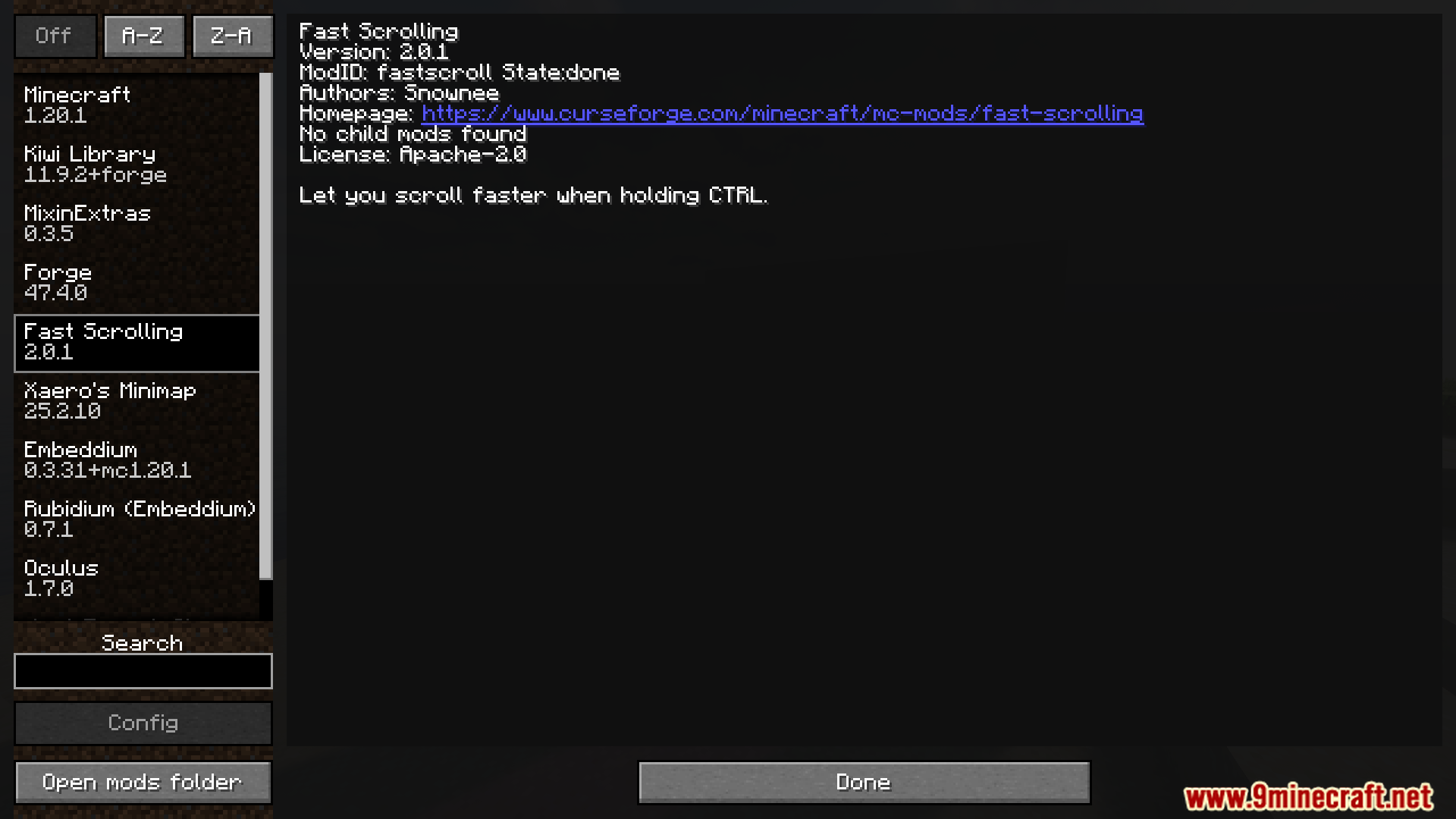
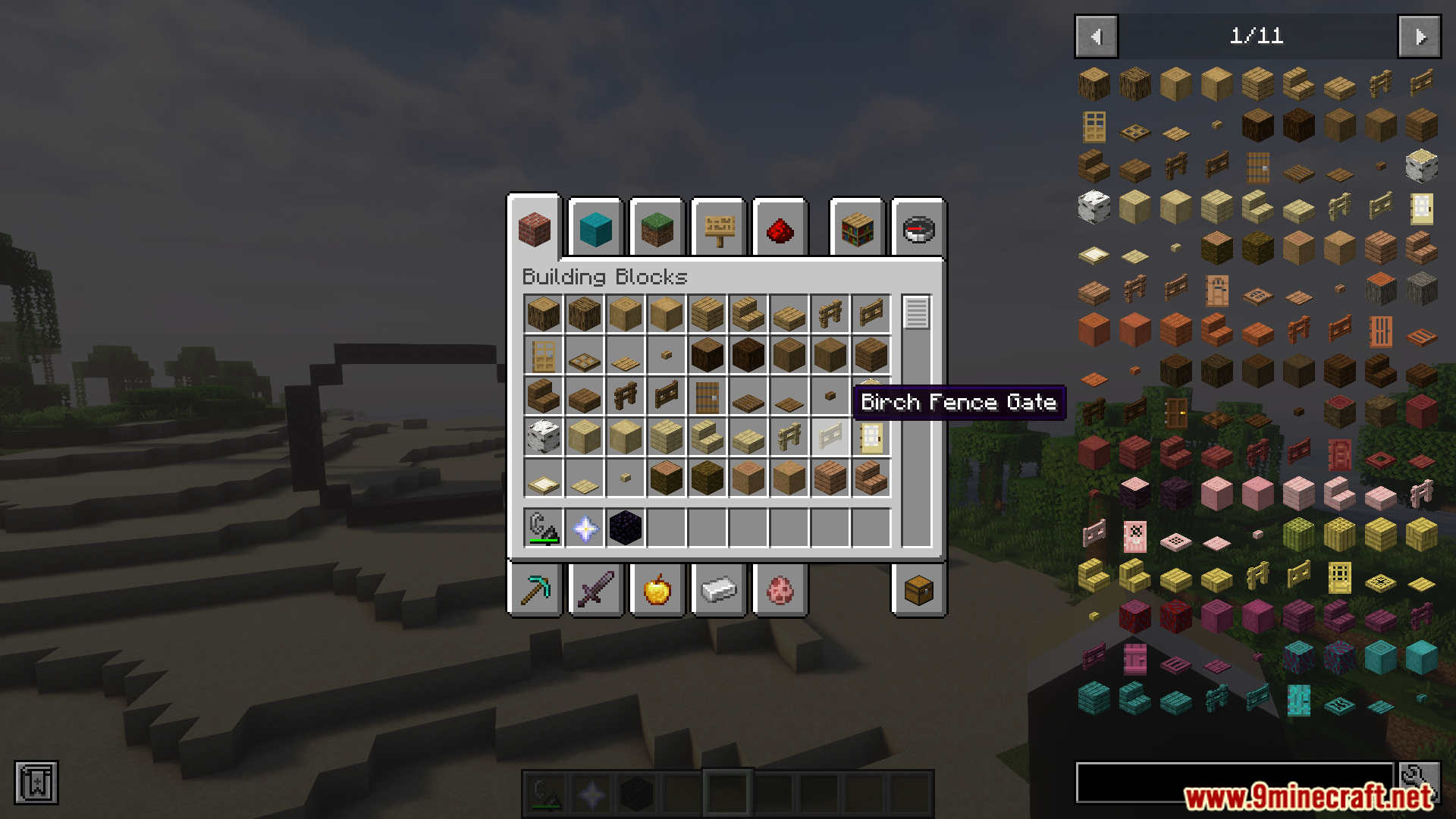
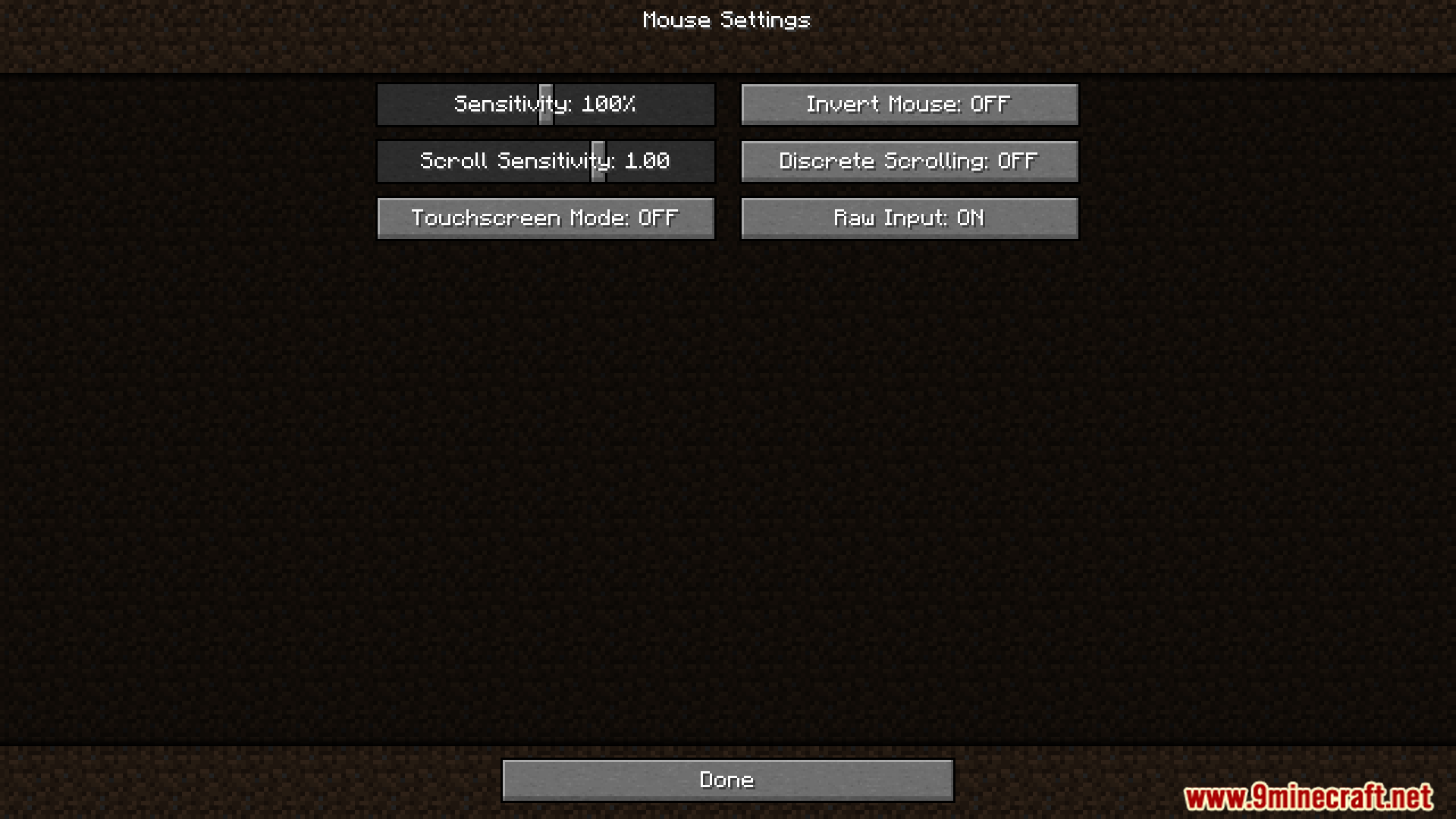
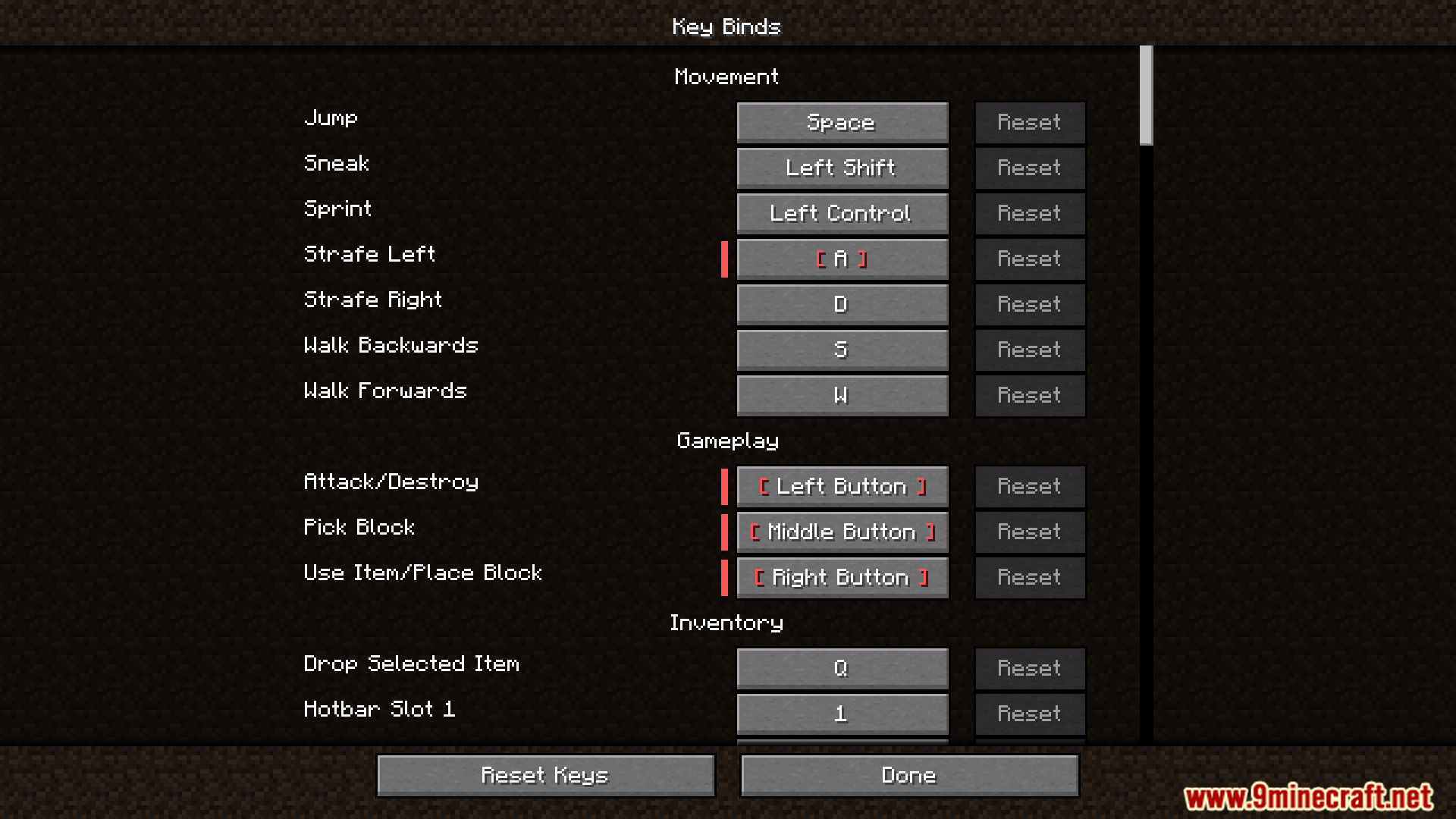

Fast Scrolling Mod lets you scroll through lists and menus four times faster. To speed up, just hold down the CTRL key while you scroll. This is a simple change that saves you a lot of time and makes navigating big inventories much easier on your fingers.
Features:
- Scroll four times faster by holding the CTRL key.
- Works with most screens and menus, including those from other mods.
- Saves time when looking through large inventories or long lists.
- Helps make scrolling less tiring for your fingers.
How to Use:
- Press and hold the CTRL key on your keyboard.
- While holding the key, use your mouse wheel to scroll.
- Your scrolling speed will now be four times faster.
Screenshots:

Fast Scrolling Mod Download Links
For Minecraft 1.21.1, 1.21
Fabric/Quilt/NeoForge version: Download from Server 1 – Download from Server 2
For Minecraft 1.20.1, 1.20
Forge/Fabric/Quilt version: Download from Server 1 – Download from Server 2
Quick facts
- Edition: Minecraft Java
- File type: .jar
- Minecraft versions listed: 1.21.1, 1.20.1
- How to install: Install the matching mod loader (Forge, Fabric or NeoForge) for your Minecraft version. → Download the .jar. → Put it in the .minecraft/mods folder and launch that loader profile.
- Where to get it: In MC Java Mods, or directly above on this page.
Install steps are the general flow for this file type — How to install Minecraft Java mods & modpacks walks through it step by step.
Verified by MCModsHub
- Downloads as 176935.mcaddon
- Download size: 1 KB
- Download link checked 25 Jul 2026 — working
- Mirrored on our own servers — the download does not depend on the original host
These come from our own check of the pack file, not from the source page.