
ModsJava
Happy Ghast Mod (1.21.1, 1.20.1) – Soar the Skies on a Ghast
Java mod listed for Minecraft 1.20–1.21. Downloads from the MC Java Mods app on Android.
⬇ Download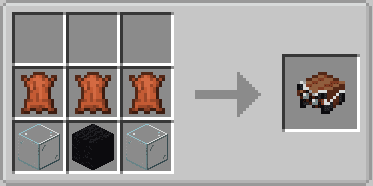
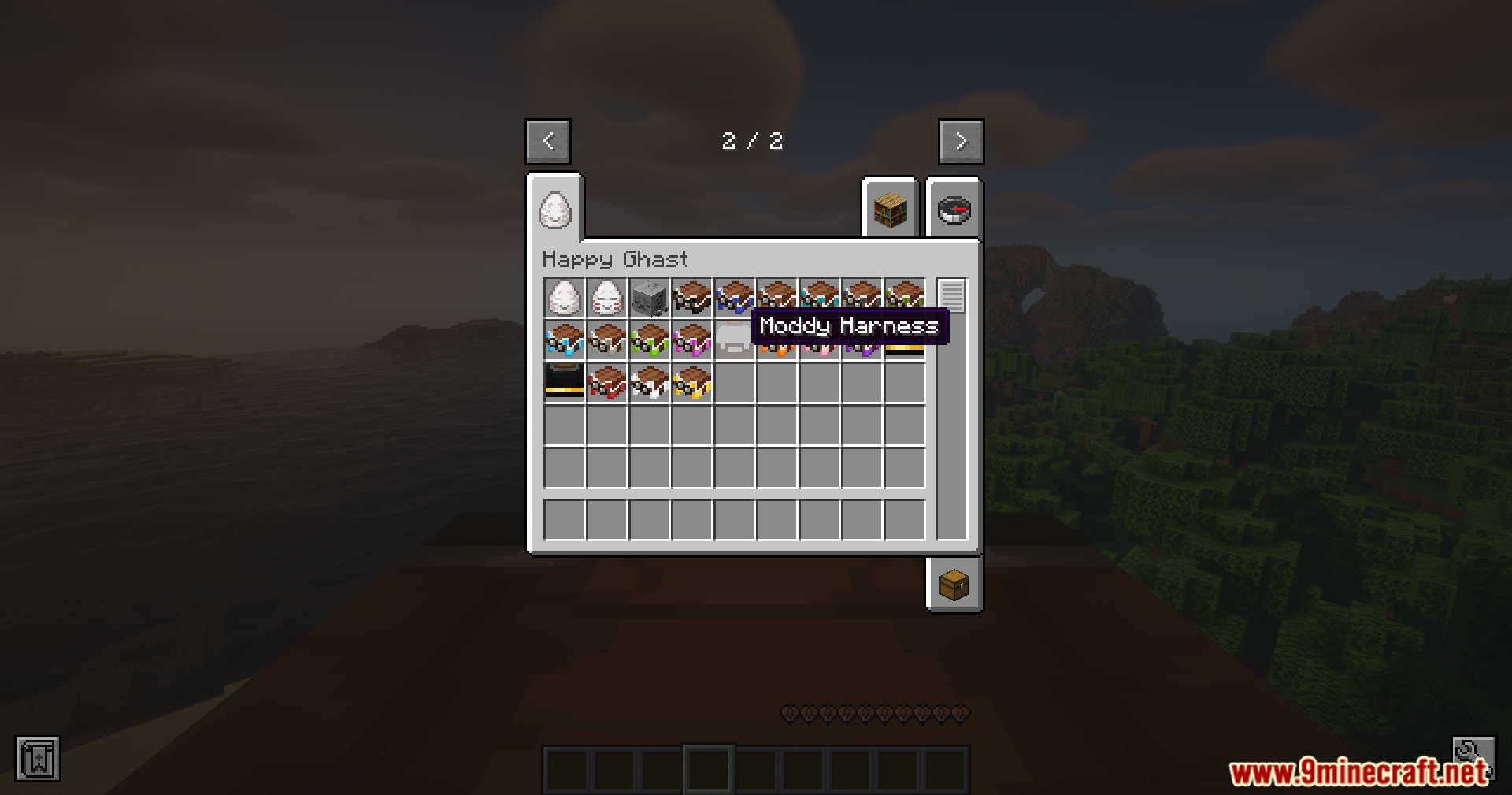

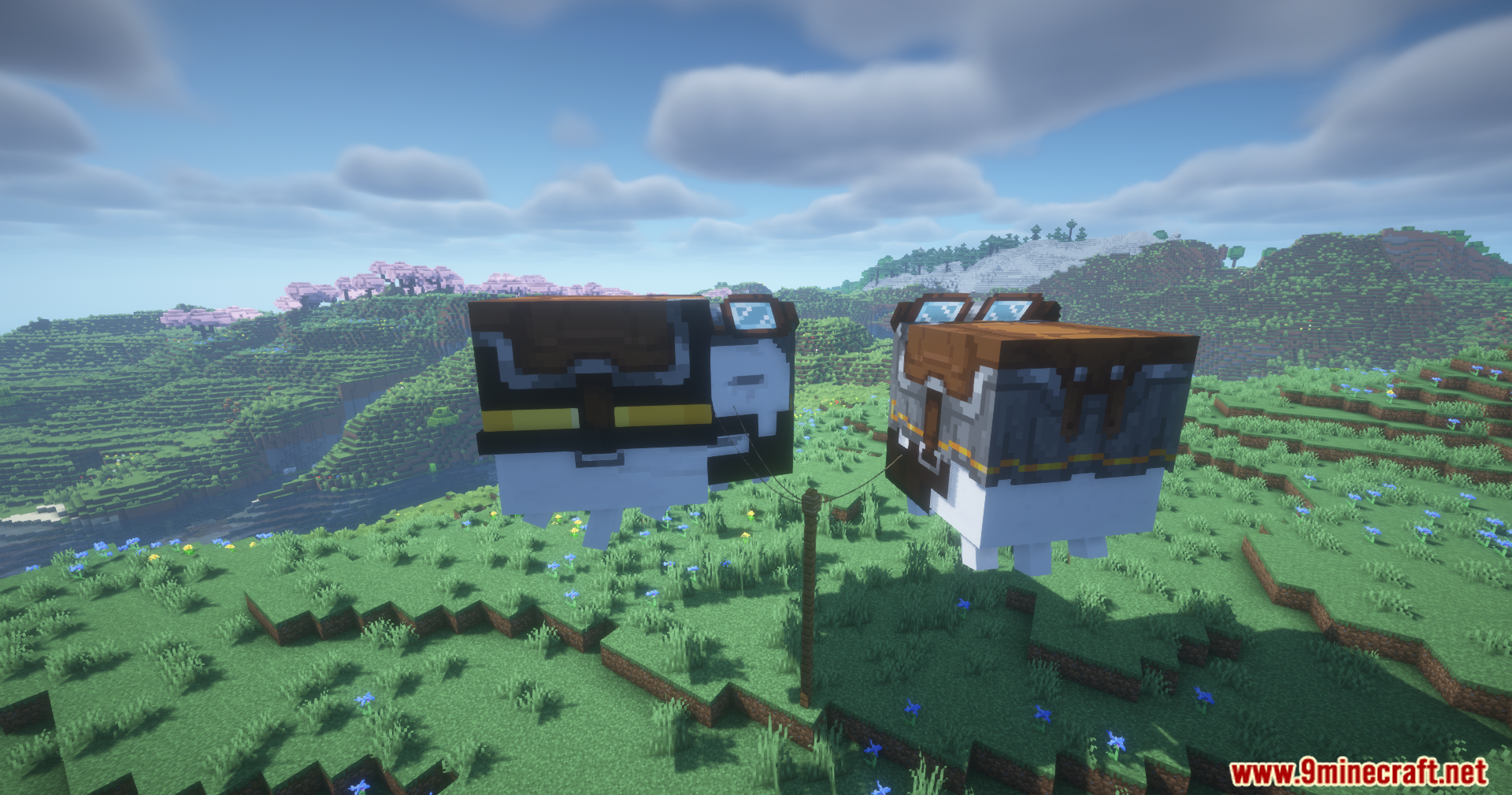
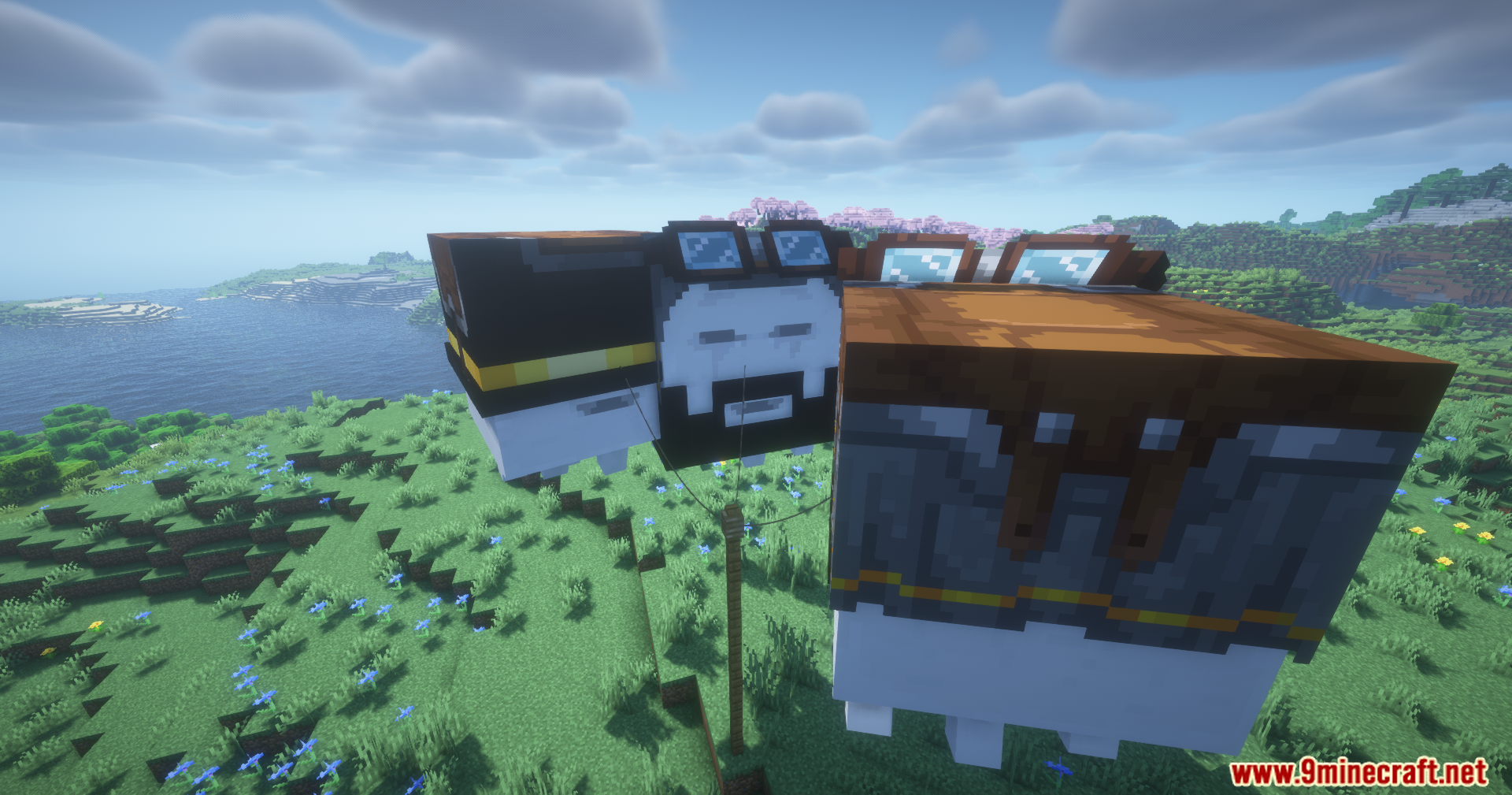
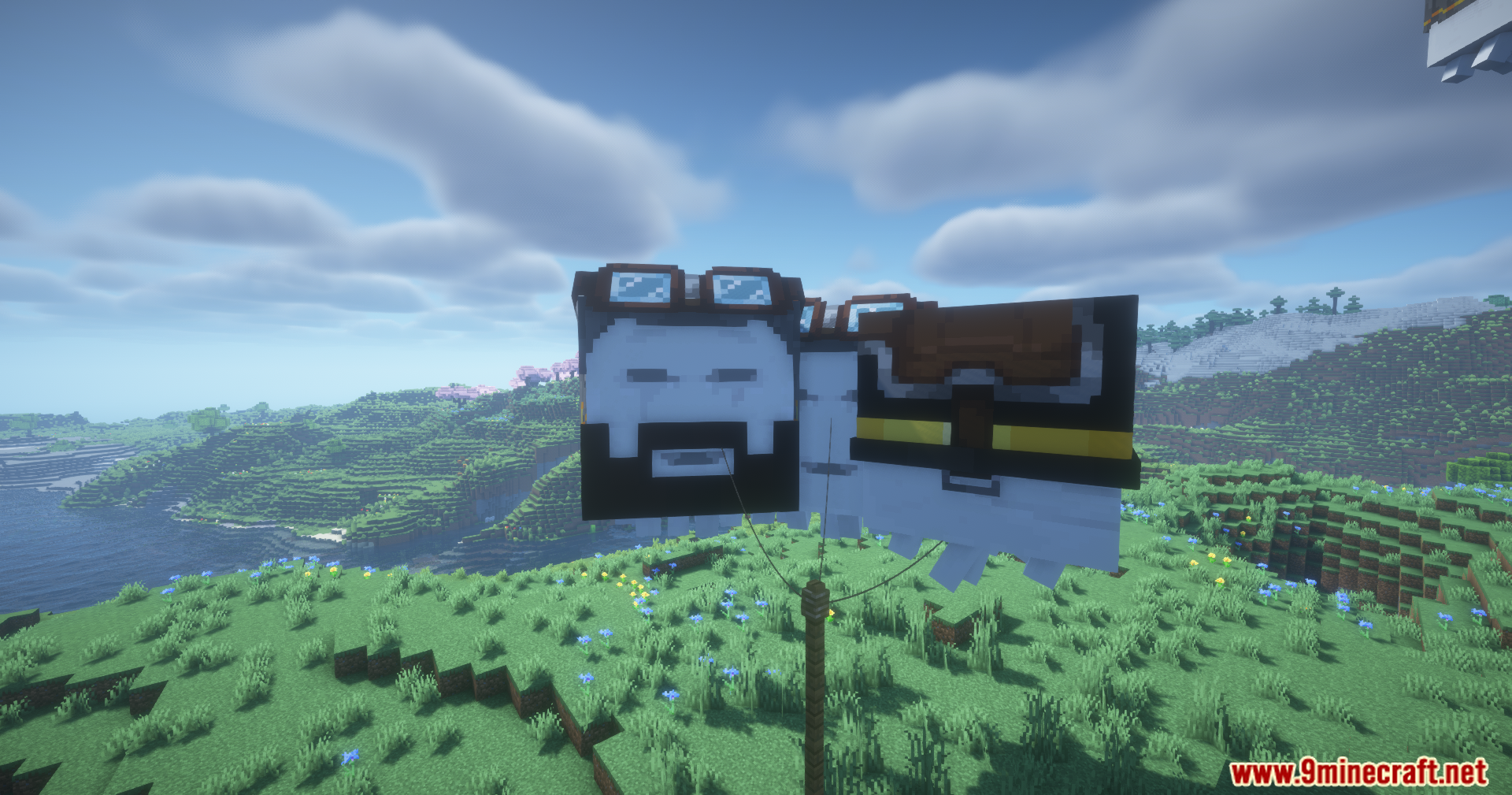
Happy Ghast Mod adds friendly Ghast companions that you can ride through the sky. You can find and hatch baby Ghastlings, raise them into full-grown adults, and then fly around with your friends on their backs.
Features:
- Adds the peaceful and rideable Happy Ghast and its baby form, the Ghastling.
- These friendly mobs will not attack players and never despawn.
- Find Dried Ghasts near fossils in the Nether and place them in water to hatch them.
- Use Ghast Tears to speed up hatching and feed snowballs to Ghastlings to make them grow faster.
- An adult Happy Ghast can carry up to four players at once.
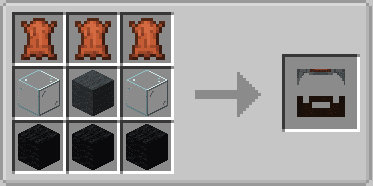
- Equip your Ghast with a harness to be able to ride it.
- Control your flight by pressing Space to go up and C to go down.
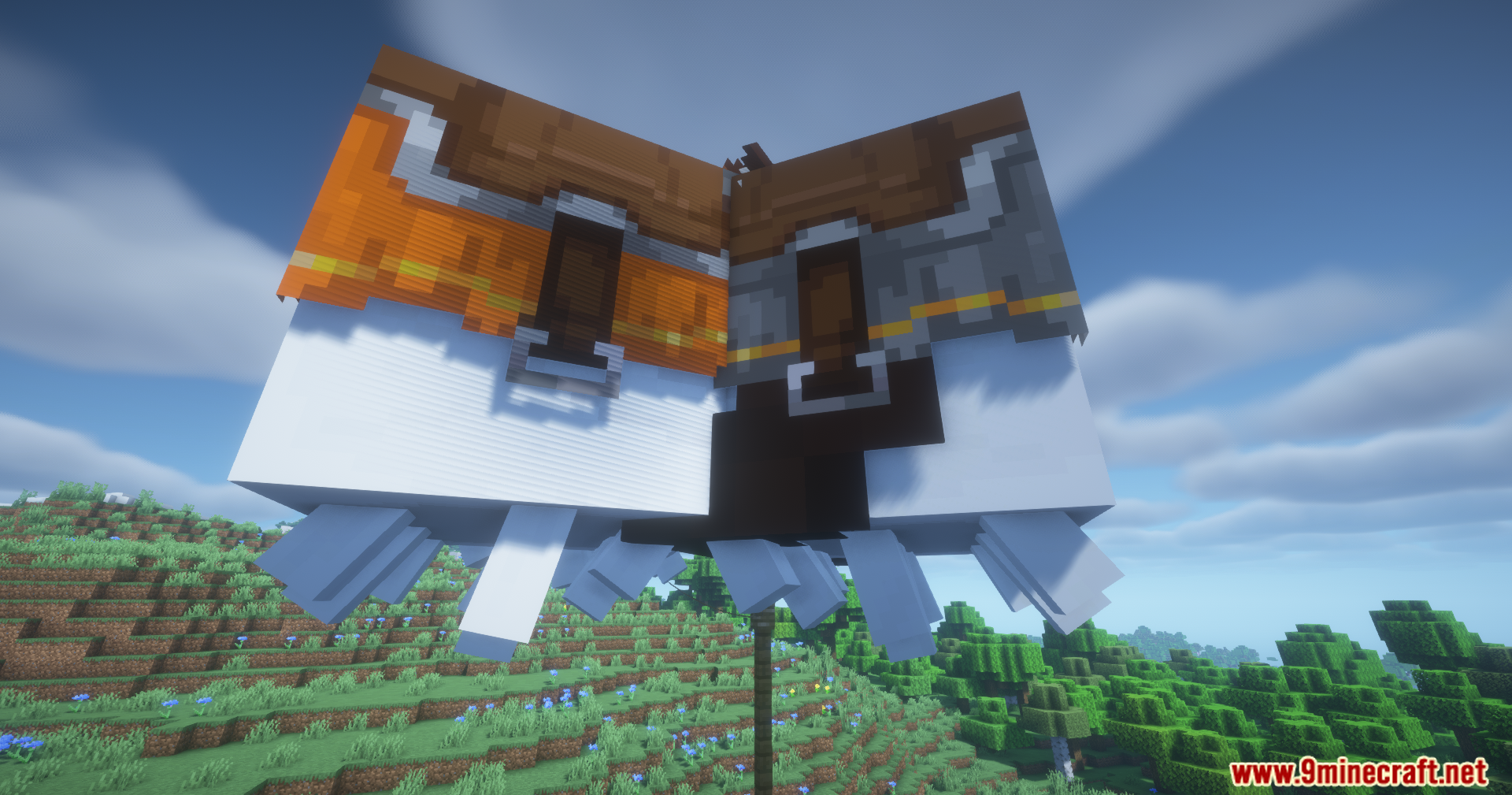
- Customize your harness by using dyes or create your own unique textures.
- The mod includes spawn eggs for creative mode and custom sounds for the new mobs.
Commands:
/ghastspeed <multiplier|reset>: Changes the flight speed of your Ghast. This command requires permissions./ghast createharness: Opens a menu to create a custom harness. This is for single-player only.
How to Use:
- Travel to the Nether and find a Dried Ghast, which generates near fossils.
- Place the Dried Ghast in water to start the hatching process. It takes about one in-game day.
- To speed up hatching, use a Ghast Tear on the waterlogged Dried Ghast.
- Once a Ghastling hatches, feed it snowballs to help it grow into an adult.
- When it is fully grown, equip it with a harness to ride it.
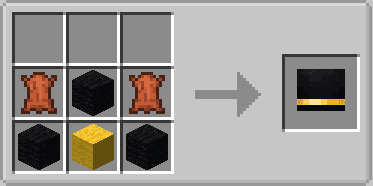
Crafting Recipes:
Screenshots:





Happy Ghast Mod Download Links
For Minecraft 1.21.1, 1.21
NeoForge Version: Download from Server 1 – Download from Server 2
For Minecraft 1.20.1, 1.20
Forge Version: Download from Server 1 – Download from Server 2
For Minecraft 1.19.2
Forge Version: Download from Server 1 – Download from Server 2
Quick facts
- Edition: Minecraft Java
- File type: .jar
- Minecraft versions listed: 1.21.1, 1.20.1
- How to install: Install the matching mod loader (Forge, Fabric or NeoForge) for your Minecraft version. → Download the .jar. → Put it in the .minecraft/mods folder and launch that loader profile.
- Where to get it: In MC Java Mods, or directly above on this page.
Install steps are the general flow for this file type — How to install Minecraft Java mods & modpacks walks through it step by step.
File checked by MCModsHub
- Downloads as 176958.mcaddon
- Download size: 1.5 MB
- Download link checked 25 Jul 2026 — working
- Mirrored on our own servers — the download does not depend on the original host
These come from our own check of the pack file, not from the source page.