ModsJava
Mine And Slash Compatibility Mod (1.20.1, 1.20) – Stop Mods From Breaking Your
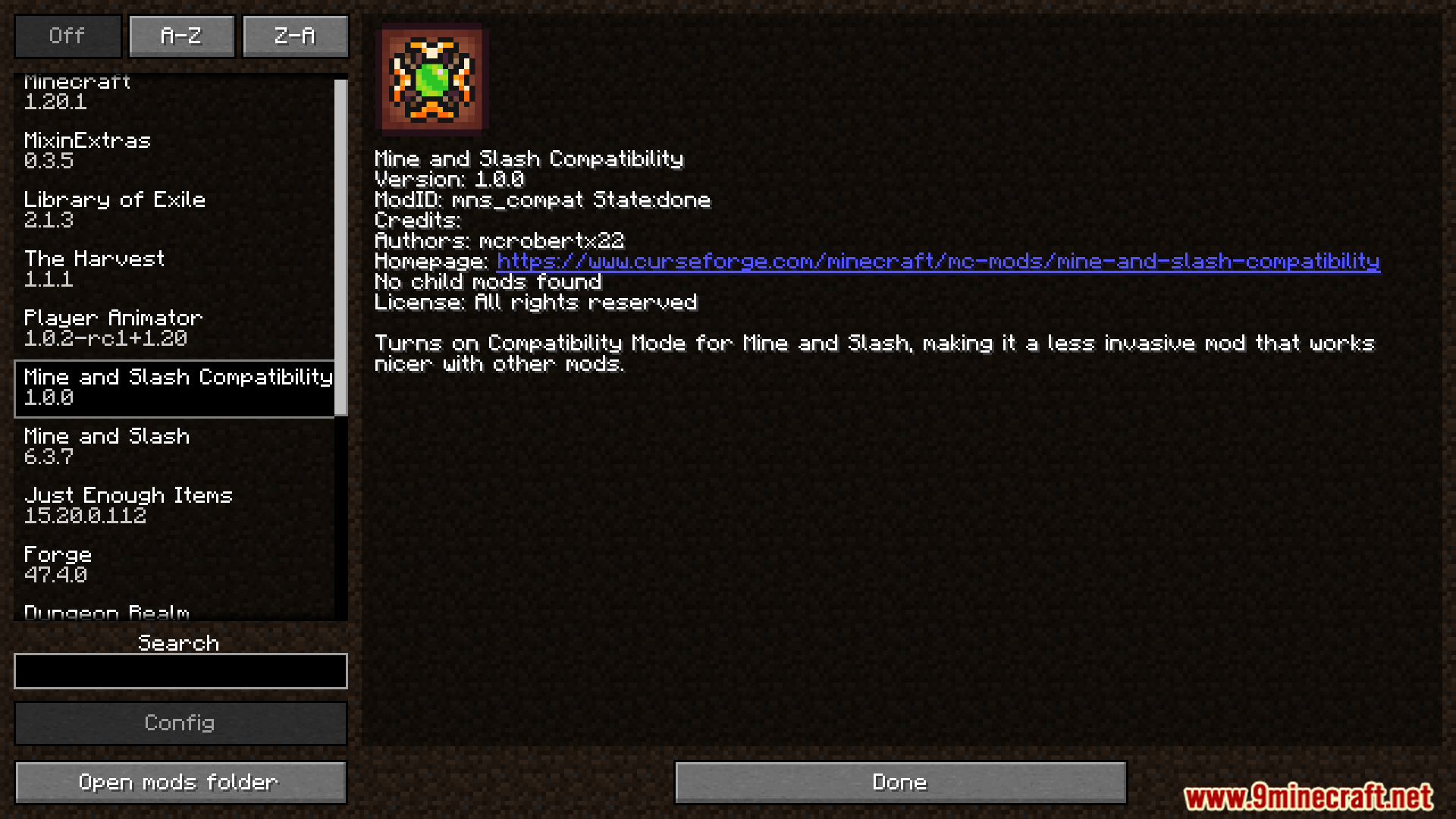
Mine And Slash Compatibility Mod adds different modes to the Mine and Slash mod to help it work better with other mods. It lets you choose between…
⬇ DownloadOpen in MCModsHubGet it on Google Play →Mine And Slash Compatibility Mod adds different modes to the Mine and Slash mod to help it work better with other mods. It lets you choose between Original, Compatible, and Lite modes. This makes it easier to balance the RPG features of Mine and Slash in large modpacks.
Features:
- Choose from three different compatibility modes: Original, Compatible, and Lite.
- In Compatible mode, spells from other mods are scaled to work with the Mine and Slash damage system.
- Use Lite Mode to add bonus damage instead of replacing other mods’ damage systems.
- Lowers level scaling in Lite Mode so it doesn’t overshadow other mods in a modpack.
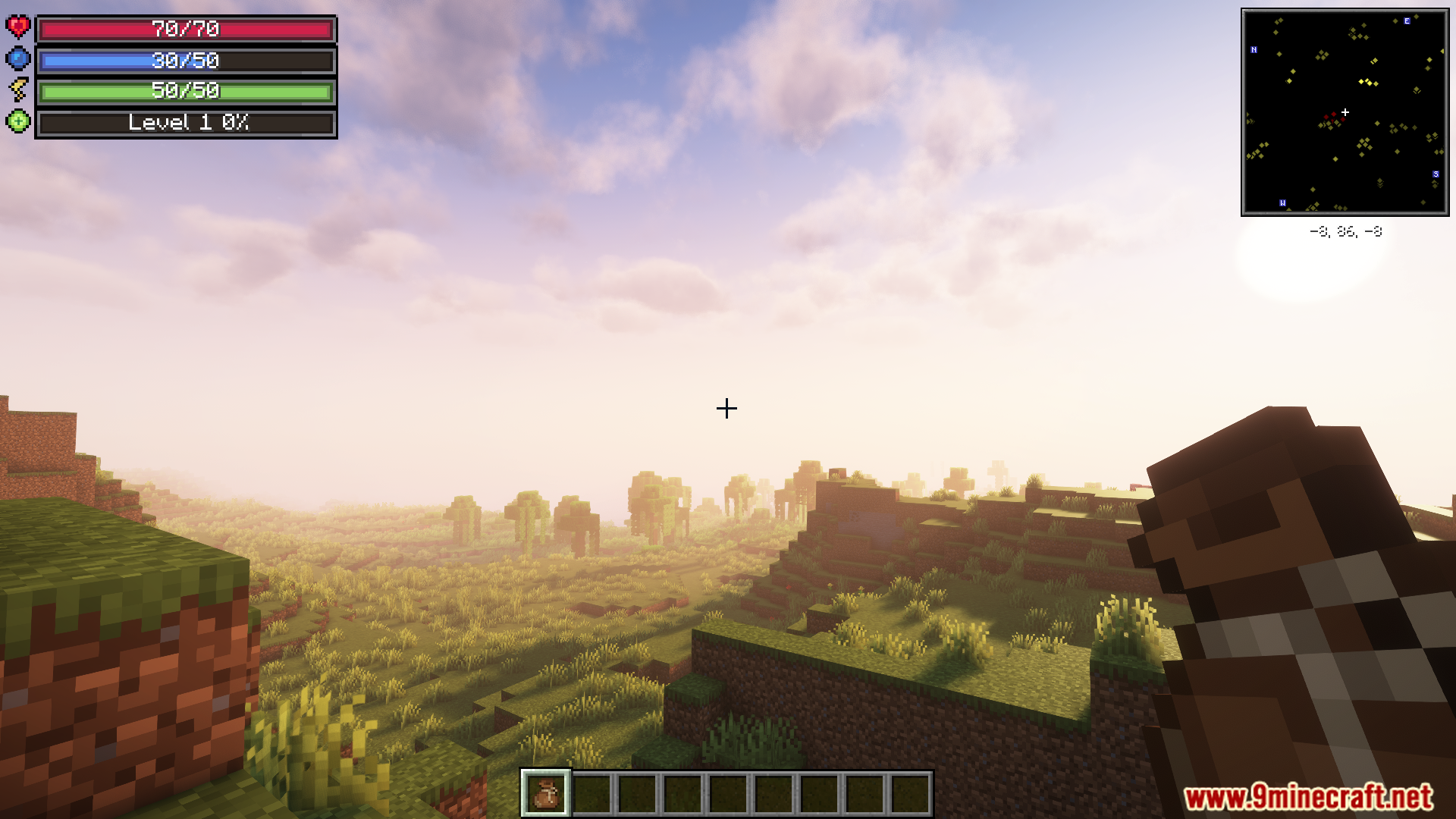
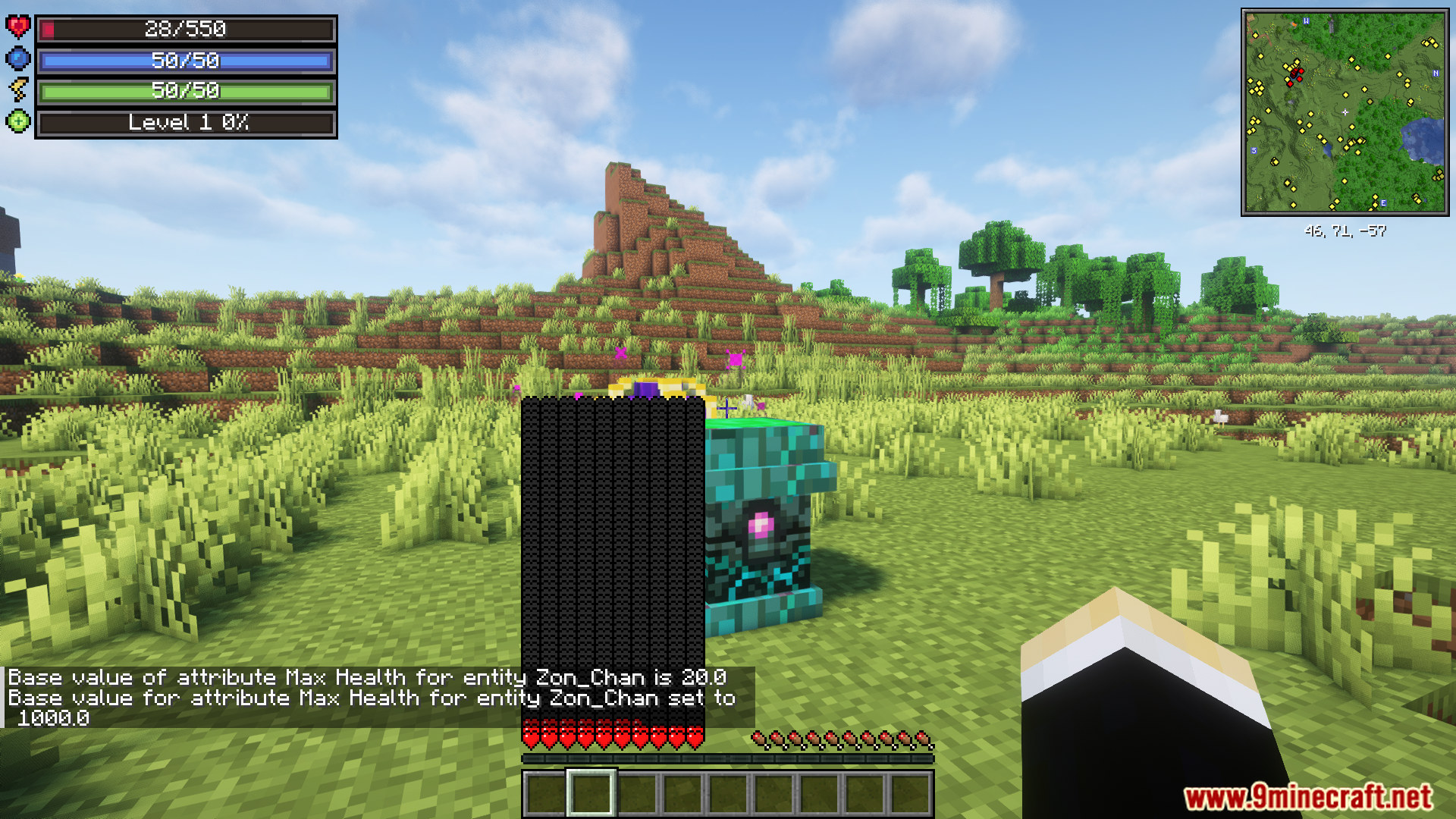
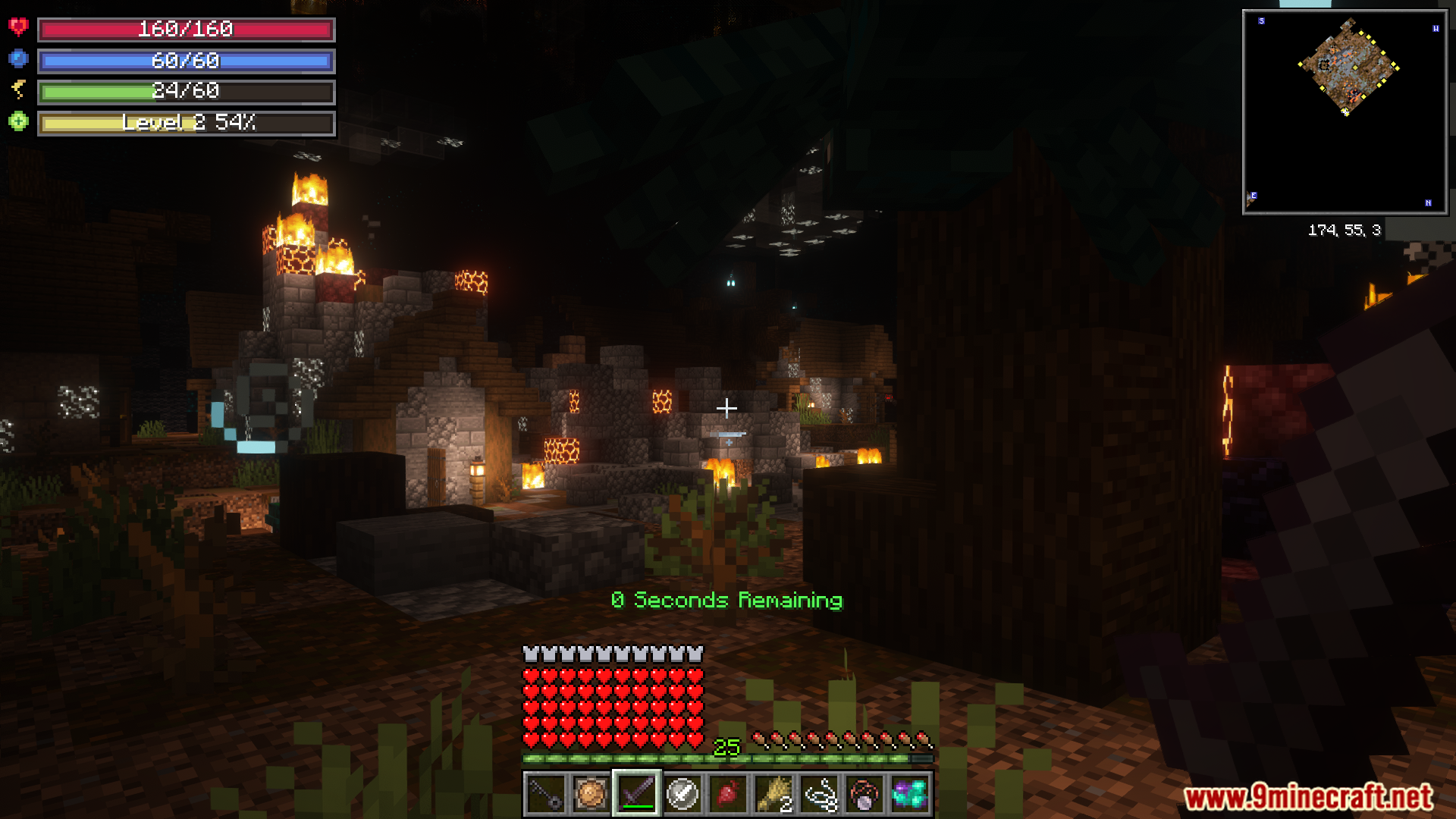
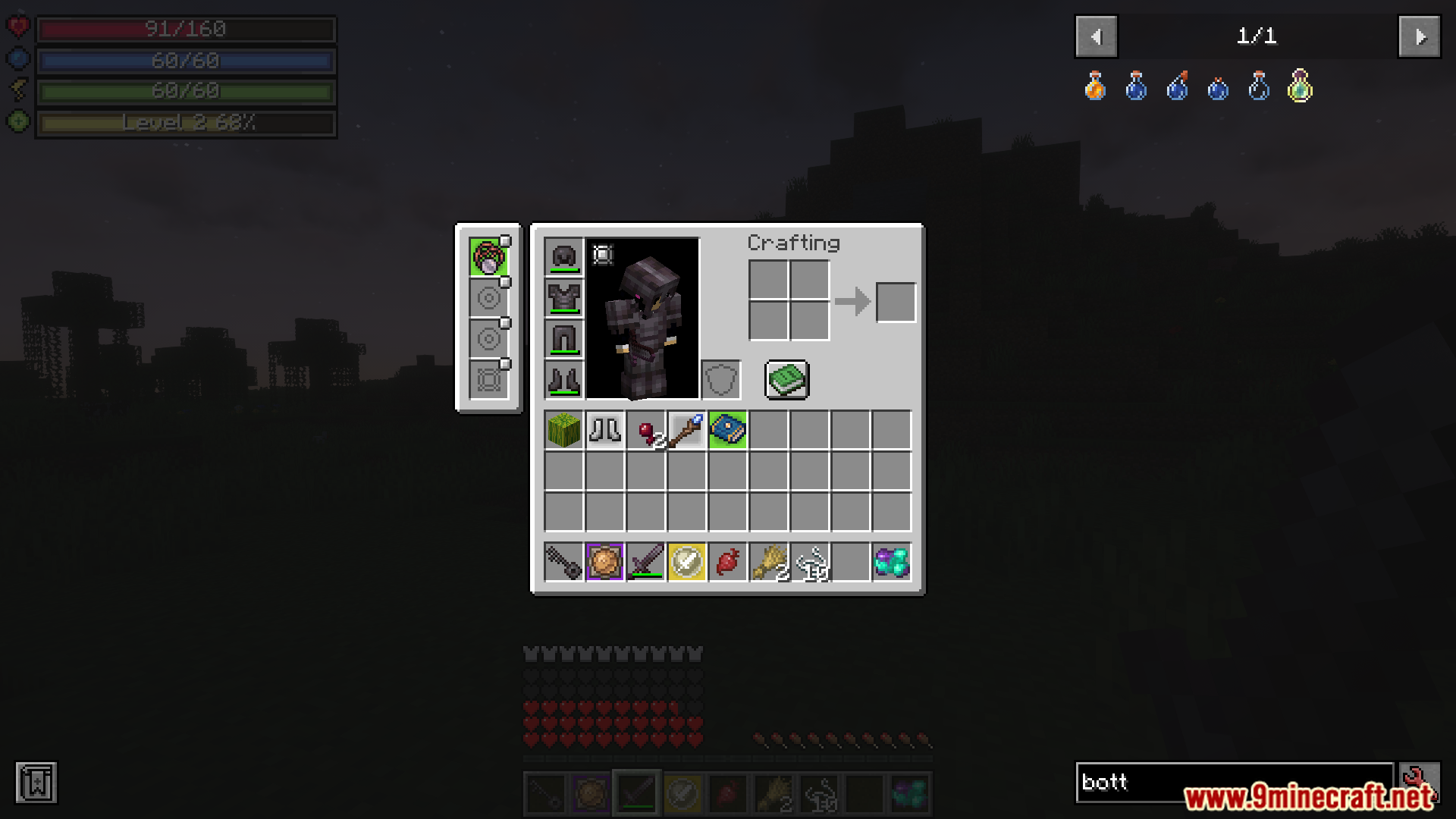
- Hides certain on-screen elements for a cleaner look.
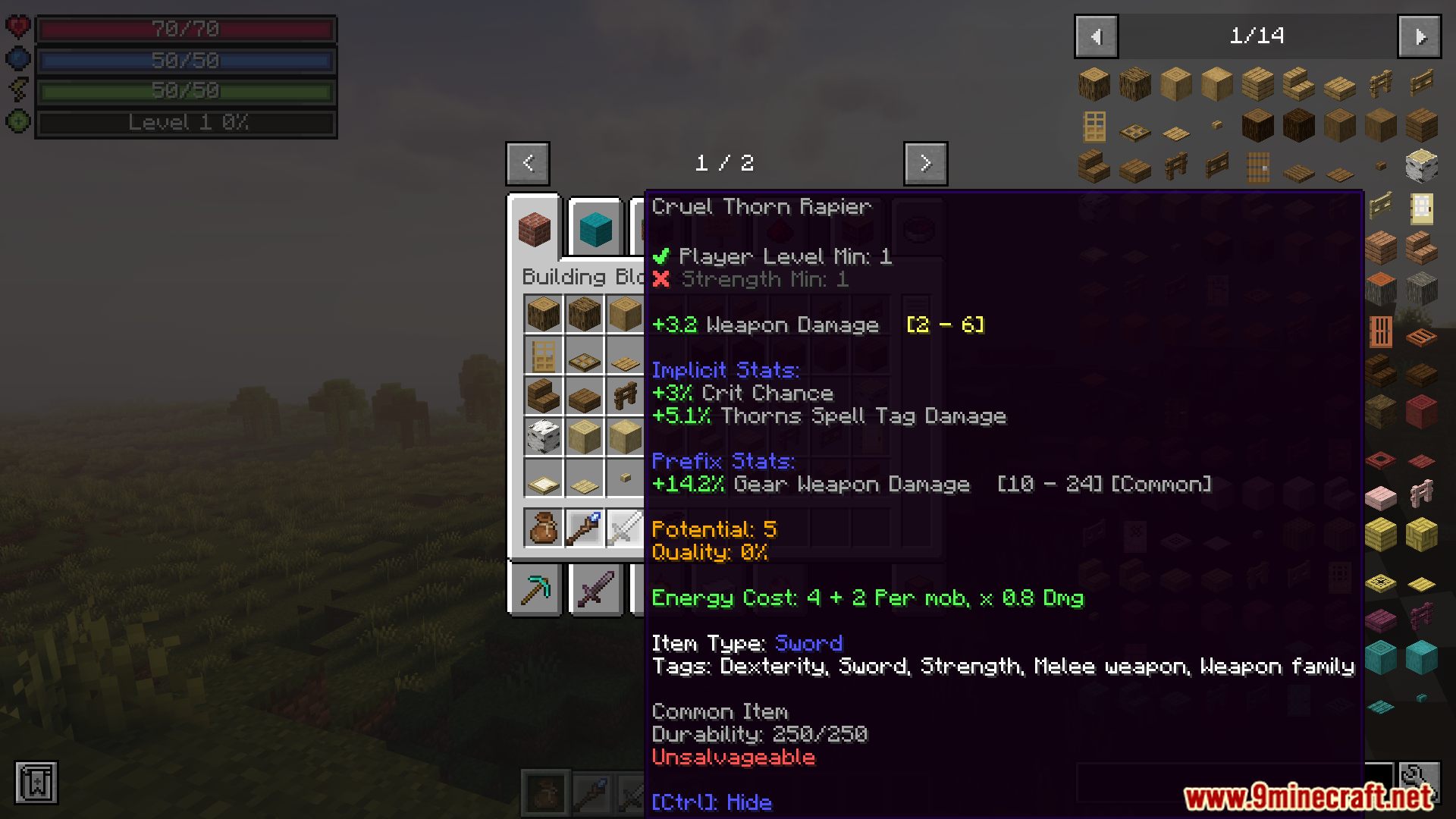
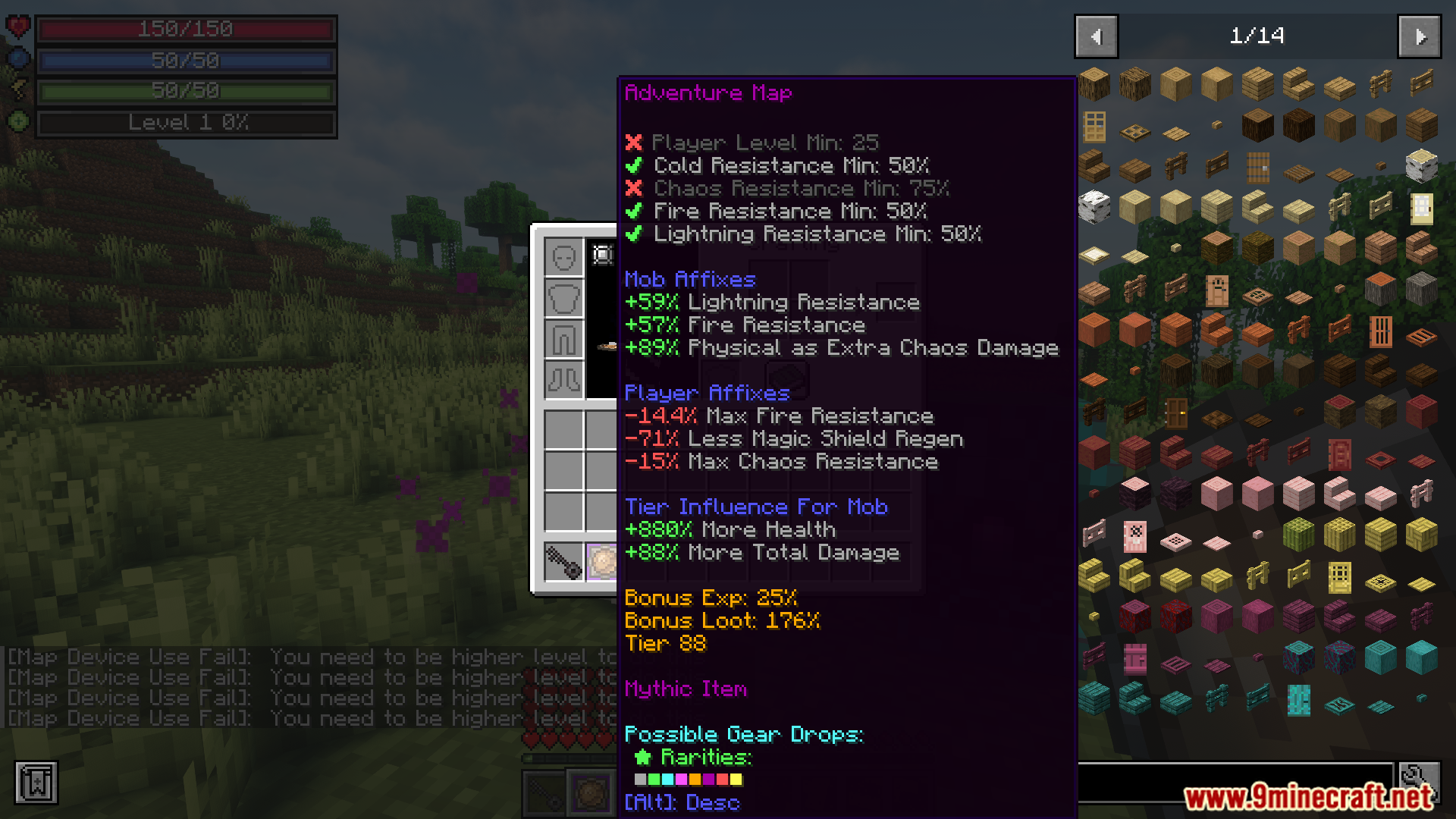
- Reduces or disables stat and weapon requirements, making items easier to use.
- All options are configurable, allowing you to adjust them for your specific modpack.
Commands:
/mns_compat damage_watch: Helps you see what type of damage weapons from other mods do. This is useful for creating datapacks to make them compatible.
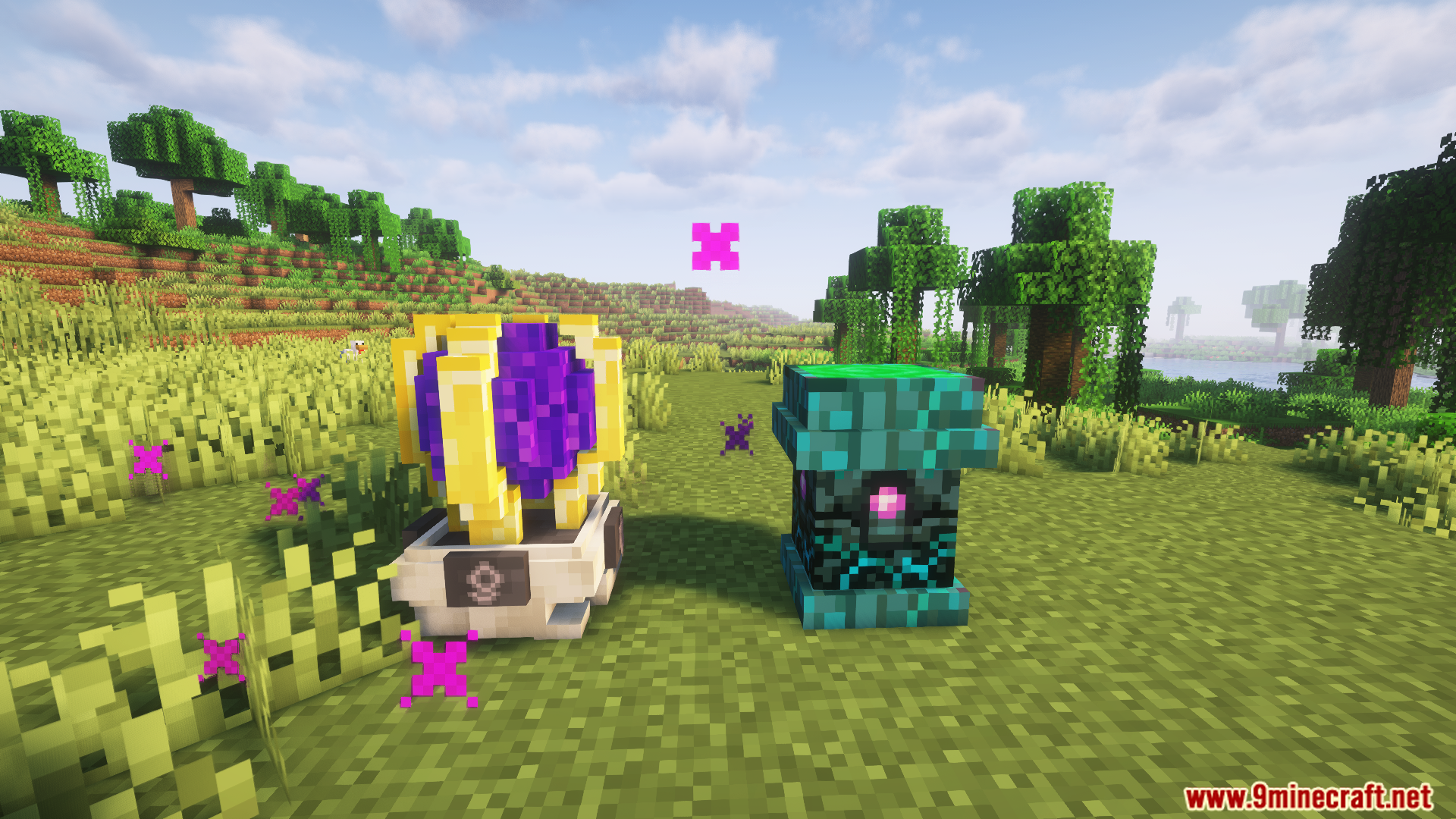
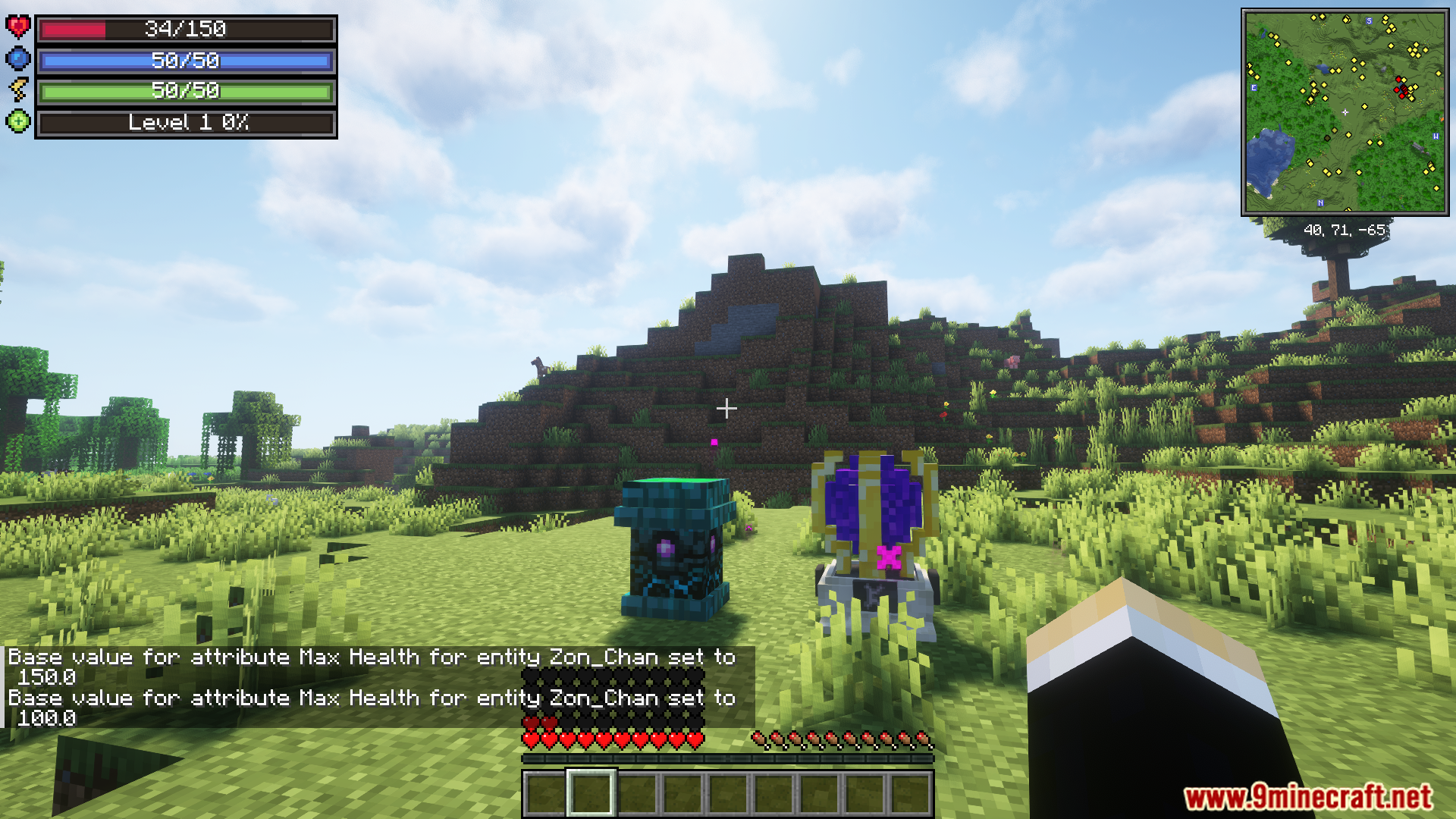
Screenshots:
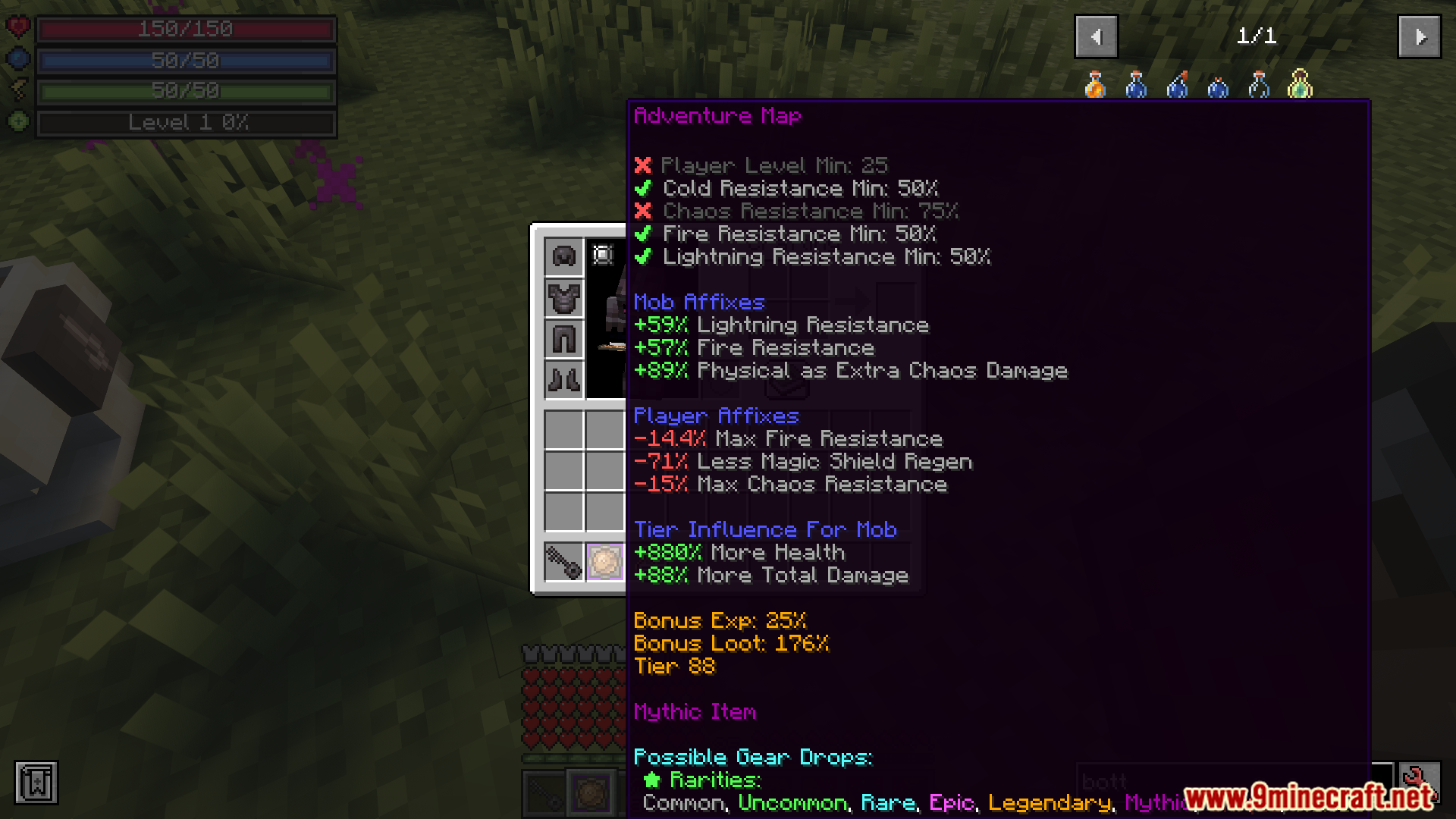
Mine And Slash Compatibility Mod Download Links
For Minecraft 1.20.1, 1.20
Forge version: Download from Server 1 – Download from Server 2
Verified by MCModsHub
- Download size: 12 KB
- Download link checked 25 Jul 2026 — working
- Mirrored on our own servers — the download does not depend on the original host
These come from our own check of the pack file, not from the source page.
Explore more