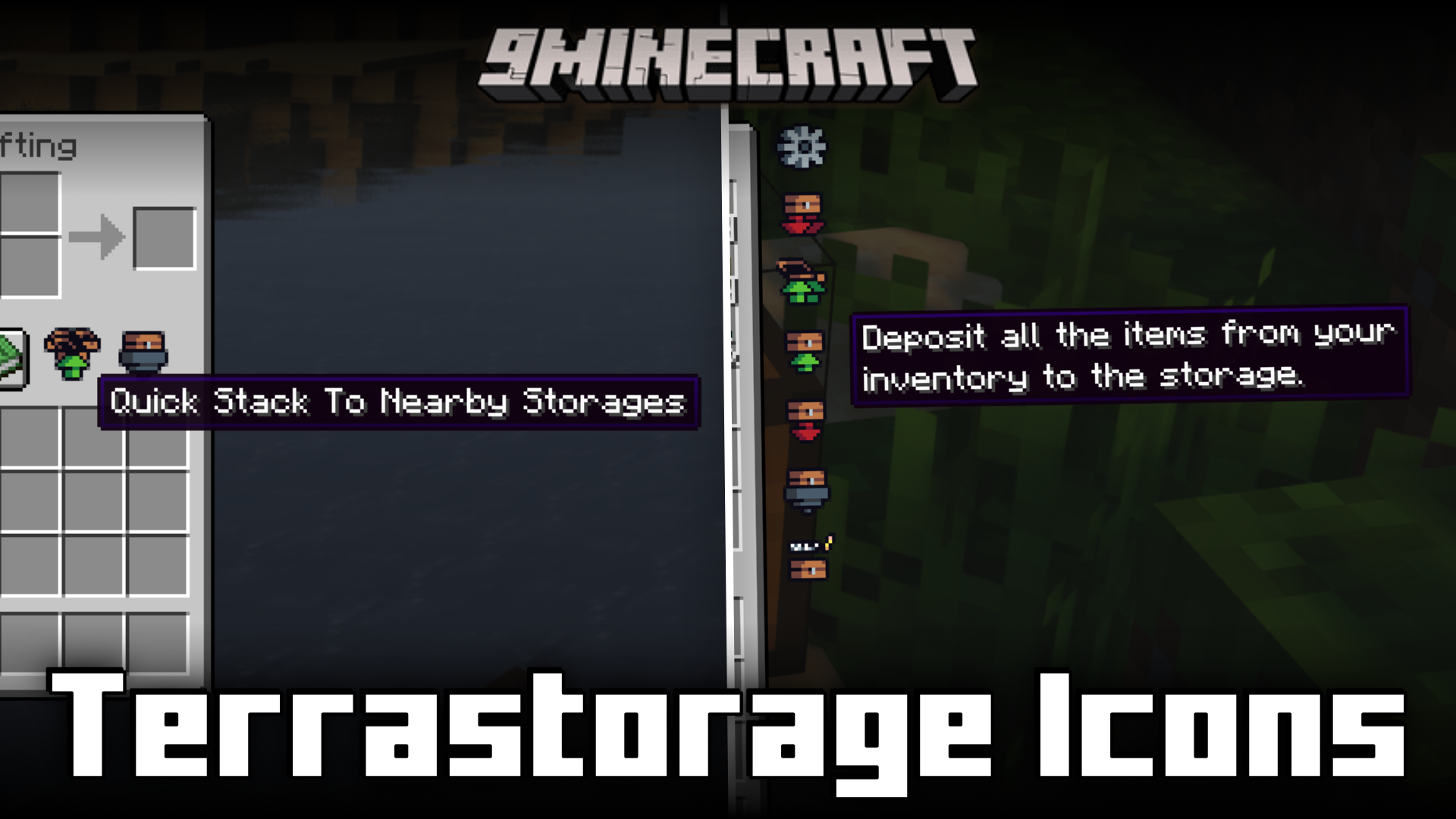
Terrastorage Icons Mod (1.20.1) – Animated Icons For Terrastorage
Java mod listed for Minecraft 1.20. Downloads from the MC Java Mods app on Android.
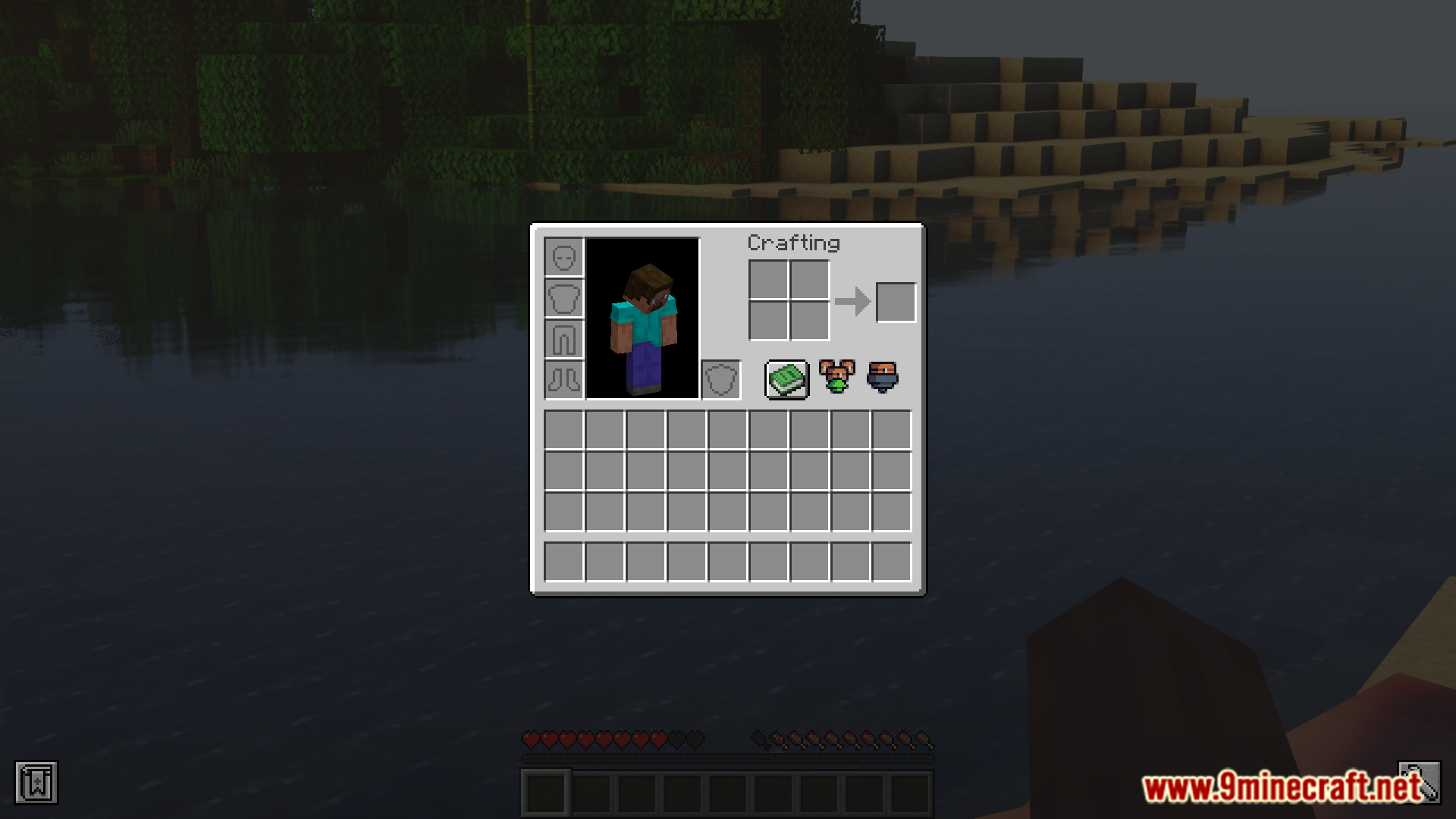
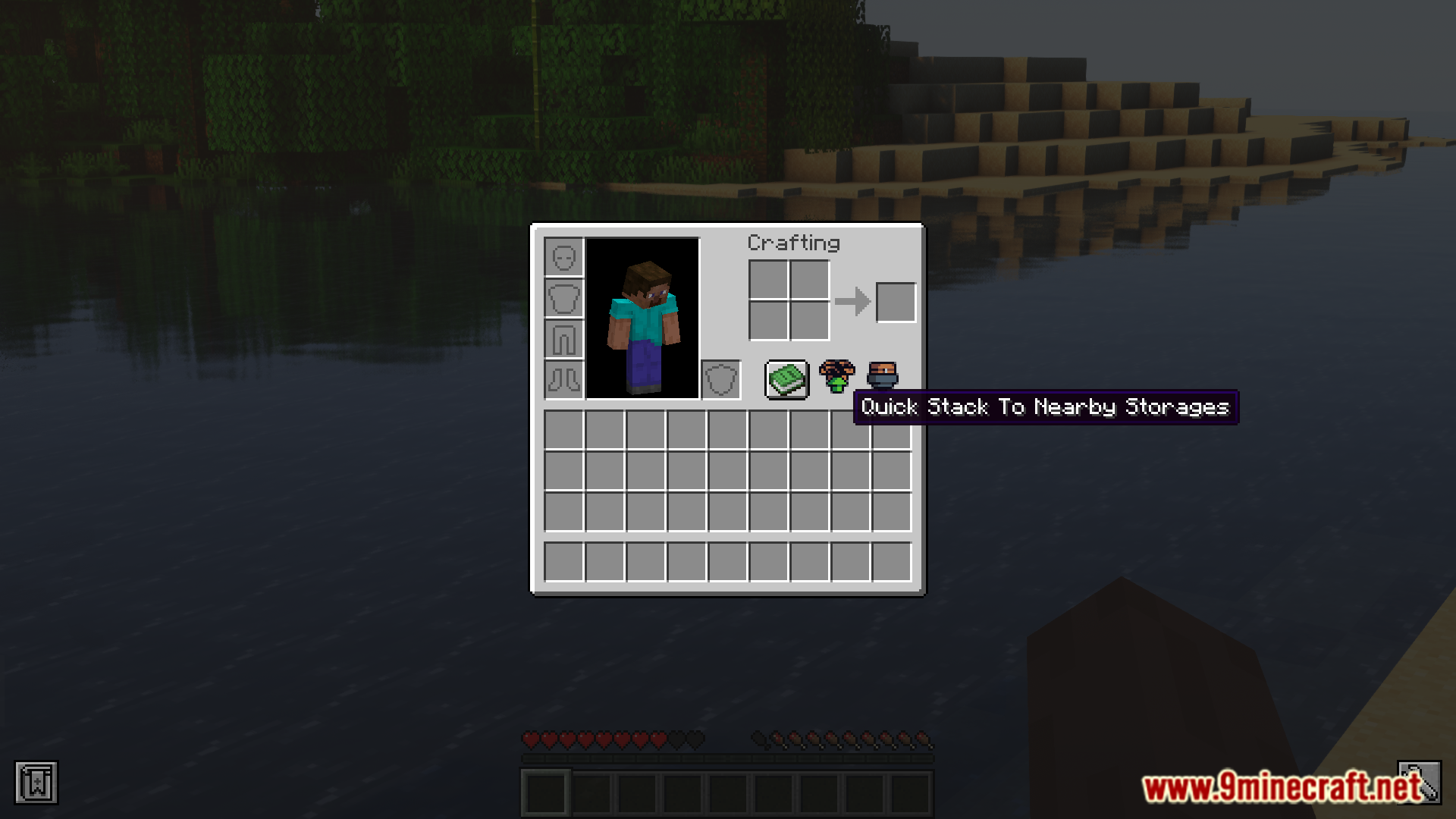
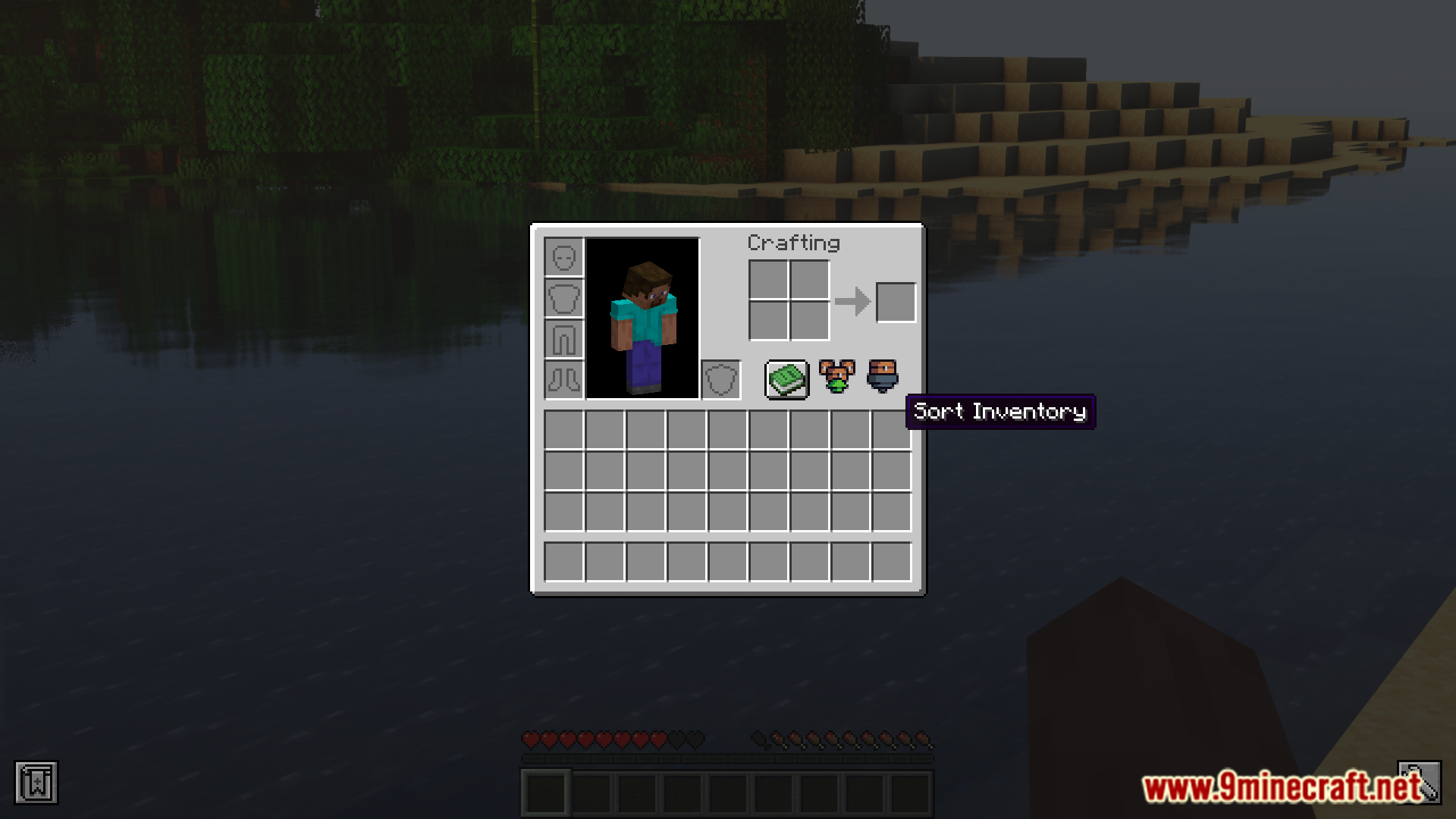
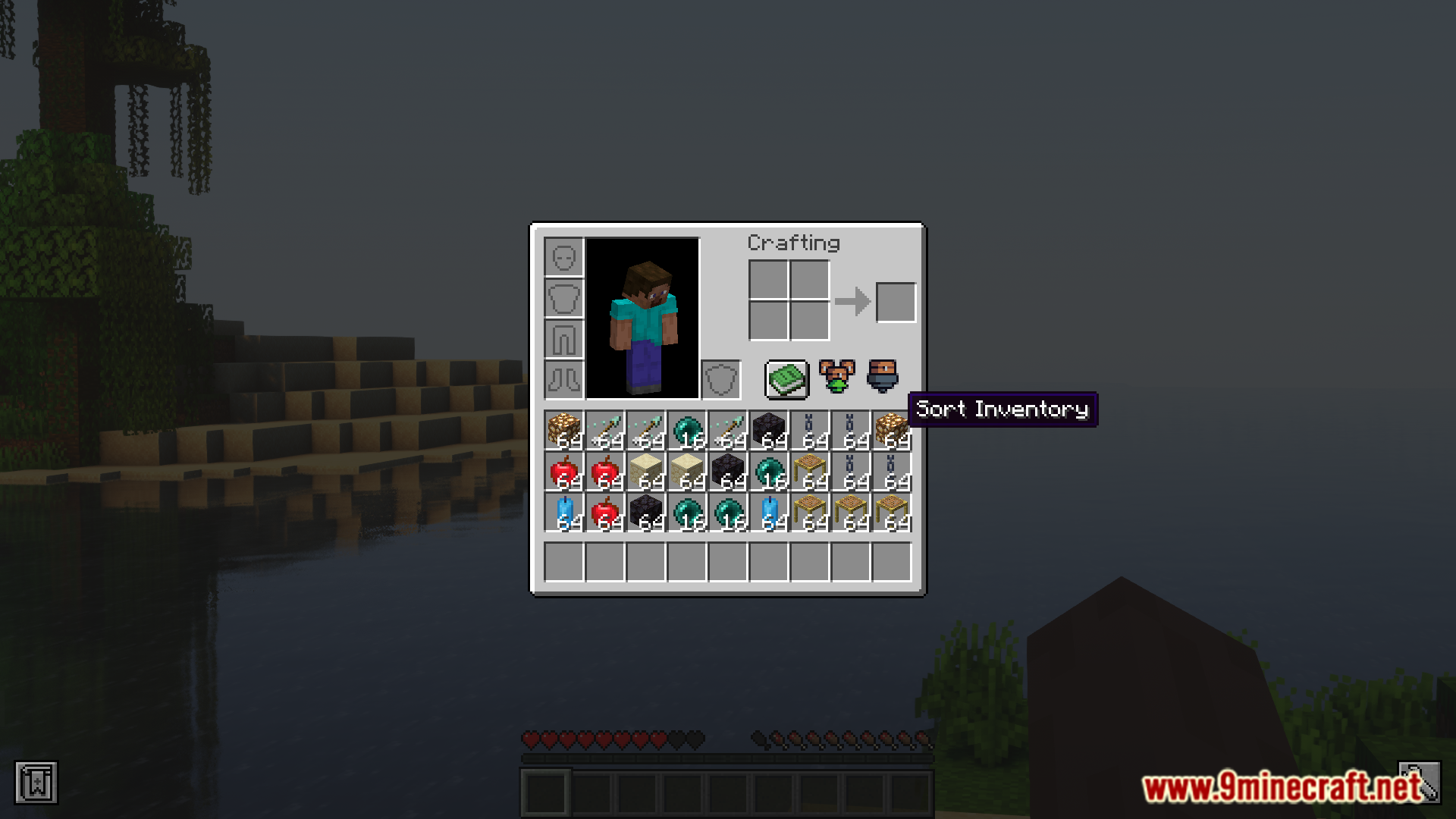
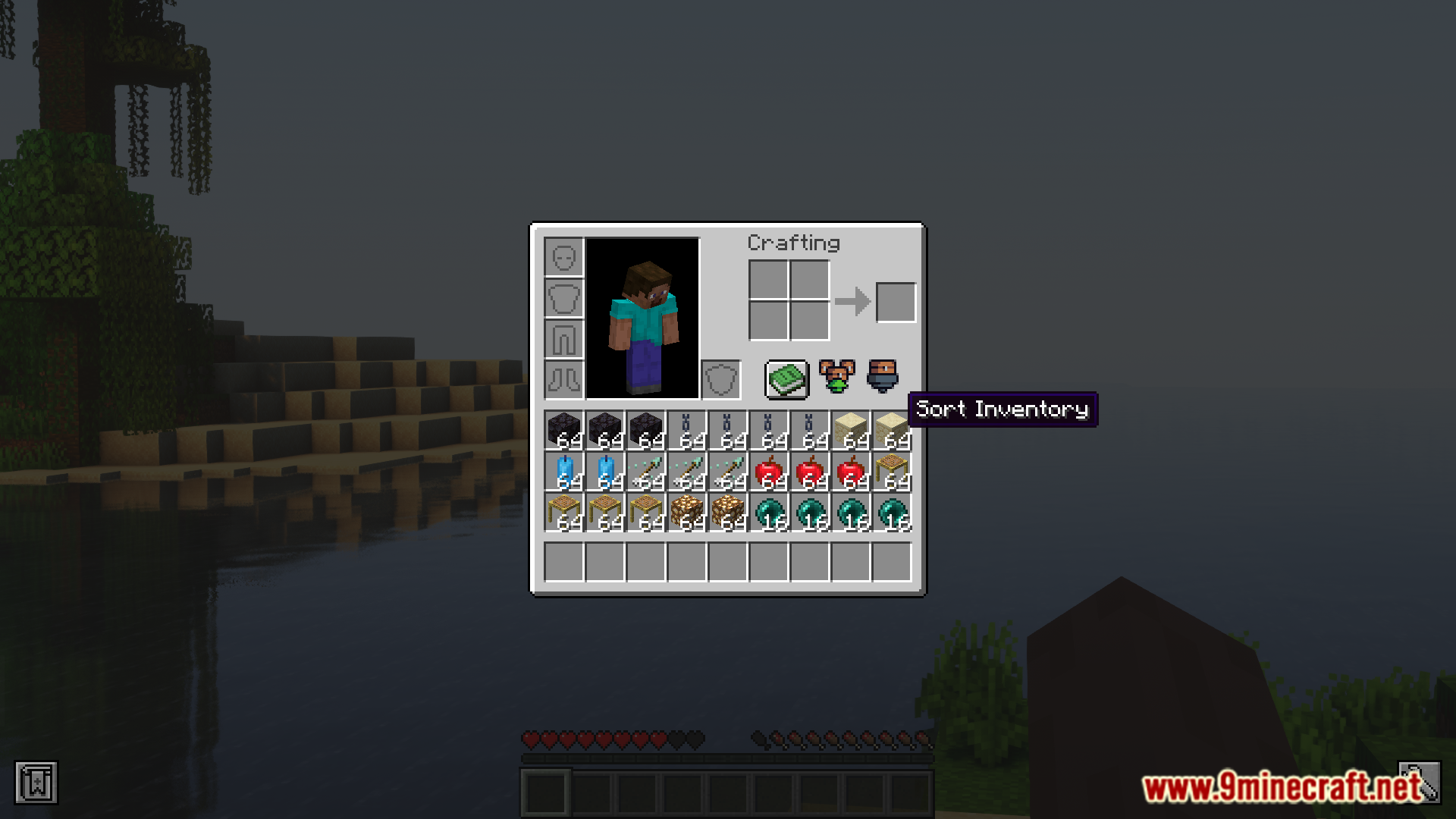
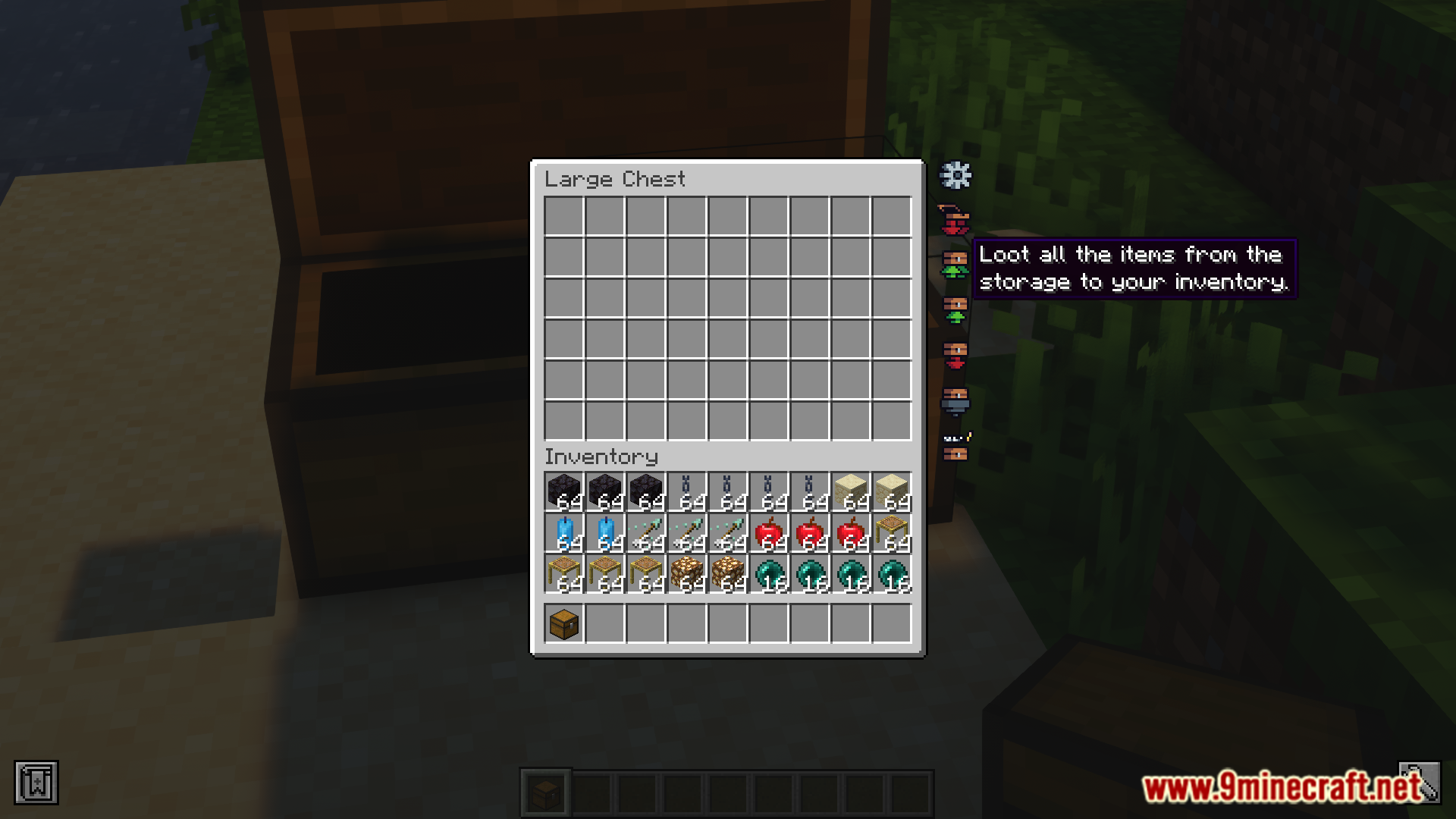
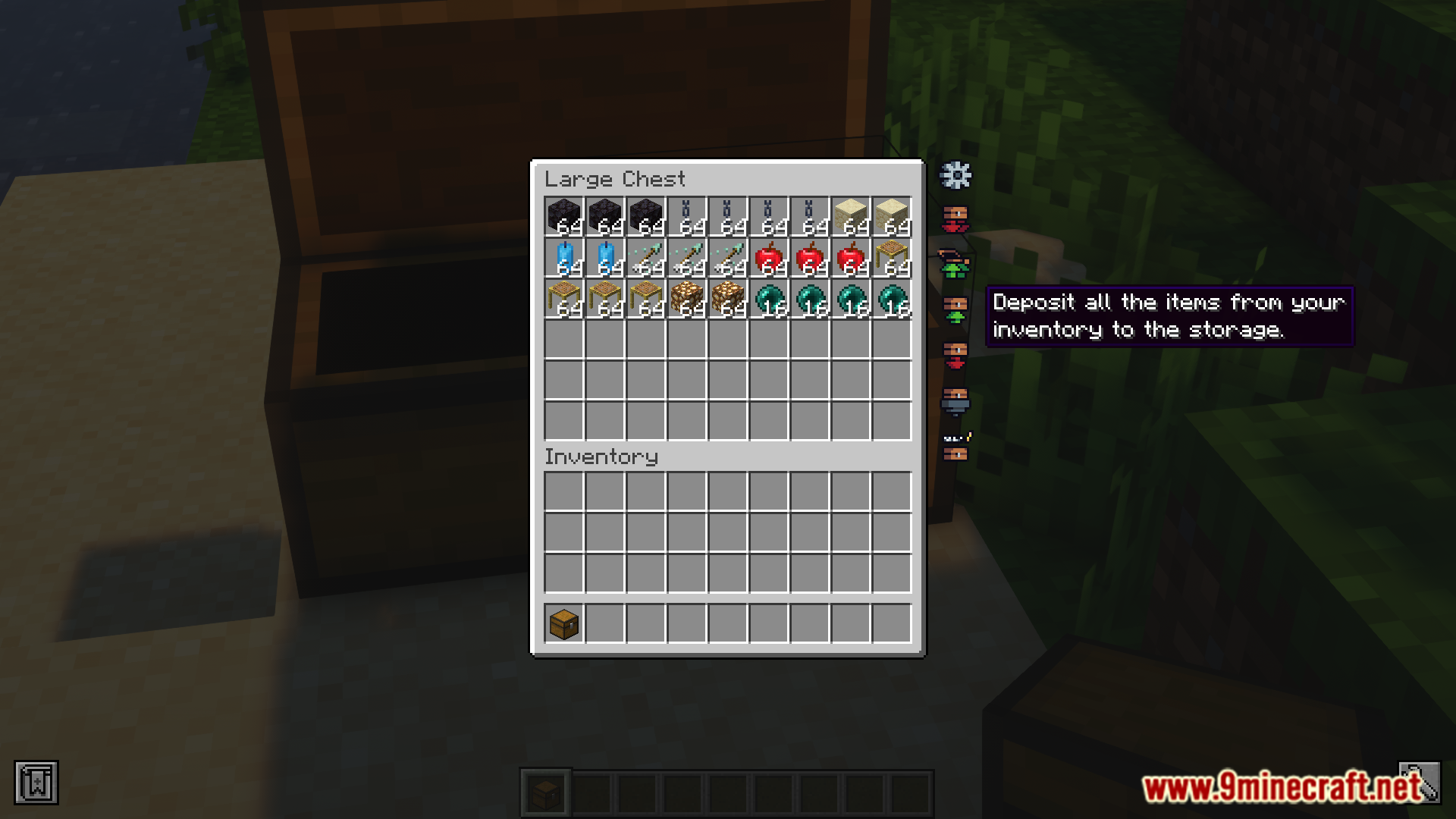
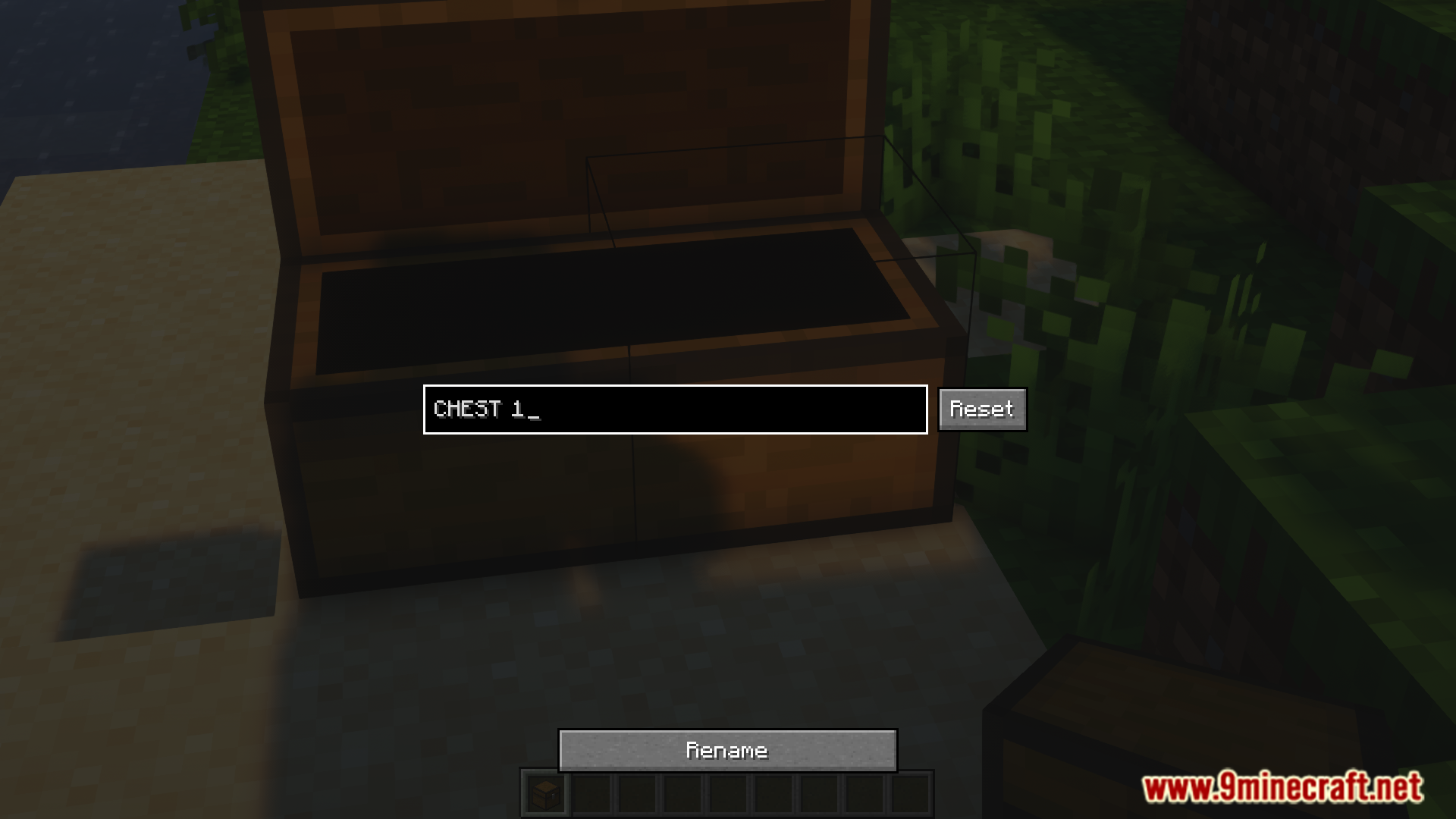
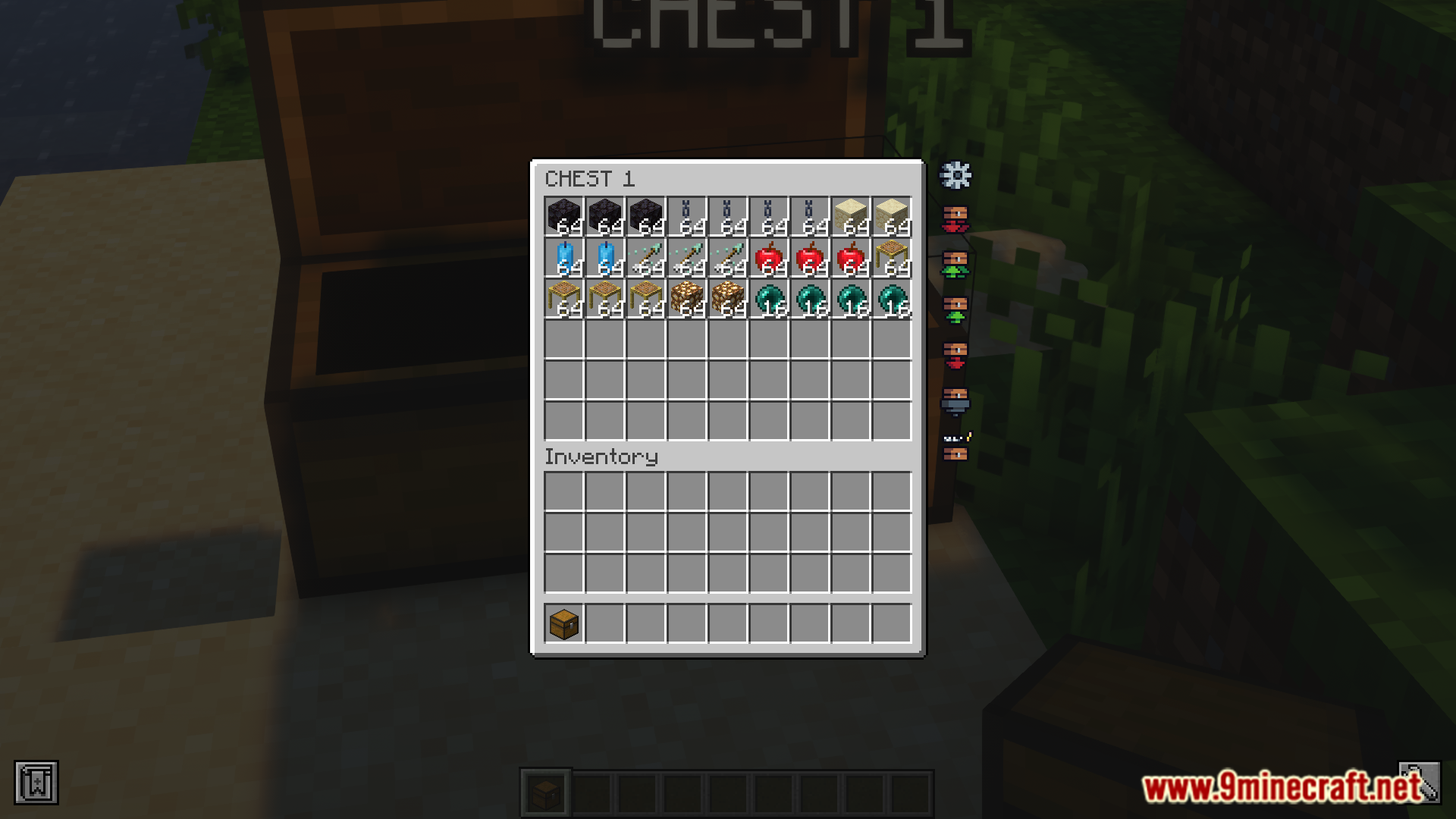
⬇ DownloadTerrastorage Icons Mod is a utility mod that makes dealing with inventory spaces a lot easier. The mod adds several buttons that assists the player with sorting, organizing and transferring items between storage spaces. The buttons that facilitate these features are just regular text buttons. The Terrastorage Icons mod is here to change that. This mod is an add-on for Terrastorage that introduces new animated icons in place of Terrastorage buttons.
Features:
- An add-on for the Terrastorage mod.
- Replaces Terrastorage’s text buttons with new animated icons.
- Makes the utility buttons in inventory spaces loot a lot more cleaner and minimal.
Screenshots:
Terrastorage Icons Mod Download Links
For Minecraft 1.20.1, 1.20
Fabric version: Download from Server 1 – Download from Server 2
- Edition: Minecraft Java
- File type: .jar
- Minecraft version listed: 1.20.1
- How to install: Install the matching mod loader (Forge, Fabric or NeoForge) for your Minecraft version. → Download the .jar. → Put it in the .minecraft/mods folder and launch that loader profile.
- Where to get it: In MC Java Mods, or directly above on this page.
Install steps are the general flow for this file type — How to install Minecraft Java mods & modpacks walks through it step by step.
- Downloads as 176977.mcaddon
- Download size: 396 KB
- Download link checked 27 Jul 2026 — working
- Mirrored on our own servers — the download does not depend on the original host
These come from our own check of the pack file, not from the source page.