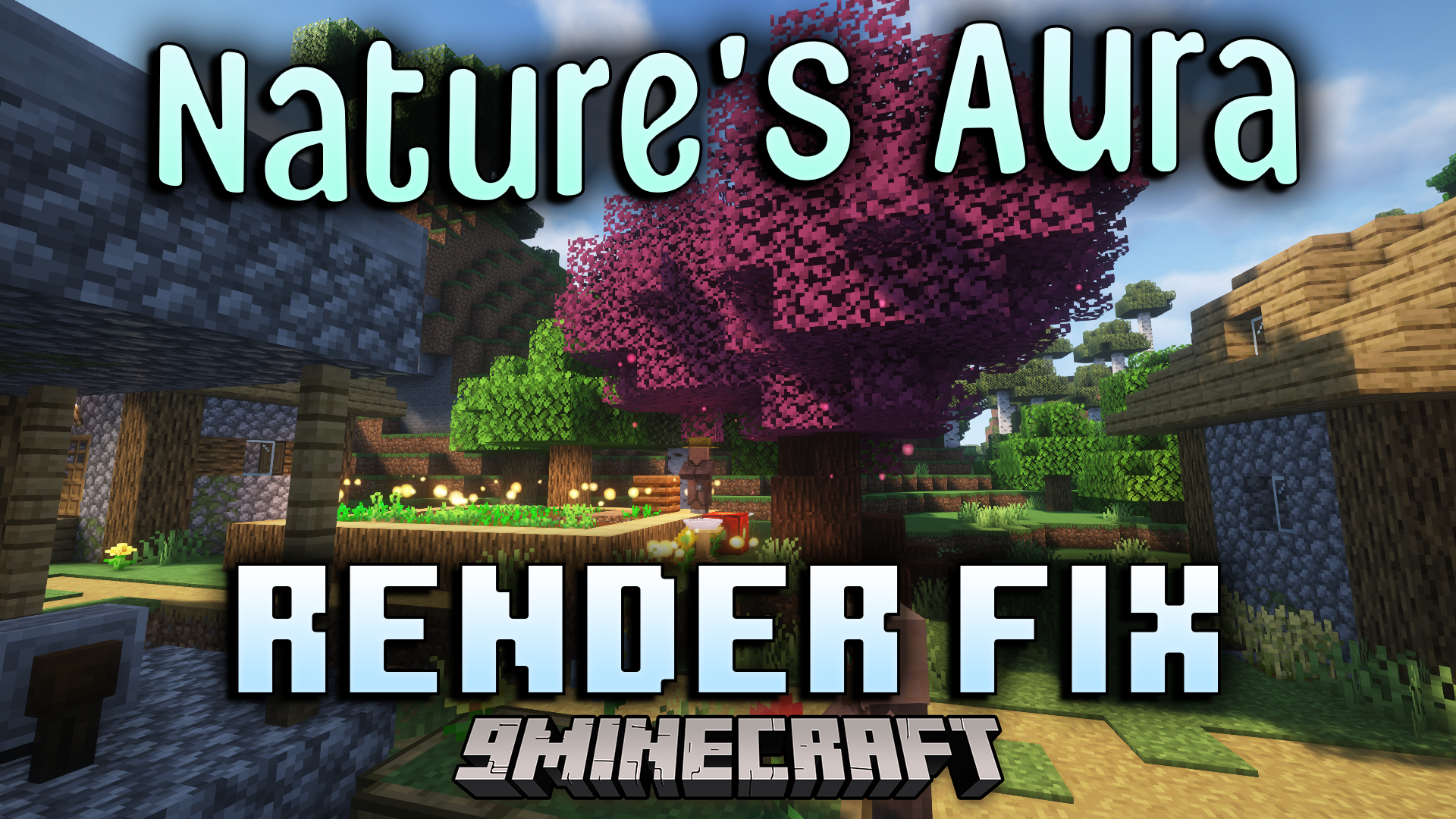
Natures Aura Render Fix Mod (1.20.1, 1.20) – Fix Rendering For Better Performance
Java mod listed for Minecraft 1.20. Downloads from the MC Java Mods app on Android.
⬇ Download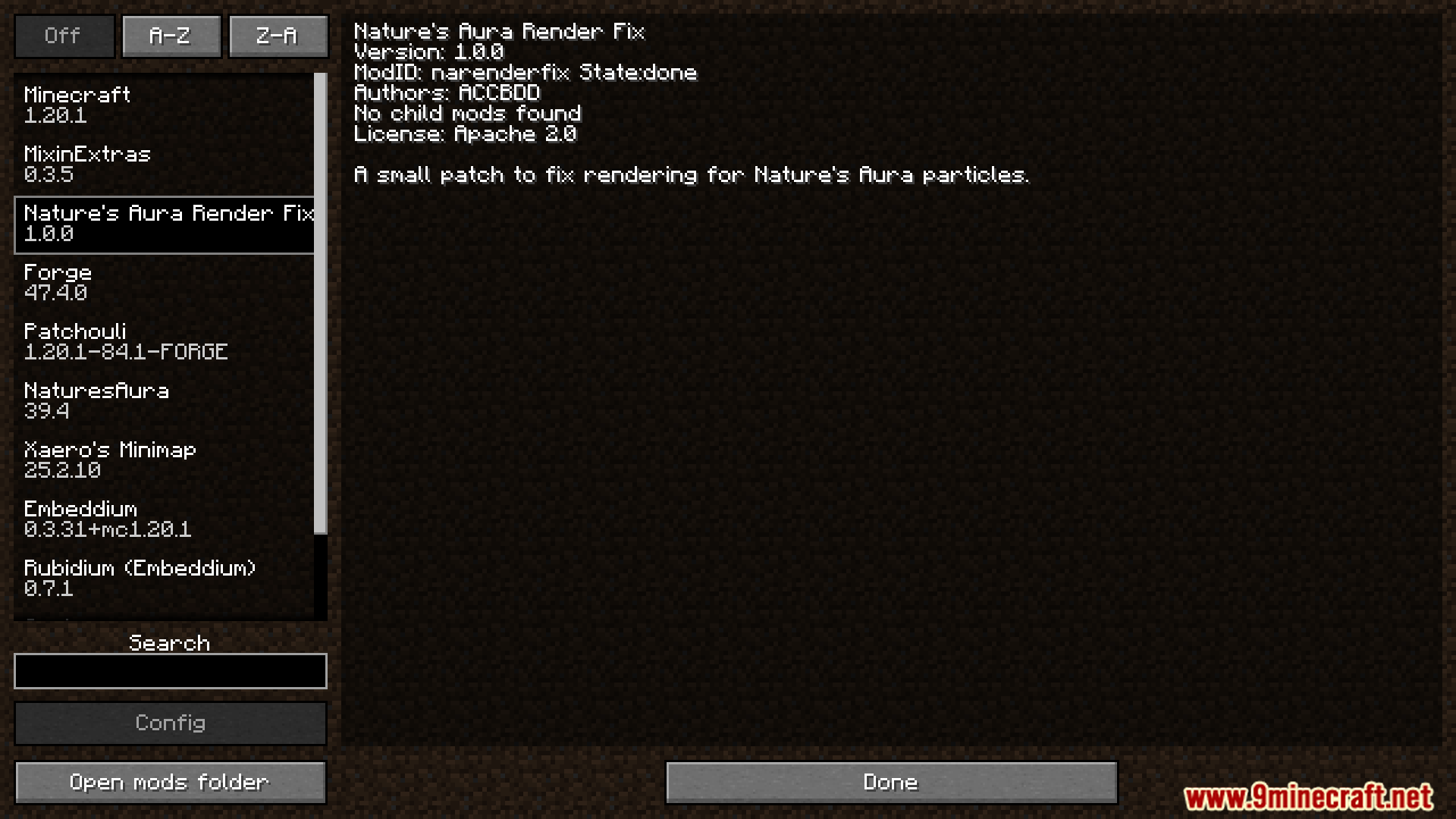
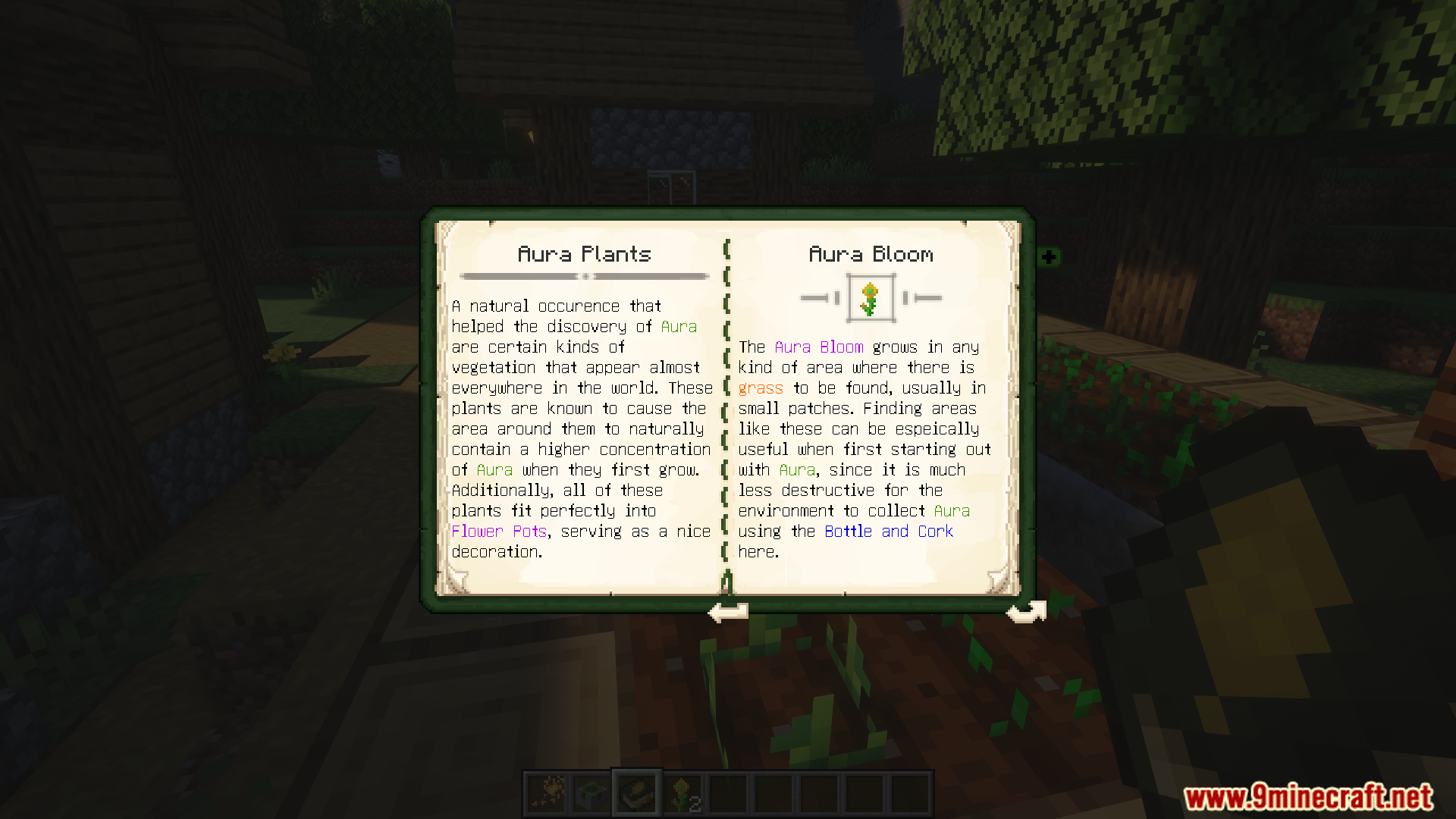
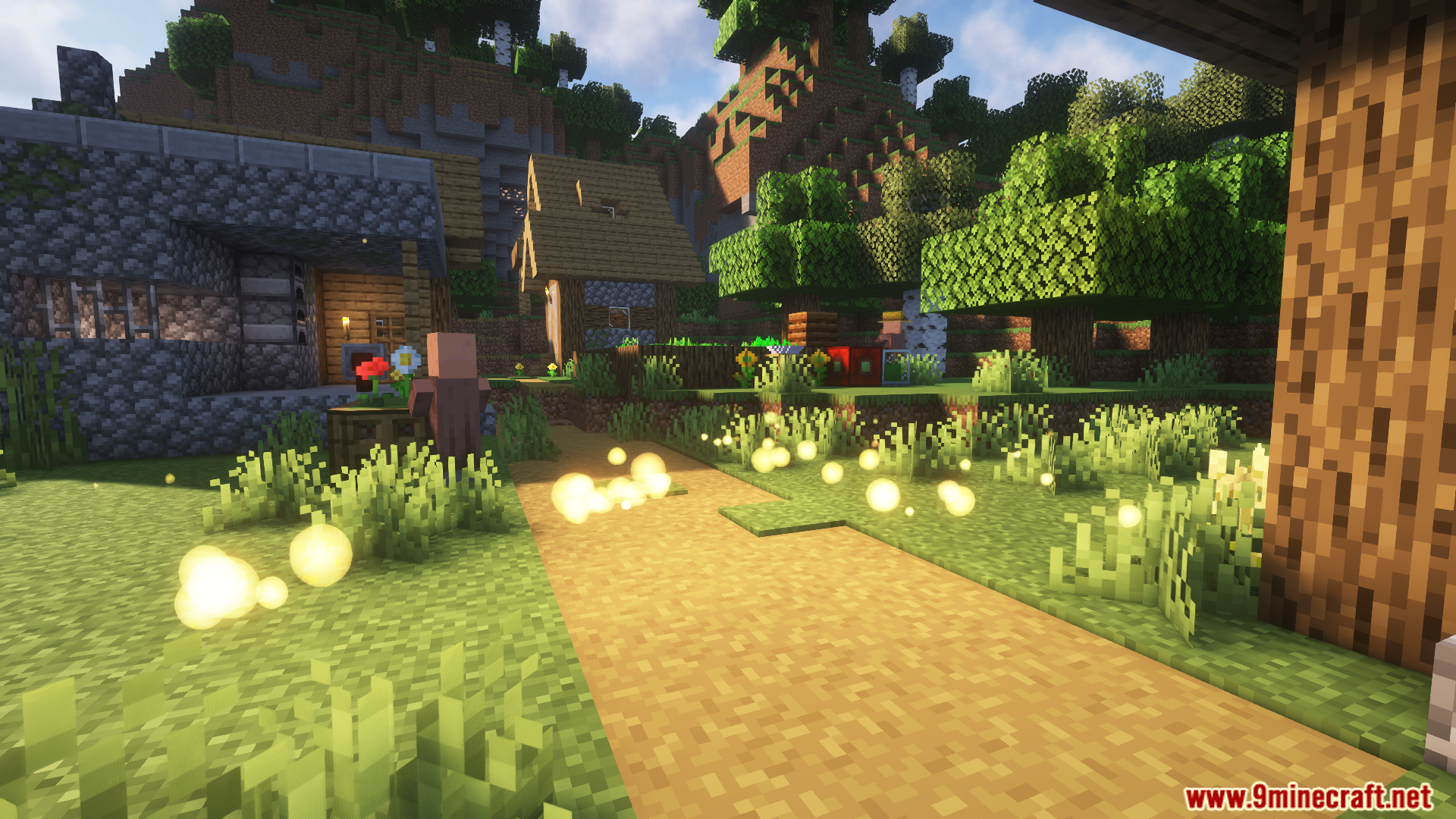
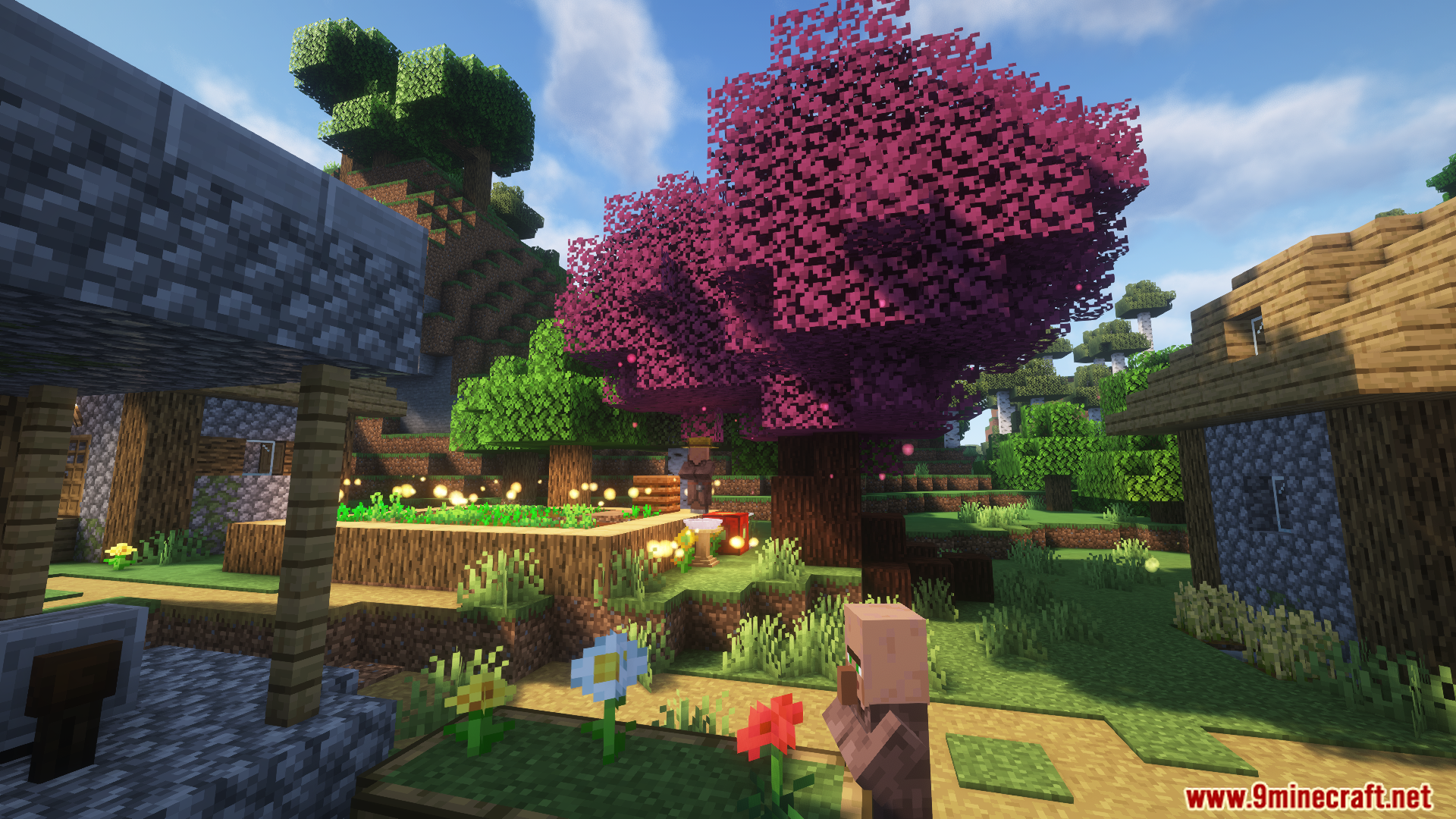
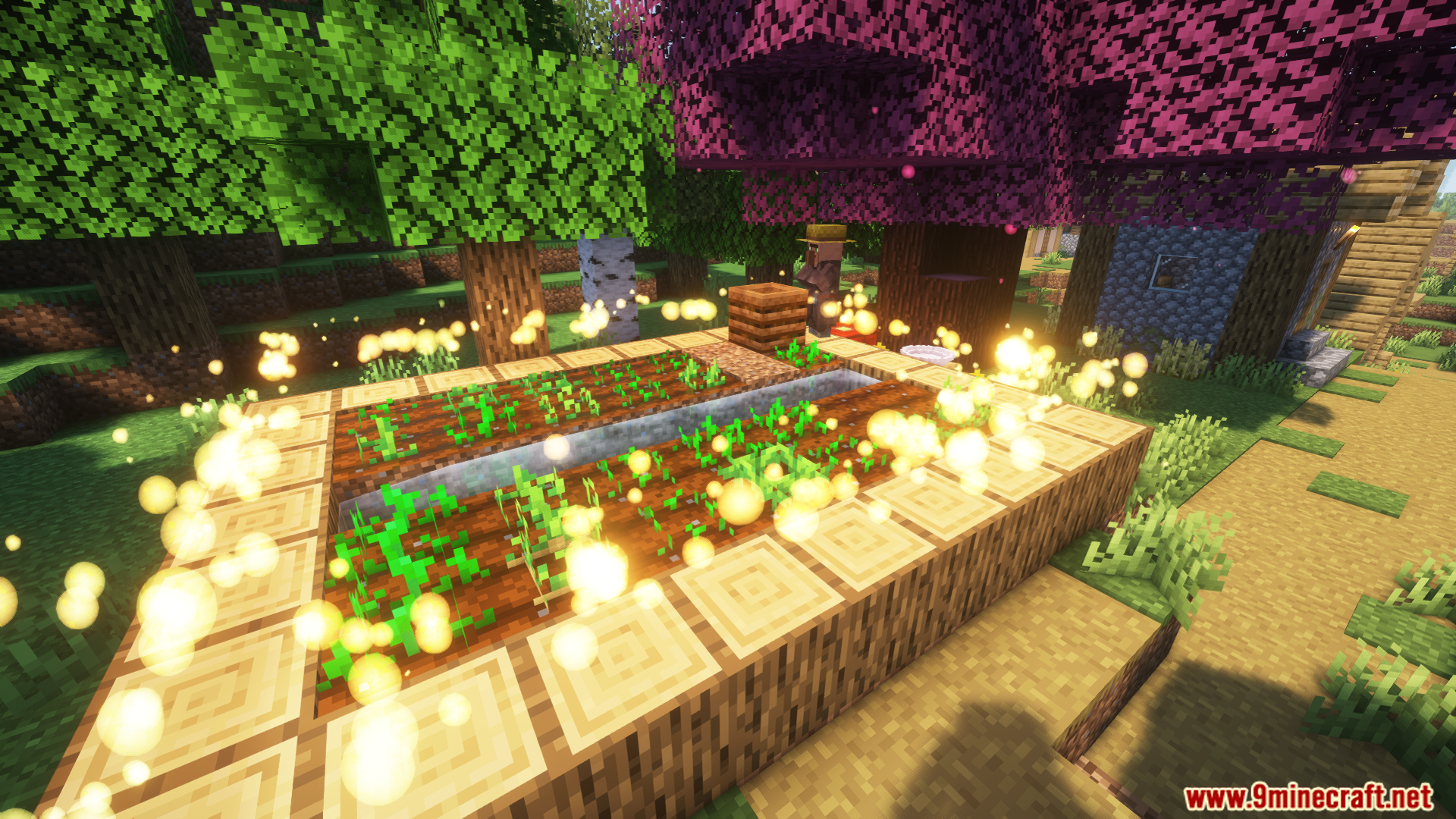
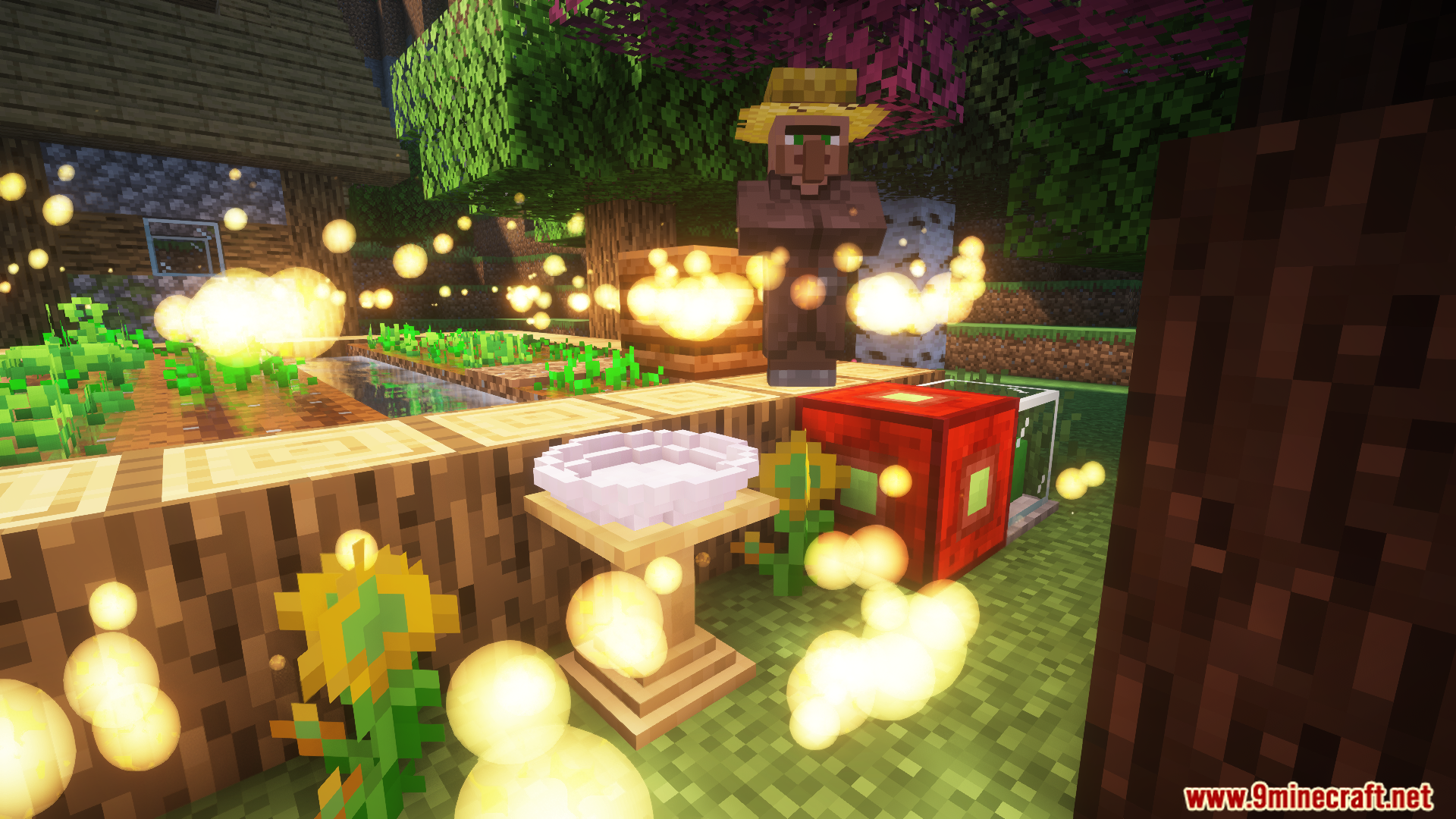
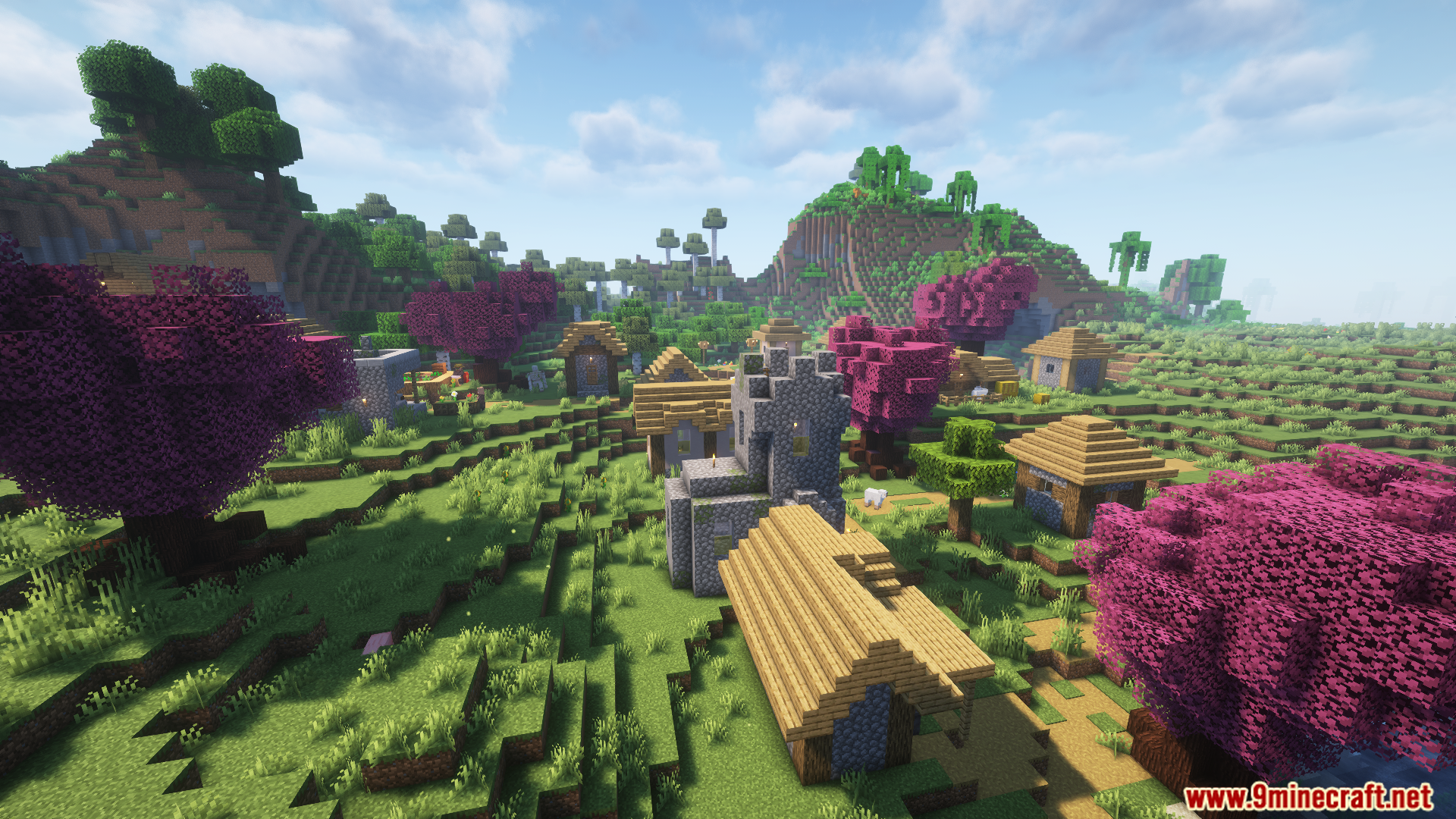
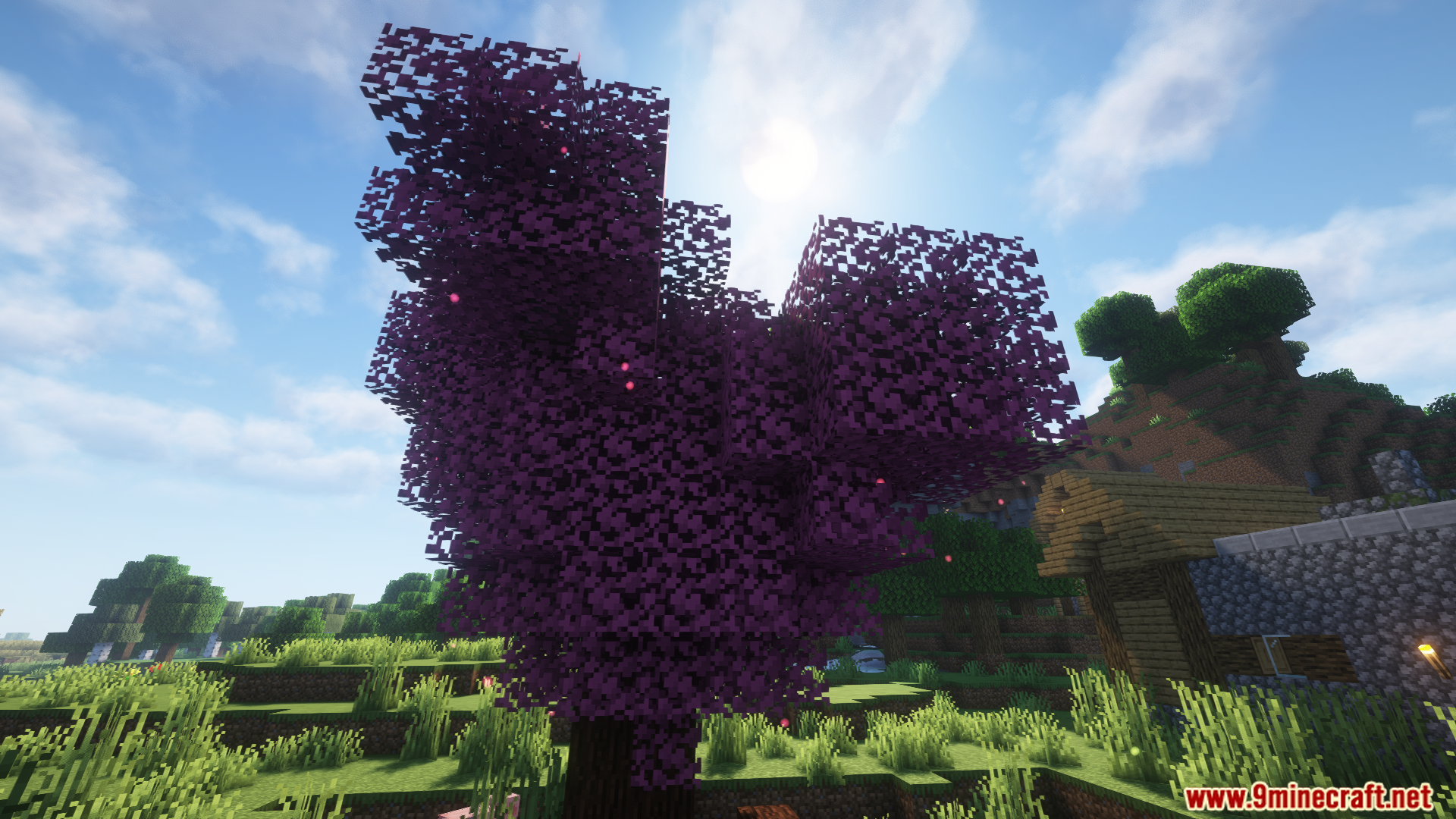
Natures Aura Render Fix Mod designed to address a specific rendering issue in the Nature’s Aura mod when used with Oculus. It corrects backface culling problems that cause textures like water, flowers, and crops to render incorrectly, leading to graphical artifacts and performance issues. With minimal code changes, this mod ensures a smoother visual experience, making it essential for modpacks using Nature’s Aura and Oculus.
Features:
- Resolves rendering glitches where textures (e.g., water, crops) render twice due to Nature’s Aura particles and Oculus, improving visuals and performance.
- Adds just two lines of code to Nature’s Aura’s particle classes, ensuring no disruption to gameplay or mod functionality.
- Works with shaders, avoiding conflicts or rendering issues.
- Requires no additional configuration and integrates effortlessly into modpacks, enhancing stability without overhead.
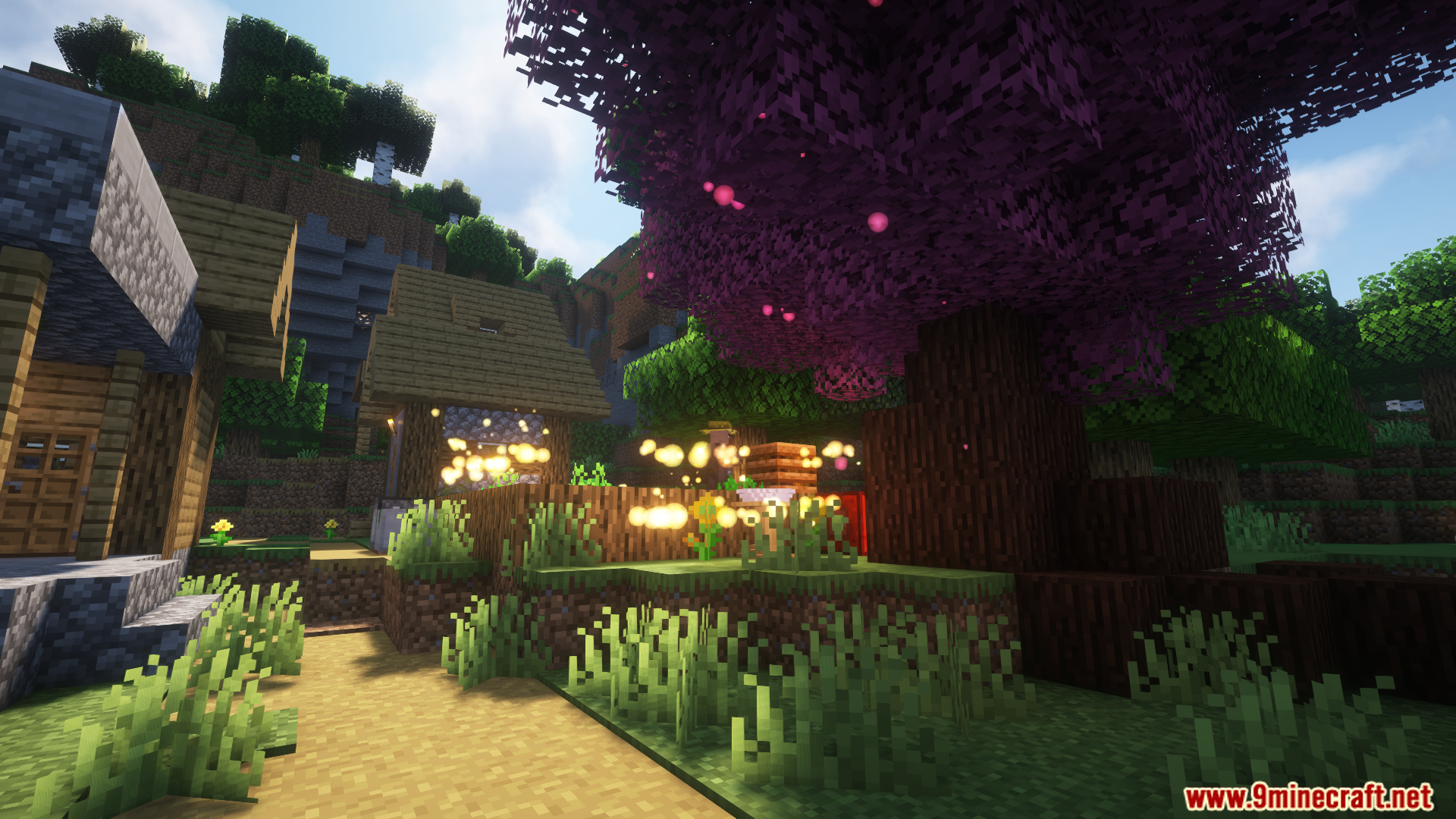
Screenshots:
Natures Aura Render Fix Mod Download Links
For Minecraft 1.20.1, 1.20
Forge version: Download from Server 1 – Download from Server 2
- Edition: Minecraft Java
- File type: .jar
- Minecraft versions listed: 1.20.1, 1.20
- How to install: Install the matching mod loader (Forge, Fabric or NeoForge) for your Minecraft version. → Download the .jar. → Put it in the .minecraft/mods folder and launch that loader profile.
- Where to get it: In MC Java Mods, or directly above on this page.
Install steps are the general flow for this file type — How to install Minecraft Java mods & modpacks walks through it step by step.
- Downloads as 176981.mcaddon
- Download size: 8 KB
- Download link checked 25 Jul 2026 — working
- Mirrored on our own servers — the download does not depend on the original host
These come from our own check of the pack file, not from the source page.