Nether Portal Configurator Mod (1.20.1, 1.20) – Turn Nether Access Into a Quest
Java mod listed for Minecraft 1.20. Downloads from the MC Java Mods app on Android.
⬇ Download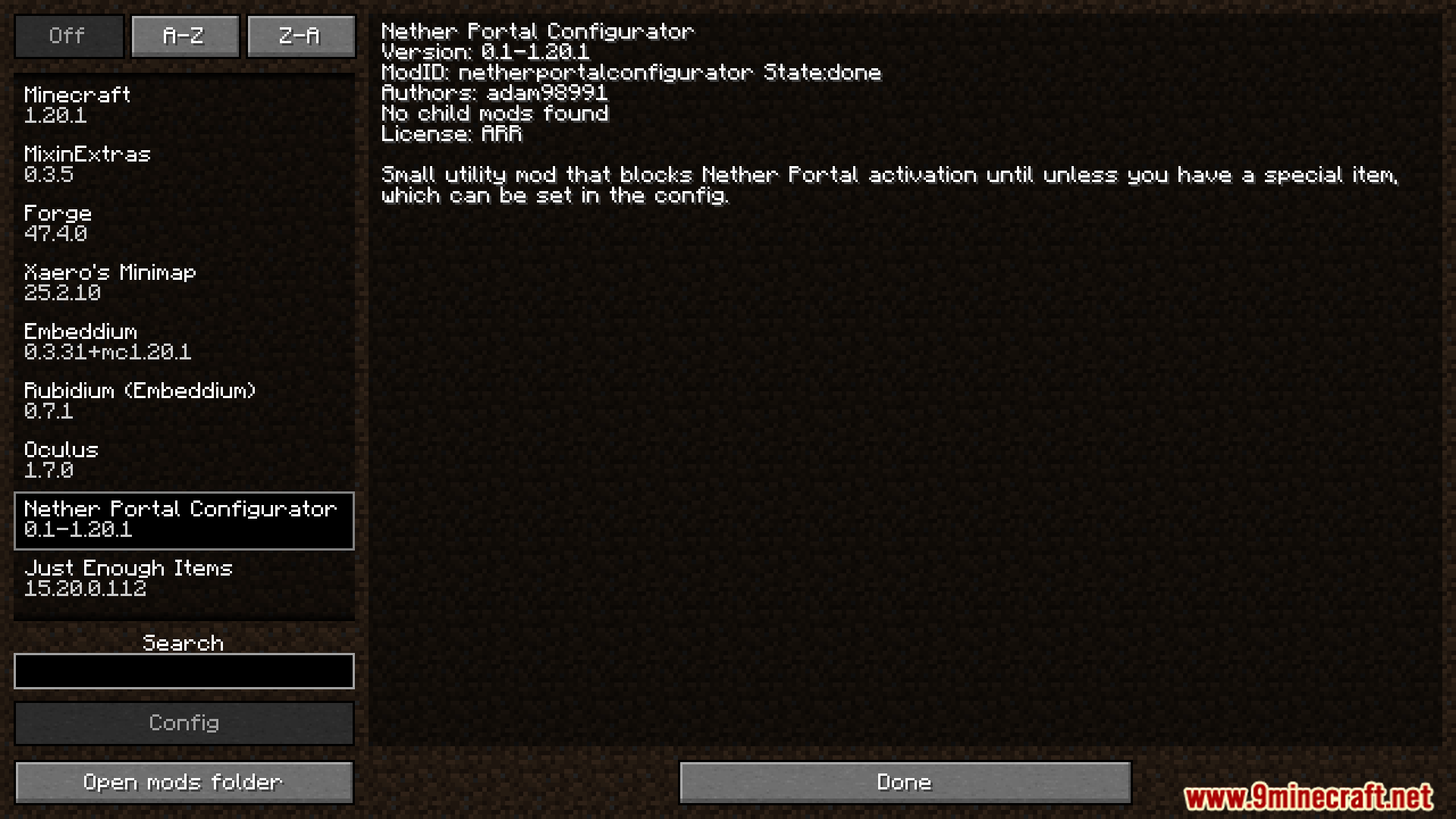
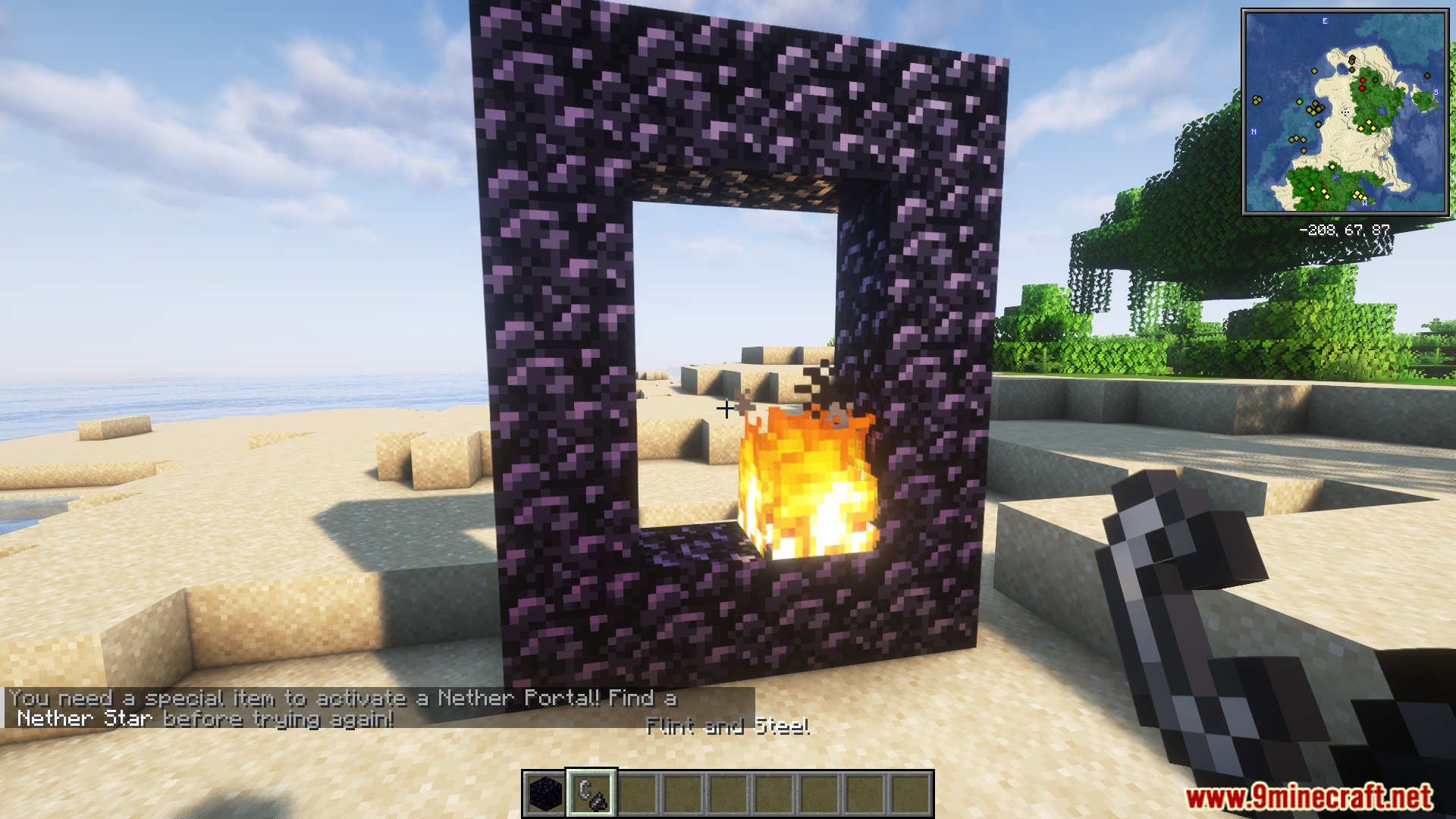
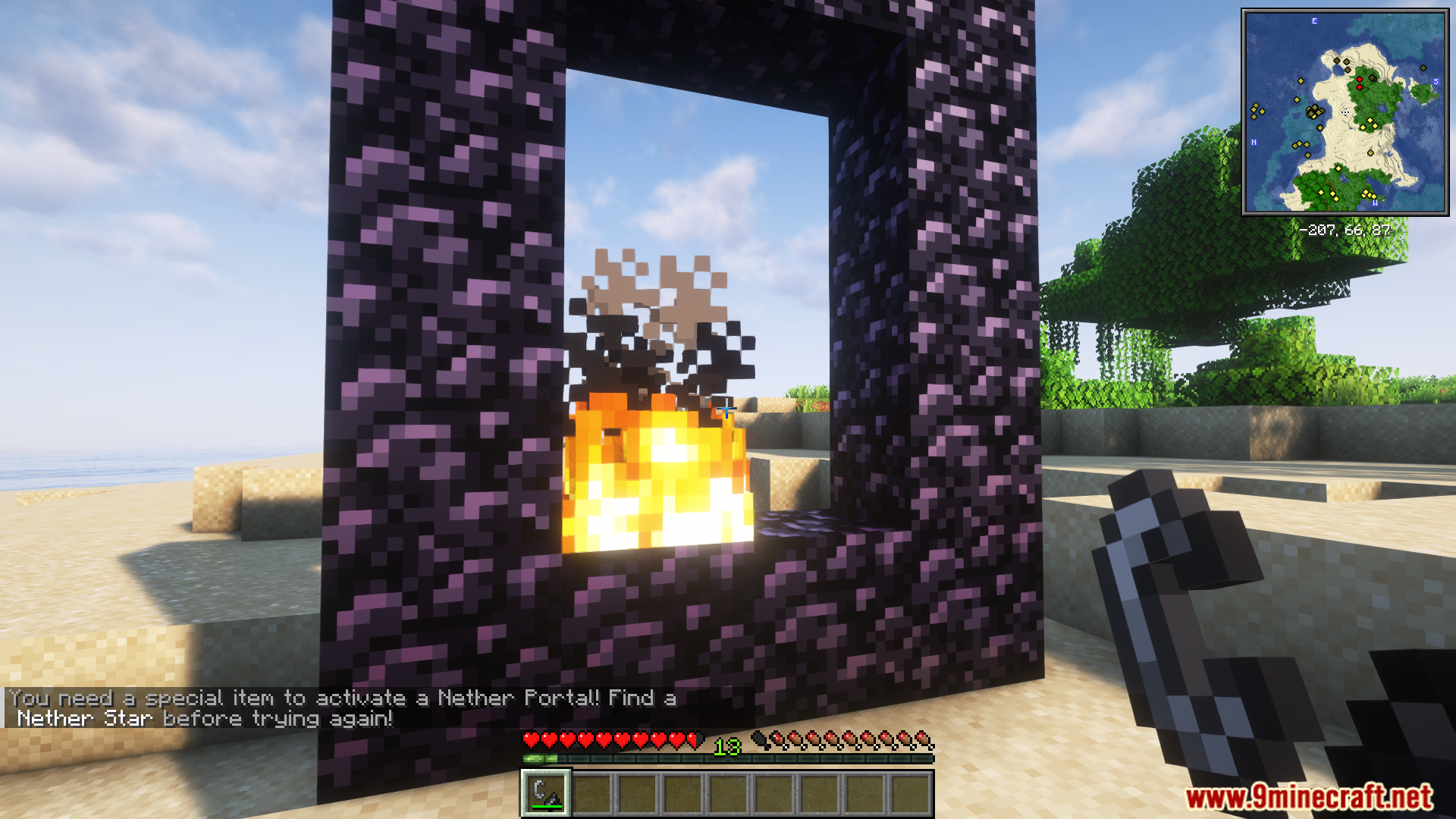
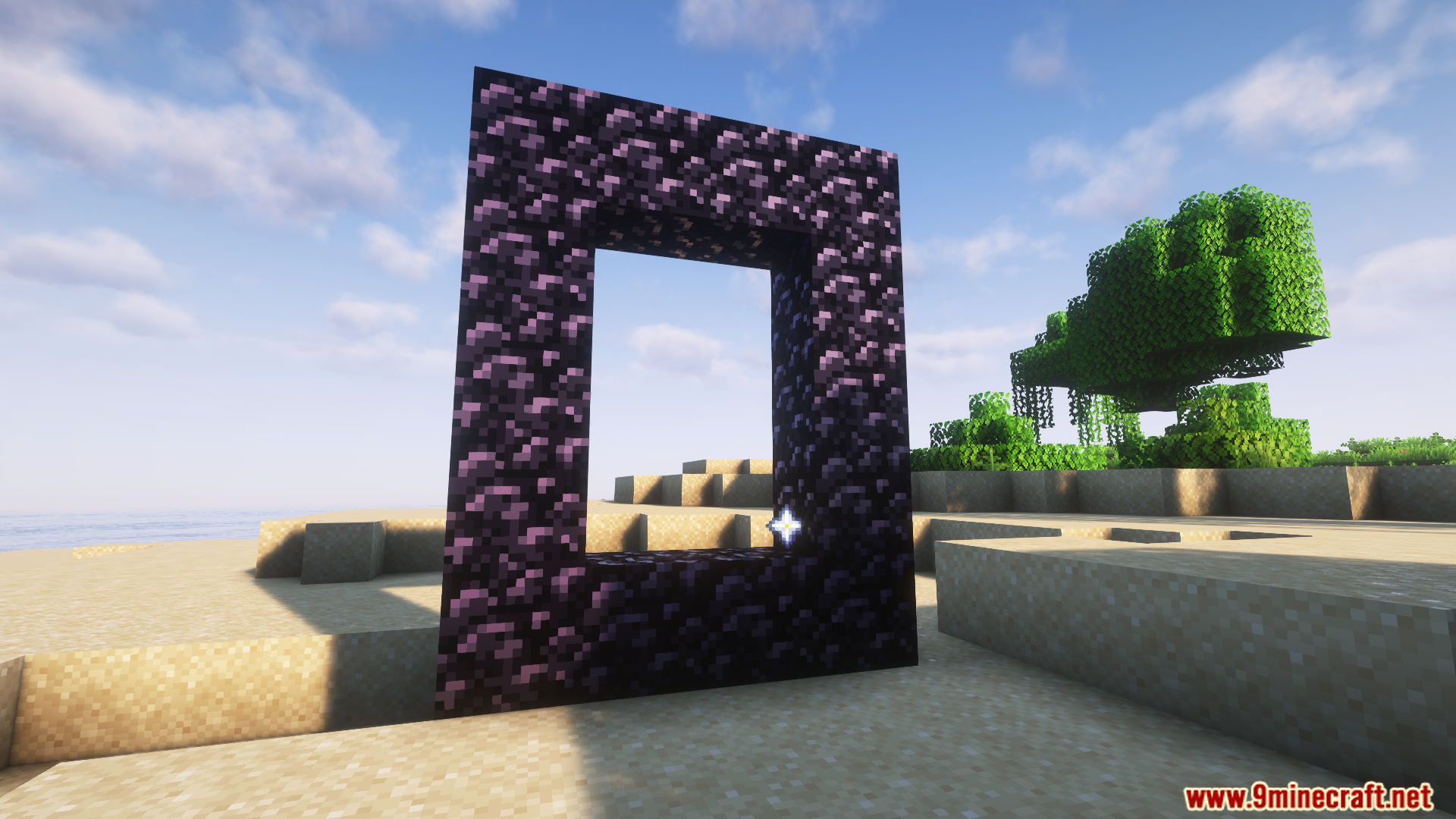
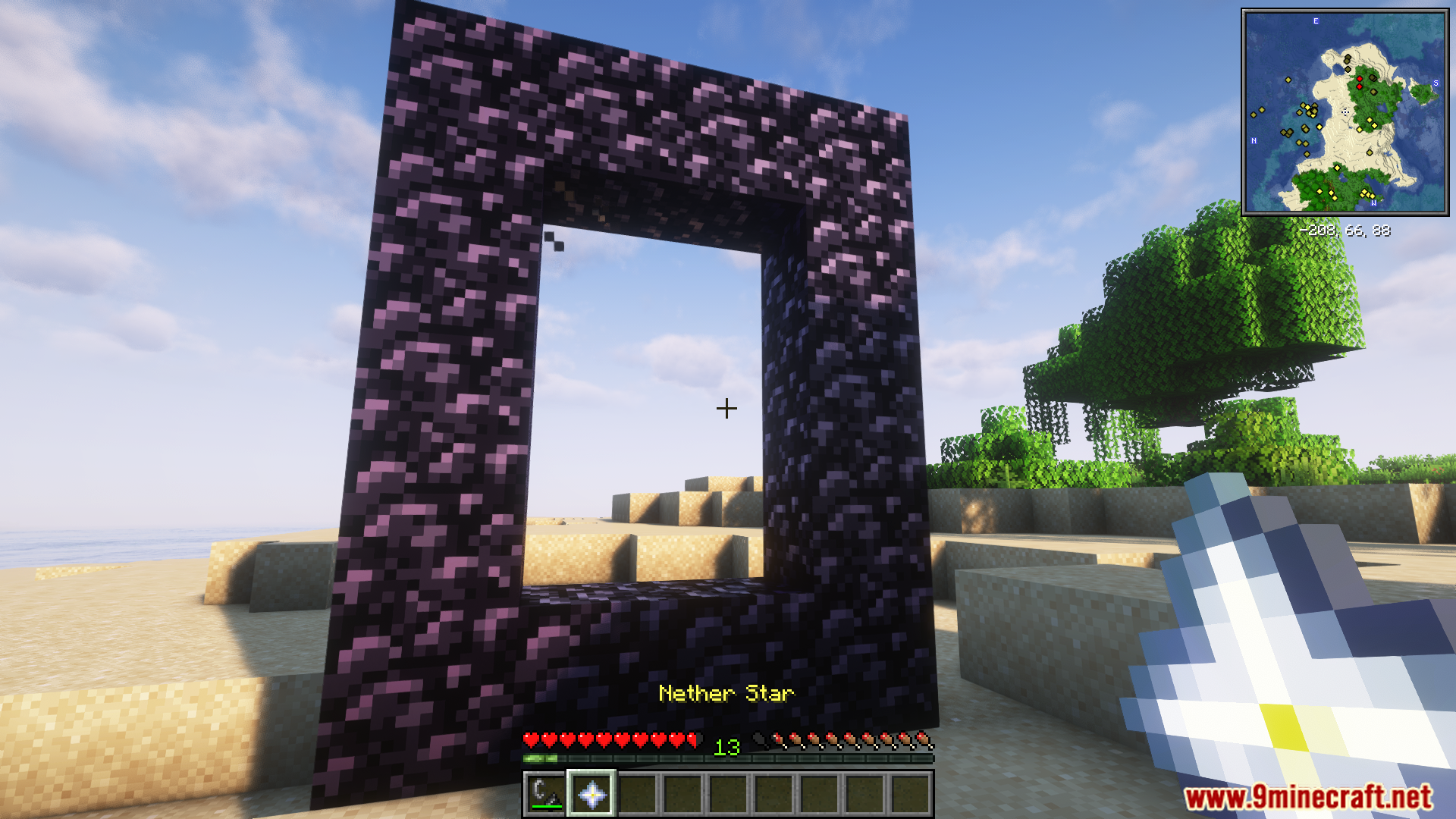
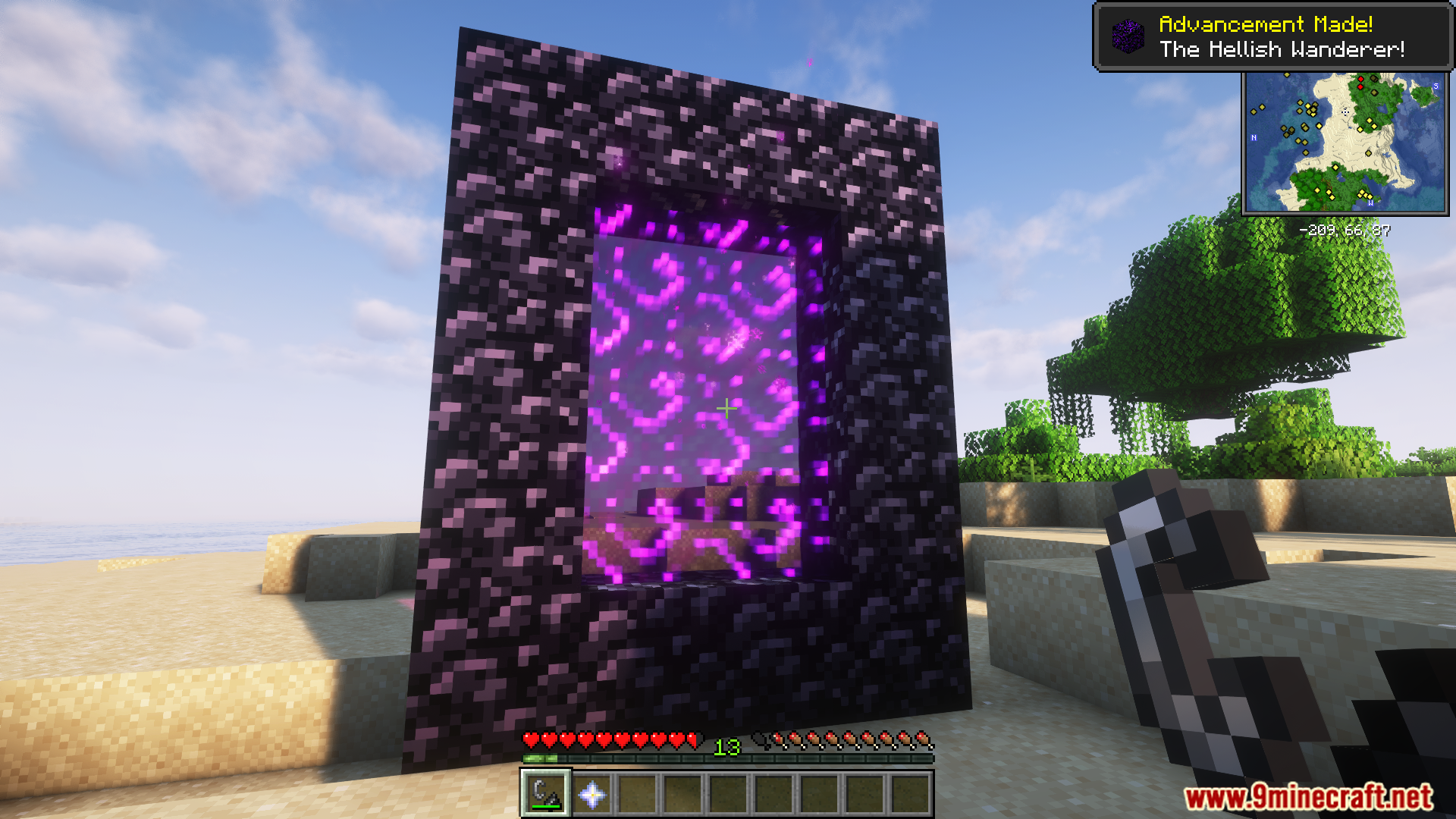
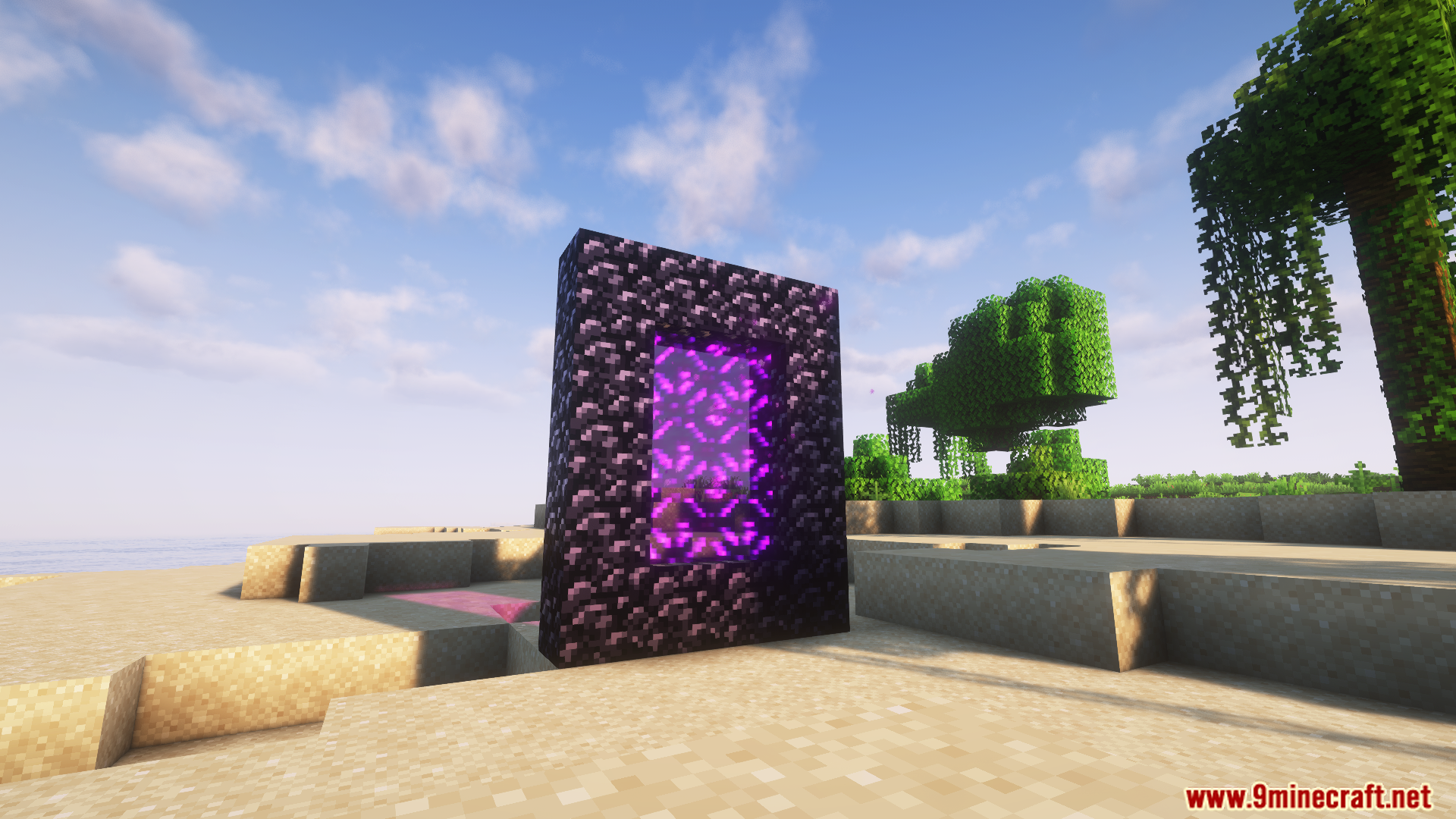
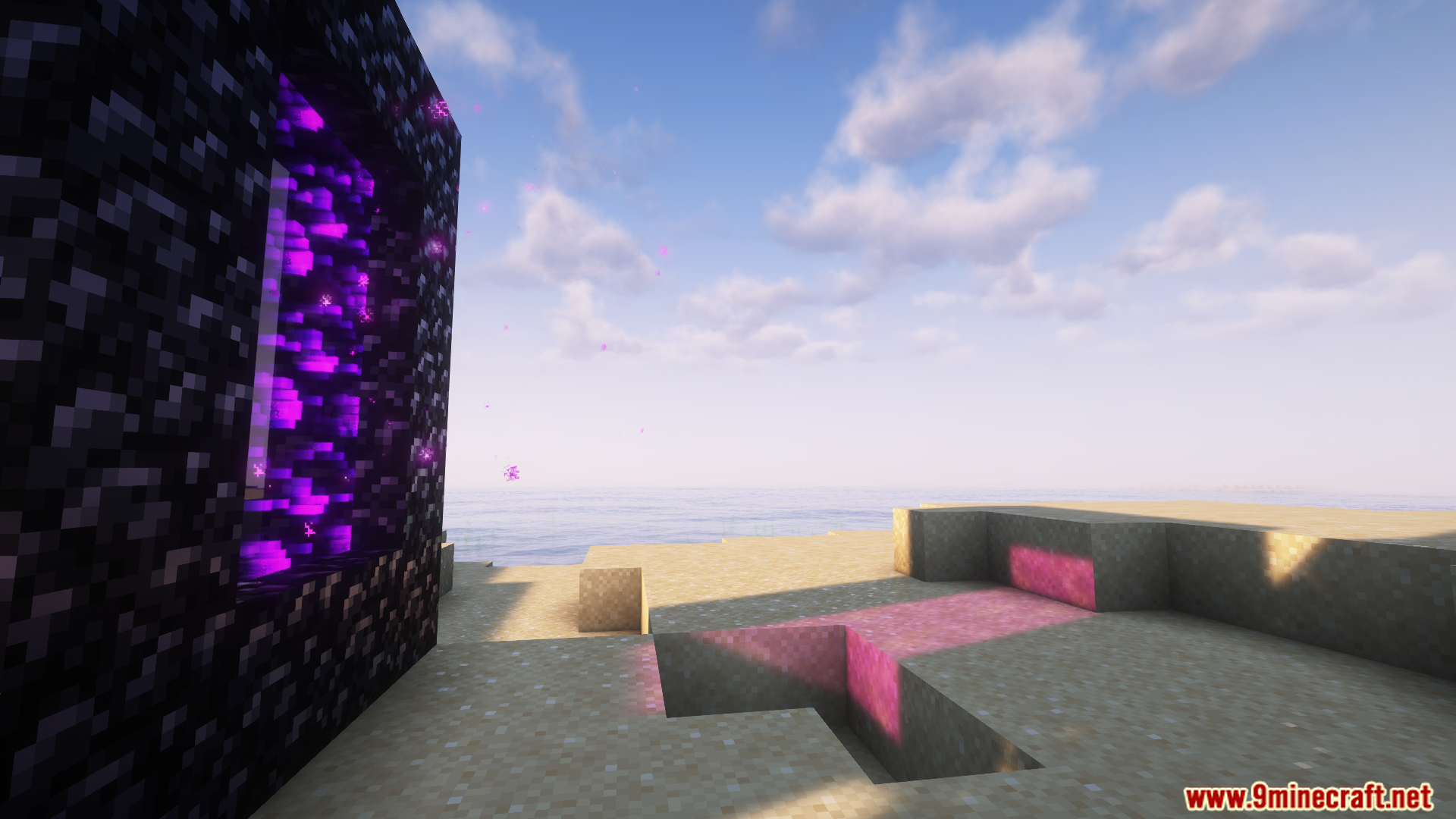
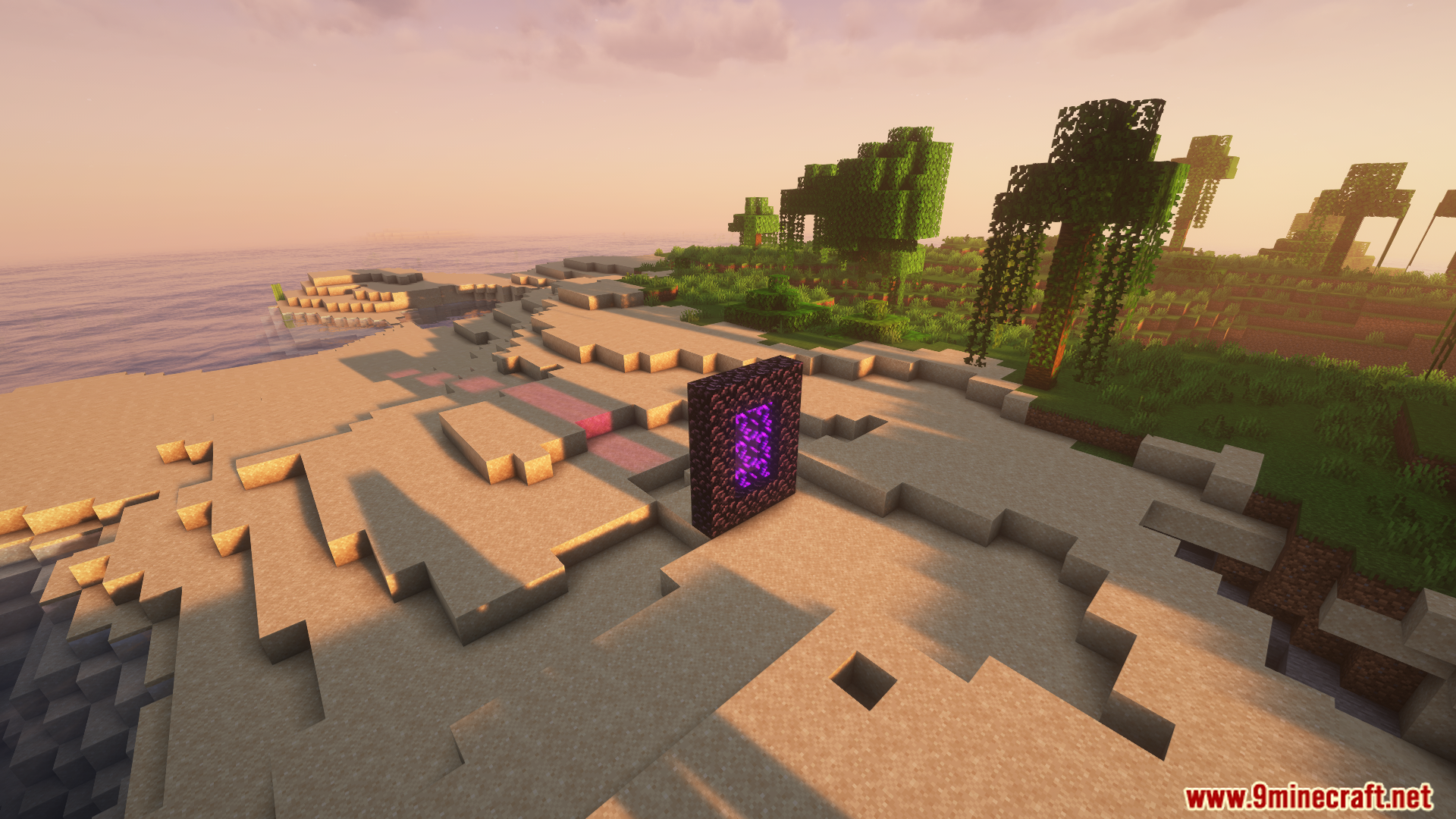
Nether Portal Configurator Mod lets you change how Nether Portals are activated in Minecraft. Instead of just using flint and steel, you can require a specific item to light a portal. This mod is made for modpack creators and server owners who want to control progression and make accessing the Nether a bigger challenge.
Features:
- Set any item in the game as the key needed to activate a Nether Portal.
- Prevents portals from being lit by flint and steel or lightning if the player doesn’t have the required item.
- Once a player lights their first portal, they get an advancement and can then light all other portals freely without the item.
- The entire system is controlled by a simple config file, making it easy to adjust the difficulty.
Configuration:
You can change the required item by editing the mod’s configuration file. The default item is a Nether Star, but you can change it to any other item ID, such as minecraft:diamond or minecraft:obsidian. This allows you to decide how easy or difficult it is for players to enter the Nether.
Screenshots:
Nether Portal Configurator Mod Download Links
For Minecraft 1.20.1, 1.20
Forge version: Download from Server 1 – Download from Server 2
- Edition: Minecraft Java
- File type: .jar
- Minecraft versions listed: 1.20.1, 1.20
- How to install: Install the matching mod loader (Forge, Fabric or NeoForge) for your Minecraft version. → Download the .jar. → Put it in the .minecraft/mods folder and launch that loader profile.
- Where to get it: In MC Java Mods, or directly above on this page.
Install steps are the general flow for this file type — How to install Minecraft Java mods & modpacks walks through it step by step.
- Downloads as 176982.mcaddon
- Download size: 10 KB
- Download link checked 25 Jul 2026 — working
- Mirrored on our own servers — the download does not depend on the original host
These come from our own check of the pack file, not from the source page.