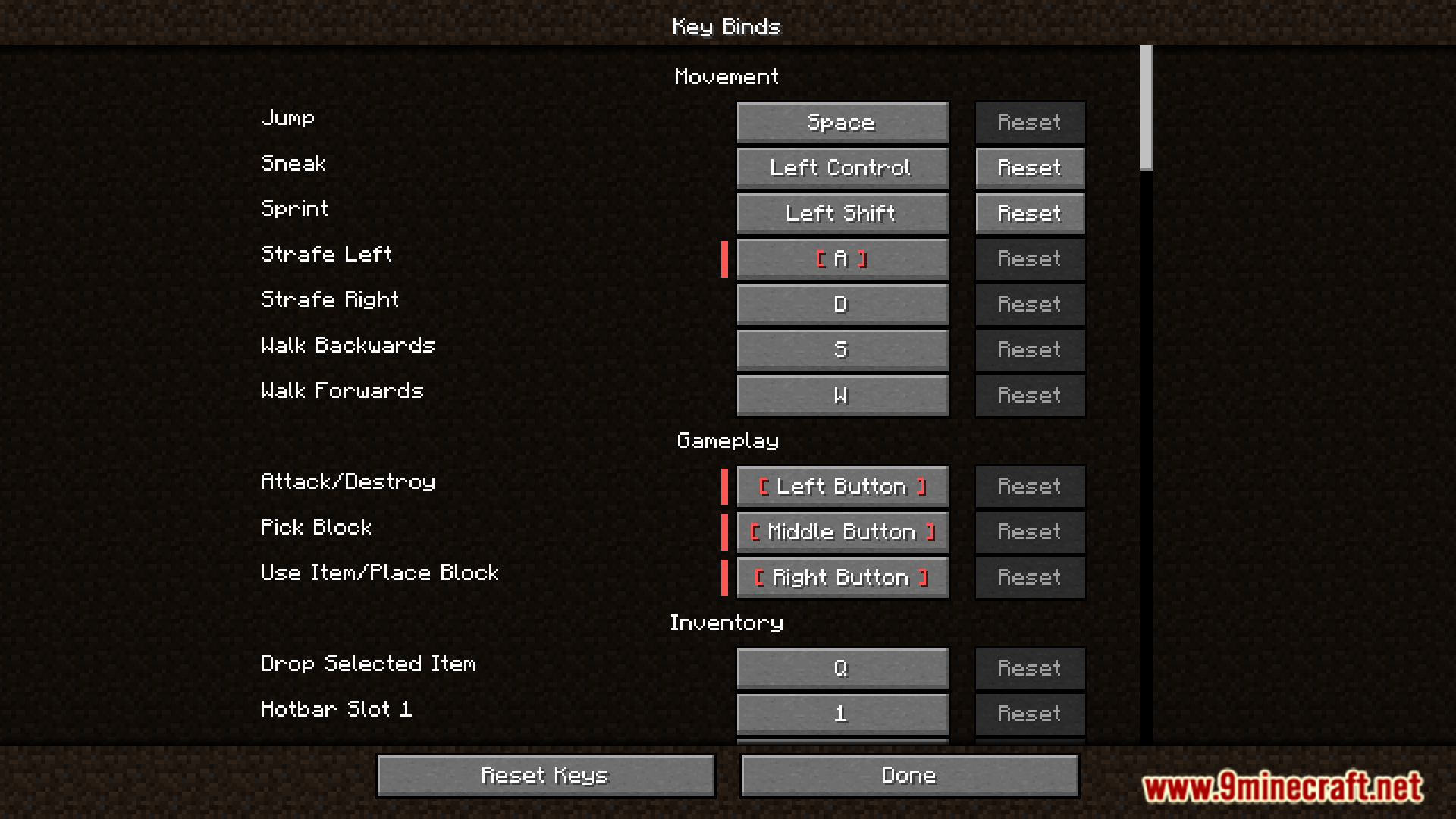
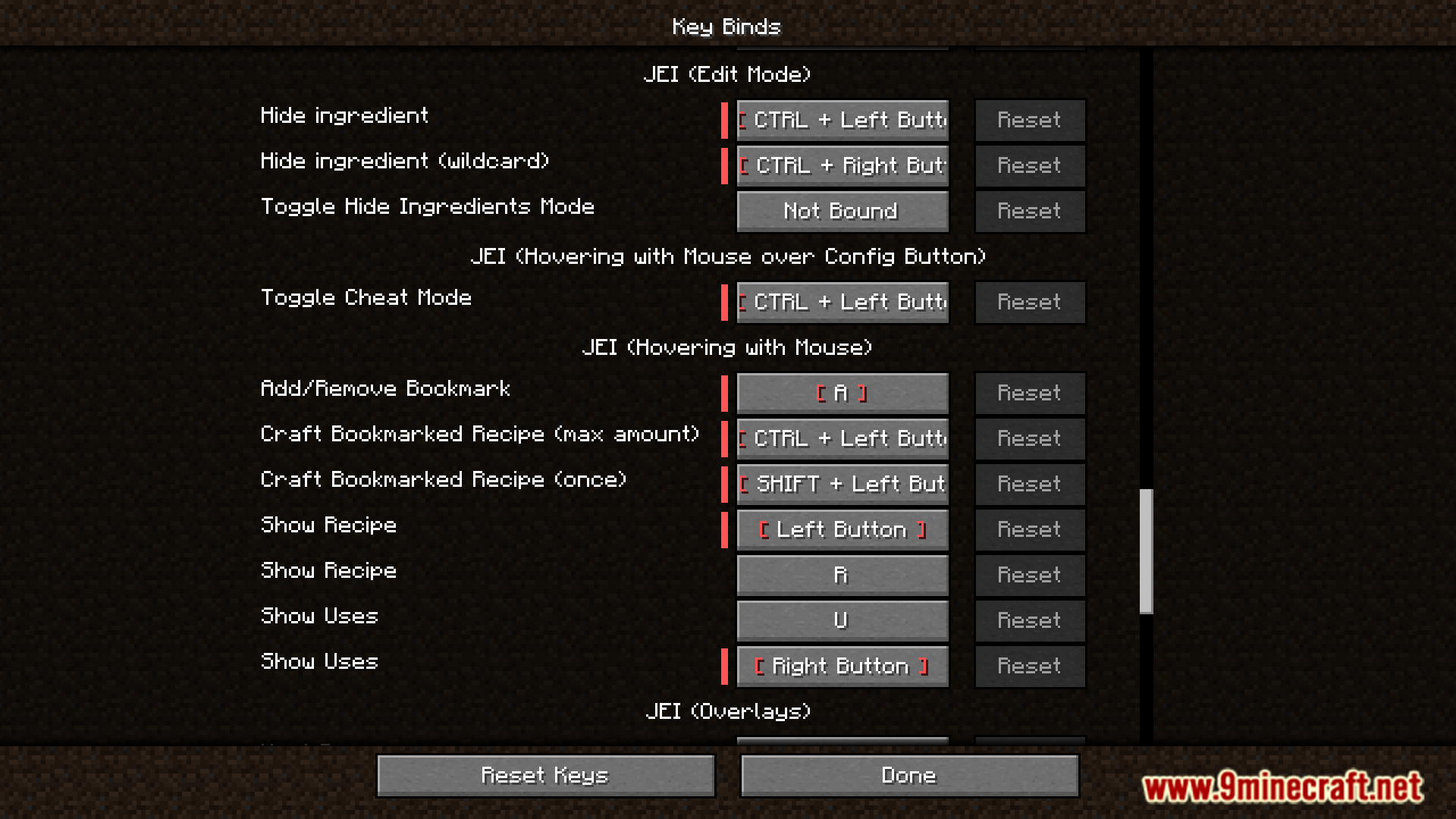
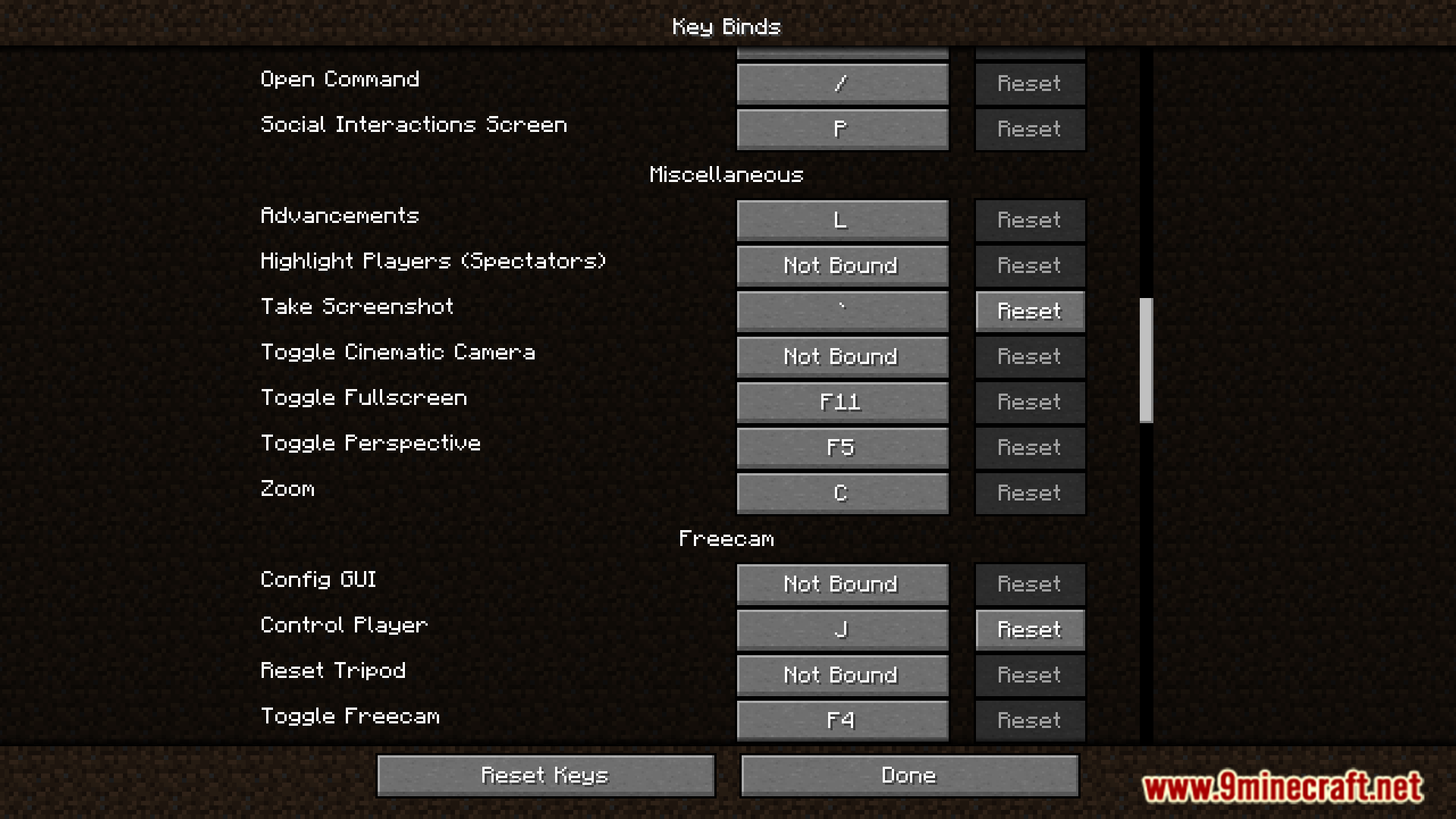
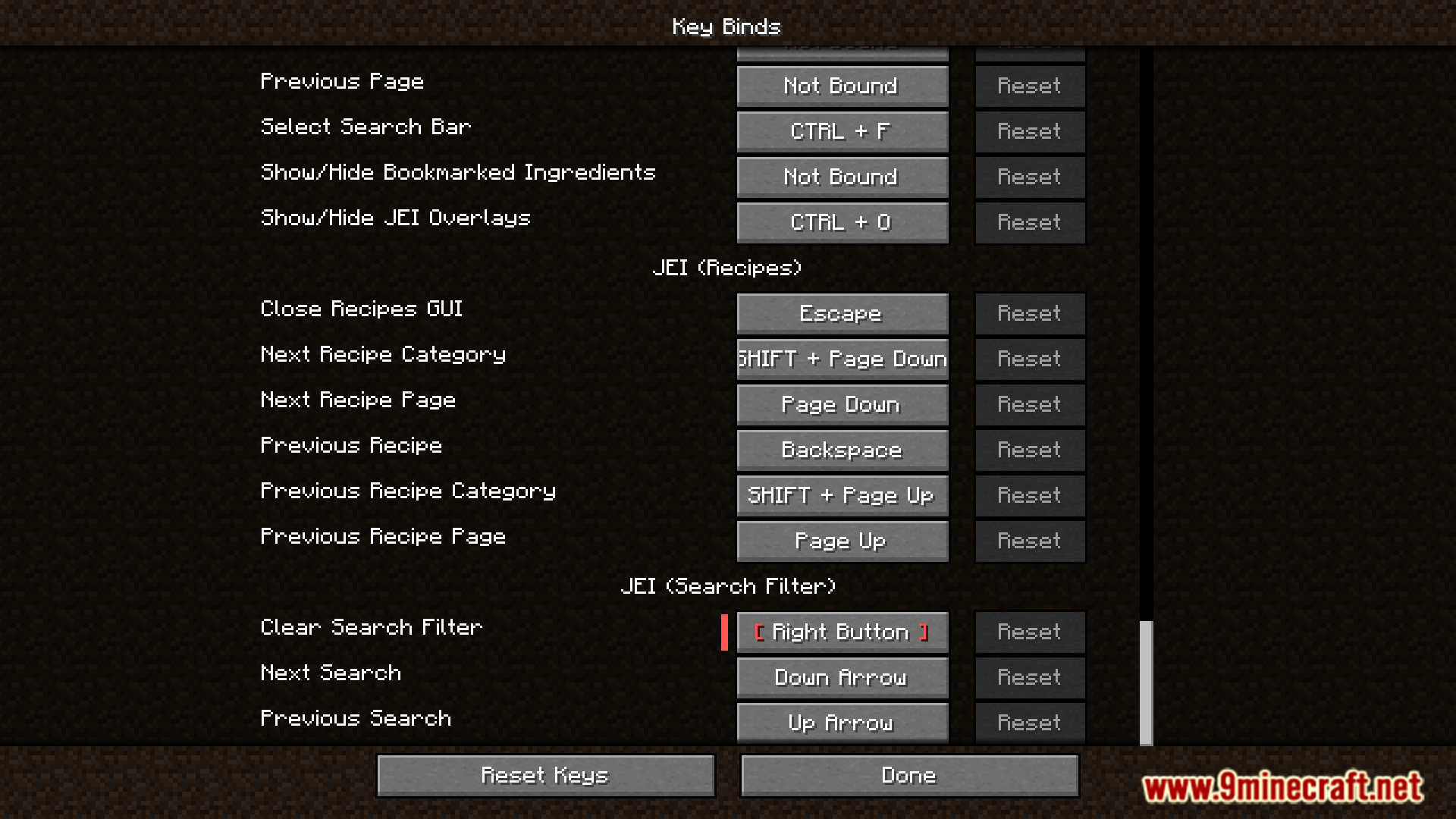
Defaulted Hotkeys Mod lets you set default hotkeys for any keybind in the game. When you first launch Minecraft with this mod, it automatically creates a file named default-hotkeys.json in your config folder. You can then edit this file to customize all your keybinds.
Features:
- Set a default hotkey for any keybinding in the game.
- Automatically generates a configuration file on the first game launch.
- Allows you to manage all default keybinds by editing the
default-hotkeys.jsonfile.
How to Use:
- Run Minecraft at least once with the mod installed. This will create the configuration file.
- Go to your
.minecraft/configfolder and open thedefault-hotkeys.jsonfile. - Edit the file to set up your desired default hotkeys using the correct format.
The file uses a simple structure for each keybind:
[
  {
    //translate key
    "comment": "key.advancements",
    //translation in current language
    "translation": "Advancements",
    //hotkey in vanilla format
    "key": "key.keyboard.l"
  }
]
Screenshots:
Defaulted Hotkeys Mod Download Links
For All Versions from Minecraft 1.21 to Minecraft 1.21.8
NeoForge version: Download from Server 1 – Download from Server 2
Fabric version: Download from Server 1 – Download from Server 2
For Minecraft 1.20.6
NeoForge version: Download from Server 1 – Download from Server 2
Fabric version: Download from Server 1 – Download from Server 2
For Minecraft 1.20.4
NeoForge version: Download from Server 1 – Download from Server 2
Fabric version: Download from Server 1 – Download from Server 2
For Minecraft 1.20.1, 1.20
Forge/NeoForge version: Download from Server 1 – Download from Server 2
Fabric version: Download from Server 1 – Download from Server 2
- Edition: Minecraft Java
- File type: .jar
- Minecraft versions listed: 1.21.8, 1.20.1
- How to install: Install the matching mod loader (Forge, Fabric or NeoForge) for your Minecraft version. → Download the .jar. → Put it in the .minecraft/mods folder and launch that loader profile.
- Where to get it: In MC Java Mods, or directly above on this page.
Install steps are the general flow for this file type — How to install Minecraft Java mods & modpacks walks through it step by step.
- Downloads as 176986.mcaddon
- Download size: 50 KB
- Download link checked 25 Jul 2026 — working
- Mirrored on our own servers — the download does not depend on the original host
These come from our own check of the pack file, not from the source page.