ModsJava
Create Mobile Packages Mod (1.21.1, 1.20.1) – Never Run Home for Items Again
Java mod listed for Minecraft 1.20–1.21. Downloads from the MC Java Mods app on Android.
⬇ Download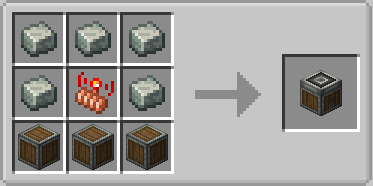
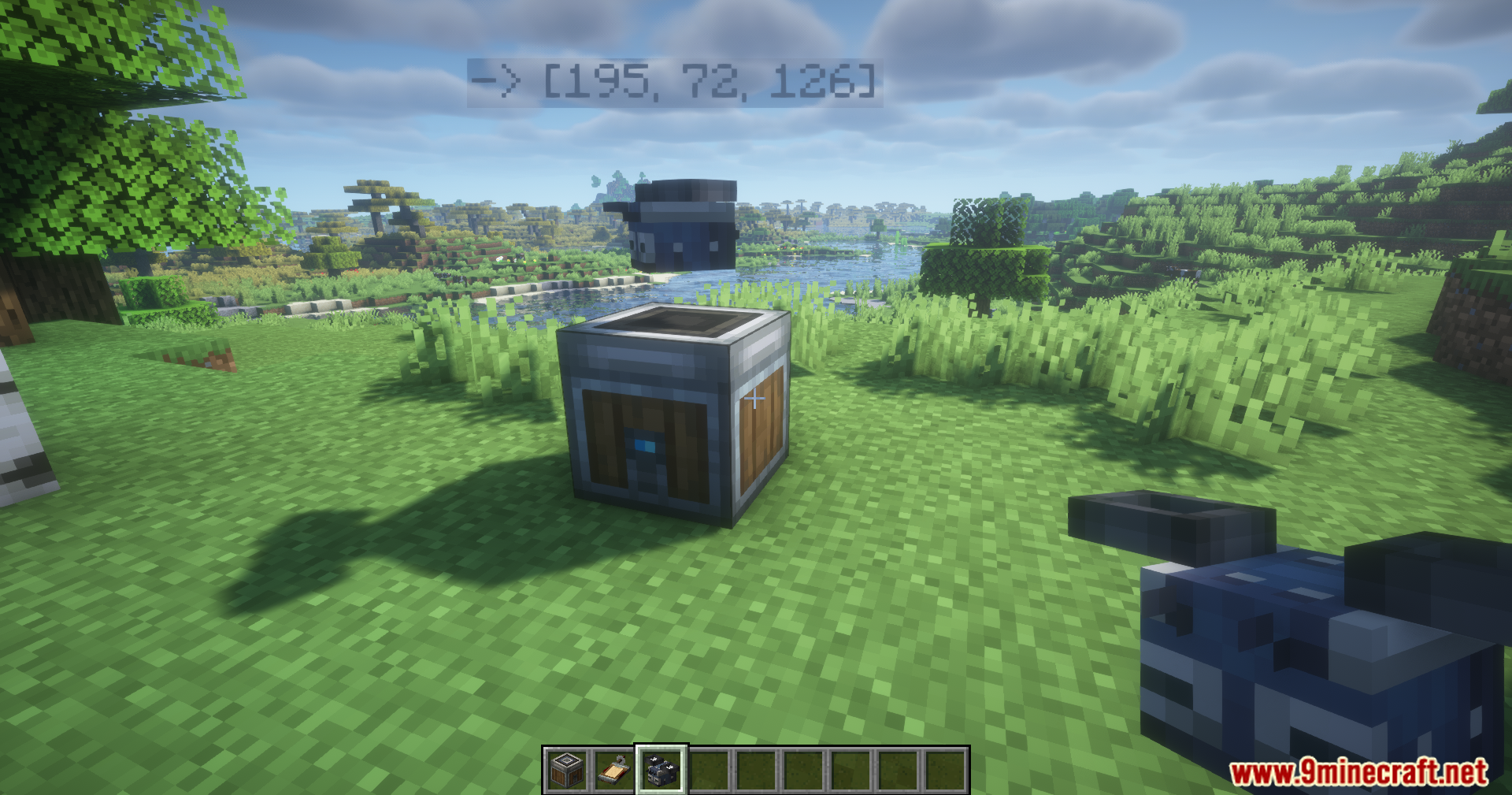
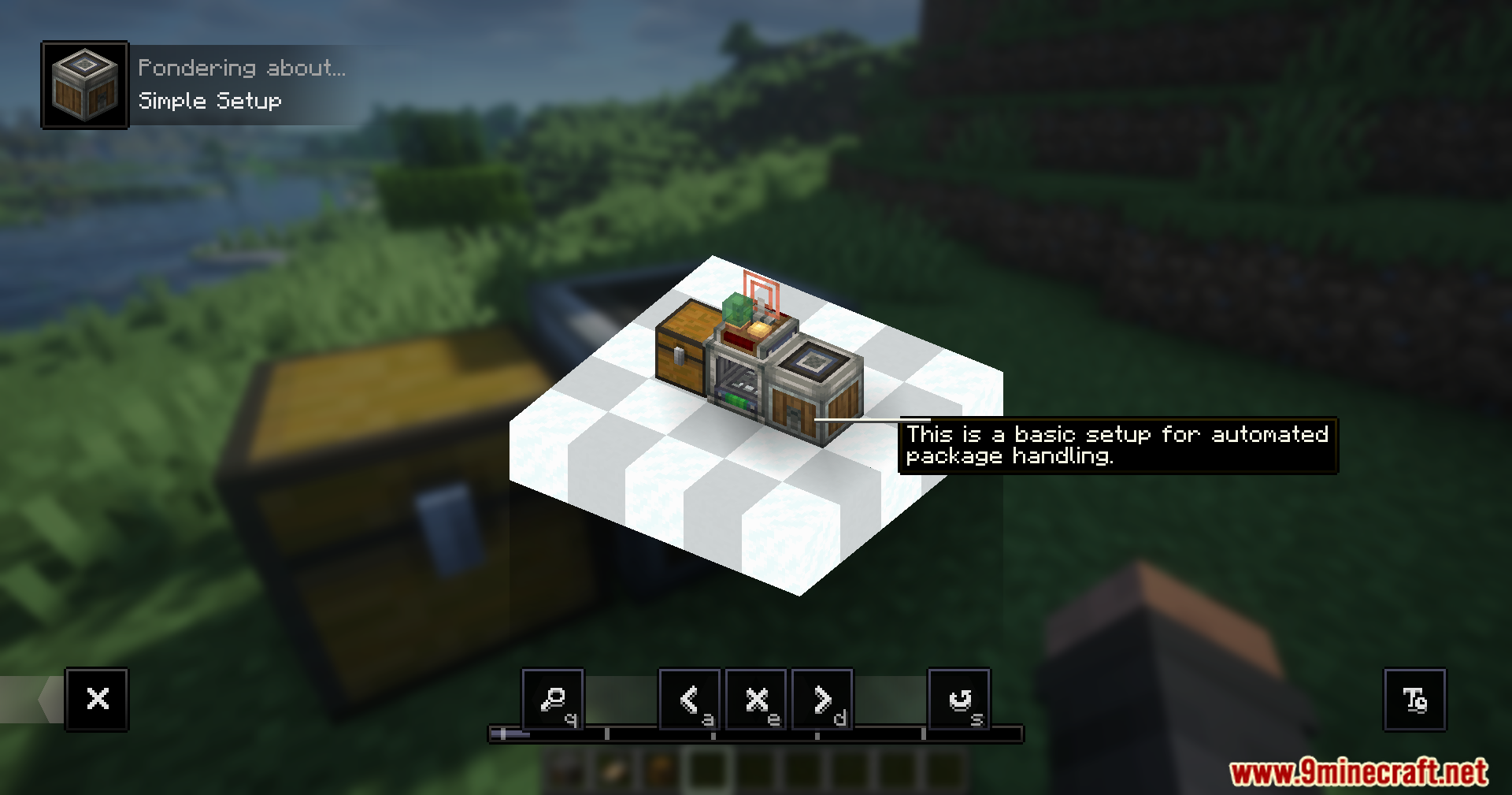
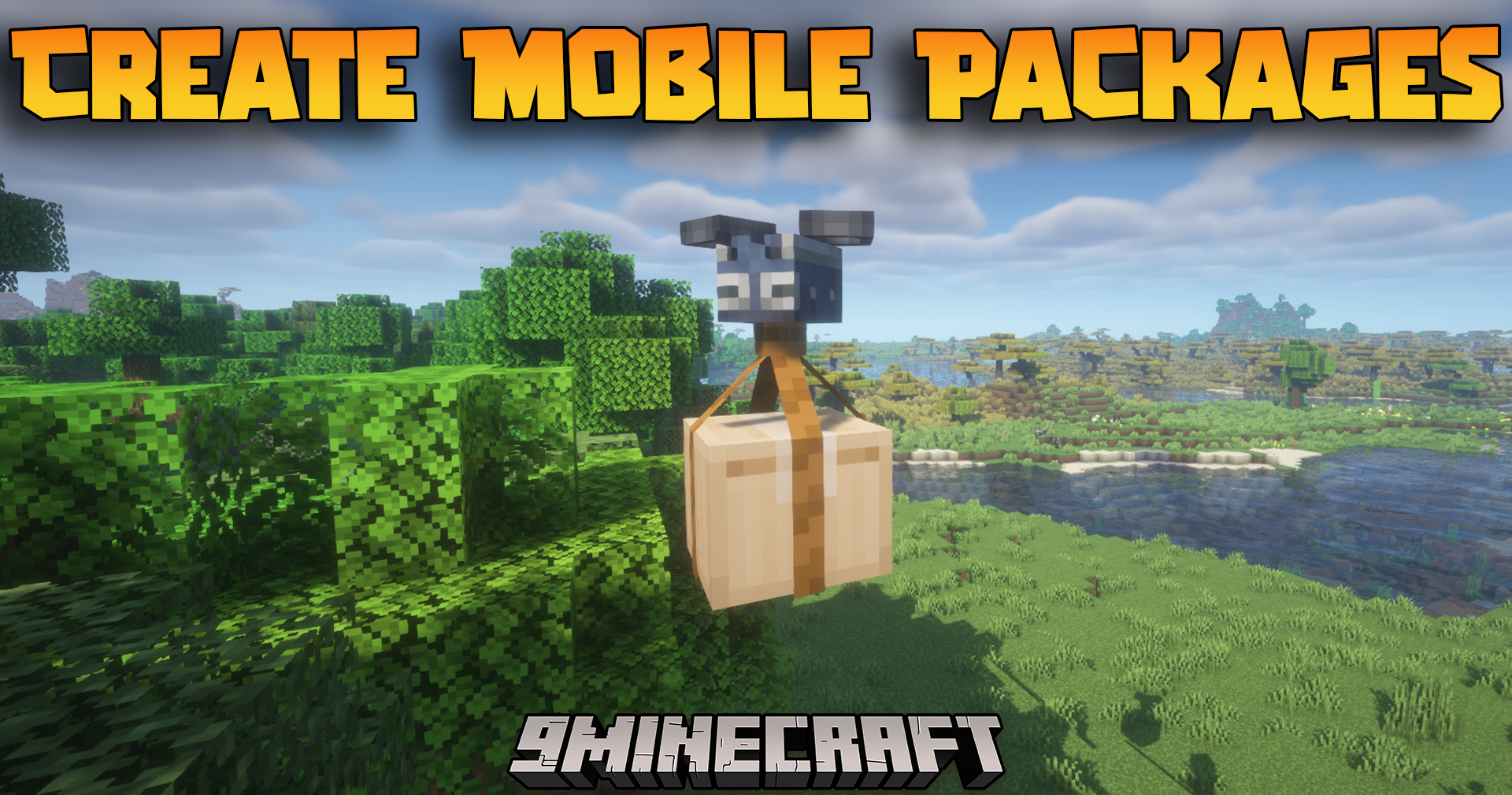
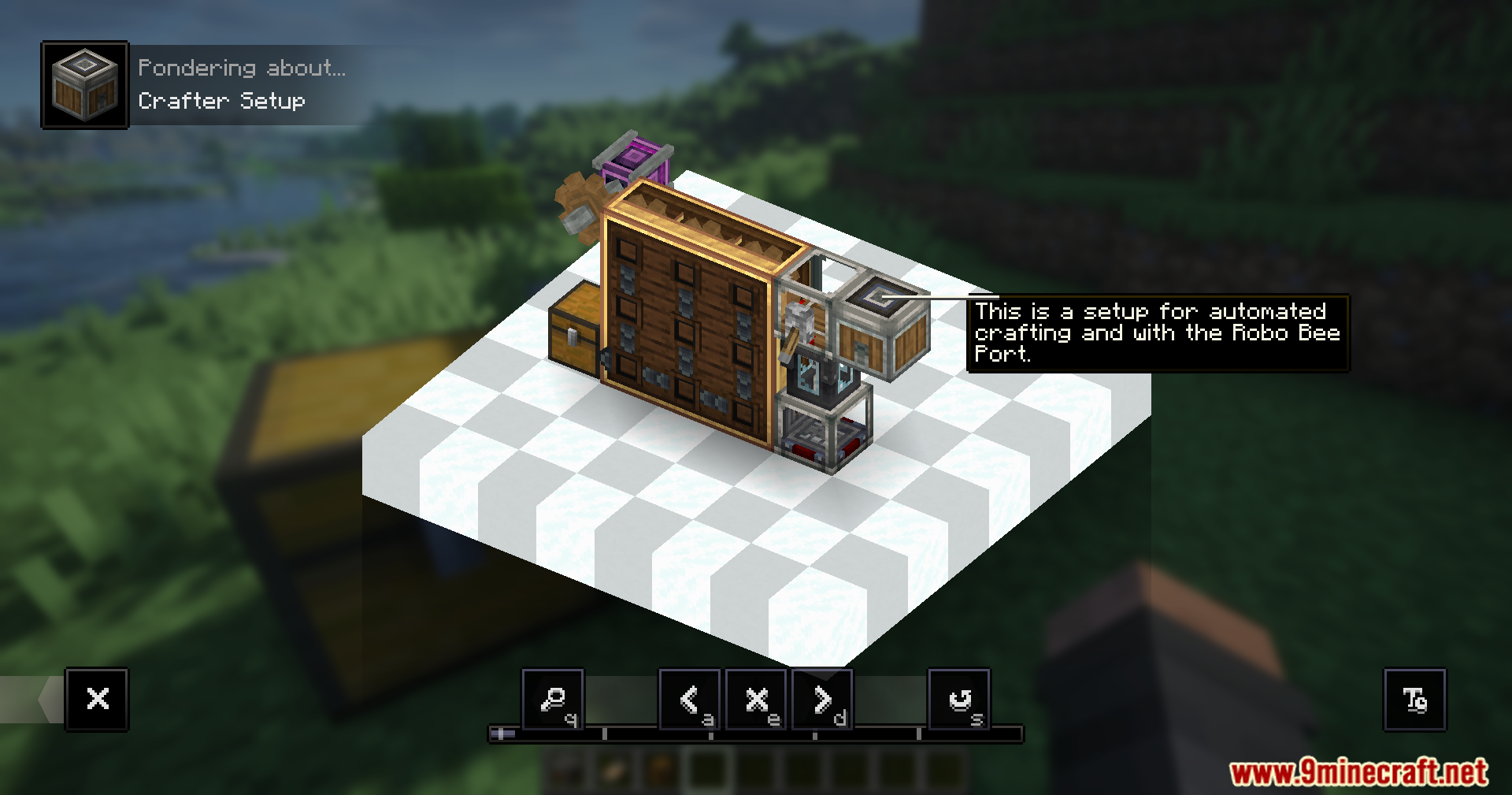
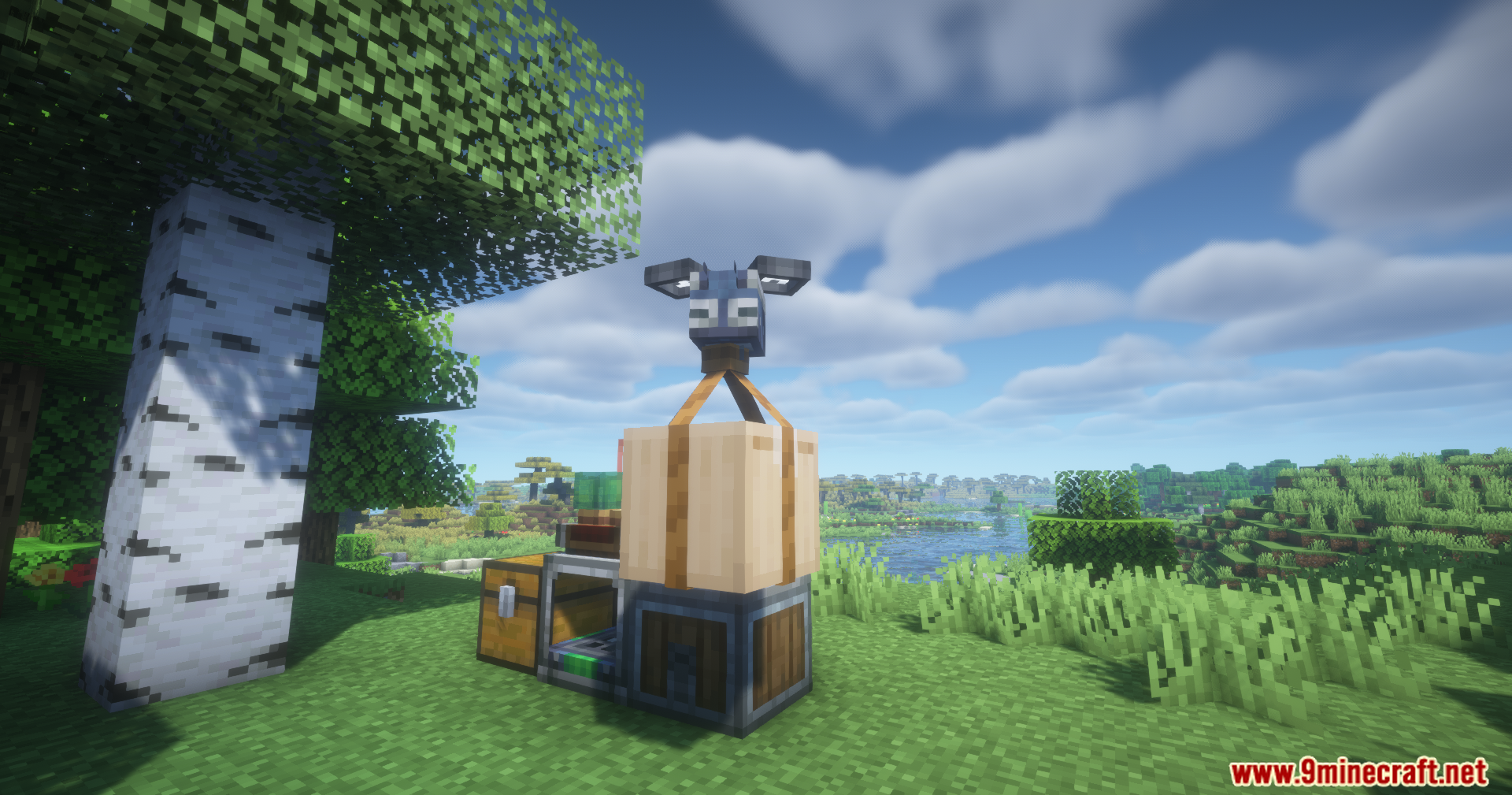
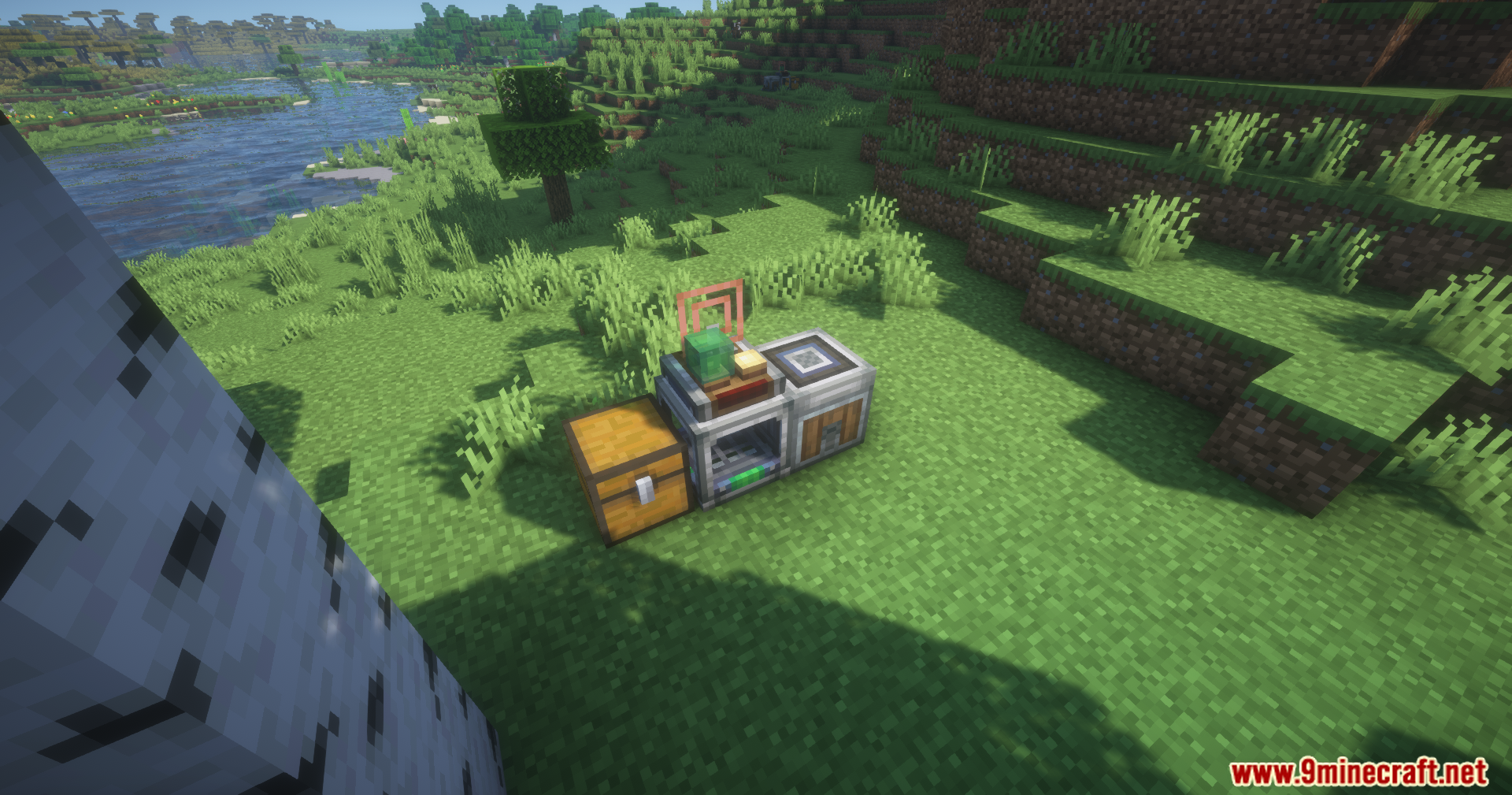
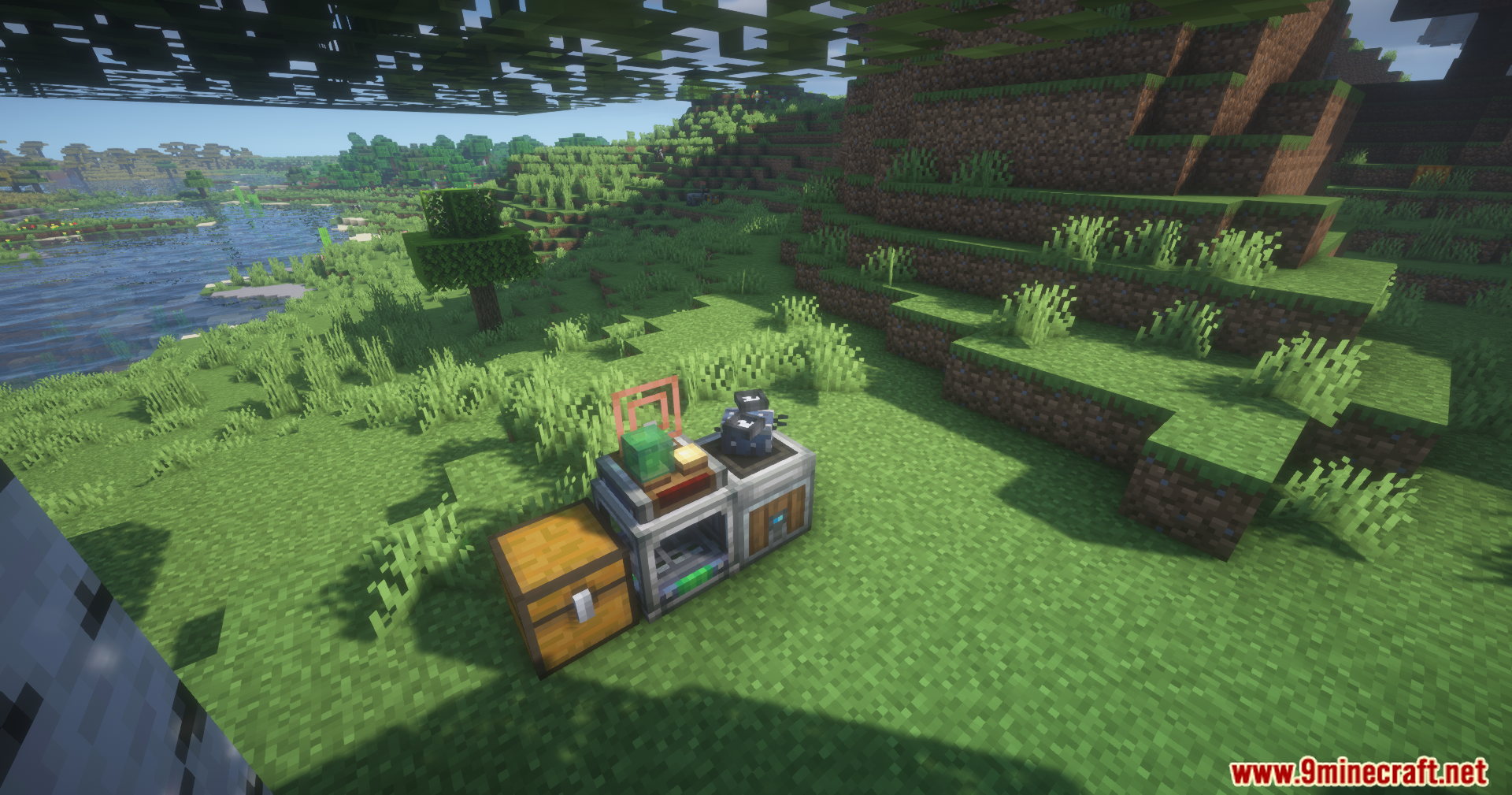
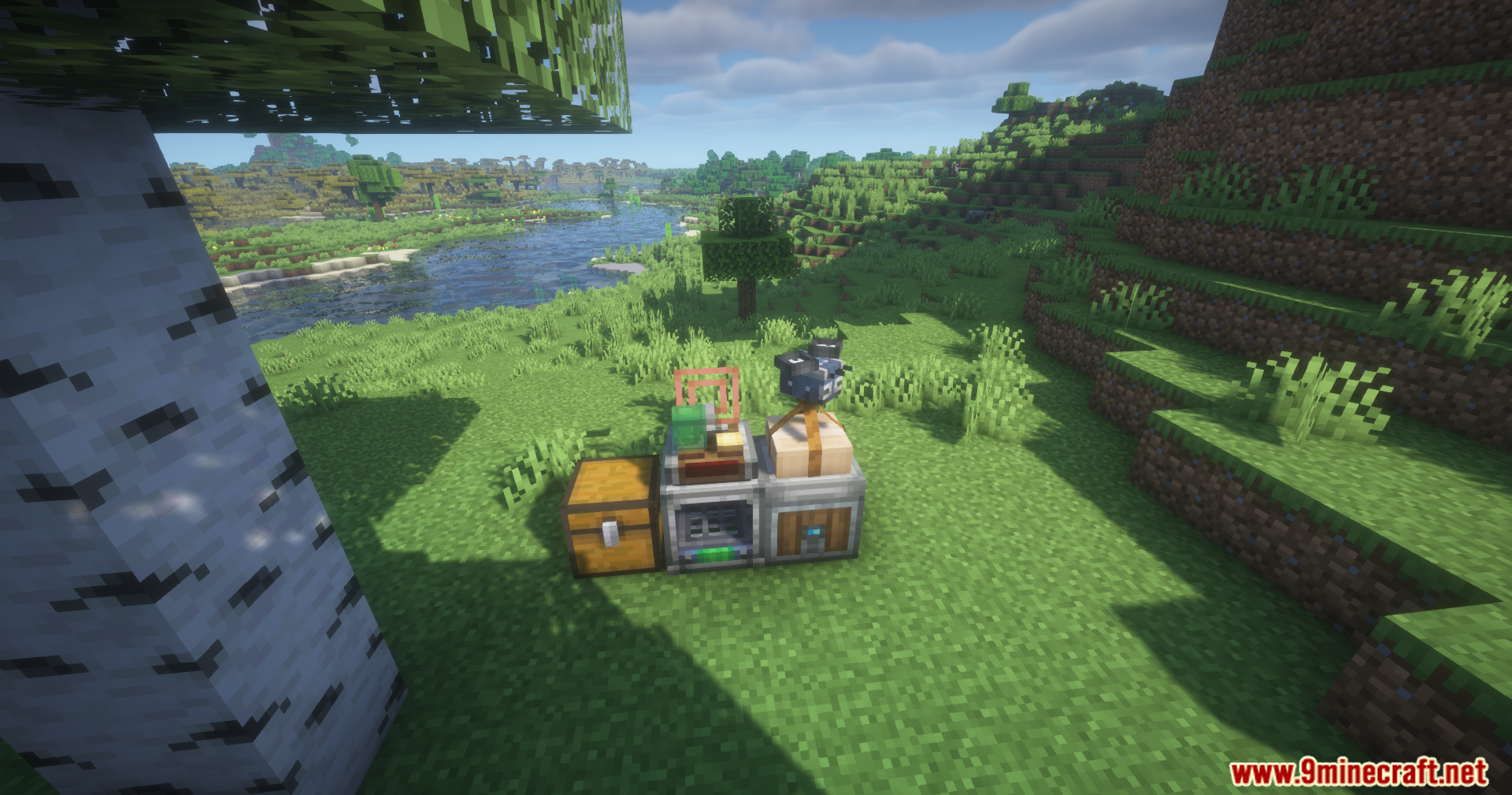
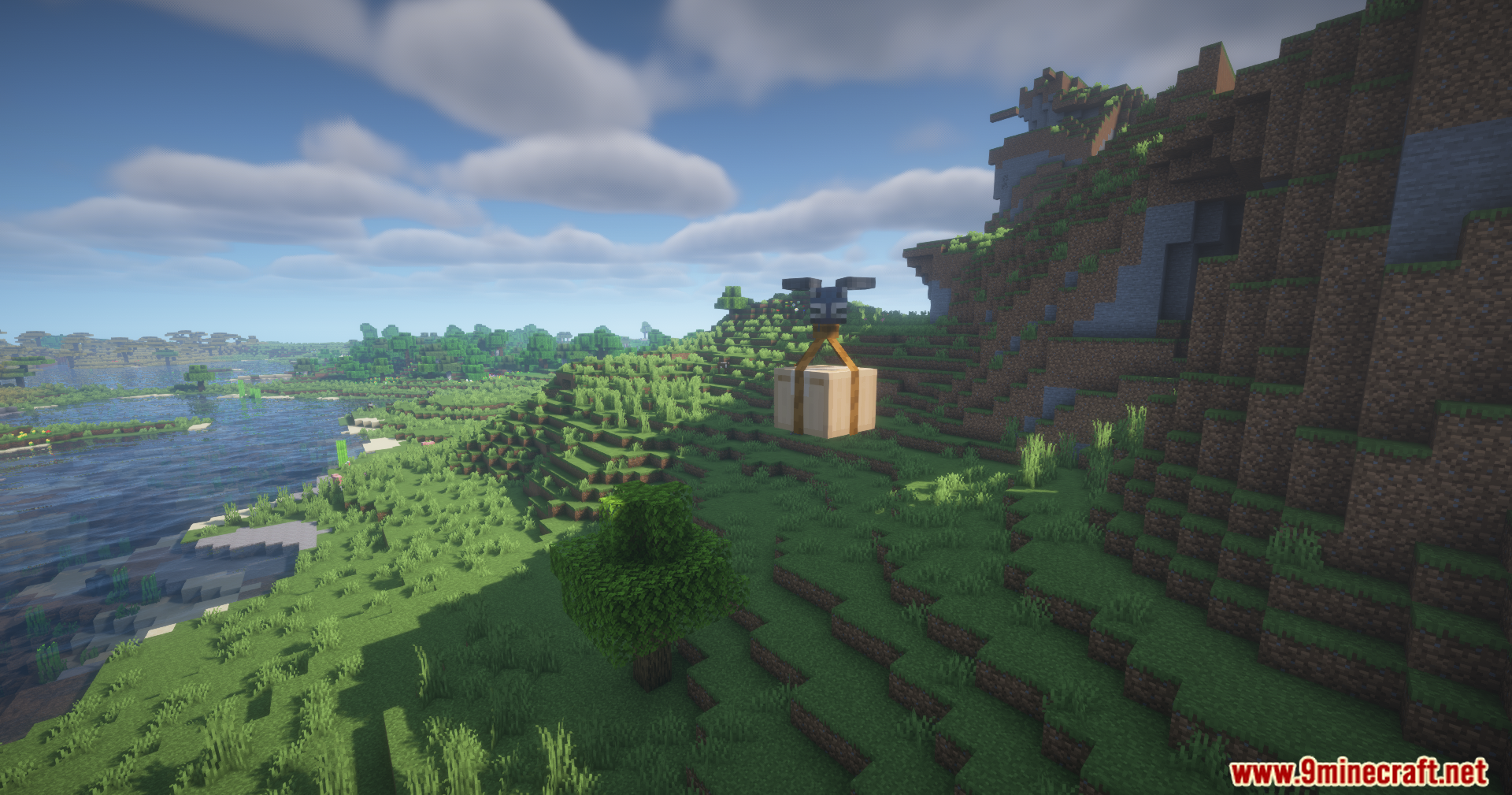
Create Mobile Packages Mod adds a way to deliver Create Mod packages directly to you, wherever you are. This addon introduces a logistics network using Bee Ports as hubs and Robo Bees as couriers. You can even request items from your base from far away with a special handheld device.
Features:
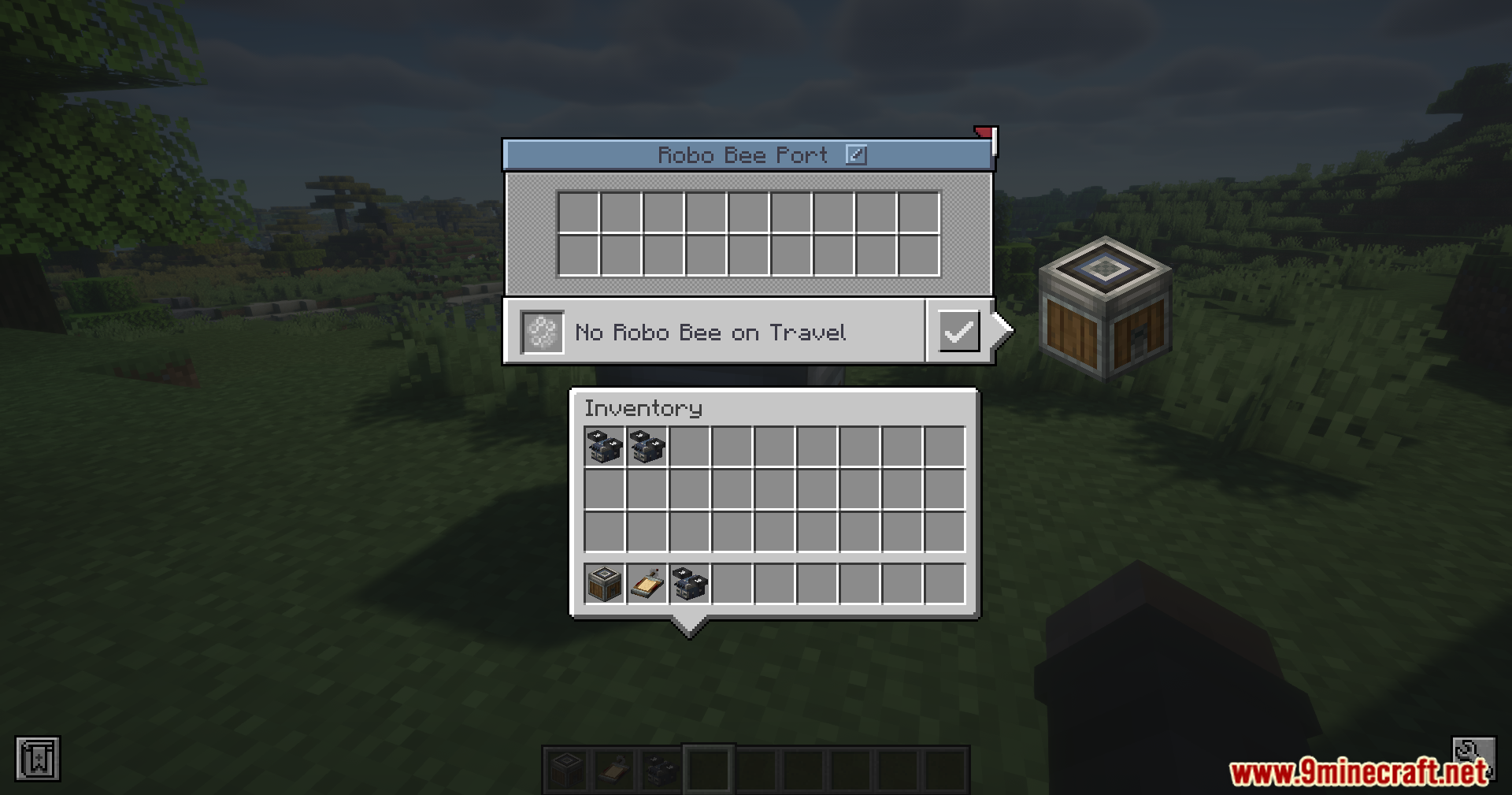
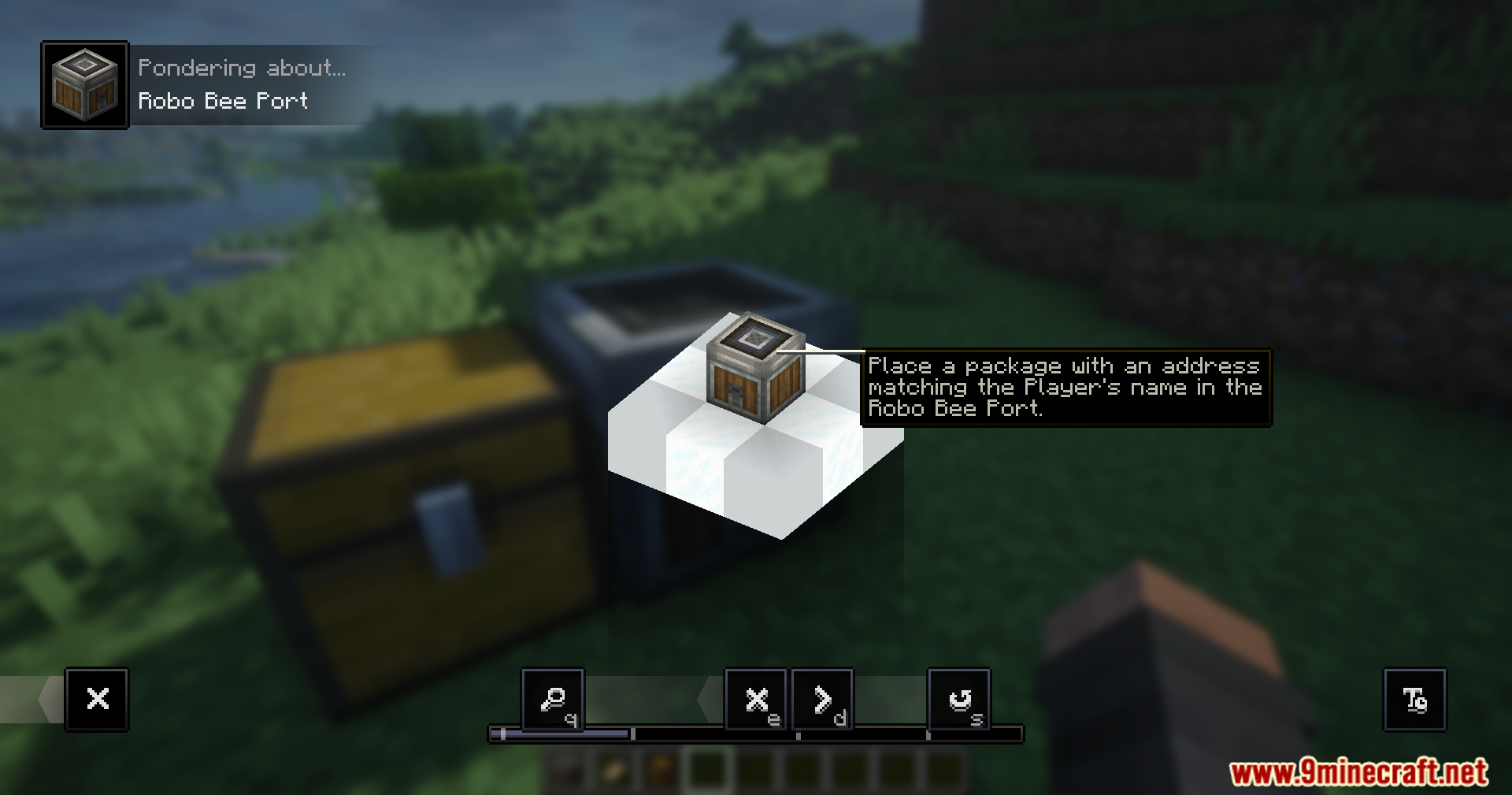
- Adds the Bee Port block to send and receive packages automatically.
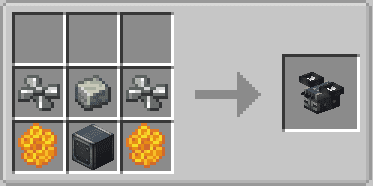
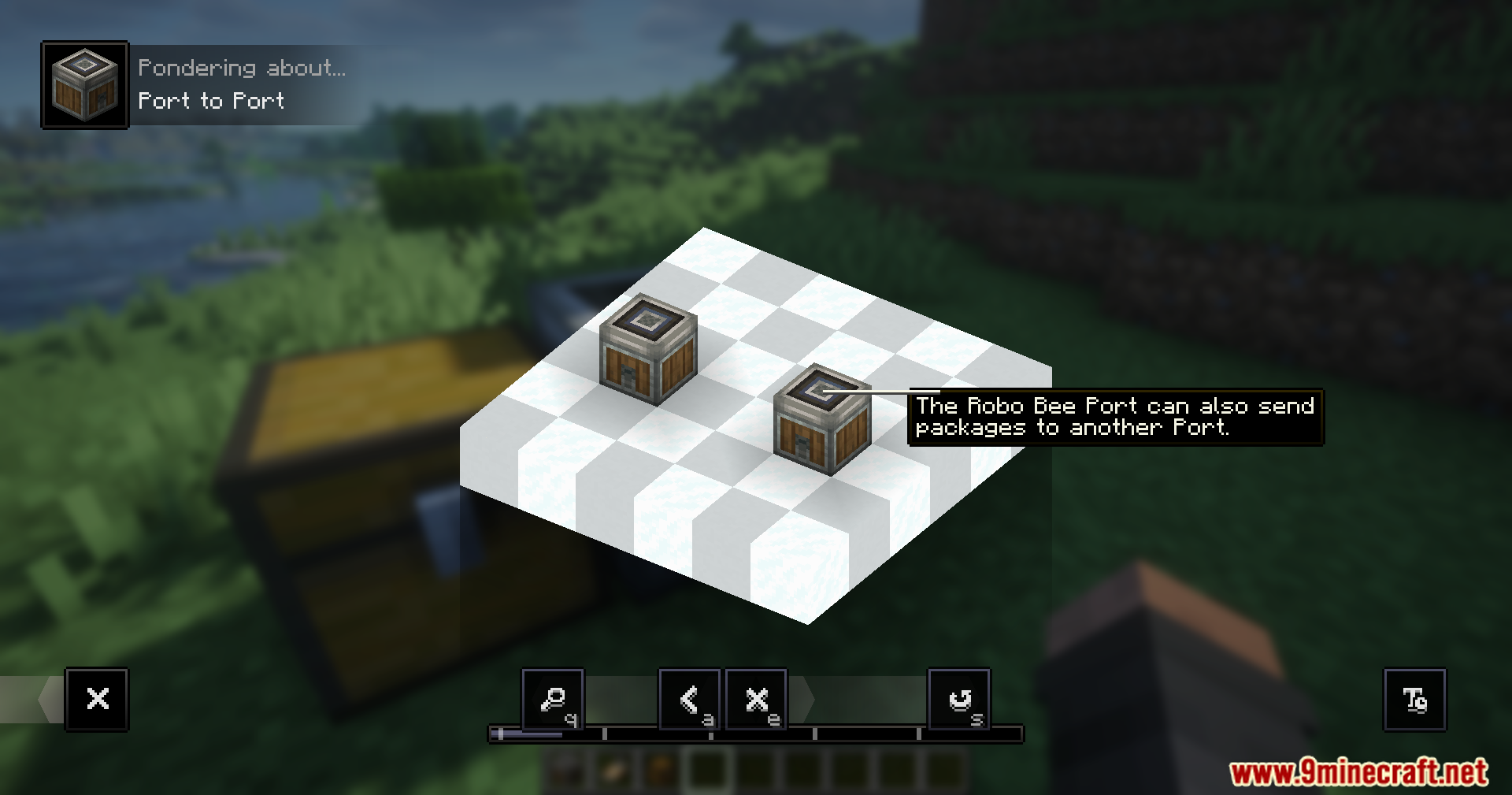
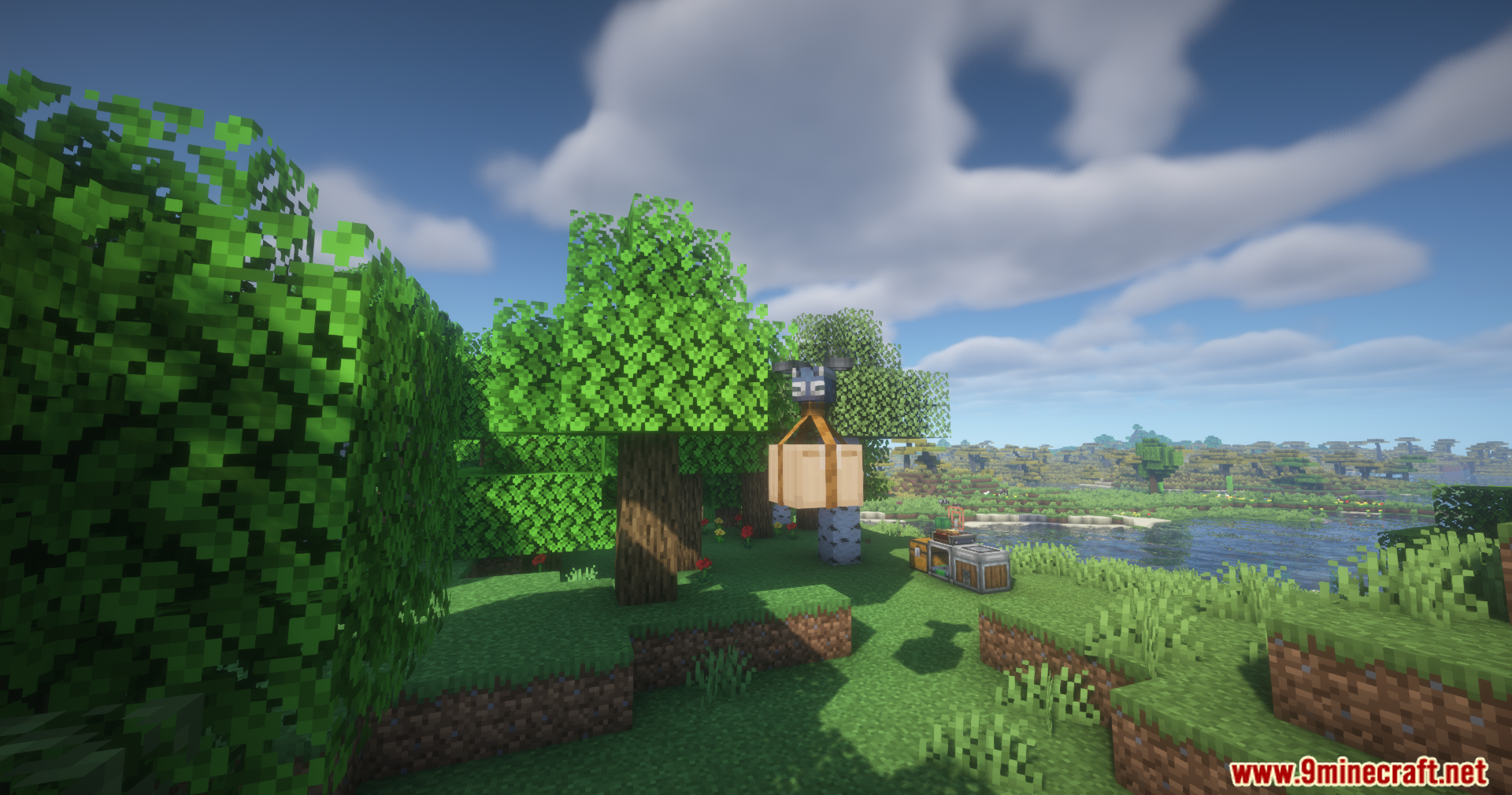
- Introduces Robo Bees, which are little robots that carry packages to players or other ports.
- A Bee Port can pull packages from attached chests and push them into chests when powered by redstone.
- Use the Portable Stock Ticker to request items from your storage network from anywhere in the world.
- Send items from your inventory back to your base using the Portable Stock Ticker’s trash slots.
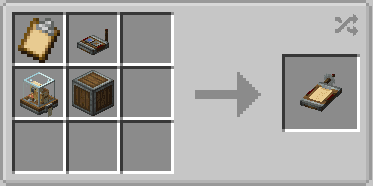
- Craft and edit packages on the go with the Mobile Packager utility.
- The item request screen works with JEI for easy searching and crafting.
Commands:
/cmp network list– Shows all networks, how many players are in them, and who owns them./cmp network add <player> <networkId>– Forces a player to join a network./cmp network remove <player> <networkId>– Forces a player to leave a network./cmp robos clear– Removes all Robo Bees in the world.
How to Use:
- Place a Bee Port to create your first Logistics Network. Link other Bee Ports to it to expand the network.
- Players can join a network through the Bee Port’s menu screen.
- Press the ‘H’ key (by default) to see which networks you have joined.
- To use the remote request feature, link a Portable Stock Ticker to your network by Shift-Clicking on a Bee Port.
Crafting Recipes:
Screenshots:

Create Mobile Packages Mod Download Links
For Minecraft 1.21.1, 1.21
NeoForge Version: Download from Server 1 – Download from Server 2
For Minecraft 1.20.1, 1.20
Forge Version: Download from Server 1 – Download from Server 2
Quick facts
- Edition: Minecraft Java
- File type: .jar
- Minecraft versions listed: 1.21.1, 1.20.1
- How to install: Install the matching mod loader (Forge, Fabric or NeoForge) for your Minecraft version. → Download the .jar. → Put it in the .minecraft/mods folder and launch that loader profile.
- Where to get it: In MC Java Mods, or directly above on this page.
Install steps are the general flow for this file type — How to install Minecraft Java mods & modpacks walks through it step by step.
File checked by MCModsHub
- Downloads as 176998.mcaddon
- Download size: 369 KB
- Download link checked 26 Jul 2026 — working
- Mirrored on our own servers — the download does not depend on the original host
These come from our own check of the pack file, not from the source page.