CosmicNPCs Mod (1.20.6, 1.19.4) – Player-like NPCs Via Motion Capture
Java mod listed for Minecraft 1.19–1.20. Downloads from the MC Java Mods app on Android.
⬇ Download
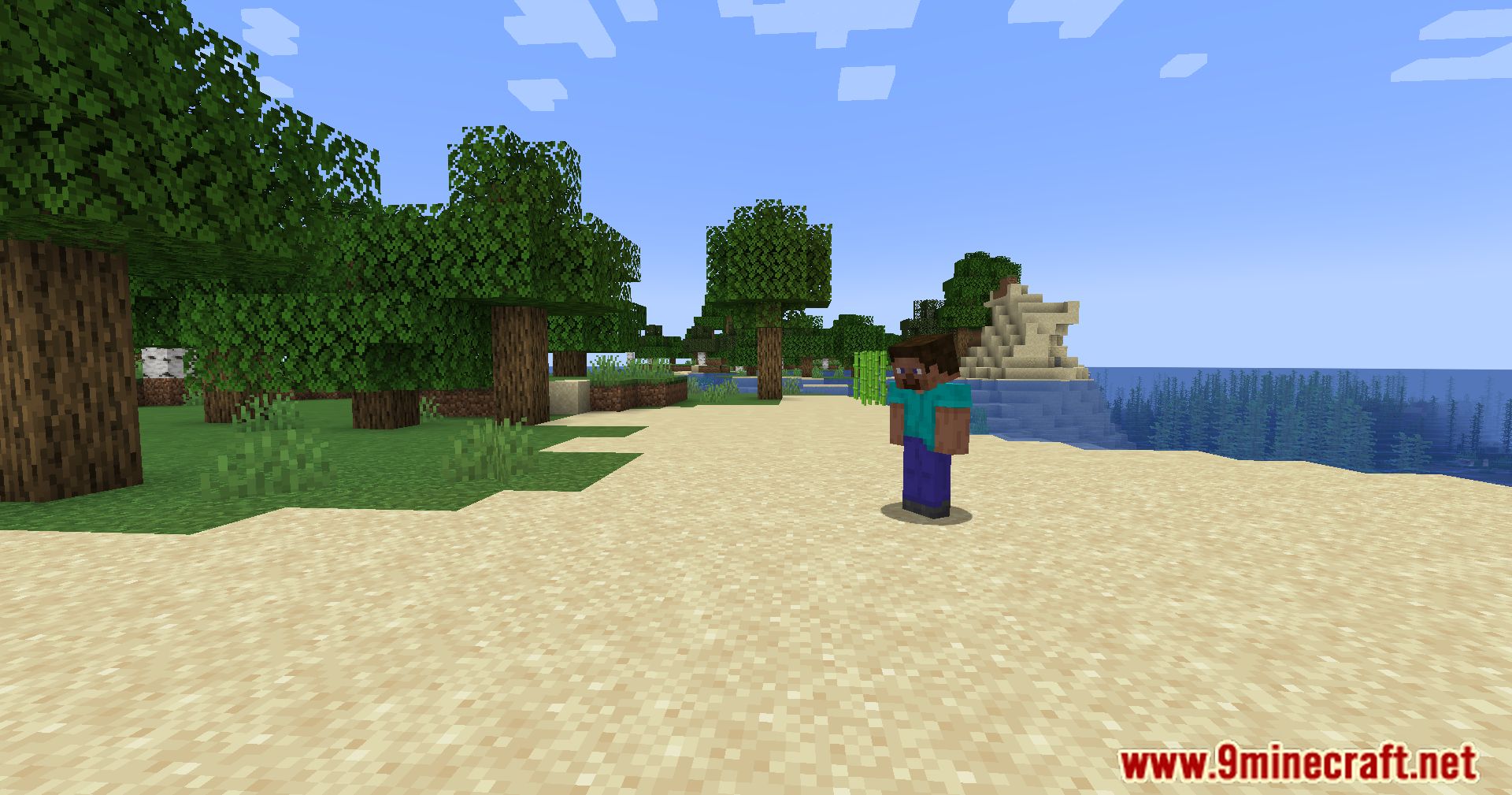
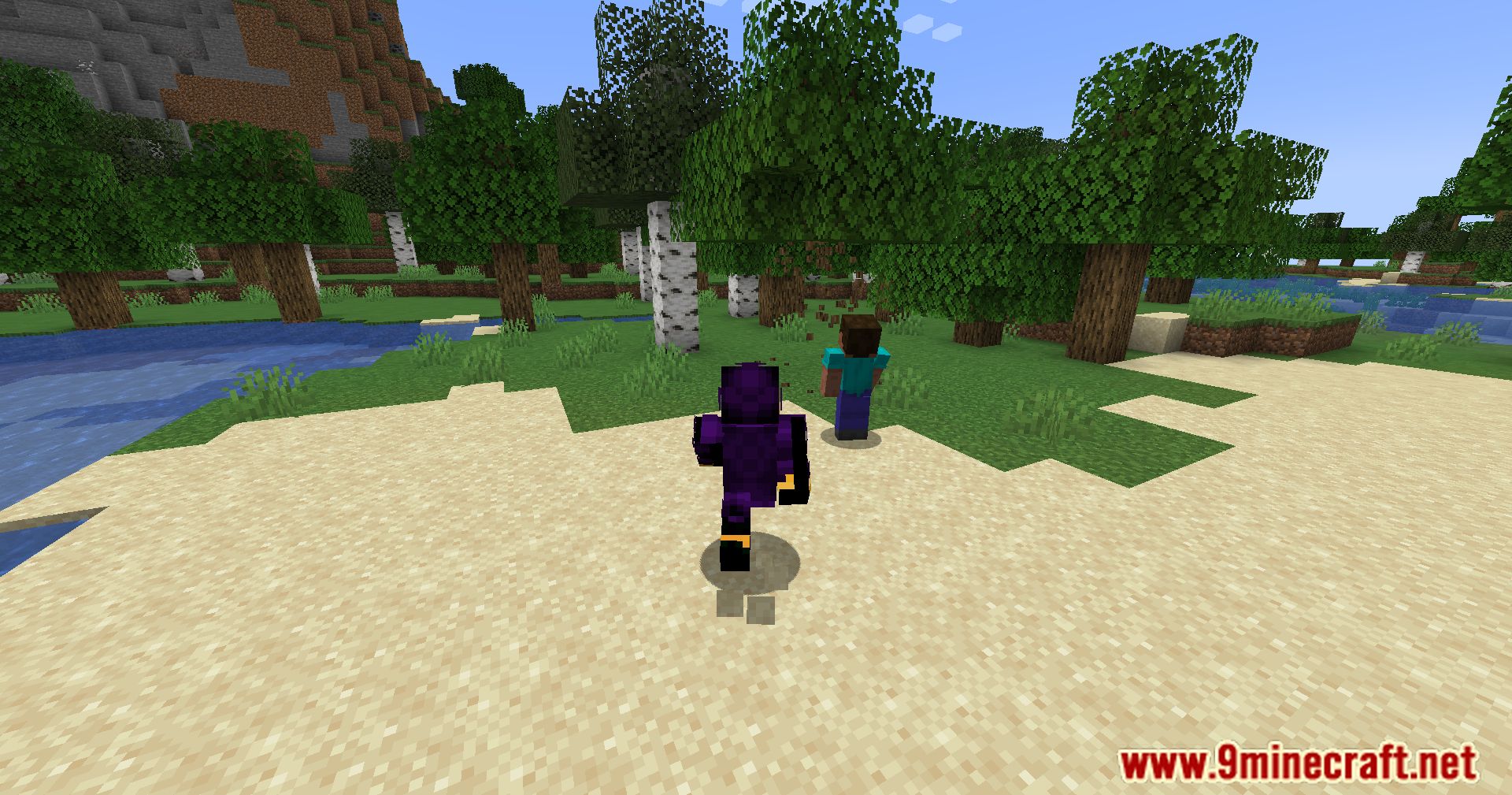
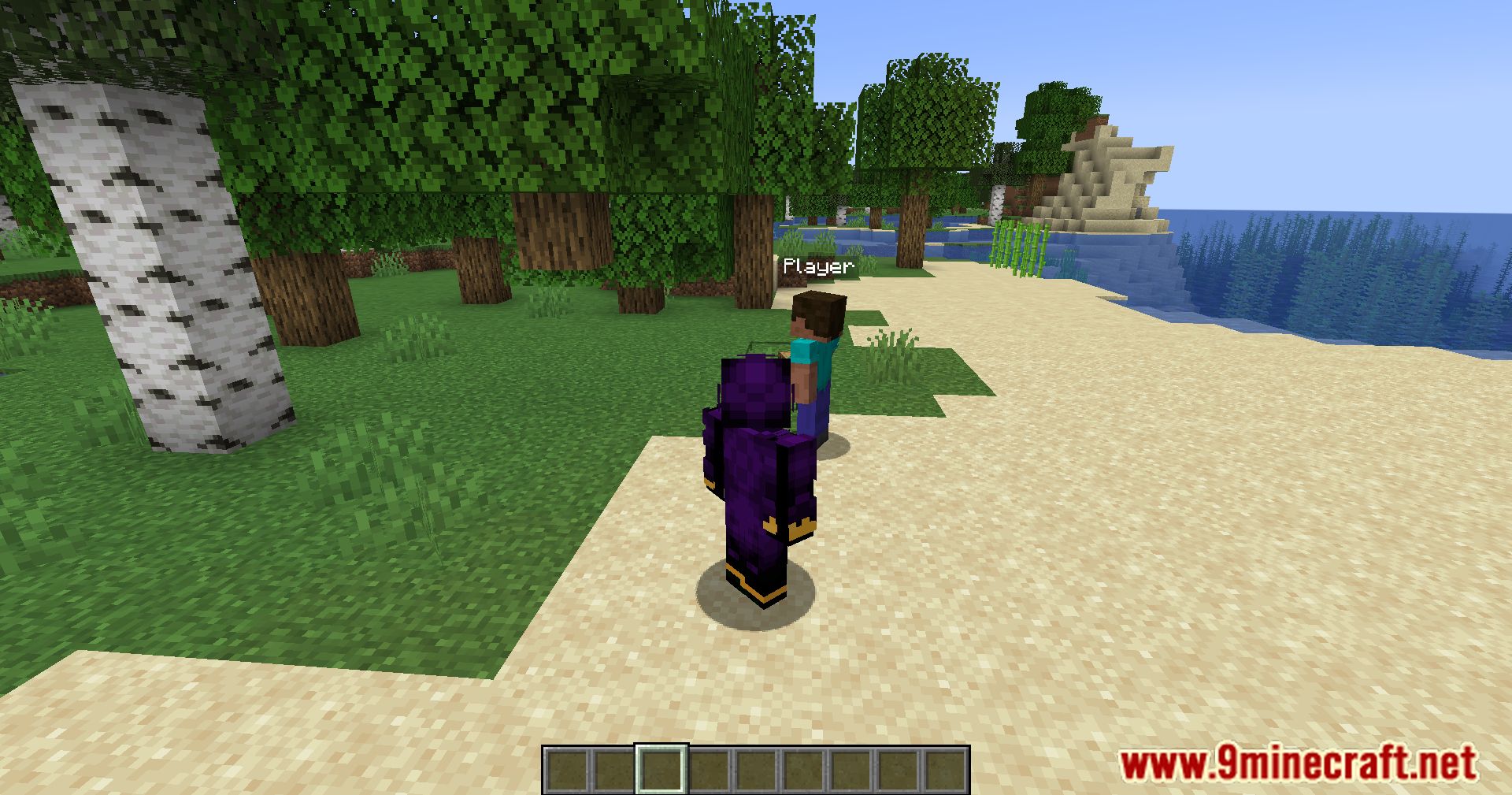
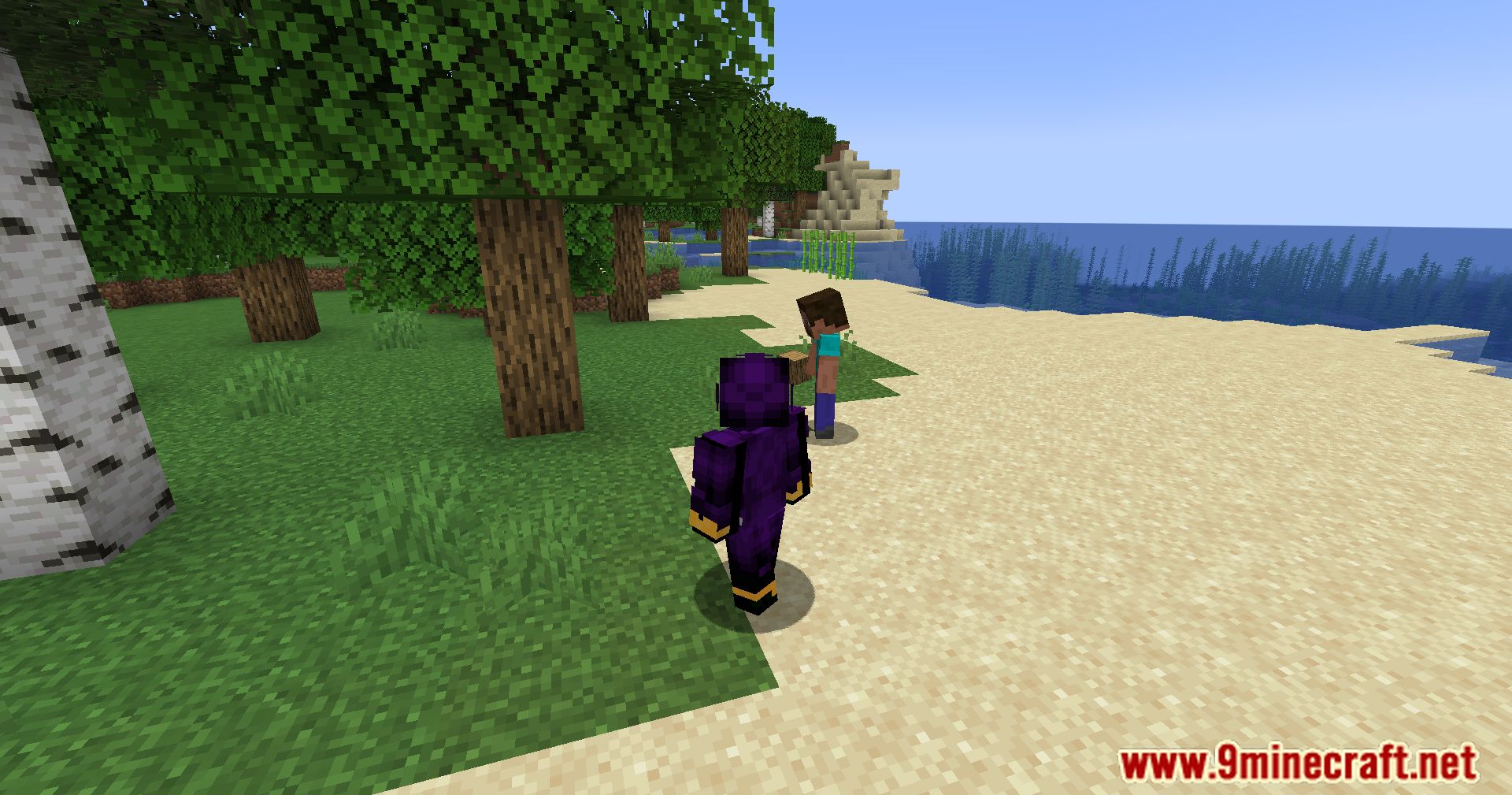
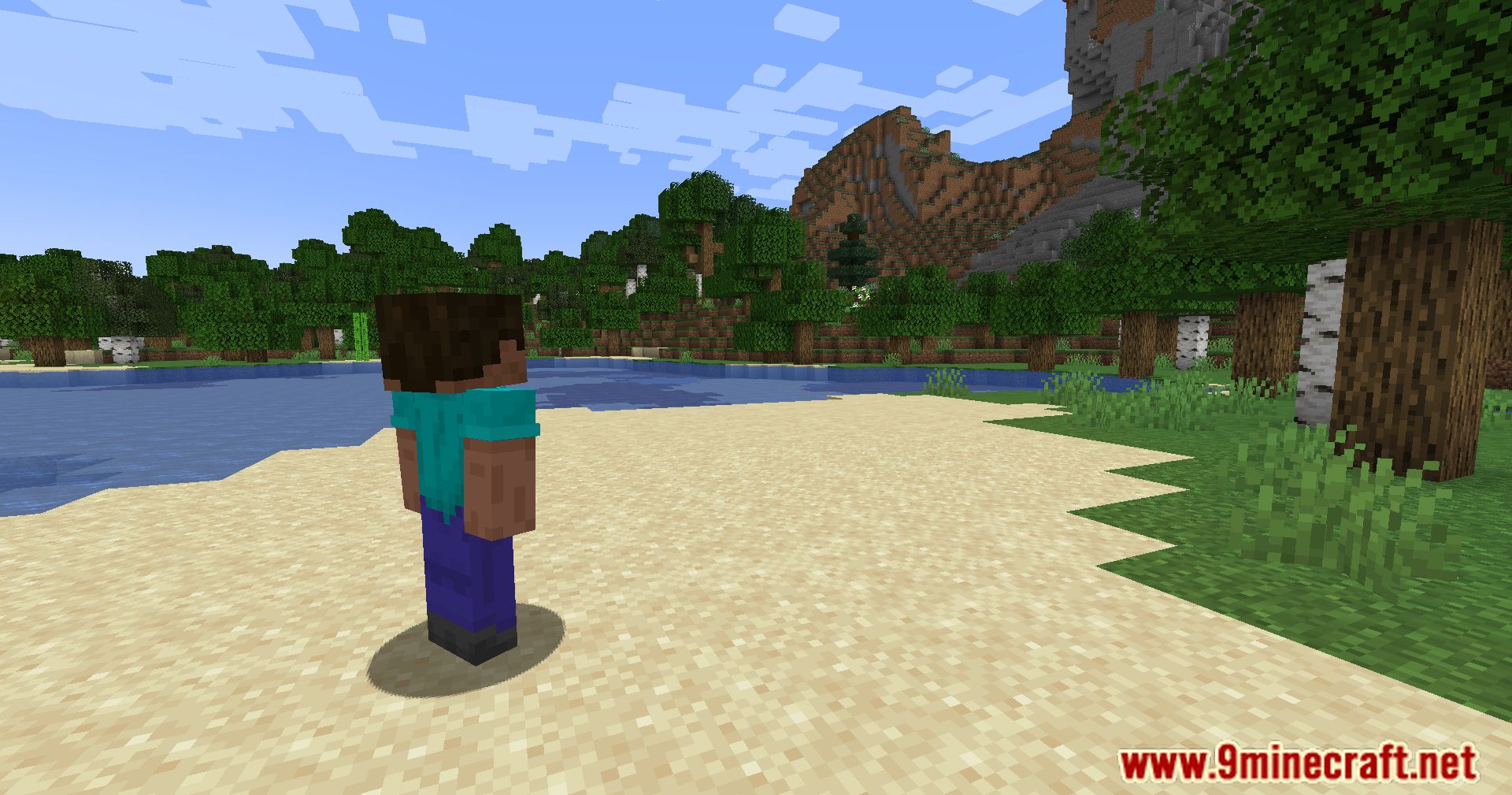
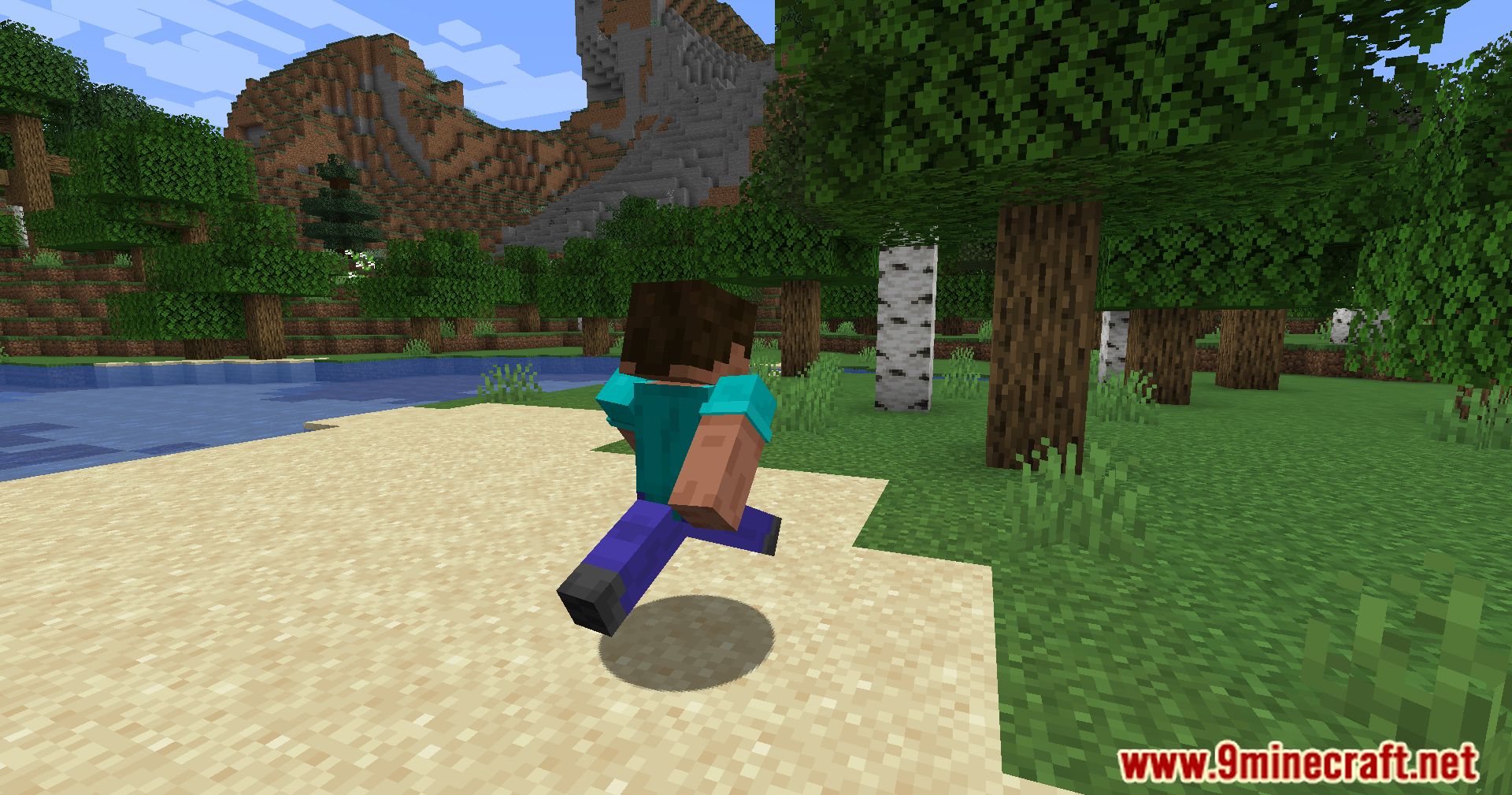
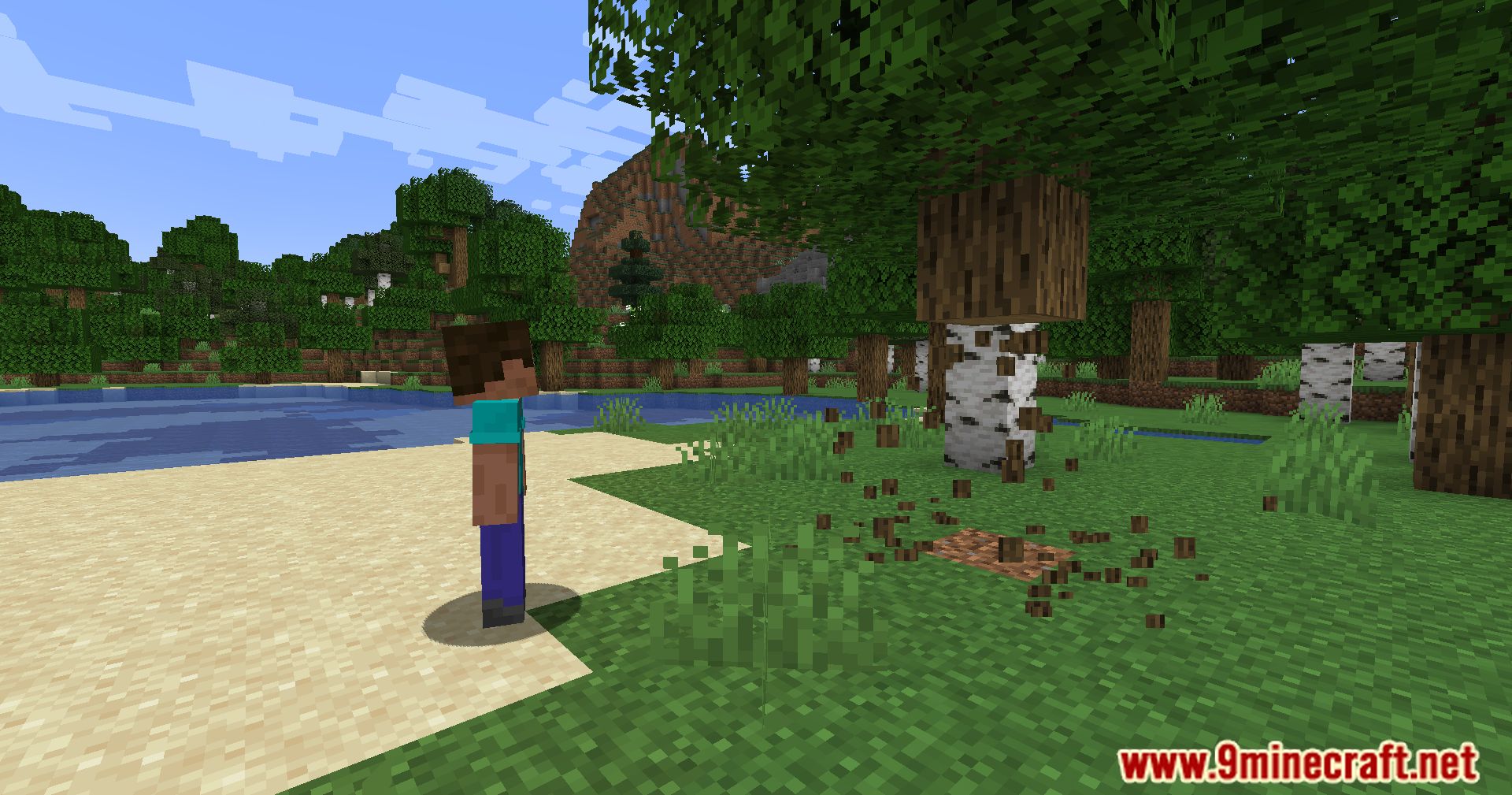
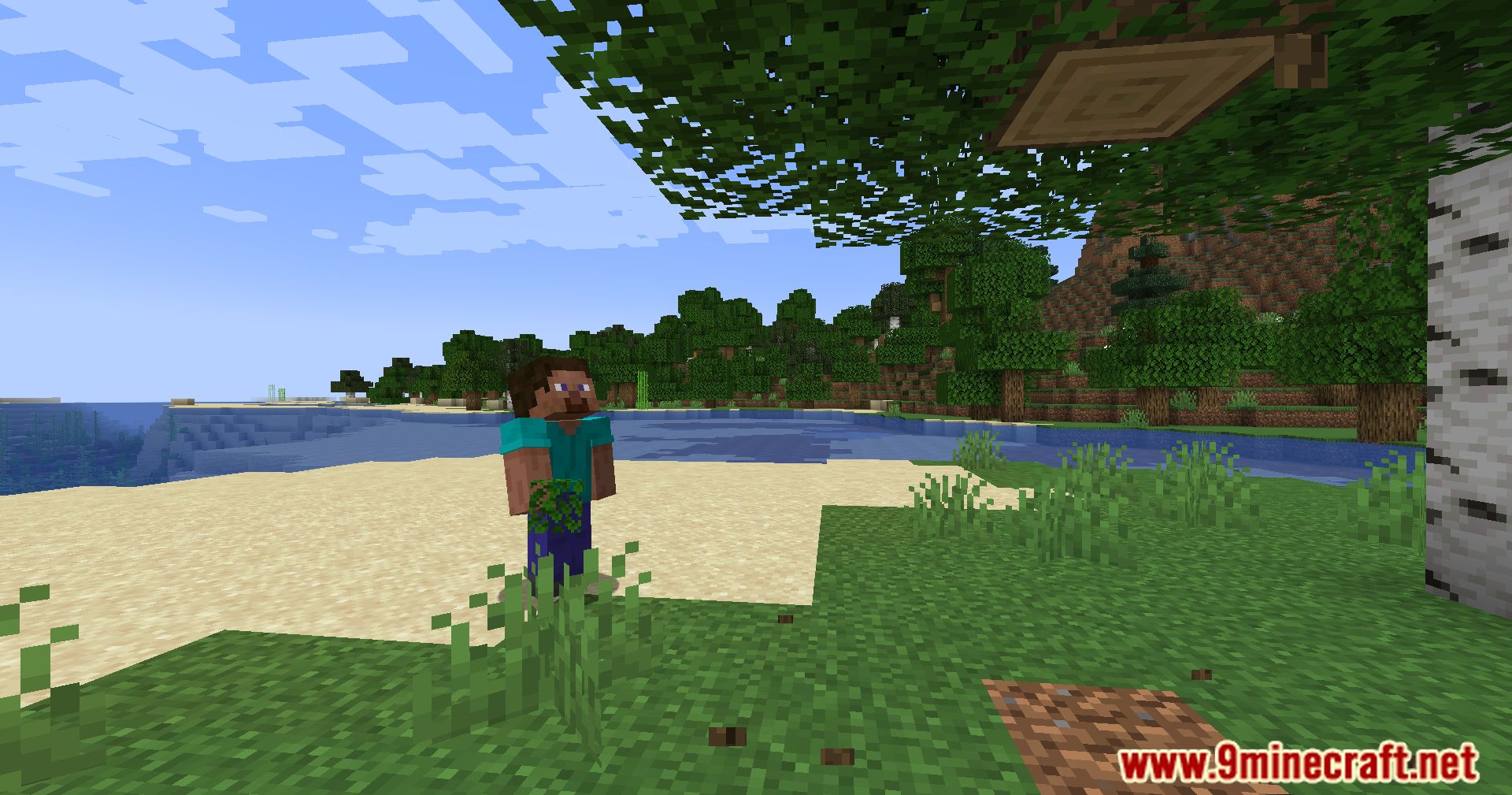
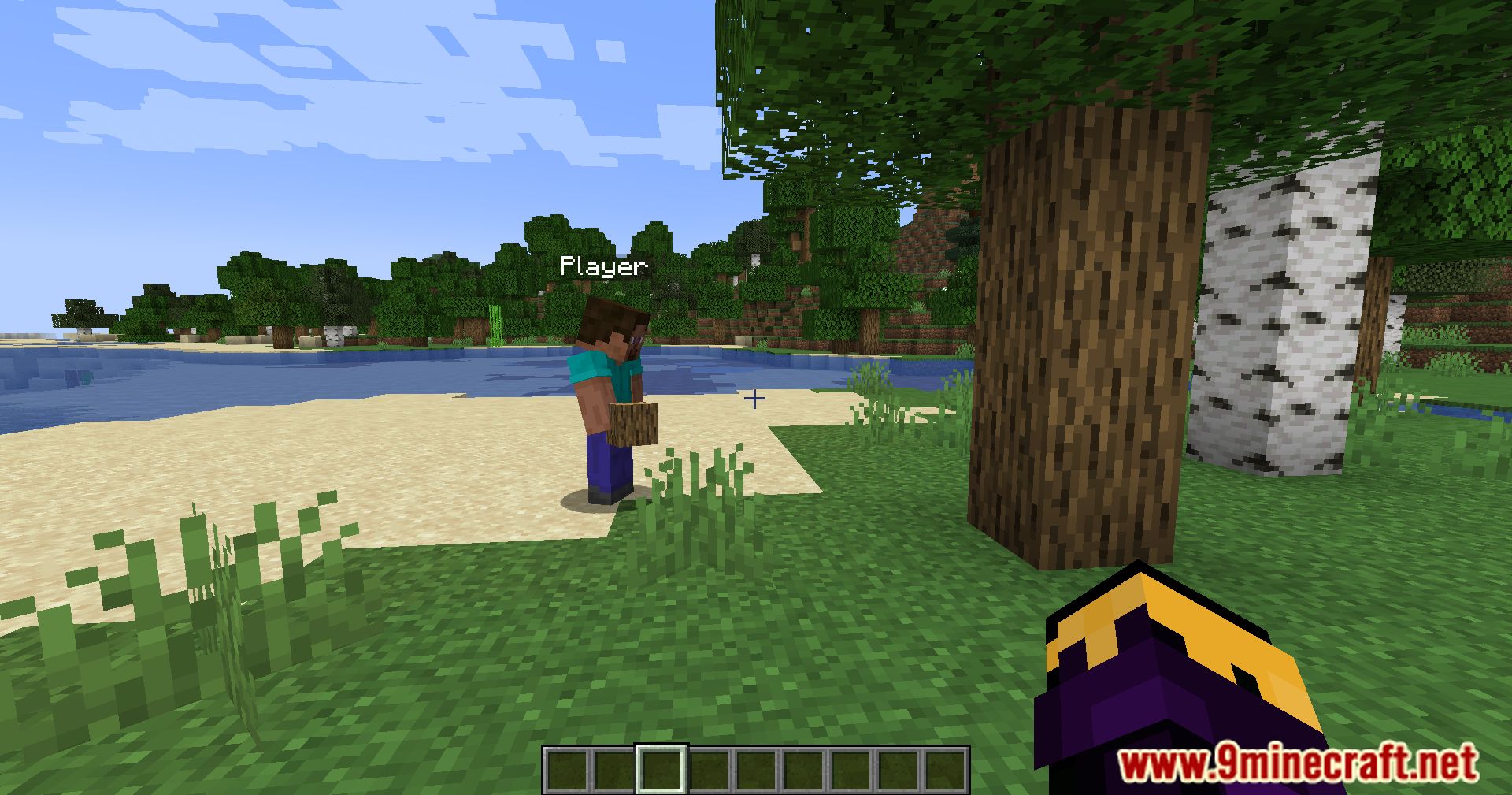
CosmicNPCs Mod allows you to record your movement and actions, and replay them aferwards as a NPC with custom name and skin! It also includes it’s own command-hotkey-system for spawning NPCs with the touch of a button.
Features:
- Allows recording of player movements and interactions (such as moving, breaking blocks, placing blocks, shooting bows, chatting, dropping items, equipping armor) and replaying them as standalone NPCs. This creates dynamic characters that precisely replicate your actions.
- Supports any LivingEntity model (from players, villagers, to chickens, sheep, Mooshrooms). Custom skins (64×64 pixels for player models), additional texture layers, and variants like baby models (IsChild), colors (e.g., “rainbow” for rainbow sheep), or villager types (VillagerType like “swamp”) can be customized.
- Through the
/npc-playcommand, add options such as:- ShowNameTag: Adjusts name visibility (hidden, always visible, or visible when looked at).
- Invulnerable: Makes the NPC invulnerable.
- UseCommands: Allows NPCs to execute commands.
- Specialized customizations: Profession (villager profession), Charged (for Creepers), Saddled (saddle for horses/pigs), Head (Snow Golem’s head block), etc.
- Supports multiple settings simultaneously via the
{setting:value}format.
How to use:
1. Recording Actions
- To start recording, use the command: /npc-rec <Filename>
- Replace <Filename> with your chosen file name (used for playback later).
- Example: /npc-rec leyla1
- Recorded actions include:
- Movement
- Breaking blocks
- Placing blocks
- Right-click block interactions
- Most right-click item interactions
- Using bow, crossbow, trident, etc.
- Swimming/crouching
- Sending chat messages
- Dropping items
- Equipping armor and items
- To stop recording, enter the command again: /npc-rec
2. Replaying Actions
- Use the command: /npc-play <Filename> <NPC Name> <Skin Filename> [Model]
- <Filename>: Name of the recorded file.
- <NPC Name>: NPC’s display name (on nametag and in chat).
- <Skin Filename>: Texture file name (without “.png”). Use “default” for no custom skin.
- [Model]: (Optional) NPC model (defaults to player model).
- Examples:
- /npc-play leyla1 Leyla leyla_evil: Spawns NPC named “Leyla” with “leyla_evil.png” skin, using player model.
- /npc-play gchicken4 GreenChicken green_chicken minecraft:chicken: Spawns NPC named “GreenChicken” with “green_chicken.png” skin, using chicken model.
3. Additional Settings
- Add settings in {} after the /npc-play command, format: <setting>:<value>.
- Example: /npc-play leyla1 Leyla leyla_evil minecraft:player {ShowNameTag:0}
- Multiple settings separated by commas: {ShowNameTag:1,Invulnerable:1,Layer:green_eyes}
- List of settings:
- ShowNameTag (Int): Nametag visibility (0 = hidden, 1 = always visible, 2 = visible when looked at).
- Invulnerable (boolean): NPC invulnerability (true/false).
- UseCommands (boolean): Allows NPC to execute commands.
- IsChild (boolean): Uses baby model variant.
- Layer (String): Texture for additional layers (file in layers folder).
- VillagerType (String): Villager type (e.g., “swamp”).
- Profession (String): Villager profession.
- ProfessionLevel (Int): Villager trading level.
- Color (String): Color (e.g., “rainbow” for rainbow sheep).
- Sheared (Boolean): Whether a sheep is sheared.
- MushroomBlock (String): Block on Mooshroom’s back.
- Charged (Boolean): Whether Creeper or Wither is charged.
- Armor (String): Horse armor.
- Saddled (Boolean): Whether pig or Strider has a saddle.
- Head (String): Block used as Snow Golem’s head.
4. Custom Skins
- Place skin files in: …/config/cosmicnpcs/resources/textures/main.
- Use file name (without “.png”) in the /npc-play command.
- Notes:
- File names must be lowercase.
- Skins for player model require 64×64 resolution.
- On servers, ensure all players have identical skin files for correct display.
5. Command GUI
- Open with Numpad 3.
- Set a command, then execute with Numpad 9.
- Numpad 9 runs commands in a queue (each press runs the next command).
- Use to replay multiple NPC recordings quickly.
6. Version Differences
- 1.12.2 (CosmicNPCs-1.2.1):
- Texture folder: …/.minecraft/config/cosmicnpcs/assets/npctextures.
- Supported models: Player, PlayerSlim, Villager, Witch, Vex, Chicken.
- Only ShowNameTag and Invulnerable settings available (use 1/0, not true/false).
- NPCs can use commands by default.
- 1.7.10 (CosmicNPCs-1.1):
- Texture folder: …/.minecraft/config/cosmicnpcs/assets/npctextures.
- Only player model available, no model argument.
- No additional settings, but “Invulnerable” can be added (case-sensitive) after skin filename.
- NPCs cannot use commands; some actions may not work correctly.
- Skins require 64×32 resolution.
Screenshots:
CosmicNPCs Mod Download Links
For Minecraft 1.7.10
Forge Version: Download from Server 1 – Download from Server 2
For Minecraft 1.12.2
Forge Version: Download from Server 1 – Download from Server 2
For Minecraft 1.16.5
Forge Version: Download from Server 1 – Download from Server 2
For Minecraft 1.17.1
Forge Version: Download from Server 1 – Download from Server 2
For Minecraft 1.18.2, 1.18.1
Forge Version: Download from Server 1 – Download from Server 2
Fabric Version: Download from Server 1 – Download from Server 2
For Minecraft 1.19.2
Forge Version: Download from Server 1 – Download from Server 2
For Minecraft 1.19.3
Forge Version: Download from Server 1 – Download from Server 2
For Minecraft 1.19.4
Forge Version: Download from Server 1 – Download from Server 2
For Minecraft 1.20
Forge Version: Download from Server 1 – Download from Server 2
For Minecraft 1.20.1
Forge Version: Download from Server 1 – Download from Server 2
For Minecraft 1.20.2
NeoForge Version: Download from Server 1 – Download from Server 2
For Minecraft 1.20.4
NeoForge Version: Download from Server 1 – Download from Server 2
For Minecraft 1.20.6
NeoForge Version: Download from Server 1 – Download from Server 2
- Edition: Minecraft Java
- File type: .jar
- Minecraft versions listed: 1.20.6, 1.19.4
- How to install: Install the matching mod loader (Forge, Fabric or NeoForge) for your Minecraft version. → Download the .jar. → Put it in the .minecraft/mods folder and launch that loader profile.
- Where to get it: In MC Java Mods, or directly above on this page.
Install steps are the general flow for this file type — How to install Minecraft Java mods & modpacks walks through it step by step.
CosmicNPCs Mod (1.20.6, 1.19.4) – Player-like NPCs Via Motion Capture is a free Minecraft Java mod. Compatible with Minecraft 1.20.6, 1.19.4. Download it and open it directly in the game.