

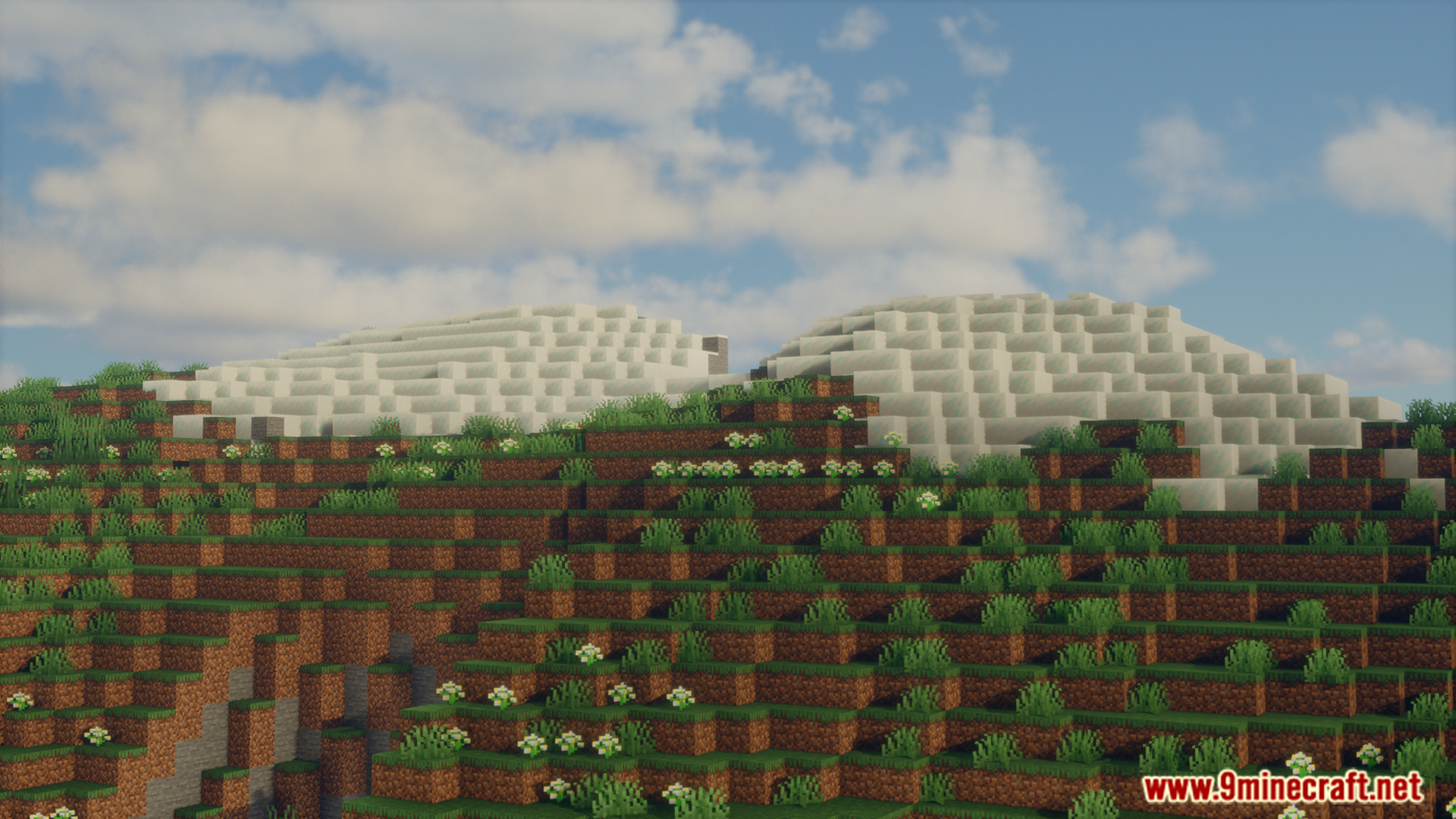
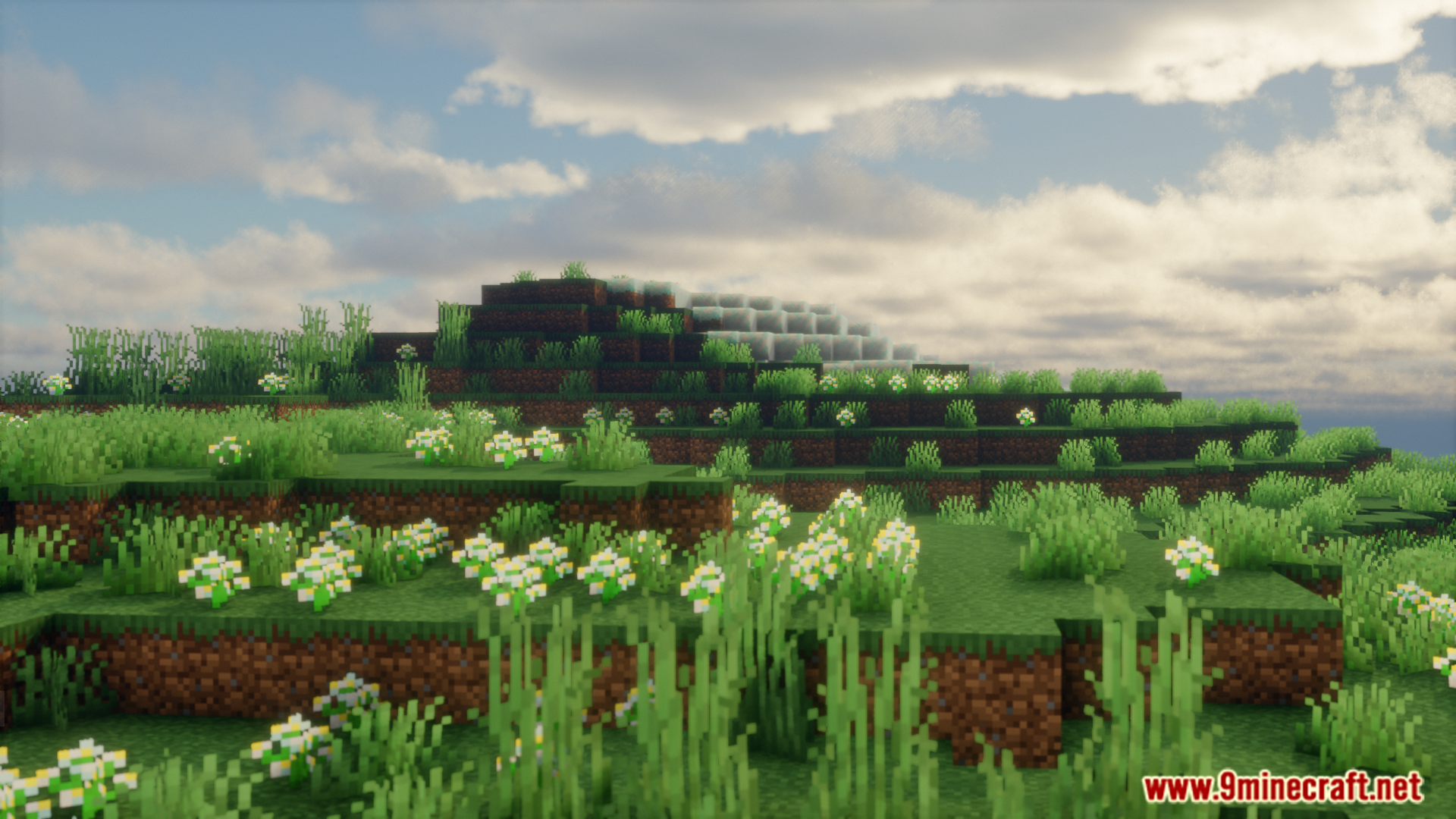
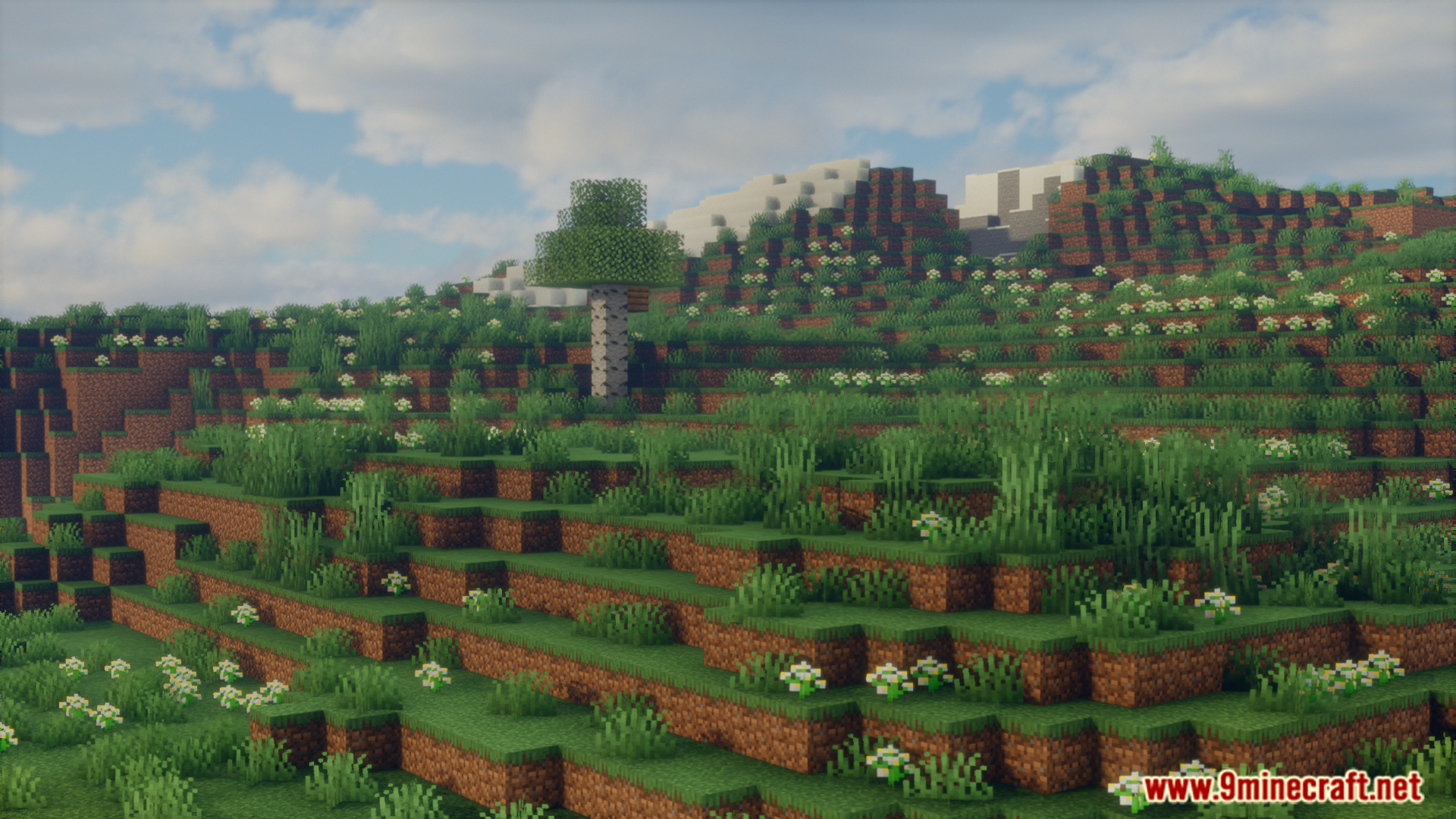
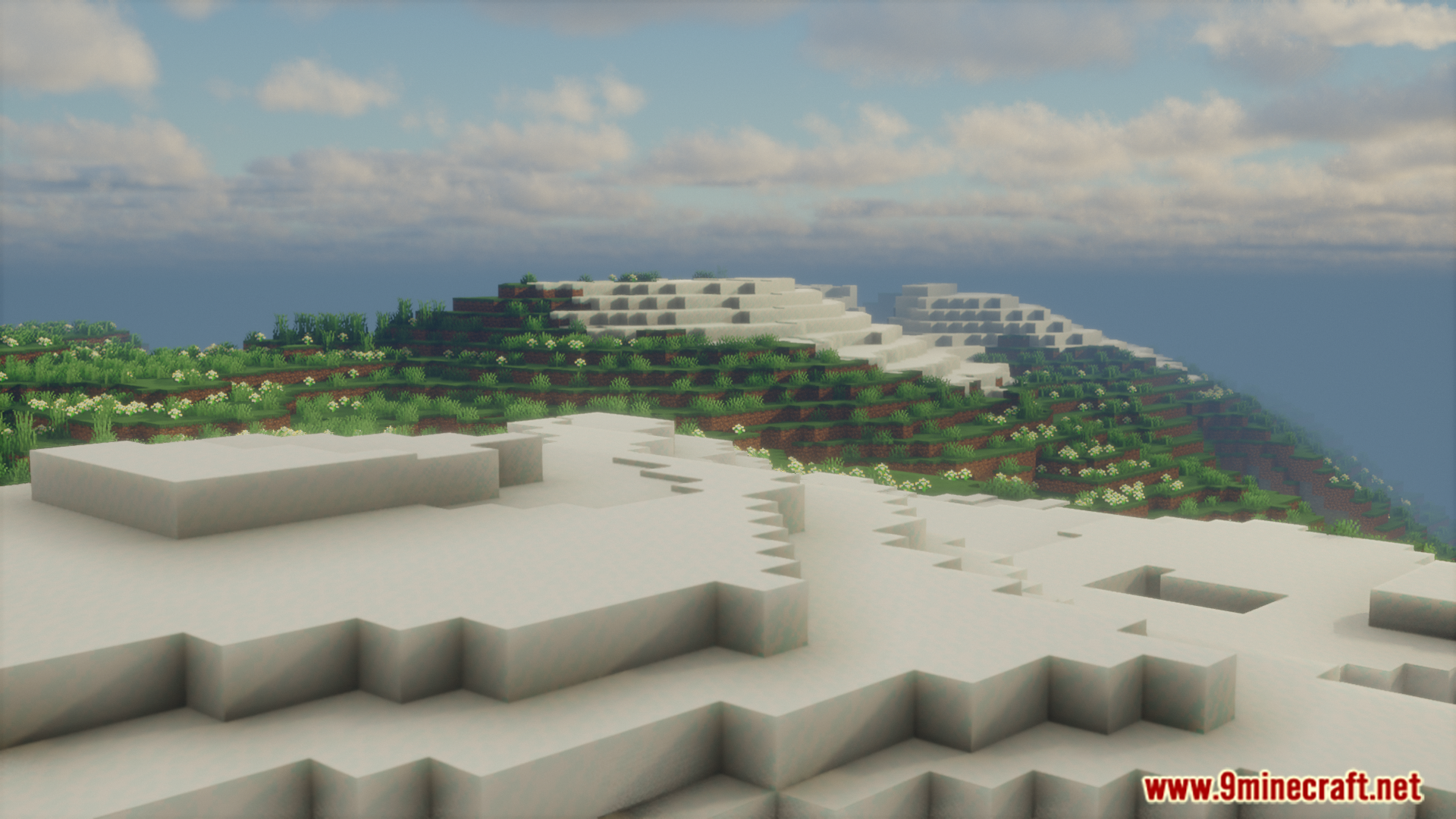
Color Stages Mod gives modpack creators a way to control the colors players see in the game. It works with the Game Stages mod to connect colors to player progress. If a player hasn’t unlocked a certain stage, this mod can make a specific color appear in grayscale. For example, the color red can be hidden until a player finishes a challenge.
Features:
- Lets modpack developers link colors to game stages.
- Turns specific colors into shades of gray for players who haven’t unlocked them.
- Works as a library mod that needs the Game Stages mod to function.
- Includes stages for many colors, such as red, orange, yellow, green, and blue.
- Has a special “all_colors” stage that makes all colors visible, no matter what other stages a player has.
Screenshots:
Color Stages Mod Download Links
For Minecraft 1.20.1, 1.20
Forge version: Download from Server 1 – Download from Server 2
Quick facts
- Edition: Minecraft Java
- File type: .jar
- Minecraft version listed: 1.20.1
- How to install: Install the matching mod loader (Forge, Fabric or NeoForge) for your Minecraft version. → Download the .jar. → Put it in the .minecraft/mods folder and launch that loader profile.
- Where to get it: In MC Java Mods, or directly above on this page.
Install steps are the general flow for this file type — How to install Minecraft Java mods & modpacks walks through it step by step.
Color Stages Mod (1.20.1) – Watch the World Gain Color is a free Minecraft Java mod. Compatible with Minecraft 1.20.1. Download it and open it directly in the game.