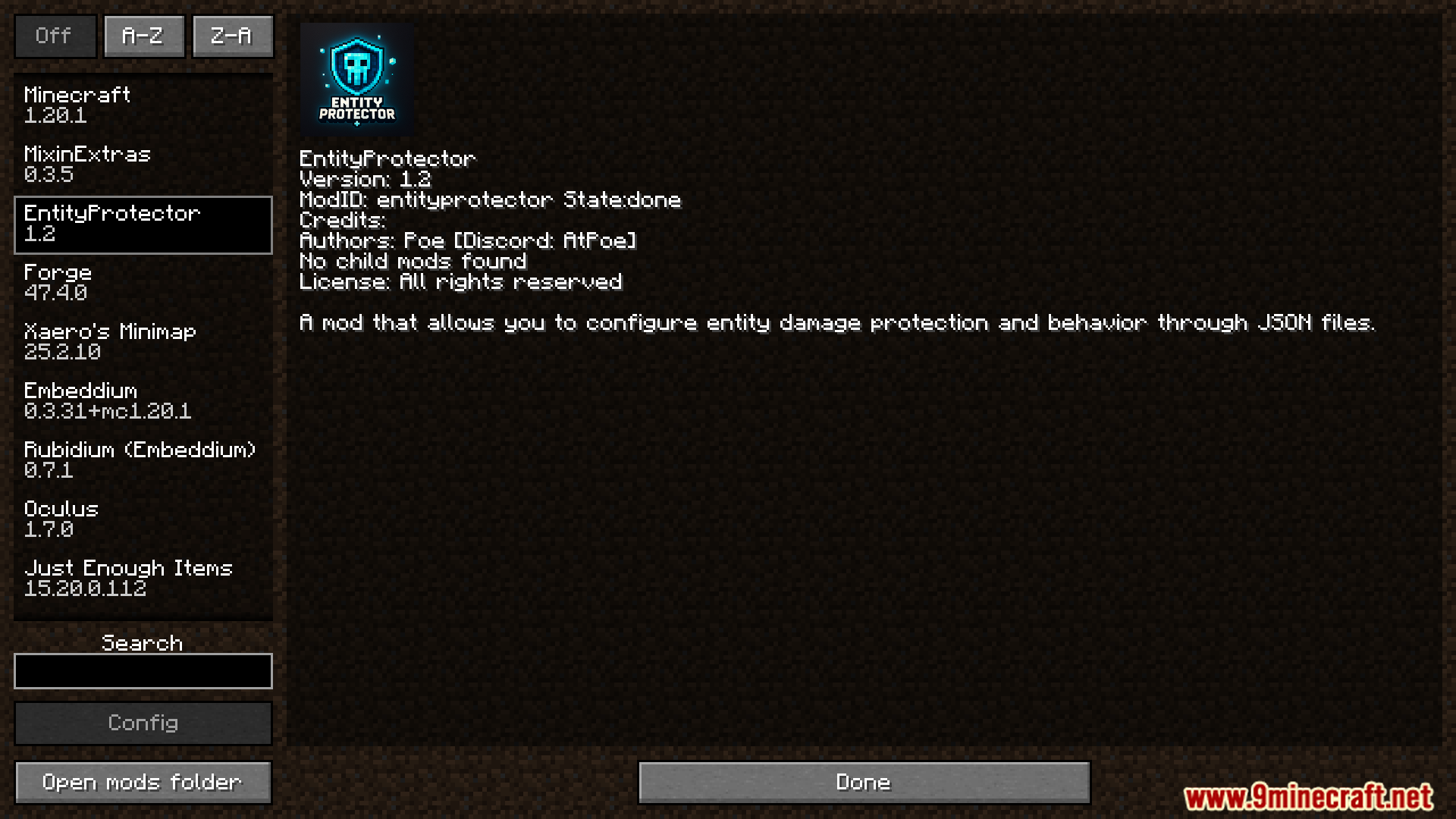
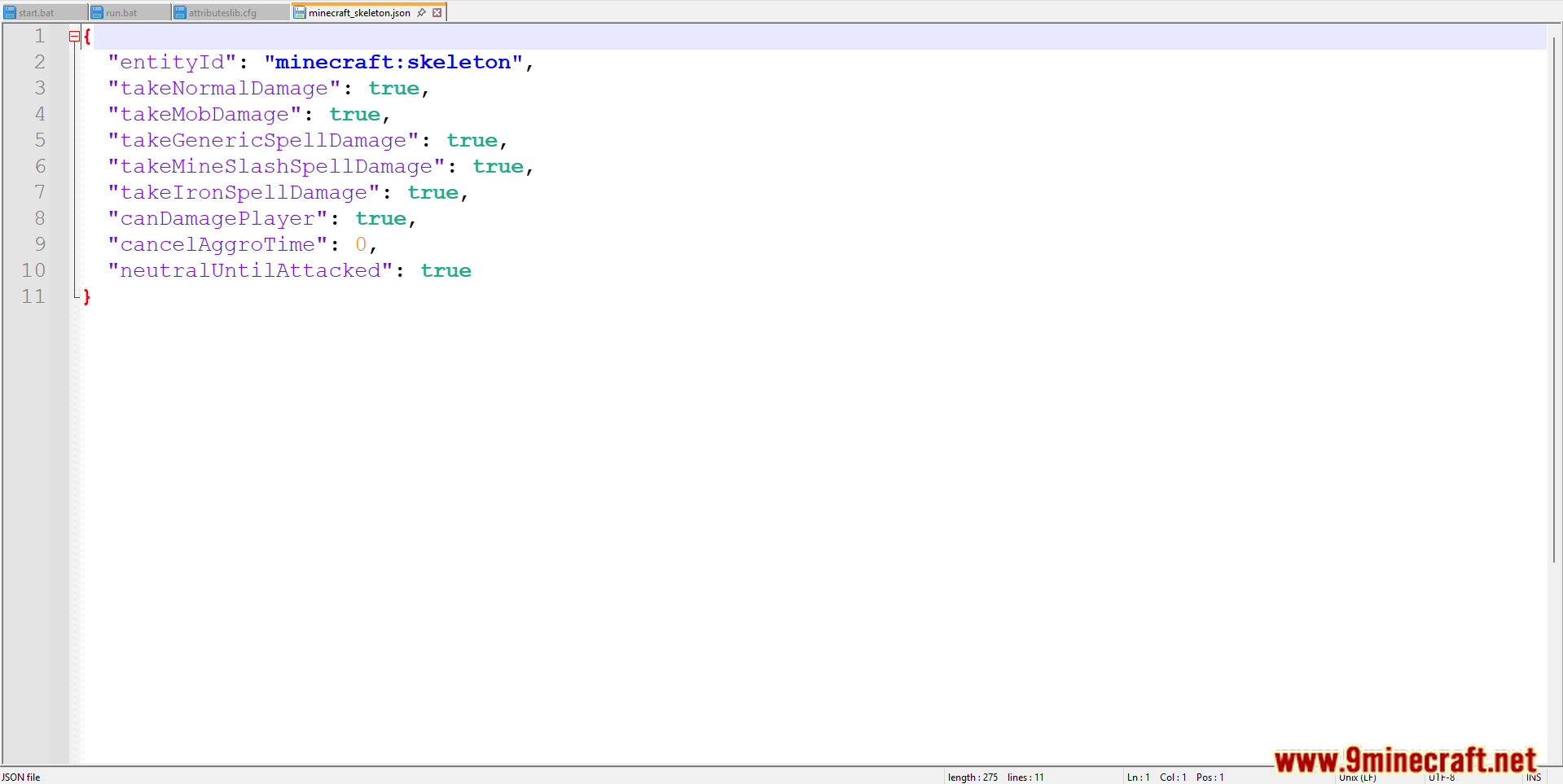
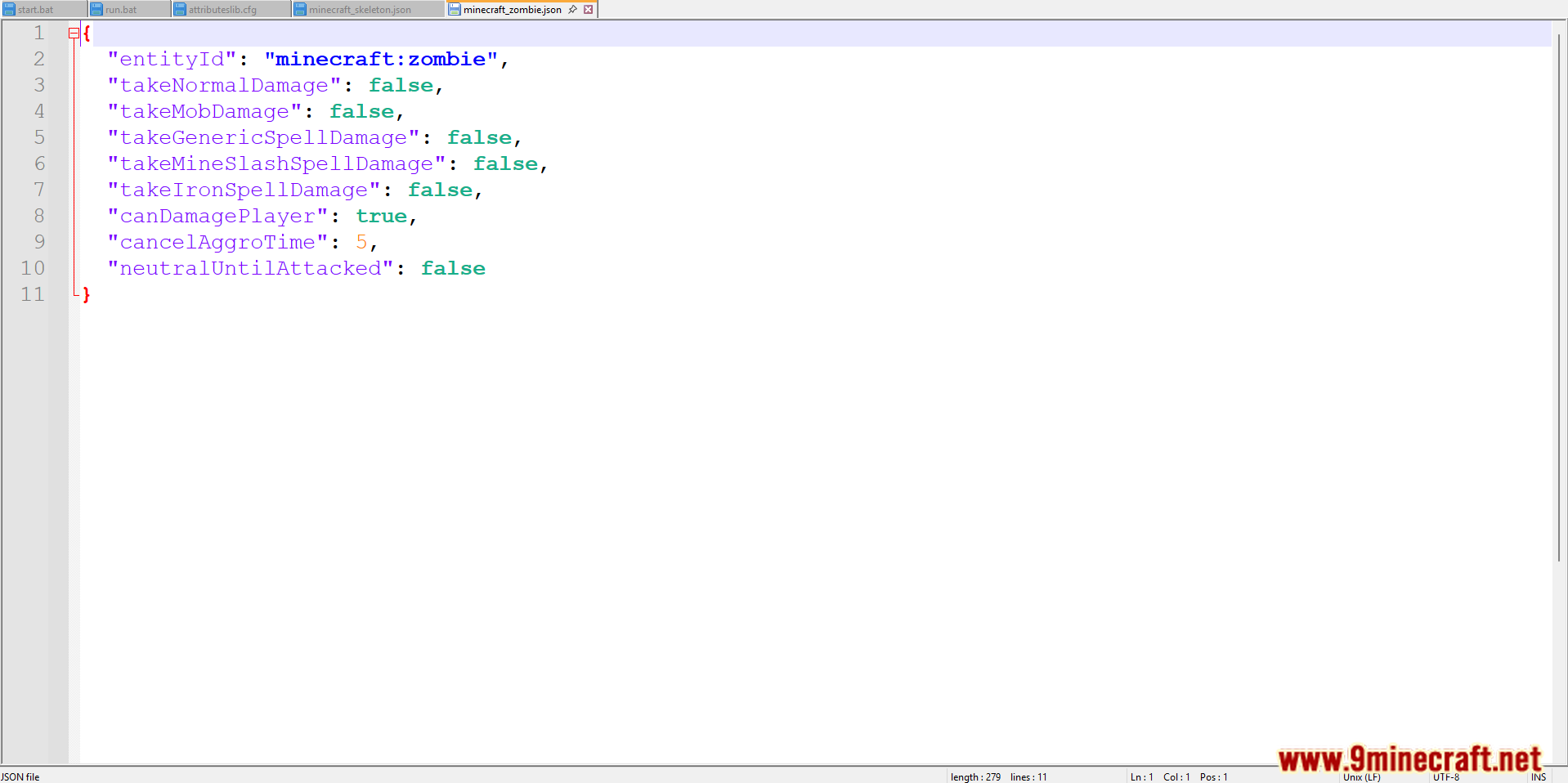
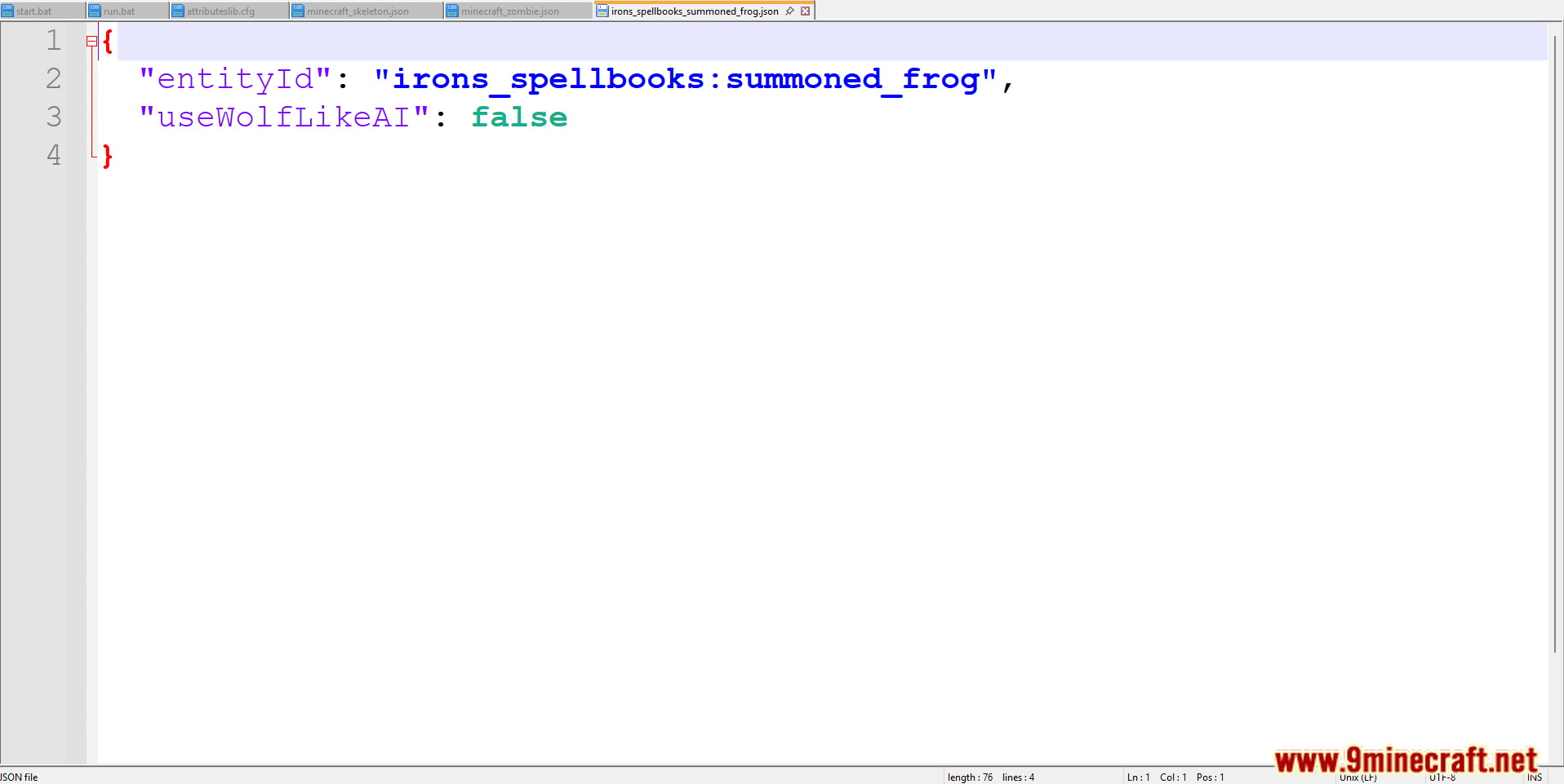
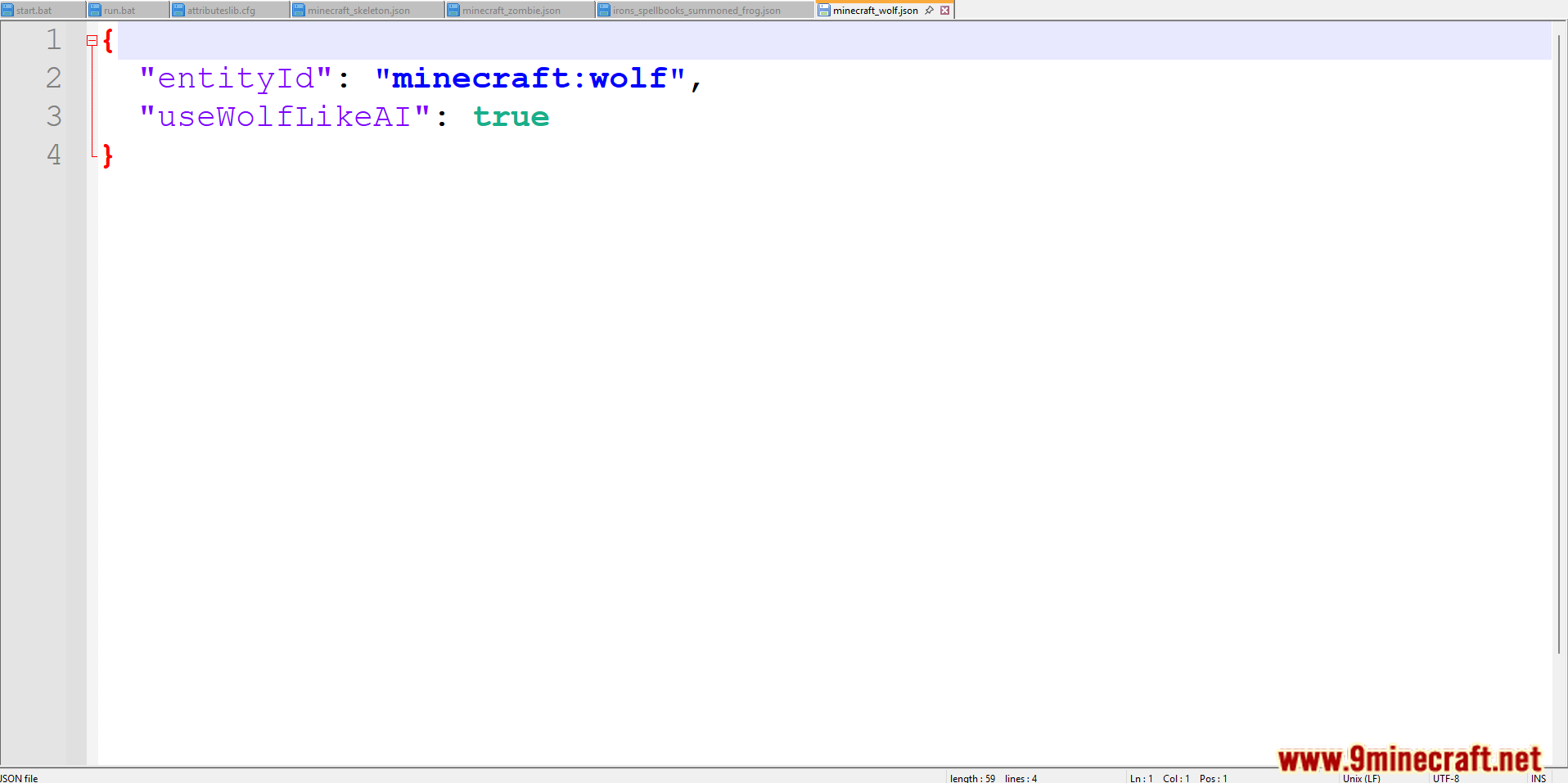
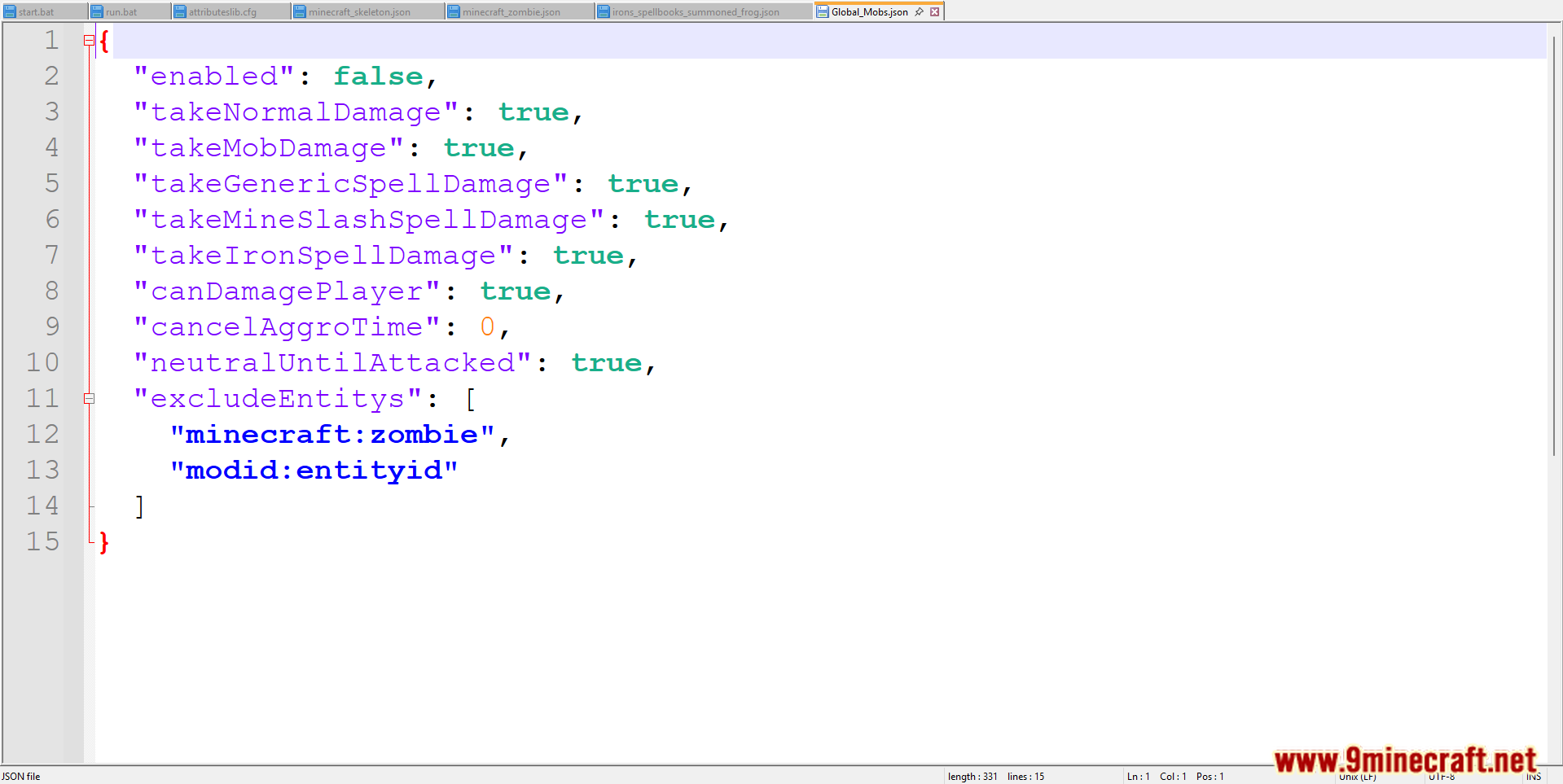
Entity Protector Mod allows modpack creators and server administrators to customize entity damage protection and behavior through JSON configuration files. This mod enables fine-tuned control over how entities take damage, interact with players, or behave in specific scenarios, making it ideal for tailored gameplay experiences in survival, RPG, or adventure modpacks. Its lightweight design and server-side functionality ensure easy integration without requiring client-side installation.
Features:
- Configure damage protection for entities (e.g., mobs, animals, or players) via JSON files, allowing adjustments to damage resistance, immunity, or specific damage sources.
- Alter entity behaviors, such as aggression, spawning conditions, or interactions, through flexible JSON-based settings.
- Requires installation only on the server, simplifying setup for multiplayer environments and ensuring compatibility with vanilla clients.
- Uses JSON files for configuration, enabling modpack developers to create custom rules without coding, with hot-reload support for easy testing.
Screenshots:
Commands:
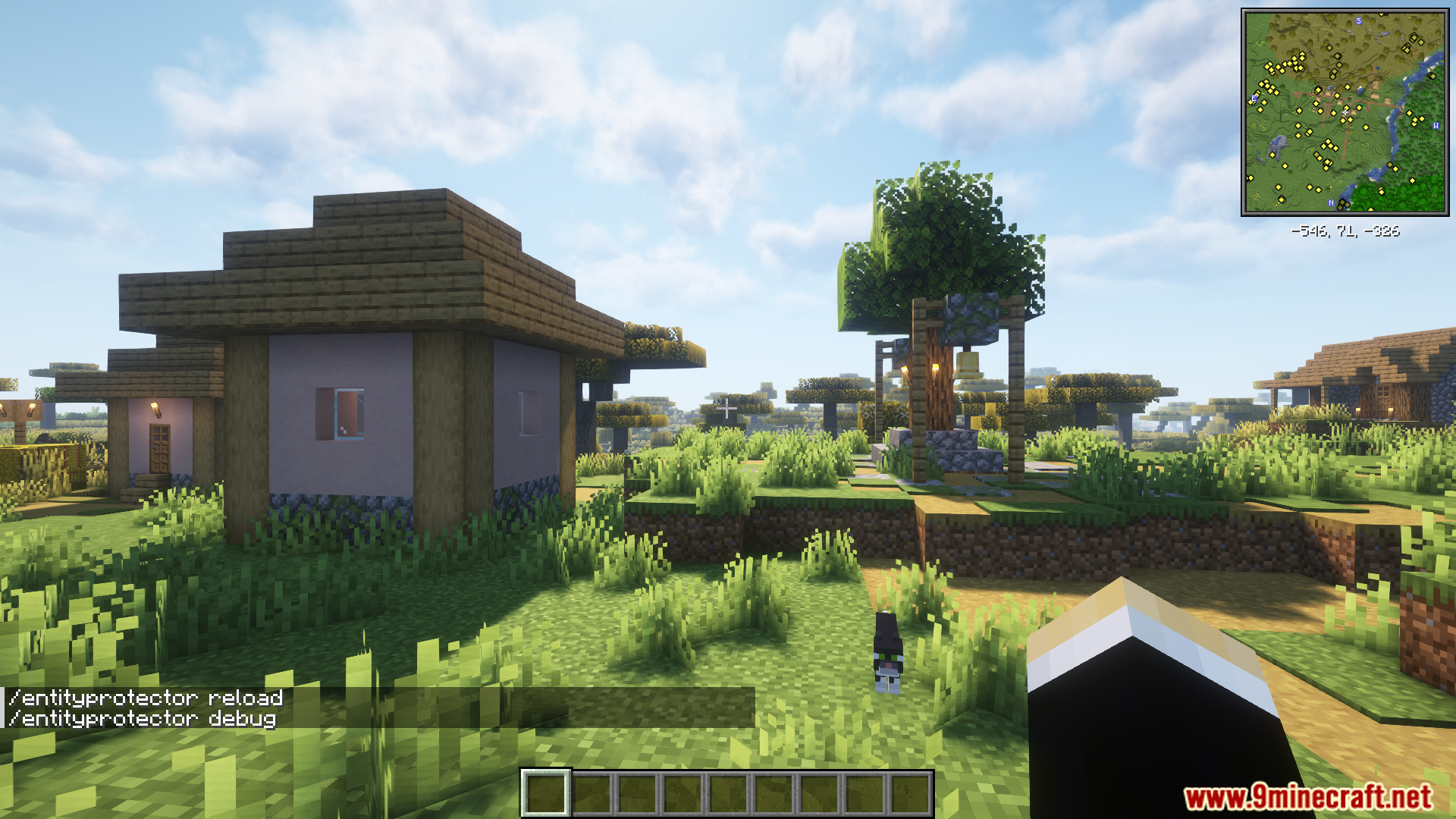
- /entityprotector reload – Requires permission level 2 (Op/Admin)
- /entityprotector cleartracking – Requires permission level 2 (Op/Admin)
- /entityprotector debug – Requires permission level 2 (Op/Admin)
Entity Protector Mod Download Links
For Minecraft 1.20.1, 1.20
Forge version: Download from Server 1 – Download from Server 2
- Edition: Minecraft Java
- File type: .jar
- Minecraft versions listed: 1.20.1, 1.20
- How to install: Install the matching mod loader (Forge, Fabric or NeoForge) for your Minecraft version. → Download the .jar. → Put it in the .minecraft/mods folder and launch that loader profile.
- Where to get it: In MC Java Mods, or directly above on this page.
Install steps are the general flow for this file type — How to install Minecraft Java mods & modpacks walks through it step by step.
Entity Protector Mod (1.20.1, 1.20) – Control Damage And Behavior is a free Minecraft Java mod. Compatible with Minecraft 1.20.1, 1.20. Download it and open it directly in the game.