
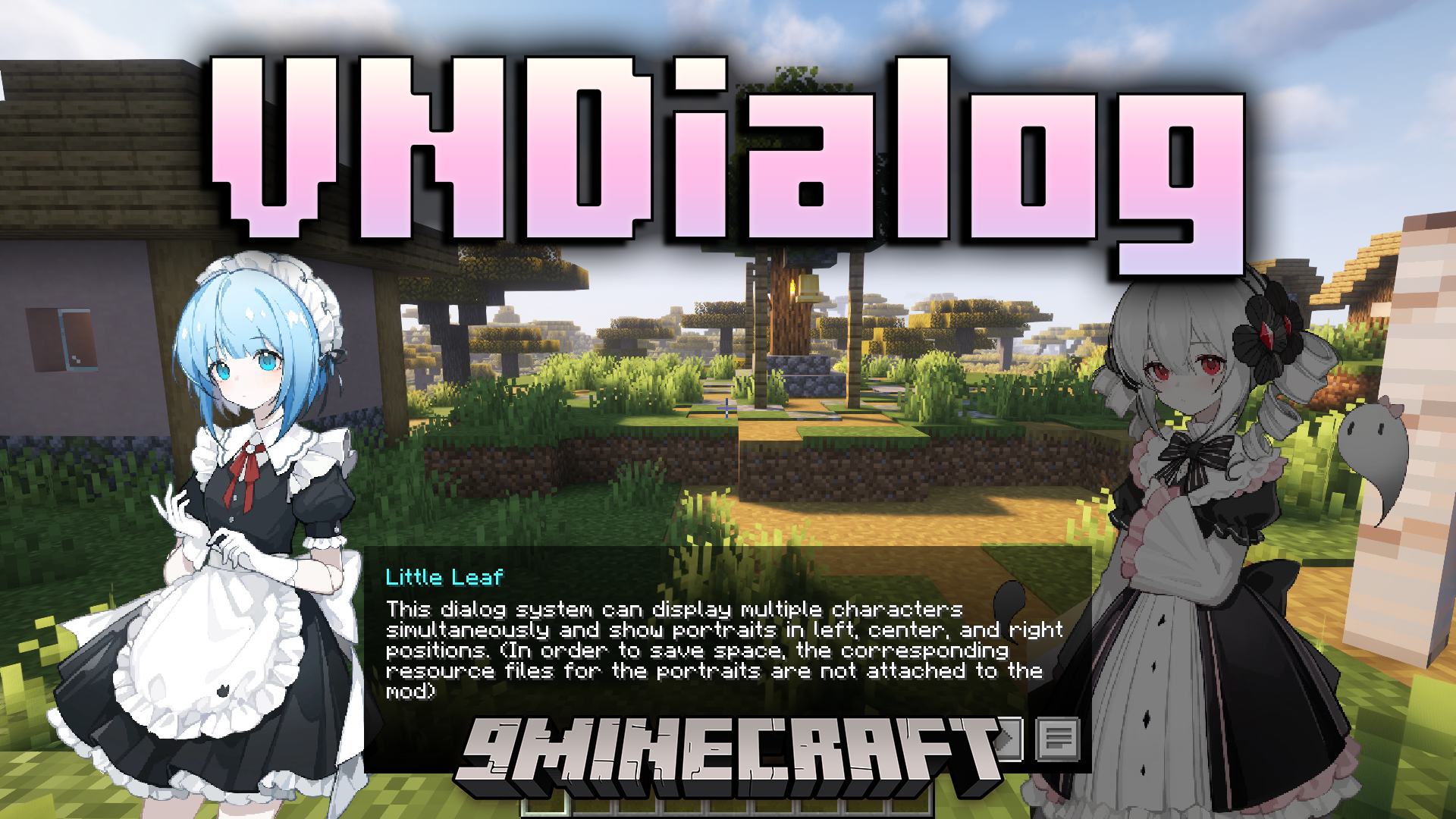
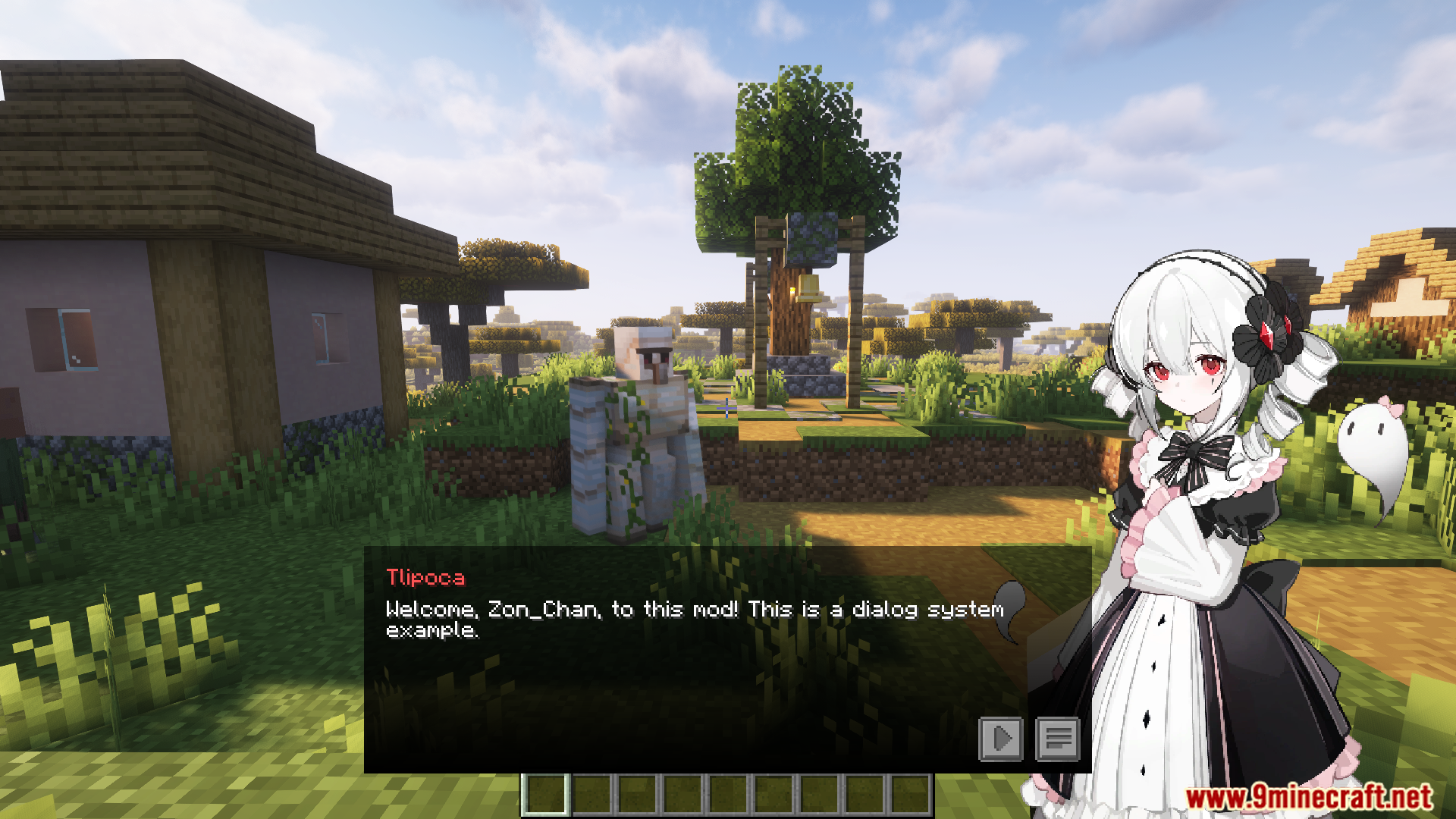
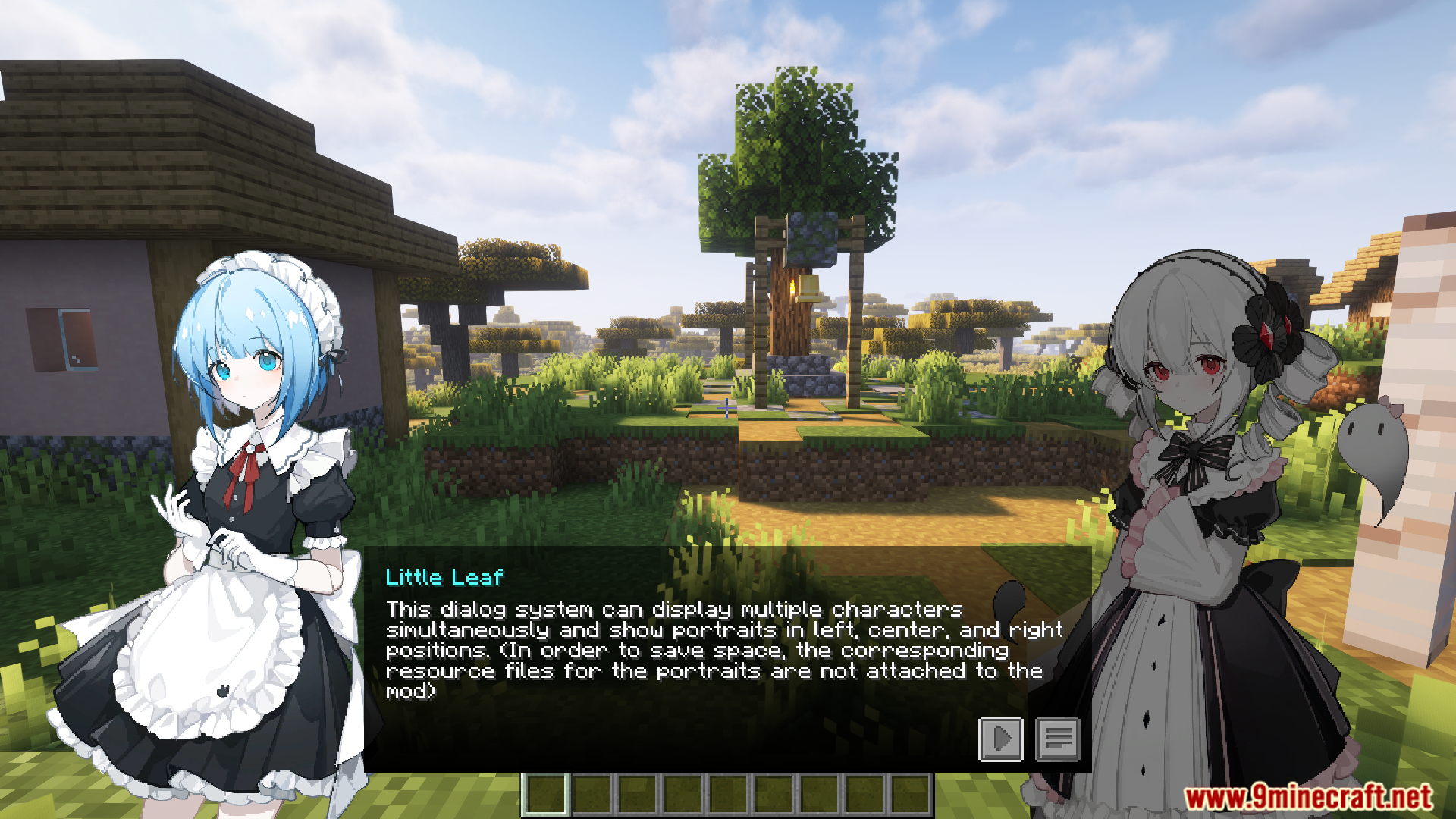
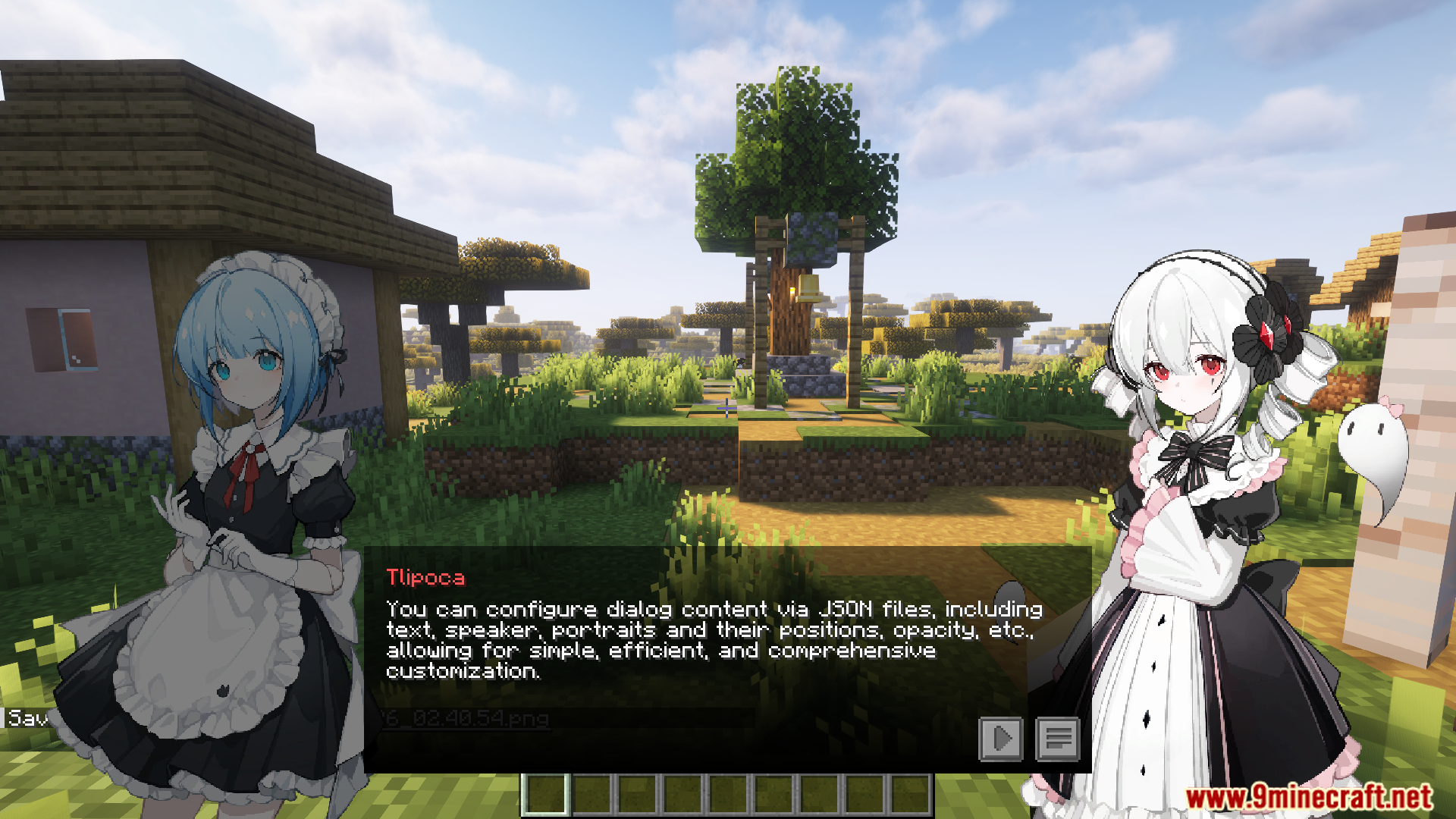
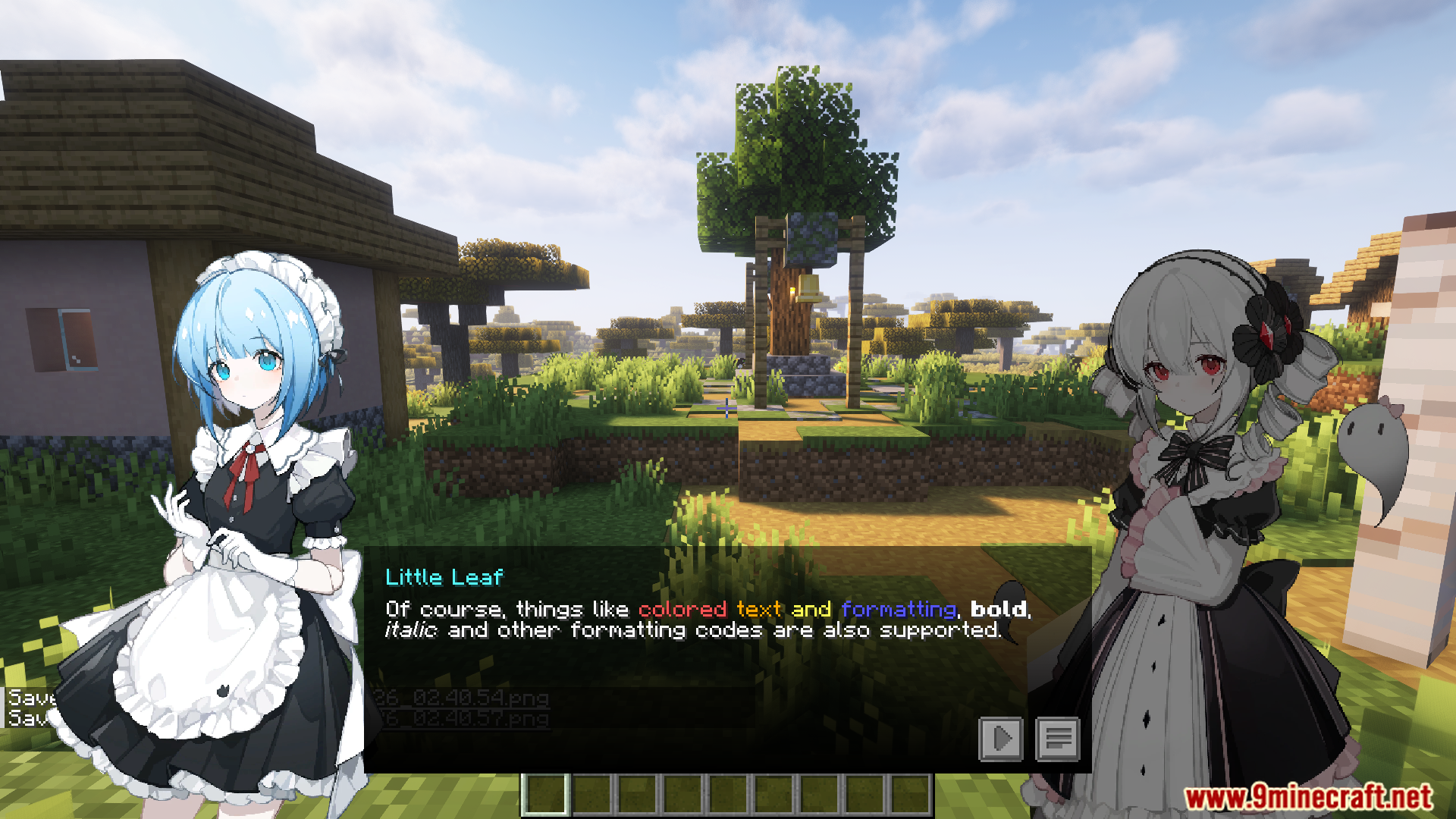
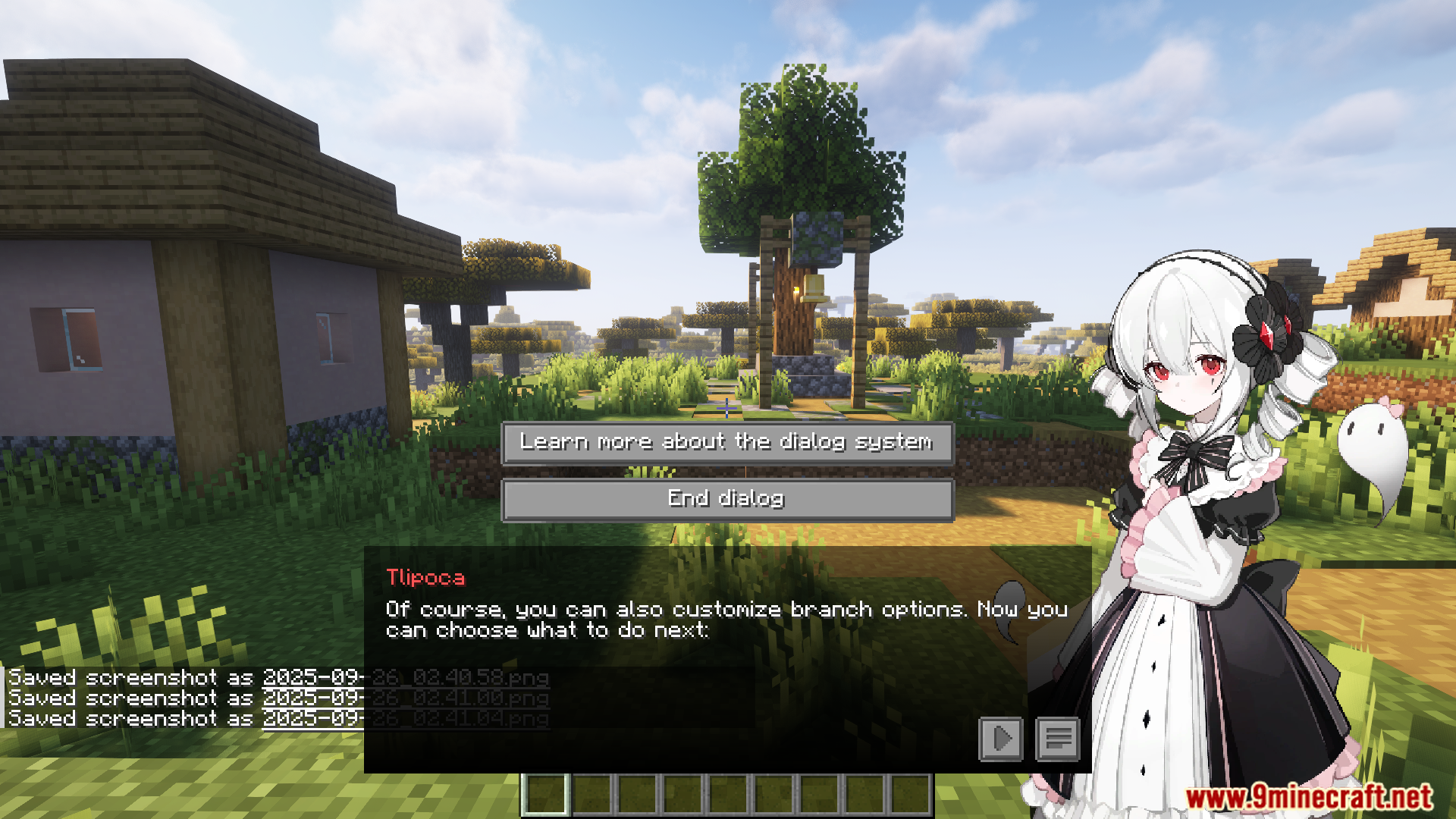
VNDialog Mod adds a visual novel-style dialogue system to Minecraft. This changes how you talk with NPCs, making conversations look like they are from a story-driven game. The mod is designed for map makers and modpack creators who want to add rich stories and character interactions. It is also lightweight, so it runs smoothly without causing lag.
Features:
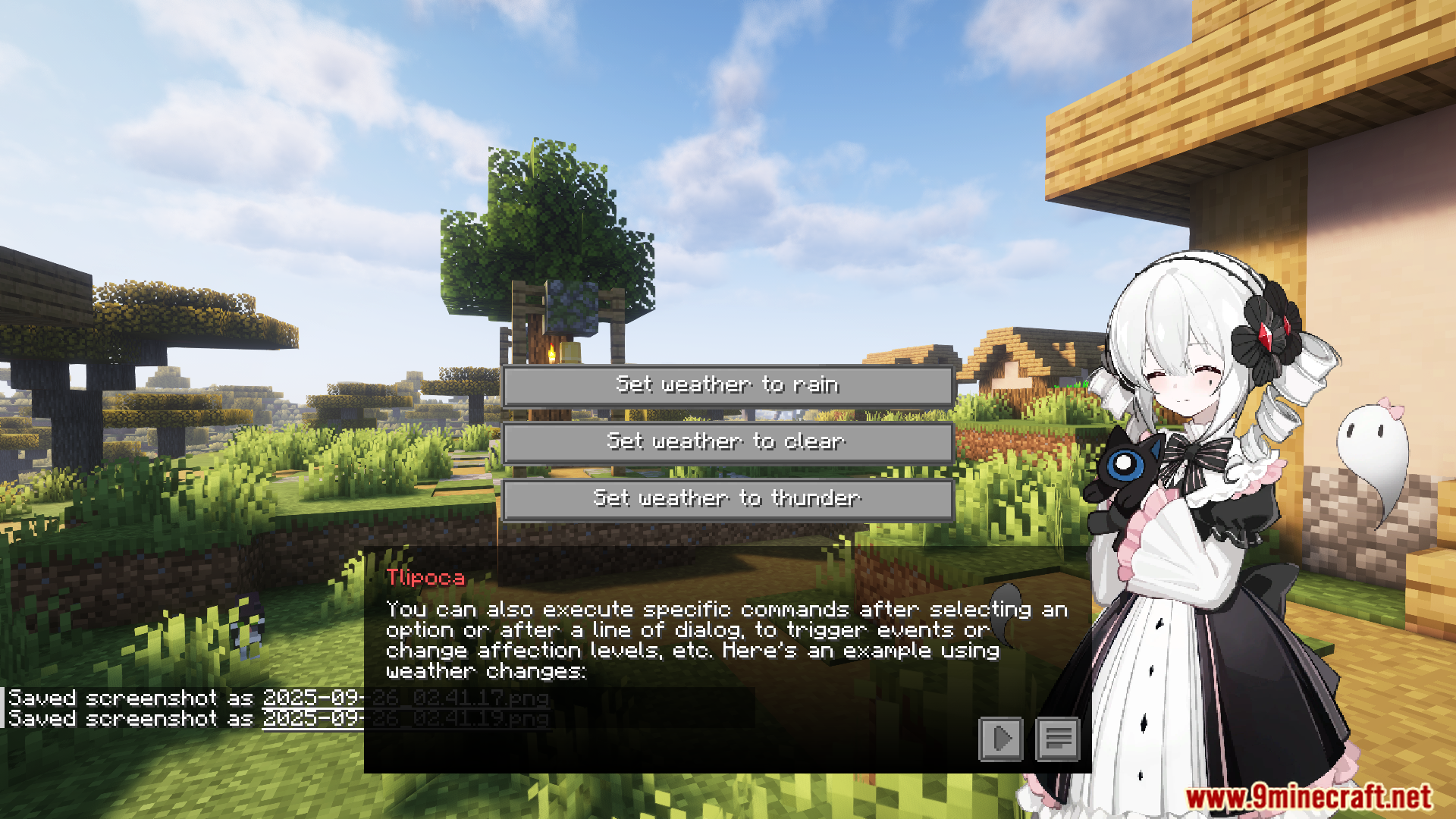
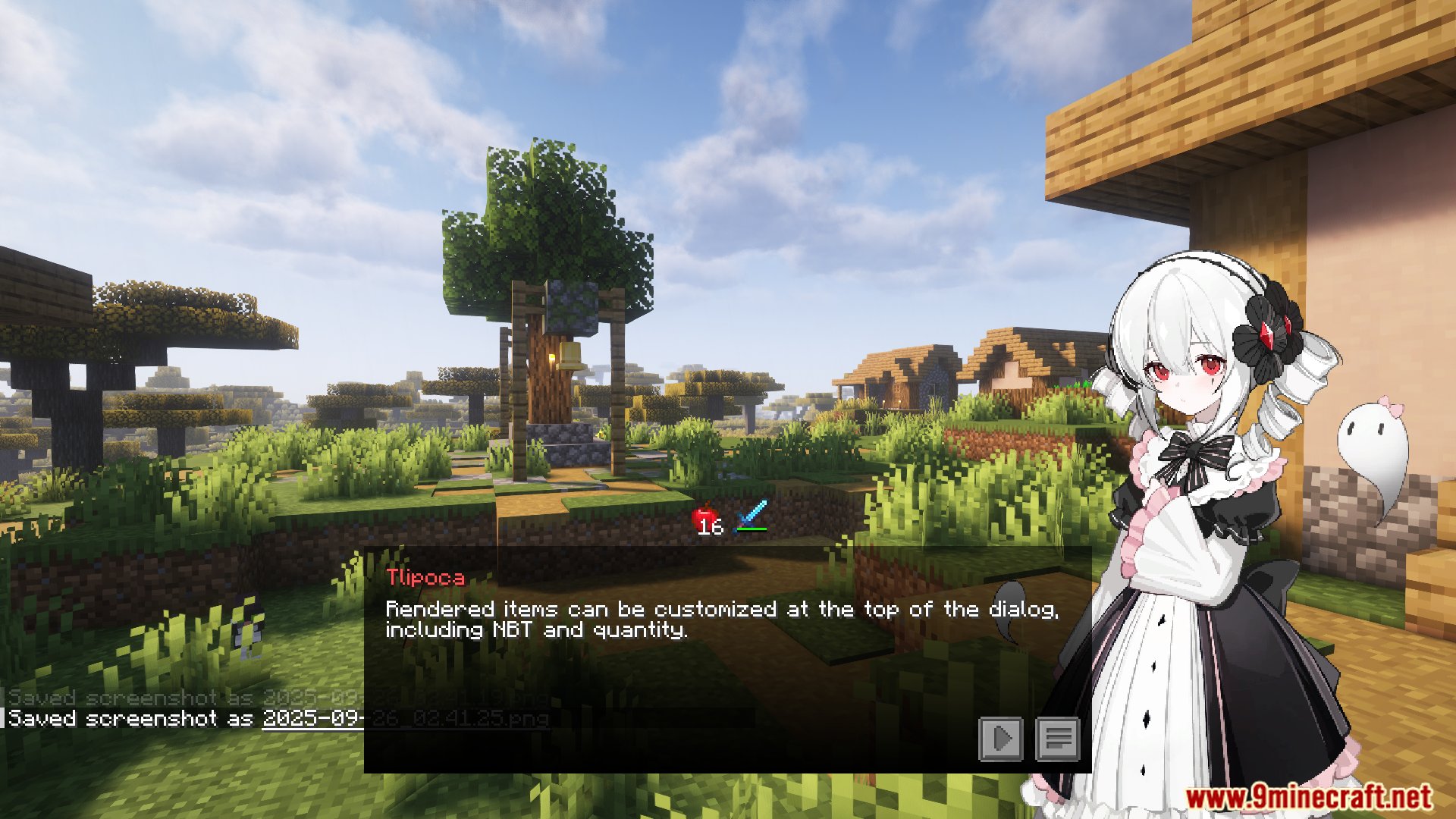
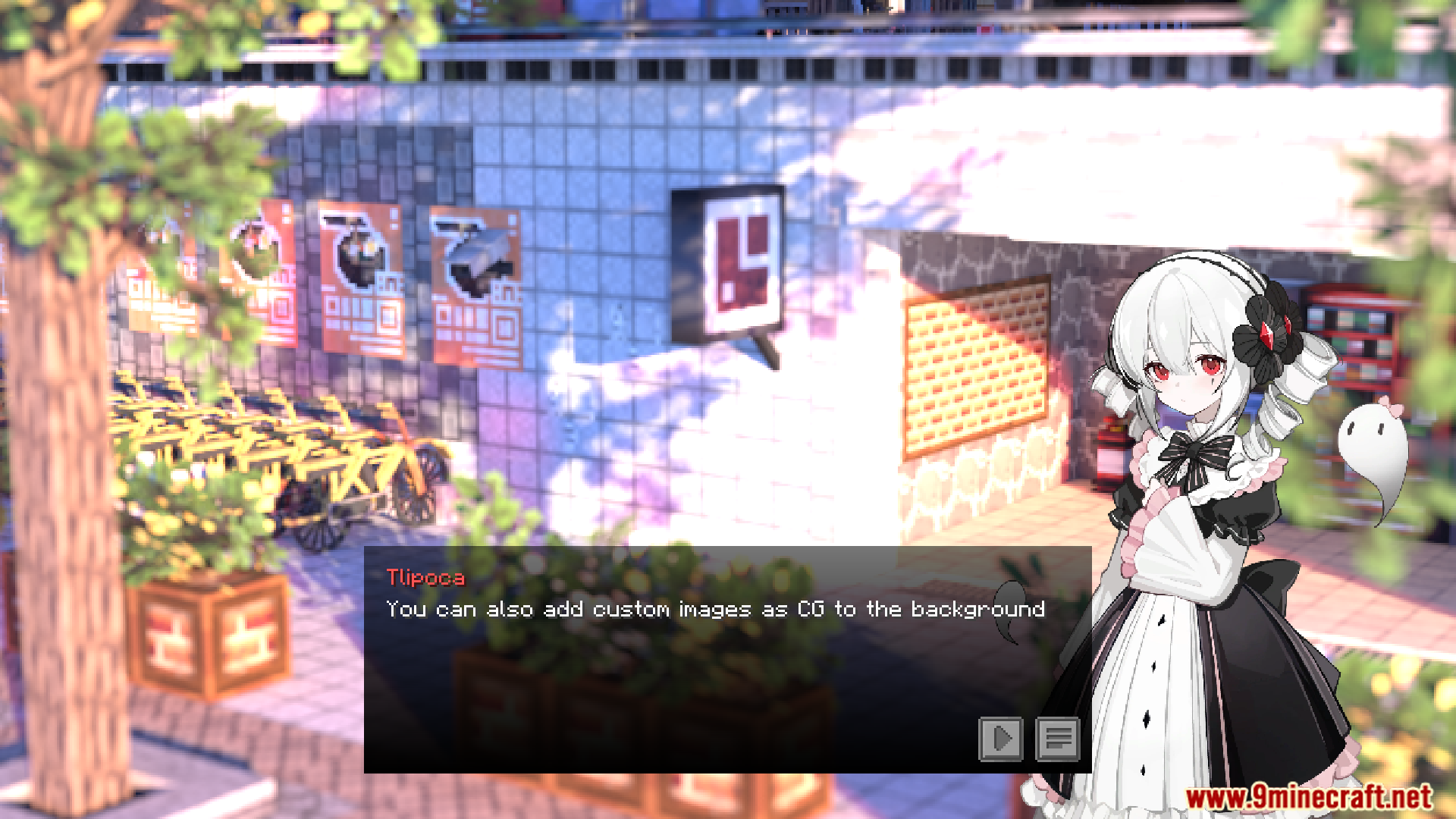
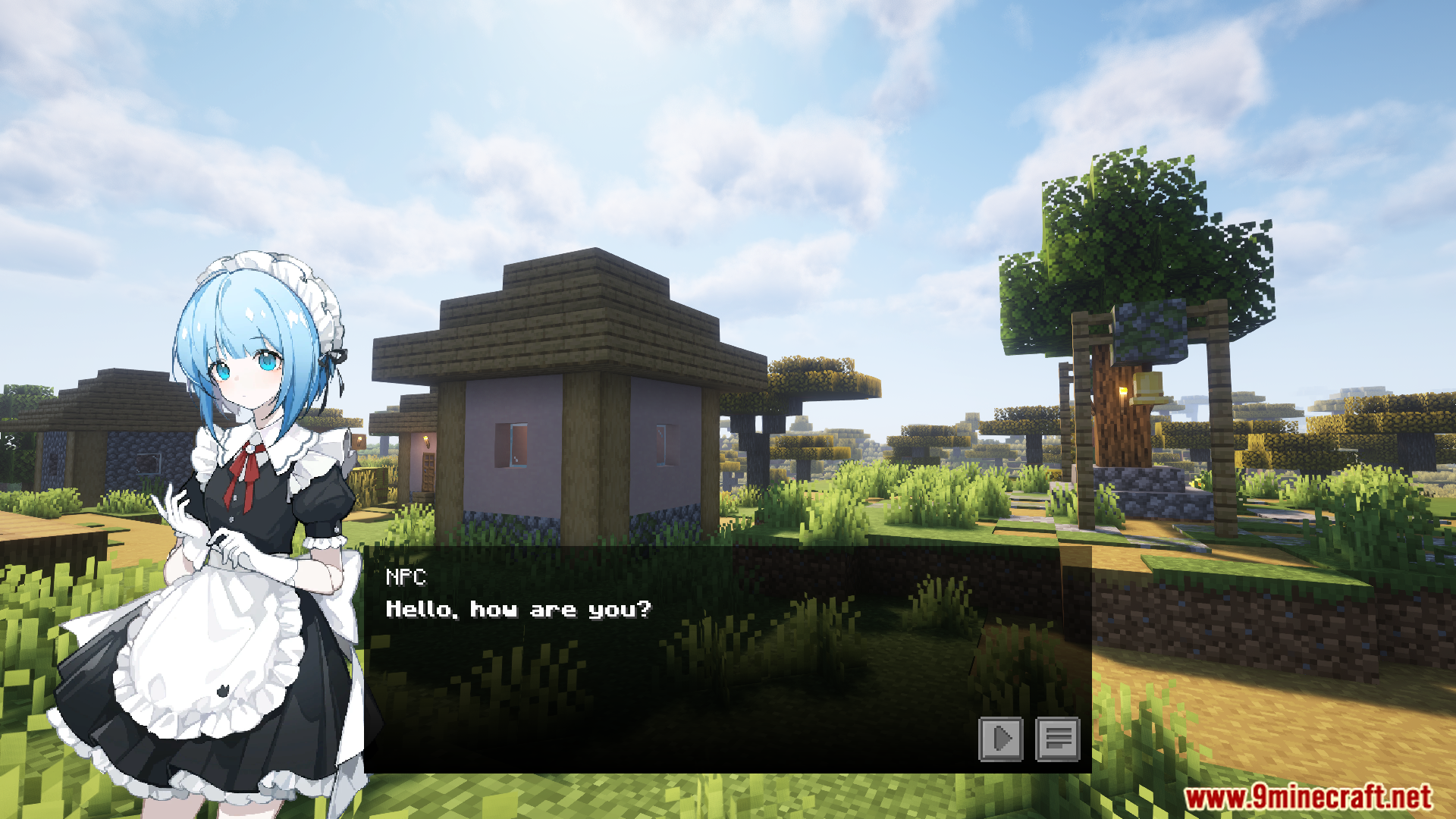
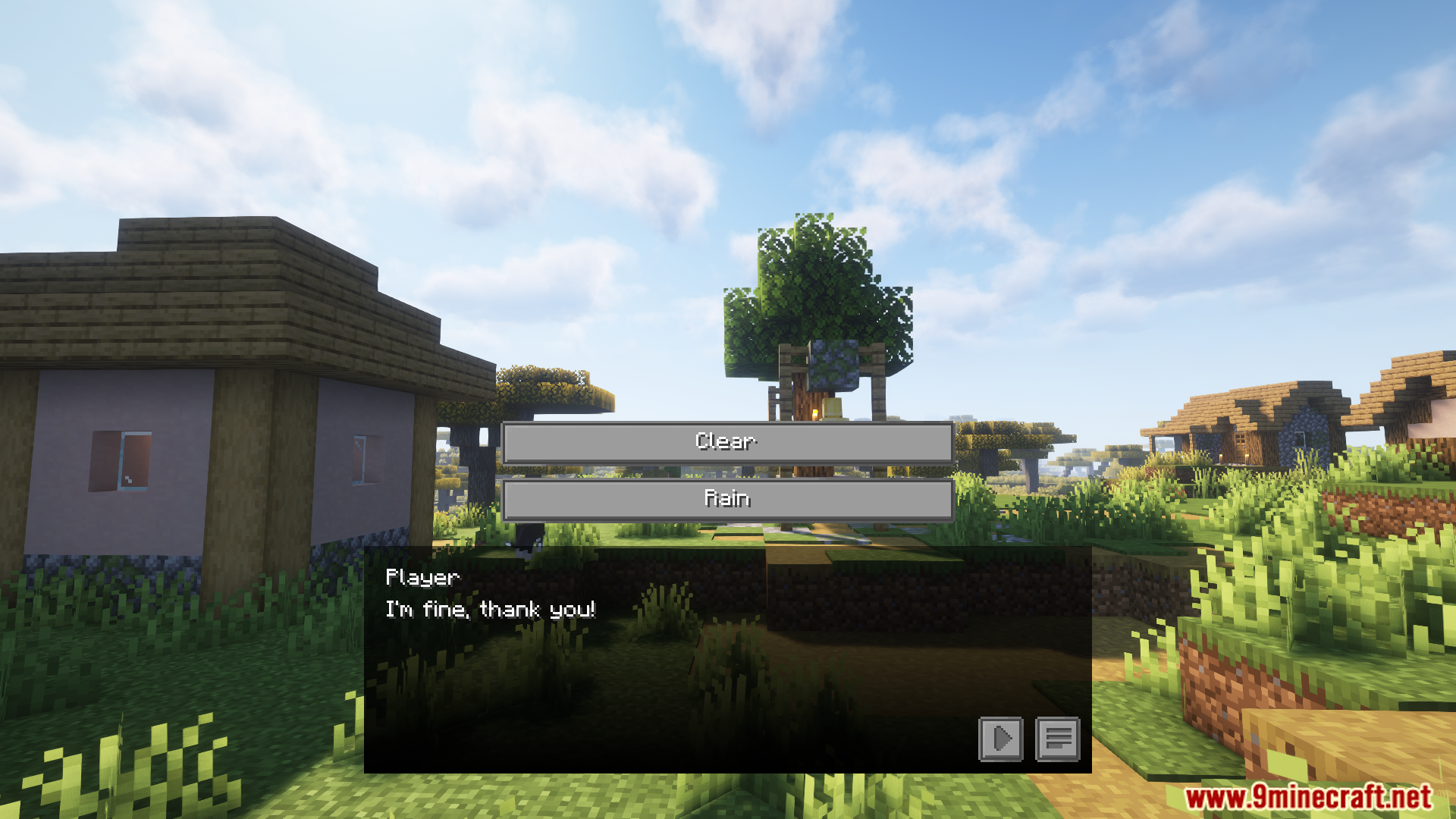
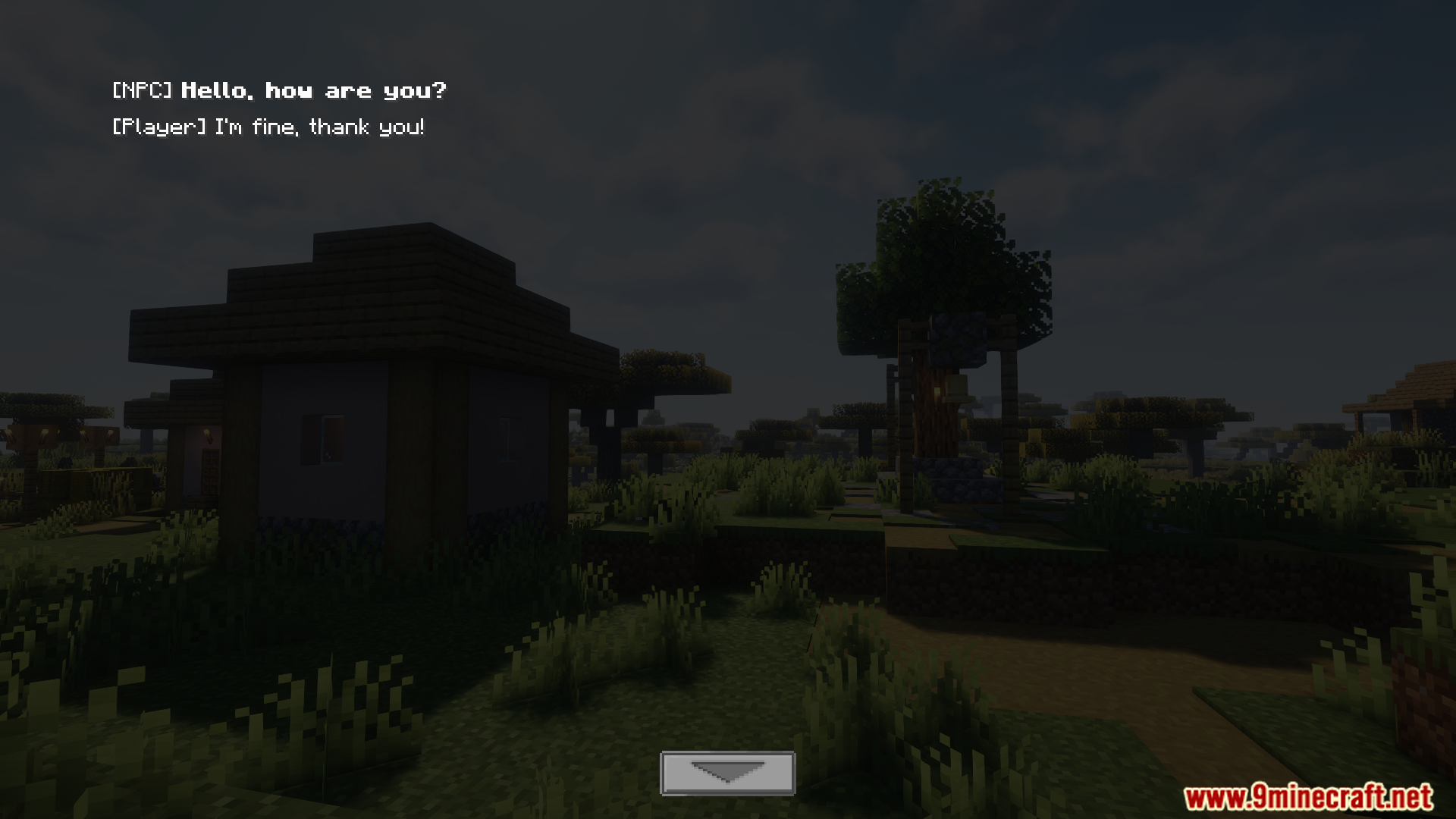
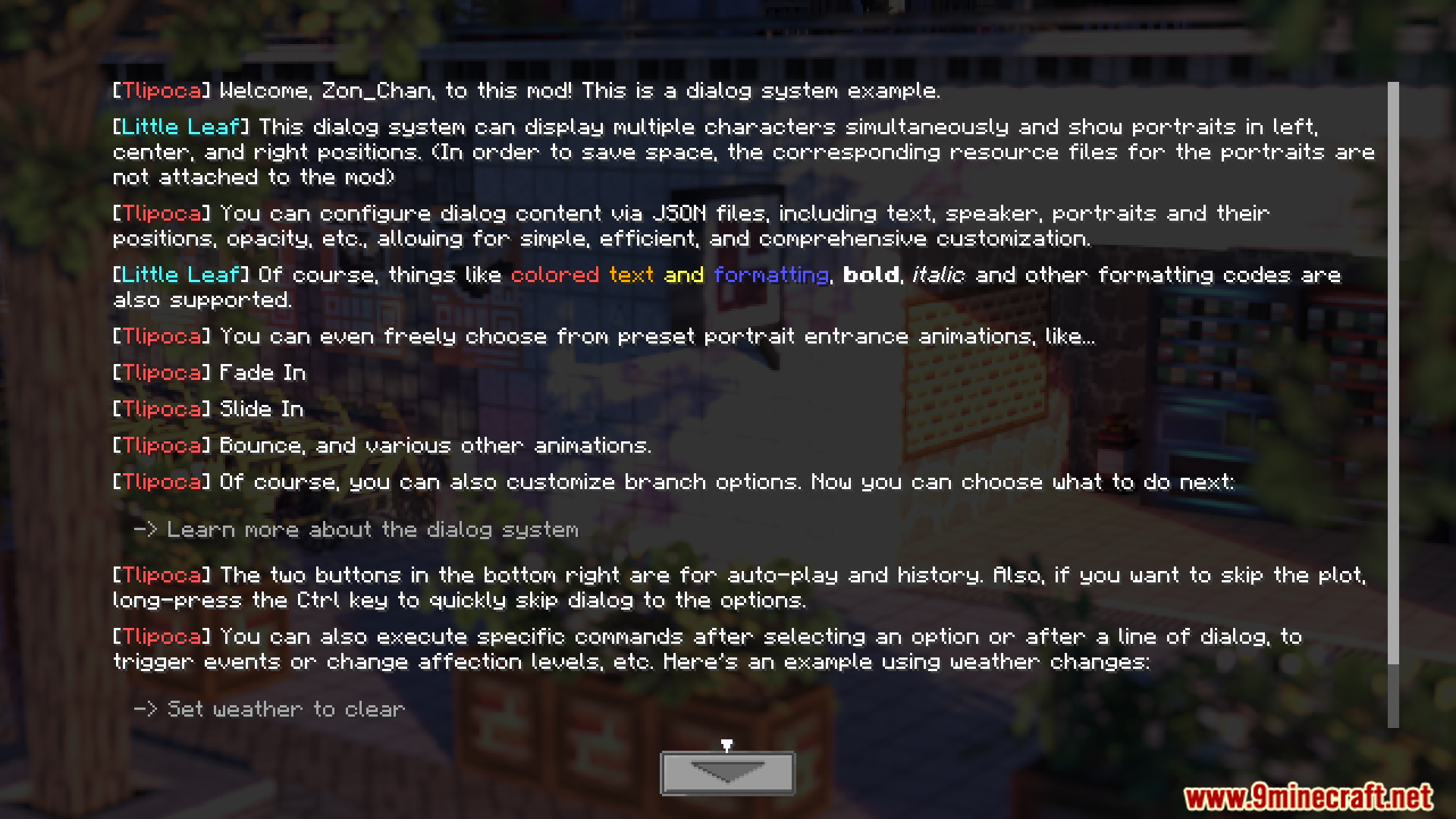
- Adds a new interface for NPC conversations that looks like a visual novel.
- Show character portraits with simple animations when they talk.
- Create branching dialogues where players can choose what to say.
- Use commands to trigger conversations and link them to in-game events.
- Easily reload dialogue files using a datapack without restarting the game.
- Designed to be lightweight and have a minimal impact on performance.
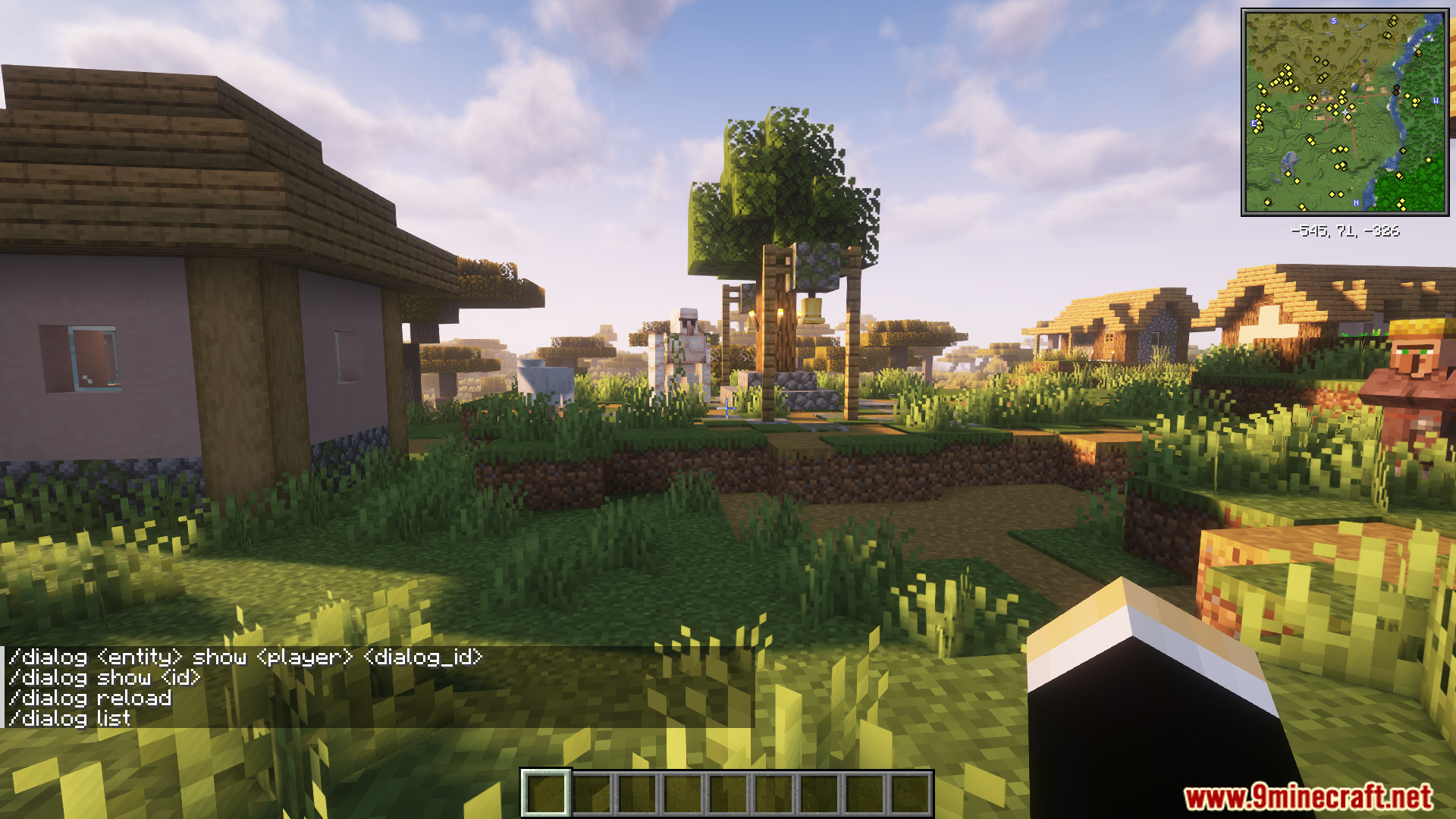
Commands:
/dialog show <id>: Shows a specific dialogue to yourself for testing purposes./dialog <entity> show <player>: Makes a chosen entity speak to a specific player./dialog reload: Reloads all the conversation files from the datapack without restarting the game.
Screenshots:
VNDialog Mod Download Links
For Minecraft 1.21.1, 1.21
NeoForge version: Download from Server 1 – Download from Server 2
For Minecraft 1.20.1, 1.20
Forge version: Download from Server 1 – Download from Server 2
- Edition: Minecraft Java
- File type: .jar
- Minecraft versions listed: 1.21.1, 1.20.1
- How to install: Install the matching mod loader (Forge, Fabric or NeoForge) for your Minecraft version. → Download the .jar. → Put it in the .minecraft/mods folder and launch that loader profile.
- Where to get it: In MC Java Mods, or directly above on this page.
Install steps are the general flow for this file type — How to install Minecraft Java mods & modpacks walks through it step by step.
VNDialog Mod (1.21.1, 1.20.1) – Give Your NPCs a Story to Tell is a free Minecraft Java mod. Compatible with Minecraft 1.21.1, 1.20.1. Download it and open it directly in the game.