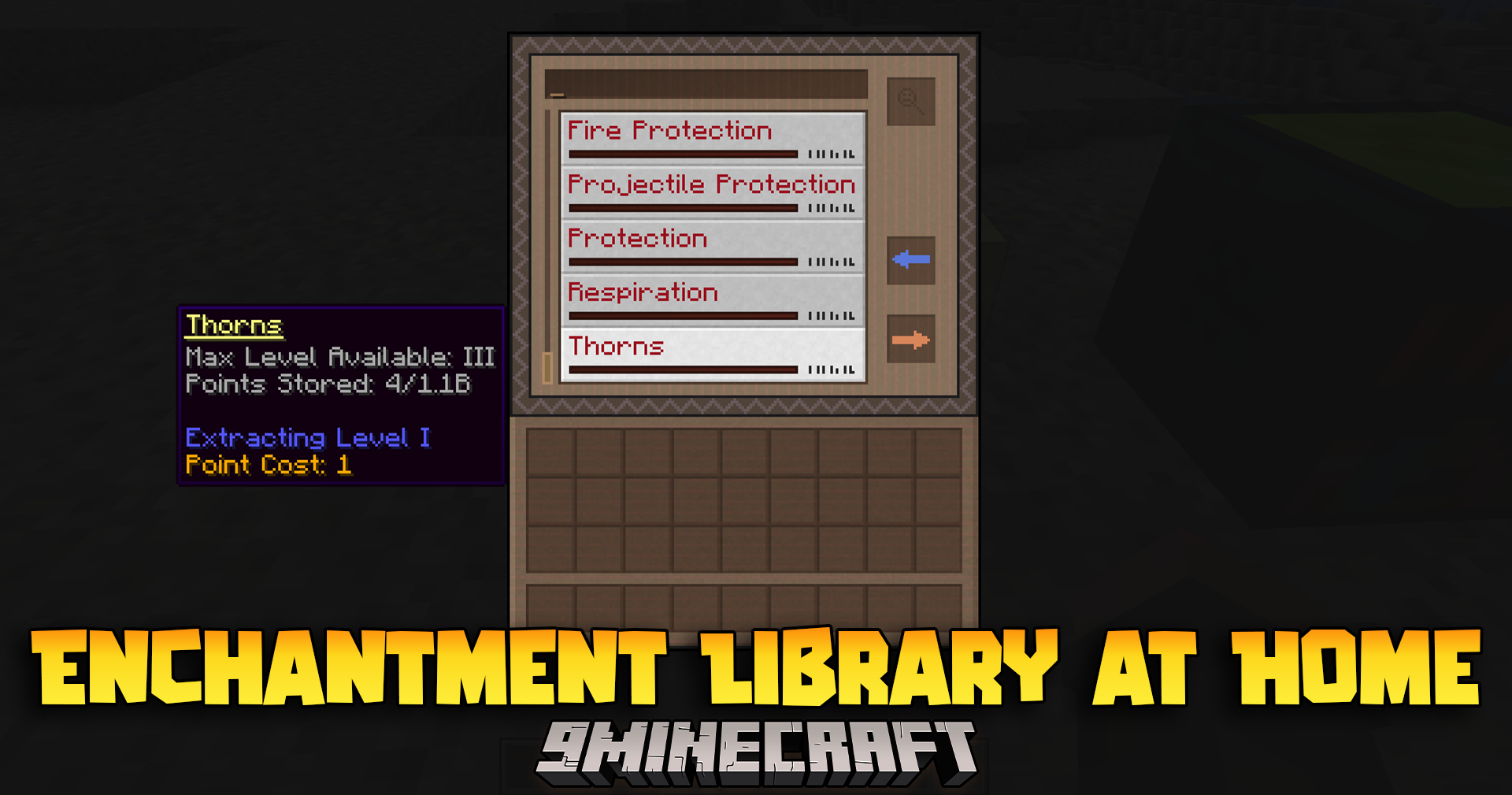
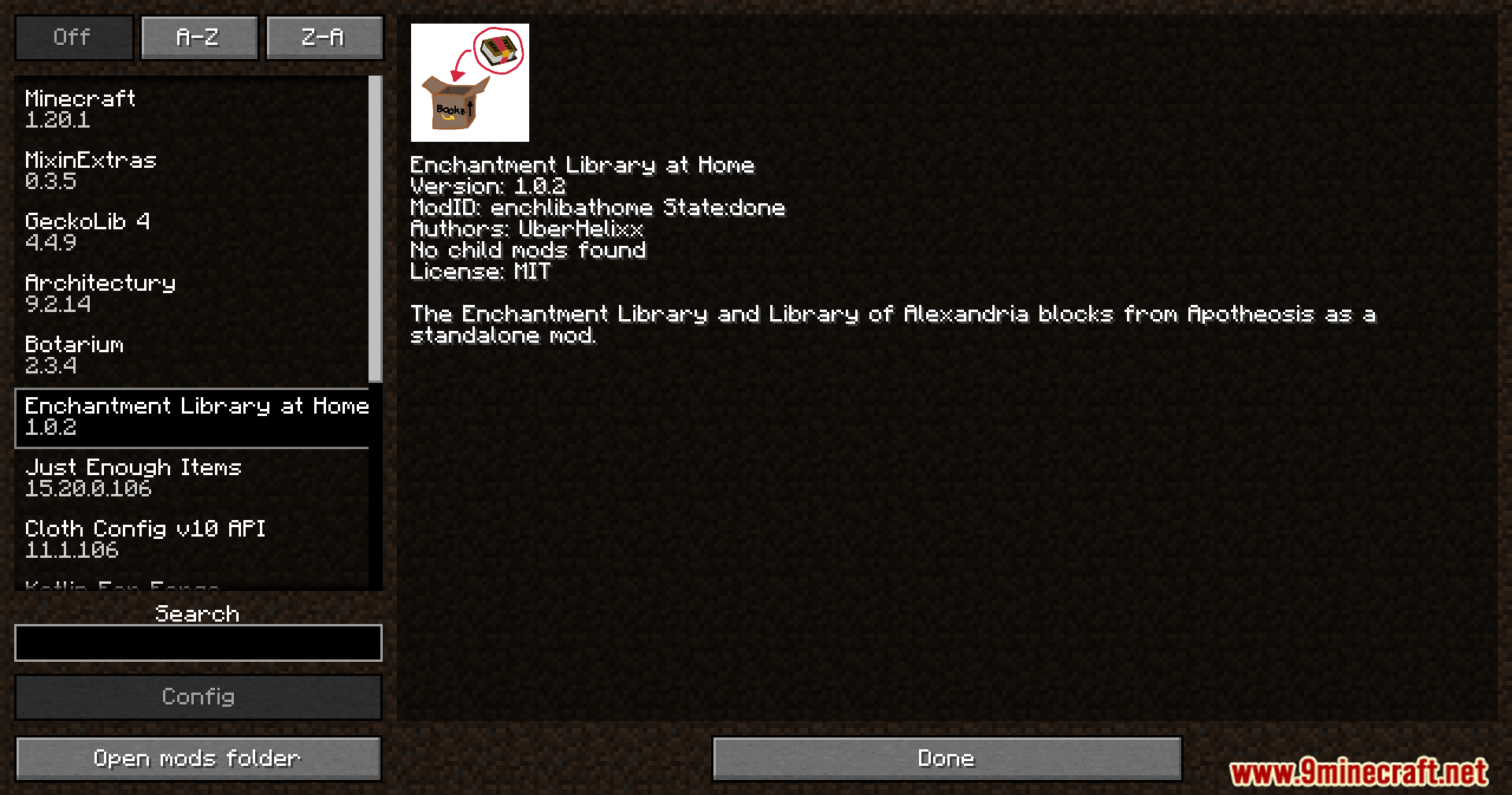
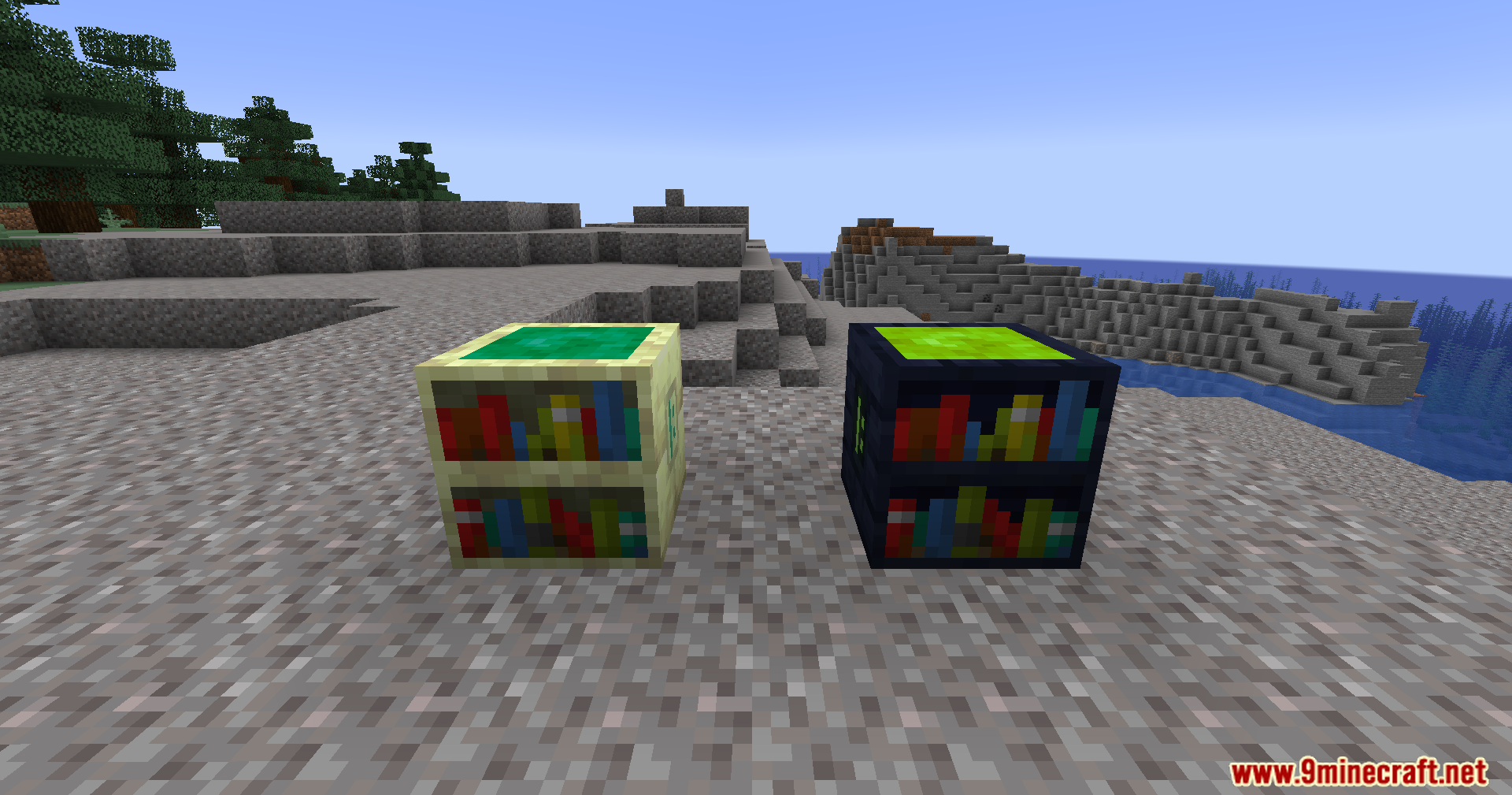
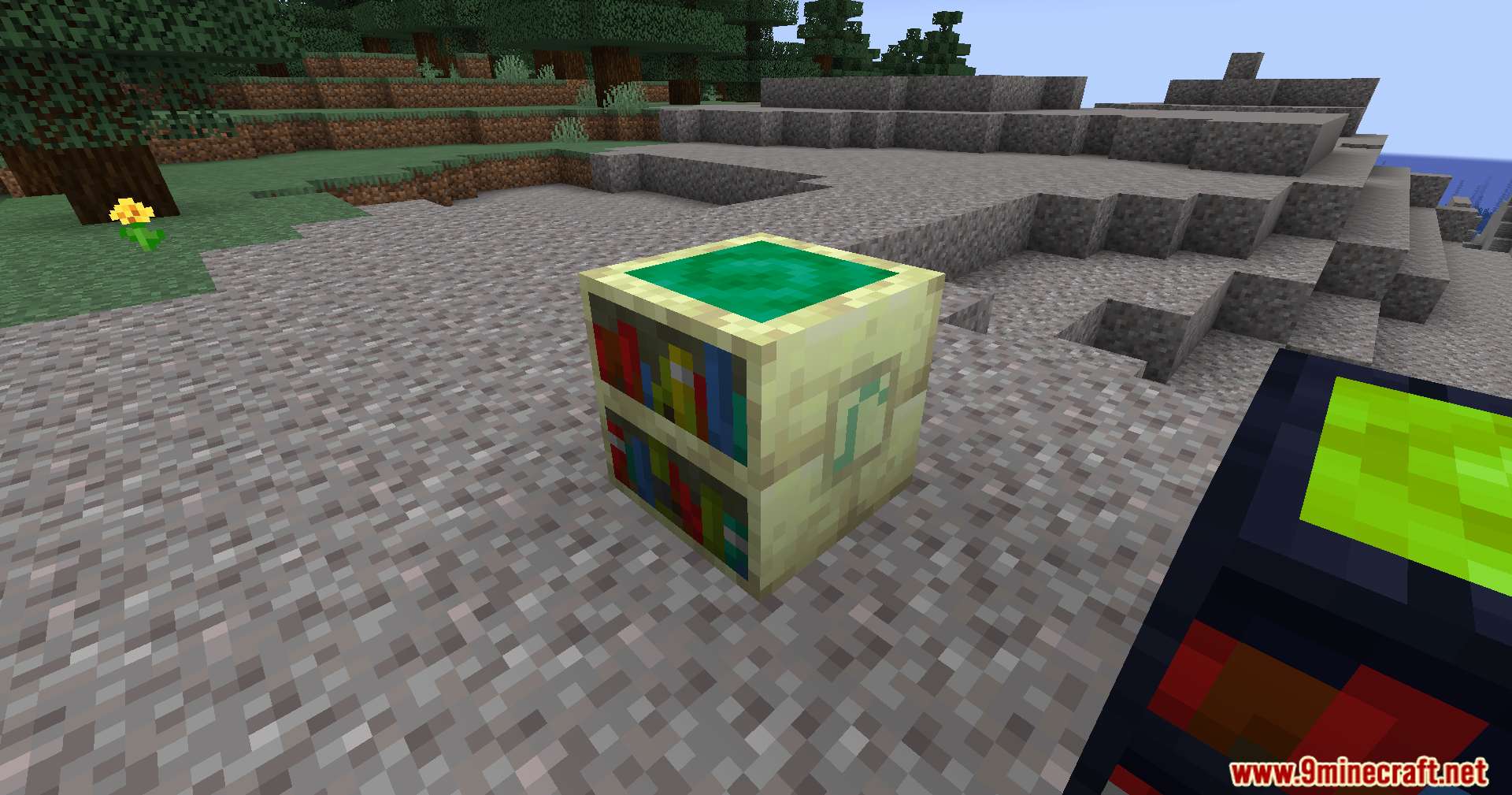
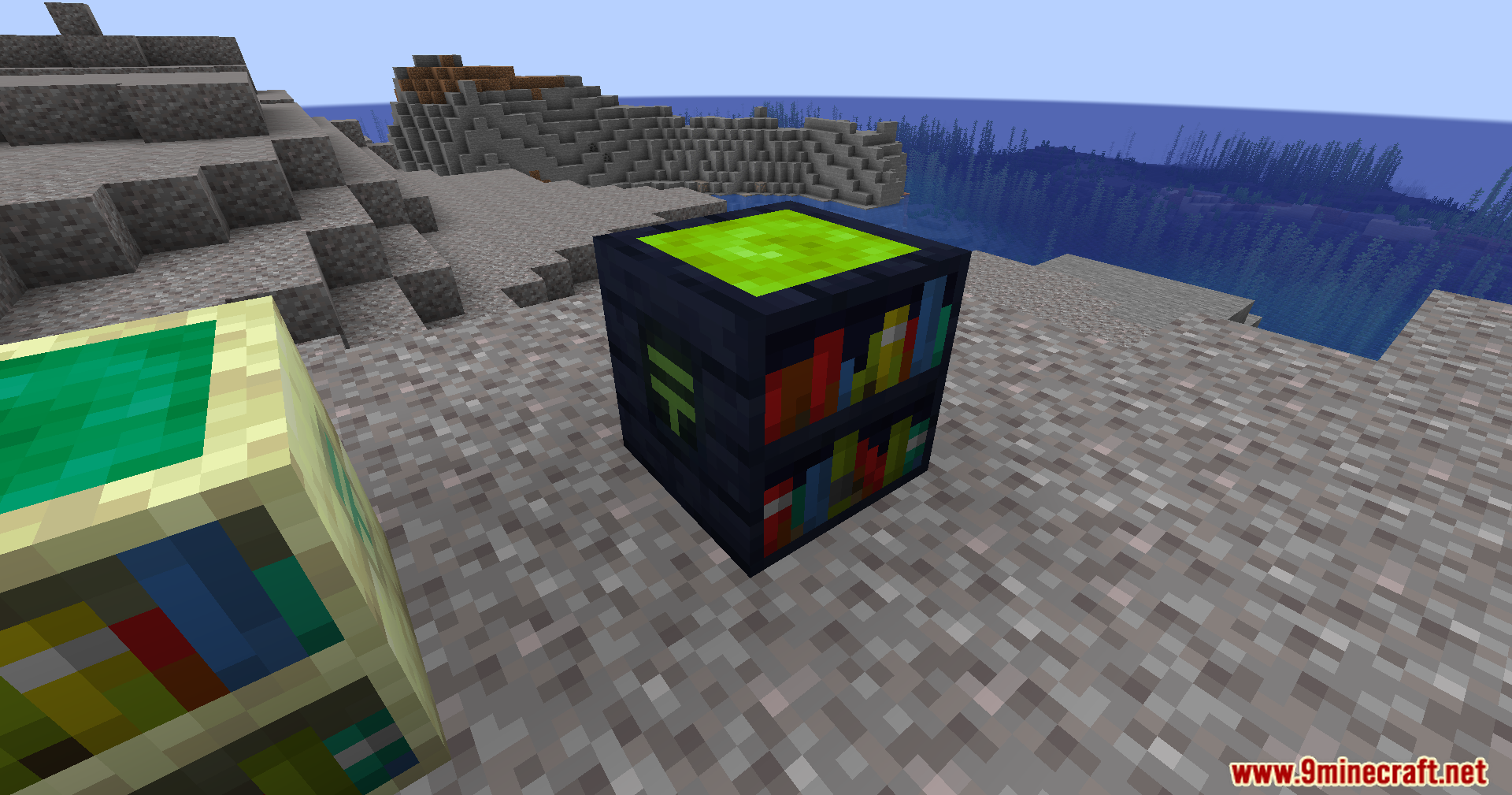
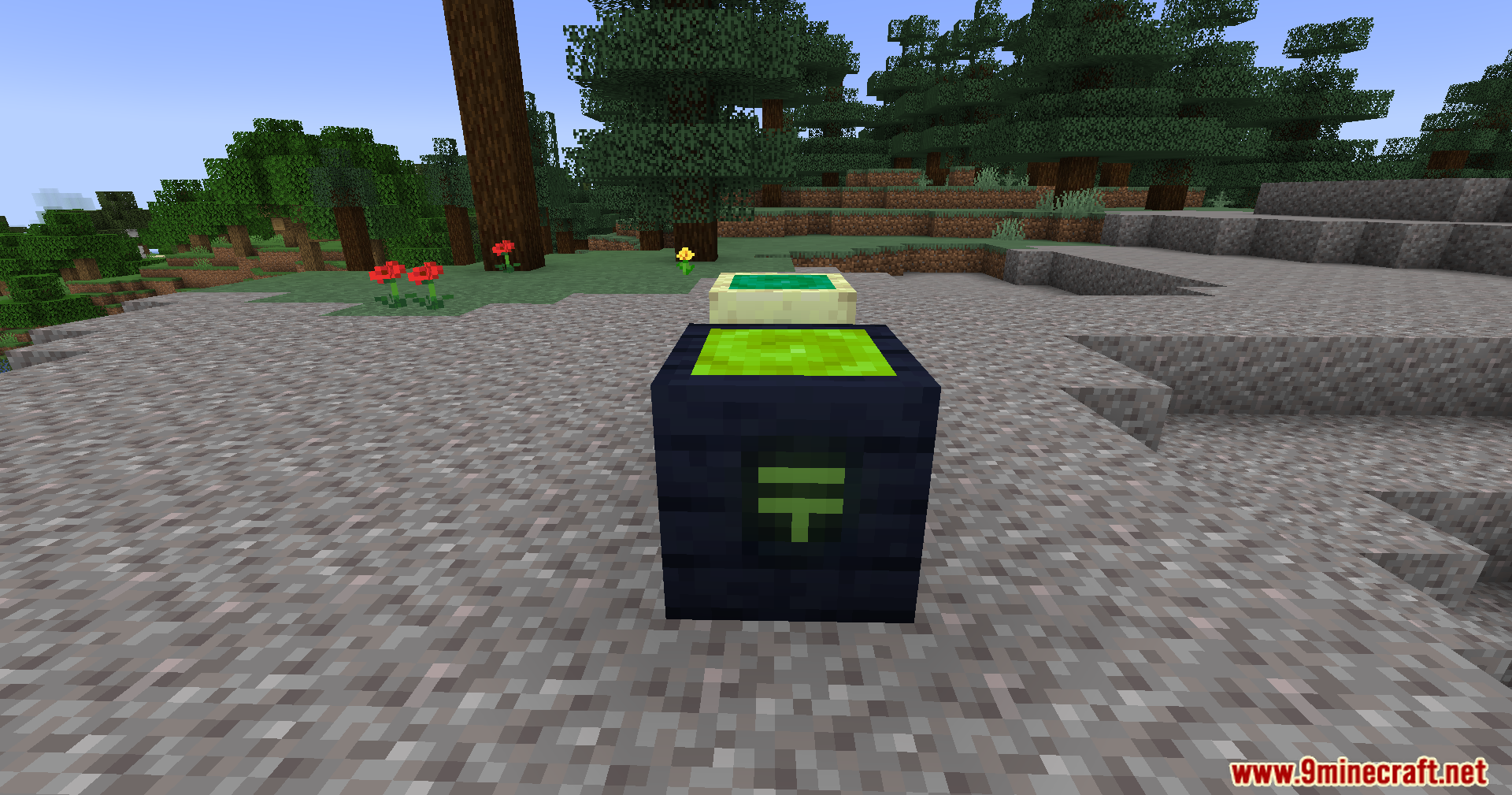
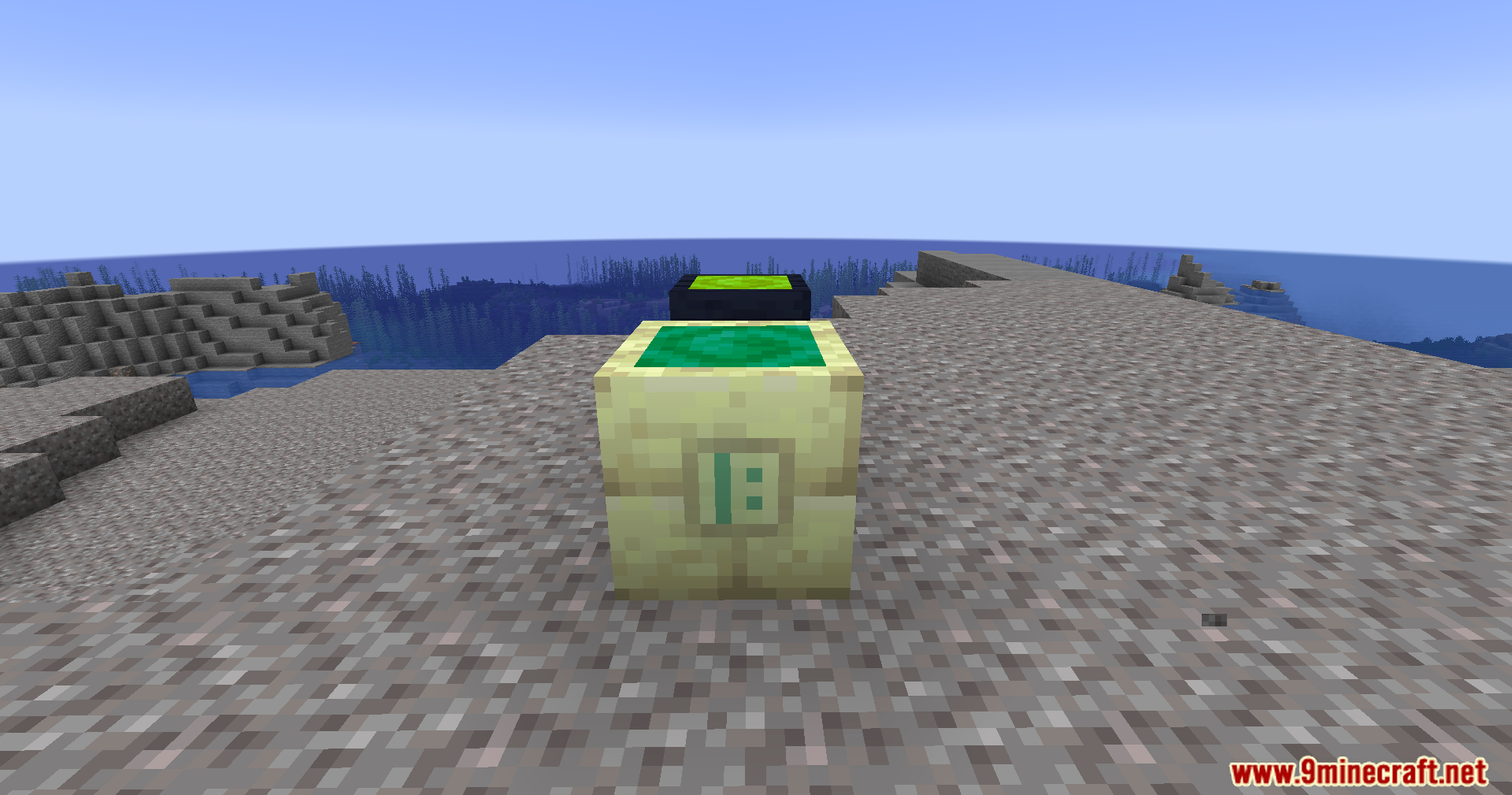
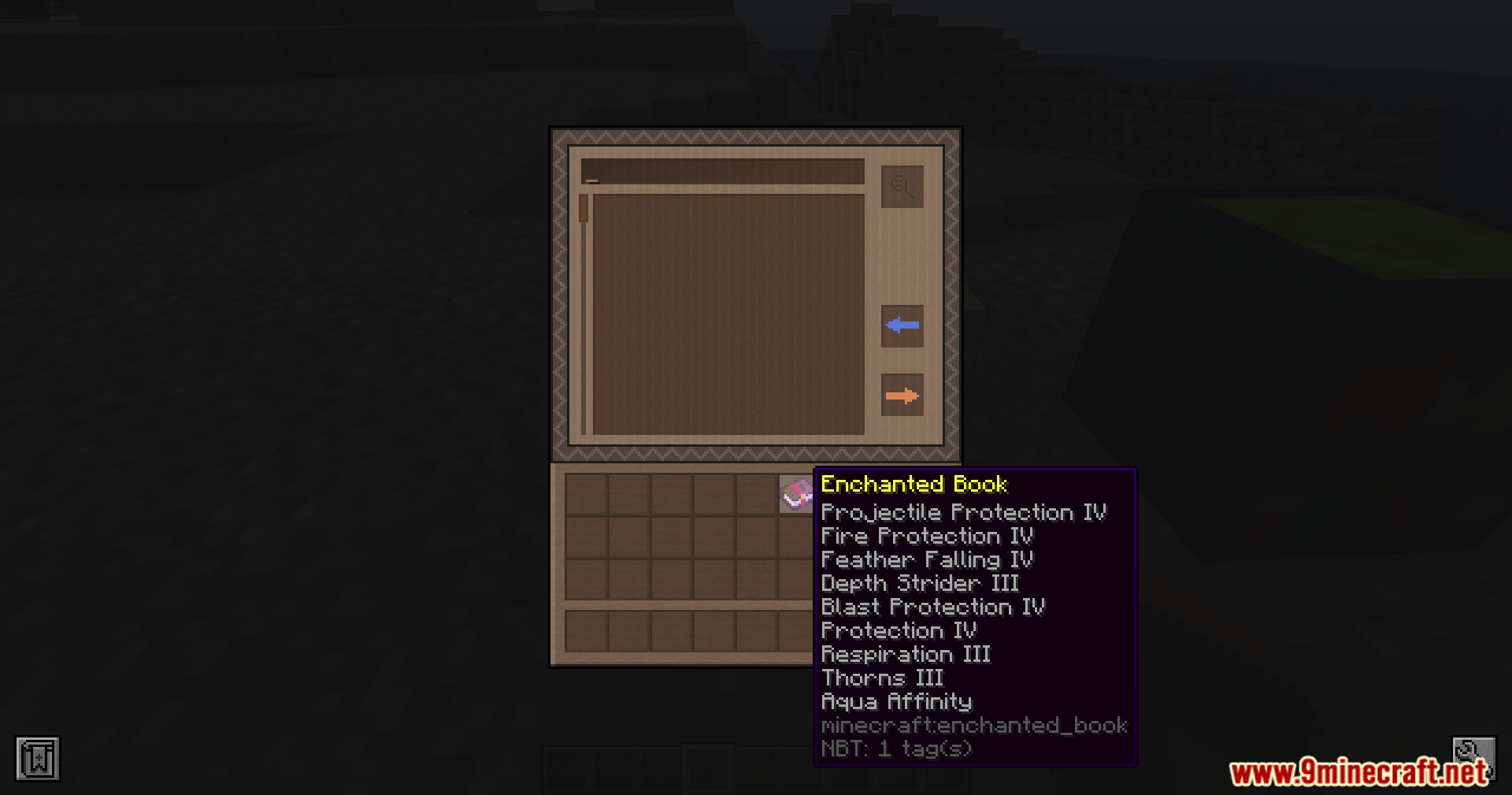
Enchantment Library At Home Mod introduces the Enchantment Library and Library of Alexandria blocks from Apotheosis without requiring the full mod. These blocks provide a straightforward way to store and manage enchantments.
Features:
- Store enchantments by inserting enchanted books into the library.
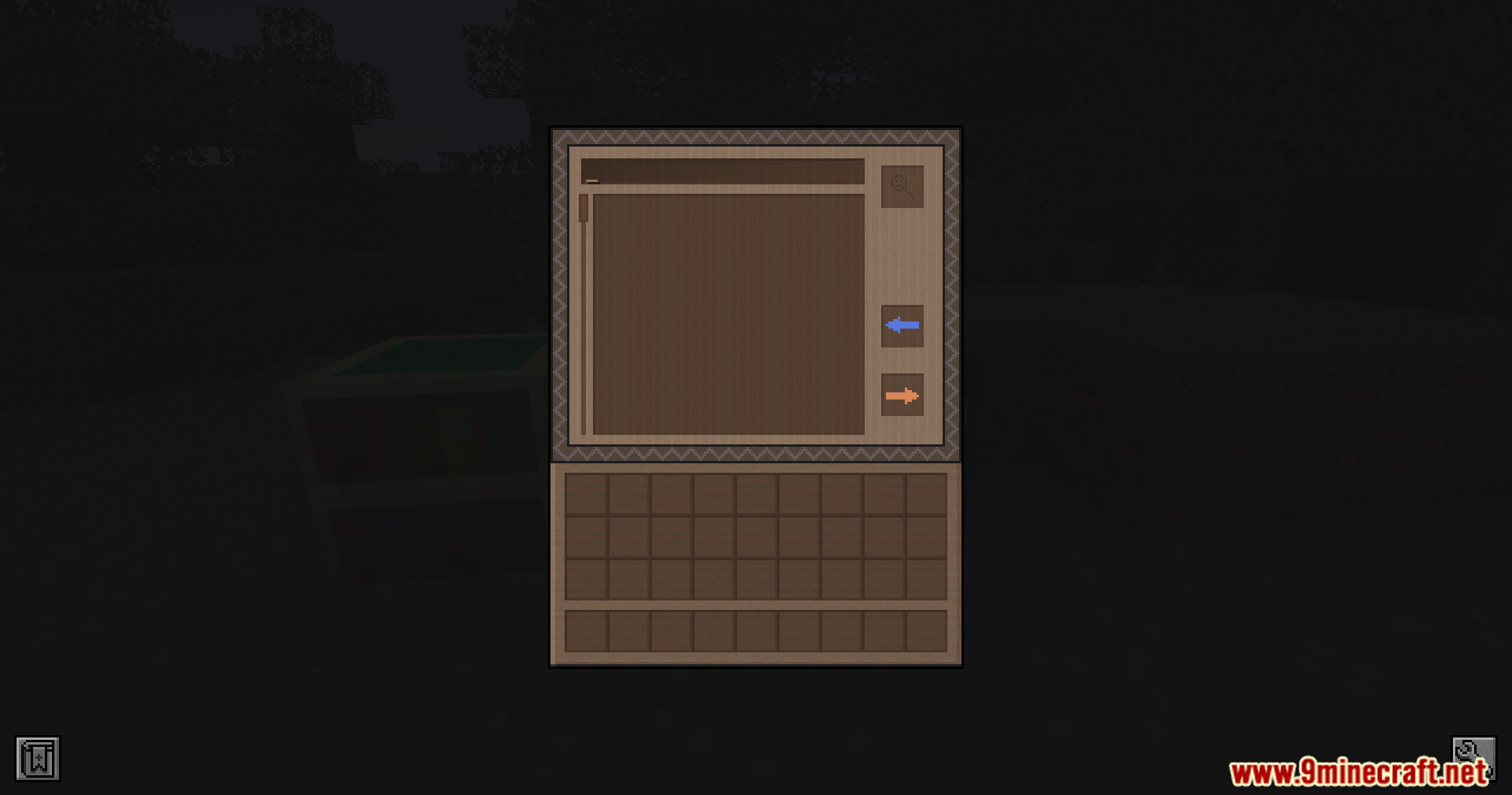
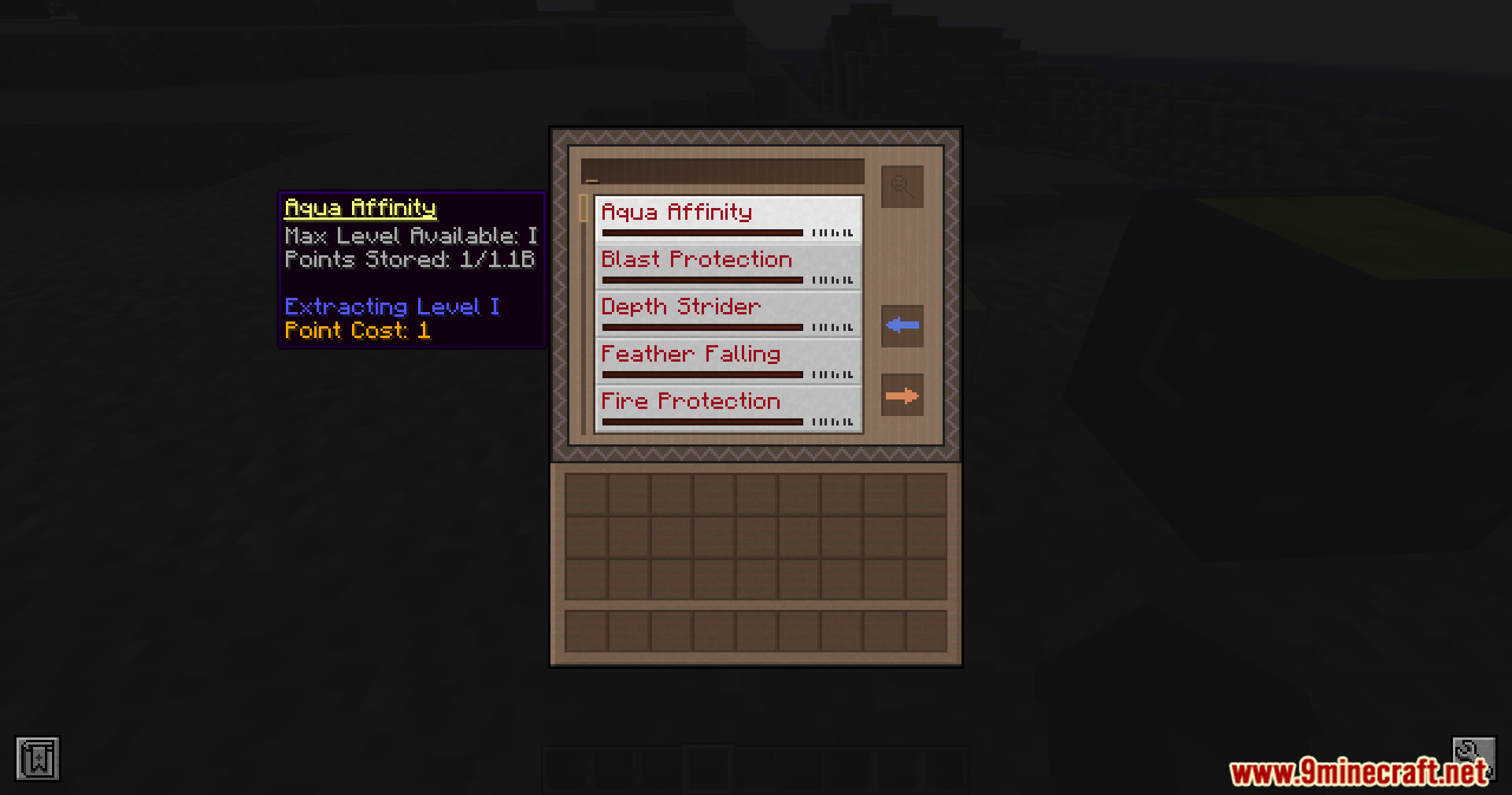
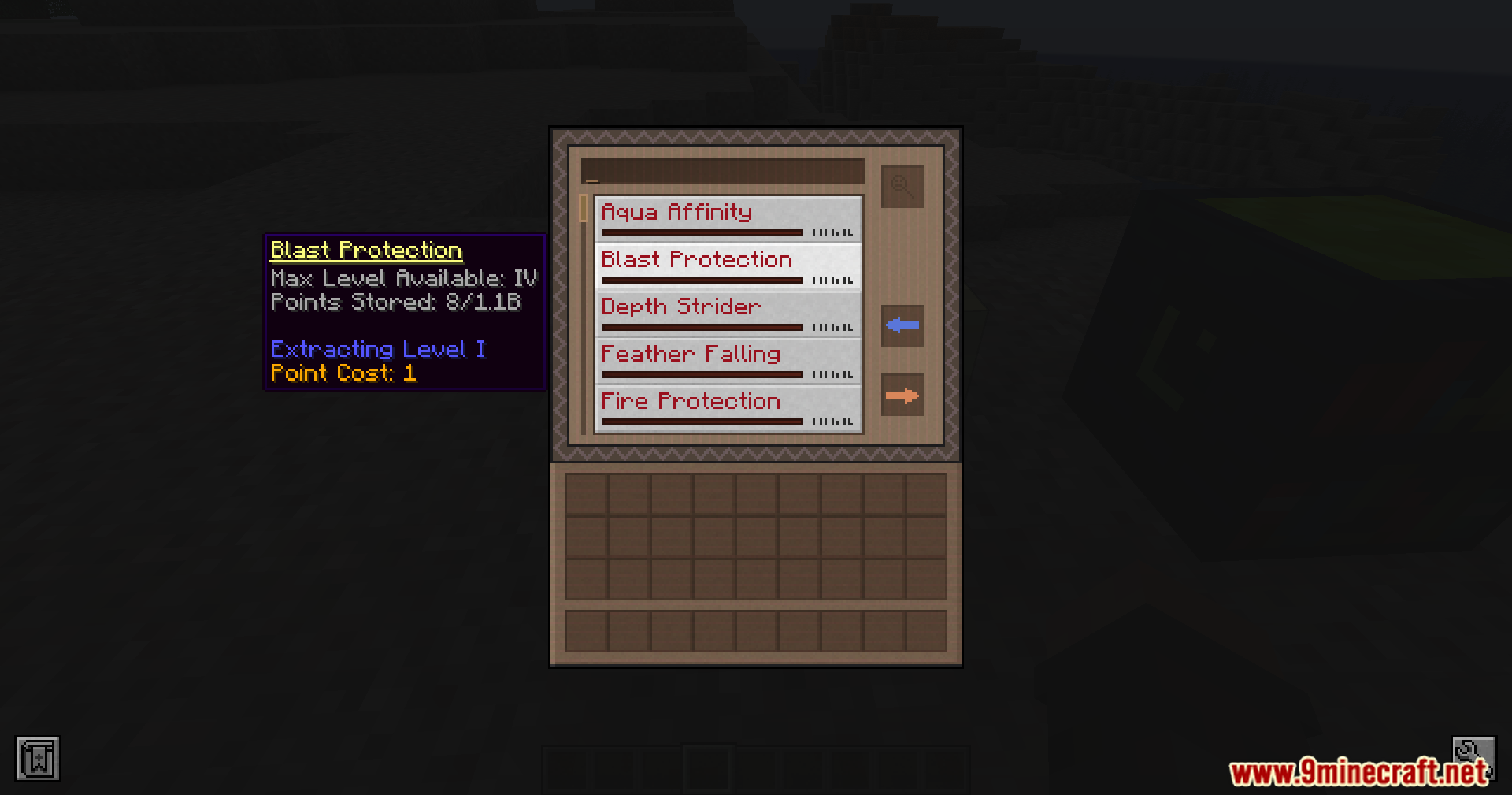
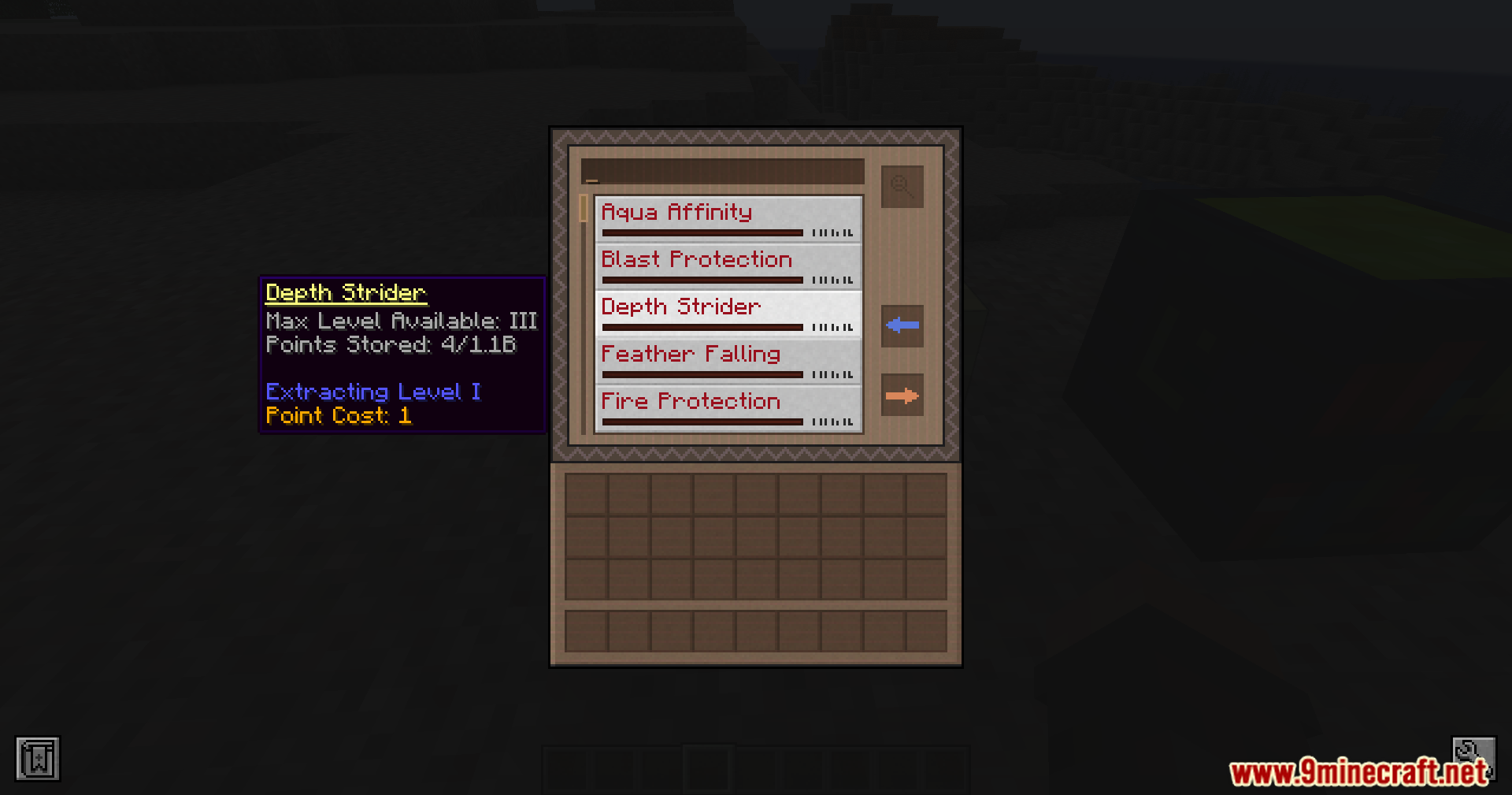
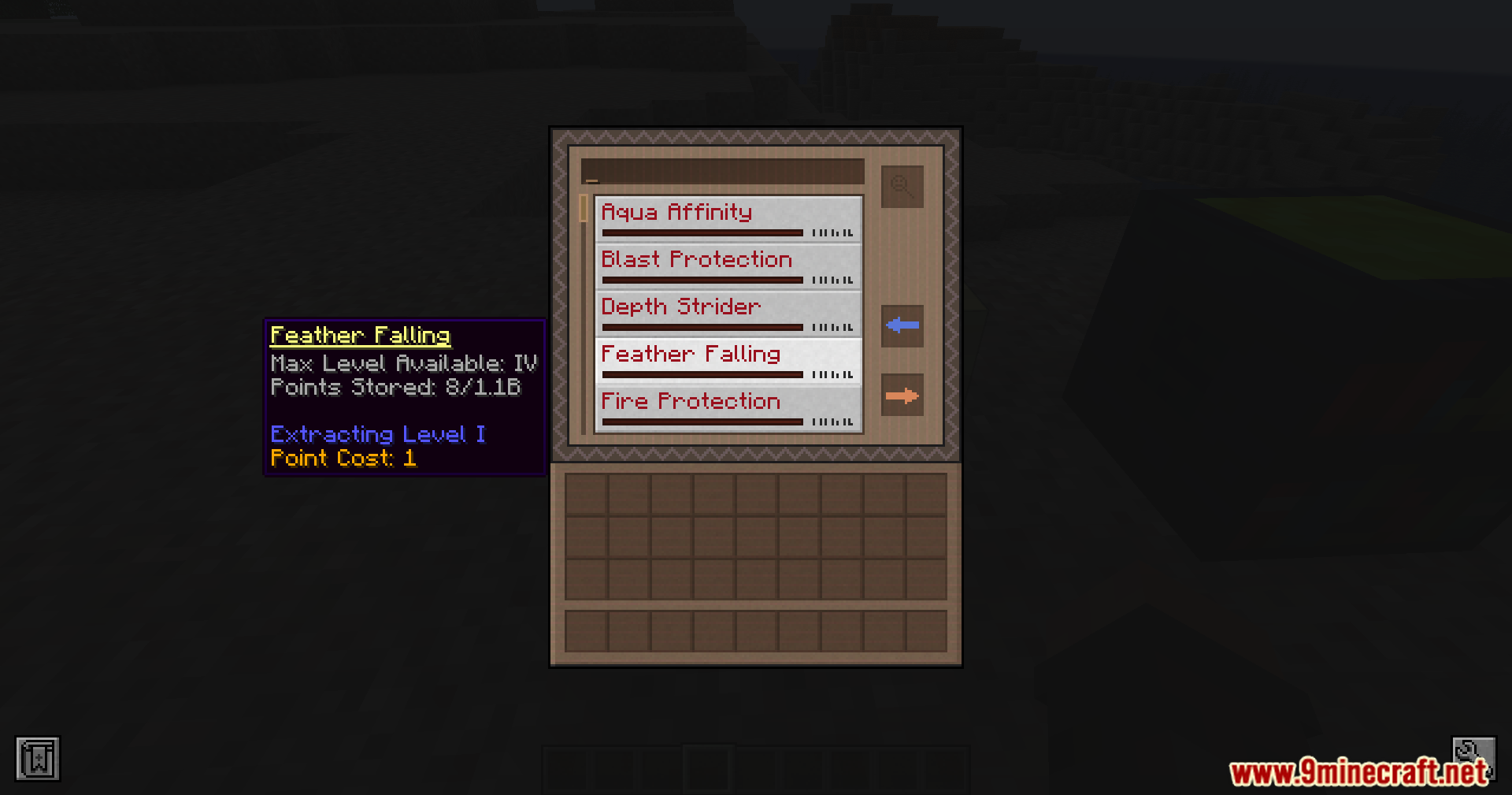
- Extract specific enchantments and levels directly through the UI.
- Includes a search bar and filtering based on tool compatibility.
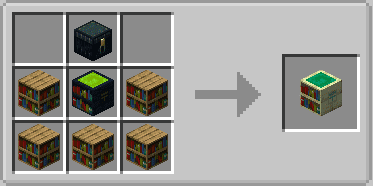
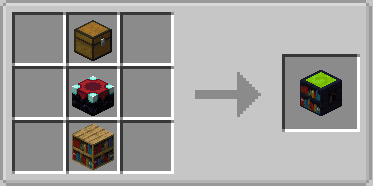
- Simple crafting recipes for both tiers of library blocks.
- Libraries retain stored enchantments even when broken.
Screenshots:
Crafting Recipes:
Enchantment Library At Home Mod Download Links
For Minecraft 1.20.1, 1.20
Forge Version: Download from Server 1 – Download from Server 2
Quick facts
- Edition: Minecraft Java
- File type: .jar
- Minecraft versions listed: 1.20.1, 1.20
- How to install: Install the matching mod loader (Forge, Fabric or NeoForge) for your Minecraft version. → Download the .jar. → Put it in the .minecraft/mods folder and launch that loader profile.
- Where to get it: In MC Java Mods, or directly above on this page.
Install steps are the general flow for this file type — How to install Minecraft Java mods & modpacks walks through it step by step.
Enchantment Library At Home Mod (1.20.1, 1.20) – Store And Extract Enchantments is a free Minecraft Java mod. Compatible with Minecraft 1.20.1, 1.20. Download it and open it directly in the game.