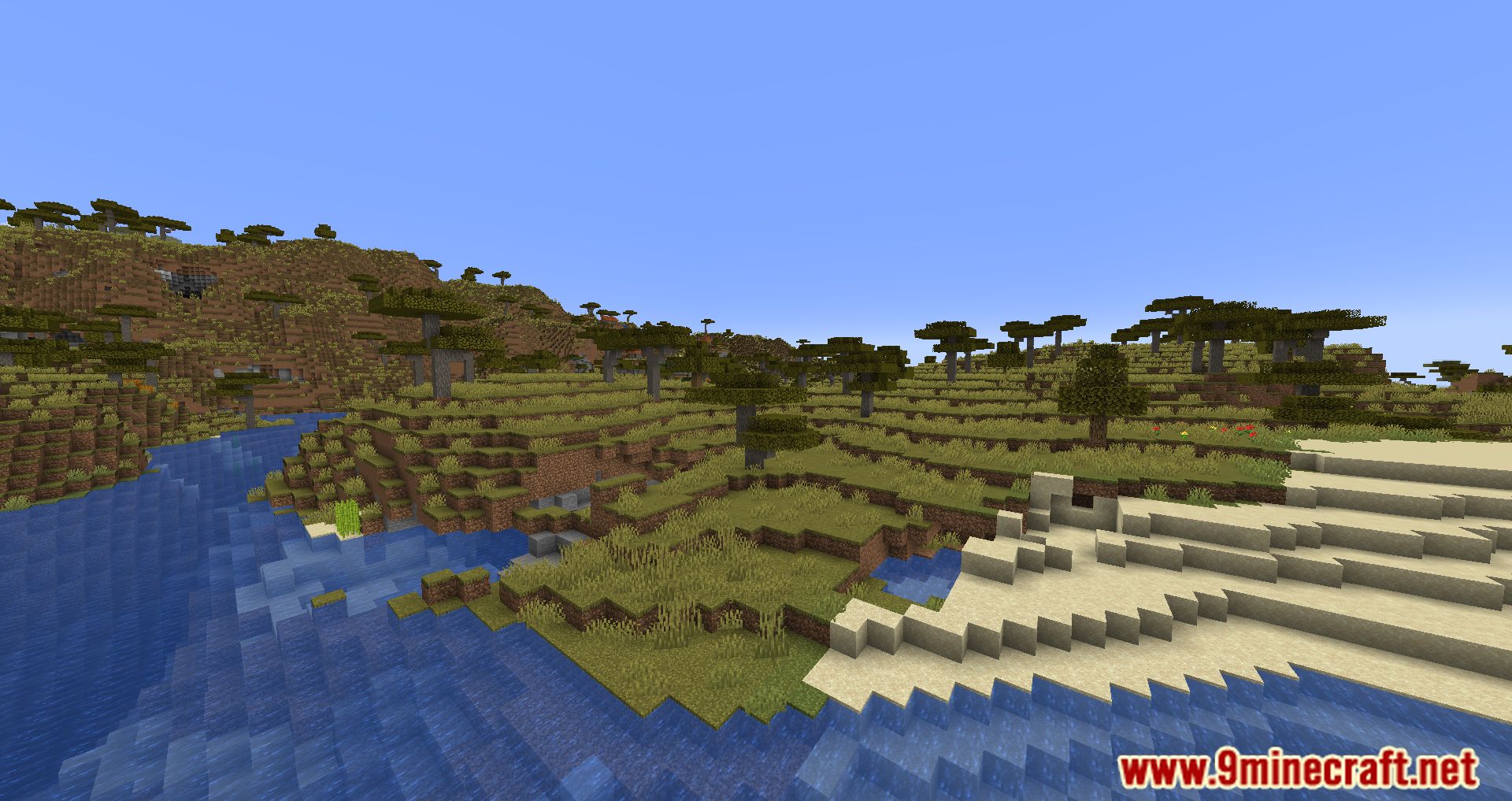
Auto Message Mod is responsible for adding an option to create and send messages automatically in a fast and effective way. To do this, it adds a configuration file that can be modified from start to finish by the player, and that, for example, will allow them to promote their social networks when starting a game, or simply thank them for downloading. This mod is intended for two types of people, either the creators of mod packs, or on the other hand, the creators of multiplayer servers, since it is in charge of facilitating the sending of automatic messages. These messages are easily customizable, through the new file that will be generated when running the mod for the first time. Among other things, you can choose the text, the color or even the links.
Features:
Automatic Scheduled Messages
- Send announcements at specific time intervals.
- Configure delay time between messages.
Support for Multiple Message Channels
- Send messages to the entire server chat.
- Send messages privately to groups or individual players.
Random or Sequential Messages
- Choose to send messages in order from the list.
- Or send them randomly to avoid repetition.
Color & Formatting Support
- Use color codes (§a, §b, etc.) or placeholders to insert information (such as player name).
Easy Configuration Management
- Configure via YAML/JSON files or in-game interface.
- Add, edit, or delete messages without restarting the server.
Integration with Permissions / Groups
- Send messages only to groups with specific permissions.
Screenshots:
Auto Message Mod Download Links
For Minecraft 1.19.4
Forge Version: Download from Server 1 – Download from Server 2
For Minecraft 1.20.1
Forge Version: Download from Server 1 – Download from Server 2
Fabric Version: Download from Server 1 – Download from Server 2
Forge/Fabric Version: Download from Server 1 – Download from Server 2
For Minecraft 1.20.2
Forge Version: Download from Server 1 – Download from Server 2
Forge/Fabric Version: Download from Server 1 – Download from Server 2
For Minecraft 1.20.4
Forge Version: Download from Server 1 – Download from Server 2
Fabric Version: Download from Server 1 – Download from Server 2
Forge/Fabric Version: Download from Server 1 – Download from Server 2
NeoForge Version: Download from Server 1 – Download from Server 2
For Minecraft 1.21.1, 1.21
Forge Version: Download from Server 1 – Download from Server 2
Fabric/NeoForge Version: Download from Server 1 – Download from Server 2
For Minecraft 1.21.8, 1.21.7, 1.21.6
Forge Version: Download from Server 1 – Download from Server 2
Fabric/NeoForge Version: Download from Server 1 – Download from Server 2
For Minecraft 1.21.10, 1.21.9
Fabric/NeoForge Version: Download from Server 1 – Download from Server 2
- Edition: Minecraft Java
- File type: .jar
- Minecraft versions listed: 1.21.10, 1.20.1
- How to install: Install the matching mod loader (Forge, Fabric or NeoForge) for your Minecraft version. → Download the .jar. → Put it in the .minecraft/mods folder and launch that loader profile.
- Where to get it: In MC Java Mods, or directly above on this page.
Install steps are the general flow for this file type — How to install Minecraft Java mods & modpacks walks through it step by step.
- Downloads as 177116.mcaddon
- Download size: 10 KB
- Download link checked 24 Jul 2026 — working
- Mirrored on our own servers — the download does not depend on the original host
These come from our own check of the pack file, not from the source page.