
Witch Mobility Mod (1.20.1, 1.19.2) – Travel Like a Real Witch
Java mod listed for Minecraft 1.19–1.20. Downloads from the MC Java Mods app on Android.
⬇ Download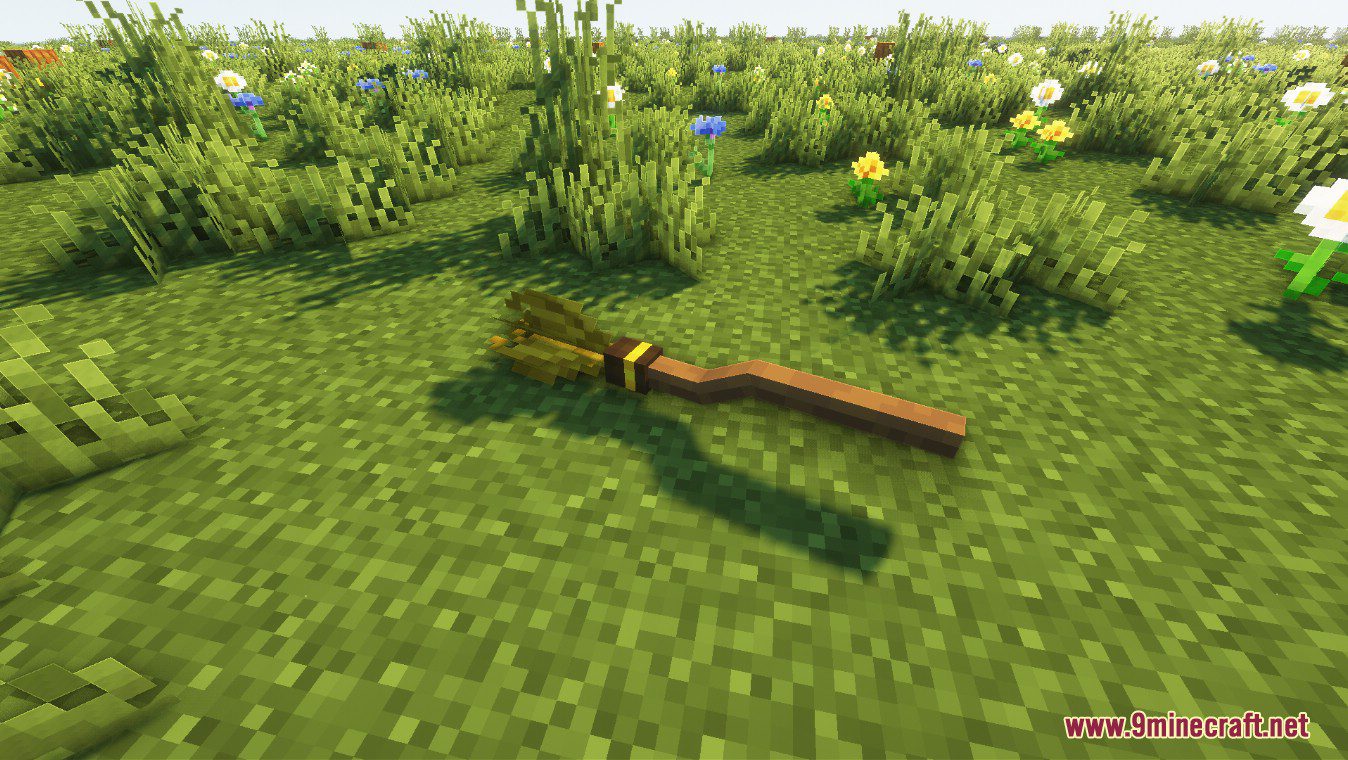
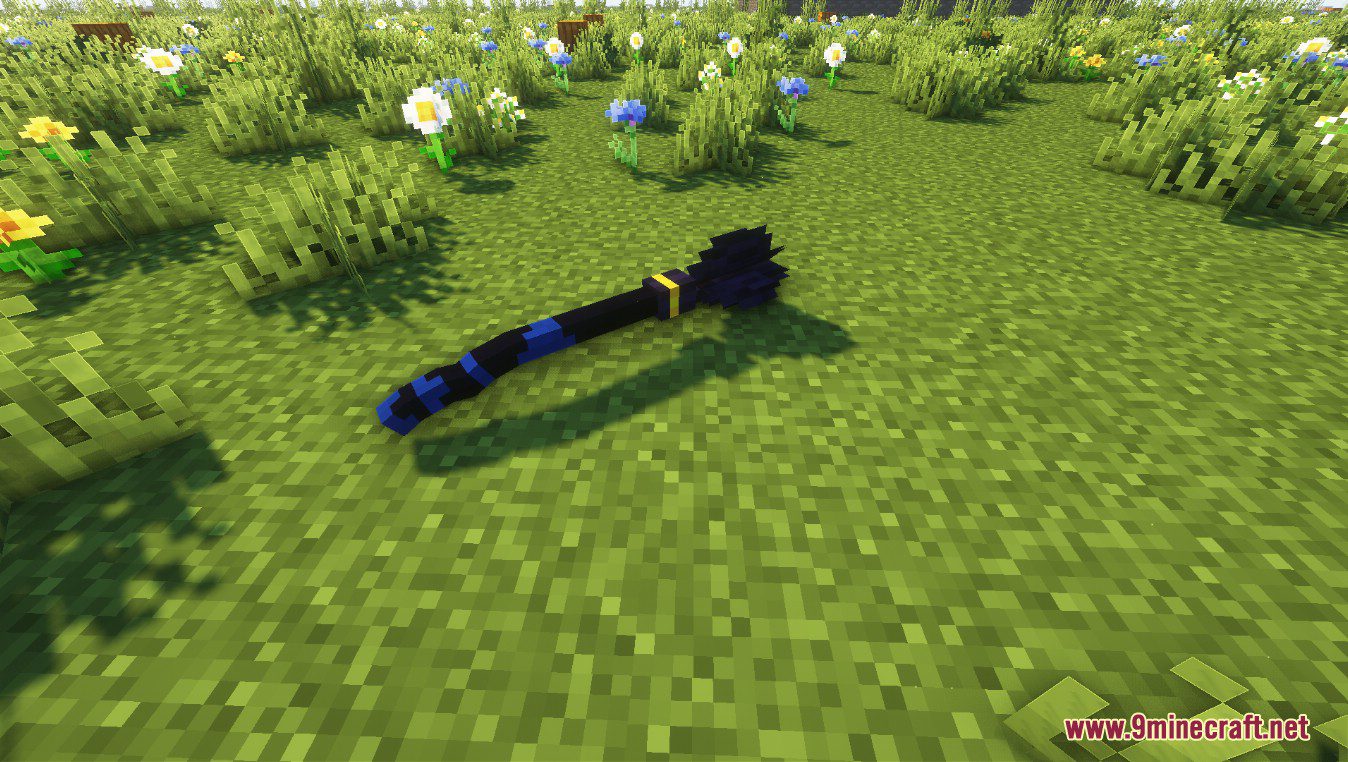

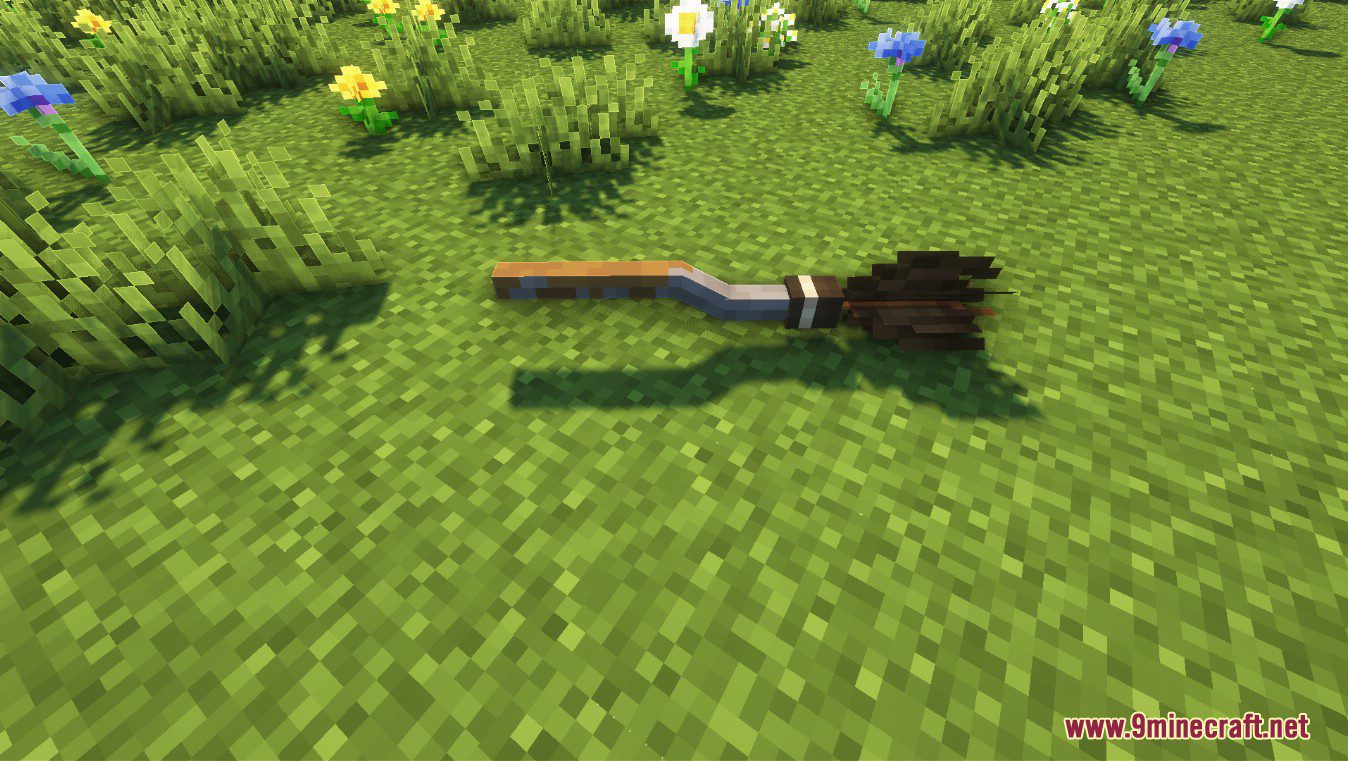
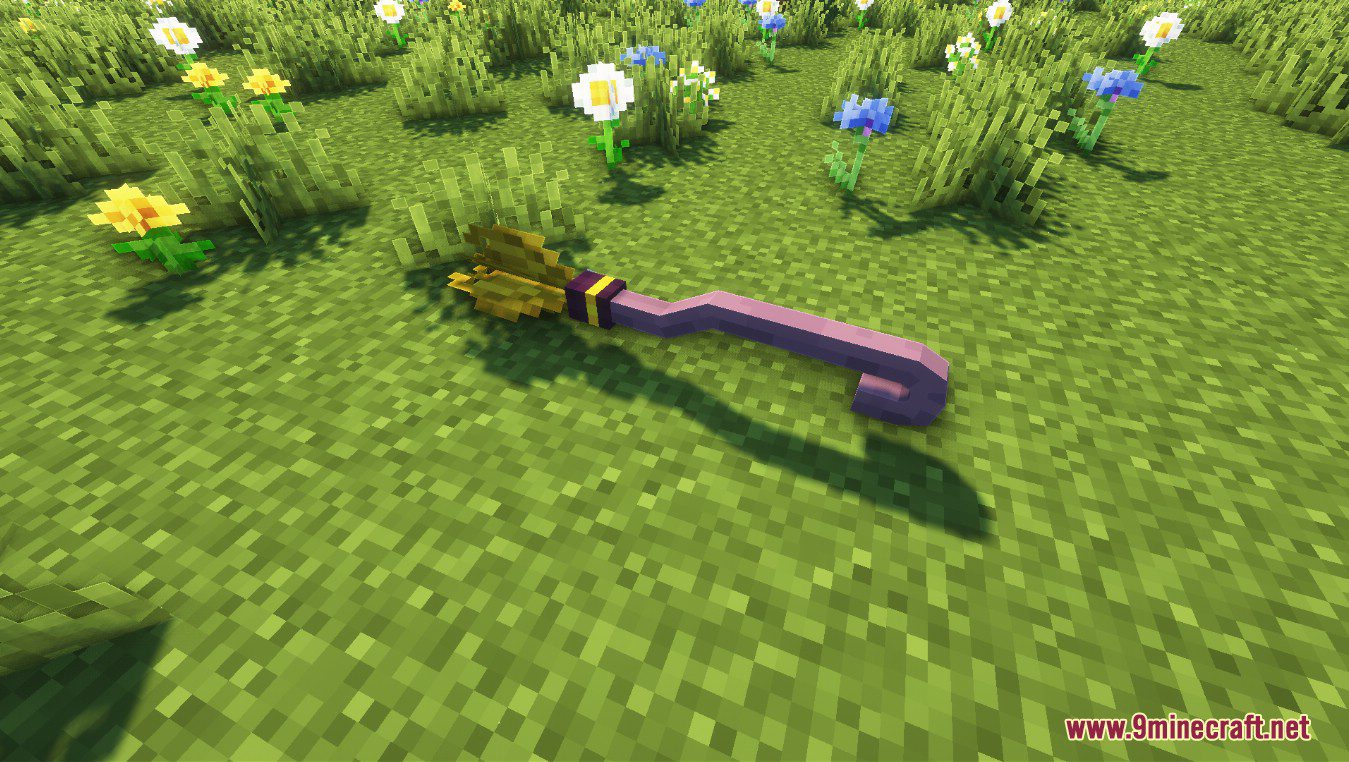
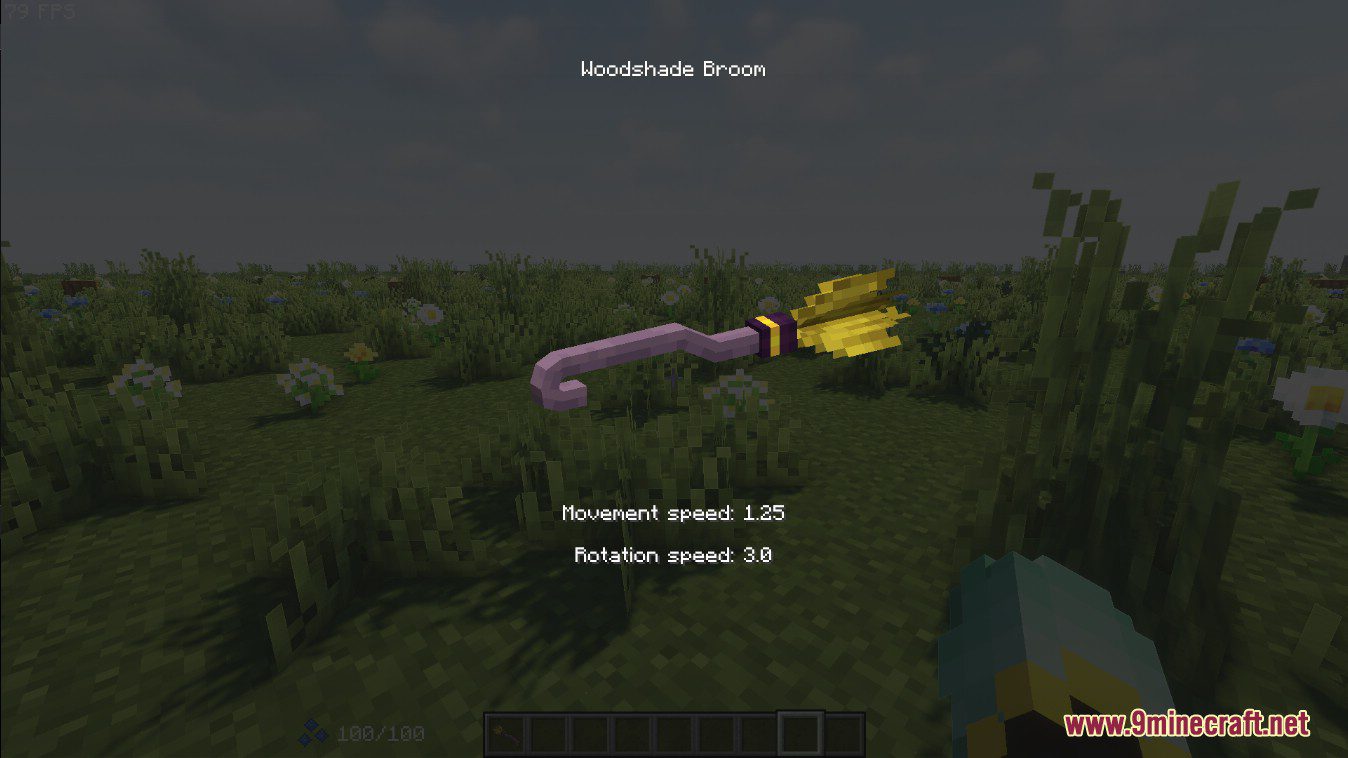

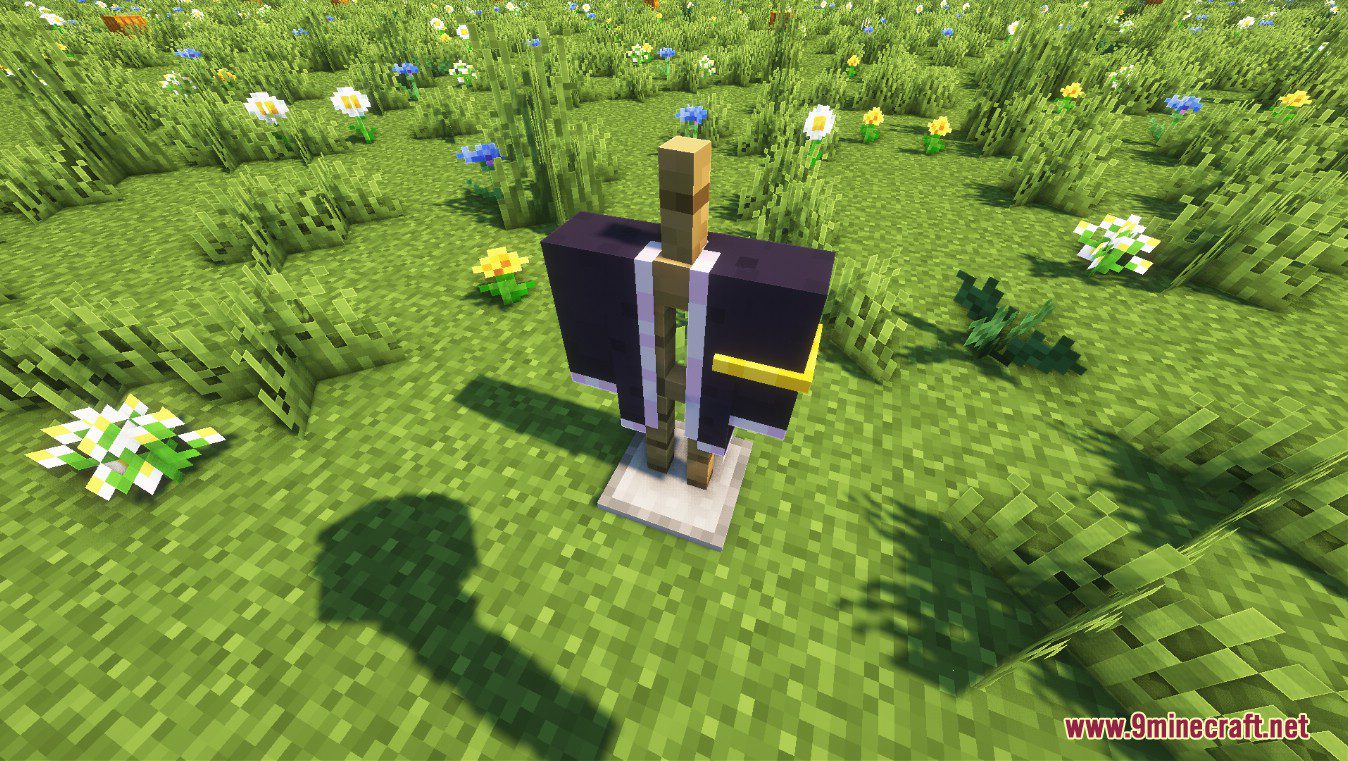
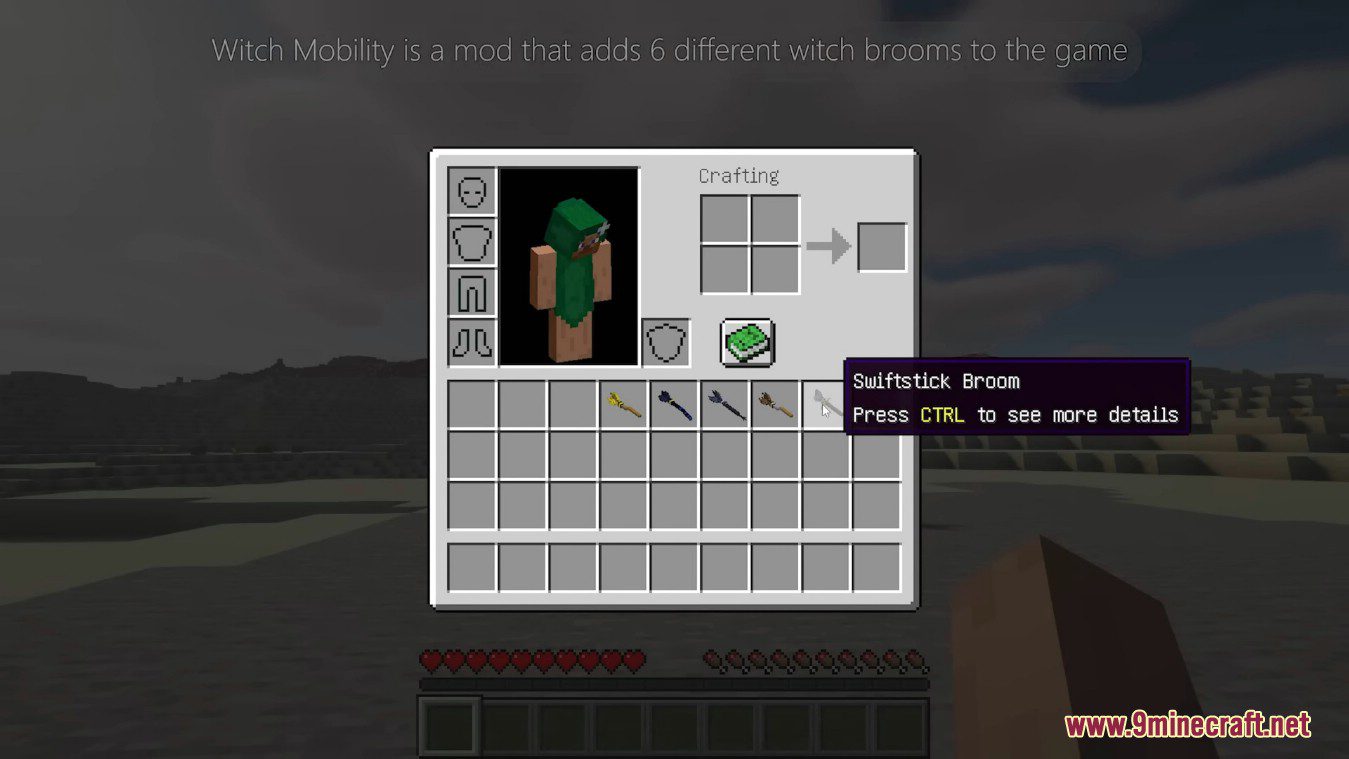
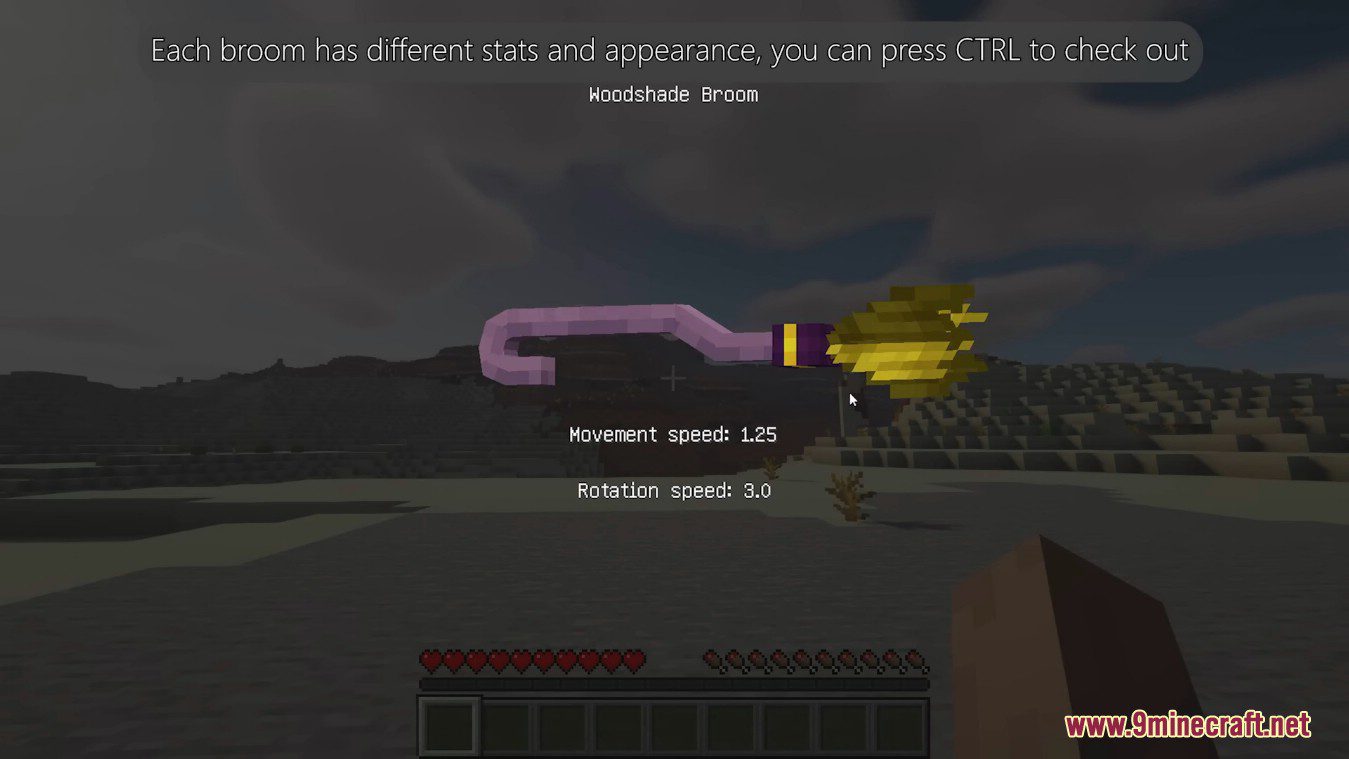
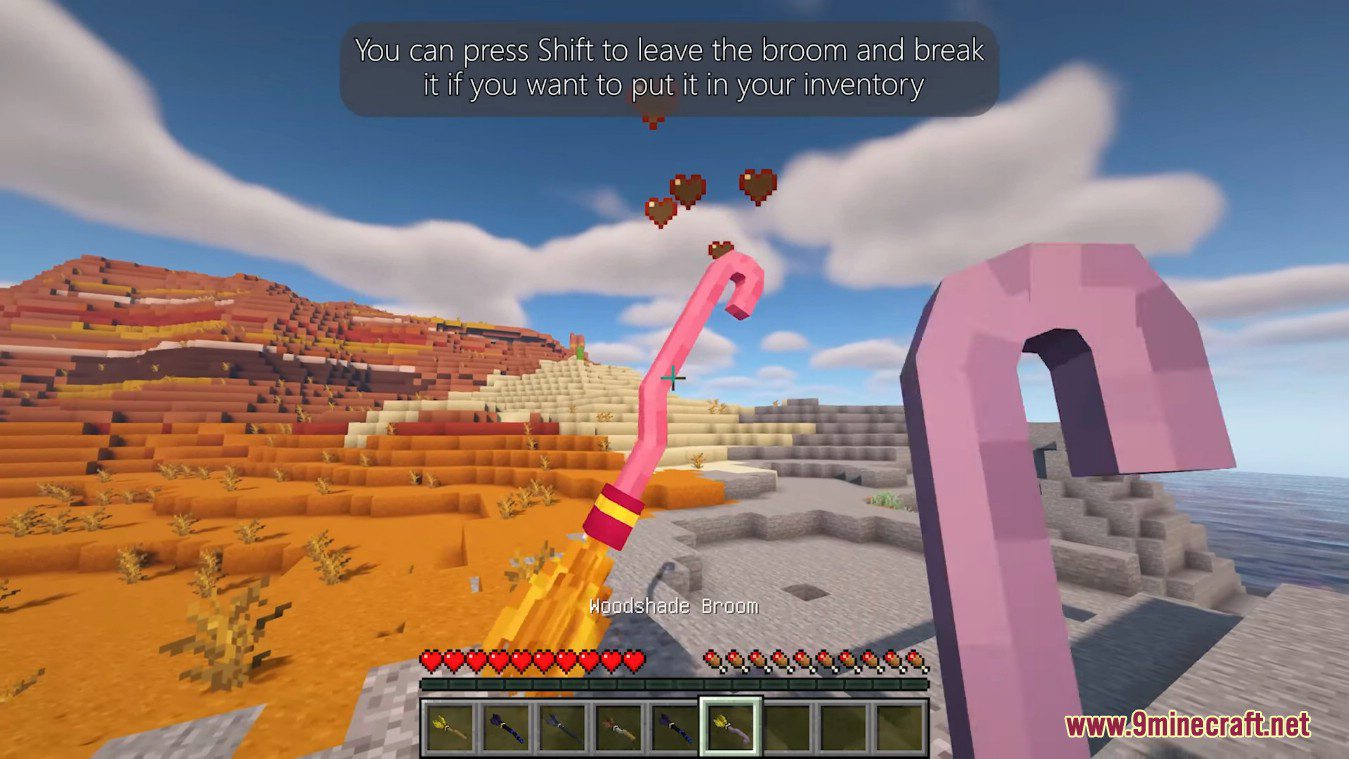
Witch Mobility Mod is a mod that adds 6 different with brooms to the game. Each broom has different stats and appearance, you can press CTRL to check out. And you can move your mouse to rotate the broom model. To ride a broom you need to place it on the ground and right click on the mddle of the broom. You can hold the jump key to take off. And the CTRL key can be used to land. If you want to turn the broom, you can use the left and right arrow keys. Each broom has its own strengths. Some are faster, and some are better at Rotation. While flying, the broom defaults to the tail as the front. So the player can face any direction. You can press Shift to leave the broom and break it if you want to put it in your inventory.
Screenshots:
Basic Broom
Blue Bottle Broom
Silver Arrow Broom
Firebolt Broom
Woodshade Broom

Witch Mobility Mod Download Links
For Minecraft 1.20.1
Fabric version: Download from Server 1 – Download from Server 2
For Minecraft 1.19.2
Fabric version: Download from Server 1 – Download from Server 2
For Minecraft 1.18.2
Fabric version: Download from Server 1 – Download from Server 2
- Edition: Minecraft Java
- File type: .jar
- Minecraft versions listed: 1.20.1, 1.19.2
- How to install: Install the matching mod loader (Forge, Fabric or NeoForge) for your Minecraft version. → Download the .jar. → Put it in the .minecraft/mods folder and launch that loader profile.
- Where to get it: In MC Java Mods, or directly above on this page.
Install steps are the general flow for this file type — How to install Minecraft Java mods & modpacks walks through it step by step.
- Downloads as 177169.mcaddon
- Download size: 330 KB
- Download link checked 25 Jul 2026 — working
- Mirrored on our own servers — the download does not depend on the original host
These come from our own check of the pack file, not from the source page.