Pop Up Mod (1.21.1, 1.20.1) – Add On-Screen Story Events
Java mod listed for Minecraft 1.20–1.21. Downloads from the MC Java Mods app on Android.
⬇ Download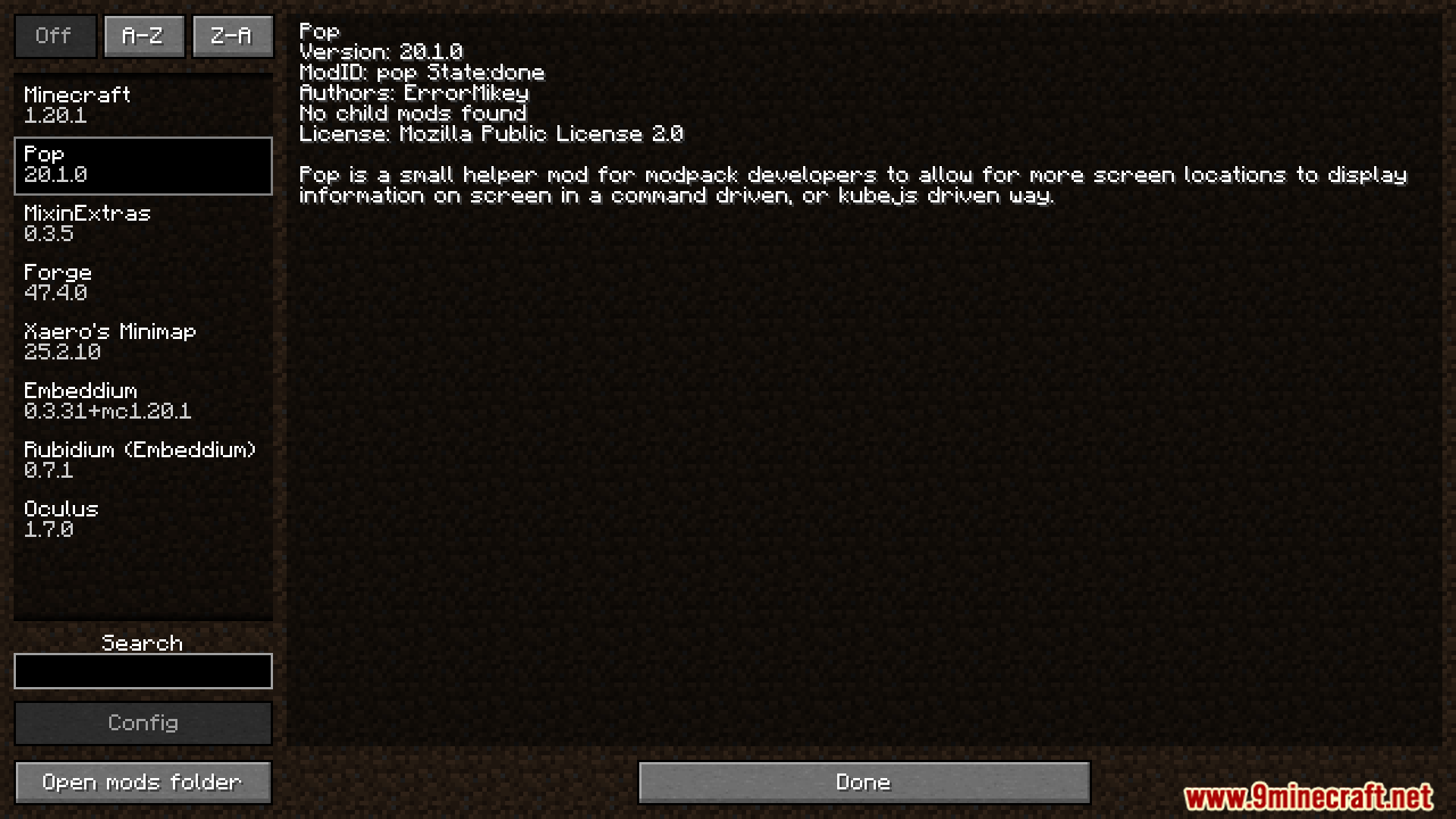
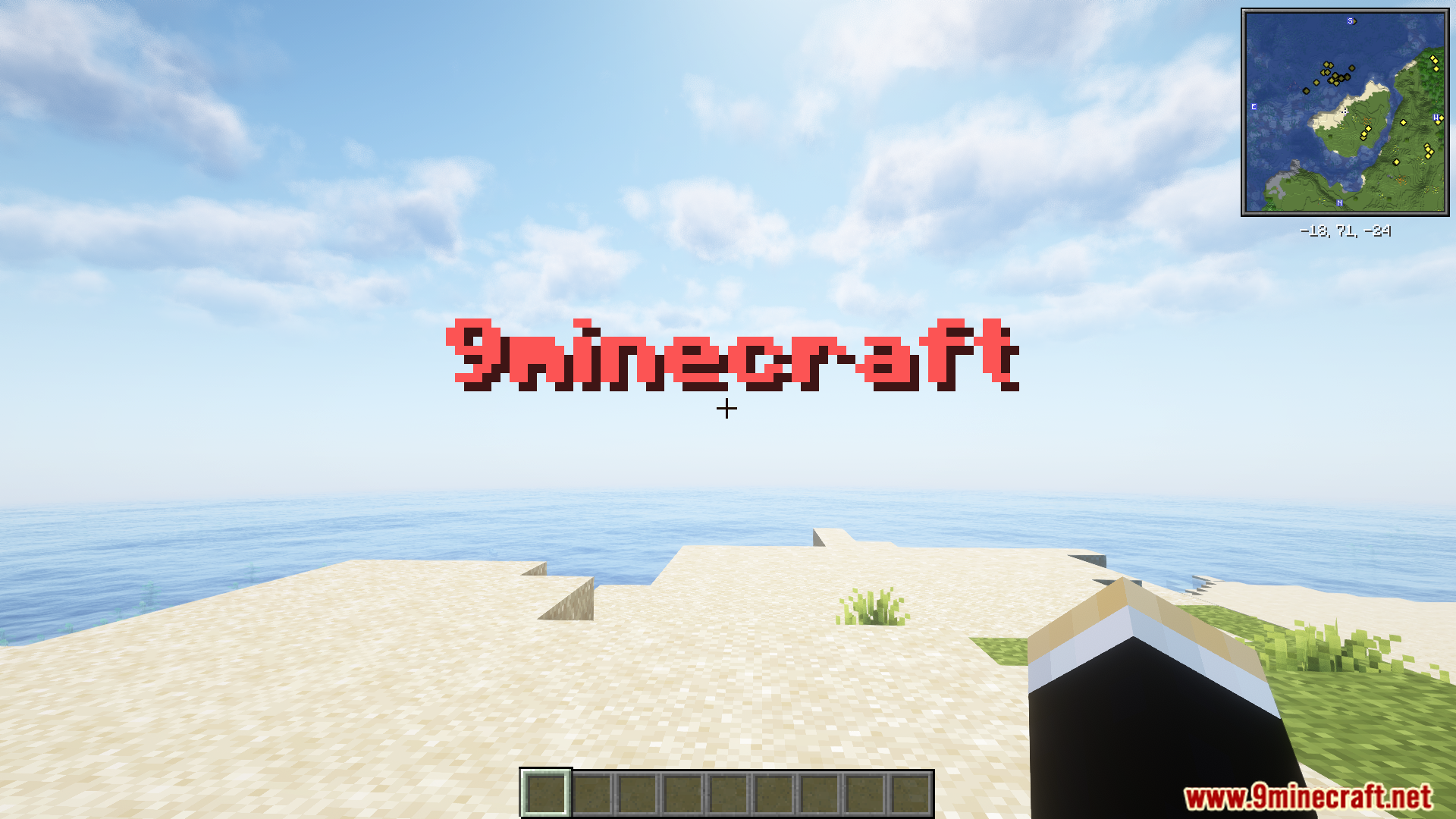
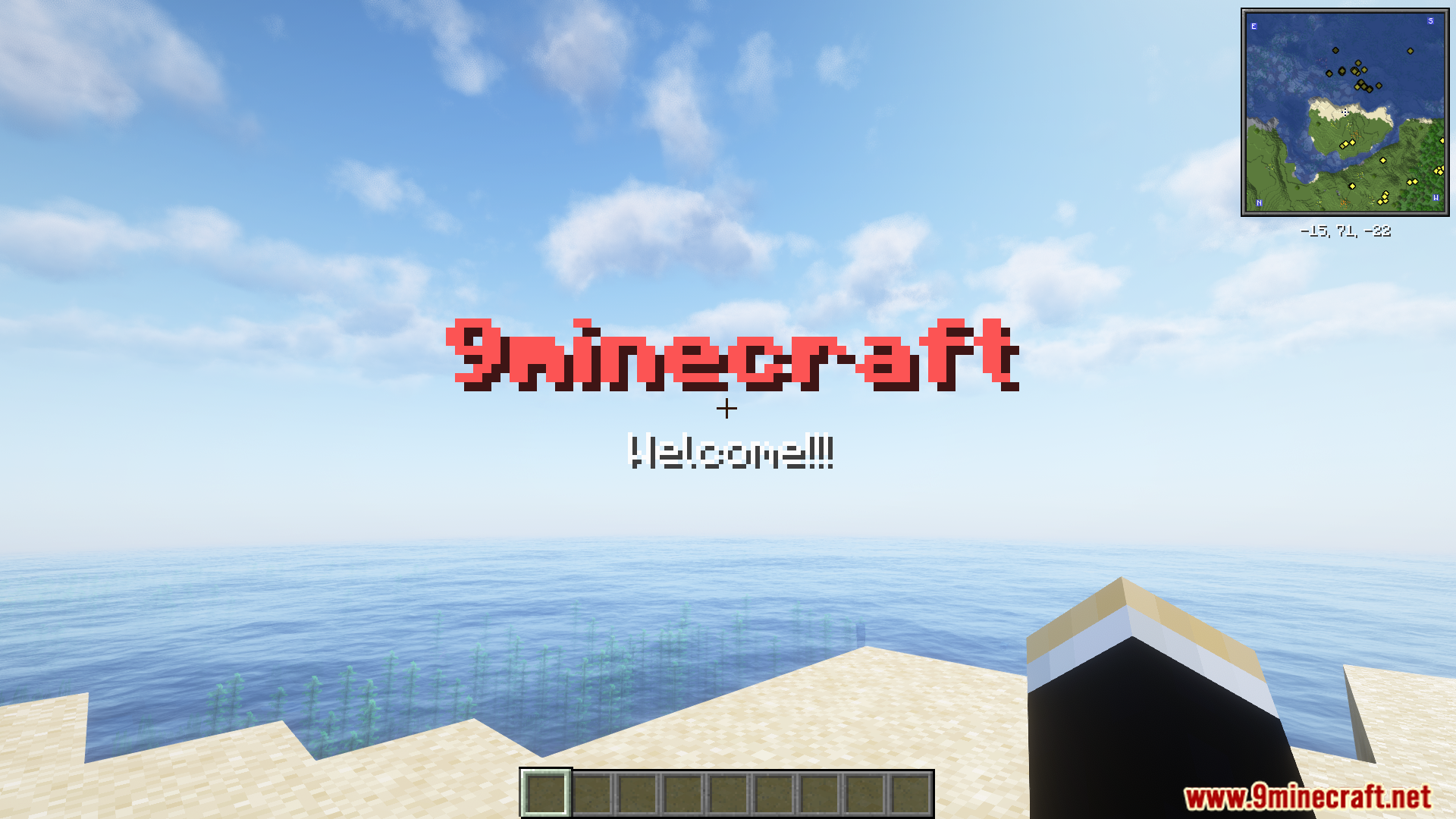
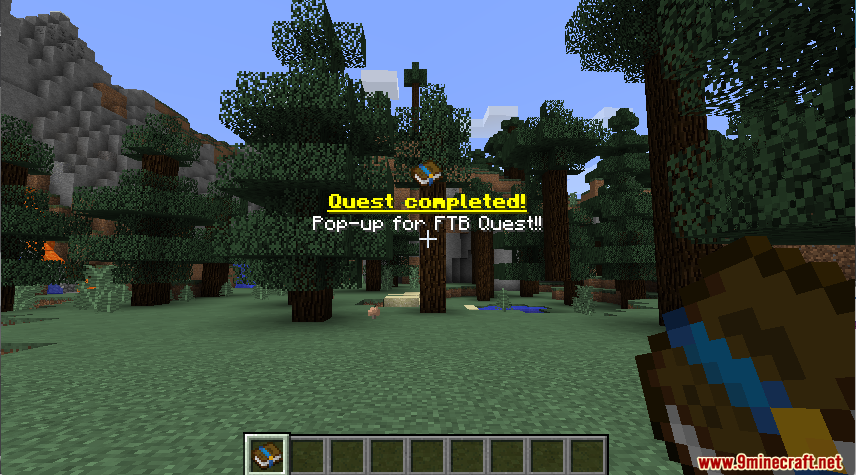
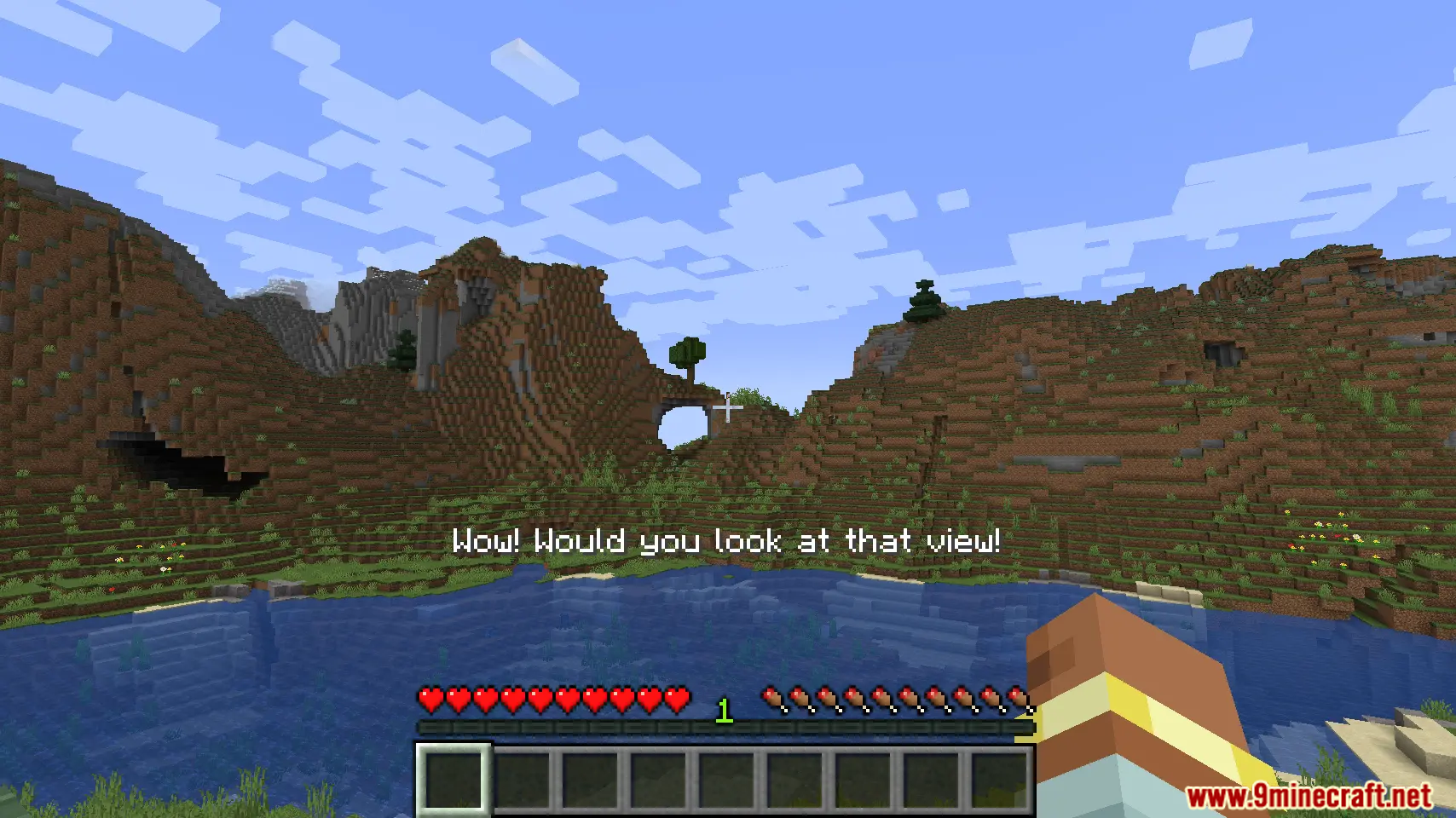
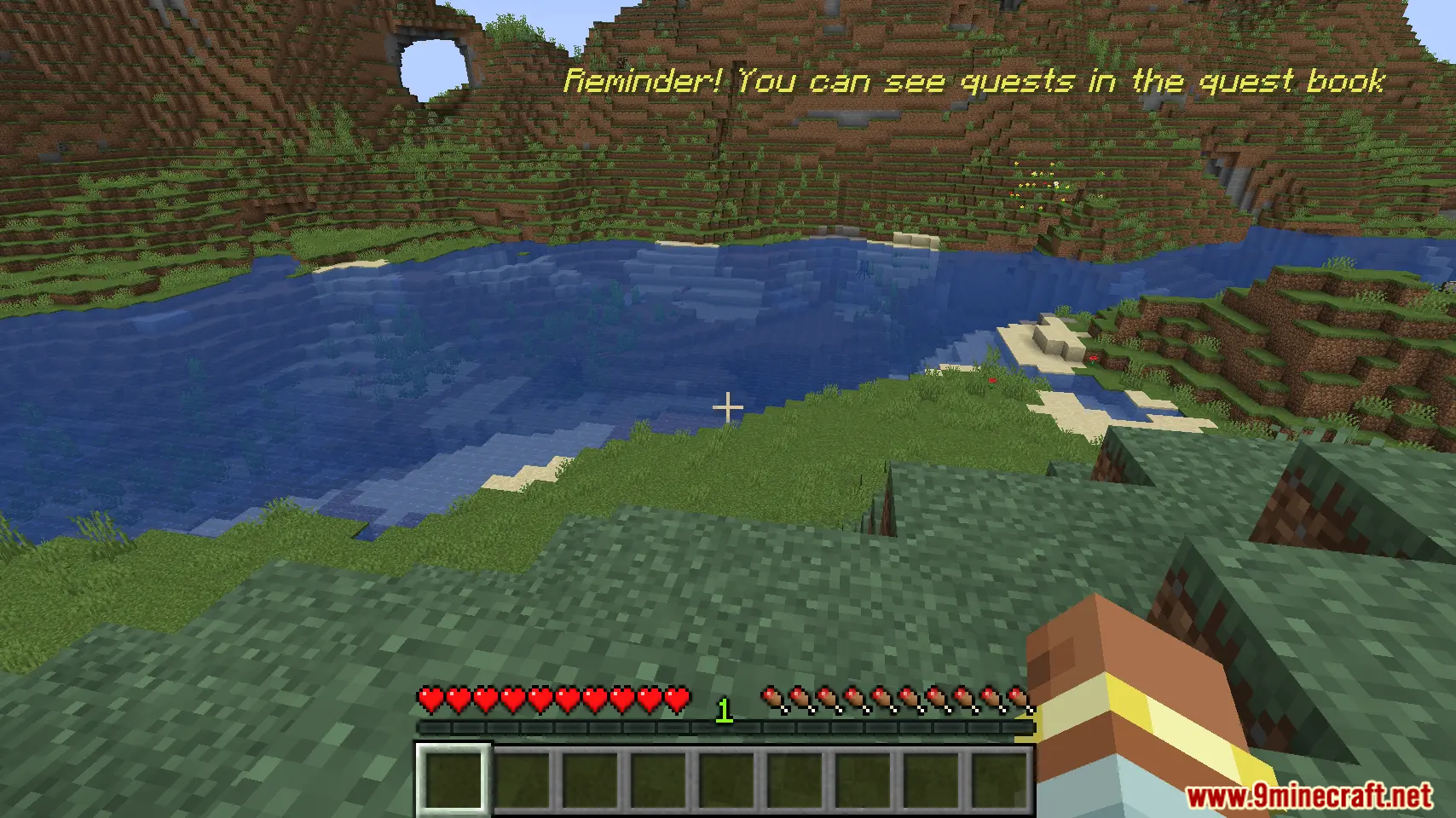
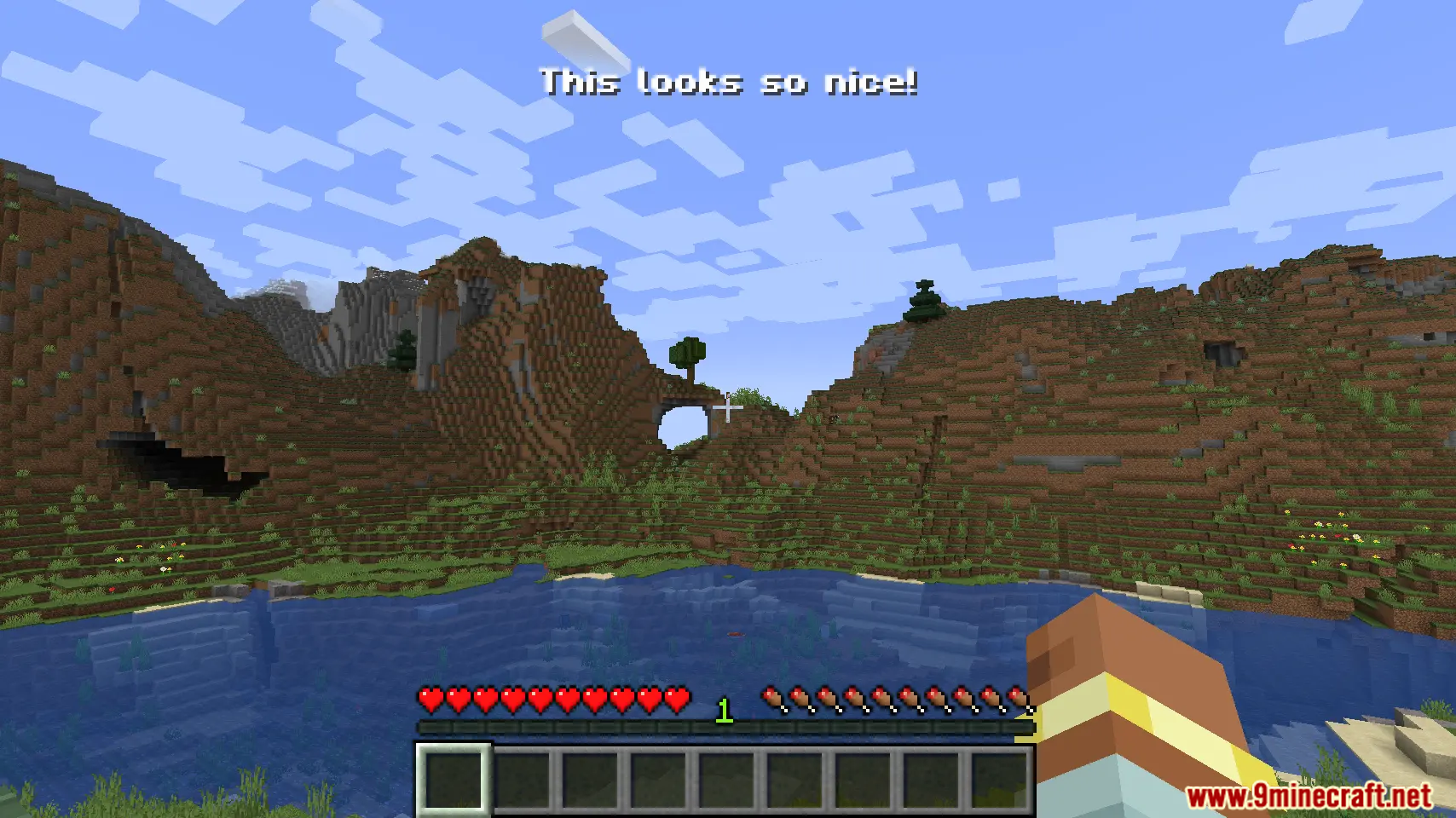
Pop Up Mod lets modpack makers display custom text on the screen. You can use simple commands or KubeJS scripting to create pop-up messages. This mod allows you to place text in different spots on the screen and supports multiple languages. It’s perfect for showing things like quest updates or special notifications in your game.
Features:
- Show custom information on the screen using a simple command.
- Supports translations, so messages can be displayed in different languages.
- Choose from different screen locations to place your text.
- Works with KubeJS for more advanced and scripted pop-ups.
Commands:
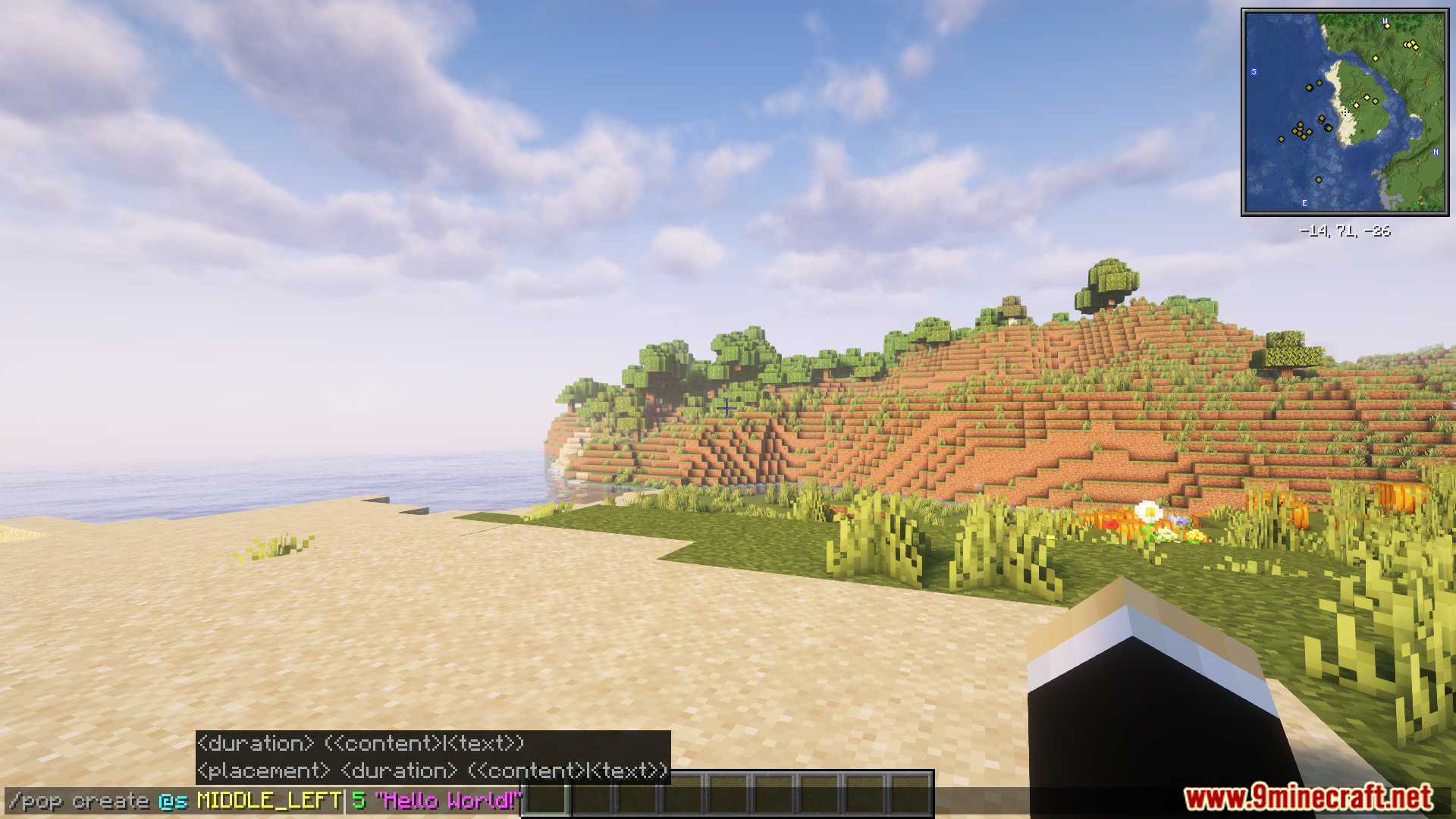
You can create a pop-up message with the /pop command. Here is an example:
/pop create @s MIDDLE_LEFT "Hello World!"
For more advanced uses, the mod can be controlled with KubeJS. Below is an example script:
// server.js
const PopBuilder = java.load('pro.mikey.mods.pop.PopBuilder');
const Placement = java.load('pro.mikey.mods.pop.data.Placement'); // Optional
const pop = PopBuilder.create()
    .duration(5)
    .content({ text: "Hello World!" })
    .placement("middle_left") // Or  .placement(Placement.MIDDLE_LEFT)

// You can now either build it and get a PopData object or directly send it to the player
// If you're on the server
pop.sendToPlayer(player);

// If you're on the client
pop.display()
How to Use:
- Run the game with the mod installed.
- Use the
/popcommand in-game to create a new pop-up message. - Alternatively, you can use KubeJS to access and manage the pop-up system.
Screenshots:
Pop Up Mod Download Links
For Minecraft 1.21.1, 1.21
Forge version: Download from Server 1 – Download from Server 2
For Minecraft 1.20.1, 1.20
Forge version: Download from Server 1 – Download from Server 2
- Edition: Minecraft Java
- File type: .jar
- Minecraft versions listed: 1.21.1, 1.20.1
- How to install: Install the matching mod loader (Forge, Fabric or NeoForge) for your Minecraft version. → Download the .jar. → Put it in the .minecraft/mods folder and launch that loader profile.
- Where to get it: In MC Java Mods, or directly above on this page.
Install steps are the general flow for this file type — How to install Minecraft Java mods & modpacks walks through it step by step.
- Downloads as 177201.mcaddon
- Download size: 21 KB
- Download link checked 25 Jul 2026 — working
- Mirrored on our own servers — the download does not depend on the original host
These come from our own check of the pack file, not from the source page.