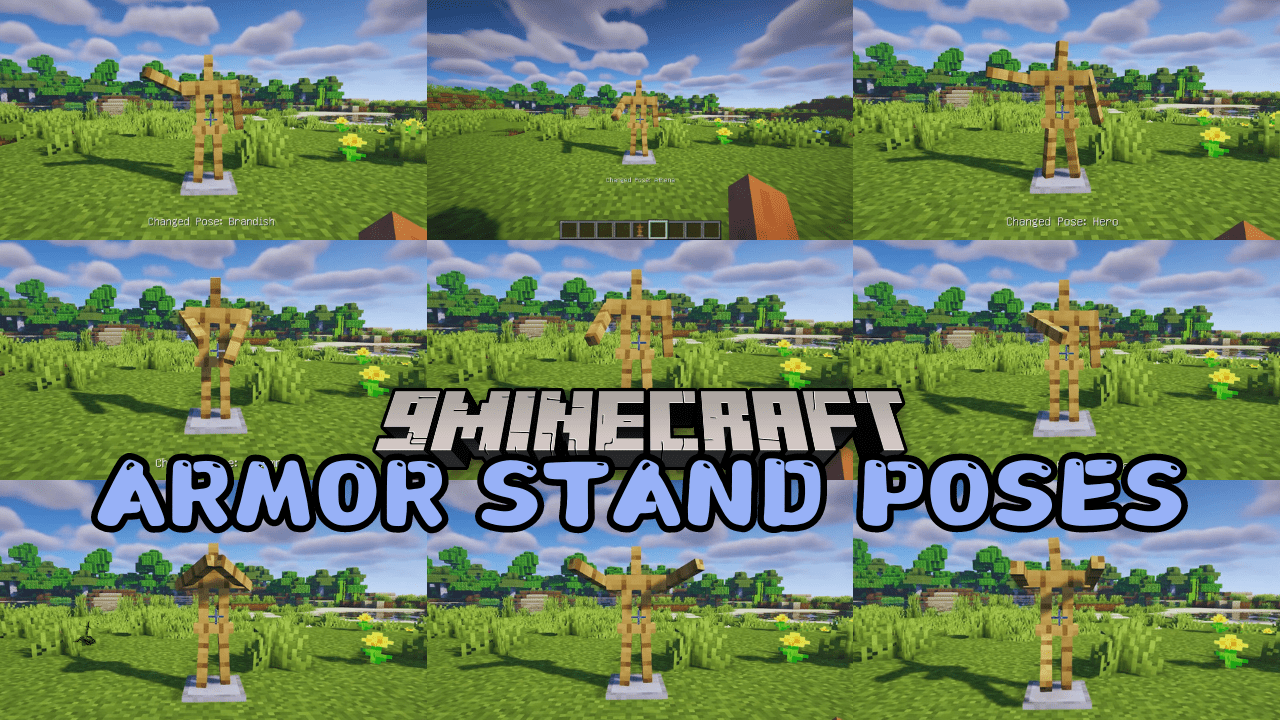
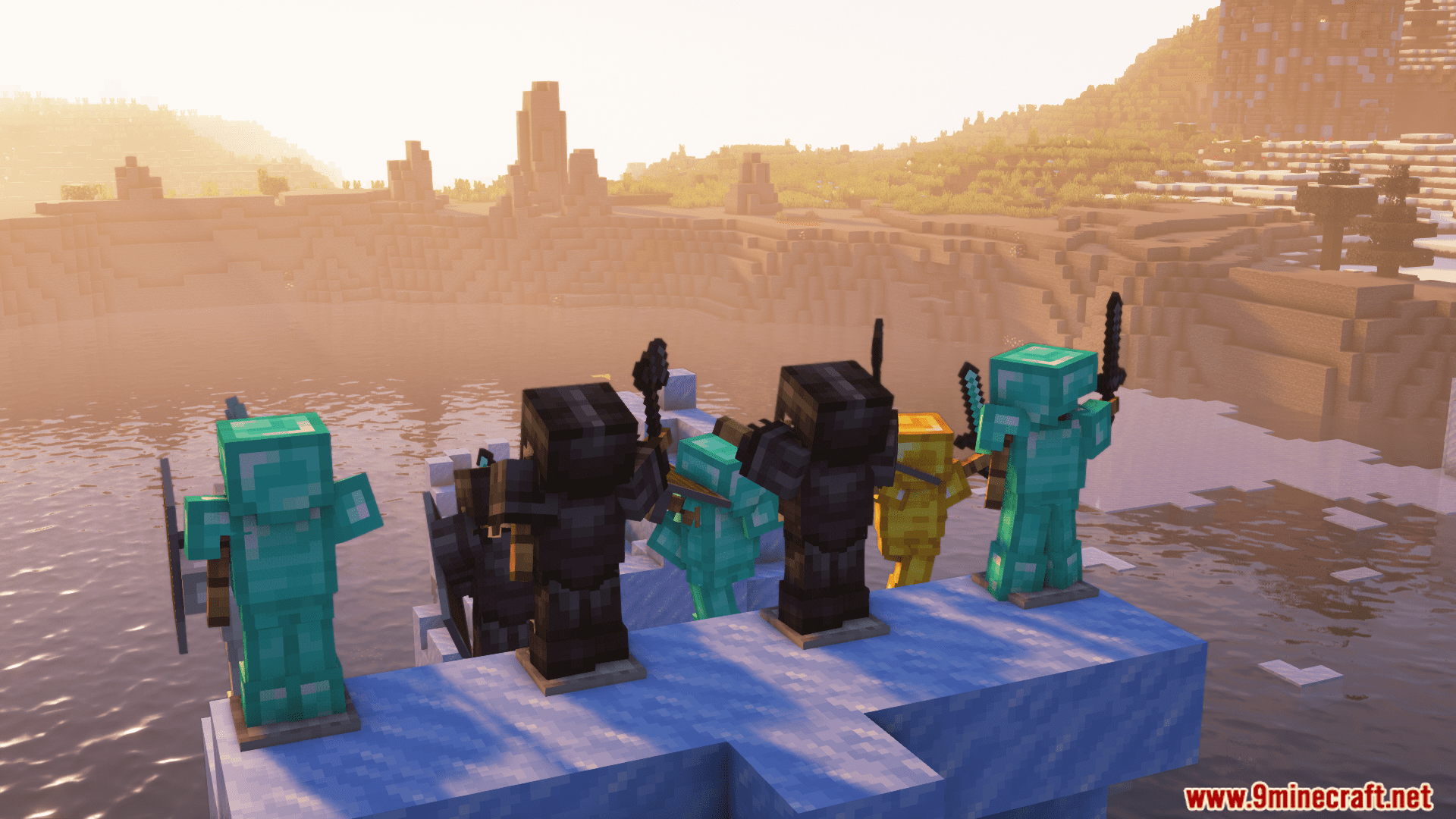
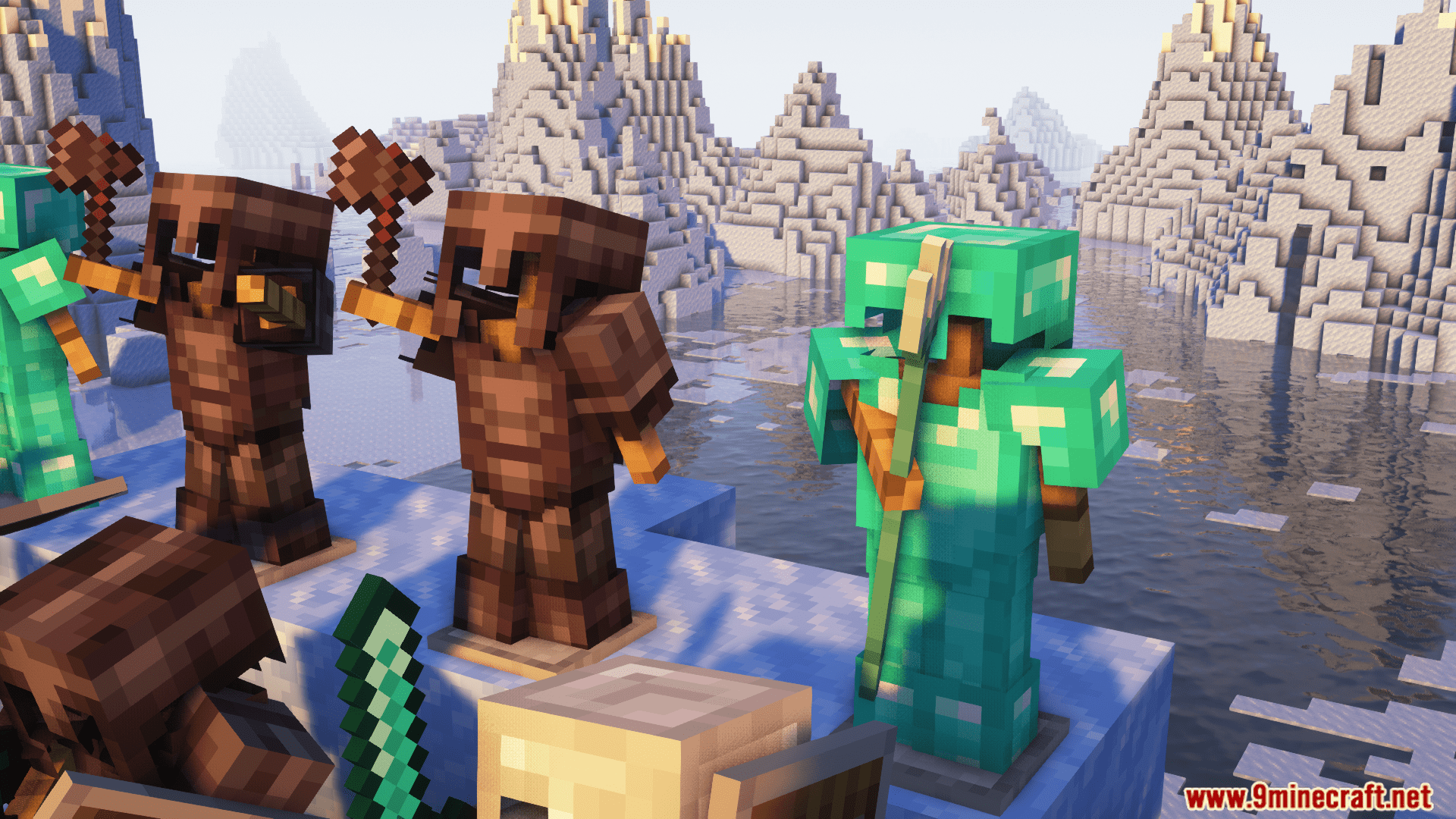
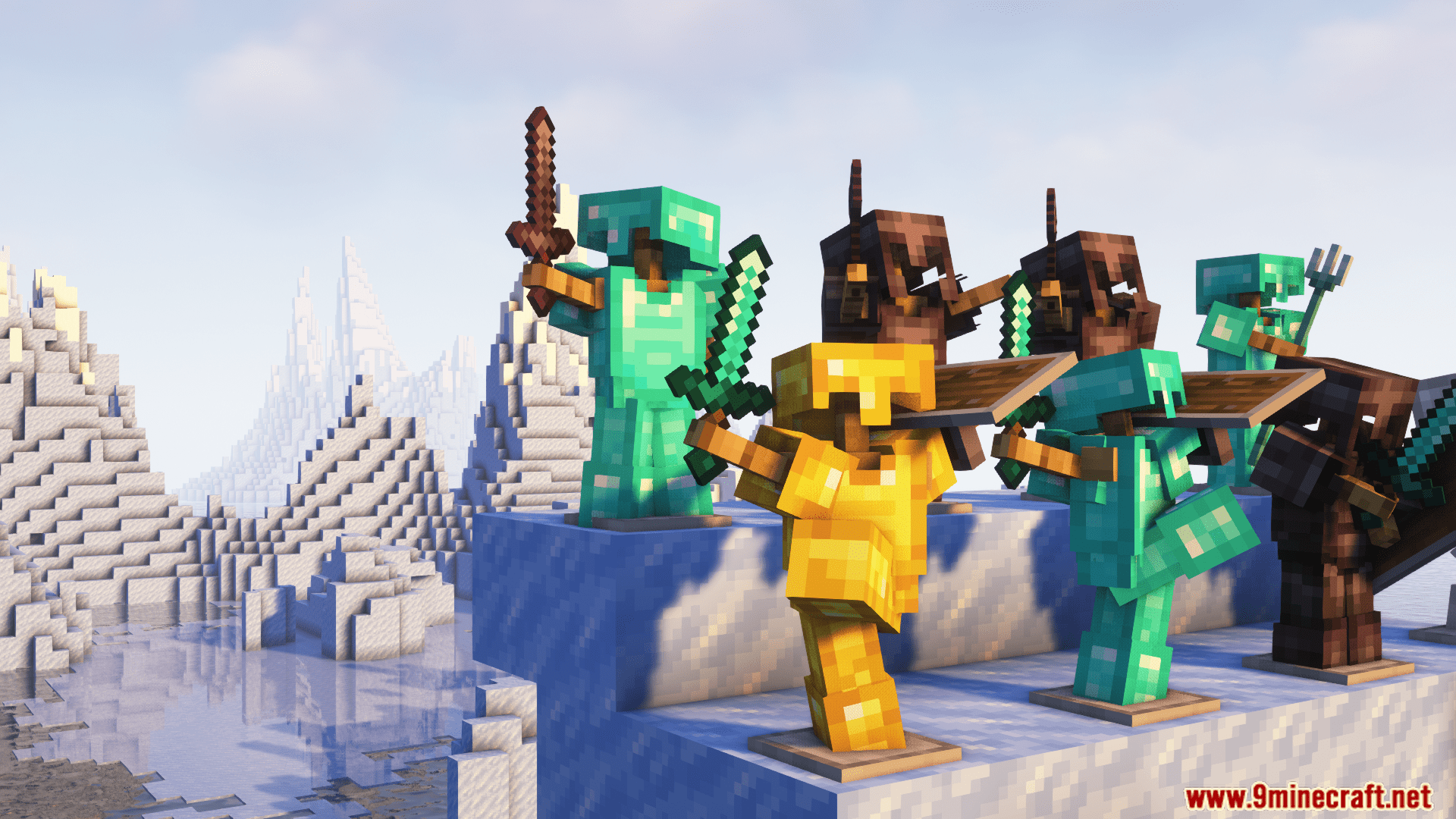
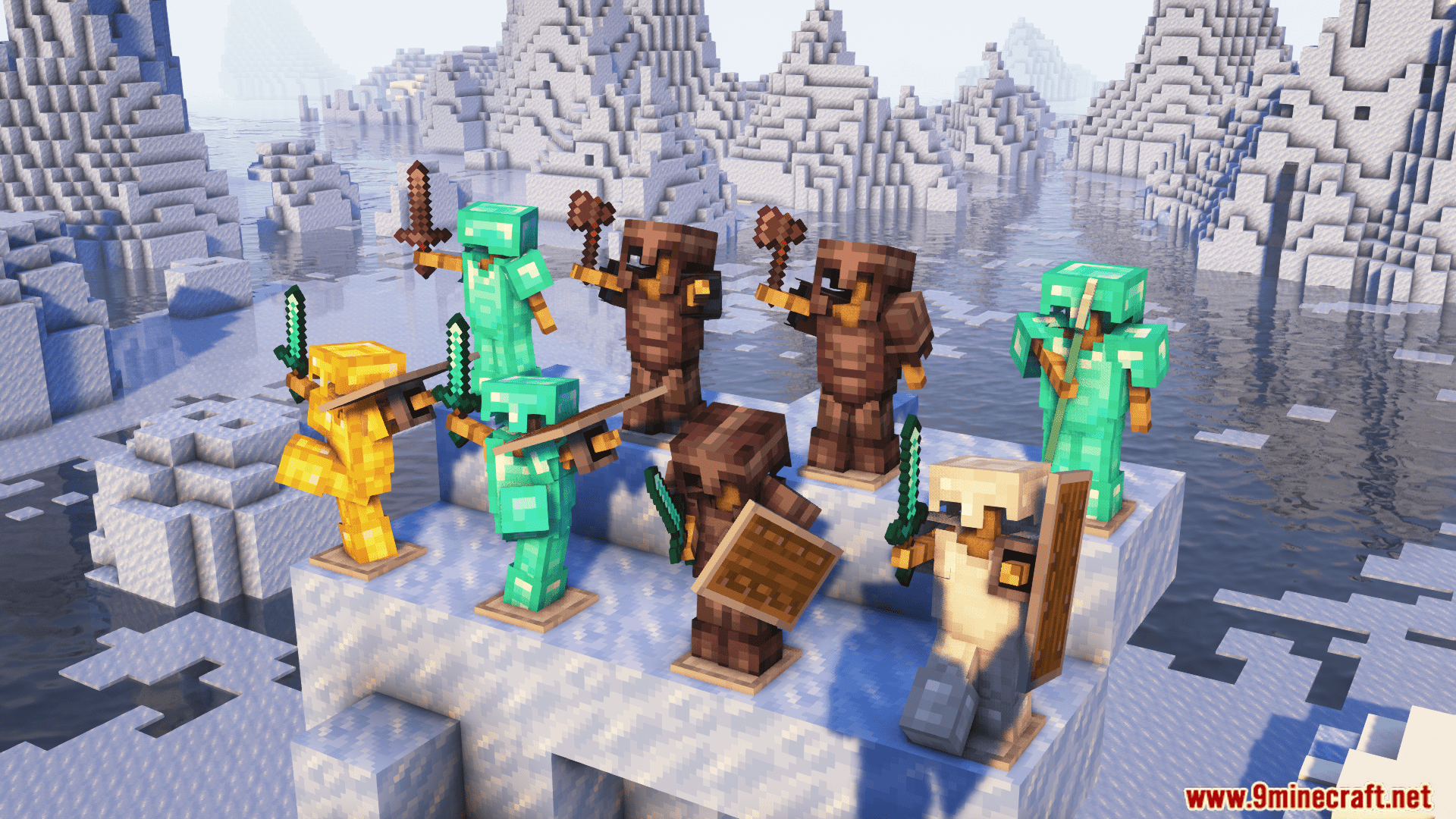
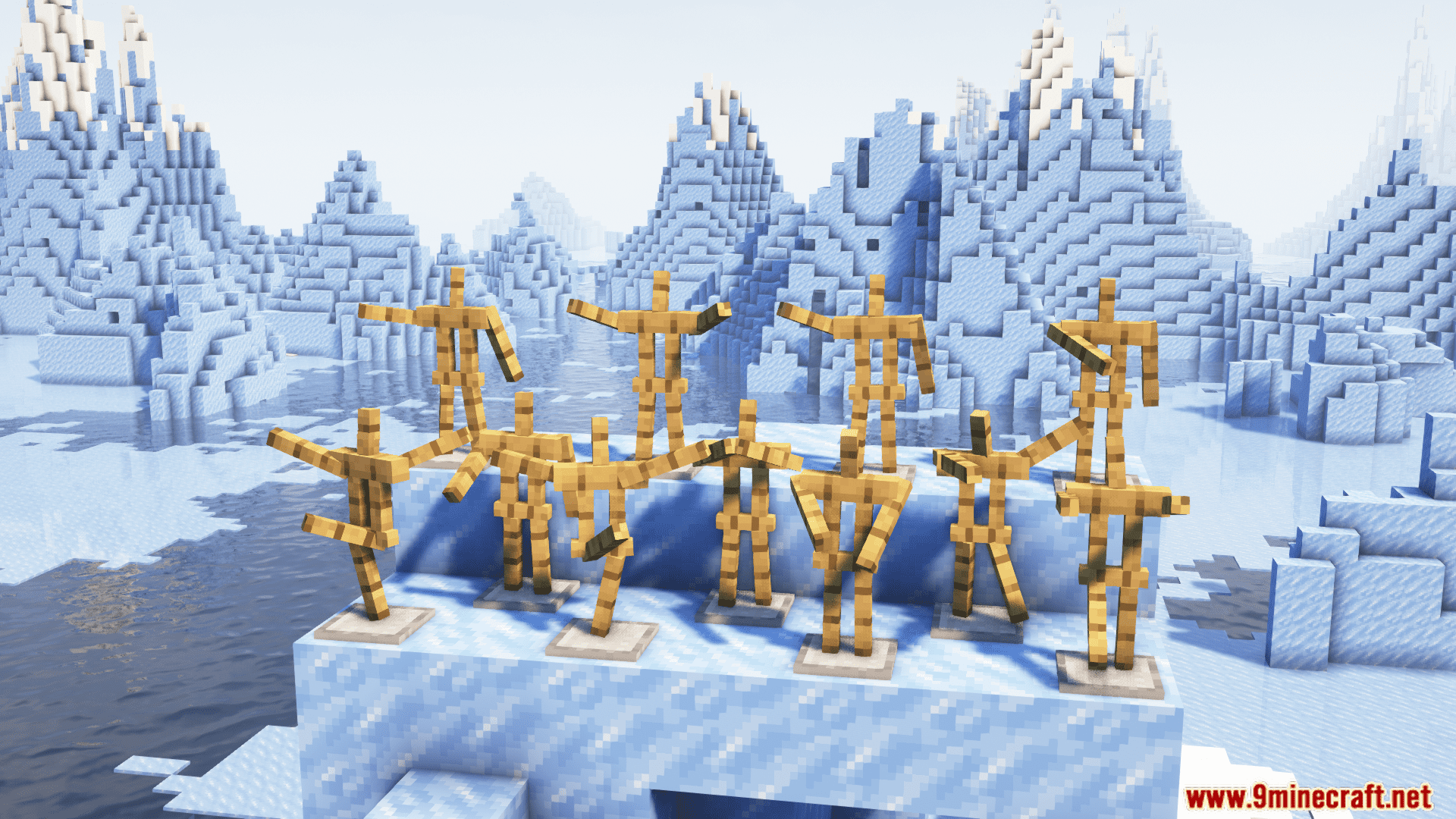
Take your creativity to the next level with Armor Stand Poses Mod. This game-changing mod empowers you to effortlessly pose your armor stands, infusing your builds with dynamic life and storytelling potential. From battle-ready heroes to playful jesters, the possibilities are boundless! With Armor Stand Poses, your Minecraft creations will leap off the screen, brimming with personality and expression. Unleash your imagination and craft unforgettable scenes that captivate and inspire!
Features:
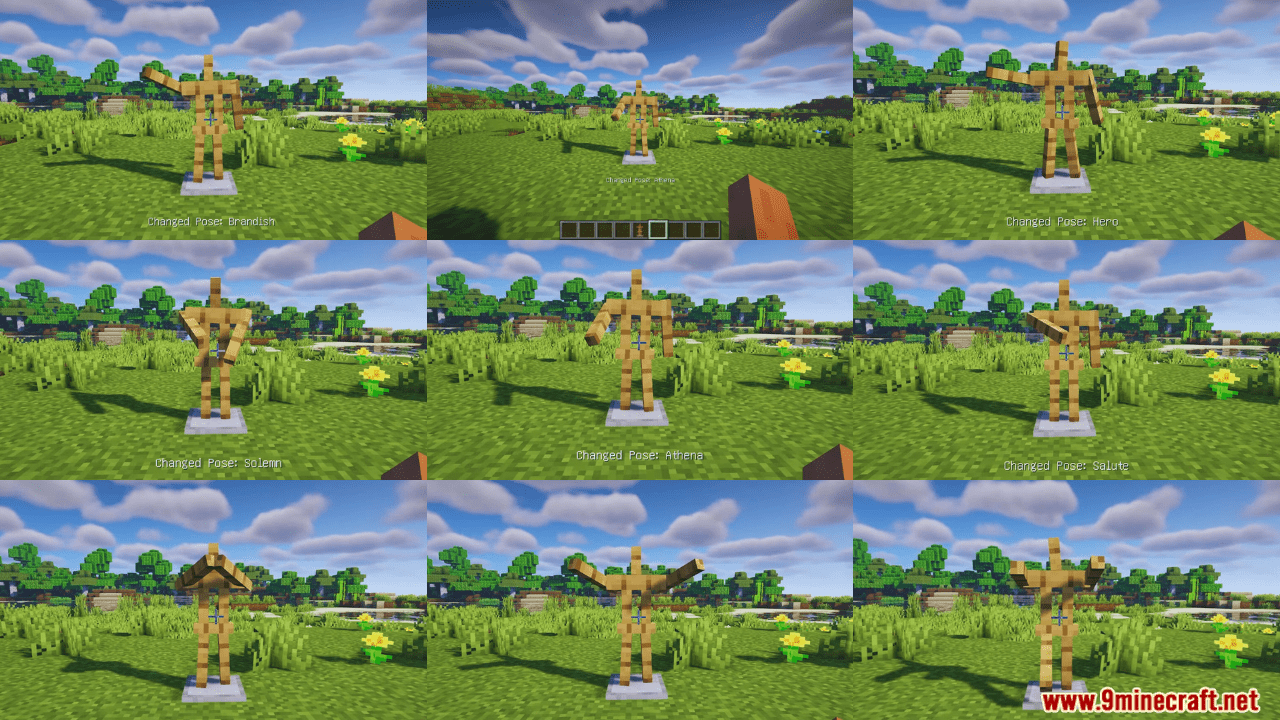
- Instant Posing: Choose from a diverse library of predefined poses in seconds, including classics like “Athena” and “brandish,” or opt for the “no pose” option for complete customization.
- Emote Expression: Bring your scenes alive with poses like “entertain” and “cancan,” injecting a touch of humor and flair.
- Storytelling Power: Create dramatic duels with “riposte” and “solemn” poses, or evoke heroic moments with “salute” and “hero.”
Screenshots:
Armor Stand Poses Mod Download Links
For Minecraft 1.21.8, 1.21.7, 1.21.6
NeoForge Version: Download from Server 1 – Download from Server 2
Fabric Version: Download from Server 1 – Download from Server 2
For Minecraft 1.21.5
Forge Version: Download from Server 1 – Download from Server 2
NeoForge Version: Download from Server 1 – Download from Server 2
Fabric Version: Download from Server 1 – Download from Server 2
For Minecraft 1.21.4
Forge Version: Download from Server 1 – Download from Server 2
NeoForge Version: Download from Server 1 – Download from Server 2
Fabric Version: Download from Server 1 – Download from Server 2
For Minecraft 1.21.1, 1.21
Fabric Version: Download from Server 1 – Download from Server 2
For Minecraft 1.20.4
Fabric Version: Download from Server 1 – Download from Server 2
For Minecraft 1.20, 1.20.1, 1.20.2
Fabric Version: Download from Server 1 – Download from Server 2
- Edition: Minecraft Java
- File type: .jar
- Minecraft versions listed: 1.21.8, 1.20.1
- How to install: Install the matching mod loader (Forge, Fabric or NeoForge) for your Minecraft version. → Download the .jar. → Put it in the .minecraft/mods folder and launch that loader profile.
- Where to get it: In MC Java Mods, or directly above on this page.
Install steps are the general flow for this file type — How to install Minecraft Java mods & modpacks walks through it step by step.
- Downloads as 177207.mcaddon
- Download size: 95 KB
- Download link checked 24 Jul 2026 — working
- Mirrored on our own servers — the download does not depend on the original host
These come from our own check of the pack file, not from the source page.